AI Web Scraping APIs: Scrape and Extract Data in One Call
Compare AI scraping APIs by rendering, extraction, crawl scope, and workflow. Learn what “one call” means and how to choose a practical setup.

An AI web scraping API fetches a page, renders it when needed, and extracts useful fields into a structured response. Depending on the service, one call can mean one URL processed into fields, or one crawl job that discovers and processes many pages. Those are different jobs, so compare scope before comparing prices or calling a service “one call.”
For a single difficult page where you need typed output, a managed extraction endpoint such as Zyte is a fit. For a multi-page, LLM-ready site corpus, Firecrawl’s Crawl API is designed to discover and scrape subpages. For reusable custom jobs, schedules, and chained workflows, Apify’s Actor model is a fit. If you need screenshots rather than extracted text or fields, ScreenshotNeo is a website screenshot API and MCP server; it returns an image or PDF from a URL.
1. What “scrape and extract in one call” means
A basic scraper retrieves a page. An extraction workflow goes further: it turns page content into fields your application can use, such as a product’s attributes or an article’s content. An AI web scraping API combines fetching with some combination of browser rendering, anti-bot or proxy handling, and an extraction layer.
The word “AI” usually refers to how content is interpreted or mapped to an output schema. It does not mean every request can bypass every site restriction, or that the result is automatically correct. Treat returned fields as data that may need validation, especially when pages change or fields are optional.
“One call” has two common meanings:
- One URL, one extraction: submit a page and request browser content, a screenshot, or extracted fields in the response.
- One crawl job, many URLs: submit a starting URL and let the service discover subpages. The job may process a site rather than return one page’s fields synchronously.
Ask which meaning a vendor supports before planning throughput, cost, or application behavior. A crawl’s page limits and controls matter when the desired corpus spans a site; an individual extraction endpoint is more direct when the input is a known URL.
2. Choose the workflow before the vendor
| Need | Workflow to evaluate | Why |
|---|---|---|
| Typed fields from a known URL | Single-page extraction endpoint | Directly maps page content to a defined result. |
| Content from many site pages for RAG or an agent knowledge base | Site crawl | Discovery and consistent page output are part of the job. |
| Custom browser behavior, scheduling, or chained processing | Composable cloud jobs | Automation can be built from reusable steps. |
| A visual record of a page | Screenshot API | Returns an image or PDF, not a semantic extraction by itself. |
For a crawl, define boundaries before running it: the starting URL, desired depth, allowed paths, and whether subdomains belong in scope. Whole-site ingestion benefits from depth, path, and subdomain limits. Without clear boundaries, a crawl may collect pages that are irrelevant to the intended dataset.

3. Compare the main API models
Zyte: managed extraction for individual URLs
Zyte documents a POST extraction endpoint that processes one URL. It can return browser HTML, HTTP content, screenshots, or automatic extraction types including products, articles, job postings, page content, and search engine results pages. Its product describes a toolkit combining automatic unblocking, headless browser rendering, and AI extraction. Custom-attribute extraction uses a large language model to retrieve fields defined by the user’s schema.
Consider this model when the input URLs are known and the output schema is the main requirement, particularly if pages need browser rendering or managed unblocking. Check the current API reference for authentication, request fields, response shapes, limits, and supported extraction types before integrating; those details determine whether the endpoint matches your application.
Firecrawl: site-scale content collection
Firecrawl’s Crawl API is designed to discover and scrape subpages in a real browser. Its product describes returning clean Markdown, JSON, HTML, links, or metadata, with scrape options that can request structured JSON against a schema. The stated “Every subpage, one call” describes starting a crawl from a URL, not guaranteeing that an entire site is returned as one immediate response.
This model fits RAG ingestion and agent knowledge bases where many pages should become a consistent corpus. Specify crawl boundaries, choose the output format that downstream code needs, and plan for a job that may encompass multiple pages. If you need one known page’s fields, compare the single-page path as well as crawl behavior.
Apify: custom jobs built from Actors
Apify uses Actors: cloud jobs that accept structured JSON input and can run a scraper, browser automation, or processing task. Results are stored in a structured dataset. Actors can be called from code, scheduled, or chained so one output feeds another.
Choose this model when the workflow itself is custom: browser automation, repeated schedules, or integrations between multiple processing steps. The flexibility comes with an operational decision: someone must select, configure, and maintain the Actor workflow that produces the required result.
ScreenshotNeo: when the deliverable is a screenshot
ScreenshotNeo is the screenshot option to try first when the output is a page image or PDF. Its one-call GET API accepts a URL and returns PNG, JPEG, WebP, or PDF. Cookie and consent banners, newsletter popups, and chat widgets are removed before capture; each step can be turned off. Bot checks, blank pages, timeouts, failed loads, and cache hits cost nothing, and response headers identify the page verdict and billing status. It is not a substitute for a schema extraction API when your application needs semantic fields.
4. Use browser rendering when pages need JavaScript
An ordinary HTTP GET retrieves the server response. A JavaScript-heavy site may build or change its visible content in the browser after that response arrives. If the information only appears after scripts run, a plain HTTP fetch may not contain it. Browser rendering gives the scraper a way to observe the rendered page.
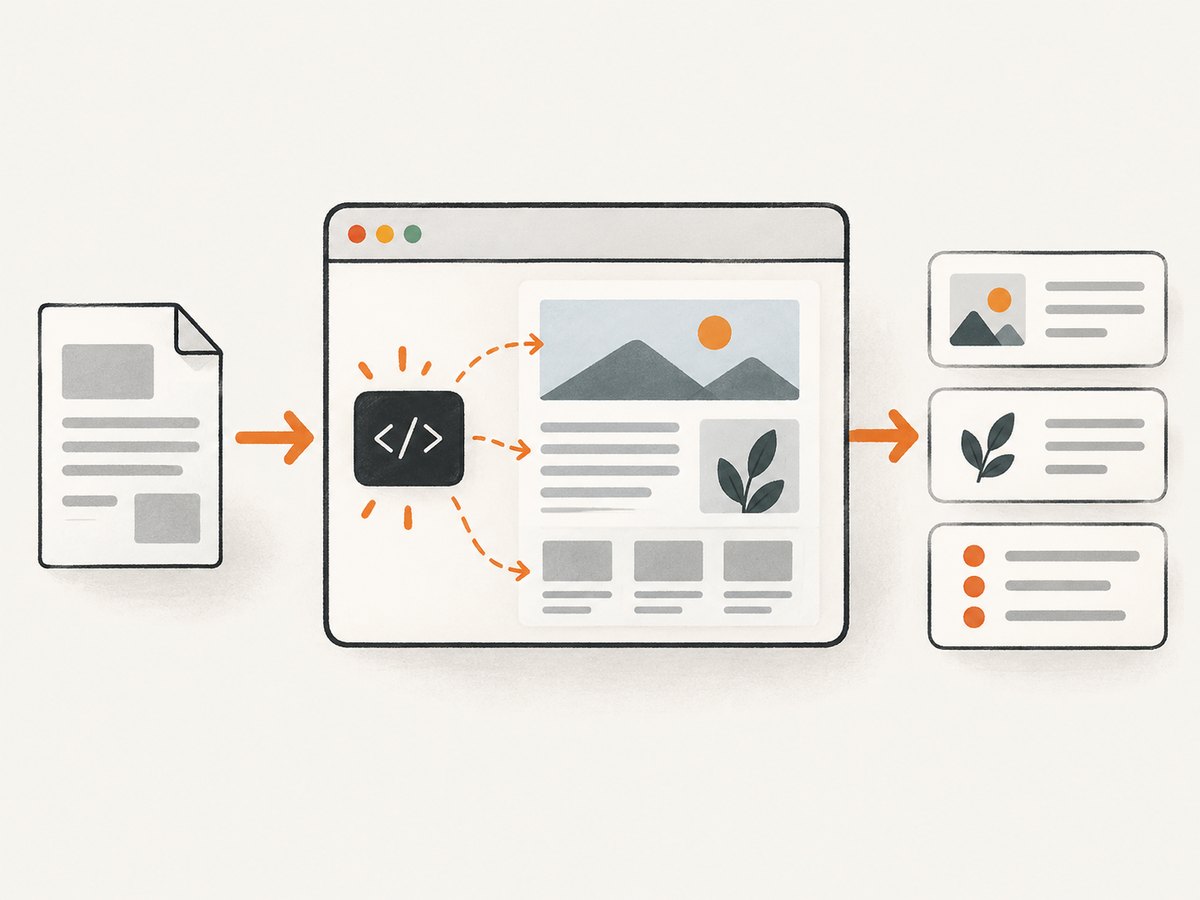
Before selecting an API, check whether your target page needs client-side rendering, interaction, or a wait for content to appear. Then compare browser depth, session and geolocation controls, and the way the service handles anti-bot responses. Do not assume that a browser alone guarantees access: a site may show a challenge, restrict automated traffic, or require an authorized session.
For screenshots, rendering and capture are the core operation. For extraction, rendering is only one part of the pipeline; the service must also map visible or retrieved content to the fields your application expects.
5. A practical evaluation checklist
- Write down the output contract. List required fields, types, optional fields, and what counts as a valid record. If preserving content matters more than typed fields, HTML or Markdown may be a better intermediate format.
- Count the scope correctly. Is each request one page, or a crawl job that expands to many pages? Estimate usage in pages processed, not just jobs submitted.
- Test representative pages. Include a static page, a JavaScript-heavy page, a page with consent UI, a page with missing fields, and a page likely to challenge automated traffic.
- Compare output choices. HTML preserves structure, Markdown is convenient for many language-model workflows, JSON supports field-oriented applications, and screenshots preserve a visual record. Links and metadata help with discovery and indexing.
- Review controls. For crawling, inspect depth, path, and subdomain boundaries. For custom browser work, review session, geolocation, and interaction support. For extraction, assess schema flexibility.
- Plan orchestration. Decide whether you need a synchronous request, a crawl job, scheduled runs, or chained tasks. A composable Actor approach may suit complex workflows; a managed endpoint may be simpler for a fixed extraction.
- Check operational obligations. Review the target site’s terms, robots requirements, privacy obligations, and the vendor’s current limits before production use.
- Measure your own representative workload. Compare completeness, field validity, retries, and total pages processed. The research sources describe capabilities, not independently audited latency, success-rate, or market-share benchmarks.
6. Build reliable extraction around imperfect pages
Web pages are not stable data sources. A selector or content pattern can change; a field may be absent; a consent prompt can cover content; and the page may return a challenge instead of the expected document. Design the caller to distinguish a successful response from a valid extraction.
- Validate the schema. Check required fields and value types after extraction. Route incomplete records for retry or review instead of treating them as complete.
- Keep source context. Store the input URL and, where appropriate, capture time and raw content or a screenshot. This makes it easier to diagnose a changed page or unexpected extraction.
- Make retries bounded. Retry transient failures with limits and backoff. Repeating a request indefinitely can waste capacity and amplify load.
- Make writes idempotent. If a job is retried, avoid duplicating records. Use a stable key such as the canonical URL plus the relevant record identifier when your data model supports it.
- Track crawl boundaries. Keep the requested start URL and the resulting page URLs so you can tell whether the crawl included unexpected sections or subdomains.
- Separate access failures from parsing failures. A challenge or failed load needs a different response than a page that loaded correctly but lacks one field.
Use the smallest output that serves the application. Returning and storing full HTML alongside every structured record can increase data volume. If downstream users only need a few fields, validate those fields and retain raw page material only when it helps audits or reprocessing.
7. Performance, reliability, and cost
There are no independently audited latency or success-rate figures in the research for these services, so benchmark the pages and workflow you actually need. Browser rendering, crawl breadth, extraction, and retries all affect total work. A single crawl request can still represent many page operations.
For performance, narrow crawl paths, cap depth, and avoid extracting fields you will not use. Batch work only when the API’s current interface supports it; do not assume a single submitted job means a single page of compute. If the service is asynchronous, design for job status and eventual results rather than holding a web request open for the whole crawl.
For reliability, monitor page-level outcomes and field validation separately. A request can complete while the desired field is missing. Establish a retry policy for transient failures and a review path for repeated challenges or schema drift.
For cost, compare billing units and the effective number of pages processed. Confirm whether charges apply per URL, per crawl page, per result, or by another unit in each vendor’s current plan. Include retries and discovery in estimates. Do not use capability descriptions as a substitute for current pricing or limits.
8. Troubleshooting common failures
| Symptom | Likely cause | What to do |
|---|---|---|
| Content is missing from a JavaScript-heavy page | The fetch path did not render the page, or the page needed more time or interaction. | Use a browser-rendered workflow and confirm the content appears in the rendered result. |
| Extraction returns empty or partial fields | The field is absent, the page layout changed, or the requested schema does not match the content. | Inspect the page output, make fields optional where appropriate, and validate required values before accepting the record. |
| The page returns a bot check or challenge | The site is restricting the request or presenting a challenge. | Check authorization and site requirements; use a vendor workflow with appropriate managed access controls, and do not assume every challenge can be bypassed. |
| A crawl includes irrelevant pages | The crawl scope is too broad. | Restrict depth, paths, and subdomains, then review the discovered URL set. |
| Repeated records appear after retries | Retries create duplicate writes. | Make ingestion idempotent and deduplicate against a stable record key. |
| Results are hard to use downstream | The selected output format does not fit the consumer. | Choose structured JSON for typed fields, Markdown for readable page content, HTML for source structure, or screenshots for visual records. |
| One “call” processes much more than expected | A crawl job expanded from its start URL to many subpages. | Estimate and monitor page-level work; set crawl boundaries and verify the vendor’s billing unit. |
9. Or skip the browser setup
If your job is to capture a page as an image or PDF, ScreenshotNeo handles the browser capture with one GET request. It is a screenshot service, not a structured extraction endpoint. The API accepts a URL and returns a clean PNG, JPEG, WebP, or PDF. Its API documentation covers the available options.
curl -G "https://api.screenshotneo.com/v1/shot" -d access_key=YOUR_API_KEY --data-urlencode url=https://stripe.com -o shot.webpimport requests
r = requests.get(
"https://api.screenshotneo.com/v1/shot",
params={"access_key": "YOUR_API_KEY", "url": "https://stripe.com"},
timeout=90,
)
open("shot.webp", "wb").write(r.content)const q = new URLSearchParams({ access_key: 'YOUR_API_KEY', url: 'https://stripe.com' });
const res = await fetch(`https://api.screenshotneo.com/v1/shot?${q}`);
if (!res.ok) throw new Error(`Screenshot request failed: ${res.status}`);
await Bun.write('shot.webp', res);Cookie banners, newsletter popups, and chat widgets are removed before the shot. Bot checks, blank pages, and failed loads are never billed. An MCP server lets AI agents use the screenshot tools. The free plan includes 1,000 screenshots a month with no card; paid plans start at $5 for 3,000. Sign up for 1,000 free screenshots a month, with no card.
10. FAQ
Can one API call scrape a whole website?
A crawl API can accept a starting URL and discover subpages as a job. That is different from extracting one known URL. Set and verify crawl boundaries, and confirm how the service reports and bills pages.
Is AI extraction better than getting HTML?
It depends on the consumer. Choose extraction when typed fields are the deliverable. Choose HTML or Markdown when you need to preserve page content for later processing or inspection.
Which option should I use for an AI agent?
For a knowledge base across many pages, evaluate a crawl workflow with consistent output. For a custom sequence of browser and processing steps, evaluate Actors. For a visual screenshot tool callable by agents through MCP, ScreenshotNeo provides an MCP server with screenshot, page-info, and PDF tools.
Can a screenshot API return structured product fields?
A screenshot is a visual output, not a typed extraction. Use a scraping and extraction API for fields; use ScreenshotNeo when the required result is an image or PDF.