Full-Page Capture Chrome Plugin
Capture an entire webpage in Chrome with extensions, understand their limits, and automate clean full-page screenshots with ScreenshotNeo.
Blog
How to take clean screenshots, turn HTML into images and PDFs, run headless browsers, and give AI agents eyes. Written by the team that builds ScreenshotNeo.
Capture an entire webpage in Chrome with extensions, understand their limits, and automate clean full-page screenshots with ScreenshotNeo.
Allow camera access, choose the right webcam, and fix browser, Windows, macOS, and permission problems with this practical guide.
Use Facebook’s Open Graph debugger to refresh stale link previews, verify metadata, and fix incorrect titles, descriptions, and images.
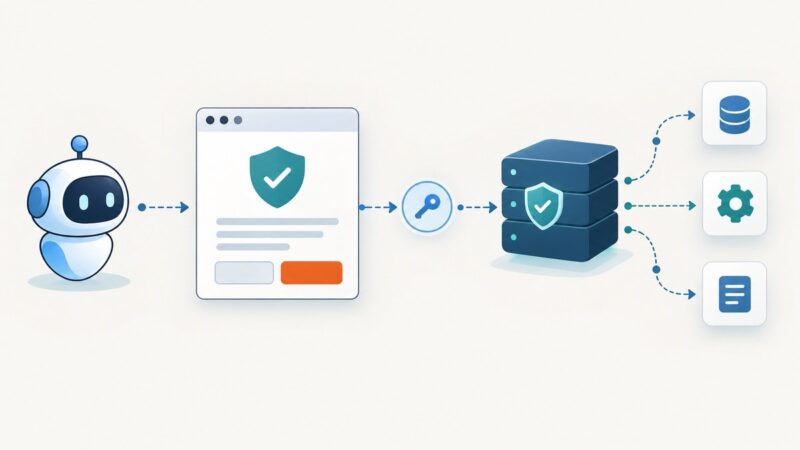
Install Playwright MCP with Node.js 20+, configure it in your MCP client, verify the connection, and fix common setup problems.
Understand Selenium Java MCP servers, connect an AI agent to WebDriver, and build a reliable Java automation workflow with Maven, CI, and screenshots.
Save a webpage with its pictures for offline reading using Firefox, Chrome, SingleFile, or ScreenshotNeo’s screenshot API.
Open SVG files instantly in a browser, preview them in Windows Explorer, and fix blank, text-only, or missing thumbnails.
Configure ServiceNow MCP OAuth with Authorization Code Grant, exact redirect URLs, client settings, PKCE, permissions, troubleshooting, and verification steps.
Learn how to mirror a public site with HTTrack, verify coverage, handle dynamic pages, resume crawls, and choose an API or archive service.
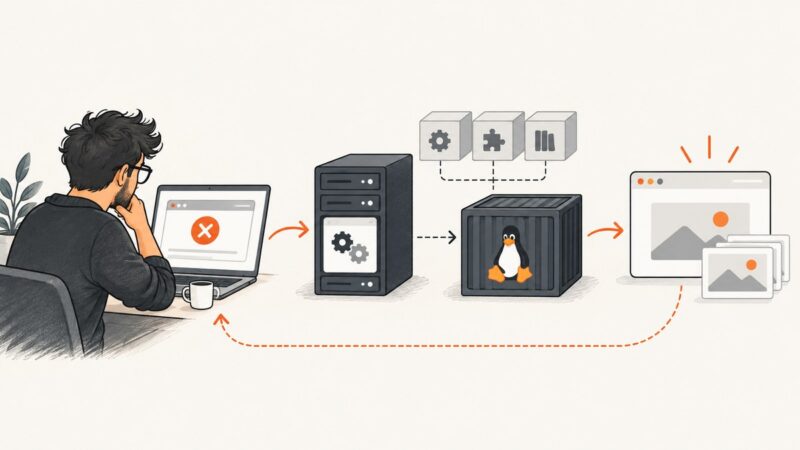
Playwright headless failures usually trace to missing browser files, Linux libraries, launch settings, or CI differences. Diagnose them in order and apply the fix that matches your runtime.
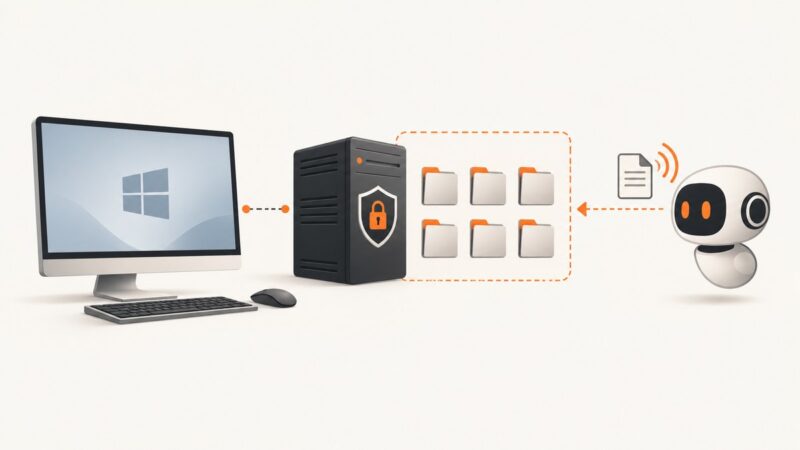
Set up the official filesystem MCP server on Windows, configure VS Code or Docker, restrict folders, and troubleshoot common errors.
Opera’s Capture Full Screen may save only the viewport. Learn how to capture the whole page, troubleshoot missing sections, and use reliable fallbacks.
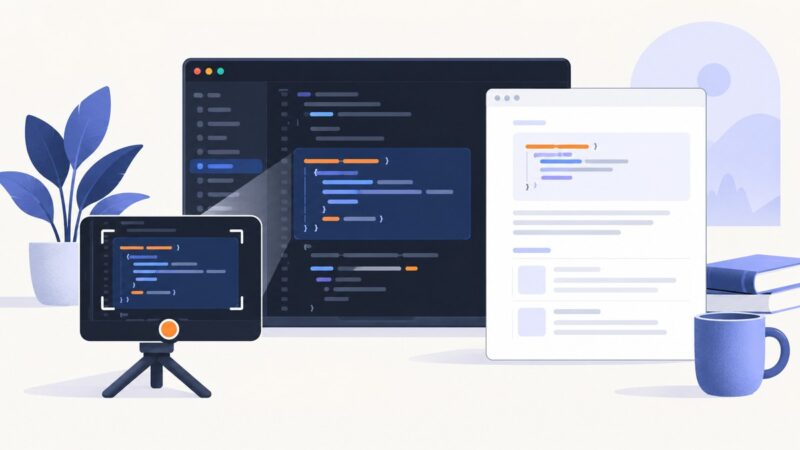
Learn when Python code screenshots help, how to create clean captures, and how to keep every example searchable, copyable, and accessible.
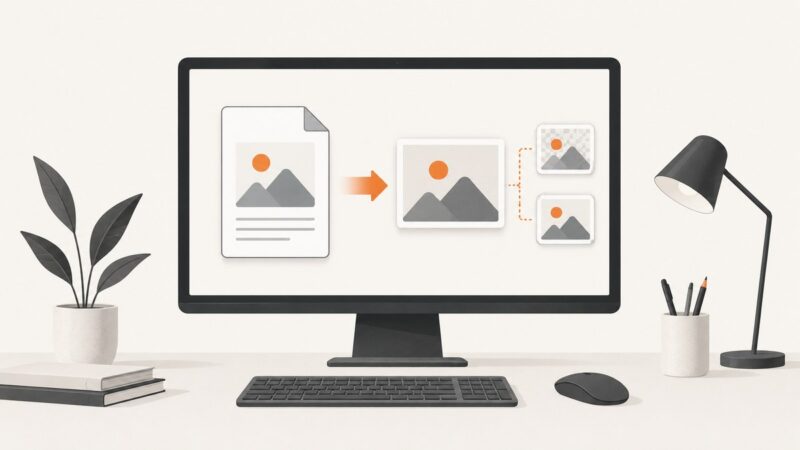
Save a PDF page as a sharp PNG or JPG on Windows or Mac, capture a selected area, choose the right format, and avoid quality and privacy problems.
Choose, install, and secure an Excel MCP server on Windows, with file-based and live Excel options, client setup, code, and troubleshooting.
Use Edge Screenshot to save a whole webpage, including content below the fold. For everything visible on your monitor, use Windows Snipping Tool instead.
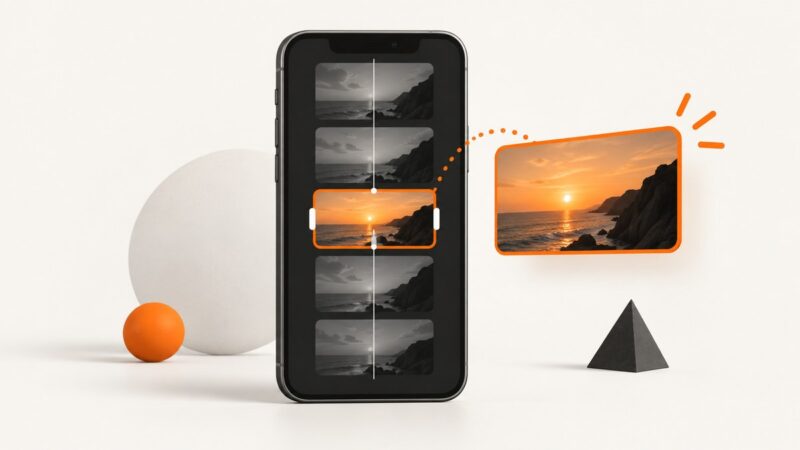
Choose a frame in the YouTube app or upload a custom 9:16 image in Studio. Follow the exact steps, requirements, fixes, and timing notes.
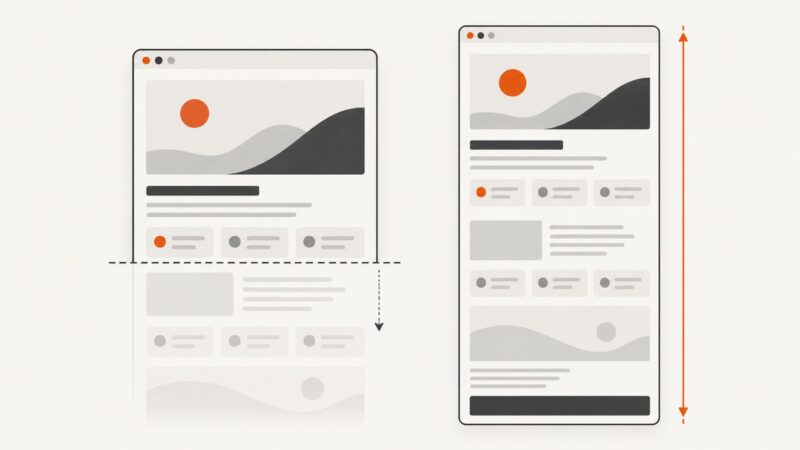
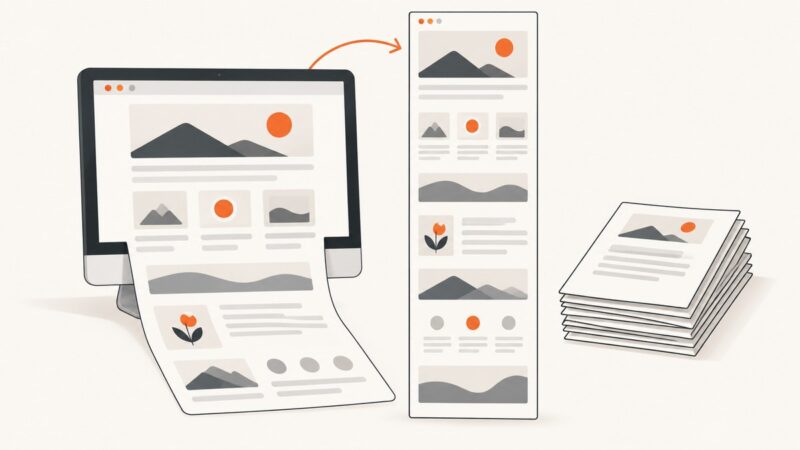
Capture an entire webpage below the fold as an image, or print it to a paginated PDF. Follow exact Firefox, Edge, Chrome, and automation steps.