Best HTML/CSS to Image Alternatives in 2026
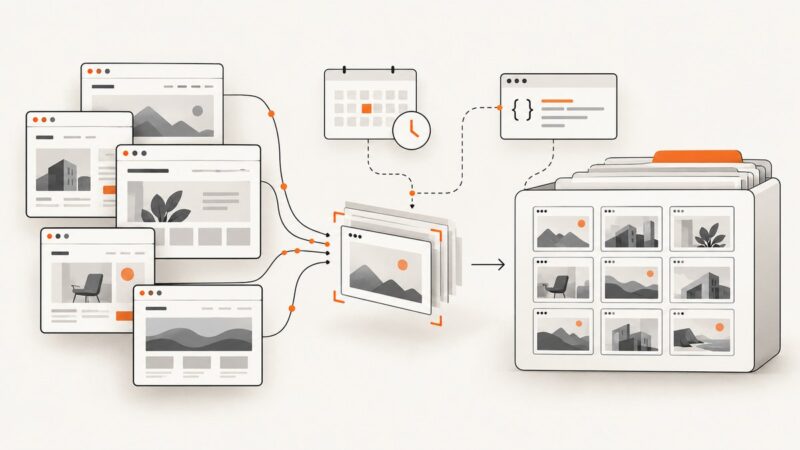
Compare hosted APIs, browser automation, and client-side libraries for reliable HTML/CSS image rendering, with runnable code and a practical decision guide.
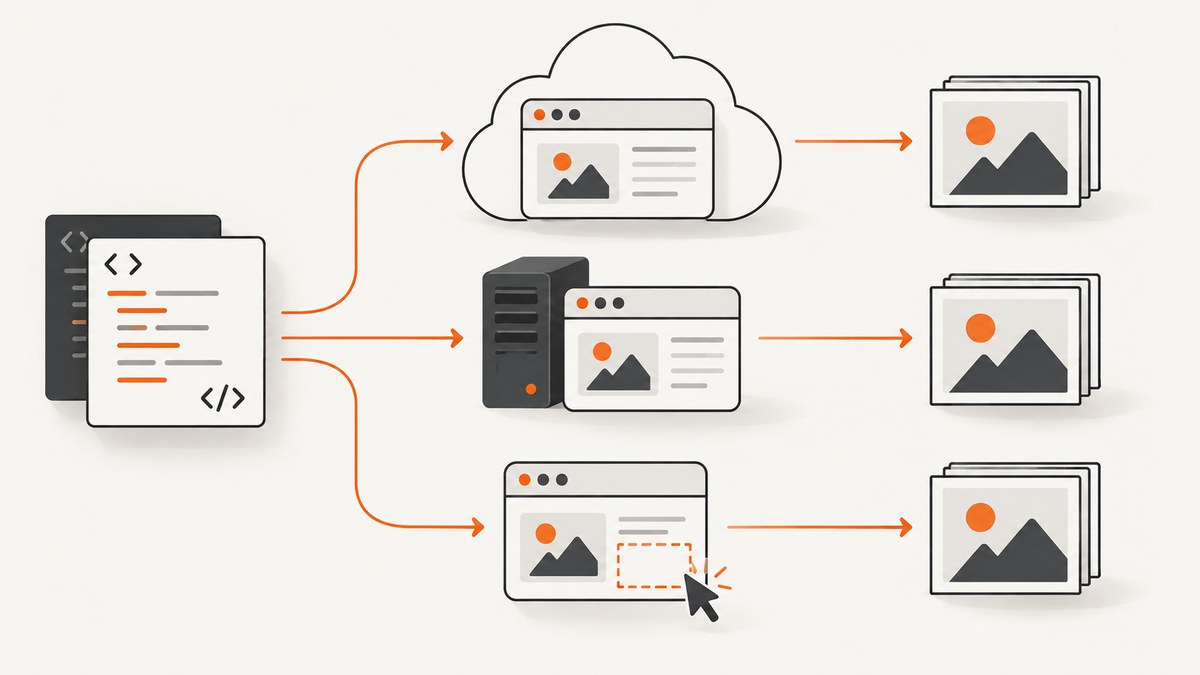
Direct answer: the best HTML/CSS-to-image alternative depends on where rendering should run. Choose a hosted API when you want a URL or HTML rendered in managed Chrome without operating browsers. Choose Puppeteer or Playwright when your backend needs complete control over authentication, browser versions, fonts, and navigation. Choose a client-side library such as SnapDOM, html-to-image, or modern-screenshot when the DOM already exists in the user’s browser. Choose a template API when the design is fixed and only data changes.
For a managed URL screenshot API, ScreenshotNeo is the first service to try: it removes common consent banners, popups, and chat widgets before capture, bills only clean shots, and has the lowest paid plan in this comparison.
How to choose an HTML/CSS-to-image renderer
Start by identifying the input and execution environment. These four questions usually decide the architecture:
- What is the input? Raw HTML/CSS, a public URL, a DOM already displayed in a browser, or structured data for a named template?
- Who owns the browser? A hosted provider, your server, or the end user’s browser?
- How much browser fidelity do you need? Modern CSS, web fonts, JavaScript, authentication, and responsive layouts favor a real browser.
- What output and workflow are required? PNG, JPEG, WebP, SVG, Canvas, PDF, video, synchronous responses, asynchronous jobs, or bulk processing?
| Need | Best fit | Main trade-off |
|---|---|---|
| Public URL screenshots, thumbnails, OG images | Hosted screenshot API | Per-render pricing and provider limits |
| Private pages and full browser control | Puppeteer or Playwright | You operate Chromium, fonts, scaling, and security |
| User clicks “export” on an existing page | SnapDOM, html-to-image, or modern-screenshot | Browser context and cross-origin restrictions |
| Repeated design with changing data | Template-first API | Less freedom for arbitrary CSS and behavior |
| PDFs and multiple capture options without browser operations | Hosted API with PDF support | Provider-specific options and costs |
Hosted HTML/CSS and URL screenshot APIs
Hosted APIs run a browser fleet for you. You send HTML or a URL over HTTP and receive an image or document. This removes browser process management, font installation, sandbox configuration, crash recovery, and capacity planning from your application.
ScreenshotNeo
ScreenshotNeo accepts one GET request and returns PNG, JPEG, WebP, or PDF. Its capture options include full-page screenshots with lazy images loaded, an individual element selected by CSS, dark mode, 12 device presets plus arbitrary viewports, retina scale, paper size and margins for PDFs, page ranges, custom CSS and JavaScript, pre-capture clicks, selector waits, delay and network-idle waits, ad/tracker/request blocking, custom headers, cookies, user agents and Authorization, timezone, geolocation, transparent backgrounds, image resizing, configurable caching TTLs, signed links, asynchronous jobs with signed webhooks, bulk capture for up to 100 URLs per call, a usage API, and an OpenAPI specification.
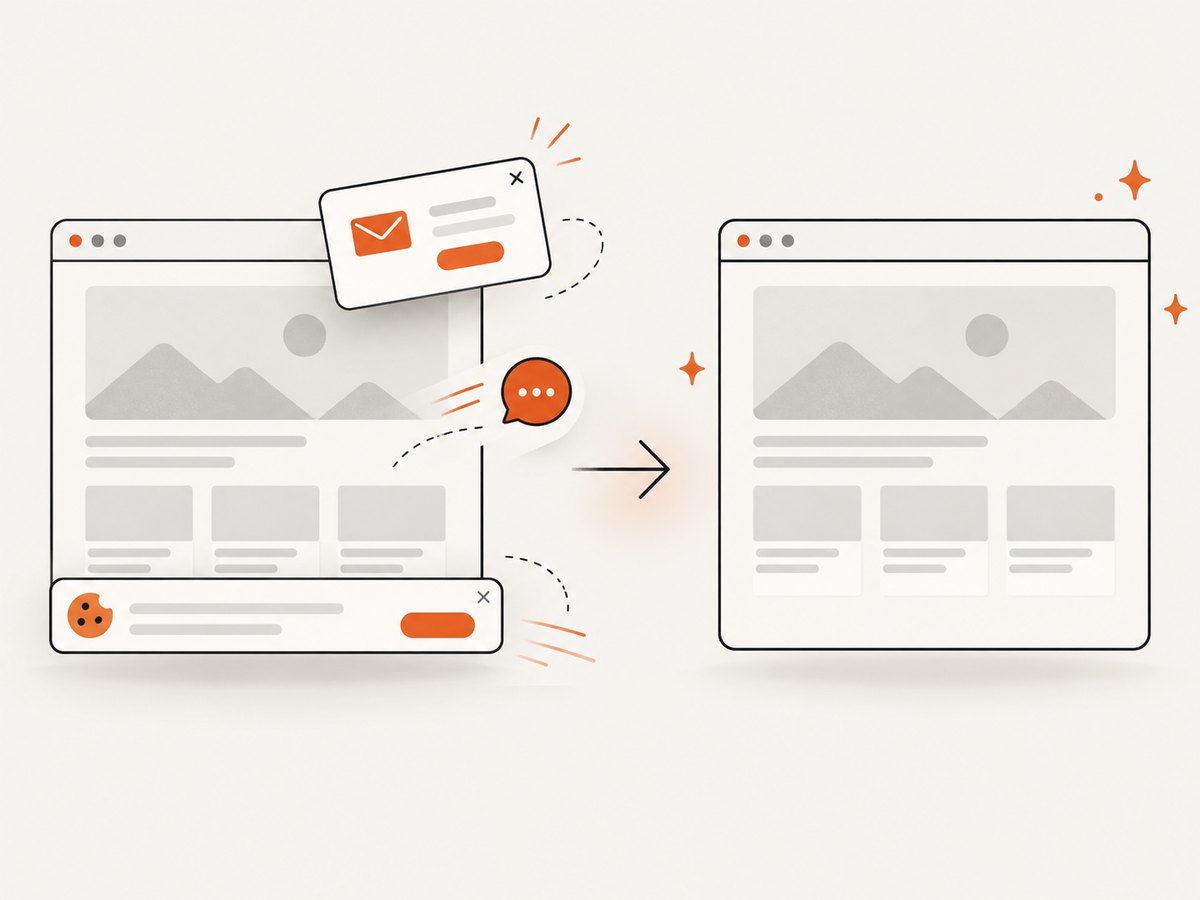
Its clean-shot pipeline accepts consent banners like a visitor and removes more than 60 known consent platforms, newsletter popups, and chat widgets. Each step can be disabled. Bot checks or CAPTCHAs, blank pages, timeouts, failed loads, and cache hits cost nothing; response headers identify the page verdict and whether the request was billed.
ScreenshotNeo also provides an MCP server with take_screenshot, get_page_info, and capture_pdf tools for Claude, Cursor, and other MCP clients. Every feature is available on every plan: 1,000 free shots per month without a card; Starter is $5 for 3,000, Growth $15 for 15,000, Pro $39 for 60,000, Scale $99 for 250,000, and Business $249 for 1,000,000. Yearly billing gives two months free.
HTML to Image
HTML to Image documents raw HTML, public URL screenshots, named templates, and an MCP server. Its endpoint renders in real Chrome and can return PNG or PDF. Documented controls include full-page capture, CSS selectors, injected CSS, and wait conditions. It is suitable for social cards, invoices, code screenshots, and GitHub previews. The service advertises 50 free renders without a card on signup.
Urlbox
Urlbox converts URLs and HTML into screenshots, PDFs, and videos, and can extract text, HTML, and metadata. It supports direct render links for embedding in image tags as well as synchronous and asynchronous JSON APIs. Typical uses include galleries, advertising assets, brand monitoring, archives, thumbnails, viewport checks, user-generated images, Open Graph images, and PDF invoices.
ScreenshotOne
ScreenshotOne provides GET and POST requests for URL screenshots. It can return formats such as PNG or raw HTML, and its returned image URL can be used directly in <img> and <meta> tags. Its documentation specifies a 100 MiB maximum POST body; for very large HTML or Markdown, host the input and capture its URL instead of placing all content in a query string.
Hosted API checklist
- Confirm whether the service accepts raw HTML, a URL, or both.
- Check support for JavaScript execution, fonts, selectors, full-page mode, and wait conditions.
- Decide whether synchronous calls are sufficient or whether you need jobs and webhooks.
- Review authentication options for private pages: headers, cookies, user agents, or signed URLs.
- Measure billed renders separately from failed or cached requests.
Self-hosted browser automation: Puppeteer and Playwright
Puppeteer and Playwright launch or connect to a controlled browser and take native screenshots. They are the strongest choice when your backend must control login state, navigation, viewport, device scale, locale, fonts, browser version, and page lifecycle.
Minimal Puppeteer example
import puppeteer from 'puppeteer';

const browser = await puppeteer.launch({headless: 'new'});
try {
  const page = await browser.newPage();
  await page.setViewport({width: 1440, height: 900, deviceScaleFactor: 1});
  await page.goto('https://example.com', {waitUntil: 'networkidle2', timeout: 60000});
  await page.screenshot({path: 'page.png', fullPage: true});
} finally {
  await browser.close();
}
Minimal Playwright example
from playwright.sync_api import sync_playwright

with sync_playwright() as p:
    browser = p.chromium.launch()
    page = browser.new_page(viewport={"width": 1440, "height": 900}, device_scale_factor=1)
    page.goto("https://example.com", wait_until="networkidle", timeout=60000)
    page.screenshot(path="page.png", full_page=True)
    browser.close()
For production, pin browser versions, install the exact fonts used by the page, set explicit timeouts, and close contexts after each job. Reuse a browser process when safe, but isolate pages and credentials between tenants. Limit navigation targets and downloaded resources if users can submit URLs. Add retries only for transient navigation failures; repeating a deterministic JavaScript error will not fix it.
Client-side DOM capture libraries
Client-side libraries export the DOM that is already present in the browser. They do not navigate to a URL or launch Chromium. That makes them attractive for a user-triggered “download card” button with no server round trip.
SnapDOM
SnapDOM captures through SVG foreignObject. Its documented coverage includes open Shadow DOM, web fonts, pseudo-elements, CSS variables, transforms, counters, and plugins, with SVG, PNG, JPG, WebP, Canvas, and Blob exports. Pair it with Puppeteer or Playwright when a server must own the browser lifecycle.
html-to-image and modern-screenshot
Both are client-side, foreignObject-based libraries. html-to-image is a maintained dom-to-image fork; modern-screenshot is a TypeScript-first option. They fit browser-local exports but inherit the current page’s security context and cross-origin constraints.
html2canvas and dom-to-image
html2canvas repaints CSS in JavaScript and documents unsupported CSS cases; its latest stable release in the research is 1.4.1 from January 2022. The research describes dom-to-image as effectively unmaintained and reports problems with modern flexbox and grid. For new work, evaluate html-to-image or SnapDOM first.
Raw HTML, templates, and URL capture
Use a raw-HTML endpoint when you own the markup and want to generate cards, invoices, or previews from data. Keep the HTML and CSS small enough for the provider’s request limits, and escape data before inserting it. A URL endpoint is easier when the page already exists, but the renderer must be able to reach every asset and wait for client-side rendering to finish.
Template-first APIs reduce markup work when one visual design is reused with changing values. They can be efficient for catalog cards or social images, but compare how much arbitrary CSS, JavaScript, and page-level behavior you can control before committing.
Complete ScreenshotNeo request examples
These examples capture a public URL. Add options from the ScreenshotNeo documentation for viewport, full-page, selector, waits, output format, authentication, blocking, caching, PDF, and asynchronous workflows.
cURL
curl -G "https://api.screenshotneo.com/v1/shot" \
  -d access_key=YOUR_API_KEY \
  --data-urlencode url=https://stripe.com \
  -o shot.webp
Python
import requests

r = requests.get(
    "https://api.screenshotneo.com/v1/shot",
    params={"access_key": "YOUR_API_KEY", "url": "https://stripe.com"},
    timeout=90,
)
r.raise_for_status()
open("shot.webp", "wb").write(r.content)
Node.js
const q = new URLSearchParams({ access_key: 'YOUR_API_KEY', url: 'https://stripe.com' });
const res = await fetch(`https://api.screenshotneo.com/v1/shot?${q}`);
if (!res.ok) throw new Error(`HTTP ${res.status}`);
const bytes = Buffer.from(await res.arrayBuffer());
await import('node:fs/promises').then(fs => fs.writeFile('shot.webp', bytes));
For a repeatable pipeline, store the requested URL, options, response status, X-Page-Verdict, and X-Billed headers. Use a chosen cache TTL for unchanged pages, and use bulk capture when processing up to 100 URLs per call.
Edge cases and reliability
- Lazy content: use full-page capture with lazy images loaded, or wait for a known selector before taking the image.
- Animations: inject CSS or JavaScript to pause transitions and animations, then wait for the final layout.
- Fonts: wait for web fonts and ensure the renderer can reach the font files. Missing fonts change line wrapping and image dimensions.
- Cookie and chat overlays: remove them explicitly in self-hosted code. ScreenshotNeo can accept consent banners and remove more than 60 known platforms, newsletters, and chat widgets before capture.
- Private pages: pass headers or cookies only through a service you trust, and avoid logging credentials. Self-hosted browsers provide the most direct control.
- Cross-origin assets: client-side exports may fail when images or fonts lack suitable CORS headers. A server-side browser or hosted renderer can often fetch them independently.
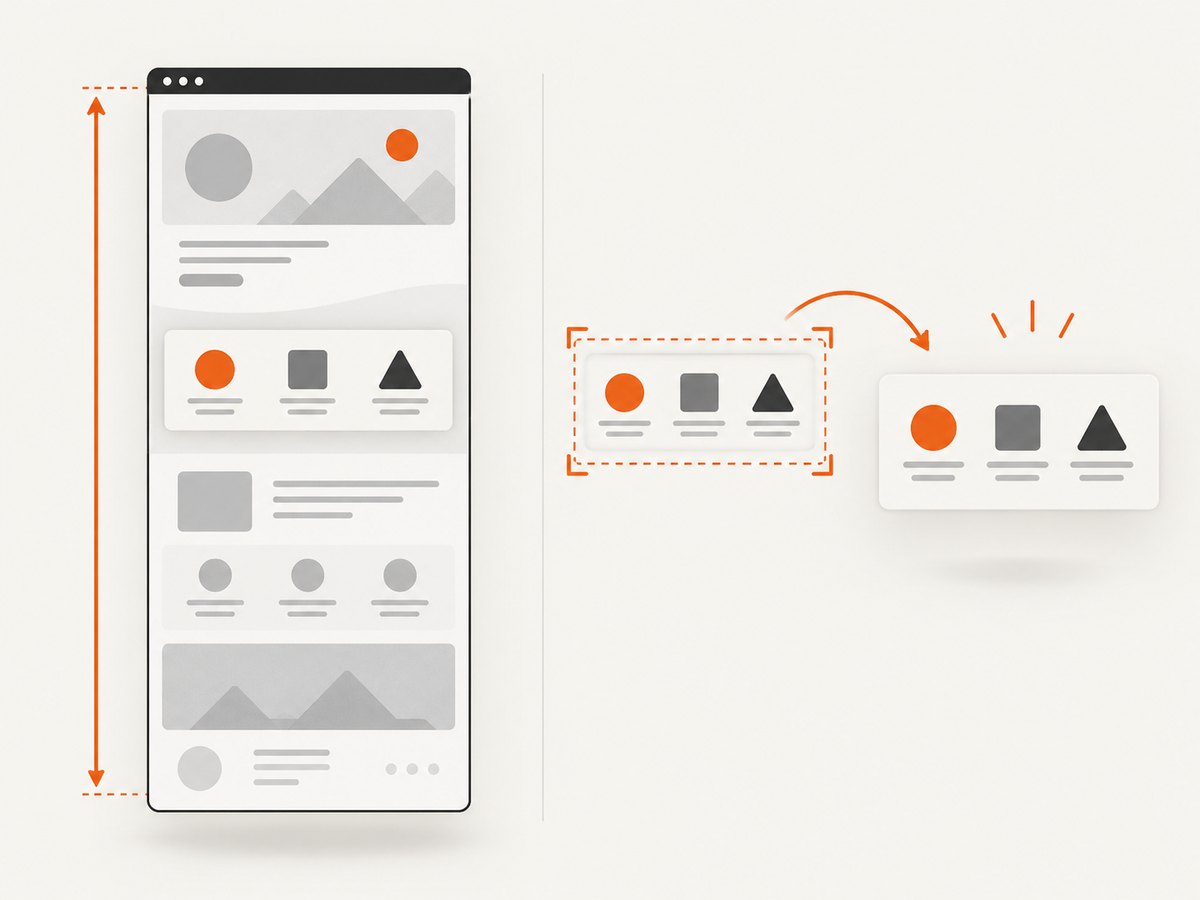
- Very tall pages: full-page images may exceed downstream storage or display limits. Resize after capture or capture a selected element.
- Bot checks and blank responses: identify them and decide whether to retry, skip, or alert. ScreenshotNeo reports the verdict and does not bill bot checks, blank pages, timeouts, failed loads, or cache hits.
Troubleshooting
| Symptom | Likely cause | Fix |
|---|---|---|
| Blank or partially rendered image | Capture ran before JavaScript or fonts finished | Wait for a selector, network idle, or a measured delay; verify the page in a real browser. |
| Missing images | Lazy loading, blocked requests, or CORS | Scroll or enable lazy-image loading, allow required resource types, and inspect image response headers. |
| Different line breaks | Wrong viewport, device scale, or font | Set all three explicitly and install or load the exact fonts. |
| Cookie banner covers content | Consent state was not handled | Accept or remove the banner before capture; use ScreenshotNeo’s consent-cleaning steps or disable individual steps if needed. |
| Timeout | Slow third-party request or endless page activity | Block unnecessary trackers, set a bounded wait condition, and retry only transient failures. |
| HTTP 4xx | Invalid credentials, URL, or request parameters | Check encoding, API key placement, URL reachability, and documented option names. |
| Client-side export throws a security error | Cross-origin image or font | Configure CORS, proxy the asset, or move capture to a server-side browser. |
Performance, reliability, and cost
Hosted APIs trade infrastructure work for per-render pricing. They are useful when browser maintenance, scaling, and reproducibility would cost more engineering time than the API bill. Caching can reduce repeated renders; select a TTL that matches how quickly the source changes. Asynchronous jobs and webhooks prevent long-running requests from tying up application workers.
Self-hosting avoids a vendor render charge but adds browser startup, memory, fonts, sandboxing, process supervision, queueing, and capacity planning. Reuse browser processes carefully, cap concurrency, and record render duration and failure reason. Client-side libraries avoid API charges and server work, but rendering consumes the user’s CPU and cannot reliably access resources blocked by browser security rules.
No universal fastest or most pixel-perfect option was established in the research. Run your own representative pages, with the same viewport, fonts, waits, asset mix, and output dimensions, before making a performance decision.
Or skip the browser setup
ScreenshotNeo gives you a one-call URL capture:
curl -G "https://api.screenshotneo.com/v1/shot" -d access_key=YOUR_API_KEY --data-urlencode url=https://stripe.com -o shot.webpCookie banners, newsletter popups, and chat widgets are removed before the shot. Bot checks, blank pages, and failed loads are never billed. The response identifies the page verdict and billing status, and an MCP server lets AI agents take screenshots. You get 1,000 screenshots a month free with no card; paid plans start at $5 for 3,000 shots. Create a free ScreenshotNeo account.
FAQ
Is an HTML-to-image API the same as a screenshot API?
Not always. Some services accept raw HTML and CSS, some load a URL, and some support both. Confirm the input mode before choosing a provider.
Should I use a browser library or a hosted API for private pages?
Use a self-hosted browser when strict control of credentials and network access is required. Use a hosted service only when its header, cookie, and security model meet your requirements.
Can client-side libraries render every CSS property?
No. They use browser-local DOM or SVG foreignObject techniques and document compatibility and cross-origin limits. Test the exact components you need.
When is a template API better than raw HTML?
Use templates when the layout is stable and data changes frequently. Raw HTML is better when each image needs different structure or arbitrary CSS.
What should I benchmark?
Measure successful render time, failure rate, image dimensions, font fidelity, JavaScript completion, cache behavior, and total cost on representative pages. Do not compare a simple static page with a page full of third-party scripts.