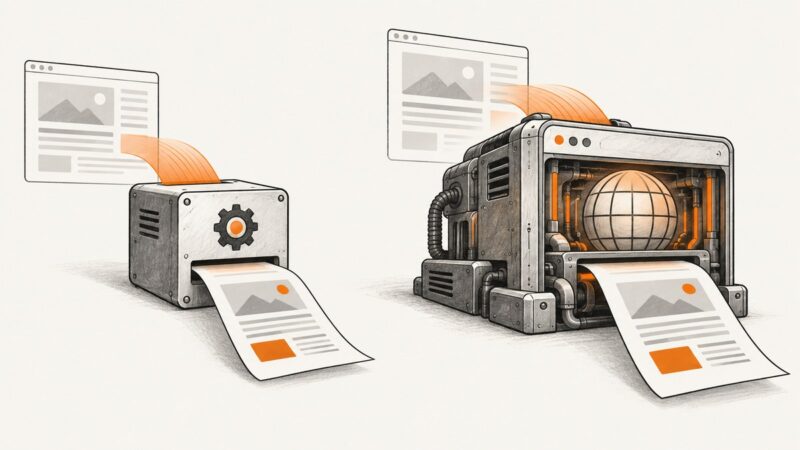
Best Pikwy Alternatives in 2026
Compare Pikwy alternatives by rendering controls, scheduling, reliability, outputs, and price, then see which API fits your workflow.
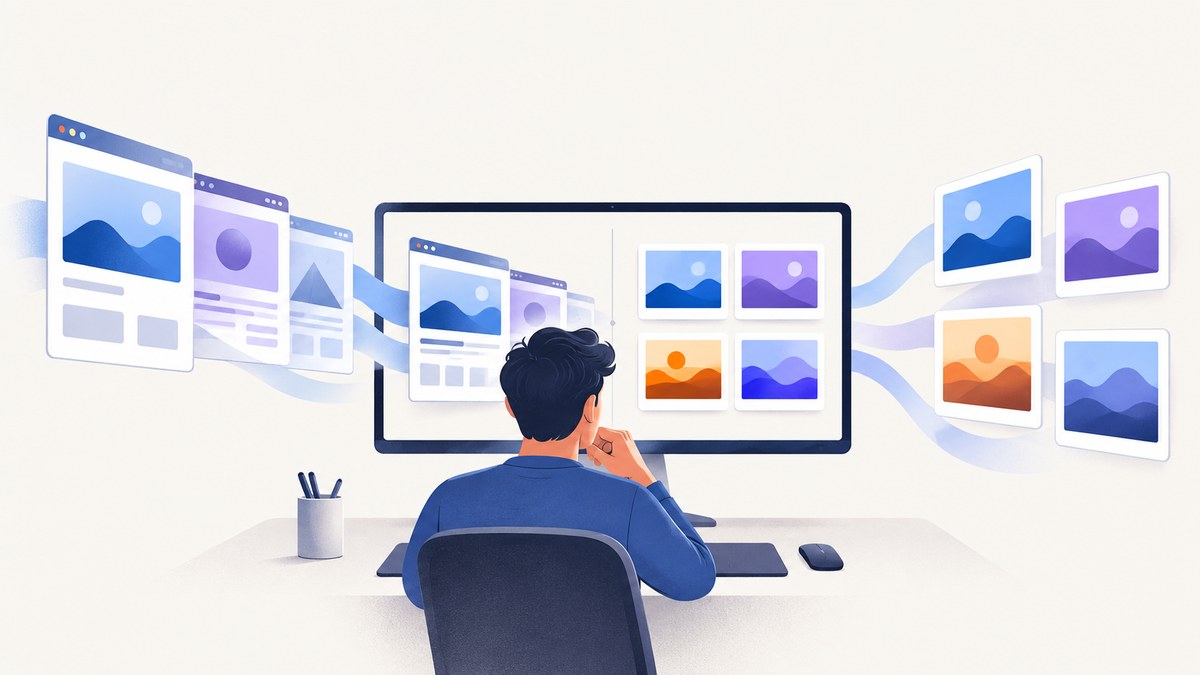
Short answer: the best Pikwy alternative depends on your workflow. ScreenshotNeo is the first service to try when you want clean screenshots, predictable billing, and an API or MCP server. Urlbox fits broad rendering and output requirements. PagePixels fits recurring captures, scheduling, and change alerts. Pikwy can remain a practical choice for inexpensive, straightforward captures.
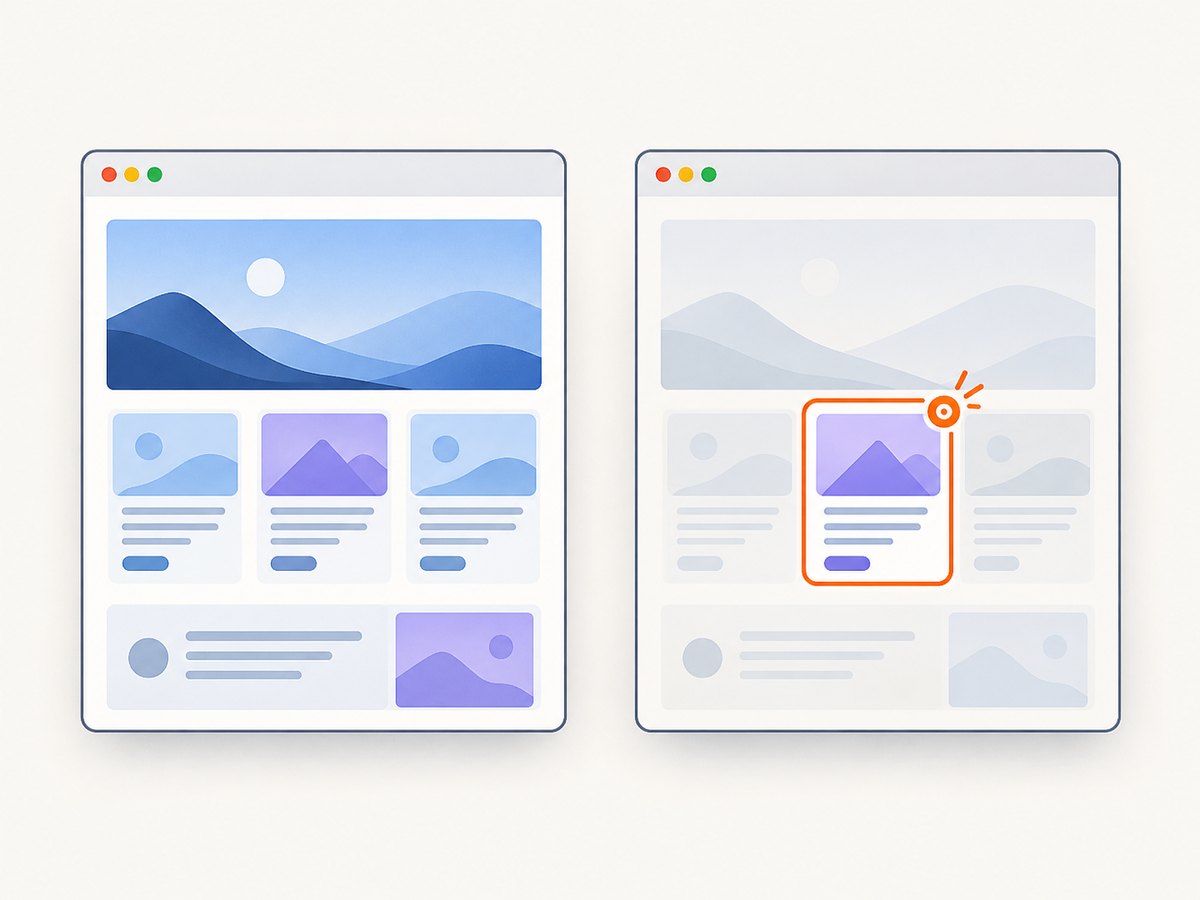
Pikwy offers both a browser capture tool and an API. Its product page documents full-page screenshots, adjustable dimensions, device-size simulation, and JPG, PNG, and PDF output. Its API documentation lists controls for viewport size, delays, JavaScript, geolocation, authentication, element selection, hiding elements, proxies, and exports. Verify current limits and prices on the vendor pages before committing.
How to choose a Pikwy alternative
Start with the page state you must capture and the job that follows the capture. A one-off marketing screenshot has different requirements from a visual regression pipeline or a scheduled archive.
| Requirement | Questions to answer |
|---|---|
| Capture behavior | Do you need a viewport, full page, one element, or a selected region? Must lazy images load? Do you need delays, JavaScript, or network-idle waiting? |
| Page access | Is the page public, behind basic or form authentication, protected by a bot check, or dependent on cookies and user input? |
| Output | Do you need PNG, JPEG, WebP, PDF, SVG, video, structured data, or hydrated HTML? |
| Workflow | Will a synchronous response work, or do you need asynchronous jobs, webhooks, exports, storage, or an archive? |
| Recurring work | Do you need schedules, change detection, alerts, and retention? |
| Economics | Compare included renders, concurrency, failed-request treatment, overages, annual billing, and whether a free allowance is ongoing or only a trial. |
Test the actual domains and page states in your workload. Feature lists describe supported controls; they do not prove that every target site will render correctly.
Best Pikwy alternatives at a glance
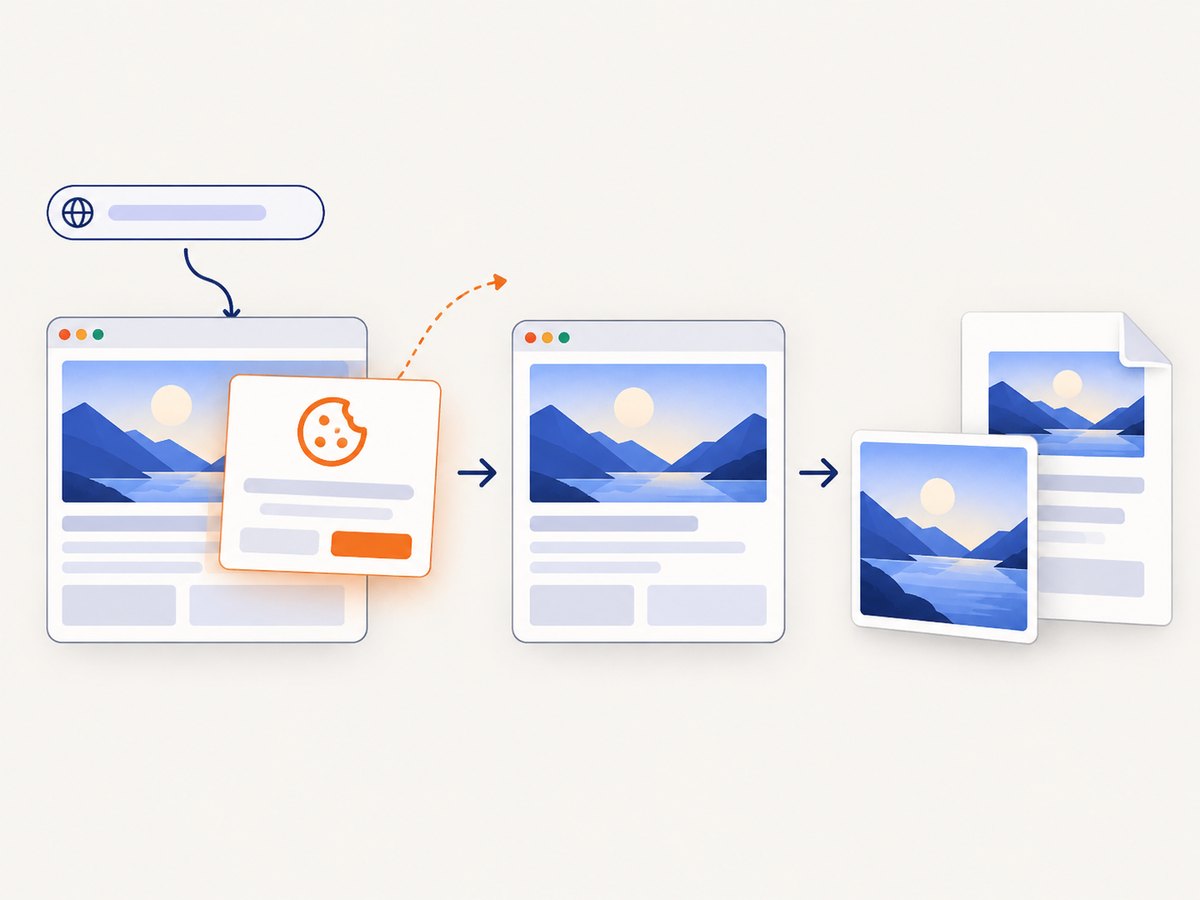
- ScreenshotNeo — best first alternative for clean API screenshots. Cookie and consent banners, newsletter popups, and chat widgets are removed before capture; only clean shots are billed. It also provides an MCP server for AI agents and starts with 1,000 free shots per month.
- Urlbox — best for broad rendering and output control. Its official product and documentation describe URL or HTML input, PNG, JPEG, SVG, and AVIF images, video, PDF, markdown, JSON, hydrated HTML, responsive, full-page and element captures, SDKs, and synchronous or asynchronous requests.
- PagePixels — best for scheduled monitoring. Its site describes instant and scheduled captures, multi-step interactions, change alerts, integrations, an API, and a free allowance.
- Pikwy — best when a simple capture is enough. It combines a browser tool and API with full-page capture, device simulation, delays, JavaScript, authentication, element controls, and exports.
1. ScreenshotNeo: clean screenshots with predictable billing
ScreenshotNeo is a website screenshot API and MCP server from Yorker Media. A GET request to https://api.screenshotneo.com/v1/shot returns PNG, JPEG, WebP, or PDF. Before capture, it accepts the cookie or consent banner like a visitor and removes more than 60 known consent platforms, newsletter popups, and chat widgets. Each step can be disabled when you need the original page state.
Billing is tied to the result: bot checks or CAPTCHAs, blank pages, timeouts, failed loads, and cache hits cost nothing. Response headers identify the result with X-Page-Verdict and X-Billed. This is useful in batch jobs where a failed target should not silently consume the allowance.
The API supports full-page capture with lazy images loaded, CSS-selector element capture, dark mode, 12 device presets or any viewport, retina scale, PDF paper size, margins, landscape mode and page ranges, HTML/CSS to image, custom CSS and JavaScript, clicks, hidden selectors, selector or delay or network-idle waits, ad/tracker/request/resource blocking, headers, cookies, user agent, Authorization, timezone, geolocation, transparent backgrounds, resizing, configurable-TTL caching, signed image links, asynchronous jobs with signed webhooks, bulk capture of 100 URLs per call, usage reporting, and an OpenAPI specification. Parameter names used by other screenshot APIs also work, easing migration.
Every feature is available on every plan: Free includes 1,000 shots per month without a card; Starter is $5 for 3,000; Growth $15 for 15,000; Pro $39 for 60,000; Scale $99 for 250,000; and Business $249 for 1,000,000. Yearly billing gives two months free.
Quick API examples
See the ScreenshotNeo API documentation for the complete option list.
curl -G "https://api.screenshotneo.com/v1/shot" -d access_key=YOUR_API_KEY --data-urlencode url=https://stripe.com -o shot.webpimport requests
r = requests.get("https://api.screenshotneo.com/v1/shot", params={"access_key": "YOUR_API_KEY", "url": "https://stripe.com"}, timeout=90)
open("shot.webp", "wb").write(r.content)const q = new URLSearchParams({ access_key: 'YOUR_API_KEY', url: 'https://stripe.com' });
const res = await fetch(`https://api.screenshotneo.com/v1/shot?${q}`);When ScreenshotNeo fits
- Automated reports where consent overlays would corrupt the image.
- Bulk jobs where failed pages should not be billed.
- AI workflows using Claude, Cursor, or another MCP client.
- Teams migrating from another API because familiar parameter names continue to work.
2. Urlbox: broad rendering and output options
Urlbox is a strong candidate when the screenshot is only one part of a rendering pipeline. Its official materials describe URL and HTML input; PNG, JPEG, SVG, and AVIF images; video; PDF and SVG documents; markdown; JSON; hydrated HTML; responsive, full-page, and element captures; SDKs; GET render links; and POST requests that run synchronously or asynchronously. Choose it when those output types or rendering controls justify the added configuration.
Its listed plans are volatile vendor terms: the pricing page currently shows Lo-Fi at $19 per month for up to 2,000 renders, Hi-Fi at $49 for up to 5,000, and Ultra at $99 for up to 15,000. Check the live pricing page for request rates, quality, access conditions, and trial terms before publishing a budget.
3. PagePixels: scheduled captures and monitoring
PagePixels is designed for recurring work. The vendor describes instant and scheduled captures, multi-step interactions, change alerts, integrations, and an API. Its site lists 25 screenshots monthly on the free plan and paid plans beginning at $16.99 per month for 3,000 screenshots. Verify current limits. Select it when a calendar, alert, or monitoring history matters more than a single low-latency render.
4. Pikwy: when the original service is sufficient
Pikwy remains suitable for inexpensive, straightforward captures. The browser tool exposes resolution, width, height, full-size capture, output format, zoom, scale, and desktop, tablet, and smartphone simulation. Its API supports GET and POST, token authentication, dimensions, full-page capture, PNG/JPG/HTML/PDF, response type, timeout, delay, geolocation, JavaScript injection, basic or form authentication, element selection, hidden elements, proxy, and exports.
There are workflow limits to account for. Pikwy’s FAQ says scheduling is not currently supported, and pages requiring user input may be limited. First-visit banners and popups can appear unless you use the available reload or page controls. Rendering time varies with page assets and server response. Its pricing page lists a seven-day trial with 100 screenshots and paid packages from $3 per month, with additional screenshots charged at $0.003 each; package quantities and features should be rechecked at publication time.
DIY replacement: capture a page with Playwright
If you need complete control or want to avoid a hosted service, run a browser yourself. The example below uses Node.js and Playwright to capture a full page, wait for network idle, hide common overlays, and save a PNG.
1. Install the browser
mkdir screenshot-demo && cd screenshot-demo
npm init -y
npm install playwright
npx playwright install chromium
2. Create the capture script
const { chromium } = require('playwright');

(async () => {
  const browser = await chromium.launch({ headless: true });
  const page = await browser.newPage({
    viewport: { width: 1440, height: 900 },
    deviceScaleFactor: 1
  });

  await page.goto('https://example.com', {
    waitUntil: 'networkidle',
    timeout: 90000
  });

  await page.addStyleTag({ content: `
    [id*="cookie"], [class*="cookie"],
    [id*="consent"], [class*="consent"],
    [class*="newsletter"], [class*="chat"] {
      display: none !important;
    }
  `});

  await page.screenshot({
    path: 'page.png',
    fullPage: true,
    animations: 'disabled'
  });

  await browser.close();
})();
3. Adapt the script safely
- Replace the URL and use an explicit timeout appropriate for your pages.
- Use a stable selector for a consent button when the site requires an interaction; do not assume a class name across sites.
- For authenticated pages, create a browser context with cookies or use HTTP credentials. Keep secrets outside source control.
- Use
locator.waitFor()for a meaningful content selector instead of relying only on a fixed sleep. - Use a fixed viewport, timezone, locale, and device scale factor when comparing images over time.
- Close the browser in a
finallyblock in production so crashed pages do not leak processes.
Common problems and fixes
| Symptom | Likely cause | Fix |
|---|---|---|
| Blank or partially rendered image | Capture occurs before client-side content or fonts load. | Wait for a content selector, network idle, or a targeted delay; confirm the page is not returning a bot challenge. |
| Cookie banner covers content | The site requires consent before the layout settles. | Click the accept control or use a service that handles consent before capture, then wait for the overlay to disappear. |
| Lazy images are missing | Images load only after scrolling. | Scroll through the document before capture or enable a full-page mode that loads lazy images. |
| Timeouts on heavy pages | Large scripts, third-party ads, video, or slow APIs extend navigation. | Raise the timeout, block unnecessary resource types, or capture after a specific selector is ready. |
| Different pixels on every run | Animations, ads, clocks, fonts, locale, or responsive breakpoints vary. | Disable animations, block ads, set viewport and timezone, wait for fonts, and mask dynamic regions. |
| Authentication fails | Credentials are sent to the wrong origin or a form requires a CSRF token. | Use the documented basic or form-auth flow, preserve cookies, and inspect redirects before the screenshot. |
| Bot check or CAPTCHA appears | The target blocks automated browsers. | Respect the site’s access rules; do not attempt to bypass a CAPTCHA. Treat the result as a failed capture and investigate an approved integration. |
| PDF has unexpected page breaks | CSS print rules, margins, or paper size differ from the screen. | Set paper size, margins, landscape, and page ranges explicitly; review print-specific CSS. |
Performance, reliability, and cost planning
Measure end-to-end latency, not only browser navigation. Include queue time, DNS and TLS setup, page scripts, images, fonts, screenshot encoding, and transfer. Reuse browser processes when self-hosting, but isolate contexts and cap concurrency so memory pressure does not make every capture slower.
Cache immutable pages and choose a TTL that matches how often the source changes. For monitoring, store the URL, viewport, options, timestamp, verdict, and image hash alongside each result. Retry transient network failures with exponential backoff and a limit; do not blindly retry bot checks or deterministic 4xx responses.
Compare costs using your real workload. A time-limited trial is not the same as a continuing free allowance. Include failed captures, cache hits, overages, storage, egress, scheduling, and concurrency in the estimate. ScreenshotNeo’s verdict and billing headers make per-request accounting explicit, while its free plan provides 1,000 shots monthly without a card.
Or skip the browser setup
Use one ScreenshotNeo request instead:
curl -G "https://api.screenshotneo.com/v1/shot" -d access_key=YOUR_API_KEY --data-urlencode url=https://stripe.com -o shot.webpCookie banners, consent dialogs, newsletter popups, and chat widgets are removed before the shot. Bot checks, blank pages, timeouts, failed loads, and cache hits are never billed, and the response identifies the verdict and billing status. An MCP server lets Claude, Cursor, and other AI agents take screenshots with take_screenshot, inspect pages with get_page_info, and create PDFs with capture_pdf. You get 1,000 screenshots a month free with no card; paid plans start at $5 for 3,000.
Create a free ScreenshotNeo account and see the full options in the API documentation.
FAQ
What is the best alternative to Pikwy?
For clean API screenshots and usage-based billing, start with ScreenshotNeo. Choose Urlbox for broad rendering and output formats, PagePixels for scheduled monitoring, or stay with Pikwy for simple captures that match its documented controls.
Is there a free alternative to Pikwy?
ScreenshotNeo includes 1,000 shots per month with no card. PagePixels lists 25 screenshots monthly on its free plan. Pikwy’s offer is a seven-day trial with 100 screenshots, so it is time-limited rather than an ongoing monthly allowance.
Can Pikwy schedule screenshots?
Its FAQ says scheduling is not currently supported. Use a monitoring service such as PagePixels or run a scheduler around an API that supports asynchronous jobs.
Should I self-host Playwright?
Self-hosting makes sense when you need custom browser logic, private network access, or control over execution. A hosted API is simpler when you need reliable cleanup, billing records, bulk jobs, webhooks, and less browser infrastructure.
How do I compare screenshot APIs fairly?
Run the same URLs with the same viewport, wait policy, authentication state, output format, and concurrency. Record success rate, latency, image completeness, failed-request billing, and total cost over a representative workload.