Browser Automation Platforms for Developers
Compare Selenium, Playwright, Cypress, Puppeteer, and hosted browsers. Choose an automation stack, run code, and avoid common reliability traps.
There is no single best browser automation platform. Choose based on your programming language, required browser engines, test workflow, debugging needs, and whether you will operate browsers yourself or use a hosted service.
For most new cross-browser projects, start by evaluating Playwright and Selenium. Consider Cypress when its application-integrated test workflow fits your team. Choose Puppeteer for a Node.js and Chromium-oriented automation stack. Use a hosted provider such as BrowserStack when you need managed real-browser and operating-system combinations. If your goal is a clean screenshot or PDF rather than an interactive test, ScreenshotNeo is the first service to try: it removes consent banners, popups and chat widgets before capture, bills only clean shots, and has the lowest paid plan in the options described here.
What browser automation platforms do
Browser automation software drives a browser through code. A script can open a URL, fill forms, click controls, wait for navigation, inspect the DOM, take screenshots, or assert that a page reached a required state. Teams use these capabilities for end-to-end tests, smoke checks after deployment, regression testing, scraping workflows that respect site rules, visual checks, and UI-state inspection.
The tools differ in where they run and how much they provide. A library may launch a browser on a developer laptop or CI worker. A grid distributes sessions to other machines. A hosted platform supplies browsers, operating systems, parallel execution and debugging artifacts. Keep those layers separate when comparing products.
The short comparison
| Platform | Best fit | Browser and execution notes | Trade-offs to investigate |
|---|---|---|---|
| Selenium | Established WebDriver ecosystems, broad language support, remote grids | Selenium is an umbrella project containing WebDriver, IDE and Grid. Grid distributes tests across machines and platform combinations. | You own more environment and browser-version coordination when running a grid. |
| Playwright | One API across Chromium, Firefox and WebKit | Supports branded Chrome and Edge channels plus emulated mobile and tablet profiles. Its WebKit build is not branded Safari. | Browser channels and operating-system differences still affect fidelity. |
| Cypress | Application-integrated JavaScript or TypeScript test workflow | Cypress describes its architecture as running in the same run loop as the application. Cypress Cloud provides paid recording, results and analytics. | Confirm that its architecture and language fit your test design and reporting needs. |
| Puppeteer | Node.js automation focused on Chromium workflows | Playwright’s migration guide notes substantial Puppeteer API overlap while positioning Playwright as cross-browser. | Check Puppeteer’s current browser and language support before committing. |
| BrowserStack Automate | Managed execution on real browser and operating-system combinations | BrowserStack describes support for Cypress, Selenium, Playwright and Puppeteer, parallel runs and debugging artifacts. | Hosted capacity and service pricing become part of your operating cost. |
How to choose: a decision checklist
- List target browsers. Chromium-only work can use Puppeteer or any Chromium-capable framework. Multiple engines point toward Playwright or Selenium. If branded Safari is a requirement, validate it on the operating systems you actually support; Playwright documents that its WebKit build is not Safari.
- Match your language and existing tests. Selenium has a broad project ecosystem. Playwright publishes bindings for several languages. Cypress is primarily associated with JavaScript and TypeScript. Puppeteer is a Node.js library. Verify each project’s current support matrix before implementation.
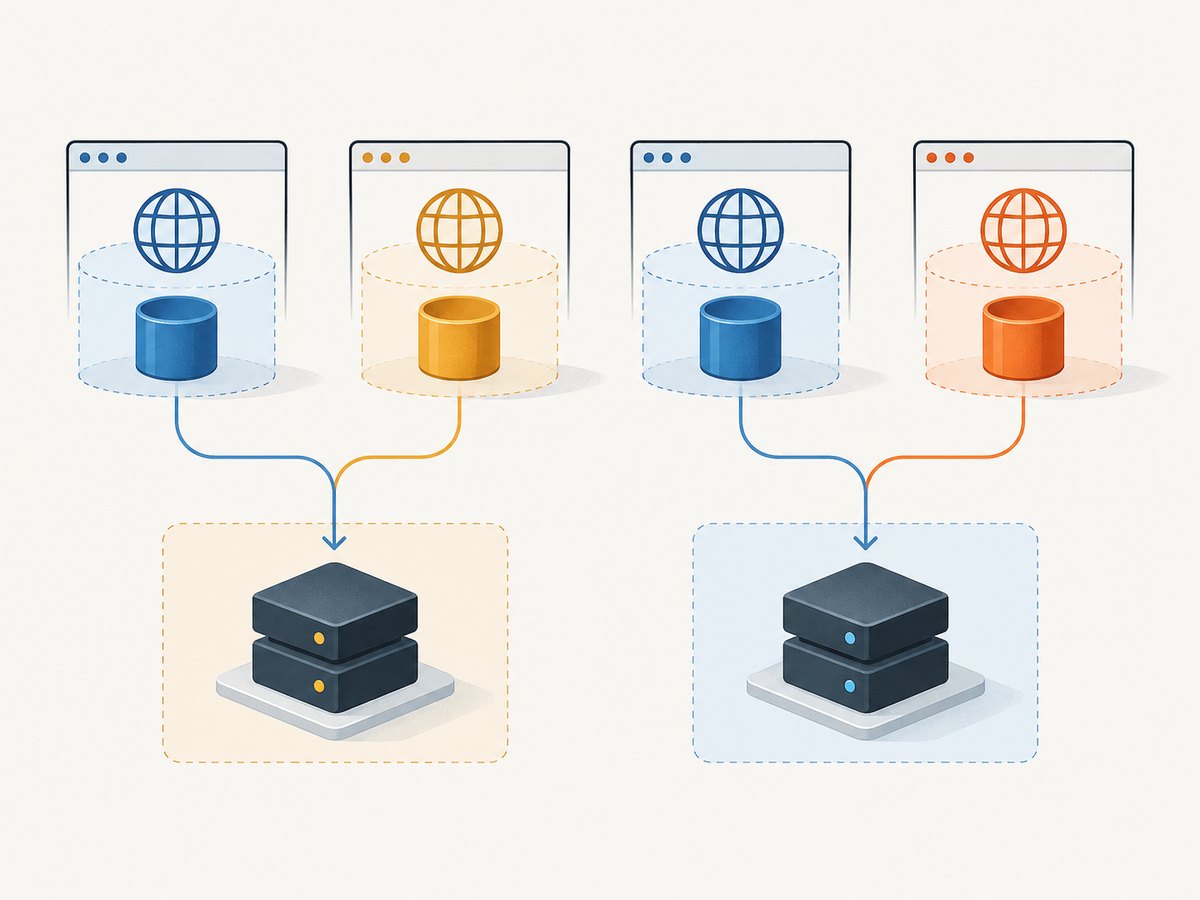
- Choose an execution model. Local execution is simple for development. A self-managed Selenium Grid gives you remote distribution but adds machine, browser and version maintenance. A hosted service shifts that infrastructure to a vendor.
- Decide how failures will be diagnosed. Compare traces, logs, video, screenshots, network records and assertion output. BrowserStack advertises hosted debugging artifacts; Cypress Cloud provides recording and analytics as a paid service.
- Plan parallelism and isolation. Determine how many sessions CI will run, how test data is separated, and whether shared accounts or rate limits could make tests interfere with each other.
- Budget operations. Include CI minutes, browser downloads, grid hosts, hosted-session fees, storage for artifacts and the engineering time needed to upgrade browser versions.
Selenium: WebDriver and Grid
Selenium’s official overview calls it “an umbrella project for a range of tools and libraries that enable and support the automation of web browsers.” WebDriver uses browser-vendor automation APIs, while Grid distributes execution across machines and platforms.
Python example
from selenium import webdriver
from selenium.webdriver.common.by import By
from selenium.webdriver.chrome.options import Options

options = Options()
options.add_argument("--headless=new")
options.add_argument("--window-size=1440,900")

driver = webdriver.Chrome(options=options)
try:
    driver.get("https://example.com")
    heading = driver.find_element(By.TAG_NAME, "h1")
    print(heading.text)
    driver.save_screenshot("example.png")
finally:
    driver.quit()
For Grid, point the client at the Grid server URL instead of constructing a local driver. Keep browser and driver versions compatible, and make cleanup unconditional so a failed test does not leave sessions consuming capacity.
Playwright: cross-browser automation
Playwright documents Chromium, Firefox and WebKit targets, branded Chrome and Edge channels, and emulated mobile or tablet profiles. Its locator APIs and web-first assertions are designed to wait for the page state they need. Prefer locators over storing fragile element handles.
Node.js example
import { chromium } from 'playwright';

const browser = await chromium.launch({ headless: true });
const page = await browser.newPage({ viewport: { width: 1440, height: 900 } });
try {
  await page.goto('https://example.com', { waitUntil: 'domcontentloaded' });
  await page.getByRole('heading', { name: 'Example Domain' }).waitFor();
  await page.screenshot({ path: 'example.png', fullPage: true });
} finally {
  await browser.close();
}
Browser selection
Run the same test against chromium, firefox and webkit when engine coverage matters. Use a branded channel only when the channel itself is part of your support requirement. Treat emulation as a profile approximation: viewport, user agent and device metrics do not reproduce every hardware or operating-system behavior.
Cypress: application-integrated tests
Cypress describes its architecture as running in the same run loop as the application. That can make application state and interactive debugging central to the workflow. Cypress Cloud is a paid service for recording, results and analytics. Decide whether that integrated model matches your test architecture before migrating a large suite.
describe('home page', () => {
  it('shows the primary heading', () => {
    cy.visit('https://example.com');
    cy.get('h1').should('contain', 'Example Domain');
    cy.screenshot('home');
  });
});
Puppeteer: Node.js and Chromium
Puppeteer is a Node.js browser-automation library commonly selected for Chromium-oriented work. Playwright’s migration guide says most Puppeteer APIs can be used as is, while distinguishing Playwright’s cross-browser model and locator-based assertions. Treat that as migration context, not a promise that a large suite requires no changes.
import puppeteer from 'puppeteer';

const browser = await puppeteer.launch({ headless: true });
const page = await browser.newPage();
try {
  await page.setViewport({ width: 1440, height: 900 });
  await page.goto('https://example.com', { waitUntil: 'networkidle2' });
  await page.screenshot({ path: 'example.png', fullPage: true });
} finally {
  await browser.close();
}
Hosted execution with BrowserStack
BrowserStack describes Automate as hosted execution for common frameworks on real browsers and operating systems, with parallel runs and debugging artifacts. Present those as vendor-described capabilities and confirm current availability, quotas and pricing before planning capacity. A hosted platform is useful when buying and maintaining a device and browser matrix costs more than the service.
Keep your test code portable: put credentials in CI secrets, identify each run with build metadata, and upload only the artifacts needed for diagnosis. Hosted execution does not remove the need for deterministic test data or stable selectors.
Reliable automation patterns
Wait for a condition, not an arbitrary delay
Use a locator, URL change, response, or application state as the synchronization point. Fixed sleeps make fast runs slower and still fail when a page is slower than the chosen delay.
Use resilient selectors
Prefer accessible roles, labels and stable test identifiers. Avoid selectors coupled to generated class names or the position of an element in a long list.
Isolate state
Create a fresh context or profile per test where possible. Reset databases or use unique records. Never let one test depend on another test’s cookies, local storage or execution order.
Capture evidence on failure
Save a screenshot, console output, network errors and a trace or video when your framework supports it. Include the browser engine, version, viewport, locale and commit identifier in the report.
Control external dependencies
Third-party analytics, ads and slow APIs create nondeterminism. Stub them when the behavior under test does not depend on the real service, and reserve a smaller set of integration tests for real dependencies.
Screenshot capture without running a browser
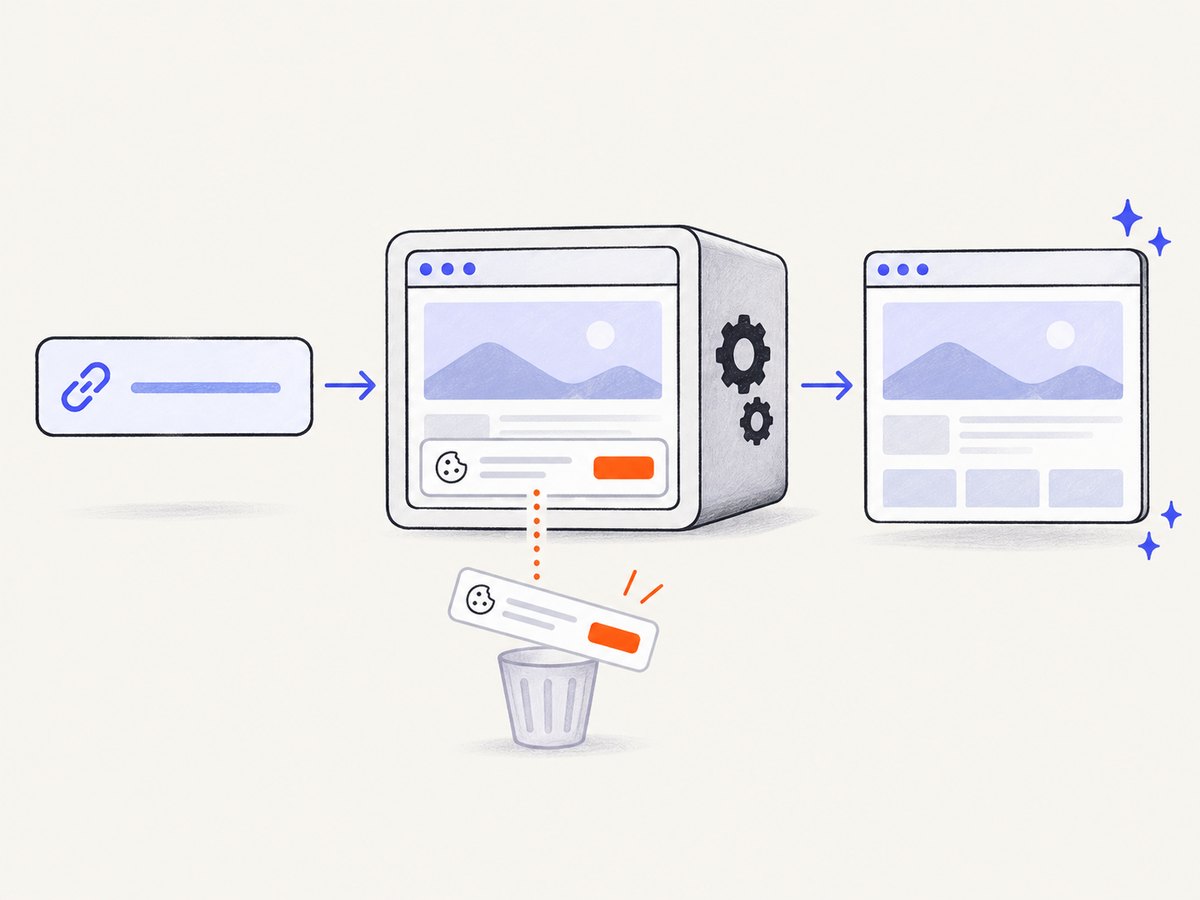
If your requirement is a rendered image or PDF rather than clicks and assertions, a screenshot API can be simpler than maintaining browser workers. ScreenshotNeo accepts one GET request and returns PNG, JPEG, WebP or PDF. It handles cookie and consent banners before capture, removes more than 60 known consent platforms plus newsletter popups and chat widgets, and lets you turn each step off.
Or skip the browser setup
See the ScreenshotNeo API documentation for all options. This one-call example captures a WebP image:
curl -G "https://api.screenshotneo.com/v1/shot" -d access_key=YOUR_API_KEY --data-urlencode url=https://stripe.com -o shot.webpimport requests
r = requests.get("https://api.screenshotneo.com/v1/shot", params={"access_key": "YOUR_API_KEY", "url": "https://stripe.com"}, timeout=90)
open("shot.webp", "wb").write(r.content)
const q = new URLSearchParams({ access_key: 'YOUR_API_KEY', url: 'https://stripe.com' });
const res = await fetch(`https://api.screenshotneo.com/v1/shot?${q}`);
const bytes = new Uint8Array(await res.arrayBuffer());
await Bun.write('shot.webp', bytes);
Clean shots are the only billable responses. Bot checks or CAPTCHAs, blank pages, timeouts, failed loads and cache hits cost nothing, and response headers report the result through X-Page-Verdict and X-Billed. The service also provides an MCP server with take_screenshot, get_page_info and capture_pdf tools for Claude, Cursor and other MCP clients. You get 1,000 screenshots per month free without a card; paid plans start at $5 for 3,000. Create a free ScreenshotNeo account.
ScreenshotNeo options relevant to automation teams
- Full-page captures with lazy images loaded, or one element selected by CSS.
- Dark mode, 12 device presets, arbitrary viewports and retina scale.
- PDF paper size, margins, landscape mode and page ranges.
- Custom CSS and JavaScript, clicks, selector waits, delays and network-idle waits.
- Ad, tracker, request and resource-type blocking.
- Custom headers, cookies, user agent, Authorization, timezone and geolocation.
- Transparent backgrounds and image resizing.
- TTL-based caching, signed links, asynchronous jobs with signed webhooks and bulk capture of up to 100 URLs per call.
- Usage API and OpenAPI specification. Common parameter names from other screenshot APIs also work, which can simplify migration.
Troubleshooting browser automation
| Symptom | Likely cause | Fix |
|---|---|---|
| Element not found | Selector ran before rendering or changed with a redesign | Use a role, label or stable test ID and wait for the specific state. |
| Intermittent timeout | Fixed sleeps, slow API calls or resource contention | Wait on a condition, set a bounded timeout, collect network logs and reduce parallel pressure. |
| Works locally but fails in CI | Different browser binary, fonts, viewport, sandbox or environment variables | Pin framework/browser versions, install required dependencies, record environment metadata and reproduce in the CI image. |
| Tests affect one another | Shared cookies, local storage or database records | Create isolated contexts and unique test data; clean up in teardown. |
| Safari behavior differs | WebKit build is not branded Safari; OS features vary | Run a validation set on the actual Safari environments you support. |
| Screenshot contains a banner or widget | Consent, newsletter or chat UI was not handled | Dismiss it in browser code, hide its selector, or use ScreenshotNeo’s pre-capture cleaning. |
| Screenshot API returns no bill | Response was a cache hit, failed load, timeout, blank page or bot check | Inspect X-Page-Verdict and X-Billed; adjust waits, access controls or the target URL. |
Performance, reliability and cost
No source in this comparison establishes an independent speed ranking, so benchmark your own representative flows. Measure cold browser startup, navigation time, assertion time, artifact upload and queue delay separately. Reuse a browser process where safe, create isolated contexts, block unnecessary resources and keep parallelism below the limits of your CI workers or hosted plan.
Reliability comes from deterministic data, explicit waits, pinned versions and useful failure artifacts. Browser updates can change rendering and timing; schedule dependency updates and review failures rather than silently retrying everything. Retries are appropriate for known infrastructure faults, but a retry should preserve the first failure for diagnosis.
For self-hosted tools, cost includes compute, storage and maintenance. For hosted execution, include session minutes, parallel capacity and artifact retention. For ScreenshotNeo, Free includes 1,000 shots monthly without a card; paid tiers are Starter $5/3,000, Growth $15/15,000, Pro $39/60,000, Scale $99/250,000 and Business $249/1,000,000. Yearly billing gives two months free, and every feature is on every plan.
FAQ
Which tool should a JavaScript team start with?
Compare Playwright, Cypress and Puppeteer against your browser targets and test architecture. Playwright is the direct candidate when multiple engines matter; Cypress may fit an application-integrated workflow; Puppeteer fits Chromium-focused Node.js work.
Is Selenium obsolete?
No. Its WebDriver ecosystem and Grid remain relevant when broad language support or remote execution is central.
Does Playwright test Safari?
Playwright documents a WebKit browser build and distinguishes it from branded Safari. Validate actual Safari environments when that browser is part of your support promise.
When should I use an API instead of browser automation?
Use an API when you need rendered screenshots or PDFs and do not need interactive assertions, form flows or DOM inspection. Use a framework when the browser behavior itself is what you are testing.
Can I combine these tools?
Yes. A team can use Playwright or Selenium for end-to-end tests, a hosted service for a wider browser matrix, and ScreenshotNeo for scheduled page images, PDFs or AI-agent capture.