20 Business Benefits of Screenshots and Web Archiving
Screenshots and web archives help teams document changes, support audits, troubleshoot issues, and preserve important web content. Learn what each can—and cannot—prove.

A screenshot records the visible state of a webpage at one point in time. A web archive is a managed collection of web content and context that can be retained, described, searched, and sometimes replayed later. Businesses use both to answer practical questions: What did this offer say when a customer accepted it? When did a policy change? What did a user see during an incident? Can an older notice still be found?
The choice depends on the record you need. A screenshot is useful for visual proof and quick communication. An archive is better suited to preserving web content and its context over time. Neither alone guarantees legal admissibility, complete preservation, or successful site restoration. Records programs should aim for reliability, authenticity, integrity, and usability, and select capture methods and retention controls to meet that purpose.[NARA: Managing Web Records; UK National Archives: Web Archiving Guidance]
What is the difference between a screenshot and a web archive?
A screenshot is a visual image of what appeared on a screen at capture time. It may show layout, text, graphics, and a visible error, but it usually does not preserve the underlying page structure or provide an interactive replay of the site.
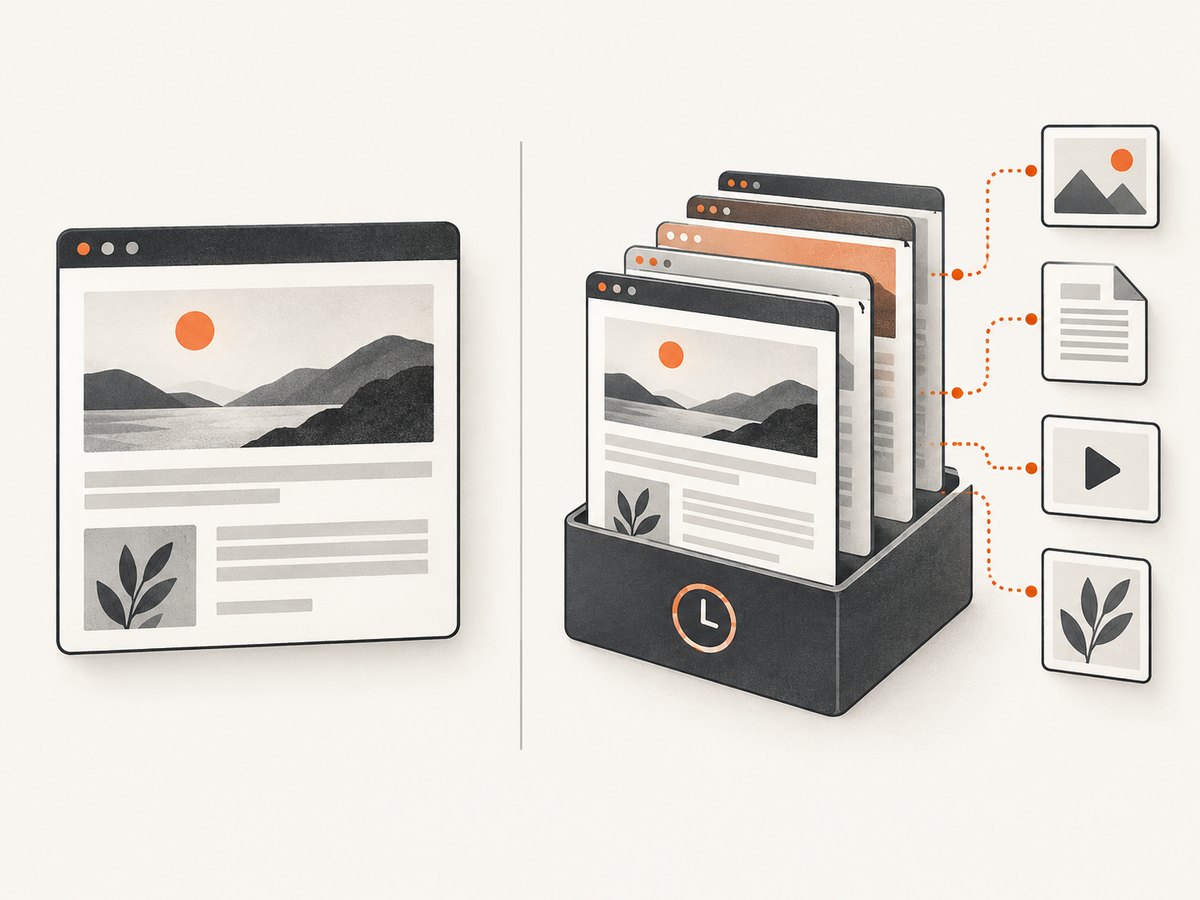
Web archiving is a process for capturing, retaining, describing, and retrieving web content over time. Depending on the system and capture, an archive may preserve more of a page’s resources and context and may support replay. Completeness varies: dynamic applications, authentication, third-party resources, and later changes can affect what is captured.
A backup and a web archive are also different. A backup is generally intended to support recovery of a system or its data. It may not be organized for public replay or historical access. The UK National Archives explicitly cautions that website backups are not intended to be used as web archives.[UK National Archives]
| Need | Screenshot | Web archive |
|---|---|---|
| Show the visible state at a particular moment | Strong fit | May provide context, depending on replay |
| Search or replay older web content | Limited; image only | Designed for retained and retrieved web content |
| Preserve page structure and linked resources | Usually not | Potentially, depending on the system and capture |
| Support restoration of a live website | No | Not necessarily; a separate backup and recovery plan may be needed |
20 business benefits of screenshots and web archiving
Proof, accountability, and risk management
- Point-in-time proof. Record what a page, offer, notice, dashboard, or workflow displayed when it was captured. Keep the URL, timestamp, timezone, and related transaction or account context so the image is interpretable later.
- Change tracking. Compare captures to identify changes after redesigns, policy edits, price updates, or content removal. NARA recommends capturing snapshots when a website changes significantly.[NARA: Managing Web Records]
- Legal readiness. Preserve records that may help explain transactions, decisions, or rights. Whether an item can be used as evidence depends on applicable rules and circumstances; a screenshot by itself does not establish authenticity or admissibility.
- Regulatory response. A documented capture and retention process can help teams respond when auditors or regulators ask how published information was controlled. Keep the policy, approvals, and retention record alongside relevant captures.
- Protection of rights. Retained web records can help an organization and affected people understand information relevant to legal or financial rights.
- Incident-response evidence. A screenshot can record a visible incident condition, such as a defacement or error message. Pair it with logs, packet captures, configuration records, and incident notes; the image does not explain what happened behind the screen.[CISA: Incident Response]
- Campaign and pricing history. Preserve dated examples of claims, prices, terms, and creative that were publicly displayed. This can help teams understand what customers could see during a campaign or after a change.
- Competitor and market monitoring. Build a dated comparison set from public pages. Before collecting at scale, define lawful collection, privacy, access, and retention rules.
- Change-management audit trail. Capture the approved or released page state so teams can connect a change request and approval to the published result.
- Governance and accountability. Record who created, approved, transmitted, and maintained important web records. Protect retained files and metadata from unauthorized alteration.[NARA: Managing Web Records]
Operations, communication, and continuity
- Faster support diagnosis. A screenshot gives support staff the visible error state and surrounding interface. Treat it as supplementary evidence and request logs, browser details, or reproduction steps when needed.
- Clearer QA reports. Annotated captures can show a defect’s location and expected-versus-actual state. Include the URL, time, browser or device, and reproduction steps with the image.
- Remote collaboration. A shared visual state gives distributed colleagues a common reference when describing a page or workflow.
- Visual procedures and training. Captures can illustrate steps, interfaces, and change notices. Keep the documentation accessible and update it when the workflow changes.[Section 508 guidance]
- Context for removed pages. Archives can preserve older material for reference and help explain how current information evolved.
- Public-service continuity. Archived content can help people locate legacy forms, notices, reports, and program information after pages move or disappear.
- Research and institutional memory. Web records preserve material for historical and cultural use as well as current business needs.[UK National Archives]
- Recovery reference. A snapshot may help teams understand a known prior state during restoration planning. It is not necessarily sufficient to recreate the live site; recovery may require source code, data, assets, configuration, and tested backups.[UK National Archives]
- Accessibility regression review. Comparing captures can help spot visible content or presentation changes. Images do not replace accessible source documents, assistive technology checks, or obligations under applicable accessibility requirements.[Library of Congress: Web Archiving]
- Cleaner cross-team handoffs. A dated visual reference reduces ambiguity between marketing, legal, support, engineering, and leadership. Pair it with metadata and source records when the matter is important.
- Historical access to notices and reports. A managed archive can keep earlier public information discoverable when people need to understand what was published at a prior date.
These are practical uses, not quantified ROI claims. The cited guidance focuses on records quality, preservation, accessibility, and operational needs; it does not establish a general percentage of money saved or time gained.
How to preserve a webpage for compliance or litigation
Choose a process based on the record’s purpose and risk. A screenshot can preserve the visible appearance; an archive or records system may be needed for content, context, retrieval, and retention. For a matter with legal significance, involve the organization’s records, legal, and security owners.
- Define the purpose and owner. State what question the capture must answer, who is responsible, which pages or transactions are in scope, and who may access the records.
- Set the capture trigger and frequency. Capture at publication, approval, a significant change, or a defined recurring interval. Increase frequency when risk or change rate is high. NARA recommends snapshots at significant website changes.[NARA]
- Capture useful context. Record the full URL, timestamp and timezone, page title, relevant transaction or account context, browser and device details, and the person or process that initiated capture.
- Preserve the original. Keep the original file and protect it from unauthorized alteration. Where integrity matters, calculate and retain a cryptographic hash using an approved records process, and record subsequent access or transfer.
- Keep related evidence together. Preserve approvals, exports, source records, logs, notes, and reproduction details where they explain the page or event. For incidents, images supplement technical evidence rather than replace it.[CISA]
- Apply retention and access controls. Specify a retention period, deletion authority, storage location, access permissions, and any legal hold process before collecting records at scale.
- Check retrieval and usability. Confirm an authorized colleague can locate and open the record later. Use accessible documents and open formats where long-term preservation and replay matter.[Library of Congress]
A screenshot tool is useful when the requirement is a clean visual capture. ScreenshotNeo is a website screenshot API and MCP server for developers; it returns PNG, JPEG, WebP, or PDF captures from a GET request. Its captures can remove known consent banners, newsletter popups, and chat widgets before the shot. That makes it a capture option, not a records-retention or legal-evidence system. See ScreenshotNeo and the API documentation.
How often should a website be archived?
There is no universal schedule. Base the interval on how quickly the page changes, what harm a missed change could cause, applicable retention rules, and how much material the organization can review and retain. For high-risk pricing, terms, or notices, combine event-triggered captures with periodic checks. For stable reference pages, a less frequent schedule may be sufficient. Record significant changes rather than relying only on a calendar, and review the schedule when the page’s purpose or risk changes.
Choosing a capture and preservation approach
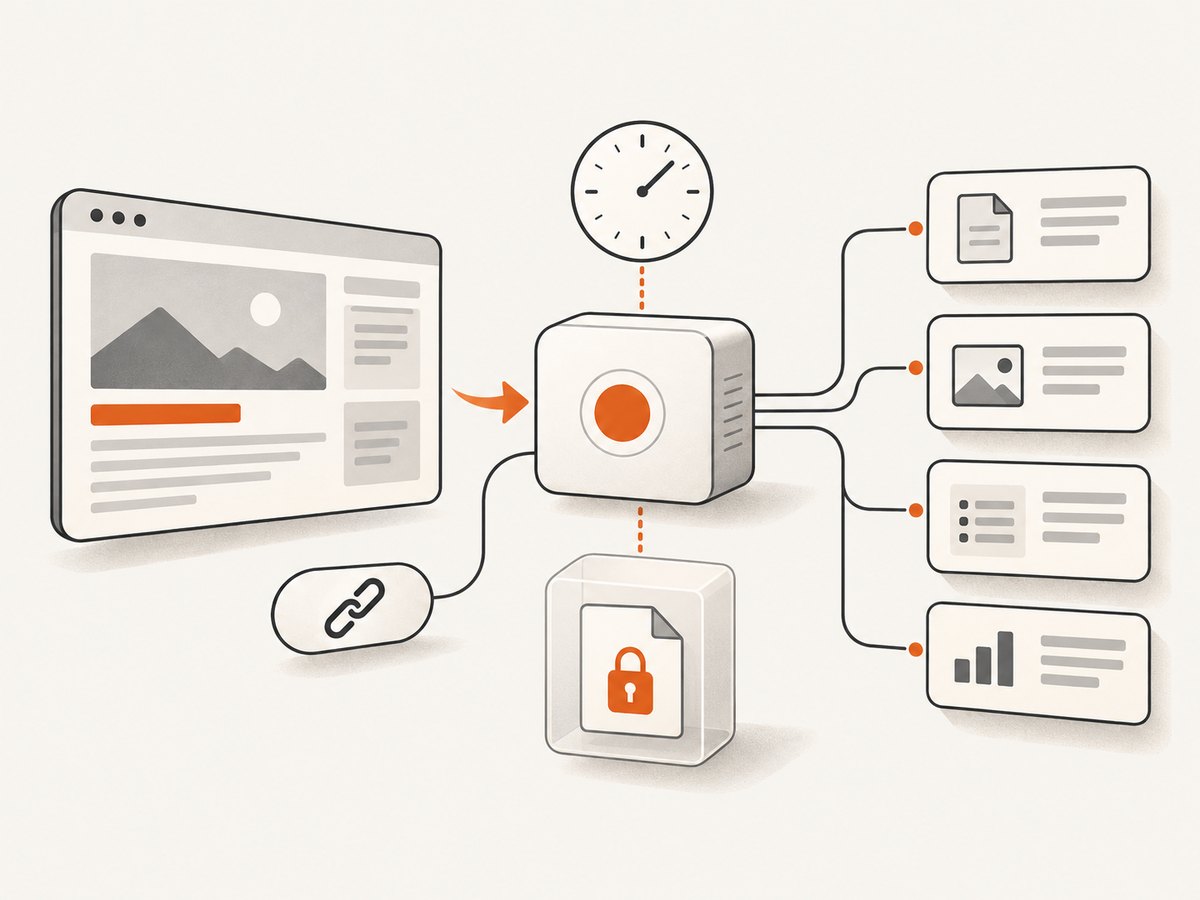
Compare approaches on the properties the record actually needs. NARA describes trustworthy records in terms of reliability, authenticity, integrity, and usability. The Library of Congress notes that standards-based, accessible sites are easier to crawl and preserve, while warning that following recommendations alone cannot guarantee a flawless archive.[NARA; Library of Congress]
- Fidelity: Does the workflow need a visual image, page structure, linked resources, or replay?
- Provenance: Are URL, capture time, operator, browser, and context retained?
- Search and retrieval: Can an authorized person find a record by date, URL, project, or event?
- Integrity: Are originals protected, with appropriate hashes, access logs, and custody records?
- Retention: Can the system apply retention periods, holds, access restrictions, and authorized deletion?
- Accessibility: Are archived content and associated documents usable by the people who need them?
- Scale and cost: What are the storage, capture, review, administration, and retrieval costs?
- Privacy and security: Could captures contain personal, confidential, or account-specific information?
- Recovery value: Is the goal historical access, visual reference, or actual restoration? A separate tested backup may be necessary.
Or skip the browser setup
For a one-call visual capture, use ScreenshotNeo. Replace the target URL and API key:
curl -G "https://api.screenshotneo.com/v1/shot" -d access_key=YOUR_API_KEY --data-urlencode url=https://stripe.com -o shot.webpimport requests
r = requests.get("https://api.screenshotneo.com/v1/shot", params={"access_key": "YOUR_API_KEY", "url": "https://stripe.com"}, timeout=90)
open("shot.webp", "wb").write(r.content)const q = new URLSearchParams({ access_key: 'YOUR_API_KEY', url: 'https://stripe.com' });
const res = await fetch(`https://api.screenshotneo.com/v1/shot?${q}`);Cookie banners, popups, and chat widgets are removed before the shot. Bot checks, blank pages, and failed loads are never billed; response headers identify the page verdict and billing status. An MCP server lets AI agents use screenshot tools. The free plan includes 1,000 screenshots per month with no card; paid plans start at $5 for 3,000. Capture options include full-page screenshots, selector captures, PDF, custom CSS and JavaScript, waits, headers, cookies, caching, and bulk capture. These captures do not replace archiving, retention controls, or evidence handling. Read the ScreenshotNeo docs and sign up for 1,000 free screenshots a month with no card.
Troubleshooting and operational notes
Common capture problems
| Problem | Likely cause | What to do |
|---|---|---|
| Important content is missing from a screenshot | Content loads after the initial page render, requires scrolling, or is behind authentication. | Use an appropriate wait or full-page capture option, confirm authorized access, and preserve browser and capture settings as metadata. |
| The screenshot shows a consent banner or popup | The capture retained the page’s overlay, or the tool does not support removing it. | For records where the overlay itself matters, retain it. For clean visual review, use a capture workflow with consent and popup handling; note any automated modifications. |
| A screenshot differs from what a user saw | Viewport, browser, time, geolocation, personalization, or account state differs. | Record device and browser context, repeat under the relevant conditions, and retain a human-observed capture when the exact user session matters. |
| An archived page does not replay completely | Third-party assets, scripts, authentication, or dynamic content were unavailable or uncaptured. | Document the gap, retain relevant source records or exports, and assess whether another capture method or frequency is required. |
| A retained screenshot cannot establish when it was made | The file has no trustworthy associated timestamp or provenance. | Store capture metadata and custody information with the original; use organizational integrity controls for material records. |
| A backup cannot recreate an old website | The backup may omit dependencies or was not intended for historical replay. | Use a tested recovery plan for restoration and a web-archiving process for historical access; these serve different purposes. |
Performance, reliability, and cost
Capture frequency and page complexity affect operational load. Full-page captures, dynamic pages, and large sets of URLs can require more processing and storage than a single viewport image. Set timeouts and retry rules deliberately: retries can help with transient failures, but repeated capture attempts should not create duplicate or misleading records. Record unsuccessful attempts when the fact of failure matters.
Budget for more than the capture request: review, storage, metadata, access management, retention, migration, and retrieval all have costs. Keep only what the defined purpose and policy require, and ensure deletion rules do not conflict with holds or obligations. No general ROI percentage applies across organizations; estimate costs and benefits from your own capture volume, review workload, and risk.
Frequently asked questions
Are screenshots admissible evidence?
It depends on the jurisdiction, proceeding, purpose, and foundation provided for the record. A screenshot may be relevant, but its presence alone does not prove authenticity, completeness, or admissibility. Preserve provenance and consult the appropriate legal or records team.
Can a screenshot prove a webpage was changed?
It can show what one capture displayed at a recorded point in time. To support a change comparison, retain the earlier and later captures with timestamps, URLs, and capture context. An archive may add retrieval and page context.
Will a web archive restore my production website?
Not necessarily. An archive is generally designed for preservation and access. Restoration may require separate backups of source, data, assets, configuration, and dependencies, plus a tested recovery procedure.
What is the minimum metadata to keep?
At a minimum, record the URL, date and timezone, page title, capture method, and responsible person or process. Add browser or device, account or transaction context, and integrity information when the record’s purpose requires them.
For durable records, decide what must be preserved before capture begins. Match the format to the need, retain context and provenance, and test that records remain accessible. A screenshot can be a useful business record; a managed web archive can answer a broader set of historical questions.


