Checking Websites for Font Legal Compliance
A practical workflow to identify web fonts, verify the right license, document evidence, and catch implementation problems without treating a scanner as legal proof.

Direct answer: To check a website for font legal compliance, identify every font the site actually serves, determine whether each file is hosted by a font provider or self-hosted, locate the exact license or service terms for that family and deployment, and compare the live implementation with those terms. Keep the license, purchase or subscription record, font files or source details, and implementation evidence together. A browser inspection can show what is being delivered; it cannot prove that the site owner has contractual rights to deliver it.
Font licensing is specific to the font, the use, the delivery method, and often the account or project. A desktop installation or a design-tool menu does not automatically grant permission to serve the font from a website. If the terms are unclear, ask the foundry or an authorized reseller, and obtain legal advice for a dispute.
1. What website font compliance means
A compliant review answers five questions for each font:
- What is loaded? Record the family name, style or weight, file format, source URL, and whether the file is a local asset or delivered by a provider.
- Which rights apply? Find the license for that exact family or the service terms for the account that supplies it.
- Does the license permit web embedding? Web serving can be a separate right from desktop use.
- Does the deployment match the conditions? Check the domain, project, client account, self-hosting method, subscription status, traffic limits, and other stated conditions.
- Can you show your evidence? Preserve current terms, invoices or subscription records, source identification, and a snapshot of the implementation.
This is a practical compliance screen, not a universal legal test. Rights and remedies depend on the applicable contract and jurisdiction.
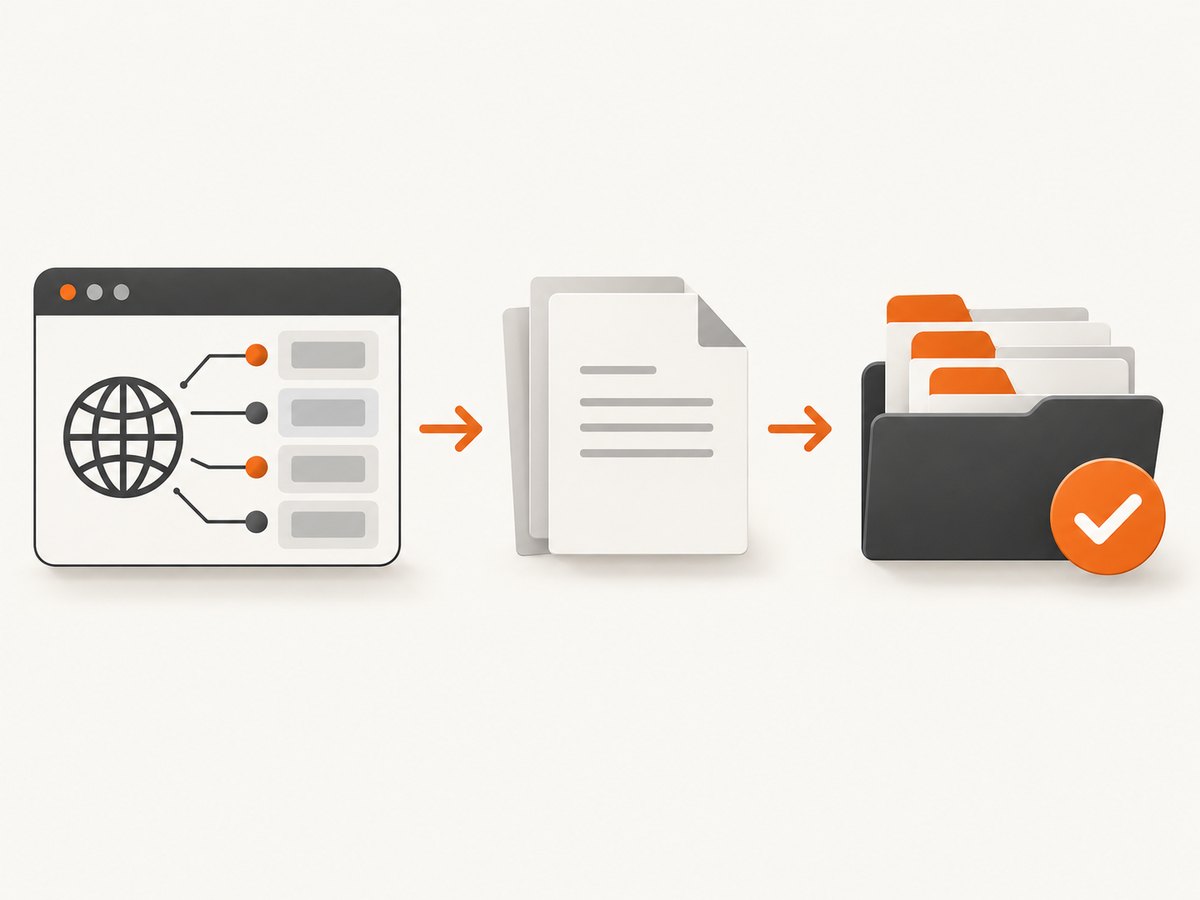
2. Inventory the fonts the site really serves
Use browser developer tools
- Open the page in a current browser and open Developer Tools → Network.
- Reload with the network panel open. Filter for
font,woff,woff2,ttf, orotf. - Record each font request URL, response status, content type, and initiating stylesheet.
- Inspect loaded stylesheets for
@font-facerules. Capture the family, weight, style, unicode range, andsrcURLs. - Repeat on representative pages, including checkout, logged-in areas, landing pages, and pages with different locales. A single homepage does not reveal every font used by a site.
Network requests show the files delivered to your browser. They do not reveal whether the site owner purchased the necessary rights, whether a subscription is active, or whether the account covers a client project.
Inspect source and build assets
Search the repository and deployment artifacts for @font-face, CSS imports, provider embed snippets, and font filenames. Check both the production host and any CDN host. A CSS declaration can reference a provider while a fallback or older template still serves a self-hosted copy. Record hashes or filenames if you need to distinguish modified files.
Automate a first-pass inventory
The following browser-console script lists stylesheet rules that contain font declarations. Cross-origin stylesheets may be inaccessible, so treat the result as a starting point and use the Network panel for complete coverage.
const rows = [];
for (const sheet of document.styleSheets) {
  let rules;
  try { rules = sheet.cssRules; } catch { continue; }
  for (const rule of rules || []) {
    if (rule.type === CSSRule.FONT_FACE_RULE) {
      rows.push({
        family: rule.style.getPropertyValue('font-family').trim(),
        weight: rule.style.getPropertyValue('font-weight').trim(),
        style: rule.style.getPropertyValue('font-style').trim(),
        src: rule.style.getPropertyValue('src').trim(),
        stylesheet: sheet.href || location.href
      });
    }
  }
}
console.table(rows);
3. Find the exact license or service terms
Start with the foundry or service named by the source URL, CSS comment, account dashboard, or project documentation. Match the exact family and files; a similarly named family can have different terms. Save a copy or link to the terms in force when the site is deployed, then check for later changes.
Desktop rights are not automatically web rights
Fort Foundry’s desktop license is an explicit example: it excludes website use and directs users to a separate web license. This is why “commercial use permitted” or “we installed it on a designer’s computer” is not enough. Read the section that covers embedding, serving, or web use.
Hosted services and self-hosting
Adobe’s guidance distinguishes its hosted web-font service from local hosting. Adobe says, “To display fonts on your website, you must use the embed code provided in your account to ensure proper licensing.” If you self-host an Adobe font, Adobe says you must purchase a license from the foundry or an authorized reseller. The account and service terms for the actual project control.
Google Fonts documentation describes the technical web implementation, such as loading a stylesheet and applying CSS. Technical availability does not remove the need to read the license for the particular family and version.
4. Compare the live site with the license
| Review area | Evidence to collect | Question to answer |
|---|---|---|
| Web embedding | License clause or service terms | Does this license permit serving font data to browsers? |
| Delivery method | Provider URL, CDN, or self-hosted path | Does the license cover this hosting method? |
| Project and account | Domain, client name, subscription account | Is this site covered by the account or purchase? |
| Ongoing conditions | Subscription, traffic, domain, or renewal terms | Are current conditions still satisfied? |
| Files and scope | Family, weights, styles, versions | Are all deployed files included? |
For Adobe Fonts, Adobe’s FAQ says a client website should load fonts through the client’s own Creative Cloud subscription to maintain licensing or hosting. Confirm the current account arrangement rather than assuming an agency’s account covers every client.
5. Keep an audit record
Create one record per family and version. Include:
- Family, styles, weights, and file names or hashes.
- Provider, foundry, reseller, or repository source.
- License URL or saved terms, purchase invoice, or subscription evidence.
- Covered domain, project, client, account, and deployment date.
- Hosting method and the CSS or embed implementation.
- Reviewer, review date, open questions, and the rights holder’s answer.
The reviewed sources do not specify a universal retention period. Keep evidence for as long as your organization’s contract, policy, or legal advice requires, and refresh it when a font, account, domain, or hosting method changes.
6. Common edge cases
Variable fonts and subsets
A variable font may be one file with many weights or axes. Confirm that the license covers that file and the way it is served. Unicode subsets can hide additional files in production, so inventory all locale and character-range requests.
Frameworks, themes, and templates
A theme may bundle a font without transferring web rights to your organization. Identify the original foundry and obtain the license or replace the asset with a font whose terms cover your site.
Client and agency work
Determine whether the license covers the client, the agency, or both. A provider account used during development may not satisfy the client’s production terms.
Staging, previews, and mirrors
List staging domains, preview deployments, regional hosts, and email or app surfaces that also serve the files. Some terms limit domains or projects.
Cached or transformed files
A CDN, optimization service, or build step can change the URL or file format. Preserve the original source and verify that transformations do not create an unlicensed distribution route.
Logo and image use
Using a font to render a logo or raster image can involve different rights from serving the font in CSS. The research reviewed a reported question about logo use, but it does not establish a universal answer. Check the actual license.
7. Troubleshooting: errors and fixes
| Symptom | Likely cause | Fix |
|---|---|---|
| Font appears in design files but not Network requests | The production site uses a fallback or a different provider | Review computed styles and production CSS; license the font that is actually served. |
| Only some weights are visible | Lazy-loaded routes, subsets, or variable axes were missed | Test representative pages and locales; inventory every request. |
| Provider CSS works on one domain only | Account or domain restrictions | Check the service dashboard and terms; add the correct project or use a licensed alternative. |
| Self-hosted copy has no paperwork | Desktop purchase or template bundle was mistaken for web rights | Locate a web license from the foundry or authorized reseller before continuing deployment. |
| License page changed | Terms were updated or the old URL is unavailable | Retain the version in force at purchase and request written clarification from the rights holder. |
| Automated scanner reports “unknown” | Contractual rights are not encoded in the page | Use the scanner only to identify assets; verify rights with documents and the rights holder. |
8. Capture reliable evidence with ScreenshotNeo
When you need a visual record of the rendered page, ScreenshotNeo can capture a clean screenshot or PDF while you perform the licensing review. It is useful for preserving what a reviewer saw alongside the network inventory; it does not determine whether a contract grants font rights.
Or skip the browser setup
One GET request captures a page as PNG, JPEG, WebP, or PDF. See the ScreenshotNeo API documentation for all options.
curl -G "https://api.screenshotneo.com/v1/shot" -d access_key=YOUR_API_KEY --data-urlencode url=https://stripe.com -o shot.webpimport requests
r = requests.get("https://api.screenshotneo.com/v1/shot", params={"access_key": "YOUR_API_KEY", "url": "https://stripe.com"}, timeout=90)
open("shot.webp", "wb").write(r.content)const q = new URLSearchParams({ access_key: 'YOUR_API_KEY', url: 'https://stripe.com' });
const res = await fetch(`https://api.screenshotneo.com/v1/shot?${q}`);For compliance evidence, relevant options include full-page capture with lazy images loaded, a CSS-selector element capture, custom CSS or JavaScript, click actions, waits for a selector, delay or network idle, custom headers, cookies, user agent, authorization, timezone and geolocation, and PDF page ranges. You can hide unrelated selectors and use a fixed viewport or one of 12 device presets. Retina scale, transparent backgrounds, resizing, and a chosen cache TTL help produce consistent records.
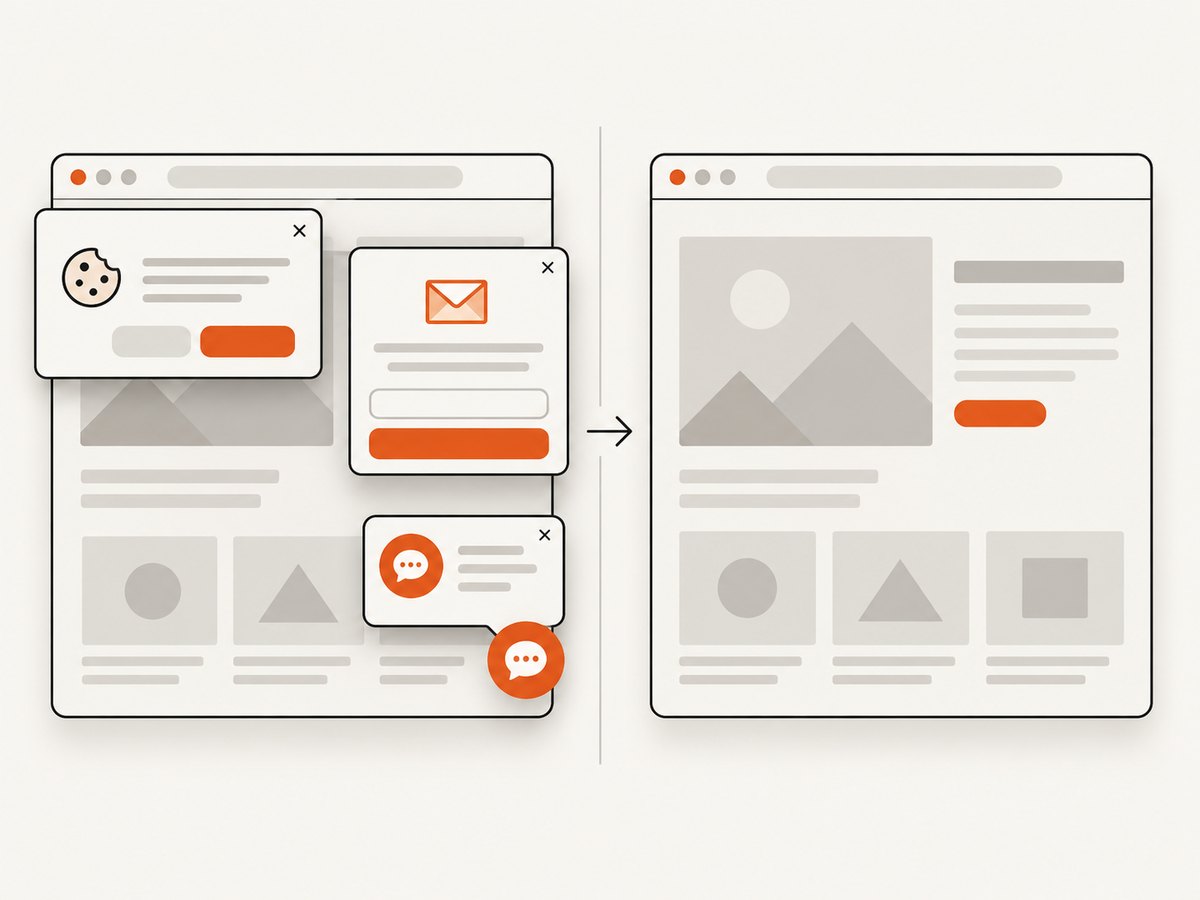
ScreenshotNeo accepts cookie and consent banners as a visitor and removes more than 60 known consent platforms, newsletter popups, and chat widgets before capture; each step can be turned off. Bot checks or CAPTCHAs, blank pages, timeouts, failed loads, and cache hits are not billed, and the response reports the result in X-Page-Verdict and X-Billed headers. Async jobs, signed webhooks, bulk capture for up to 100 URLs, signed public image links, a usage API, an OpenAPI specification, and familiar parameter names support repeatable audits. An MCP server provides take_screenshot, get_page_info, and capture_pdf tools for Claude, Cursor, and other MCP clients.
Free usage includes 1,000 screenshots per month with no card. Paid plans start at $5 for 3,000 shots; every feature is available on every plan. Create a free ScreenshotNeo account to capture your first evidence set.
9. Performance, reliability, and cost notes
- Performance: Capture only the relevant element when a full page is unnecessary. Use a wait for a stable selector or network idle instead of an arbitrary long delay, and choose a cache TTL for repeated pages.
- Reliability: Record the URL, viewport, timestamp, verdict headers, and capture settings. Retry transient timeouts, but retain failed responses as evidence that the page could not be reviewed.
- Cost: Group related pages into bulk calls where appropriate, cache unchanged pages, and remember that clean shots are the billable result. Failed loads, blank pages, bot checks, CAPTCHAs, timeouts, and cache hits cost nothing.
- Security: Treat API keys, authorization headers, cookies, and signed links as secrets. Avoid placing credentials in public HTML or logs.
10. A repeatable compliance checklist
- List every production page type, domain, locale, and logged-in state.
- Capture font requests and
@font-facedeclarations. - Map each family and file to its foundry or service.
- Retrieve the exact web, hosted-service, or self-hosting terms.
- Check project, account, domain, subscription, and delivery conditions.
- Save licenses, invoices, account records, source URLs, and implementation evidence.
- Capture representative rendered pages and record settings and verdicts.
- Ask the rights holder when terms are ambiguous; escalate disputed matters to qualified counsel.
- Repeat the review after font, provider, domain, account, or build changes.
FAQ
Can a browser scanner prove a font is licensed?
No. It can identify files and providers. Licensing is contractual and requires the applicable terms and purchase or subscription evidence.
Does a desktop font license cover my website?
Not necessarily. Some desktop licenses expressly exclude website use and require a separate web license.
Can I self-host Adobe Fonts?
Adobe says self-hosting requires a license from the foundry or an authorized reseller. Its hosted web service requires the account-provided embed code.
What should I do when the foundry’s terms are unclear?
Send the foundry or authorized reseller the family, files, domain, hosting method, and intended use, and request written clarification.
Is a screenshot enough for an audit?
No. Pair rendered-page evidence with the font inventory, license terms, account records, and implementation details.


