5 Essential Coding Concepts for No-Code Developers
Learn five coding concepts that make no-code workflows easier to build and debug: data types, JSON, control flow, functions, and APIs.

You do not need to become a programmer to use no-code tools. But learning a few coding concepts helps you understand why a field mapping fails, how to handle a list of records, when a workflow should branch, and what to do when an app has no built-in connector.
The five concepts are variables and data types, data structures, control flow, functions, and APIs and webhooks. They already appear in no-code tools under familiar names such as fields, lists, filters, reusable workflows, and app connections. The concepts give you a way to reason about those features—and to diagnose the errors they produce.
1. Variables and data types
A variable is a named place for a value. In a no-code workflow, a form field, spreadsheet column, or step output acts much like one: it has a name and contains a value that later steps can use. The value has a type, and its type affects what you can do with it.
| Type | Example | No-code equivalent |
|---|---|---|
| String | "Avery" |
Name, email, or other text field |
| Number | 42 |
Quantity, price, or formula result |
| Boolean | true |
Checkbox or on/off condition |
| Array | ["red", "blue"] |
A list of values or line items |
| Object | {"city":"Oslo"} |
A grouped record with named fields |
These are common JavaScript value categories; MDN’s JavaScript learning curriculum introduces variables and data types as fundamentals. [MDN JavaScript fundamentals]
Why types matter in workflows
A number and a string that looks like a number are not necessarily interchangeable. The text "42" may be accepted as a label, but a calculation expects a number. Likewise, a date formatted as text may not support date arithmetic. A checkbox is a boolean value, not the words “yes” or “no.”
- Before mapping a field, check whether the destination expects text, a number, a date, a boolean, a list, or a record.
- Check what a formula returns. A formula that displays digits can still produce text.
- Distinguish an empty value from zero, false, and an empty list. They mean different things.
Example: An order form sends quantity as the string "3". A later step multiplies quantity by price. Convert the field to a number before the calculation, or adjust the source so it supplies a numeric value. The exact conversion control depends on the platform.
Type mismatches are among the first things to investigate when a formula errors, a comparison never matches, or a destination field stays blank. The no-code labels differ across products, but the underlying question is the same: what type of value does this step receive, and what type does it require?
2. Data structures: arrays, objects, and JSON
Data structures describe how values are grouped. An array holds an ordered list. An object groups values under named properties. JSON is a text-based format used to represent structured data and commonly transmit it between parts of web applications. [MDN: Working with JSON]
{
  "customer": {
    "name": "Avery Chen",
    "email": "avery@example.com"
  },
  "items": [
    {"sku": "MUG-1", "quantity": 2},
    {"sku": "BOOK-4", "quantity": 1}
  ]
}
Here, the outer value is an object. Its customer property contains another object, while items contains an array of objects. A customer record is naturally represented by named properties; a changing number of order line items fits a list.
One item versus a collection
No-code builders often expose both a single item and a collection from a previous step. Mapping a single item sends one record. Mapping the entire array sends the collection, which may require a destination that accepts multiple records or a “for each item” step that processes them individually.
For the order above, a shipping label might need the customer’s name once. An inventory update may need one operation for each entry in items. If you map the whole array into a single text field, the result may be unreadable or rejected. If you accidentally map only the first item, the other line items may be skipped.
Reading and sending JSON
When an API or code step shows raw JSON, inspect the braces and brackets:
{ ... }means an object; look for named properties.[ ... ]means an array; identify whether the workflow needs every item or one item.- Nested braces or brackets mean the value itself contains a record or list.
- Quoted values are strings; unquoted numbers and
true/falsehave other types.
JSON syntax is strict: property names and text values use double quotes, commas separate entries, and the final entry in a list or object has no trailing comma. A malformed payload can fail before the receiving service even considers its contents.
3. Control flow: conditionals and loops
Control flow determines which work happens. A conditional evaluates a test and chooses a path. A loop repeats work over a collection. In a visual builder, filters, if/then branches, routers, and “for each item” steps express these same ideas. MDN describes conditionals as running different code paths depending on a test result. [MDN: Conditionals]
| Coding idea | No-code feature | Example |
|---|---|---|
| Conditional | Filter or if/then branch | If payment status is paid, send the receipt |
| Multiple paths | Router or branching step | Route support requests by category |
| Loop | Repeater or for-each step | Create one inventory update per line item |
Conditions often combine comparisons with logical operators. For example, a workflow might proceed only when status equals “paid” and the customer has an email address. Or a router might send a request to one team if its category is billing or account access. Check whether comparisons are case-sensitive and how the tool treats missing values.
Prevent accidental repeats and skipped work
A loop should receive the collection you intend to process. If it receives a single object, the tool may reject it or behave differently than expected. If a workflow has nested lists, choose which list controls iteration. A customer can have several orders, and each order can have several line items; looping over the wrong level changes how many actions run.
For conditional steps, test both sides of the branch. Include boundary cases such as a missing email, a zero quantity, an empty list, or a status value that is unexpected. A workflow that succeeds only for the ideal record is not robust.
4. Functions and reusable logic
A function packages a task so it can be called with inputs and produce an output. A reusable formula, sub-workflow, or code step follows the same basic pattern: provide inputs, perform a defined operation, and return a result or cause an action.
Suppose several workflows need to normalize phone numbers. Instead of copying a long formula into each one, make one reusable transformation and pass it the raw number. That reduces duplicated logic and gives you one place to update when the input format changes.
Functions are useful when a task has a clear boundary: calculate tax, format a date, look up a record, or turn an API response into fields the next step understands. Zapier documents Code by Zapier steps for custom transformations, calculations, API calls, and more complex logic. It states that “Code steps work as both triggers and actions.” [Zapier: Use Code by Zapier]
Inputs, outputs, and failure cases
Write down the expected inputs and outputs before building reusable logic. For a date formatter, specify whether the input is a date object or text, which time zone applies, and what happens when the value is blank. For a calculation, specify units and how rounding works.
- Give each input a useful name and document its expected type.
- Return a predictable shape, even when optional data is missing.
- Handle invalid inputs explicitly where the platform permits it.
- Test the reusable component on realistic and edge-case records before using it in several workflows.
When a sub-workflow fails, check the values at its boundary first. A downstream error may come from an unexpected input type or a missing property, not from the reusable logic itself.
5. APIs, webhooks, and data exchange
An API defines how one service can request data or actions from another. A webhook is a way for a service to send an event payload to a receiving URL when something happens. JSON commonly carries the structured data in these exchanges. Zapier documents both API request actions and webhook-based workflows. [Zapier code steps] [Zapier: Trigger Zaps from webhooks]

Use an API request when your workflow needs to ask another service to do something or return data. Use a webhook when a service can notify your workflow as an event occurs. These are useful escape hatches when a connector lacks a built-in trigger or action, though the exact options depend on the service and platform.
What an API request usually contains
- Method: the kind of operation, such as retrieving information or creating a record.
- URL: the endpoint that receives the request.
- Authentication: often an API key or token, supplied in the way the service documents.
- Parameters or body: the inputs, commonly structured as JSON.
- Response: a status and often data that later workflow steps can map.
Keep secrets in the platform’s credential or secret storage when available, rather than in a public field or code shared with others. Follow the target service’s documentation for authentication, required fields, rate limits, and retry behavior.
Webhook direction and reliability
A webhook reverses the usual polling pattern: the source service sends information to a URL when an event occurs. The receiving workflow must be ready to accept the request and interpret its payload. Confirm which event triggers delivery, which fields are included, and whether the sender retries failed deliveries. These details vary by service.
For reliable workflows, plan for duplicate events and delayed delivery. If the source retries a request, the same event may arrive more than once. Where possible, use an event identifier to avoid creating duplicate records. Log enough context to locate a failed run, but avoid exposing credentials or unnecessary personal data in logs.
Putting the concepts together
Consider an order automation that sends a receipt and updates inventory. The trigger supplies an object containing customer data and an array of line items. First, check the types of the customer email, payment status, and quantities. Next, use a conditional to continue only for a paid order with a usable email. Send one receipt, then loop over the items and call an inventory API for each. A reusable function can normalize item data before each request. The API response can then be checked for success, and failures routed to an alert path.
- Inspect one real trigger payload. Identify the fields, their types, and any nested arrays.
- Map the structure. Decide which values are single fields and which are collections.
- Add conditions. Define what happens for missing or invalid values.
- Repeat only where needed. Verify the loop is attached to the intended array.
- Reuse stable transformations. Keep shared formatting and calculation logic in one place.
- Connect the missing capability. Use a documented API action or webhook when a built-in connector is not enough.
- Test normal and failure paths. Check the resulting records and responses, not only whether the workflow says it ran.
Or skip the browser setup
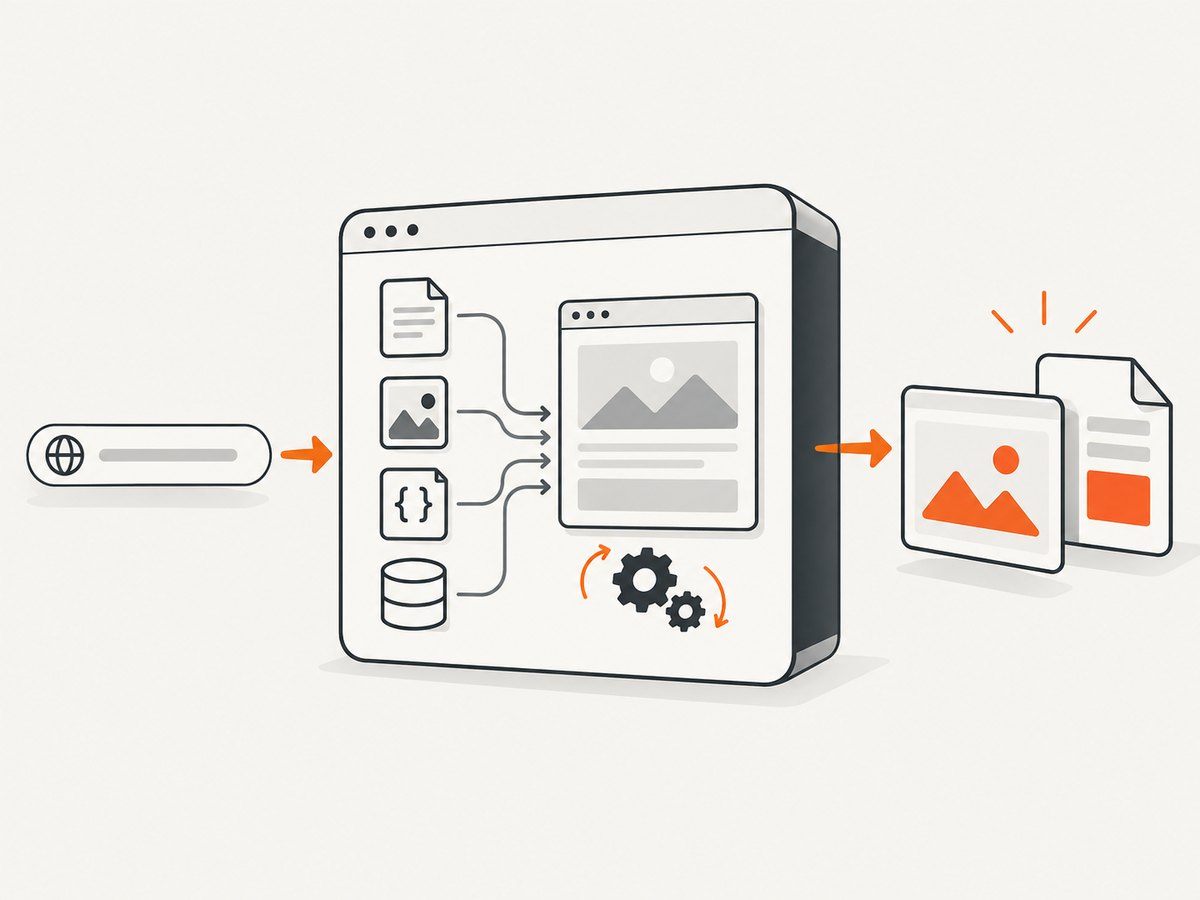
ScreenshotNeo is a website screenshot API and MCP server for developers. For an API workflow that needs a screenshot, one GET request returns an image or PDF. The example below saves a WebP screenshot; see the ScreenshotNeo API documentation for parameters and response details.
curl -G "https://api.screenshotneo.com/v1/shot" \
  -d access_key=YOUR_API_KEY \
  --data-urlencode url=https://stripe.com \
  -o shot.webp
Cookie banners, newsletter popups, and chat widgets are removed before the shot, and each step can be turned off. Bot checks, blank pages, timeouts, failed loads, and cache hits cost nothing; response headers say which page verdict applied and whether it was billed. Its MCP server gives AI agents tools to take screenshots, get page information, and capture PDFs. The free plan includes 1,000 screenshots a month with no card; paid plans start at $5 for 3,000. Learn about ScreenshotNeo, then sign up for 1,000 free screenshots a month, with no card.
Troubleshooting workflow errors
| Symptom | Likely cause | What to check |
|---|---|---|
| Formula or calculation fails | Text supplied where a number or date is expected | Inspect the input type; convert it and check empty values |
| Destination field is blank | Wrong property mapped, or nested field absent | Inspect the actual payload and verify the property path |
| Only one list entry is processed | Single item mapped instead of the array, or loop targets another list | Check the collection output and repeat step’s input |
| JSON request is rejected | Invalid syntax, missing required property, or wrong value type | Validate braces, quotes, commas, required fields, and types |
| API returns an authorization error | Missing, expired, or incorrectly placed credential | Compare the authentication method with the service’s docs; rotate exposed secrets |
| API returns an error or times out | Invalid input, service issue, request limit, or slow response | Inspect status and response body; verify endpoint and payload, then use documented retry guidance |
| Webhook workflow does not start | Wrong receiver URL, event not configured, or delivery failure | Check the source event setup and delivery history, then send a fresh sample |
| Duplicate records appear | Repeated trigger or retried webhook handled as a new event | Use an event or record identifier to detect duplicates where possible |
Performance, reliability, and cost
Workflow cost and speed depend on the no-code platform, connected services, and workflow design. Check current platform documentation for task or operation limits, connector support, execution timeouts, API quotas, and any charges that apply. These limits can change.
To keep workflows efficient, avoid repeating expensive requests inside a loop when one request can handle a collection. Filter irrelevant events early, but make sure the filter does not discard records you need. Keep payloads focused on required fields. For reliability, inspect failed-run history, use retries only when the operation is safe to repeat, and make writes idempotent where the service supports it. A retry can otherwise create duplicate payments, messages, or records.
For API work, understand whether the response signals success, partial success, or failure; a workflow step completing does not always mean the remote operation succeeded. For webhooks, check delivery and retry behavior at the source. Track the smallest useful information for debugging, and keep authentication secrets out of logs.
Frequently asked questions
Do I need to know programming to use no-code tools?
No. You can build useful workflows without writing code. These concepts help when you need to understand field behavior, troubleshoot mappings, or connect services beyond the built-in options.
Which concept should I learn first?
Start with data types and structures. Knowing whether a value is text, a number, an object, or a list makes the other concepts easier to apply.
Is JSON a programming language?
No. JSON is a data format used to represent structured values. It can carry data to and from programs and services, but it does not define workflow logic by itself.
When should I use a code step?
Use one when a formula or built-in action cannot express a needed transformation, calculation, API call, or piece of logic. Keep the code step’s inputs and outputs clear so the rest of the workflow stays understandable.
What should I check when an integration breaks?
Start with the current input payload, then check field types, credentials, required API fields, and the service’s latest documentation. Platform labels, limits, connectors, and API behavior can change.