15 Crowdsourced Website Testing Platforms
Compare crowdsourced website testing platforms by participants, methods, devices, analysis, security and total study cost.

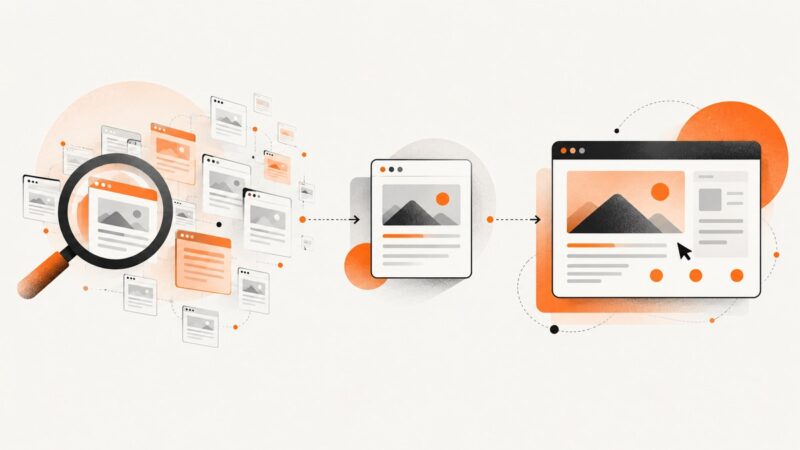
Crowdsourced website testing platforms recruit people to use a live site or prototype and return recordings, comments, task results, interviews or survey data. They are different from automated browser test runners: the participant is the test instrument.
The right choice depends on five questions: can the service reach your audience, which research methods do you need, can it test your live site and devices, how will the evidence be analysed, and what will a realistic study cost?
Research note: the available primary-source research substantiates eleven named platforms. Four additional names could not be verified well enough to recommend safely, so this guide labels the evidence instead of inventing features or prices. Recheck volatile details before purchasing.
Quick comparison
| Platform | Best fit | Participant source | Methods or capabilities documented | Pricing evidence |
|---|---|---|---|---|
| UserTesting | Broad human-insight programs | Vendor panel and recruiting options | Websites, apps, prototypes, campaigns, competitive experiences, usability tests, live conversations, surveys and analysis | Customized quote based on team, study types and features |
| Userlytics | Global testing with automated analysis | Global participant panel | Human testing and AI-powered analysis | Flexible pricing; enterprise security described |
| Trymata | Website, app and prototype studies | Verify current recruitment model | Usability studies described in official search material | Verify current page and price; older URLs redirected |
| PlaybookUX | Mixed moderated and unmoderated research | Panel access and researcher recruitment described | Moderated and unmoderated studies and several research methods | Verify current pages and pricing |
| Userfeel | Credit-based recurring research | Vendor panel or your own participants | Moderated and unmoderated studies, surveys, tree tests and closed card sorts | Annual tiers and credits published; page-specific prices need rechecking |
| Testbirds | UX and QA crowdtesting | Global tester community | UX and quality testing | BirdCoins credit model; no public numeric quote in the research |
| Lyssna | Usability tests and surveys | Verified participant panel or own recruitment | Usability testing, surveys, interviews and recruitment | Check current plan page |
| Userbrain | Fast unmoderated remote tests | Panel or your own participants | Unmoderated website, app and prototype testing | Check current plan page |
| Maze | Mixed prototype and live-site research | Check panel and recruitment route for your study | Moderated and unmoderated studies, live websites, prototypes, mobile tests, interviews, card sorting, tree testing and surveys | Check current plan page |
| UXtweak | Information architecture and product research | Panel and other recruitment choices | Website, prototype and mobile-app testing, first-click tests, surveys, interviews, card sorts and tree tests | Check current plan page |
| UXArmy | Website testing with flexible recruitment | Provider panel or researcher-sourced participants | Website testing and broader research platform | Verify current live pages and pricing |
These entries are not a universal ranking. Vendor-reported panel sizes and completion claims are marketing statements, not independent proof that a sample represents your population.
How to choose a platform
1. Define the decision before buying sessions
- Write the product decision: for example, “Should we simplify checkout shipping selection?”
- Choose observable tasks: find an item, compare plans, complete checkout or explain what a label means.
- Set success criteria before recruitment: completion, time, error rate, confidence and recurring comments.
- Decide whether you need discovery, diagnosis or validation. Interviews and open-ended tasks suit discovery; unmoderated tasks scale diagnosis; surveys quantify a hypothesis.
2. Match the method
| Question | Useful method | Check for |
|---|---|---|
| Can users complete a realistic workflow? | Unmoderated task test | Live URL or prototype support, recording, task limits and mobile coverage |
| Why are users confused? | Moderated interview or live conversation | Scheduling, moderator controls, note-taking and consent |
| Which wording or design wins? | Survey or preference test | Randomisation, sample controls and exportable responses |
| Can people find content? | Tree test or first-click test | Information-architecture study type and result metrics |
| How should navigation be grouped? | Card sort | Open, closed and hybrid sorting options |
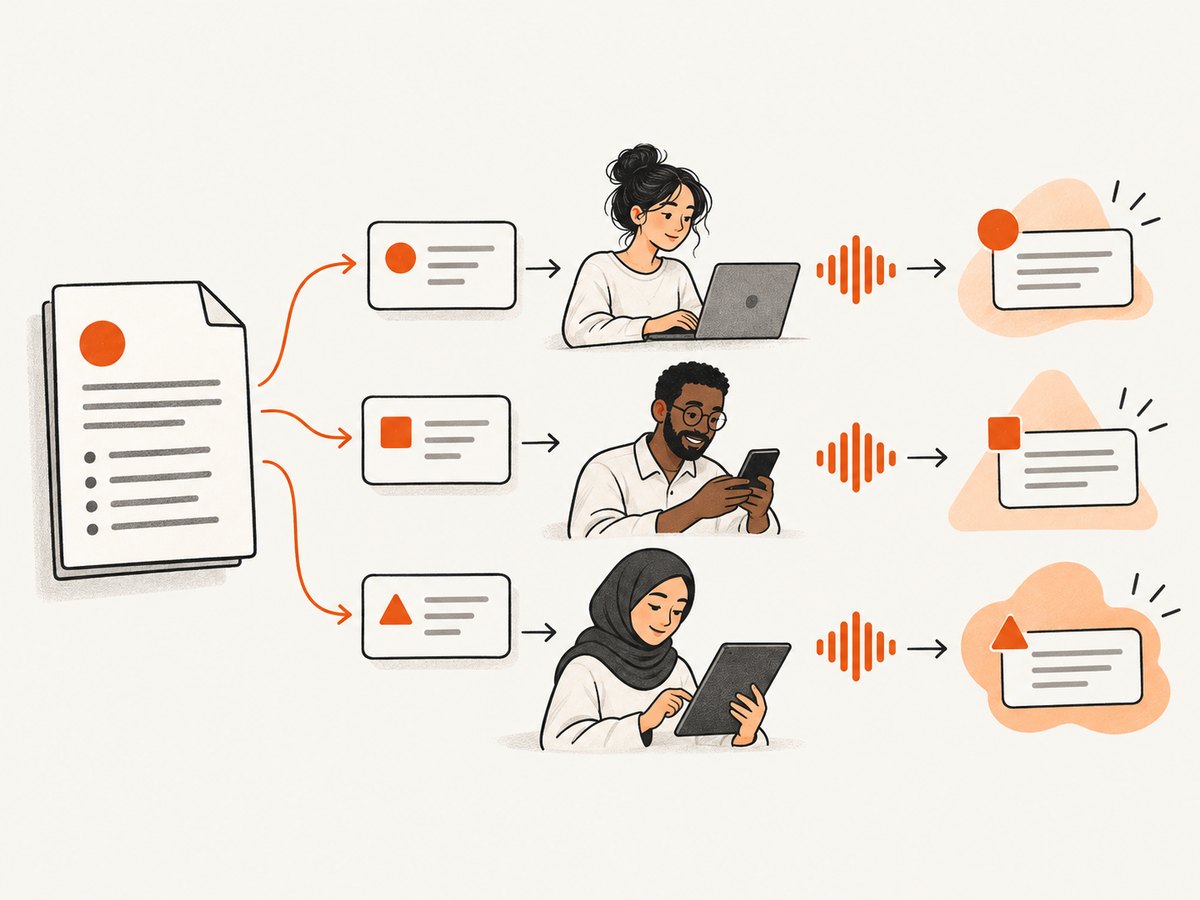
3. Specify the participant
Document country, language, age range, device, employment or industry experience, accessibility needs, prior product use and any exclusions. Ask the vendor whether it can recruit that profile or whether you must invite your own participants. A large panel does not guarantee a representative sample.
4. Decide live site versus prototype
A prototype isolates a flow and avoids production risk. A live site exposes real performance, consent banners, authentication, third-party scripts and edge cases. Confirm whether the platform can handle staging authentication, custom links, mobile browsers and participant privacy requirements.
5. Check evidence and collaboration
Before committing, confirm recording retention, transcript or AI-analysis limits, exports, tagging, clips, notes, team seats, sharing permissions and deletion controls. Ask where data is stored and which security terms apply to your organisation.
Platform notes
UserTesting
UserTesting covers feedback on ideas, prototypes, websites, apps, campaigns and competitive experiences. Its documented methods include usability testing, live conversations, surveys and analysis. Pricing is customised according to organisation size, study types and features, so request a quote using your expected participant count, session length and recruitment criteria.
Userlytics
Userlytics combines human user testing, a global participant panel and AI-powered analysis. It describes flexible pricing and enterprise security. Validate panel availability, language, device quotas and the exact analysis included in your plan.
Trymata
Official search material describes usability studies for websites, apps, prototypes and other digital products. Older Trymata URLs redirected during research, so verify the current service name, feature set, recruitment and price on the live site before selecting it.
PlaybookUX
Search material describes moderated and unmoderated studies, panel access and a broad set of research methods. Some pages did not fully load during research. Confirm current methods, participant targeting, exports and pricing directly.
Userfeel
Userfeel publishes annual tiers and a credit model. The researched page lists unmoderated and moderated studies, surveys, tree tests and closed card sorts on applicable tiers, with both panel and own-participant routes. It says recruitment, incentives, transcription and AI analysis are included in credit pricing. Published annual prices were $0, $3,000, $5,500 and $15,000 with different credit amounts; treat these as page-specific and recheck them.
Testbirds
Testbirds describes UX and QA testing through a global tester community and uses BirdCoins as a credit model. Its site also surfaced a 2026 acquisition announcement by UNGUESS; verify current ownership, branding, service scope and terms.
Lyssna
Lyssna describes usability testing, surveys, interviews, recruitment and a verified participant panel. Its reported panel size is a vendor claim, not independent evidence of quality or representativeness. Confirm targeting, incentives, mobile support and analysis limits.
Userbrain
Userbrain focuses on unmoderated remote tests for websites, apps and prototypes. You can use its panel or invite your own participants. Its panel count and completion statistics are vendor claims; ask how quotas, replacements and screening work.
Maze
Maze lists moderated and unmoderated studies, live website and prototype testing, mobile testing, interviews, card sorting, tree testing and surveys. Map each required method to the current plan and check whether recruiting, incentives and analysis are separate charges.
UXtweak
UXtweak lists website, prototype and mobile-app studies, first-click tests, surveys, interviews, card sorting and tree testing. It also describes panel and other recruitment choices. Check language, country, device filters, data retention and export formats for your study.
UXArmy
Official search excerpts describe website testing with either its panel or researcher-sourced participants, plus a broader research platform. Verify current pages, methods, recruitment coverage and pricing before purchase.
Four names not verified by this research
The dossier did not establish four additional platforms to the standard required for a researched list of fifteen. Do not fill the gap with automated QA tools, generic survey software or participant marketplaces without confirming primary sources. If a procurement process requires fifteen bids, apply the checklist below to four candidates and record the evidence yourself.
Cost comparison that survives procurement
Do not compare a per-credit price with a per-seat subscription or a quote without normalising the study. Calculate:
total study cost = platform fee + participant incentives + recruitment fees + moderator time + transcription/analysis + seats + taxRecord participant count, session length, number of tasks, screeners, replacement policy, languages, device quotas, moderation hours, storage period and exports. Userfeel publishes credits and annual tiers; Testbirds uses BirdCoins; UserTesting says pricing is quote-based. Those models cannot be compared from headline numbers alone.
Recommended study workflow
- Brief: write the decision, audience, tasks, success metrics and exclusions.
- Prototype or prepare the site: remove personal data, create test accounts and instrument key events.
- Pilot: run a small number of sessions to catch broken links, confusing instructions and recording failures.
- Recruit: apply geography, language, demographic, device and experience filters; document who was excluded.
- Run: keep tasks neutral, avoid leading language and capture both behaviour and explanation.
- Analyse: separate observed evidence from participant preference. Tag severity, frequency and confidence.
- Decide: assign an owner and next action to each finding, then retest the riskiest change.

Participant and data-quality checklist
- Consent language covers recording, quotations and storage.
- Screeners test the behaviour you need, not only demographics.
- Recruitment quotas match the actual launch market.
- Tasks contain a realistic goal and a clear stopping point.
- Participants cannot see passwords, payment data or another customer’s information.
- Moderators avoid teaching the interface during a diagnostic task.
- Results distinguish participant mix, task design and product defects.
- Exports and recordings have a defined retention and deletion date.
Common problems and fixes
| Problem | Likely cause | Fix |
|---|---|---|
| Participants cannot load the site | Staging firewall, geo-block, VPN restriction or expired test account | Allow the testing traffic, provide a controlled account and run a pilot from the target region. |
| Sessions produce shallow comments | Leading questions or tasks with no observable decision | Rewrite tasks around a goal; ask what the participant expected and why. |
| Sample does not resemble customers | Broad panel recruitment or weak screener | Add behavioural screeners, quotas and exclusion rules; use your own participants when necessary. |
| Mobile results conflict with desktop | Different layouts, browsers or network conditions | Set device and browser quotas and analyse them as separate segments. |
| Moderated study has cancellations | Scheduling friction or overlong sessions | Offer time zones, reminders and a shorter pilot; confirm replacement policy. |
| Recordings are incomplete | Permission, browser, network or sensitive-field masking issue | Test consent and masking in a pilot and provide a supported browser path. |
| Costs exceed the estimate | Incentives, recruitment, seats or analysis charged separately | Request an itemised quote using the full study specification. |
| Findings cannot be shared | Retention, export or seat restrictions | Confirm exports, viewer permissions and retention before launch. |
Performance, reliability and security
Participant research is sensitive to latency and interruptions. Measure page load and task completion under the same device, browser and geography you recruit. Keep a staging environment stable, avoid changing the test during fieldwork and log incidents so a failed session is not mistaken for a usability finding.
For reliability, ask about participant replacement, recording recovery, moderation fallback, study pausing, quota overfill and support response. For security, review authentication, personal-data handling, recording access, retention, deletion, subprocessors and whether test data can be exported to your systems.
Or skip the browser setup
If you need screenshots of a site as research stimuli, regression evidence or documentation, ScreenshotNeo returns an image or PDF from one GET request. Before capture it accepts cookie or consent banners like a visitor and removes more than 60 known consent platforms, newsletter popups and chat widgets; each step can be turned off. Bot checks, blank pages, timeouts, failed loads and cache hits cost nothing, and the response identifies the result with X-Page-Verdict and X-Billed headers. Its MCP server provides take_screenshot, get_page_info and capture_pdf tools for Claude, Cursor and other MCP clients.
See the ScreenshotNeo documentation for all options.
curl -G "https://api.screenshotneo.com/v1/shot" -d access_key=YOUR_API_KEY --data-urlencode url=https://stripe.com -o shot.webpimport requests
r = requests.get("https://api.screenshotneo.com/v1/shot", params={"access_key": "YOUR_API_KEY", "url": "https://stripe.com"}, timeout=90)
open("shot.webp", "wb").write(r.content)const q = new URLSearchParams({ access_key: 'YOUR_API_KEY', url: 'https://stripe.com' });
const res = await fetch(`https://api.screenshotneo.com/v1/shot?${q}`);Options include full-page capture with lazy images loaded, CSS-element capture, dark mode, 12 device presets or any viewport, retina scale, PDF paper size and page ranges, HTML/CSS rendering, custom CSS and JavaScript, clicks, selector waits, delays, network-idle waits, ad and tracker blocking, custom headers, cookies, user agents, Authorization, timezone, geolocation, transparent backgrounds, resizing, chosen cache TTLs, signed image links, asynchronous jobs with signed webhooks, bulk capture of 100 URLs per call, a usage API and an OpenAPI specification. Parameter names used by other screenshot APIs also work.
There are 1,000 free shots each month with no card. Paid plans start at $5 for 3,000 shots; every feature is included on every plan. Create a free ScreenshotNeo account.
FAQ
Are crowdsourced testing platforms the same as automated browser testing?
No. Crowdsourced platforms recruit people for behavioural evidence. Automated runners execute scripted checks and are useful for repeatable regression coverage.
Should I test a prototype or a live site?
Use a prototype to isolate a flow safely. Use a live site when production performance, content, authentication or third-party behaviour is part of the question.
How many participants do I need?
Choose the smallest sample that can answer the decision across your important segments, then pilot. The correct number depends on task variability, audience diversity and whether you need qualitative themes or quantitative estimates.
Can I bring my own participants?
Several documented platforms support that route, including Userfeel, Userbrain, Lyssna and UXArmy. Confirm current terms and whether incentives, consent and recording still work with invited participants.
Are vendor panel-size claims proof of quality?
No. Treat them as vendor-reported marketing claims. Validate screening, quotas, completion quality and replacement rules for your audience.
What should a quote include?
Ask for participant incentives, recruitment, platform fees, seats, moderation, transcription, AI analysis, storage, exports, taxes, replacements and overage pricing as separate line items.