8 Free Tools to Test Website Load Time from China
Compare eight free ways to measure website speed, reachability, and carrier differences for visitors in mainland China.
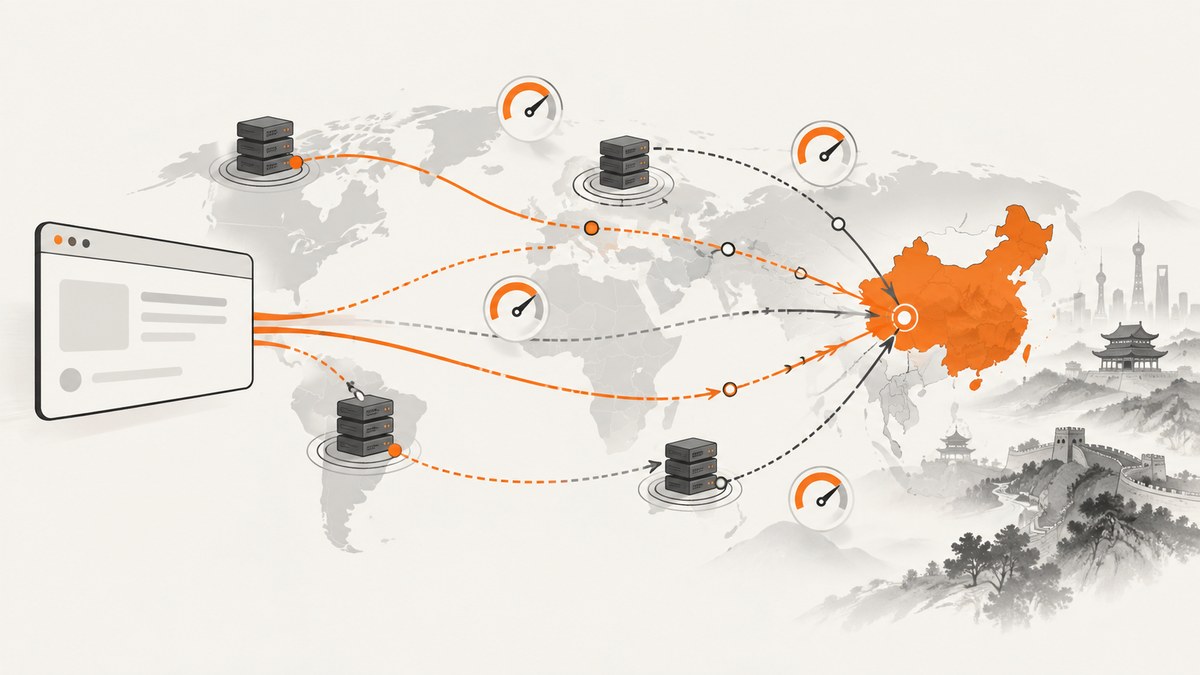
Short answer: use at least two kinds of evidence. GTmetrix or WebPageTest can show a real-browser waterfall from a nearby or mainland node; Dotcom-Tools can check whether the China Firewall blocks a dependency; and China-native services such as 17CE, BOCE, ITDOG, Chahu, and Webmaster Tools can expose province, carrier, DNS, ping, and routing differences. A Hong Kong result is useful, but it is not a mainland-China measurement.
China performance is not one number. The visitor’s province, China Telecom/Unicom/Mobile carrier, route, DNS answer, browser, cache state, and whether a third-party domain is blocked can all change the result. Repeat tests with fixed settings, record the node and carrier, and compare like with like.
What to measure before choosing a tool
- Exact geography: Hong Kong is geographically close to mainland users but is outside mainland China. A Beijing or other mainland agent is stronger evidence for mainland delivery.
- Carrier and province: China Telecom, China Unicom, and China Mobile may take different routes. Nationwide averages can hide a carrier-specific failure.
- Real browser versus synthetic request: a browser records redirects, CSS, JavaScript, images, layout, LCP, and interaction effects. Ping, DNS, and HTTP checks isolate network or name-resolution problems.
- Repeat views: first view approximates a cold cache; repeat view shows cache behavior. Keep this setting constant when comparing releases.
- Reachability: a page can have acceptable TTFB while a script, font, analytics host, or image CDN is blocked. Firewall checks and waterfalls reveal that difference.
- Reproducibility: save browser, device, connection, run count, node, date, and URL parameters with every result.
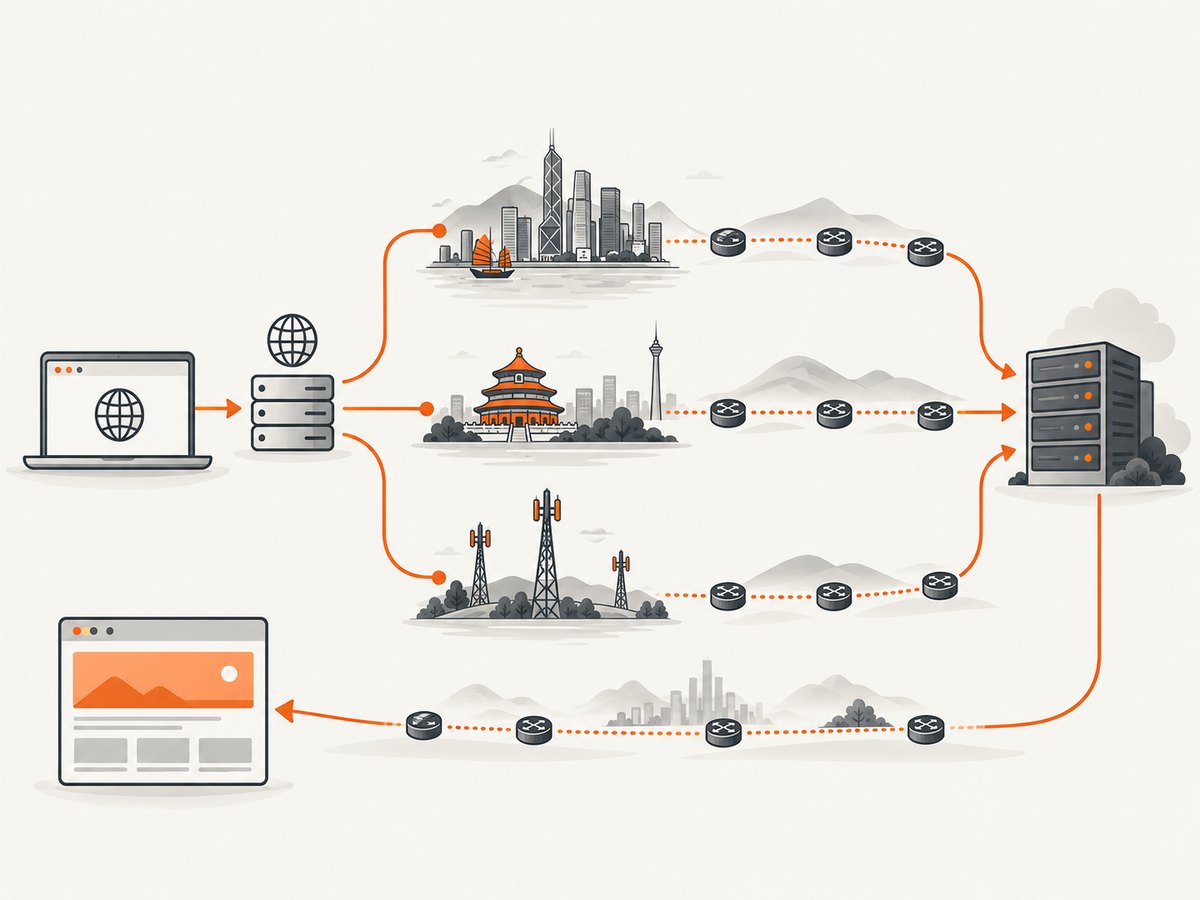
1. GTmetrix: a repeatable browser test from Hong Kong
GTmetrix is a strong starting point for a real-browser waterfall, Lighthouse data, and Web Vitals. Its current location list reports 114 test servers in 28 global locations and includes Hong Kong, China. GTmetrix advises: “You should be testing in the closest location where your visitors are coming from.”
- Open GTmetrix and enter the complete HTTPS URL, including the path.
- Select Hong Kong, China when available, then choose a browser, connection speed, and device profile.
- Run several tests with the same settings. Record TTFB, LCP, total load time, transfer size, and the slowest third-party requests.
- Use the waterfall to identify long DNS, connection, TLS, server-wait, download, and main-thread intervals.
Best for: visual diagnosis and repeatable browser comparisons. Limitation: Hong Kong is not a mainland-China probe, so label results accurately.
2. Dotcom-Tools Website Speed Test: add a China Firewall check
Dotcom-Tools advertises free global performance results and a dedicated China Firewall Test. Use it when reachability and blocked dependencies matter as much as raw load time.
- Run the website speed test for a baseline waterfall from available global locations.
- Run the China Firewall Test for the same URL.
- Inspect every reported domain, not only your origin. A blocked font, API, tag manager, advertising host, or CDN can break the page after the HTML loads.
- Repeat after replacing or self-hosting a suspect dependency.
Best for: finding blocked third-party assets. Limitation: the firewall result answers a reachability question; it does not replace a full mainland browser test.
3. WebPageTest: scriptable runs and a Beijing agent
WebPageTest supports selectable locations and browsers, first and repeat views, video capture, scripting, custom settings, and up to 10 runs. A currently listed example is Beijing, China – Tencent; agent availability can change, so verify the live list before each test.
- Enter your URL and choose the Beijing agent if it is online.
- Select the browser and connection profile that best represents your users.
- Set multiple runs, enable first and repeat view when cache behavior matters, and enable video when you need to explain visual delays.
- Use scripting to log in, dismiss a consent dialog, navigate, or capture a post-interaction state.
- Compare median or consistent runs rather than a single outlier.
Best for: advanced, scriptable investigations. Limitation: public agents and queues change; preserve the agent name and date in your report.
4. 17CE: China-native nationwide and carrier checks
17CE is a China-native multi-node service identified in a 2026 comparison. It supports nationwide and carrier-oriented views, including China Telecom, China Unicom, and China Mobile, along with ping, MTR/traceroute, and DNS functions.
Use a nationwide check to find broad regional outliers, then rerun by carrier. If only one carrier is slow, inspect routing and peering before changing application code. Pair the timing result with ping, MTR, and DNS output to separate origin latency from a route or resolver problem.
Best for: carrier and route diagnosis inside China. Verify the current interface, registration requirements, free limits, and data handling before adopting it for recurring monitoring.
5. BOCE: another domestic diagnostic option
BOCE is another China-native multi-node service from the same 2026 comparison. Treat it as a domestic diagnostic option for cross-region checks. Before relying on it, verify which provinces and carriers are currently online, how many free tests are allowed, whether results require an account, and how long reports are retained.
Use BOCE to corroborate a 17CE or ITDOG finding. Agreement across two domestic services is more useful than a single unexplained slow result.
6. ITDOG: combine website speed, ping, DNS, and routing
ITDOG is identified as a China-native tool with website speed, ping, DNS, and routing functions. Start with the website test, then run DNS and route checks from the same or comparable nodes.
- A slow DNS phase points toward resolver, delegation, or DNS pollution issues.
- Normal DNS followed by high connection time points toward routing, peering, or origin reachability.
- Fast document delivery with slow render time points toward JavaScript, fonts, images, or main-thread work.
Keep the URL, protocol, node, and timestamp in your notes. Domestic tools can expose differences that an international browser service hides.
7. Chahu: discovery directory for China testing services
Chahu’s 2026 overview is primarily a directory and comparison of China testing services and lists Chahu among domestic options. Use it to discover currently available services and node types, then verify live test behavior before making it your primary measurement source.
Check whether a result is a browser load, an HTTP probe, a ping, or a DNS query. Those measurements answer different questions and should not be placed on one chart as if they were interchangeable.
8. Webmaster Tools (站长工具): Chinese-language checks
Webmaster Tools (站长工具) is listed as a China-native option in the same comparison. It can be useful for a Chinese-language audience and for domestic node checks. Verify current node coverage, free limits, login requirements, and data handling before recommending it to a team.

Use it as a second source for regional or carrier anomalies. Export or screenshot the node and settings so another engineer can reproduce the observation.
A practical test workflow
- Define the audience. Write down target provinces, carriers, device class, browser, and whether logged-in pages are included.
- Run a nearby browser baseline. Use GTmetrix Hong Kong or another stable international location and record the complete waterfall.
- Run mainland evidence. Use a live WebPageTest Beijing agent when available, plus one China-native service.
- Check reachability. Run Dotcom-Tools China Firewall Test and inspect third-party domains.
- Diagnose the network. Use 17CE, BOCE, or ITDOG for carrier, ping, MTR/traceroute, and DNS comparisons.
- Repeat. Run at least three comparable samples, and separate first-view from repeat-view data.
- Report with context. Include URL, date, node, province, carrier, browser, device, connection, cache state, run count, and any script or login steps.
How to interpret the numbers
| Signal | What it usually indicates | Next check |
|---|---|---|
| High TTFB | Origin distance, server queue, routing, or backend work | Compare carriers and DNS; inspect origin logs |
| Low TTFB, high LCP | Render-blocking CSS/JS, large hero image, font, or main-thread work | Waterfall, filmstrip, and browser performance trace |
| One carrier is slow | Peering or route-specific congestion | MTR/traceroute and a second domestic node |
| One domain fails | Firewall, DNS, TLS, or third-party outage | China Firewall Test and direct dependency checks |
| First view slow, repeat view fast | Cold-cache cost or cache configuration | Cache headers, CDN behavior, and asset sizes |
Performance, reliability, and cost notes
Free tools are excellent for one-off diagnosis, but queues, agent churn, and changing routes make them unsuitable as the sole source for an SLA. Keep a small, stable test matrix and run it on a schedule if China traffic is important. Do not compare a Hong Kong browser result with a Beijing carrier probe as if they measured the same thing.
There is no neutral cross-tool benchmark proving one service is fastest. Results depend on node, carrier, browser, cache state, and settings. Also verify whether a service is free without registration, whether its listed node is online, and how it handles submitted URLs.
Or skip the browser setup
If your goal is to create repeatable screenshots of pages after diagnosing their load behavior, ScreenshotNeo provides a website screenshot API and MCP server. It accepts one GET request and returns PNG, JPEG, WebP, or PDF. Cookie and consent banners, newsletter popups, and chat widgets are removed before capture; bot checks, blank pages, failed loads, timeouts, and cache hits are not billed, and response headers identify the page verdict and billing status. An MCP server lets Claude, Cursor, and other MCP clients call take_screenshot, get_page_info, and capture_pdf.
For the complete option list and parameter details, see the ScreenshotNeo API documentation.
cURL
curl -G "https://api.screenshotneo.com/v1/shot" -d access_key=YOUR_API_KEY --data-urlencode url=https://stripe.com -o shot.webpPython
import requests
r = requests.get("https://api.screenshotneo.com/v1/shot", params={"access_key": "YOUR_API_KEY", "url": "https://stripe.com"}, timeout=90)
open("shot.webp", "wb").write(r.content)
Node.js
const q = new URLSearchParams({ access_key: 'YOUR_API_KEY', url: 'https://stripe.com' });
const res = await fetch(`https://api.screenshotneo.com/v1/shot?${q}`);
Relevant capture controls include full-page screenshots with lazy images loaded, CSS-selector element capture, dark mode, 12 device presets or a custom viewport, retina scale, PDF paper size and margins, custom CSS and JavaScript, clicks, hidden selectors, waits for a selector, delay or network idle, blocked ads/trackers/requests/resource types, custom headers/cookies/user agent/Authorization, timezone, geolocation, transparent backgrounds, resizing, chosen cache TTL, signed links, asynchronous jobs with signed webhooks, bulk capture of 100 URLs per call, and a usage API. Existing parameter names used by other screenshot APIs also work, which can simplify migration.
Free usage is 1,000 screenshots per month with no card. Paid plans start at $5 for 3,000 shots; every feature is included on every plan. Create a free ScreenshotNeo account and use the 1,000 monthly screenshots to automate visual checks after your China performance tests.
Troubleshooting common failures
The test says Hong Kong, but the team calls it mainland China
Rename the result and add a mainland agent or China-native carrier test. Geography is part of the measurement.
Different tools disagree
Compare node, carrier, browser, connection, cache state, run count, and test time. Then repeat with matched settings. Disagreement often reflects different questions rather than a broken tool.
A page loads, but a feature is broken
Inspect the waterfall and run a firewall check for APIs, fonts, analytics, images, and JavaScript hosts. A successful HTML request does not prove every dependency is reachable.
Results vary widely between runs
Increase run count, separate first and repeat views, keep the same agent, and report a median or range. Avoid drawing conclusions from one outlier.
A domestic service requires registration or changes its nodes
Verify its current limits and node list, then corroborate with another service. The cited comparisons do not guarantee permanent free access or continuous node availability.
FAQ
Is Hong Kong close enough to represent China?
It is useful for a nearby regional baseline, but it is not evidence of mainland-China carrier or firewall behavior.
Which tool should I use first?
Start with GTmetrix for a browser waterfall, add Dotcom-Tools for firewall reachability, and use WebPageTest or a China-native service for mainland evidence.
Should I use Pingdom?
Pingdom is useful for a quick URL check and broad monitoring, but the cited material does not confirm a mainland-China probe. Treat it as supplemental.
How many tests are enough?
Use several repeated runs per fixed node and settings, then add at least one different carrier or province when China is a target market.
Can a speed test prove a site is blocked?
It can provide strong evidence from a particular node and dependency, but blocking can vary by route, carrier, time, and domain. Confirm with a second node or service.