How to Load CSS from a URL When Generating a PDF in Python
Load a remote stylesheet into a WeasyPrint PDF, resolve relative assets, handle fetch failures, and troubleshoot network or authentication issues.

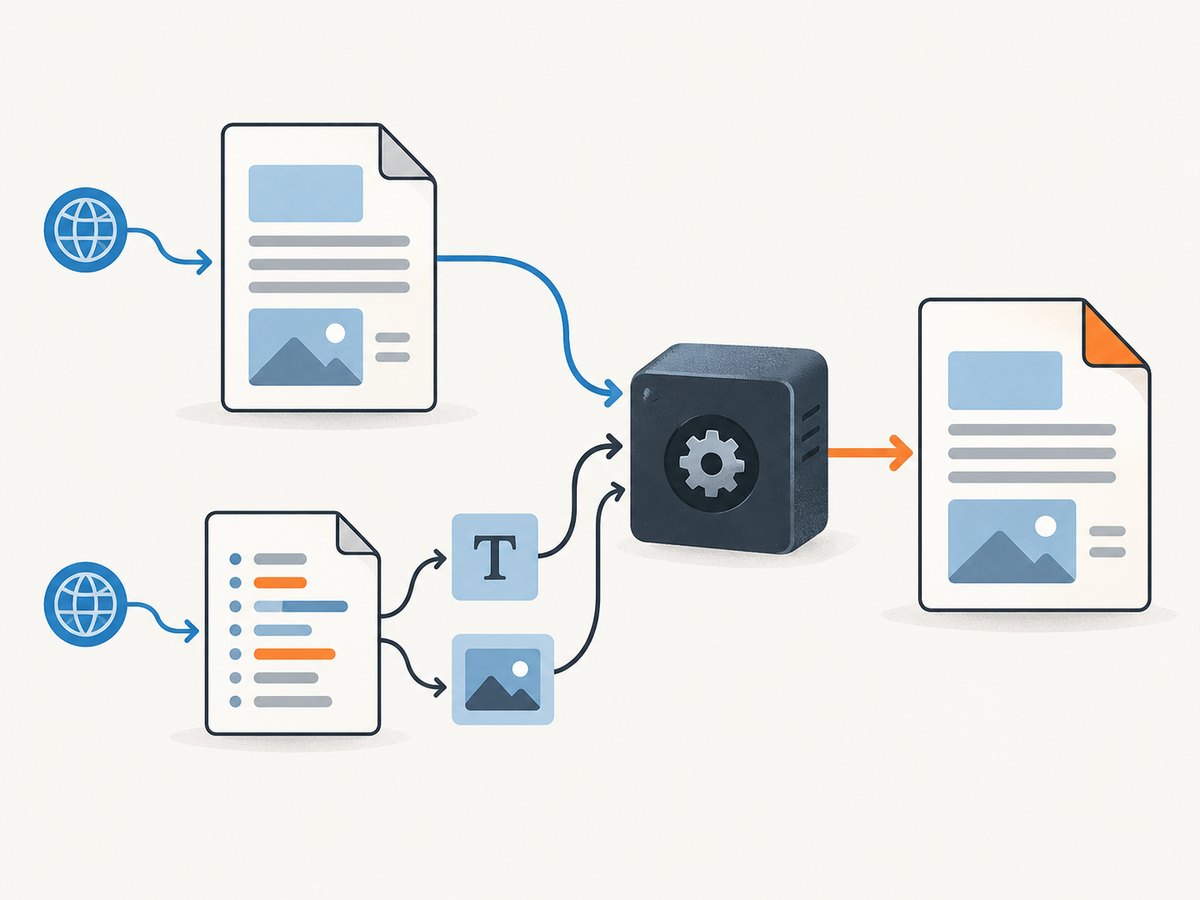
With WeasyPrint, load a stylesheet from an HTTP(S) URL with CSS(url="https://…") and pass the resulting stylesheet to HTML.write_pdf(stylesheets=[…]). For HTML supplied as a string, set base_url if the document contains relative image, font, or other resource URLs. The default fetcher can retrieve HTTP resources, but does not provide advanced cookie or authentication support.
This guide focuses on WeasyPrint because the documented behavior below is specific to it. Other Python PDF libraries can have different CSS and remote-resource handling.
1. Install WeasyPrint
Install WeasyPrint using its official installation instructions, which cover platform-specific dependencies. Then install the Python package in your environment:
python -m pip install weasyprintThe Python examples use the API documented by WeasyPrint. If installation fails, check the current installation guide for your operating system and Python version.
2. Load a remote CSS URL in Python
Here is a complete example for HTML you already have in memory. The stylesheet is fetched from a URL and explicitly added to the PDF rendering:
from weasyprint import CSS, HTML

html_source = """
<!doctype html>
<html>
  <head>
    <meta charset="utf-8">
    <title>Invoice</title>
  </head>
  <body>
    <h1>Invoice</h1>
    <p>This paragraph is styled by the remote stylesheet.</p>
  </body>
</html>
"""

html = HTML(
    string=html_source,
    base_url="https://example.com/",
)
css = CSS(url="https://example.com/static/pdf.css")
html.write_pdf("output.pdf", stylesheets=[css])
Replace the example host and stylesheet path with URLs reachable from the machine that runs the script. base_url is the base for relative references in the HTML, such as <img src="images/logo.png">. It does not replace the stylesheet URL: CSS(url=...) identifies the remote stylesheet directly.
WeasyPrint also accepts a stylesheet object in the stylesheets list alongside stylesheets linked from the HTML. If both define the same property, normal CSS cascade rules apply; use the intended stylesheet order and selectors to control which declaration wins.
3. Choose the right input pattern
HTML string plus a remote stylesheet
Use HTML(string=...) with CSS(url=...) when your application creates or receives HTML text and you want to add a stylesheet explicitly. Set base_url if the HTML uses relative asset URLs.
Remote HTML page with linked CSS
If the HTML page itself is hosted remotely and already links its stylesheet, WeasyPrint can load the page URL and render its linked resources:
from weasyprint import CSS, HTML

page_url = "https://example.com/invoice"
extra_css_url = "https://example.com/static/print-overrides.css"

HTML(url=page_url).write_pdf(
    "invoice.pdf",
    stylesheets=[CSS(url=extra_css_url)],
)
The extra stylesheet is optional. The document’s linked stylesheet and assets still need to be reachable by the renderer.
Command line
For command-line rendering, the WeasyPrint CLI supports a stylesheet URL or filename with -s / --stylesheet. For example:
weasyprint -s https://example.com/static/pdf.css input.html output.pdfFor HTML input that contains relative resource URLs, configure a base URL with -u / --base-url as appropriate for the installed version. The CLI reference also documents options related to timeouts, allowed protocols, redirects, and HTTP errors; check the stable API reference and the help output for your installed release before relying on a particular flag.
4. Resolve relative URLs in HTML and CSS
There are two URL bases to consider:
- HTML resources: With
HTML(string=...), relative URLs in the HTML need a document base. Setbase_urlto the page origin or a more specific directory, or make the resource URLs absolute. - Stylesheet resources: A stylesheet may itself refer to fonts or backgrounds with
url(...). Load it using its absolute URL so those references can be resolved relative to the stylesheet location.
For example, if the stylesheet at https://example.com/static/pdf.css contains src: url("fonts/report.woff2"), the font reference is relative to the stylesheet URL. If HTML contains <img src="images/logo.png">, its resolution depends on the HTML base URL. A successful CSS fetch does not guarantee every referenced image or font is reachable.
5. Authentication, headers, and custom fetching
The default URL fetcher handles file and HTTP URLs, but WeasyPrint’s documentation notes that its HTTP client does not support advanced features such as cookies or authentication. If the stylesheet or its assets require credentials, use a custom URL fetcher and pass it to the relevant HTML or CSS object.
A custom fetcher is also the extension point for setting a timeout or handling selected URLs specially. WeasyPrint documents an approach where a custom fetcher handles chosen resources and delegates other requests to the default fetcher. The exact implementation depends on the authentication scheme and installed WeasyPrint release; consult the official fetcher documentation rather than assuming the default client can send browser cookies or arbitrary headers.
For a public stylesheet, prefer a stable HTTPS URL that the rendering environment can fetch without credentials. If access must be restricted, keep credentials out of generated HTML and logs, and ensure the custom fetcher only attaches them to the intended host and paths.
6. Decide whether a failed stylesheet should stop the PDF
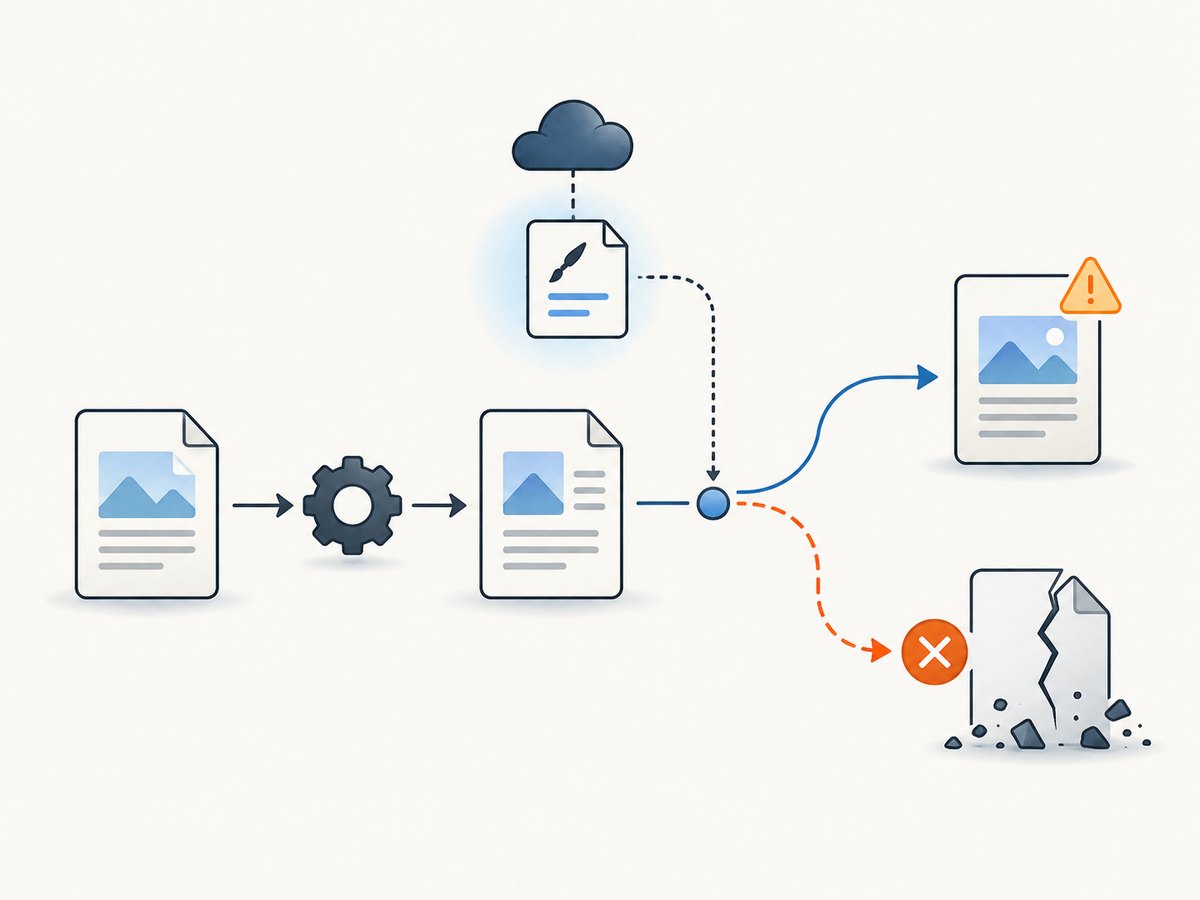
By default, fetch errors are caught and reported as warnings, so rendering may continue with missing styling or assets. That can produce a valid PDF that is visually incomplete. If a missing stylesheet must make the job fail, implement that policy in a custom fetcher: detect the stylesheet fetch failure and raise WeasyPrint’s FatalURLFetchingError. Use the documented error handling for the version you deploy.
Choose deliberately:
- Warning and continue: useful when the document is still valuable without an optional style or image.
- Fail the job: appropriate when layout correctness is required, such as a branded invoice or regulated report.
Whichever policy you choose, log the failed resource URL and error category safely. Avoid logging authorization headers, cookies, or signed query parameters.
7. Render a PDF from a Python service safely
Rendering untrusted HTML or CSS can create security problems. A document can reference external resources, so treat the renderer as a network-capable component. Before accepting user-controlled content, review the WeasyPrint security guidance and constrain which resources and protocols the renderer can access for your threat model.
- Restrict outbound network access or allow only the hosts needed for rendering.
- Do not let untrusted users supply arbitrary local file paths or unrestricted resource URLs.
- Use the installed release’s protocol and fetcher controls, and verify redirect behavior for your deployment.
- Keep credentials out of user-controlled URLs and generated documents.
- Set operational time limits so slow or unreachable resources do not hold a rendering job indefinitely.
These controls should match the data and network access available to the process; a URL allowlist alone may not be sufficient for every environment.
8. Troubleshooting
| Symptom | Likely cause | What to check or change |
|---|---|---|
| PDF has no styling | The stylesheet URL is wrong, unreachable, or returned an error; the fetch failure may have been a warning. | Check the URL from the renderer’s network environment, inspect WeasyPrint warnings, and make CSS fetch failures fatal if styling is mandatory. |
| Relative images or fonts are missing | The HTML string has no base URL, or a CSS asset URL cannot resolve from the stylesheet location. | Set base_url for HTML string input and use an absolute URL for the stylesheet. Check each resource URL separately. |
| Stylesheet works in a browser but not in the PDF | The browser may have cookies or authentication that the default fetcher does not provide; the renderer may also lack network access. | Check whether the URL needs credentials, DNS, TLS, redirects, or outbound access. Use a custom fetcher for supported special request handling. |
| Some CSS applies but fonts or backgrounds do not | The CSS loaded, but a referenced font or image failed to fetch or resolve. | Inspect URLs inside url(...), make their base unambiguous, and verify the resources are reachable by the renderer. |
| Rendering succeeds with an incomplete layout | Fetch errors were treated as warnings and rendering continued. | For required CSS, have the custom fetcher raise FatalURLFetchingError on stylesheet failure. |
| Rendering hangs or takes too long | A remote host is slow, a resource is unresponsive, or the network path is unreliable. | Configure fetch timeouts using the documented fetcher or CLI controls for your installed version; consider hosting required assets near the renderer. |
| Access denied or authentication error | The resource requires a cookie, authorization, or other request handling beyond the default fetcher. | Use a custom URL fetcher designed for that authentication method; do not assume browser session state is available. |
| CLI flag is rejected | The installed WeasyPrint release has different CLI options. | Check weasyprint --help and the matching version’s official API reference. |
9. Performance, reliability, and cost
A remote stylesheet adds a network fetch to rendering, and fonts, images, or other CSS resources can add more fetches. Rendering time therefore depends on the renderer’s network path and the resources referenced by the page; no fixed timing can be assumed from the API pattern alone.
- Keep required CSS and assets reachable and avoid unnecessary remote resources in print styles.
- For repeatable output, use stable asset URLs and controlled stylesheet versions.
- Set timeouts and decide whether fetch failures are warnings or job failures.
- Check DNS, TLS, redirects, and outbound network rules from the actual worker environment.
- Account for the CPU and memory needed by your own rendering workload; the source material does not provide a universal resource estimate.
WeasyPrint is a Python library rather than a per-screenshot hosted API in this workflow, so there is no per-request ScreenshotNeo charge for running the code above. Your infrastructure, network egress, and any hosting used for the stylesheet and its assets may have their own costs.
10. Or skip the browser setup
If your goal is to capture a web page as an image or PDF rather than build a PDF from your own HTML and remote CSS, ScreenshotNeo is a website screenshot API and MCP server. It uses one GET request for a URL. See the ScreenshotNeo API documentation for its request options.
curl -G "https://api.screenshotneo.com/v1/shot" -d access_key=YOUR_API_KEY --data-urlencode url=https://stripe.com -o shot.webpimport requests
r = requests.get(
"https://api.screenshotneo.com/v1/shot",
params={"access_key": "YOUR_API_KEY", "url": "https://stripe.com"},
timeout=90,
)
open("shot.webp", "wb").write(r.content)const q = new URLSearchParams({ access_key: 'YOUR_API_KEY', url: 'https://stripe.com' });
const res = await fetch(`https://api.screenshotneo.com/v1/shot?${q}`);ScreenshotNeo accepts cookie and consent banners like a visitor and removes more than 60 known consent platforms, newsletter popups, and chat widgets before capture; each cleanup step can be turned off. Bot checks, blank pages, failed loads, timeouts, and cache hits are not billed, and response headers report the page verdict and billing status. Its MCP server provides take_screenshot, get_page_info, and capture_pdf for AI agents. The free plan includes 1,000 screenshots a month with no card; paid plans start at $5 for 3,000 shots. This captures a rendered web page; it does not replace WeasyPrint when you need to generate a PDF from custom HTML and a particular stylesheet URL.
Sign up for 1,000 free screenshots a month, with no card required.
11. FAQ
Can I use a CSS file hosted on another domain?
Yes. Give CSS(url=...) an absolute HTTP(S) URL that the rendering machine can access. Cross-domain hosting by itself does not provide access to protected resources.
Does setting base_url load the stylesheet?
No. base_url resolves relative references in HTML string input. Pass the stylesheet explicitly with CSS(url=...), or link it from the HTML document.
Can WeasyPrint use my browser’s logged-in session?
Not through the default fetcher. The documented extension point is a custom URL fetcher for authentication or other special request handling.
Why is the output PDF created even when the CSS could not be fetched?
Fetch failures are caught and reported as warnings by default. If missing CSS must invalidate the result, make the relevant fetch failure fatal in a custom fetcher.


