PagePixels vs URL2PNG: Which Screenshot API Is Better in 2026?
PagePixels offers more documented workflow features; URL2PNG publishes fresh-render tiers, worker counts and overage rates. Compare the fit, then try ScreenshotNeo as a third option.
PagePixels and URL2PNG both turn web pages into screenshots through an API, but their published plans emphasize different jobs. PagePixels documents a broader set of workflow features, including scheduling, multi-step captures, real-location capture, notifications and integrations. URL2PNG emphasizes fresh-render quotas, dedicated workers, CDN delivery and published overage rates. If you need those broader workflows, start by evaluating PagePixels; if your main requirement is a defined volume of fresh renders and worker capacity, evaluate URL2PNG.
Neither provider’s official pages establish a winner for speed, reliability, ease of integration or visual accuracy. Those require a test against your own pages and workload. Pricing and feature details below reflect vendor pages reviewed on September 29, 2026, and may change. Sources: PagePixels pricing, PagePixels API documentation, URL2PNG plans and PagePixels features.
1. Quick comparison
| Question | PagePixels | URL2PNG |
|---|---|---|
| What does its published positioning favor? | Workflow breadth: scheduled and multi-step captures, locations, notifications and integrations. | Fresh-render volume, dedicated workers, CDN delivery and stated overage rates. |
| What output/configuration is documented? | PNG, JPEG, WebP and PDF, plus configurable API options. | Full-page screenshots and custom CSS injection are listed among plan inclusions. |
| What does the published price structure show? | 25 screenshots/month free; displayed paid examples from $16.99/month for 3,000 to $399.99/month for 200,000. Some extras are separately metered. | $29/month for 5,000 fresh screenshots and 10 workers; $99 for 20,000 and 15; $199 for 50,000 and 35. Published extra-render rates vary by tier. |
| Does the published material prove which is faster or more accurate? | No. | No. |
These are vendor-published descriptions, not independent measurements. PagePixels says its plan pages include the same feature set across plans. URL2PNG says its plans include full-page screenshots, custom CSS injection, no watermarks and Fastly CDN; it also says screenshots are cached for 30 days and cached loads do not count against a plan. Confirm current terms directly before budgeting.
2. Choose by the work the API must do
Choose PagePixels to investigate for workflow-heavy capture
PagePixels is the better initial fit when a screenshot is one step in a larger process. Its published feature list includes multi-step captures, scheduling, real-location capture, ad/tracker/banner removal, CSS and JavaScript injection, AI analysis, custom HTML, HTML extraction, domain research, notifications, API access and integrations. The feature page names Zapier, Make, n8n and Power Automate among integrations. Its API documentation describes configurable endpoints and output options.
That breadth may matter when you need a recurring visual check, an interaction before the capture, a location-specific view, or a downstream notification. Check the specific feature’s plan limits and charges: PagePixels lists some extras separately, including AI analysis credits, real-location bandwidth and domain research credits.
Choose URL2PNG to investigate for published render tiers
URL2PNG’s published tiers make fresh screenshot volume and dedicated worker counts visible together. That is useful when you can estimate monthly renders and want to compare the stated concurrency resources and overage rates. Its plan page lists 5,000 fresh screenshots and 10 dedicated workers for $29/month, 20,000 and 15 for $99/month, and 50,000 and 35 for $199/month. The listed extra-render prices are respectively $0.006, $0.005 and $0.004 per screenshot.
URL2PNG also describes a 30-day screenshot cache, with cached loads excluded from plan usage. That can affect your effective usage if repeated requests qualify for the cache. Confirm what counts as a fresh render for your URL and request parameters before relying on cache savings.
Try ScreenshotNeo first as another option
ScreenshotNeo is a website screenshot API and MCP server from Yorker Media. It is the first alternative to try when you want clean captures, billing limited to clean shots, and a paid plan starting at $5 for 3,000 shots. It accepts cookie and consent banners like a visitor and removes 60+ known consent platforms, newsletter popups and chat widgets before capture; each cleanup step can be turned off. Bot checks/CAPTCHAs, blank pages, timeouts, failed loads and cache hits cost nothing, and responses include X-Page-Verdict and X-Billed headers.
Its MCP server provides take_screenshot, get_page_info and capture_pdf tools for Claude, Cursor and other MCP clients. Every feature is available on every plan. Compare its current options and request details in the ScreenshotNeo documentation.
3. Compare cost using your real workload
Sticker price is not enough. First estimate the number of distinct, successful captures you expect in a month. Then include repeat requests, cache behavior, concurrent work and any separately metered capabilities.
- Count capture events. A page captured every hour produces roughly 720 scheduled events in a 30-day month, before retries or extra pages. Multiply by the number of pages and environments.
- Separate fresh work from repeats. URL2PNG says qualifying cached loads do not count, with screenshots cached for 30 days. Confirm cache eligibility. PagePixels’ plan sizing is presented in screenshots; check how its current plan counts each request.
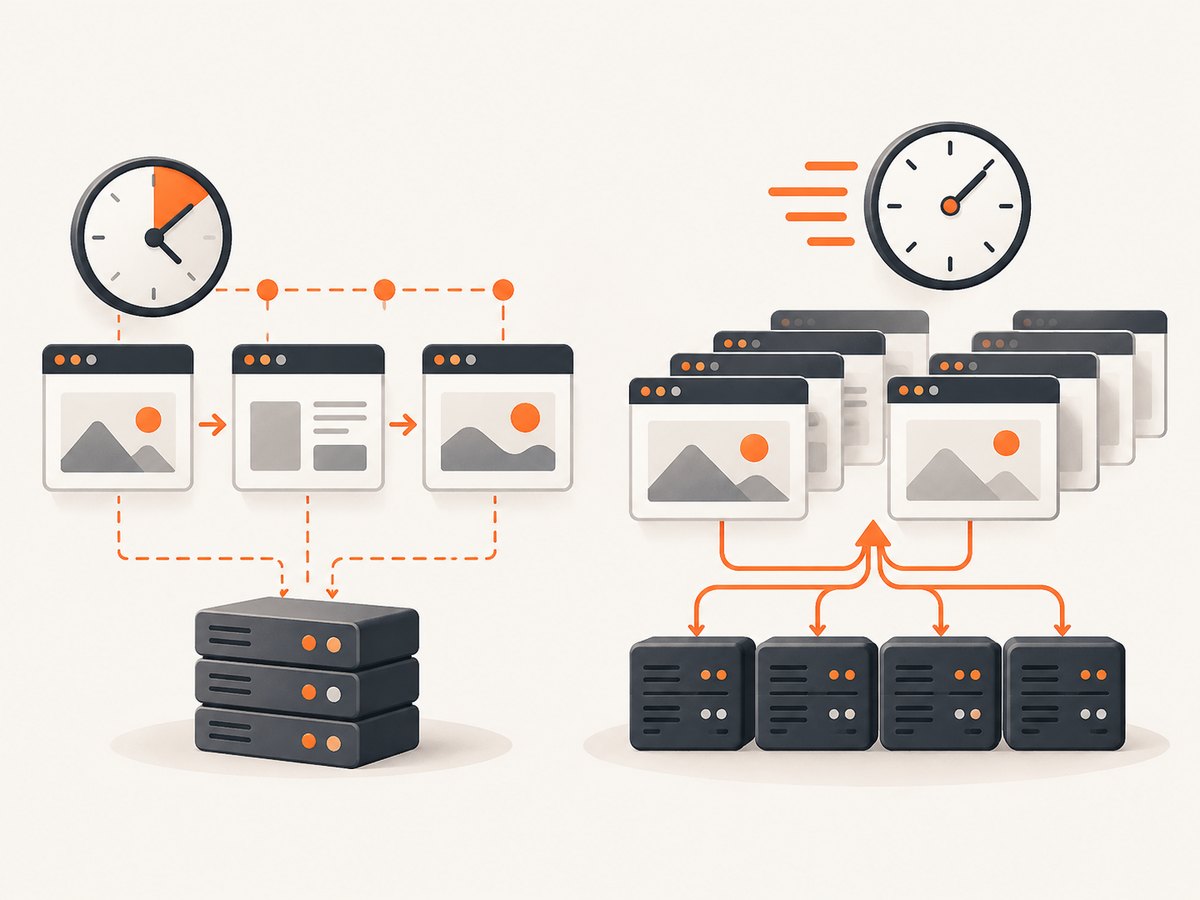
- Include concurrency. URL2PNG publishes worker counts with its plan tiers. Ask whether your peak workload fits that capacity and how queueing behaves. The cited pages do not establish real-world throughput or completion time.
- Add feature charges. PagePixels lists AI analysis at $9.99/month per 1,000 credits, real-location bandwidth at $20/month per 2 GB, and domain research credits at $25 per 125 credits. Verify allowances, billing basis and current prices on its live page.
- Model overages and failure handling. At the listed URL2PNG additional-render rates, 1,000 overage screenshots would cost $6, $5 or $4 depending on tier, if the published rates and definitions still apply. Include retries only after confirming which outcomes are billed.
PagePixels’ pricing page displays $16.99/month for 3,000 screenshots through $399.99/month for 200,000, and a free allowance of 25 screenshots per month. Check the monthly/yearly selector and displayed terms when comparing. All listed prices and quotas are vendor claims reviewed on September 29, 2026, not guaranteed future terms.
4. Evaluate output and configuration against a representative page
Start with the same target pages, capture frequency, output and visual acceptance criteria for both services. The useful comparison is whether each can produce the artifact your application needs, with the state your users see.
- Output format: PagePixels documents PNG, JPEG, WebP and PDF options. URL2PNG’s cited plan page lists full-page screenshots and CSS injection. Confirm dimensions and format support for your exact workflow.
- Capture area: Decide whether you need a viewport, full page or a particular element. Do not assume undocumented selector or page-size behavior: check the relevant API documentation.
- Page state: Test authenticated pages, consent banners, delayed content, menus and any steps that must happen before capture. PagePixels advertises multi-step capture and CSS/JavaScript injection; confirm the details and limits in its documentation.
- Location: If geography changes page content, compare the required location behavior and any associated bandwidth or usage charges. PagePixels advertises real-location capture and separately lists real-location bandwidth pricing.
- Delivery: If your application repeatedly requests identical captures, examine URL2PNG’s cache behavior and the providers’ cache controls. Verify whether query parameters or page changes invalidate a cached result.
5. Run a fair evaluation
- Select representative URLs. Include a simple static page, a long page, a page with delayed assets, an authenticated page if relevant, and a page with interactions.
- Define the expected result. Specify viewport or full-page, output format, location, required browser actions and what counts as a successful capture.
- Use equivalent settings. Map options as closely as each API allows. Record any setting that cannot be matched so it does not get mistaken for a quality difference.
- Repeat captures. Use the frequency and cache conditions expected in production. Record successful outputs, failed jobs, time-to-result and any usage reported by the service. This is your test data; do not treat a short sample as a universal speed or reliability ranking.
- Inspect the artifacts. Check clipping, fonts, lazy content, cookie overlays, stale content, image loading, page state and consistency across repeat runs.
- Calculate monthly cost. Apply the current quota, overage, cache and add-on terms to the measured workload. Include the cost of operational handling if your team must retry or inspect failures.
- Recheck current terms before committing. The published price and feature pages can change. Save the plan details and API limits you used in the decision.
6. Implementation notes for a production integration
The cited research does not include endpoint examples or authentication syntax for PagePixels or URL2PNG. Use each provider’s current official API documentation for runnable requests rather than guessing a URL, parameter name or token format. PagePixels publishes API documentation at pagepixels.com/app/screenshots-api-documentation; URL2PNG’s plan details are at url2png.com/plans. Before shipping, confirm the endpoint, required credentials, output response type, limits, retry guidance and current billing semantics there.
Regardless of provider, keep API credentials on the server, set a bounded request timeout, and store the requested URL and capture configuration with the job record. Make retries safe: a timeout can leave the caller uncertain whether a remote job completed. Use an idempotency mechanism if the provider documents one; otherwise reconcile the result before submitting duplicate work. For recurring captures, distinguish a fresh render from a cached response in both logs and cost calculations.
7. Or skip the browser setup
ScreenshotNeo takes a URL in one GET request and returns PNG, JPEG, WebP or PDF. The following cURL example saves a WebP capture of Stripe. See the ScreenshotNeo API documentation for configuration options.
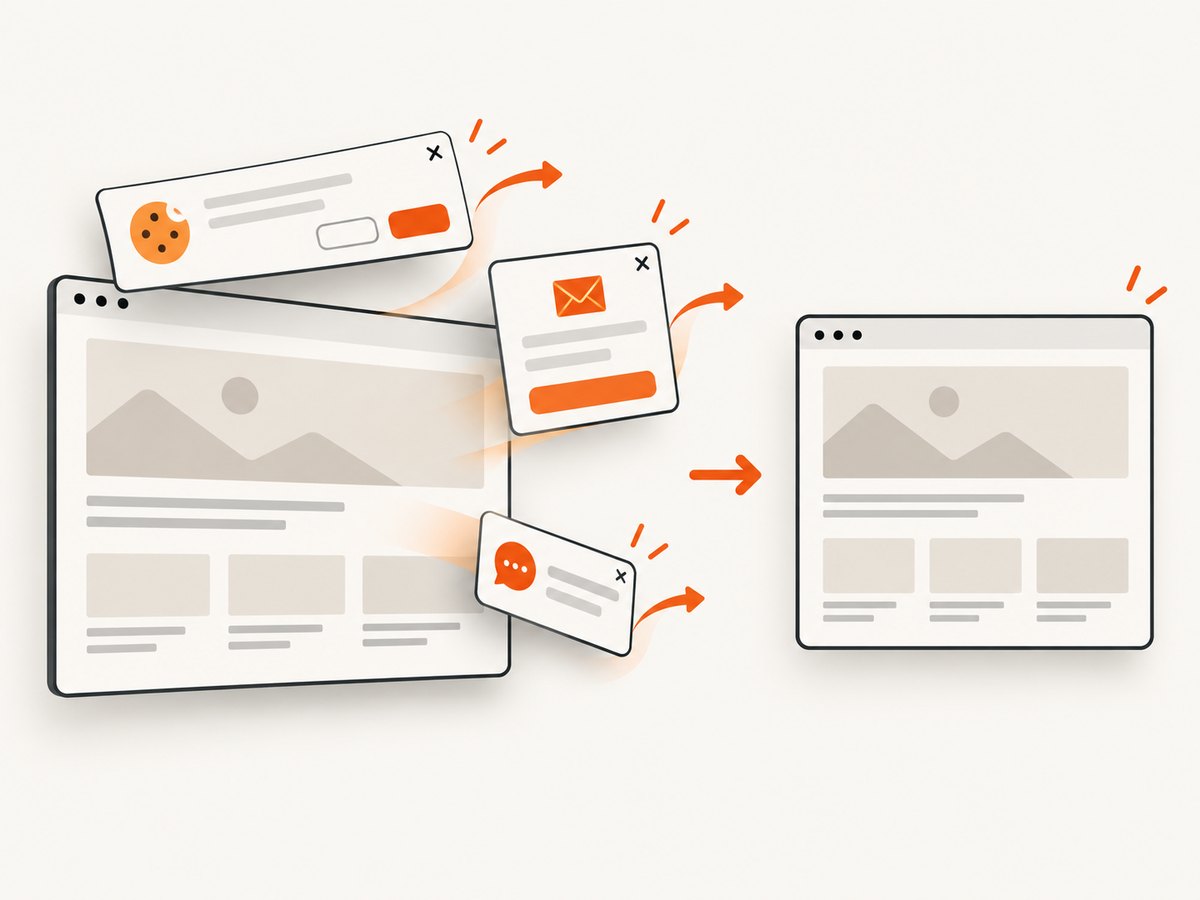
curl -G "https://api.screenshotneo.com/v1/shot" -d access_key=YOUR_API_KEY --data-urlencode url=https://stripe.com -o shot.webpCookie banners, popups and chat widgets are removed before the shot. Bot checks, blank pages and failed loads are never billed; cache hits also cost nothing. An MCP server lets AI agents take screenshots. The free plan includes 1,000 screenshots a month with no card, and paid plans start at $5 for 3,000. Other listed tiers are Growth at $15 for 15,000, Pro at $39 for 60,000, Scale at $99 for 250,000 and Business at $249 for 1,000,000; yearly billing gives two months free. Every feature is on every plan.
Create a free ScreenshotNeo account and get 1,000 screenshots a month with no card.
8. Common problems and how to investigate them
| Symptom | Likely cause to check | Next step |
|---|---|---|
| Screenshot is blank or incomplete | The page did not finish loading, content is delayed, or the capture state differs from the expected state. | Check the provider’s wait and capture options. Reproduce with a representative URL and inspect whether assets load in a normal browser session. |
| Consent dialog or popup covers content | The page’s consent or marketing UI is still active in the captured state. | Check whether the provider offers banner removal or a browser action. PagePixels advertises banner removal; ScreenshotNeo removes 60+ known consent platforms plus newsletter popups and chat widgets. |
| Authenticated page redirects to sign-in | The capture request lacks a valid session or credentials, or the session expired. | Confirm the provider’s documented authentication mechanism, cookie handling and any required headers. Avoid putting secrets in public URLs or client-side code. |
| Unexpectedly high usage | Repeated fresh renders, retries, separate features or a misunderstood cache rule can increase usage. | Compare request logs with provider usage reporting. Check the current definition of a billable render and separately metered add-ons. |
| Long queues or timeouts | Peak concurrency, heavy pages, or a slow target may exceed the caller’s timeout. | Measure under expected load, use bounded retries with backoff, and ask the provider about worker or concurrency limits. Published worker counts do not guarantee a particular completion time. |
| Output differs between runs | Dynamic page content, geolocation, timing, cache state or page changes may affect the result. | Fix the target state and configuration where possible; compare repeated runs and record cache and location settings. |
9. Performance, reliability and cost considerations
There is no evidence in the reviewed sources to declare either PagePixels or URL2PNG faster, more reliable, or more visually accurate. Treat performance as a property to measure on your pages, not a conclusion to infer from plan names or worker counts. Capture a baseline under your own network, content and concurrency conditions. For reliability, observe successful completion, failure categories, repeatability and how easily you can recover from uncertain timeouts. For cost, measure fresh captures, cache hits, retries and separately billed features.
If the screenshot feeds a critical workflow, save enough metadata to diagnose a mismatch: target URL, requested options, timestamp, provider job or request identifier when available, response status and whether the result was cached. Keep failure handling separate from image inspection so transient request errors do not silently become accepted screenshots.
10. FAQ
Which API is cheaper?
It depends on monthly volume, cache behavior and required extras. PagePixels shows a free allowance and paid screenshot tiers, while URL2PNG publishes fresh-render tiers, workers and overage rates. Recalculate against current plan pages using your workload.
Which service should I use for visual monitoring?
PagePixels documents scheduling and notifications, so it is the more obvious first evaluation for recurring monitoring based on the published feature descriptions. Validate alert behavior and capture consistency with a trial workflow.
Does URL2PNG include cached requests in its allowance?
Its plans page says screenshots are cached for 30 days and cached loads do not count against the plan. Confirm how that rule applies to your URLs and parameters.
Is either one proven more accurate?
No. The reviewed official sources do not provide a controlled head-to-head visual accuracy test.
Can I use ScreenshotNeo with an AI agent?
Yes. ScreenshotNeo’s MCP server exposes take_screenshot, get_page_info and capture_pdf for Claude, Cursor and any MCP client. See the documentation.
Decision
Evaluate PagePixels first if your workflow depends on scheduled, multi-step, location-aware captures or integrations. Evaluate URL2PNG first if its published fresh-render tiers, dedicated worker counts and overage model match your volume assumptions. Neither should be selected on an assumed speed or fidelity advantage: the sources do not establish one. If clean shots, clear billing for failed or cached outcomes, and an MCP server matter, try ScreenshotNeo as the alternative.