Popular Tools Used in Agile Software Development (2026)
Compare popular Agile software by workflow fit, delivery integration, reporting, hosting, extensibility, and cost—without relying on an unsupported popularity ranking.

The most useful Agile software is the one that matches how your team plans, builds, tests, and delivers work. Jira is a dedicated Agile project-management example with Scrum, Kanban, mixed-method support, boards, backlogs, roadmaps, reports, integrations, and add-ons. Azure DevOps is a broader delivery platform combining planning with source control, CI/CD, testing, and package management.
There is no defensible current 2026 popularity ranking in the available research. Choose by workflow fit, integration requirements, reporting, extensibility, hosting constraints, and total cost instead.
What Agile software needs to support
Agile is a way of working that emphasizes incremental delivery, collaboration, continual planning, and learning. Tools support that work; they do not define the method. Microsoft’s overview explains the underlying approach in What is Agile?.
| Capability | Questions to ask |
|---|---|
| Work tracking | Can the team manage a product backlog, user stories, bugs, tasks, priorities, and dependencies? |
| Flow management | Does it support Scrum sprints, Kanban flow, or a mixed process? |
| Planning | Are there roadmaps, release views, sprint planning, estimates, and capacity information? |
| Feedback | Can you inspect burndown, velocity, cycle time, throughput, blocked work, and escaped defects? |
| Delivery integration | Does it connect work items to commits, pull requests, builds, deployments, tests, and packages? |
| Administration | Can you control permissions, workflows, fields, notifications, retention, and audit access? |
| Hosting | Is a cloud service acceptable, or must the organization run software on its own infrastructure? |
| Cost | What is the total cost for users, storage, automation, integrations, administration, and migration? |
Jira: a dedicated Agile planning and tracking tool
Atlassian documents Jira support for Scrum, Kanban, mixed methodologies, and Agile at scale. Its documented capabilities include boards, backlogs, roadmaps, reports, integrations, and add-ons.

Where Jira fits
- Scrum teams: refine the backlog, plan sprints, estimate stories, use sprint boards, and return unfinished work to the backlog.
- Kanban teams: visualize a continuous flow of work and manage policies for moving items between states.
- Mixed-method teams: use different project workflows while keeping a common planning and reporting environment.
- Organizations extending the system: use integrations and add-ons where the built-in workflow does not cover a requirement.
Questions to validate before adoption
- Can your issue types and fields represent the work without excessive customization?
- Do the reports answer delivery questions your stakeholders actually ask?
- Will integrations keep commits, pull requests, builds, and deployments connected to work items?
- Can administrators maintain workflows and permissions as teams grow?
Azure DevOps: an integrated planning and delivery platform
Microsoft describes Azure DevOps as a cloud-based platform for planning work, collaborating on code, building, testing, and deploying. Its components divide responsibilities across the delivery lifecycle:
| Service | Documented role |
|---|---|
| Azure Boards | Agile work tracking with Kanban boards, backlogs, dashboards, user stories, bugs, tasks, sprint planning, burndown charts, and velocity tracking. |
| Azure Repos | Git or TFVC source control. |
| Azure Pipelines | Build, test, and deployment automation. |
| Azure Test Plans | Manual and exploratory testing plus integration with automated tests. |
| Azure Artifacts | Package hosting. |
| Azure DevOps Server | An on-premises option that requires the organization’s infrastructure and maintenance. |
Where Azure DevOps fits
- Teams that want work tracking tied closely to repositories, pipelines, tests, and packages.
- Organizations already operating in the Microsoft development ecosystem.
- Regulated or isolated environments that require an on-premises deployment option.
- Teams that want one permissions and reporting model across planning and delivery services.
Other categories in an Agile software stack
A complete stack usually includes more than a project board. Separate the categories before comparing products:
- Work tracking: backlogs, boards, sprint planning, bugs, tasks, and releases.
- Source control and review: repositories, branches, pull requests, and code review.
- CI/CD: repeatable builds, automated tests, approvals, and deployments.
- Test management: manual cases, exploratory sessions, automated-test results, and defect links.
- Package management: private registries and versioned dependencies.
- Collaboration: team communication, decisions, and incident coordination.
- Documentation and learning: architecture notes, runbooks, product decisions, and Agile references.
- Facilitation: workshops, retrospectives, story mapping, and visual discovery.
Do not assume that one vendor must provide every category. An integrated suite can reduce administration, while a deliberately mixed stack can provide better specialist tools.
Jira vs. Azure DevOps
| Decision axis | Jira | Azure DevOps |
|---|---|---|
| Primary strength | Dedicated Agile planning and tracking. | Planning integrated with code, builds, tests, deployments, and packages. |
| Methods | Scrum, Kanban, mixed methodologies, and Agile at scale. | Agile work tracking through Azure Boards, with delivery services alongside it. |
| Backlog and work items | Backlogs, boards, configurable work, and documented Scrum planning activities. | User stories, bugs, tasks, backlogs, boards, sprint planning, dashboards, and velocity tracking. |
| Delivery integration | Integrations and add-ons connect the planning system to other tools. | Repos, Pipelines, Test Plans, and Artifacts are part of the platform. |
| Hosting | Validate the current hosting options against your policy. | Cloud service or Azure DevOps Server for customer-managed infrastructure. |
| Best first question | Will the planning model fit your teams with manageable administration? | Do you want one platform spanning planning through delivery? |
This is a capability comparison, not a benchmark or popularity ranking. Product capabilities, licensing, availability, and hosting options can change, so verify current terms before purchasing.
How to choose a tool step by step
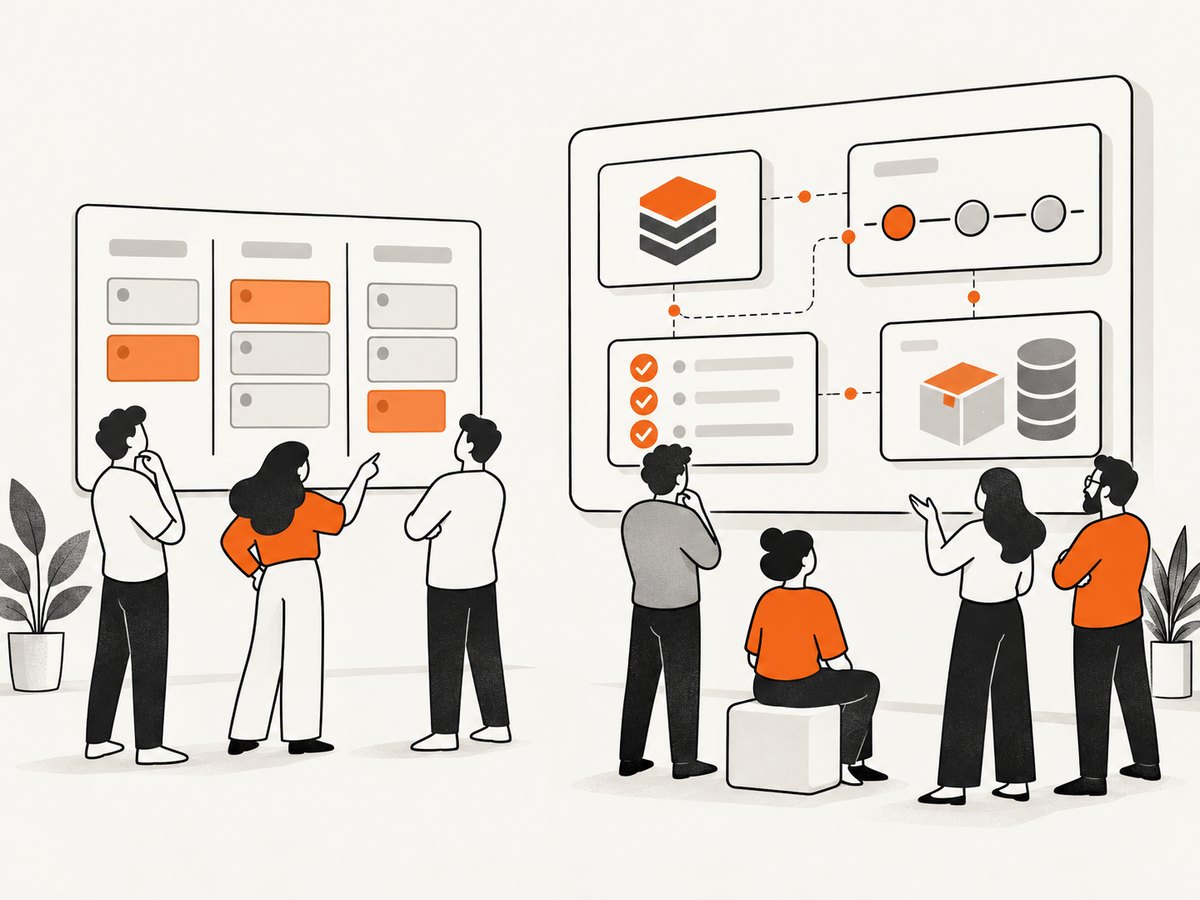
- Map the current workflow. Write down how an idea becomes a shipped change, including discovery, refinement, coding, review, testing, release, and learning.
- Define the smallest useful work item. Decide whether the team tracks epics, features, stories, bugs, tasks, incidents, or experiments.
- Choose the operating model. Select Scrum, Kanban, or a mixed workflow based on how work actually arrives.
- List required integrations. Include repositories, pull requests, build systems, deployments, test results, package registries, chat, and identity.
- Specify reporting questions. Examples include work in progress, aging items, cycle time, sprint progress, release risk, and defect trends.
- Check hosting and governance. Confirm data residency, authentication, permissions, audit, retention, backup, and on-premises requirements.
- Model total cost. Include licenses, storage, automation minutes, add-ons, migration, administration, and training. Do not rely on a headline plan price without a current official check.
- Run a representative pilot. Import a small backlog, connect one repository and pipeline, run a planning cycle, and produce the reports stakeholders need.
- Set migration exit criteria. Define what history, links, permissions, automations, and reports must survive before committing to a rollout.
Practical configuration checklist
- Use a small set of states that reflects real handoffs.
- Define a clear owner and acceptance criteria for each item.
- Make blocked work visible and assign an escalation path.
- Link code changes and deployments to work items where possible.
- Separate planned work from urgent operational work.
- Review aging and work in progress regularly instead of optimizing only for completed-item counts.
- Keep dashboards focused on decisions; remove charts nobody uses.
- Document workflow changes and review them after a few delivery cycles.
Performance, reliability, and cost considerations
Performance
Large projects can slow when every team shares one heavily customized workflow, dashboard, or query. Keep fields and automations purposeful, archive obsolete projects, and test reports against realistic data volumes. Treat integrations as part of performance planning: a failed synchronization can make a board appear current while delivery systems are not.
Reliability
Define ownership for identity, integrations, backups, and incident response. For customer-managed installations such as Azure DevOps Server, budget for infrastructure maintenance, upgrades, monitoring, and recovery exercises. For cloud services, document the provider dependency and maintain export or migration procedures appropriate to your risk.
Cost
Compare the full operating cost rather than only per-user licensing. Add administration time, marketplace extensions, storage, build capacity, test execution, support, migration, and training. Recheck pricing and free-tier limits on official product pages before publishing a business case because this research did not verify current plan prices.
Troubleshooting common Agile-tool problems
| Symptom | Likely cause | Fix |
|---|---|---|
| Teams stop updating the board | States do not match the real workflow or updates duplicate work elsewhere. | Remove unused states, agree on one source of truth, and review the workflow with the team. |
| Reports disagree with delivery reality | Items are missing estimates, owners, links, or consistent state transitions. | Define required fields, clean existing data, and document metric definitions. |
| Developers bypass work tracking | The board adds duplicate entry or does not connect to code review. | Link commits and pull requests, automate transitions carefully, and remove redundant fields. |
| Automation creates noise | Rules trigger each other, notify too often, or encode outdated policy. | Audit rules, add conditions, limit notifications, and test changes in a pilot project. |
| On-premises deployment is hard to maintain | Infrastructure, upgrades, backups, or ownership were underestimated. | Assign operations ownership, document recovery, and compare the ongoing burden with a cloud option. |
| Migration loses useful history | Only current work items were exported; links, permissions, or attachments were omitted. | Inventory required data, run a trial migration, validate links, and keep a read-only archive if needed. |
Or skip the browser setup
If your Agile workflow needs screenshots of acceptance criteria, release notes, dashboards, or external pages, ScreenshotNeo provides a website screenshot API and MCP server. It accepts one GET request and returns PNG, JPEG, WebP, or PDF. Before capture it accepts consent banners and removes more than 60 known consent platforms, newsletter popups, and chat widgets. Bot checks, blank pages, timeouts, failed loads, and cache hits are not billed, and each response reports the result in X-Page-Verdict and X-Billed headers. Its MCP server includes take_screenshot, get_page_info, and capture_pdf for Claude, Cursor, and other MCP clients. Every plan includes the features; 1,000 screenshots per month are free with no card, and paid plans start at $5 for 3,000.
See the ScreenshotNeo API documentation for all options.
curl -G "https://api.screenshotneo.com/v1/shot" -d access_key=YOUR_API_KEY --data-urlencode url=https://stripe.com -o shot.webpimport requests
r = requests.get("https://api.screenshotneo.com/v1/shot", params={"access_key": "YOUR_API_KEY", "url": "https://stripe.com"}, timeout=90)
open("shot.webp", "wb").write(r.content)const q = new URLSearchParams({ access_key: 'YOUR_API_KEY', url: 'https://stripe.com' });
const res = await fetch(`https://api.screenshotneo.com/v1/shot?${q}`);Use options for full-page capture, element selectors, dark mode, device presets, retina scale, PDF paper settings, custom CSS or JavaScript, clicks, waits, blocked resources, headers, cookies, user agents, timezone, geolocation, transparent backgrounds, resizing, caching, signed links, asynchronous jobs, webhooks, bulk capture, and usage reporting.
Create a free ScreenshotNeo account with 1,000 screenshots each month and no card required.
FAQ
Is Agile software the same as Agile?
No. Agile is a way of working; software supports planning, collaboration, delivery, and learning.
Should every Agile team use Scrum?
No. Choose Scrum, Kanban, or a mixed workflow based on how work arrives and how the team learns.
Is Jira or Azure DevOps more popular in 2026?
The available research does not verify a current market-share ranking, so a popularity claim would be unsupported.
When should a team prefer an integrated suite?
Prefer one when linking planning, code, builds, tests, deployments, and packages reduces administration and improves traceability.
When should tools remain separate?
Separate tools can make sense when specialist capabilities, hosting requirements, or existing investments outweigh the value of one integrated platform.