Using Website Screenshots for Real Estate Listing Sheets
Learn how to use listing screenshots in client handouts, protect attribution, verify changing details, and export a print-ready real estate sheet.

A website screenshot can help illustrate a real estate listing sheet, but it does not grant permission to reuse the listing’s photos, text, graphics, or data. Before capturing or printing anything, confirm that you have rights to the underlying content and that your MLS rules allow the intended use. Use screenshots as dated, static visual aids; verify volatile details against an authorized MLS record immediately before exporting the sheet.
This guide covers a compliant workflow, how to capture and lay out a listing image, what to verify before printing, and the limits of using public listing pages. For the technical capture, you can use a browser’s built-in screenshot function or automate a browser. If you want a hosted capture API, ScreenshotNeo accepts a URL and returns an image or PDF; its output does not replace permission to reuse the page’s content.
1. Confirm you can use the listing content
Separate the right to view a web page from the right to reproduce its material. A public page may be accessible in a browser while its photographs, creative description, graphics, and database content remain protected or subject to contract and MLS rules.
Zillow’s terms restrict reproducing or publicly displaying listing images and information through another service unless explicitly permitted. Zillow also states that MLSs hold copyright in their databases. NAR says the listing broker should own or have authority to license listing content before submitting it to an MLS. Check the current terms and your local rules before proceeding: Zillow terms of use and NAR policy on ownership of listing content.
NAR’s policy permits participants or affiliated licensees to reproduce and distribute a reasonable number of single copies of property listing data from the MLS compilation to prospective purchasers who may be interested in those properties. It also allows participants to use, display, distribute, or reproduce listing sheets and compilations pertaining exclusively to properties currently listed for sale with the participant. These permissions have boundaries: MLS access, local rules, copyright ownership, the intended audience, and distribution scope all matter. A one-to-one client handout is different from reposting a screenshot publicly on an unrelated site. Read the NAR MLS policy and confirm the rules that govern your access.
Content that may need separate permission
- Photographs and virtual tours: These may be protected works. Confirm the license covers the particular medium and use, including print distribution.
- Creative listing descriptions: Original marketing copy may be protected. A short factual phrase, such as “four bedroom, two bath, single family home,” is different from a creative description.
- Floor plans and renderings: These may have their own rights and permitted-use conditions. Do not assume a photo license covers them.
- Database material: Listing data can be subject to MLS policies and agreements even when individual facts are not copyrightable.
NAR outlines categories of content that may be protected in its listing content ownership policy. If the rights are unclear, obtain permission or use media supplied under a license you can verify.
2. Choose a capture method that preserves context
Once the use is authorized, capture only what the sheet needs. Keep the property address, source, capture date, and broker attribution visible or record them beside the image in the layout. Avoid cropping out the source or attribution in a way that could make the content appear to be yours.
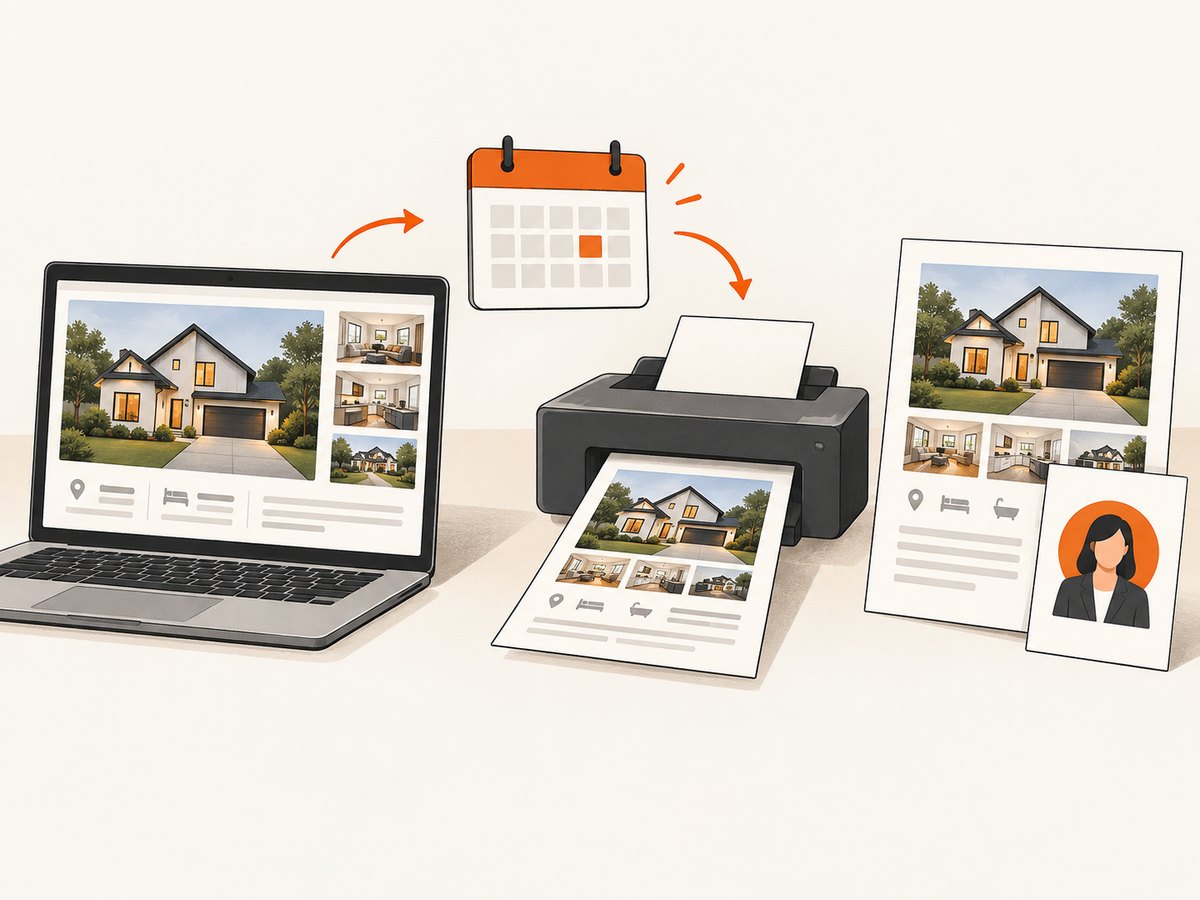
Manual browser capture
- Open the authorized listing page or MLS view you are permitted to use.
- Confirm the page identifies the correct property and listing source.
- Set the browser zoom so the property image, address, relevant facts, and attribution are legible.
- Use the operating system’s screenshot tool to capture the relevant portion. Keep enough surrounding context to show attribution and avoid cutting off source details.
- Save the original capture unchanged. Record the page URL and the date and time of capture in your production notes.
- Place a copy in your document layout; do not use edits to change the apparent condition or features of the property.
A browser screenshot is a snapshot, not a live listing feed. It can become stale as soon as price, status, availability, or contact details change. Keep those fields as editable text in your sheet when possible, and verify them separately before release.
Automated capture with Playwright (Node.js)
If you are authorized to access a page and automate its capture, Playwright can save a full-page PNG. Install Node.js, then install Playwright and its browser. This example is a general capture workflow; it does not bypass access controls or supply permission to reuse the page.
npm init -y
npm install playwright
npx playwright install chromium
// capture-listing.mjs
import { chromium } from 'playwright';
const url = process.argv[2];
if (!url) {
throw new Error('Usage: node capture-listing.mjs <authorized-listing-url>');
}
const browser = await chromium.launch({ headless: true });
const page = await browser.newPage({
viewport: { width: 1440, height: 1000 },
deviceScaleFactor: 1
});
try {
const response = await page.goto(url, {
waitUntil: 'domcontentloaded',
timeout: 45000
});
if (!response || !response.ok()) {
throw new Error(`Page load failed: HTTP ${response?.status() ?? 'no response'}`);
}
await page.screenshot({ path: 'listing.png', fullPage: true });
} finally {
await browser.close();
}node capture-listing.mjs 'https://example.com/authorized-listing'Replace the example URL with the authorized listing URL. Some sites populate content after the initial document is ready; if the relevant element appears later, wait for a stable selector you have inspected on that page before capturing. A successful browser capture still does not mean the image or listing information may be redistributed.
3. Assemble a useful listing sheet
Use a layout tool to create a one- or two-page sheet, place the screenshot as a visual aid, and add your own branding only where you are permitted to do so. Make the source and date easy to find. Do not imply that Zillow endorses your sheet, and do not use Zillow’s logo, trade dress, or website content without express written approval. Review the Zillow terms for the applicable restrictions.
A practical sheet can include:
- Property address, prominently and accurately stated.
- A permitted property image or screenshot with the relevant broker, office, or agent attribution visible.
- Key listing facts checked against the authorized current record.
- Source page or authorized MLS source and the capture date.
- Your permitted branding and contact details.
- A short note such as: “Information shown from source page captured on [date]; verify current MLS details.”
Where applicable, attribution should sit next to the content it describes. CRMLS’s IDX standard requires attribution adjacent to price, bed and bath count, square footage, or a photo, in readable size and with clear identification of the listing broker, office, or agent. Check the current CRMLS IDX rules and your own MLS’s standard; do not assume one MLS’s placement rule governs another.
Keep the image representative
Do not materially alter a listing photo to add features, remove defects, or create a misleading impression. Zillow says listing-photo standards require accurate representation and notes that some jurisdictions and MLS rules require disclosure when images are materially altered; some may require the original alongside the altered image. See Zillow’s photography guidance. For a listing sheet, the lowest-risk approach is to use the authorized image as supplied and limit edits to layout operations such as sizing or positioning that do not misrepresent the property.
4. Verify every changing detail before export
Do not treat visible screenshot text as current just because the page loaded today. A screenshot preserves whatever the page displayed at capture time. Immediately before exporting, compare changing facts against the authorized MLS record.
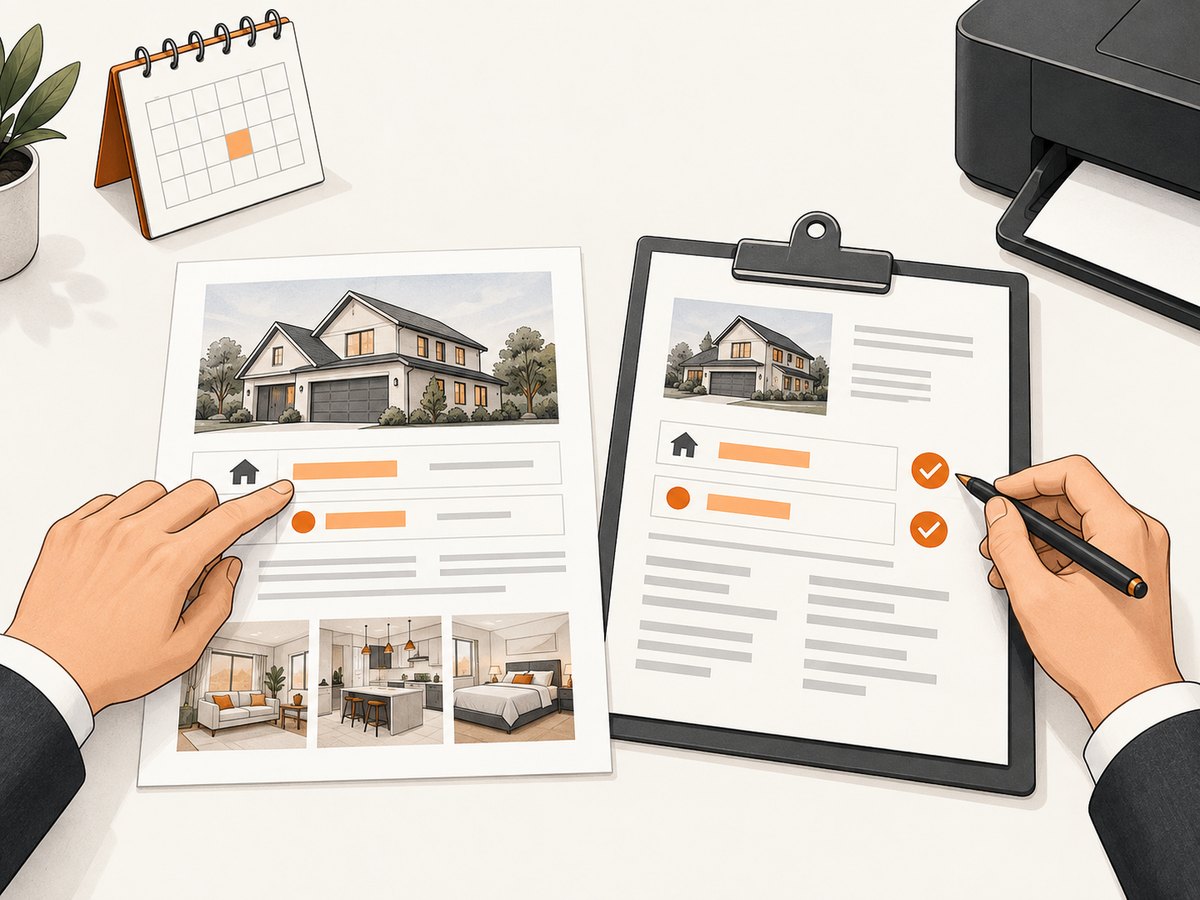
| Field | Why recheck it | Where to verify |
|---|---|---|
| Price | May change after the screenshot was made. | Current authorized MLS record. |
| Status and availability | A listing can go pending, close, expire, or otherwise change. | Current authorized MLS record and applicable local rules. |
| Beds, baths, and square footage | Displayed values may differ from the record or approved source. | Current MLS record. |
| Agent, broker, and contact information | Attribution and contact details can change, and must remain clear. | Authorized record or responsible listing professional. |
| Source and capture date | Readers need to understand where and when the visual information came from. | Your capture notes and final layout. |
If a value cannot be confirmed, omit it or mark it for review rather than carrying forward an unverified screenshot value. Do not rely on OCR or automated extraction as the final authority for price, status, dimensions, or contact details.
5. Export and inspect a print-ready PDF
- Set the page size and margins for the printer or delivery format you will use.
- Use images with enough resolution for the intended print size; avoid enlarging a small browser capture until it becomes visibly soft.
- Export a PDF and open that exported file separately from the editable design.
- Check that the address, attribution, source note, capture date, and disclaimer are readable and not clipped.
- Confirm that the photo still represents the authorized source and that no layout element implies endorsement.
- Recheck volatile facts against the current MLS record immediately before releasing or printing the sheet.
- Print only the quantity allowed for the client-facing purpose. Use a color printer if the visual information depends on color.
A color printer is a practical physical-product fit for listing sheets. The governing NAR policy expressly discusses reproducing and distributing reasonable single copies of listing data to prospective purchasers, subject to its conditions. Match paper, color, and quantity to the actual authorized use; a printed handout does not extend the rights you have for the source material.
6. Floor plans and 3D tours have separate terms
Do not treat floor plans and tours as ordinary screenshots. Zillow’s 3D Home guidelines describe a limited use for verified tours and floor plans in marketing the corresponding home while its current listing is live, as well as certain professional real estate or photography marketing. The guidelines also prohibit modifications and building or design uses. Review the current Zillow 3D Home terms and confirm that the specific asset and distribution are covered.
7. Troubleshooting common problems
| Problem | Likely cause | What to do |
|---|---|---|
| The screenshot has no listing photos or facts. | The page renders key content after initial navigation, or access requires an authorized session. | For manual capture, wait until the content is visibly loaded. In an authorized automation flow, wait for the relevant page element. Use the MLS-approved access method; do not attempt to evade access controls. |
| A browser automation request times out. | The page is slow, the network is unstable, or the site never reaches the chosen readiness condition. | Use a reasonable timeout, wait for the specific content needed, and capture only after it appears. Check the URL and session access. Avoid assuming a timeout means the listing is unavailable. |
| The attribution is missing or too small in the PDF. | The screenshot was cropped, the browser zoom was too low, or the layout reduced the image too far. | Recapture with attribution visible or add clearly readable attribution next to the relevant content if permitted. Inspect the exported PDF at its actual page size. |
| The screenshot’s price or status conflicts with the MLS. | The screenshot is stale or the public page has not updated. | Use the current authorized MLS value, update the sheet, and recapture only if a current source visual is needed. Never present a stale value as current. |
| The photo appears altered or cropped in a misleading way. | Editing changed the apparent property condition or removed meaningful context. | Return to the authorized original. Keep edits to non-misleading layout adjustments and follow applicable disclosure rules. |
| You cannot establish permission. | Viewing access was mistaken for a reuse license, or the asset’s license is unclear. | Do not distribute the screenshot. Ask the rights holder or MLS for permission, or use a properly licensed asset. |
8. When ScreenshotNeo can help with capture
If the listing page is one you are authorized to capture, ScreenshotNeo can turn a URL into an image or PDF with one GET request. It is a capture tool, not a license to reproduce listing content. Keep your permissions, attribution, and MLS verification workflow in place. See the ScreenshotNeo API documentation for request options.
curl -G "https://api.screenshotneo.com/v1/shot" \
  -d access_key=YOUR_API_KEY \
  --data-urlencode url=https://stripe.com \
  -o shot.webp
import requests
r = requests.get(
"https://api.screenshotneo.com/v1/shot",
params={"access_key": "YOUR_API_KEY", "url": "https://stripe.com"},
timeout=90,
)
r.raise_for_status()
open("shot.webp", "wb").write(r.content)const q = new URLSearchParams({
access_key: 'YOUR_API_KEY',
url: 'https://stripe.com'
});
const res = await fetch(`https://api.screenshotneo.com/v1/shot?${q}`);
if (!res.ok) throw new Error(`Screenshot request failed: ${res.status}`);
const image = Buffer.from(await res.arrayBuffer());
await import('node:fs/promises').then(fs => fs.writeFile('shot.webp', image));Replace the example target with the authorized listing URL. Store your access key securely and avoid placing it in public client-side code. Choose the output and capture settings that fit the layout, then inspect the returned file before using it. For real estate work, independently confirm that the capture shows attribution and that all volatile information matches the current MLS record.
9. Or skip the browser setup
ScreenshotNeo returns a screenshot or PDF from one request, with options such as full-page capture, CSS selector capture, PDF settings, custom headers and cookies, and wait conditions. Cookie banners, newsletter popups, and chat widgets are removed before the shot. Bot checks, blank pages, and failed loads are never billed, and each response identifies the page verdict and billing status. An MCP server lets AI agents use screenshot tools. The free plan includes 1,000 screenshots a month with no card; paid plans start at $5 for 3,000. These capture features do not grant rights to a listing’s content, so use only authorized pages and retain attribution.
Sign up for 1,000 free screenshots a month, with no card required.
10. Frequently asked questions
Can I print a screenshot of a Zillow listing and hand it to a buyer?
Possibly, if you have the necessary rights and your MLS access and local rules permit that use. NAR policy describes limited reproduction of MLS listing data for prospective purchasers, but that does not automatically authorize every photo, page capture, or distribution. Confirm the applicable permissions first.
Can I post the listing screenshot on my own public website?
Do not assume a client handout permission covers public posting. Zillow’s terms restrict reproducing or publicly displaying listing images and information through another service unless explicitly permitted. Obtain the required permission for the public use.
Can I crop out a watermark or broker credit to make the sheet cleaner?
No. Preserve attribution and do not remove source identification. Keep it visible in the image or place clear attribution beside the relevant photo and facts where the rules allow.
Can I use an old screenshot if the property details have changed?
Use it only as a dated visual record if that use is authorized and the sheet makes its date clear. Do not present old price, status, availability, or contact details as current; verify those fields immediately before release.
Does a screenshot service make the content safe to reuse?
No. A screenshot service captures a page. It does not grant copyright, MLS, or contractual rights to reproduce the captured content.


