How to Scrape LinkedIn Profiles, Companies, and Jobs in 2026
LinkedIn prohibits scraping. Learn the 2026 rules, authorized API paths, compliance checks, and safe ways to capture pages you are allowed to access.
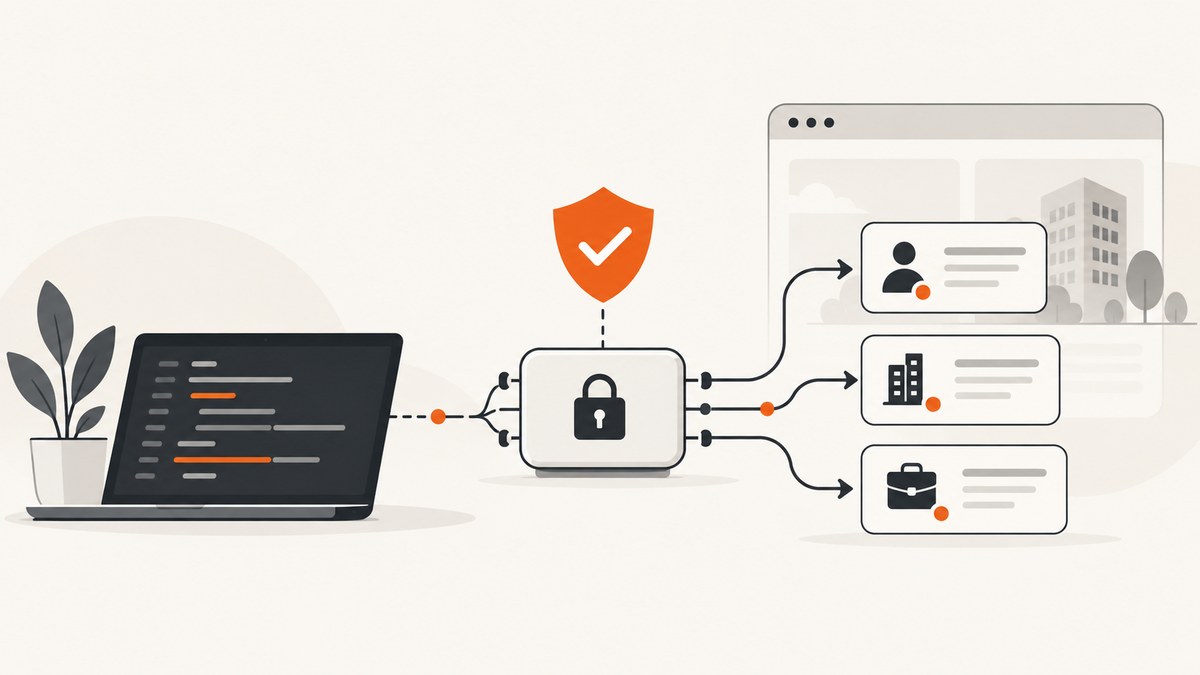
Short answer: LinkedIn’s User Agreement prohibits using software, crawlers, browser extensions, scripts, or other processes to scrape or copy its Services, including profiles and other data. It also prohibits bypassing access controls or use limits. LinkedIn says third-party scraping tools can lead to account restrictions or shutdown. In 2026, the dependable approach is to use an eligible LinkedIn API program for a clearly permitted purpose, obtain any required member consent, and follow the program’s storage, display, export, and deletion rules.
This guide explains what that means for profiles, companies, and jobs; how to evaluate an authorized integration; which common approaches create risk; and how to capture a page image or PDF when you have permission to do so. It does not provide a scraper designed to evade LinkedIn controls or collect member data without authorization.
1. What LinkedIn’s rules say
Section 8.2 of the LinkedIn User Agreement prohibits developing, supporting, or using “software, devices, scripts, robots or any other means or processes” to scrape or copy the Services, including profiles and other data. The same section prohibits circumventing access controls or use limits.
LinkedIn’s Recruiter Help guidance separately says that third-party crawlers, bots, browser plug-ins, and browser extensions that scrape, modify the appearance of, or automate activity are not permitted. LinkedIn warns that members may face restrictions or account shutdown, and a tool that works today can stop working without notice.
These are contractual platform rules and LinkedIn’s stated enforcement position. They are not a universal legal conclusion about every public-page data practice in every country. Privacy, database, consumer-protection, employment, and computer-access laws can impose additional requirements. Get jurisdiction-specific legal advice for a production system.
2. Profiles, companies, and jobs are different data problems
| Data | Questions to answer before implementation |
|---|---|
| Member profiles | Which API product exposes the fields? Did the member grant legally valid consent? Can you store, display, refresh, or export the data? |
| Company pages | Is the use Page/Profile management, reporting, publishing, or another approved purpose? Which application scopes and organization permissions are required? |
| Job listings | Does your approved program cover job content and your intended display? Are redistribution, caching, or combining with another dataset allowed? |
Do not assume one token or API scope covers all three. LinkedIn’s API Terms and each program’s terms control the permitted purpose and fields. Verify the current endpoint, scope, version, and review requirements in LinkedIn’s developer documentation before writing code.
3. The authorized API workflow
- Define the use case. Write down whether the application manages a Page, displays information to the member who connected it, supports an internal workflow, or performs another specific task. “Build a sales database” is not a sufficient permission basis.
- Check program eligibility. Start with LinkedIn’s developer documentation and the API Terms. Confirm that your organization, application, region, and purpose qualify.
- Request only necessary scopes. Keep a record of each scope, why it is needed, and which screen or operation uses it.
- Implement OAuth and consent. Send users through LinkedIn’s approved authorization flow. Store tokens securely, support revocation, and do not treat a successful login as permission to copy everything visible on LinkedIn.
- Enforce data handling rules. Restrict fields, retention, display, export, and onward sharing to what the applicable terms permit.
- Build deletion and refresh controls. Delete data when required by the terms, a member request, token revocation, or your retention policy. Some profile data refreshes are restricted to times when the member is using the application.
- Review before launch. Keep the approved use case, privacy notice, consent record, data map, and deletion procedure together so an operator can demonstrate how each field is obtained and used.
A safe application boundary
Your application should treat LinkedIn data as purpose-bound. A useful internal record includes:
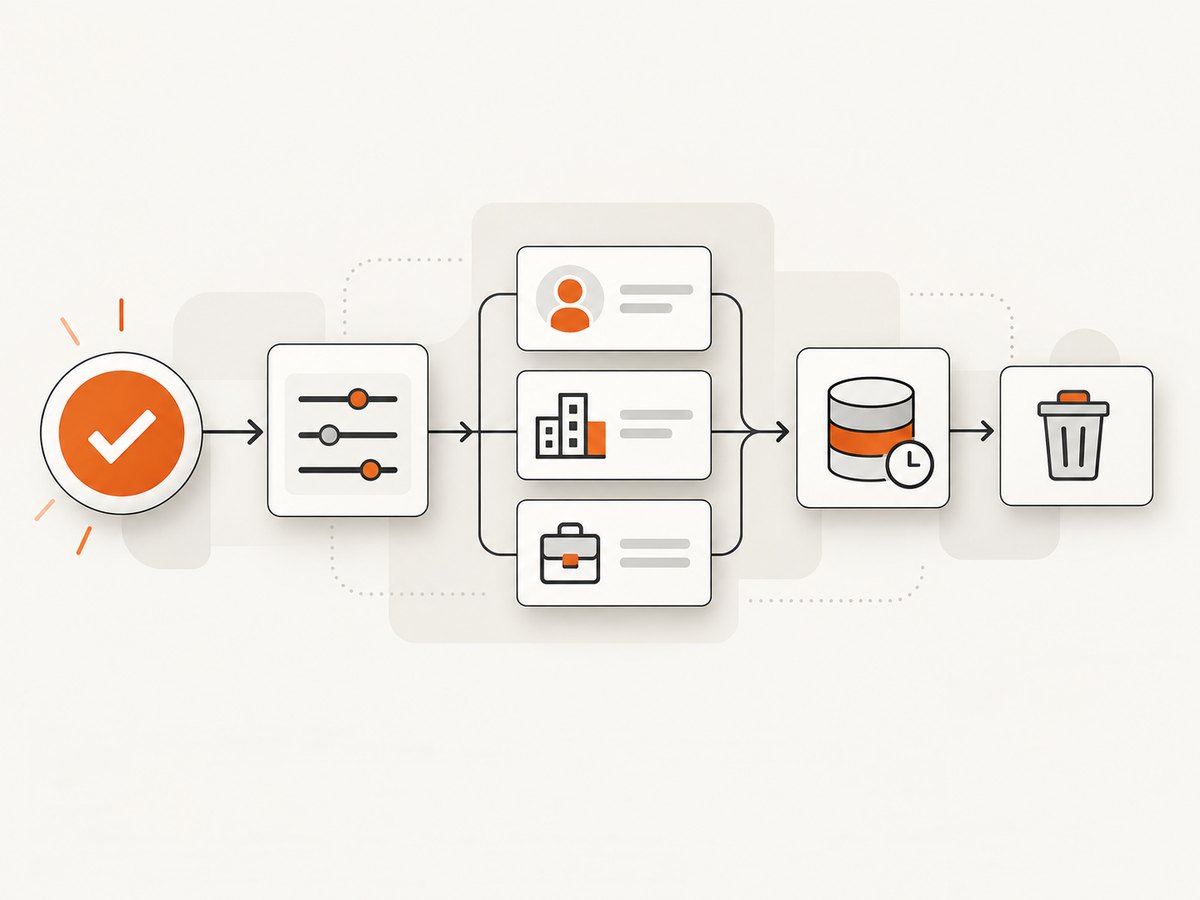
{
  "source": "linkedin-approved-api",
  "program": "name-of-approved-program",
  "scope": "documented-scope",
  "purpose": "member-facing feature or Page management",
  "consent_at": "2026-01-15T12:00:00Z",
  "expires_at": "2026-04-15T12:00:00Z",
  "deletion_trigger": "revocation, request, or retention limit"
}
The values above are an example of an audit shape, not LinkedIn endpoint data. Use the exact fields and retention periods required by your approved program.
4. A runnable, policy-safe data pipeline example
The following Python program processes a file that your approved integration has already delivered. It validates required fields, removes unexpected columns, and produces a reviewable export. It does not connect to LinkedIn or scrape a page.
import csv
import sys
from pathlib import Path

ALLOWED = {"id", "name", "company", "title", "source", "consent_at"}
REQUIRED = {"id", "source"}


def clean(input_path: str, output_path: str) -> None:
    with Path(input_path).open(newline="", encoding="utf-8") as source:
        reader = csv.DictReader(source)
        if not reader.fieldnames:
            raise ValueError("Input has no header row")
        missing = REQUIRED - set(reader.fieldnames)
        if missing:
            raise ValueError(f"Missing required columns: {sorted(missing)}")

        with Path(output_path).open("w", newline="", encoding="utf-8") as target:
            writer = csv.DictWriter(target, fieldnames=sorted(ALLOWED))
            writer.writeheader()
            for row in reader:
                if not row.get("id") or not row.get("source"):
                    continue
                writer.writerow({key: row.get(key, "") for key in ALLOWED})


if __name__ == "__main__":
    if len(sys.argv) != 3:
        raise SystemExit("Usage: python clean_export.py approved.csv cleaned.csv")
    clean(sys.argv[1], sys.argv[2])
For a real integration, replace the input file with data returned by the specific approved API program. Keep the field allow-list tied to that program’s terms. Never silently add profile, company, or job fields because they happen to be visible in a browser.
5. Why common scraping methods fail
Headless browser crawlers
Automating Chromium, Playwright, or Selenium to visit profile or job URLs is still software used to scrape or copy the Services. Logging in first does not automatically make the activity authorized. It can also trigger bot checks, account restrictions, or shutdown.
Browser extensions and bookmarklets
LinkedIn’s Recruiter guidance specifically includes browser plug-ins and extensions. A tool that copies DOM text, exports contacts, or automates profile visits falls into the same prohibited category.
Residential proxies and CAPTCHA services
Rotating IP addresses or solving a challenge does not create permission. Bypassing a control can itself violate the User Agreement, and it increases the chance of collecting data without the required consent or retention controls.
Third-party “LinkedIn API” vendors
Ask the vendor for the exact source, authorization basis, program terms, retention policy, and deletion process. An endpoint being technically reachable does not prove that your intended use is allowed. LinkedIn announced legal proceedings against Proxycurl on January 24, 2025, describing scraping and fake accounts as policy violations; treat that as LinkedIn’s statement of enforcement, not an independent judgment of liability.
6. Troubleshooting authorized integrations
| Symptom | Likely cause | Fix |
|---|---|---|
| Authorization succeeds but a request is denied | The token lacks the product scope, organization permission, or approved program access. | Check the exact scope and product eligibility in current LinkedIn documentation; request only documented permissions. |
| Data is missing or limited | The field is not exposed to your program, the member did not consent, or the use case is outside the approved purpose. | Remove the assumption that browser visibility equals API availability. Redesign around documented fields. |
| Stored profile data becomes stale | Refresh timing or storage is restricted by the API Terms. | Refresh only through the permitted flow, and delete records when the retention or consent condition ends. |
| Export to a CRM is blocked | Program terms may restrict export, combining datasets, audience use, or prospecting. | Read the program-specific terms and obtain a separate approved integration or change the use case. |
| A crawler suddenly stops | LinkedIn changed controls or restricted the account. | Stop automation. Do not add proxies or CAPTCHA bypasses; move to an approved API route. |
| Marketing API calls fail after a version change | An API version reached sunset or changed behavior. | Confirm the current supported version. The reviewed documentation says Marketing Version 202510 is scheduled to sunset on October 15, 2026. |
7. Capturing an authorized page as an image or PDF
If your team has permission to capture a page for QA, documentation, an internal report, or another approved purpose, use a normal browser session and respect access controls. Capture is a visual operation; it does not grant rights to extract, store, or redistribute the underlying member data.
Or skip the browser setup
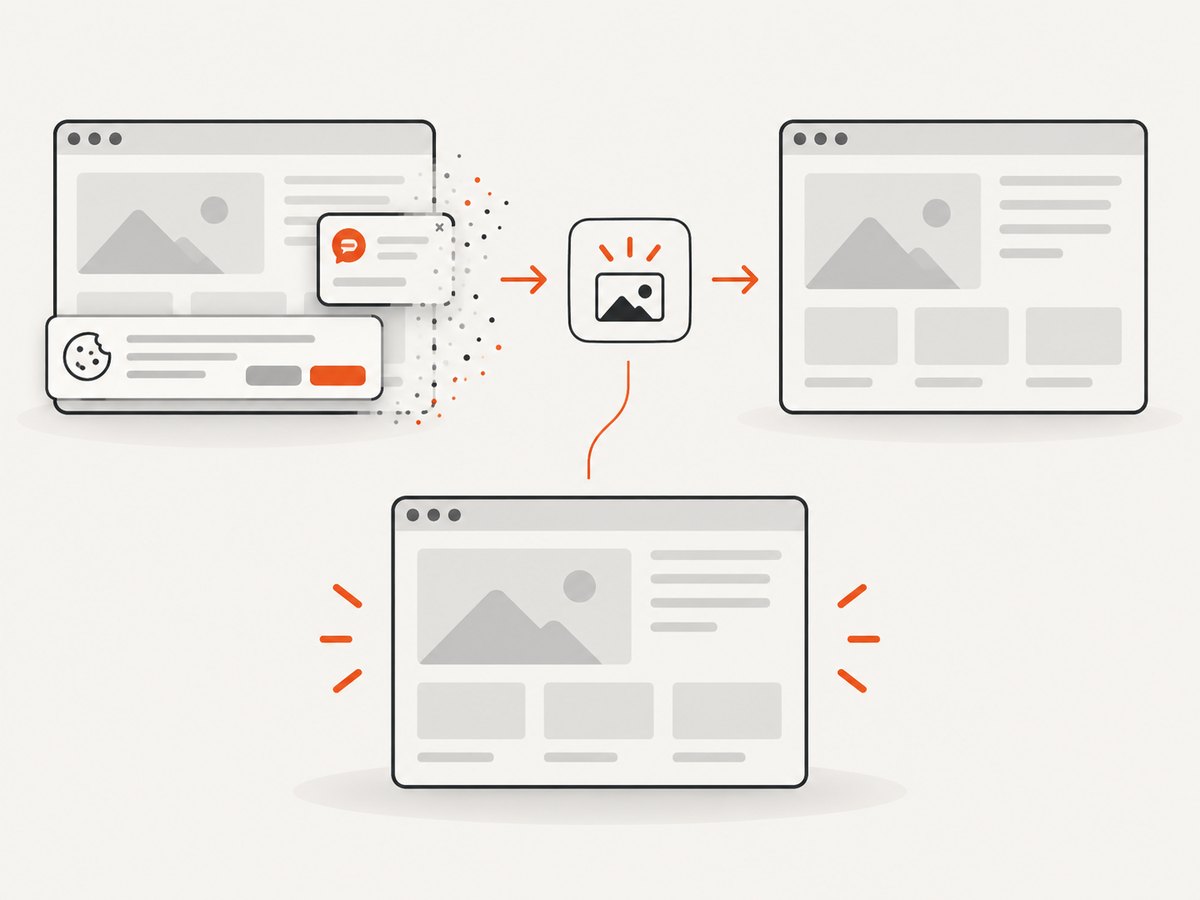
ScreenshotNeo is a website screenshot API and MCP server. One request can return a PNG, JPEG, WebP, or PDF for a URL you are authorized to access. Before capture it accepts consent banners and removes more than 60 known consent platforms, newsletter popups, and chat widgets. Bot checks, blank pages, timeouts, failed loads, and cache hits are not billed, and response headers identify the page verdict and billing result.
See the ScreenshotNeo documentation for all options, including full-page shots with lazy images, CSS element capture, dark mode, device presets, retina scale, PDF settings, custom CSS and JavaScript, clicks, selector waits, network-idle waits, request blocking, headers, cookies, user agents, authorization, timezone, geolocation, transparent backgrounds, resizing, TTL caching, signed links, asynchronous jobs, webhooks, bulk capture, usage, and the OpenAPI specification.
cURL
curl -G "https://api.screenshotneo.com/v1/shot" \
  -d access_key=YOUR_API_KEY \
  --data-urlencode url=https://www.linkedin.com/company/example \
  -o shot.webp
Python
import requests

r = requests.get(
    "https://api.screenshotneo.com/v1/shot",
    params={
        "access_key": "YOUR_API_KEY",
        "url": "https://www.linkedin.com/company/example",
    },
    timeout=90,
)
r.raise_for_status()
open("shot.webp", "wb").write(r.content)
print(r.headers.get("X-Page-Verdict"), r.headers.get("X-Billed"))
Node.js
const q = new URLSearchParams({
  access_key: 'YOUR_API_KEY',
  url: 'https://www.linkedin.com/company/example'
});
const res = await fetch(`https://api.screenshotneo.com/v1/shot?${q}`);
if (!res.ok) throw new Error(`HTTP ${res.status}`);
const bytes = Buffer.from(await res.arrayBuffer());
await import('node:fs/promises').then(fs => fs.writeFile('shot.webp', bytes));
console.log(res.headers.get('X-Page-Verdict'), res.headers.get('X-Billed'));
Use cookies, authorization headers, custom user agents, waits, and selector capture only where your organization is authorized to use them. For an AI workflow, ScreenshotNeo’s MCP server provides take_screenshot, get_page_info, and capture_pdf tools for Claude, Cursor, and other MCP clients.
There are 1,000 free shots per month with no card. Paid plans start at $5 for 3,000 shots; yearly billing gives two months free, and every feature is available on every plan. Create a free ScreenshotNeo account.
8. Performance, reliability, and cost planning
- API calls: cache only when the applicable LinkedIn terms permit it. Otherwise request the minimum data needed for the immediate operation.
- Retries: retry transient transport failures with exponential backoff, but do not retry authorization or policy errors.
- Queues: process approved work asynchronously so a user can revoke access or trigger deletion before another batch runs.
- Observability: log request IDs, scopes, purpose, consent state, deletion events, and API version without logging access tokens or unnecessary profile data.
- Screenshot costs: ScreenshotNeo bills only clean shots; bot checks, blank pages, failed loads, timeouts, and cache hits are free. Choose a TTL and use bulk or asynchronous capture when your authorized workload supports it.
9. Compliance checklist
- Document the exact purpose for profiles, companies, or jobs.
- Confirm the current LinkedIn program, endpoint, version, and scopes.
- Record member consent where required.
- Limit fields, display, export, storage, and dataset joins.
- Implement revocation, deletion, and retention controls.
- Review regional privacy and employment requirements.
- Do not use crawlers, extensions, proxies, or CAPTCHA bypasses to evade controls.
- For screenshots, confirm you are authorized to access and capture the target URL.
FAQ
Can I scrape a public LinkedIn profile?
LinkedIn’s User Agreement expressly prohibits scraping or copying its Services, including profiles. Public visibility does not remove the platform’s contractual restrictions.
Does logging in make scraping allowed?
No. Authentication proves account access; it does not grant unrestricted copying, export, or automated collection rights.
Can I use LinkedIn data in a recruiting or sales list?
Do not assume so. The reviewed Marketing API guidance limits member data to specific Page/Profile management uses and places restrictions on prospecting, export, combining datasets, audience, and retention.
Are screenshots the same as scraping?
A screenshot is a visual capture, but it still requires permission to access and use the page. It does not authorize extracting or redistributing the data shown in the image.
Where should I start for an approved integration?
Start with LinkedIn’s developer documentation and API Terms for the particular application and purpose. Verify current versions and program rules before implementation.


