ScreenshotNeo vs CaptureKit: Features and Pricing Compared
Compare ScreenshotNeo and CaptureKit features, pricing, and fit. See what each offers and how to choose based on your capture needs.
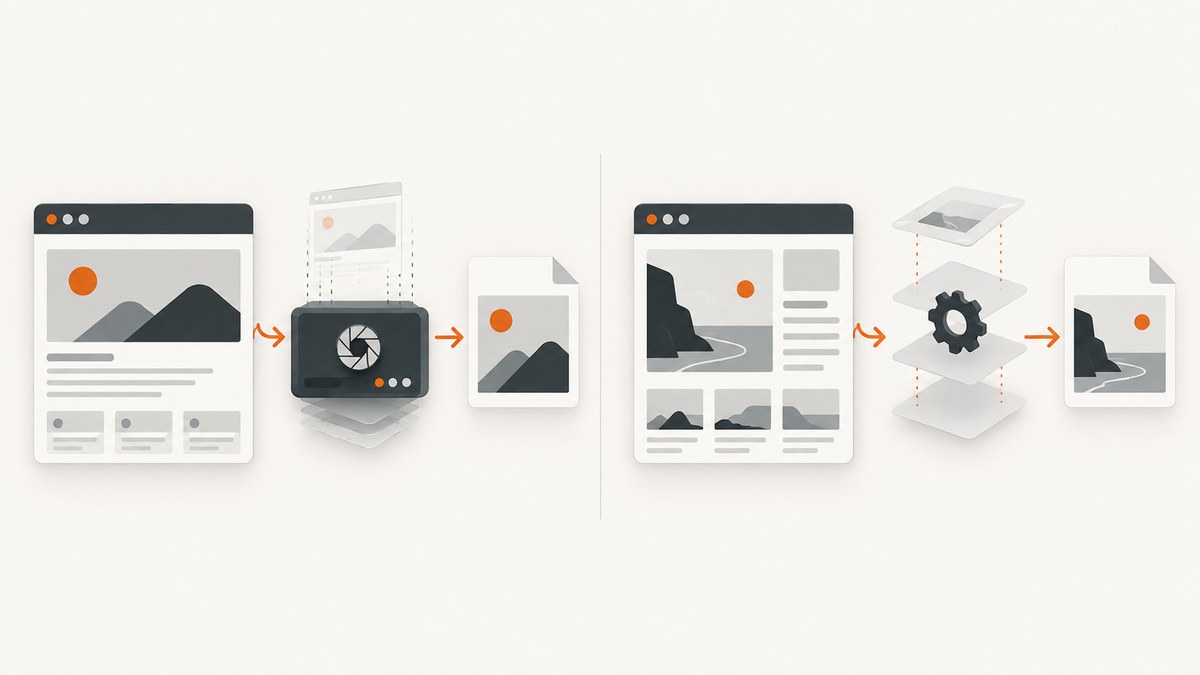
For a developer choosing between ScreenshotNeo and CaptureKit, ScreenshotNeo is the first service to try: it removes common consent banners, newsletter popups, and chat widgets before capture, bills only clean screenshots, and its paid plans start at $5 for 3,000 shots. CaptureKit is also a developer-facing screenshot API, with documented PNG, JPEG, WebP, and PDF outputs. Its pricing snapshot lists plans from free to $89 per month, but prices and tier details should be checked at checkout. The available research does not establish a like-for-like independent feature comparison, so choose against your required workflow and verify live plan details before buying.
ScreenshotNeo is a website screenshot API and MCP server from Yorker Media. CaptureKit describes itself as an HTTP API called from a backend, automation platform, or AI agent. Both are intended to let software request webpage captures; the practical decision depends on capture controls, output needs, volume, and billing rules.
1. At a glance
| Question | ScreenshotNeo | CaptureKit |
|---|---|---|
| What it is | Screenshot API and MCP server for developers. | HTTP API for backends, automation platforms, and AI agents. |
| Outputs documented | PNG, JPEG, WebP, or PDF. | PNG (default), JPEG/JPG, WebP, and PDF. |
| Capture cleanliness | Accepts cookie/consent banners like a visitor and removes 60+ known consent platforms, newsletter popups, and chat widgets; each step can be disabled. | Its homepage describes cookie-banner, ad, and popup blocking. Check current documentation and plan matrix for exact behavior. |
| Failure billing | Only clean shots are billed; bot checks/CAPTCHAs, blank pages, timeouts, failed loads, and cache hits cost nothing. Responses expose X-Page-Verdict and X-Billed. | Documentation says successful calls consume credits and failed 4xx/5xx requests cost nothing. |
| Published price snapshot | Free: 1,000/month; Starter $5/3,000; Growth $15/15,000; Pro $39/60,000; Scale $99/250,000; Business $249/1,000,000. | Free $0/100 credits; Starter $7/1,000; Pro $29/10,000; Ultimate $89/50,000 monthly. Recheck live checkout. |
| AI-agent interface | MCP server with take_screenshot, get_page_info, and capture_pdf tools. | Described as callable by an AI agent over HTTP. |
These are vendor-described capabilities and published pricing snapshots, not results from independent benchmark testing. CaptureKit’s billing documentation says quotas and rate limits are shared across API keys in a workspace; it also says upgrades apply immediately with prorated billing and downgrades take effect at period end. Its pricing page reports annual billing saves 10%. Treat checkout as the purchase-time source of truth.
2. ScreenshotNeo: features and pricing
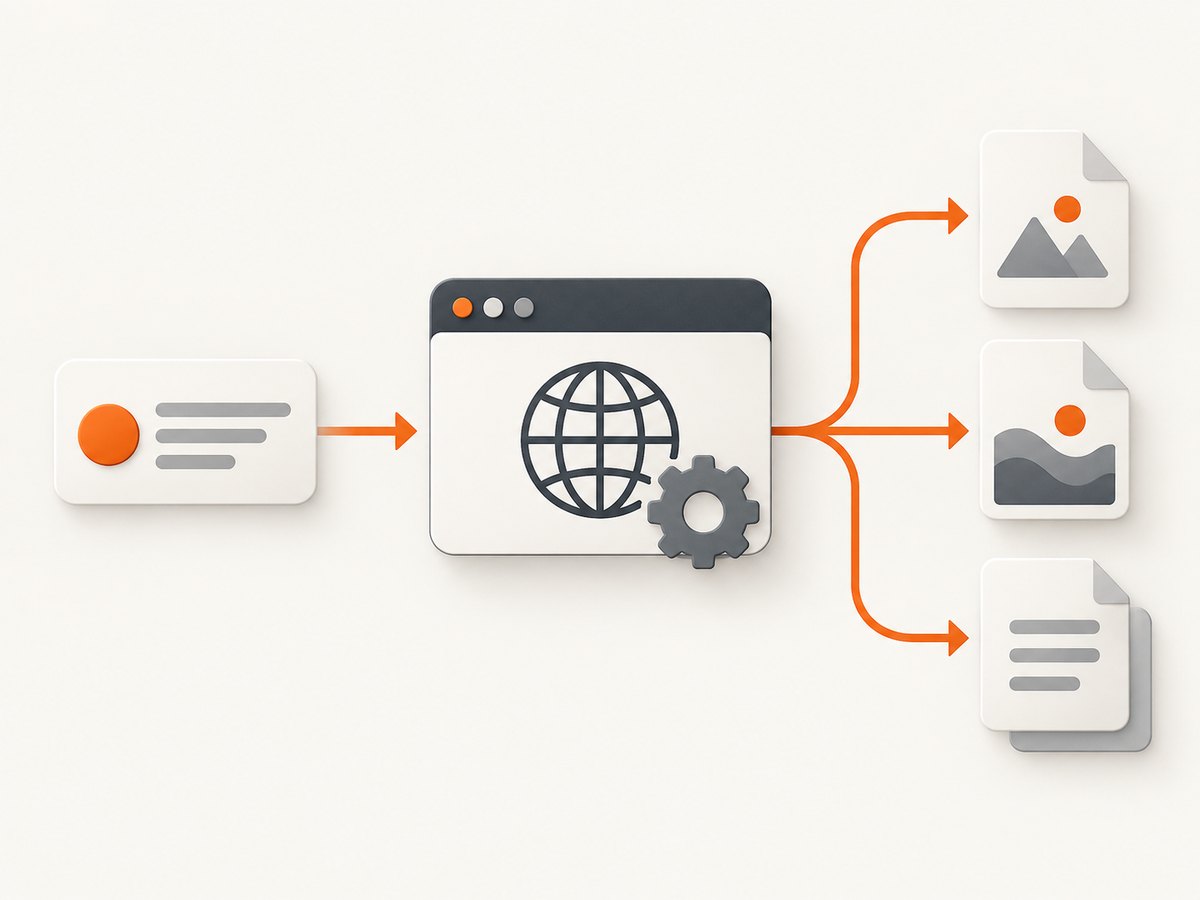
ScreenshotNeo covers the common capture path and a broad set of page controls. A single GET request takes a URL and returns an image or PDF. You can select full-page or viewport capture, target an element by CSS selector, emulate one of 12 device presets or specify a viewport, set retina scale, and use dark mode. Full-page capture loads lazy images.

For page preparation, options include custom CSS and JavaScript, clicking an element, hiding selectors, waiting for a selector, a delay, or network idle, and blocking ads, trackers, requests, or resource types. You can set headers, cookies, user agent, Authorization, timezone, and geolocation. Output controls include PDF paper size, margins, landscape and page ranges; transparent backgrounds; image resizing; and HTML/CSS-to-image capture.
Operational features include a caller-selected cache TTL, signed links for public image tags, asynchronous jobs with signed webhooks, bulk capture of up to 100 URLs per call, a usage API, and an OpenAPI specification. ScreenshotNeo says parameter names used by other screenshot APIs also work, which can make migration easier; still compare actual parameters and response handling before switching production traffic.
| Plan | Monthly price | Included shots |
|---|---|---|
| Free | $0 | 1,000 |
| Starter | $5 | 3,000 |
| Growth | $15 | 15,000 |
| Pro | $39 | 60,000 |
| Scale | $99 | 250,000 |
| Business | $249 | 1,000,000 |
Yearly billing gives two months free. Every feature is available on every plan. The listed allowance is useful for rough budget planning: estimate successful, clean captures per month, then account for retries and concurrent work in your own system. ScreenshotNeo’s billing distinction is that cache hits and unsuccessful or unclean page outcomes do not consume a billed shot; inspect response headers to see the verdict and billing outcome.
3. CaptureKit: features and pricing
CaptureKit’s screenshot endpoint accepts a webpage URL and supports PNG, JPEG/JPG, WebP, and PDF, with PNG as its documented default. Its API overview describes API-key authentication and structured JSON responses. The endpoint is positioned for previews, QA, reporting, monitoring, and archiving.
CaptureKit’s homepage additionally describes full-page and viewport captures, CSS-selector targeting, device emulation, cookie-banner/ad/popup blocking, caching, S3 upload, content extraction to HTML or Markdown, AI analysis or summaries, and Zapier and Make integrations. Those are vendor-stated capabilities. The available evidence does not establish which plan includes each capability, so confirm the current plan matrix rather than assuming a feature is included at a given price.
| Plan | Listed monthly price | Credits shown |
|---|---|---|
| Free | $0 | 100 |
| Starter | $7 | 1,000 |
| Pro | $29 | 10,000 |
| Ultimate | $89 | 50,000 |
The pricing snapshot is a point-in-time listing, not a guaranteed quote. CaptureKit billing material calls the free tier “Free trial” and says its 100 credits recur monthly. It also describes workspace-shared quotas and rate limits, immediate prorated upgrades, and end-of-period downgrades. Review current billing documentation and the price shown during checkout before committing.
4. How to choose fairly
Choose ScreenshotNeo first when
- Clean captures matter: cookie consent UI, newsletter overlays, and chat widgets are removed before the screenshot.
- You need explicit billing visibility for blank pages, bot checks, failed loads, timeouts, or cache hits.
- You want an MCP server for Claude, Cursor, or another MCP client, with screenshot, page-info, and PDF tools.
- You need controls such as custom headers and cookies, geolocation, JavaScript, selector waits, bulk requests, signed links, or async webhook jobs.
- You want to start without a card and need more than a small evaluation quota: the free plan includes 1,000 shots monthly.
Consider CaptureKit when
- Your integration already uses its HTTP API or its documented automation and storage integrations.
- You need the vendor-described content extraction or AI analysis features and have verified they are available on your intended plan.
- The current CaptureKit plan and credit rules fit your actual volume and workload better after comparing live checkout terms.
For a rigorous comparison, list the exact output format, capture mode, page controls, and post-processing you need. Run a small representative set of URLs through both services, including a consent wall, a slow page, a long page with lazy images, a page with a bot check, and any authenticated page. Compare the resulting artifacts and response metadata. No independent performance benchmark or documented uptime commitment for a direct comparison was established in the research, so do not infer one from marketing claims.
5. Quick-start: ScreenshotNeo API
Create an API key, then request a screenshot. The API base is https://api.screenshotneo.com/v1/shot. See the ScreenshotNeo API documentation for options and response details.
cURL
curl -G "https://api.screenshotneo.com/v1/shot" \
  -d access_key=YOUR_API_KEY \
  --data-urlencode url=https://stripe.com \
  -o shot.webp
Python
import requests

r = requests.get(
    "https://api.screenshotneo.com/v1/shot",
    params={"access_key": "YOUR_API_KEY", "url": "https://stripe.com"},
    timeout=90,
)
r.raise_for_status()
open("shot.webp", "wb").write(r.content)
Node.js
const q = new URLSearchParams({
  access_key: 'YOUR_API_KEY',
  url: 'https://stripe.com'
});
const res = await fetch(`https://api.screenshotneo.com/v1/shot?${q}`);
if (!res.ok) throw new Error(`Screenshot request failed: ${res.status}`);
const bytes = new Uint8Array(await res.arrayBuffer());
await import('node:fs/promises').then(fs => fs.writeFile('shot.webp', bytes));
Use the response headers to distinguish a clean capture from a page verdict that is not billable. For production, preserve those headers alongside job logs; a returned body alone may not explain whether the page loaded as expected. Keep API keys server-side. A signed link is the option intended for embedding an image in a public <img> tag.
6. Or skip the browser setup
Call ScreenshotNeo directly when you do not want to run and maintain your own browser capture stack. Cookie banners, popups, and chat widgets are removed before the shot. Bot checks, blank pages, and failed loads are never billed. An MCP server lets AI agents take screenshots. The free plan includes 1,000 screenshots a month with no card; paid plans start at $5 for 3,000.
curl -G "https://api.screenshotneo.com/v1/shot" -d access_key=YOUR_API_KEY --data-urlencode url=https://stripe.com -o shot.webpSee the API docs, then sign up for 1,000 free screenshots a month with no card.
7. Reliability, performance, and cost considerations
Reliability
A screenshot request depends on the target website as well as the capture service. The target may redirect, require authentication, block automation, load slowly, or render different content by region. Define what your application considers a valid capture: expected page verdict, non-empty image, and any page-specific check such as a known heading or selector. Retry transient timeouts with a limit and backoff; retries cannot fix a CAPTCHA or a permanently blocked page.
For ScreenshotNeo, use X-Page-Verdict and X-Billed when recording outcomes. For CaptureKit, its overview describes structured JSON and says failed 4xx/5xx requests are free; handle its actual response format according to the current endpoint documentation. Do not treat HTTP success alone as proof that the intended page content was captured.
Performance
Capture time varies with target page load, assets, scripts, waits, and full-page length. Avoid arbitrary long waits when a selector or network-idle condition expresses readiness more precisely. Block unnecessary resource types only when they do not affect the result. Full-page capture, large retina images, and PDF output can increase processing time and payload size. Use caching when repeat captures need not be fresh; choose the TTL to match how often the source page changes.
Cost
Compare cost at the same successful capture volume and include the features you actually need. ScreenshotNeo’s free allowance is 1,000 monthly and its first paid tier is $5 for 3,000. CaptureKit’s published snapshot starts at 100 credits free and $7 for 1,000 on Starter. The units and treatment of each outcome matter as much as headline price: ScreenshotNeo says only clean shots are billed, whereas CaptureKit says successful calls consume credits and failed 4xx/5xx calls do not. Check each service’s live terms for what counts as successful and whether add-ons, overages, or concurrency limits apply.
8. Troubleshooting
| Symptom | Likely cause | What to do |
|---|---|---|
| Screenshot is blank or incomplete | The page did not finish rendering, content is lazy-loaded, or a bot check intervened. | Use full-page capture for lazy images; wait for a stable selector or network idle; inspect the page verdict. A CAPTCHA may require a permitted access path from the site owner. |
| Consent dialog remains visible | That site’s banner is not handled by the current automatic rules, or cleanup was disabled. | Check that consent cleanup is enabled. If necessary, use a site-specific click or custom JavaScript/CSS and validate the resulting page. |
| Element capture returns nothing | The CSS selector does not match, appears late, or is inside a frame/shadow tree. | Confirm the selector in the rendered page, add a selector wait, and verify whether the target is accessible to normal page selectors. |
| Request times out | The site is slow, the wait condition is too strict, or the page has long-running network activity. | Increase the client timeout appropriately, use a specific selector or bounded delay, and avoid treating network idle as suitable for pages with persistent connections. |
| Authentication-dependent page is wrong | Cookies, Authorization, or custom headers are missing or expired. | Supply the required request headers or cookies through the supported options; avoid putting secrets in URLs or logs. |
| Image file cannot be decoded | An API error body was saved with an image extension. | Check HTTP status and response headers before saving, and log a bounded error body for diagnosis. |
| Unexpected bill or credit use | The service’s success/billing definition differs from your assumption, or requests are shared across keys. | Inspect ScreenshotNeo’s billing and verdict headers. For CaptureKit, review workspace-shared quota rules and the current billing docs. |
9. Short FAQ
Can I use either service for PDFs?
Both list PDF output in their documentation or product facts. ScreenshotNeo also exposes paper size, margins, landscape, and page-range options.
Which one supports AI agents?
Both can be used by agents: CaptureKit describes an HTTP API for AI agents, while ScreenshotNeo provides an MCP server with named screenshot, page-info, and PDF tools.
Are the listed CaptureKit prices guaranteed?
No. They are a pricing snapshot. Confirm the current amount, credits, and feature availability in its live pricing and checkout flow before purchase.
Is there an independent speed winner?
The research did not establish an independent benchmark comparing the services. Test representative pages from your own workload if latency is a deciding factor.
Can I migrate existing screenshot API parameters?
ScreenshotNeo says parameter names used by other screenshot APIs also work. Check the docs for your exact parameters and validate response and billing handling during migration.
Conclusion
ScreenshotNeo is the first alternative to try for clean captures, explicit non-billable failure outcomes, MCP-based agent workflows, and a free 1,000-shot monthly tier. CaptureKit has a documented HTTP screenshot API and vendor-described extraction, AI, storage, and automation capabilities; verify plan availability and current pricing. Choose with a representative capture test and the live plan terms, since available research does not support an independent feature or performance verdict.