3 Best ScreenshotOne Alternatives for Screenshot Generation
Compare ScreenshotOne alternatives by price, features, and workload. See when ScreenshotNeo, Site-Shot, ApiFlash, or CaptureKit may fit.

ScreenshotOne is a hosted API: send it a web address and capture settings, and it returns a rendered screenshot or another supported output. The right alternative depends on your monthly volume and the features your workflow actually uses. Based on the available research, the shortlist is ScreenshotNeo first for clean shots and predictable billing, Site-Shot for a lower-cost option to investigate, ApiFlash for simpler budget capture, and CaptureKit when you also need page content.
This is a shortlist, not an independently benchmarked ranking. The competitor pricing and feature details below come from a Site-Shot comparison article, which has a commercial interest in recommending Site-Shot. Its prices were stated as checked in August 2026. Verify every current plan and feature with the vendor before switching.
1. ScreenshotNeo: try it first for clean, usage-aware screenshots
ScreenshotNeo is a website screenshot API and MCP server from Yorker Media. Its API takes a URL in one GET request and returns PNG, JPEG, WebP, or PDF. The key distinction for teams consuming captures at scale is that it bills only clean shots: bot checks and CAPTCHAs, blank pages, timeouts, failed loads, and cache hits cost nothing. Responses include X-Page-Verdict and X-Billed headers so your application can inspect the result.

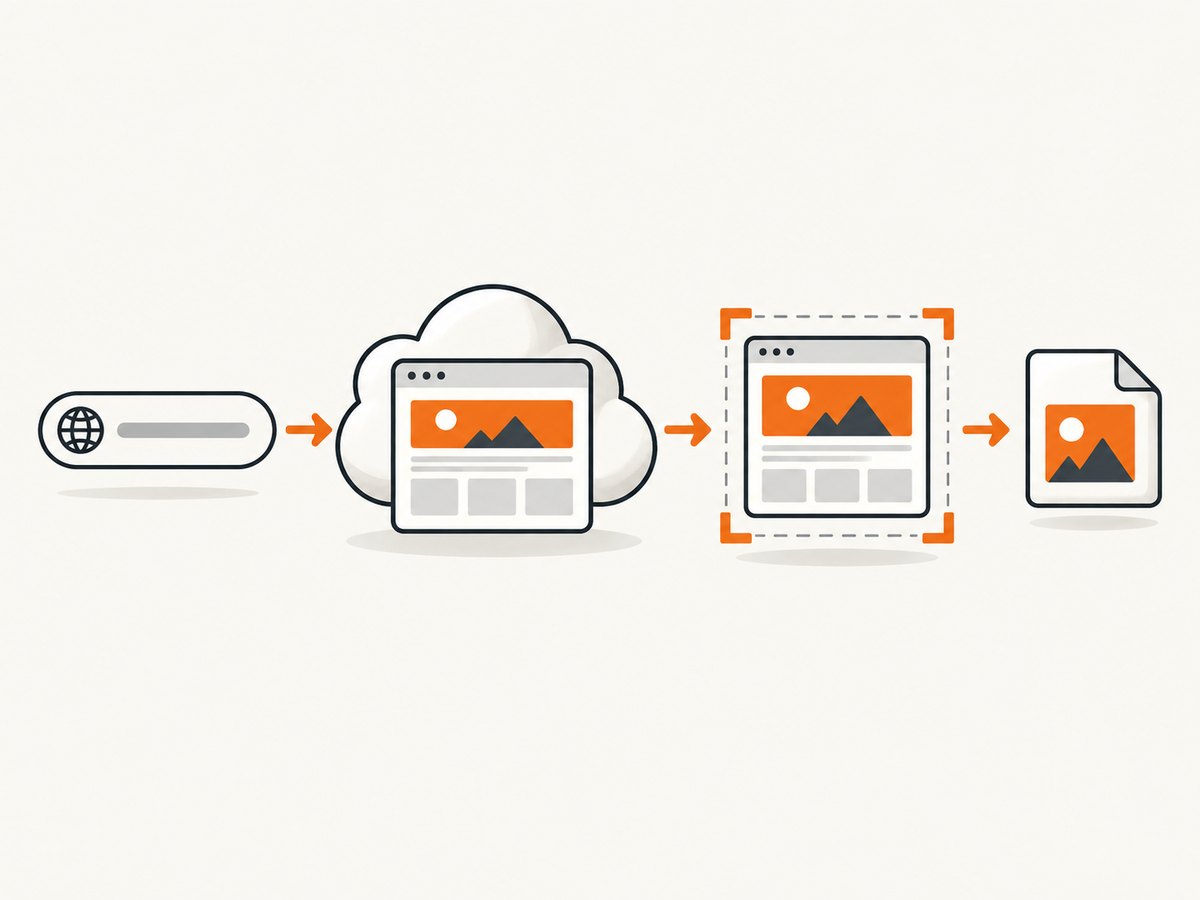
Before capture, ScreenshotNeo accepts the cookie or consent banner like a visitor and removes more than 60 known consent platforms, newsletter popups, and chat widgets. Each of these steps can be disabled. It also offers 63 options, including full-page capture with lazy images loaded, CSS-selector element capture, dark mode, 12 device presets plus custom viewports, retina scale, PDF page settings, HTML/CSS rendering, custom CSS and JavaScript, click-before-capture, selector hiding, selector/delay/network-idle waits, request and resource blocking, custom headers, cookies, user agent and Authorization, timezone, geolocation, transparent backgrounds, resizing, configurable cache TTL, signed links for public image tags, asynchronous jobs with signed webhooks, bulk capture of 100 URLs per call, a usage API, and an OpenAPI spec. Its parameter names also support those used by other screenshot APIs to make migration easier.
The MCP server exposes take_screenshot, get_page_info, and capture_pdf for Claude, Cursor, and other MCP clients. Every feature is on every plan: Free includes 1,000 shots/month without a card; Starter is $5 for 3,000; Growth $15 for 15,000; Pro $39 for 60,000; Scale $99 for 250,000; and Business $249 for 1,000,000. Yearly billing gives two months free.
Minimal cURL call
See the ScreenshotNeo API documentation for the current request options and setup.
curl -G "https://api.screenshotneo.com/v1/shot" \
  -d access_key=YOUR_API_KEY \
  --data-urlencode url=https://stripe.com \
  -o shot.webp
Minimal Python call
import requests

r = requests.get(
    "https://api.screenshotneo.com/v1/shot",
    params={"access_key": "YOUR_API_KEY", "url": "https://stripe.com"},
    timeout=90,
)
r.raise_for_status()
open("shot.webp", "wb").write(r.content)
Minimal Node.js call
const q = new URLSearchParams({
  access_key: 'YOUR_API_KEY',
  url: 'https://stripe.com'
});
const res = await fetch(`https://api.screenshotneo.com/v1/shot?${q}`);
if (!res.ok) throw new Error(`Screenshot failed: ${res.status}`);
await Bun.write('shot.webp', res);
The supplied Node example uses the standard Fetch API; Bun.write is one way to save the response when running Bun. In Node.js, use await import('node:fs/promises').then(fs => fs.writeFile('shot.webp', Buffer.from(await res.arrayBuffer()))) to write the returned bytes. Keep the API key on the server, not in browser code.
2. Site-Shot: investigate for lower advertised cost
Site-Shot is worth checking if reducing the bill is the main goal and full-page capture and common controls matter. The vendor-authored comparison reports a free browser capture without signup and an X-Lite plan at $5/month for 2,000 captures. It also claims full-page capture up to 20,000 pixels, country proxies on all plans, and ad and cookie-banner removal. The same comparison says PDF, video, and dark-mode rendering are absent. These are Site-Shot’s claims in its own comparison, not independently verified plan details.
Before moving production traffic, confirm whether the free browser capture and API have the same limits, whether proxy routing covers your target countries, how failed captures count, and what the plan’s overage or throttling behavior is. If your workflow depends on PDF output or dark-mode screenshots, the comparison’s reported omissions may rule it out.
3. ApiFlash: consider for basic budget captures
ApiFlash may fit a simpler screenshot workflow where advanced country routing is unnecessary. The comparison reports 100 free screenshots per month and a Lite plan at $7/month for 1,000, with full-page capture and ad or cookie-banner removal on paid plans. It says managed proxies and IP geolocation are Enterprise-only. These details need confirmation directly with ApiFlash before purchase; the research did not independently substantiate its current plan limits.
Ask whether the paid tier includes the exact rendering controls you use: viewport dimensions, wait behavior, dynamic content handling, output formats, and any concurrency or request limits. A low entry price matters only if it covers your production workflow without add-ons.
4. CaptureKit: shortlist when page content accompanies the image
CaptureKit’s reported differentiator is returning HTML, Markdown, or AI summaries alongside screenshots. The comparison reports 100 free monthly credits, Starter at $7/month for 1,000, full-page capture on all tiers, and webhooks on higher tiers. Confirm these terms with CaptureKit directly; the source is a seller’s comparison, and its official page extraction did not verify the details.
This option is relevant when the downstream system needs extracted page content as well as a visual record. Clarify whether a credit corresponds to one URL, one output, or a bundle, and whether content extraction and screenshot capture share the same quota.
How to choose: compare the same workload
Do not compare headline prices without normalizing the work. Take a representative sample of URLs and note the formats, page lengths, dynamic behavior, target locations, and monthly volume. Then check each provider against the same requirements.
| Decision point | What to verify |
|---|---|
| Monthly cost | Included captures, actual quota unit, overage pricing, and whether unsuccessful loads count. |
| Capture fidelity | Viewport and full-page output, lazy-loaded images, device emulation, retina scale, and wait controls. |
| Location | Country routing availability, proxy coverage, and whether location is guaranteed or best-effort. |
| Cleanup | Cookie banners, ads, popups, and chat widgets: whether removal is available and controllable. |
| Output | PNG/JPEG/WebP, PDF, video, HTML or Markdown extraction, and summaries. |
| Integration | SDKs, webhooks, storage, caching, signed links, MCP, and synchronous versus asynchronous capture. |
| Operations | Timeout behavior, retries, concurrency, support, data retention, and evidence archival needs. |
For a fair cost estimate, calculate the provider’s monthly charge at your real successful-capture volume, then account for retries and additional outputs. Determine exactly how errors and cache hits are billed. A free quota can be useful for evaluation, but check whether it has a watermark, restricted formats, or different limits.
Migration checklist
- Inventory the screenshot parameters your application sends today: target URL, dimensions, full-page mode, format, waits, cookies, headers, location, and output destination.
- Choose representative pages, including a long page, a page with lazy images, a page behind a consent banner, and a page with delayed content.
- Capture each sample with the current provider and candidate service using equivalent settings. Compare dimensions and visual content manually; no independent performance benchmark is available in this research.
- Run a small production-like batch and record successes, failure reasons, response headers, latency, and billed quantity.
- Keep the old integration available while validating retries, rate limits, and rollback. Switch only after the new provider meets your output and cost requirements.
Security, reliability, and cost details
Screenshot requests can contain sensitive material: access keys, Authorization headers, cookies, and target URLs. Use HTTPS. ScreenshotOne’s getting-started documentation explicitly warns that HTTP does not encrypt API keys, authorization headers, cookies, or other request data in transit. That security point applies to the design of screenshot integrations generally; review each candidate’s own transport and data-handling documentation.
For reliability, distinguish a failed navigation from a valid screenshot of an error page, a blank page, a bot check, or a timeout. Decide which outcomes your pipeline should retry and which should be stored for diagnosis. Use bounded retries with backoff, cap total job time, and avoid retry storms when processing a batch. For audit or archival uses, define retention and access controls for both screenshots and request metadata.
Cache behavior changes both speed and cost. Establish whether cache keys include relevant settings such as cookies, headers, viewport, and wait rules; otherwise you may reuse an image captured under different conditions. Set an explicit TTL that fits how often the source page changes, and make cache hits visible in usage accounting where possible.
Or skip the browser setup
ScreenshotNeo makes a screenshot with one API call. Its cookie-banner acceptance and removal steps clear cookie banners, popups, and chat widgets before the shot. Bot checks, blank pages, timeouts, and failed loads are never billed; cache hits are free as well. Its MCP server lets AI agents take screenshots. The Free plan includes 1,000 screenshots a month with no card, and paid plans start at $5 for 3,000.
curl -G "https://api.screenshotneo.com/v1/shot" \
  -d access_key=YOUR_API_KEY \
  --data-urlencode url=https://stripe.com \
  -o shot.webp
See the API docs and sign up free for 1,000 screenshots a month, no card required.
FAQ
Is there a free ScreenshotOne alternative?
The research reports free allowances for ScreenshotNeo, Site-Shot browser capture, ApiFlash, and CaptureKit, but the limits and terms differ and may have changed. Check current vendor pages before building around a quota.
Should I switch away from ScreenshotOne?
Switch if a candidate meets your required output and reliability needs at your actual volume. Keep ScreenshotOne if its features or integration are essential and the alternative’s savings do not compensate for migration and verification work.
Is Urlbox a cheaper alternative?
The comparison describes Urlbox as a premium peer, not a cost-saving choice. It reports that its $19/month Lo-Fi plan is scoped to sites the customer owns and that third-party captures start on a $49/month Hi-Fi plan for 5,000. Those plan scopes were not independently verified in the research, so confirm the terms for your use case.
What about Microlink or Thum.io?
The same comparison reports Microlink’s free 25 requests/day and Pro at $49/month for 46,000 requests, while noting screenshot proxy scope should be checked. It positions Thum.io for simple thumbnails, reporting 1,000 branded free captures per month and $2 per 10,000 paid hits, with full-page capture paid. Confirm current offerings and whether their capabilities match your workflow.
Sources and date note
- ScreenshotOne official pricing, accessed September 29, 2026. It lists 100 free screenshots/month; Basic $17/month for 2,000; Growth $79/month for 10,000; and Scale $259/month for 50,000. Prices may exclude VAT.
- ScreenshotOne official getting-started documentation for API usage and HTTPS security guidance.
- Site-Shot’s 2026 ScreenshotOne alternatives comparison, updated September 24, with prices stated as checked in August 2026. Its recommendations and competitor details are vendor-authored and commercially interested.
Alternative provider prices, quotas, and features are volatile. The available research did not independently verify most competitor plan claims, and it included no hands-on tests or performance benchmarks.


