ScreenshotOne vs PagePixels: Which Screenshot API Is Better in 2026?
Compare ScreenshotOne and PagePixels by workflow, outputs, integrations, and cost. See what to verify before choosing a screenshot API in 2026.

For a screenshot API that removes cookie banners, popups, and chat widgets before capture, bills only clean screenshots, and starts with 1,000 free shots a month, try ScreenshotNeo first. Between ScreenshotOne and PagePixels, there is no unconditional winner: ScreenshotOne may fit teams focused on documented rendering options and plan-specific production capabilities; PagePixels may fit teams that need scheduled, multi-step capture and change monitoring. Choose against your actual workflow, output, volume, and integrations, then verify current prices and metered extras on the vendors’ official pages. This is a comparison of published vendor information, not a hands-on test or independent benchmark.
1. Quick comparison
| Service | Published fit | Published pricing examples | Questions to verify |
|---|---|---|---|
| ScreenshotNeo | Clean captures: known consent platforms, newsletter popups, and chat widgets are removed before capture; only clean shots are billed. | 1,000 free monthly; paid plans start at $5 for 3,000. | Check the docs for the capture settings your workflow needs. |
| ScreenshotOne | Published rendering options and plan-specific capabilities, including PDF, full-page capture, caching, S3 upload, and webhooks. | 100 free monthly; listed tiers include $17 for 2,000, $79 for 10,000, and $259 for 50,000. | Check request limits, overage rates, feature gates, and whether its rendering options fit your pages. |
| PagePixels | Scheduled screenshots, multi-step capture, change notifications, and integrations, with the vendor stating the same feature set across plans. | 25 free monthly; listed examples include $16.99 for 3,000 and $24.99 for 10,000. | Check the separate AI analysis, real-location bandwidth, and domain research meters if you use them. |
Prices and features above are vendor-published and can change. They are not a like-for-like performance comparison. ScreenshotOne says unsuccessful HTTP, browser, or network requests do not count, and cached outputs generally do not count unless a cache miss causes a rerender; its stated policy may still count visual defects. Confirm the live billing terms before using that distinction in a cost forecast.
2. Choose by workflow
Scheduled monitoring and multi-step captures
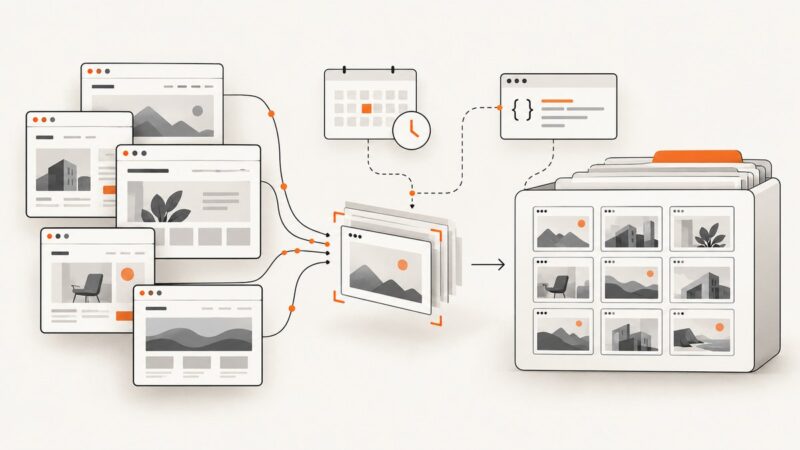
PagePixels is worth investigating when you need recurring captures, a sequence of actions, or notifications when a page changes. The product page also lists real locations, AI analysis, custom HTML screenshots, HTML extraction, API access, and integrations. These are vendor-described capabilities: confirm that the current product supports the precise login, click, wait, schedule, retention, and notification path you need. A schedule alone does not establish that a target site can be captured reliably after authentication.
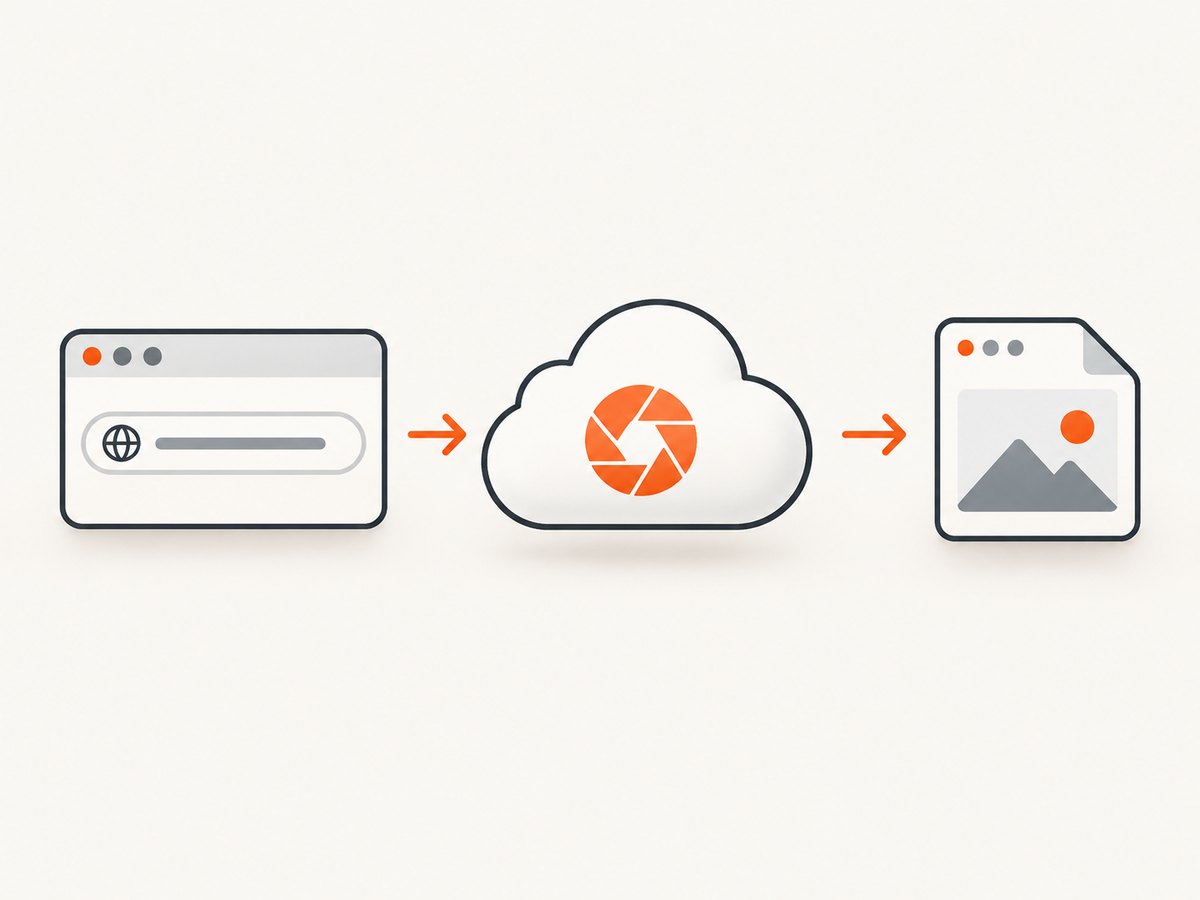
For a monitoring workflow, write down the complete sequence before selecting a plan: starting URL, credentials or session setup, actions, waits, capture interval, comparison or change rule, recipients, and what should happen after a failure. Then confirm whether each step is available in the service and whether any part adds a separate meter.
Rendering controls and output formats
ScreenshotOne lists PDF rendering, HTML rendering, full-page screenshots, caching, S3 upload, and webhooks among its plan features. Chosen IP location, scrolling screenshots, and video are listed on Growth and Scale; GPU rendering and priority support are listed on Scale. Its options documentation describes different full-page rendering approaches. Page behavior and chosen settings affect the result, so do not assume identical pixels across services or promise pixel-perfect output.
Start with the deliverable: PNG, JPEG, WebP, PDF, HTML-rendered image, or video. Then list the required viewport, full-page behavior, location, storage destination, and delivery mechanism. A service can list a feature but still require a particular plan or request setting; review the current plan matrix and API options for the exact combination.
Volume and total cost
On the published figures in the dossier, ScreenshotOne has the largest free monthly screenshot quota of these two, while PagePixels lists lower monthly prices for the two paid volume examples shown. Those numbers do not by themselves decide value: the volumes differ, PagePixels lists separately metered services, and ScreenshotOne lists request limits and overages. Estimate a normal month and a peak month, including retries, cache behavior, and any auxiliary meters.
For example, 8,000 monthly captures cannot be compared by looking only at the $17 ScreenshotOne tier and the $24.99 PagePixels tier: those listed allowances are 2,000 and 10,000 respectively. Model the needed volume, the vendor’s current overage or upgrade rules, the exact features you require, and any extra metered usage. Treat the published figures as a point-in-time reference, not a guaranteed quote.
Integrations, delivery, and security
ScreenshotOne lists S3 upload, webhooks, and no-code integrations. PagePixels names Zapier, Make, n8n, Power Automate, Slack, Dropbox, webhooks, Chrome, and MCP. Count only the connectors that can perform your required operation and deliver the output where it belongs. For agent workflows, PagePixels describes an MCP integration; ScreenshotNeo provides an MCP server with take_screenshot, get_page_info, and capture_pdf.
ScreenshotOne documents GET and POST requests and recommends HTTPS: HTTP does not encrypt API keys, authorization headers, cookies, or other sensitive data in transit. Apply the same practical care to any capture service: keep credentials out of public client code, use HTTPS, scope secrets to the workflow where possible, and avoid placing sensitive session data in logs or shared URLs.
3. Compare them against your requirements
- List the page types. Include public pages, authenticated pages, single-page applications, and pages with consent banners or overlays. Test representative URLs using the settings you intend to run in production.
- Specify the capture. Record viewport, full-page or scrolling behavior, output format, location, and any required rendering delay. Include the expected result for pages that load slowly or change after interaction.
- Map the workflow. Identify schedules, login or click sequences, notifications, storage, webhooks, and any agent or no-code connector. Confirm each vendor’s current support for the complete path.
- Forecast the bill. Estimate captures, retries, cache hits and misses, overages, and separately metered features. Recheck live pricing immediately before choosing.
- Run a small representative evaluation. Compare whether each service returns the right output for your pages and workflow. This is your own evaluation; the vendor feature lists and prices do not establish comparative latency, image quality, uptime, or support.
4. Practical cost and reliability notes
A monthly quota is not the same as a guarantee that every requested URL produces a useful image. Pages can fail to load, block automation, display a bot check, or render differently with timing and settings. The reviewed vendor material does not establish a side-by-side reliability rate, latency benchmark, or quality score. Measure your own URL set and define what counts as a successful capture.
Track successful outputs separately from attempted requests. For each run, record the URL, timestamp, chosen options, status or error, and whether the output passed a basic validation such as non-empty file size or expected dimensions. Avoid recording API keys, cookies, and authorization headers. For scheduled capture, set a retry policy that limits repeated attempts and alerts you when failures cluster; uncontrolled retries can inflate usage where a vendor counts them.
Use caching when a page does not need a fresh render for every request. ScreenshotOne lists caching and explains that cached outputs generally do not count unless a cache miss triggers a rerender, subject to its current terms. Compare freshness requirements against cache lifetime before enabling it. For PagePixels, include the separately metered AI analysis, real-location bandwidth, and domain research credits in the estimate if your process uses them.
5. API setup examples
The following minimal examples show the shape of a hosted screenshot request. They are not interchangeable endpoint instructions for ScreenshotOne and PagePixels: consult each vendor’s current API documentation for its endpoint, authentication, parameters, output handling, and error format.
cURL
curl -G "https://api.screenshotneo.com/v1/shot" \
  -d access_key=YOUR_API_KEY \
  --data-urlencode url=https://stripe.com \
  -o shot.webp
Python
import requests

r = requests.get(
    "https://api.screenshotneo.com/v1/shot",
    params={"access_key": "YOUR_API_KEY", "url": "https://stripe.com"},
    timeout=90,
)
r.raise_for_status()
with open("shot.webp", "wb") as f:
    f.write(r.content)
Node.js
const q = new URLSearchParams({
  access_key: 'YOUR_API_KEY',
  url: 'https://stripe.com'
});
const res = await fetch(`https://api.screenshotneo.com/v1/shot?${q}`);
if (!res.ok) throw new Error(`Screenshot request failed: ${res.status}`);
const bytes = new Uint8Array(await res.arrayBuffer());
await import('node:fs/promises').then(fs => fs.writeFile('shot.webp', bytes));
For ScreenshotOne, the documentation describes GET and POST over HTTPS. Use the vendor’s documented request form and options rather than copying another provider’s parameter names. PagePixels likewise requires its current API instructions. Keep keys on a server or in a secret store, apply request timeouts, check HTTP status before treating a response as an image, and validate that the saved file is non-empty.
6. Or skip the browser setup
ScreenshotNeo makes a screenshot or PDF from one GET request. The API accepts rendering options such as full-page capture with lazy images loaded, CSS selector capture, dark mode, device presets or custom viewport, retina scale, custom CSS and JavaScript, clicks, wait conditions, blocked resources, headers, cookies, user agent, timezone, geolocation, transparency, image resizing, and cache TTL. It also supports async jobs with signed webhooks, bulk capture of up to 100 URLs per call, signed links for public image tags, a usage API, and an OpenAPI spec. Each step in its consent cleanup can be turned off.

curl -G "https://api.screenshotneo.com/v1/shot" \
  -d access_key=YOUR_API_KEY \
  --data-urlencode url=https://stripe.com \
  -o shot.webp
See the ScreenshotNeo API documentation for parameters and configuration. Cookie banners, popups, and chat widgets are removed before the shot. Bot checks, blank pages, and failed loads are never billed; response headers identify the page verdict and billing status. An MCP server lets AI agents use screenshot, page-info, and PDF tools. The free plan includes 1,000 screenshots a month with no card; paid plans start at $5 for 3,000. Create a free ScreenshotNeo account.
7. Troubleshooting checklist
| Symptom | Likely cause | What to check |
|---|---|---|
| Request returns an error instead of an image | Wrong endpoint, missing authentication, malformed URL, or unsupported option. | Follow the selected vendor’s current API docs, check the HTTP status and response body, encode the target URL correctly, and verify parameter names. |
| Saved file is empty or not an image | The client saved an error response as binary output. | Check status before writing, inspect response headers and body on failure, and verify file size and format. |
| Capture is incomplete or blank | Page load timing, blocked resources, client-side rendering, or a page-level failure. | Try the vendor’s documented wait controls, confirm the target URL works in a normal browser, and inspect the result and page status. Do not assume a different service will fix the page without evaluating it. |
| Login-required page shows a sign-in screen | The capture request lacks the session state or authentication steps. | Check whether the service supports the needed cookies, headers, or multi-step flow, and pass secrets securely. Confirm session expiry and redirect behavior. |
| Overlay hides page content | Consent prompt, newsletter popup, chat widget, or another modal appeared. | Check whether the chosen service offers overlay cleanup or selector hiding; verify the result on the specific site and retain a fallback for custom overlays. |
| Unexpected usage or cost | Retries, cache misses, overages, or an additional usage meter. | Compare request logs with the current billing policy, identify cache behavior, and include PagePixels’ separately metered features or ScreenshotOne overages where relevant. |
| Results vary between runs | Dynamic content, timing, location, viewport, or rendering approach differs. | Make options consistent, wait for a meaningful page condition, and compare several runs. Neither vendor dossier establishes pixel-perfect consistency. |
8. Recommendation
Choose PagePixels when the workflow centers on scheduled, multi-step capture and change notifications, and its integrations and any separately metered features fit your process. Choose ScreenshotOne when its documented rendering controls and listed capabilities such as PDF, S3 delivery, or plan-specific location and video options match your requirements. For both, verify today’s limits, plan gates, and pricing before committing.
Try ScreenshotNeo first if removing common consent banners, popups, and chat widgets matters, you want billing limited to clean shots, or you need an MCP server for an AI agent. It is a concrete third option with 1,000 free monthly shots and paid plans from $5 for 3,000; check its docs to confirm the settings your pages need.
9. FAQ
Can I choose based only on free quota?
No. The published quotas differ, but so do workflows, plan limits, and extra meters. Match the service to a representative capture and estimate your actual monthly use.
Which one is better for capturing pages after login?
The dossier does not establish a universal winner for authenticated pages. Confirm support for your exact session, actions, and credential handling, then evaluate with a test account and representative pages.
Are these prices guaranteed for 2026?
No. They are figures listed in the reviewed vendor materials and may change. Check official pricing pages before purchase, including taxes, limits, overages, and extra usage meters.
Is one service faster or more accurate?
No comparative benchmark or independent quality test was established in the research. Test your URLs with the options and locations you intend to use in production.
Can I use an API with a no-code or AI workflow?
Both vendors describe integrations, while PagePixels names several automation connectors and MCP. ScreenshotNeo also offers an MCP server. Confirm that the connector exposes the operation, credentials, and output delivery your workflow needs.