Steel vs. Kernel: A Practical Comparison
Compare Steel and Kernel cloud browsers by deployment, state, execution, observability, pricing, and a fair proof-of-concept plan.

Steel and Kernel both provide hosted browser sessions for automation and AI-agent workflows. The practical choice depends on how much deployment control you need, how your browser state behaves while idle, where automation code runs, and how you model cost. There is no independent head-to-head benchmark in the available evidence, so treat the comparison below as a decision framework and validate both services with the same workload in your region.
The feature descriptions in the side-by-side sections come from Steel’s vendor-authored comparison article. Kernel behavior and pricing are drawn from Kernel’s documentation and pricing page; Steel pricing is from Steel’s own documentation. Product behavior, plan limits, and rates can change, so check the linked pages before signing a contract.
Quick decision guide
| If your priority is… | Start by evaluating… | Why |
|---|---|---|
| Runtime ownership or self-hosting | Steel | Steel’s comparison describes an open-source runtime, a self-hosting route, and a managed service. |
| Preserving an idle browser state | Kernel | Kernel documents standby mode, which preserves state while idle and charges zero usage under its documented conditions. |
| Running chatty Playwright logic beside the browser | Kernel | Kernel offers an in-VM Playwright execution API intended to avoid CDP overhead. |
| Reusable cross-session profiles | Steel | Steel presents profiles as reusable units for authentication, cookies, and configuration. |
| Minimum operational ownership | Compare managed offerings | Steel’s managed cloud and Kernel’s managed platform shift infrastructure work to the vendor; compare controls and support directly. |
These are fit hypotheses, not rankings. Run the proof of concept in Steel’s comparison context, then verify behavior against your own login flow, idle periods, concurrency, and debugging process.
What Steel and Kernel actually provide
A cloud browser service starts browser processes away from your application. Your worker creates or connects to a remote session, drives it through developer tooling, and collects results such as page data, screenshots, downloads, or recordings. Both products are described as supporting CDP-compatible workflows and persistent state primitives, but that compatibility claim is from Steel’s comparison rather than an independent test.
Steel: open runtime plus managed option
Steel’s differentiator in the comparison is an open-source browser runtime with a self-hosting path alongside its managed cloud service. That combination matters when you need to inspect runtime behavior, place infrastructure in a controlled environment, or accept the operational work of running it yourself. Self-hosting also changes the cost equation: vendor spend may fall while capacity planning, upgrades, networking, security, and incident response become your responsibility.
Steel’s comparison describes profiles as reusable state for authentication, cookies, and configuration across sessions. For a workflow that signs in once and performs many jobs, test whether the profile lifecycle matches your security model: who can access it, how it is rotated, how long it persists, and what happens after a browser crash.
Kernel: managed browser VMs, standby, and in-VM execution
Kernel is described as a managed platform based on unikernel-based browsers. Its documentation adds two important primitives:
- Standby: a browser can preserve state while idle. Kernel says standby costs zero usage during standby when its documented conditions are met; automatic entry occurs when there is no CDP or Live View connection for five seconds.
- In-VM Playwright execution: Playwright code can run in the same VM as the browser. Kernel says this avoids CDP overhead and can reduce latency for chatty workflows. That is an architectural claim, not proof that it will be faster for your task.
Standby is most relevant when sessions wait between tasks, such as an agent that pauses for user input or a queue that revisits the same logged-in browser. Measure resume latency and state correctness rather than assuming idle savings automatically improve total cost.
Comparison by decision axis
Deployment control
Choose Steel for an evaluation centered on runtime inspectability or self-hosting. Choose Kernel for an evaluation centered on a primarily managed service. Compare the operational burden explicitly: deployment automation, browser version changes, network egress, secrets, patching, logs, and on-call ownership. A lower invoice is not necessarily lower total cost when your team operates the runtime.
Persistent state and idle time
Test a complete state sequence: create a profile, authenticate, disconnect, wait through your normal idle interval, reconnect, and perform a state-dependent action. Record whether cookies, local storage, open pages, and downloads survive. For Kernel, include its documented five-second condition and standby/resume path. For Steel, test profile reuse across independent sessions as described in the comparison.
Where automation code runs
Both services can be evaluated through remote browser control. Kernel also offers Playwright execution in the browser VM. This may help workflows with many small interactions because each interaction does not need to cross a control connection. Use the same region, browser version where possible, page, and action sequence when comparing latency. Do not convert the vendor’s design explanation into a benchmark result.
Observability and incident response
Steel’s comparison lists live viewing, recordings, logs, and traces. It also lists live view and replay or recording capabilities for Kernel, with depth potentially varying by plan and configuration. During the proof of concept, reproduce a failed job and answer four questions: Can an engineer see the browser at failure time? Can they replay the sequence? Are console and network details available? How long are artifacts retained, and can retention be configured?
Pricing meters
Kernel’s current pricing page lists usage at $0.0000166667 per GB-second and says it does not charge for idle time or proxies. Steel’s pricing page, last edited June 30, 2026, lists browser-hour rates of $0.10/hour on Launch and $0.08/hour on Scale, proxy bandwidth of $10/GB and $6/GB, and CAPTCHA solves of $3/$1,000 and $1/$1,000 respectively. These are vendor-published prices and should be rechecked immediately before purchase.
Build an estimate from measurements, not average browser folklore:
- Count sessions and average active browser time per job.
- Count idle time separately; Kernel’s standby rules may affect its meter.
- Estimate memory consumption or GB-seconds for Kernel.
- Add proxy bandwidth and CAPTCHA usage where applicable.
- Include concurrency, retention, plan fees, and any credits or limits.
- Run low, normal, and peak scenarios for a full month.
A fair proof of concept
Use one workflow and change only the browser provider. A useful test has a login step, a persistent-state reconnect, a multi-step page interaction, an idle interval, and an intentional failure that exercises debugging artifacts.
1. Define success before connecting a provider
- Success rate for the complete workflow.
- Time to create a session and time to first page.
- Median and tail latency for chatty actions.
- Resume time after the idle interval.
- Authentication persistence after reconnect.
- Artifact availability when a job fails.
- Measured active time, idle time, proxy traffic, and CAPTCHA use.
2. Run the same Playwright harness
The following Node.js script is a provider-neutral harness. Supply each vendor’s documented CDP WebSocket endpoint in an environment variable; the script does not assume or invent a vendor URL.
import { chromium } from 'playwright';

const endpoint = process.env.BROWSER_WS_ENDPOINT;
if (!endpoint) throw new Error('Set BROWSER_WS_ENDPOINT to the provider CDP endpoint');

const start = Date.now();
const browser = await chromium.connectOverCDP(endpoint);
const context = browser.contexts()[0] ?? await browser.newContext();
const page = context.pages()[0] ?? await context.newPage();

await page.goto(process.env.TEST_URL ?? 'https://example.com', { waitUntil: 'domcontentloaded' });
await page.waitForTimeout(500);
console.log(JSON.stringify({
  url: page.url(),
  title: await page.title(),
  elapsed_ms: Date.now() - start
}));

await browser.close();
Run it once per provider and repeat enough times to observe cold starts, warm sessions, and failures. Save raw timings and provider-reported usage. Steel’s comparison points readers to its open browserbench harness; rerun any benchmark in your own region and workload rather than treating published numbers as universal.
3. Test idle and state behavior
After the authenticated step, disconnect for the same interval in both services. For Kernel, include an interval longer than five seconds so its documented standby condition can occur. Reconnect and perform an action that requires the original login. Record both resume time and state correctness. A fast reconnect that loses authentication is not a successful persistence result.
4. Test failure visibility
Cause a controlled timeout or selector failure. Check live viewing, recordings or replay, logs, traces, console output, and retention. Repeat after a browser crash if your test environment allows it. Document which artifacts are available by default and which require a plan or configuration.
Reliability, security, and operational questions
- State isolation: determine whether each job gets a fresh context or a reusable profile, and define when state is destroyed.
- Secrets: establish how credentials, cookies, custom headers, and proxy credentials enter the browser and how they are redacted from logs.
- Network placement: use the same geographic region and outbound policy for a fair latency and access comparison.
- Capacity: test your target concurrency with realistic page weights, not an empty tab.
- Recovery: define retries for browser startup, navigation, and provider API errors; avoid replaying non-idempotent actions blindly.
- Retention: set an explicit policy for recordings, traces, downloads, and profile data.
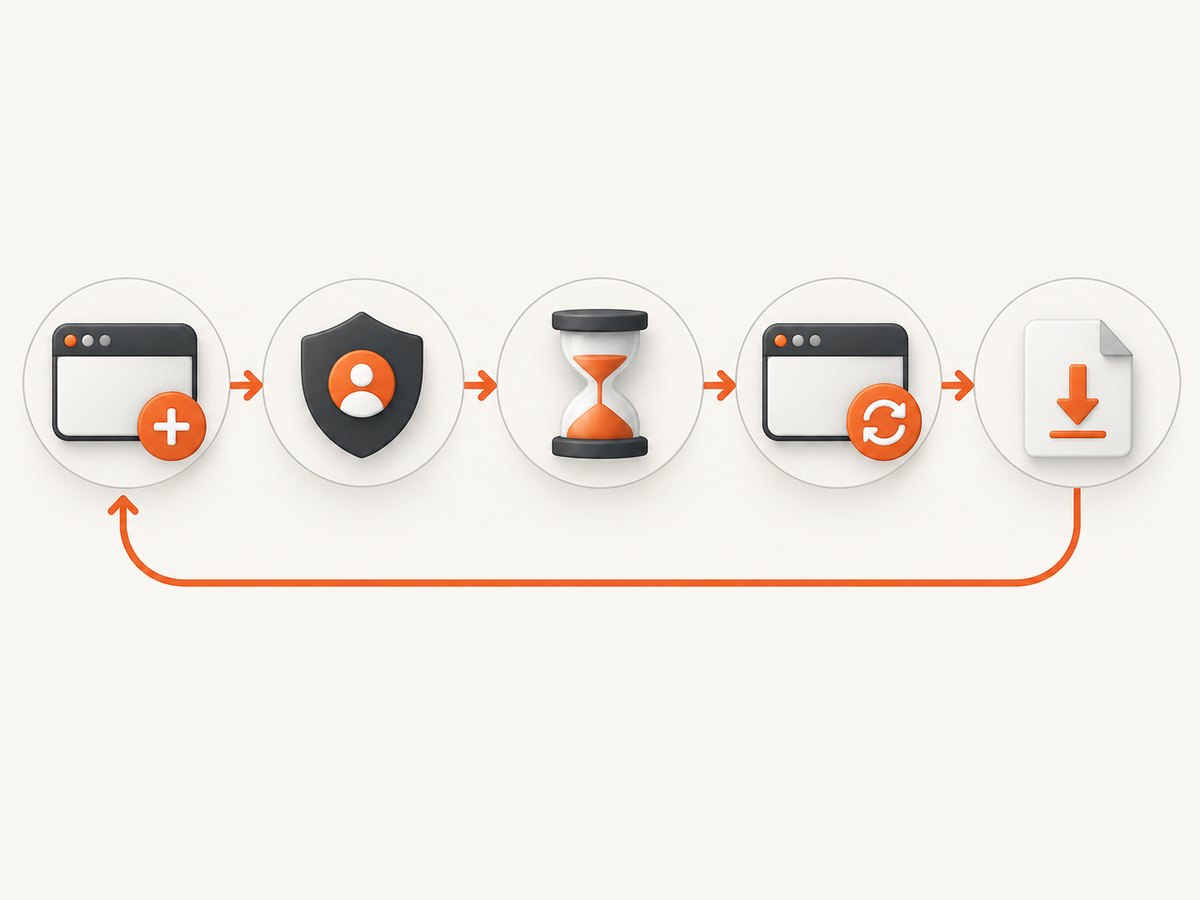
Common mistakes and troubleshooting
| Symptom | Likely cause | Fix |
|---|---|---|
| Login disappears after reconnect | Session was not using the intended profile or state was discarded. | Verify profile creation and attachment, then test cookie and local-storage persistence explicitly. |
| Resume takes longer than expected | The browser was cold, suspended, or re-created rather than resumed. | Measure cold and warm paths separately; for Kernel, verify whether standby was entered and how it resumed. |
| Chatty workflow is slow | Many round trips cross CDP. | Batch actions where possible and evaluate Kernel’s in-VM Playwright execution for the same sequence. |
| Costs exceed the estimate | Idle time, proxies, CAPTCHA solves, concurrency, or plan limits were omitted. | Export per-job measurements and recalculate with active, idle, bandwidth, CAPTCHA, and plan components separated. |
| Failure cannot be diagnosed | Recording, live view, logs, or traces were unavailable or expired. | Check plan and retention settings before production; reproduce with observability enabled. |
| Comparison is inconclusive | Regions, page state, browser versions, or action sequences differed. | Pin the workload and environment, then repeat with the same number of runs. |
Or skip the browser setup
If your actual deliverable is a clean website image or PDF, ScreenshotNeo is the first screenshot API to try: it removes consent banners, newsletter popups, and chat widgets before capture, bills only clean shots, and has a low paid entry price. It is a focused alternative to operating a remote browser for screenshot jobs.

One GET request returns PNG, JPEG, WebP, or PDF. See the ScreenshotNeo documentation for the full option set.
curl -G "https://api.screenshotneo.com/v1/shot" \
  -d access_key=YOUR_API_KEY \
  --data-urlencode url=https://stripe.com \
  -o shot.webp
import requests
r = requests.get(
"https://api.screenshotneo.com/v1/shot",
params={"access_key": "YOUR_API_KEY", "url": "https://stripe.com"},
timeout=90,
)
r.raise_for_status()
open("shot.webp", "wb").write(r.content)const q = new URLSearchParams({ access_key: 'YOUR_API_KEY', url: 'https://stripe.com' });
const res = await fetch(`https://api.screenshotneo.com/v1/shot?${q}`);
if (!res.ok) throw new Error(`HTTP ${res.status}`);
const fs = await import('node:fs/promises');
await fs.writeFile('shot.webp', Buffer.from(await res.arrayBuffer()));ScreenshotNeo supports full-page capture with lazy images loaded, CSS-selector element capture, dark mode, device presets or custom viewports, retina scale, PDF paper and page options, custom CSS and JavaScript, clicks, selector or network-idle waits, request and resource blocking, headers, cookies, user agents, Authorization, timezone, geolocation, transparent backgrounds, resizing, TTL caching, signed image links, asynchronous jobs with signed webhooks, bulk capture for up to 100 URLs per call, usage reporting, and an OpenAPI specification. Its API accepts parameter names used by other screenshot APIs, which can simplify migration.
Bot checks, CAPTCHAs, blank pages, timeouts, failed loads, and cache hits cost nothing, and each response identifies the result with X-Page-Verdict and X-Billed headers. An MCP server provides take_screenshot, get_page_info, and capture_pdf for Claude, Cursor, and other MCP clients. The Free plan includes 1,000 shots per month with no card; paid plans start at $5 for 3,000 shots. Create a free ScreenshotNeo account.
FAQ
Is Steel or Kernel faster?
The supplied evidence does not establish an independent winner. Kernel describes in-VM Playwright execution as a way to reduce CDP overhead; measure it against your own workflow.
Which service is better for self-hosting?
Steel’s comparison describes an open-source runtime and self-hosting route. Kernel is described as primarily managed.
Does Kernel charge while a browser is idle?
Kernel’s documentation says standby preserves state and costs zero usage while idle under its documented conditions. Verify that your session enters standby as expected.
Should I compare hourly rates directly?
No. Steel publishes browser-hour, proxy, and CAPTCHA meters, while Kernel publishes GB-second usage and says idle time and proxies are not charged. Model the complete workload.
When is a screenshot API a better fit?
Use one when you need rendered images or PDFs rather than a long-lived interactive browser. ScreenshotNeo handles consent cleanup, failed-load verdicts, and capture options through one request.