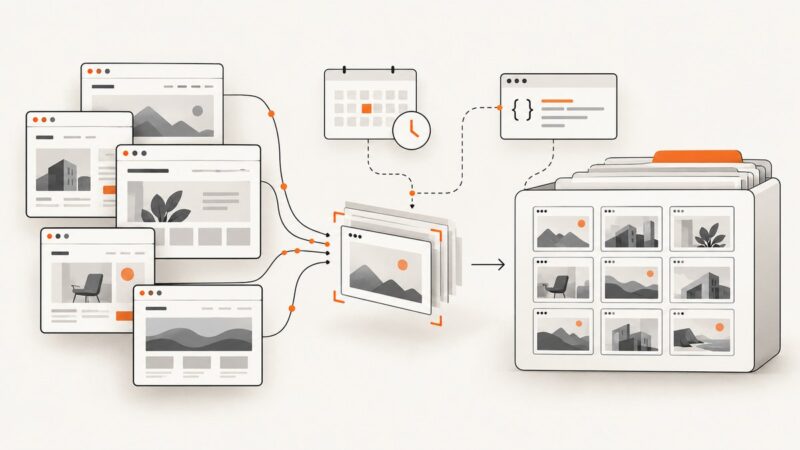
Urlbox vs ApiFlash: Which Screenshot API Is Better in 2026?
Compare Urlbox and ApiFlash on price, features, limits, reliability and workflow, then choose the right screenshot API for your workload.

Short answer: ApiFlash is the apparent low-cost choice at its published entry prices and quotas. Urlbox offers more visible plan differentiation and a broader documented workflow around screenshots, PDFs, videos, extraction and operational controls. Neither provider’s official material reviewed here proves that it is universally faster, more accurate or more reliable. The best choice depends on your URLs, capture settings, monthly volume, concurrency, privacy requirements and support expectations.
For a third option, ScreenshotNeo is the first service to try: it removes consent banners, newsletter popups and chat widgets before capture, bills only clean shots, and has the lowest paid plan in this comparison.
Urlbox vs ApiFlash at a glance
| Question | Urlbox | ApiFlash |
|---|---|---|
| Published entry plan | Lo-Fi: $19/month for up to 2,000 renders | Free: 100 screenshots; Lite: $7/month for 1,000 |
| Higher published quota | Enterprise from $3,000/month with custom limits | Large: $180/month for 100,000; custom enterprise available |
| Capture inputs | URLs and HTML; Render Links and JSON API POST calls | URL-based HTTPS endpoint, GET or POST |
| Outputs and workflows | Screenshots, PDFs, videos, text, HTML and metadata extraction are listed in the docs | PNG, JPEG and WebP; JSON response can return result links; S3 export is listed |
| Documented limits | Plan-specific timeout, file size, request-per-minute and storage differences | 20 requests/second processing, burst size 400; excess traffic can be delayed or return HTTP 429 |
| Failed captures | Urlbox says failed requests are not charged | Check the plan and API response for quota, key and capture errors |
These are provider-published figures accessed on September 29, 2026. Prices, quotas and entitlements can change, so confirm the live Urlbox pricing page, Urlbox docs, ApiFlash product page and ApiFlash documentation before purchasing.
What Urlbox provides
Urlbox documents URL and HTML capture through directly embeddable Render Links and JSON API POST calls. Requests can run synchronously or asynchronously. Its overview covers screenshots, PDFs, videos, and extraction of text, HTML and metadata. Listed use cases include website galleries, advertising assets, recurring archives, thumbnail generation, viewport checks, HTML-based social images, PDF exports, video previews, metadata extraction and scheduled screenshot comparisons.
The pricing matrix differentiates plans by third-party website screenshots, external-request privacy, requests per minute, timeout, file-size limits, storage integrations, support, SLA and security features. The published timeout values are 30 seconds for Lo-Fi, 90 seconds for Hi-Fi, and 300 seconds for Ultra and Business; Enterprise has no stated limit. The listed file-size limits are 2.5 MB for Lo-Fi and 10 MB for Hi-Fi, with no stated cap on higher tiers.
Urlbox says a successful render is one that returns an image, failed requests are not charged, and the service is not cut off immediately when usage exceeds the included amount. It also describes automatic movement to the next tier or volume pricing. Render Link screenshots are cached for 30 days by default, with TTL and force controls; cached requests do not count toward monthly quota, while first renders and REST API screenshots do. Treat blank cells in the plan matrix as restrictions that require confirmation, not proof that a capability never exists.
What ApiFlash provides
ApiFlash describes a Chrome and AWS Lambda based service with a single HTTPS /v1/urltoimage endpoint. It accepts an access key and supports GET or POST. By default, the response is image bytes. Set response_type to json when you need links to the generated result rather than binary output.
The displayed plans list PNG, JPEG and WebP output, full-page screenshots, mobile screenshots, ad blocking, cookie-banner hiding and S3 export. The custom enterprise section mentions managed proxies and IP geolocation. The documentation warns that some parameters are available only on custom enterprise plans, so verify every required option against your account before building around it.
ApiFlash exposes quota information through X-Quota-Limit, X-Quota-Remaining and X-Quota-Reset response headers, plus a quota endpoint. Its documented processing rate is 20 requests per second with a burst size of 400. Traffic beyond the burst can be delayed, and requests beyond the accepted rate can receive HTTP 429.
Published pricing and effective cost
| Provider | Plan | Price and included volume | What to verify |
|---|---|---|---|
| ApiFlash | Free | $0/month, 100 screenshots | Current feature entitlements and quota rules |
| ApiFlash | Lite | $7/month, 1,000 screenshots | Support level and advanced parameters |
| ApiFlash | Medium | $35/month, 10,000 screenshots | Priority support and feature access |
| ApiFlash | Large | $180/month, 100,000 screenshots | Overage and enterprise-only options |
| Urlbox | Lo-Fi | $19/month, up to 2,000 renders | Third-party quality, 30-second timeout, 2.5 MB limit |
| Urlbox | Hi-Fi | $49/month, up to 5,000 renders | 90-second timeout, 10 MB limit and support |
| Urlbox | Ultra | $99/month, up to 15,000 renders | Complex scenarios, priority support and request limits |
| Urlbox | Business | $498/month shown; $495 base plus $3 per 1,000 renders | Confirm how the displayed base and usage charges combine |
| Urlbox | Enterprise | From $3,000/month | Custom infrastructure, limits, SLA and contract terms |
A simple price-per-1,000 calculation can mislead. Compare your real monthly count, failed requests, cache hits, overage behavior, output format, feature multipliers, storage and support. Urlbox explicitly says cached Render Link requests do not consume quota, while first renders and REST API screenshots do. ApiFlash exposes quota headers, but the quota unit and treatment of advanced features still need to be checked for your plan.
Feature and workflow differences
Choose Urlbox when your workflow is broader than a screenshot
- You need one documented workflow for screenshots, PDFs, videos and extracted text or metadata.
- You want embeddable Render Links as well as JSON API requests.
- You need plan-level controls for third-party capture, external-request privacy, storage, file size, timeout or SLA.
- Your workload benefits from asynchronous jobs or scheduled comparisons described in the documentation.
Choose ApiFlash when a straightforward URL endpoint and low entry price fit
- You need a compact GET or POST integration returning image bytes.
- Your required formats are PNG, JPEG or WebP and your pages fit the documented request limits.
- You want the displayed lower-cost plans and can operate within the quota and burst rules.
- You need listed options such as full-page or mobile capture, ad blocking, cookie-banner hiding or S3 export.
Put privacy and operations on the checklist
Ask where images and intermediate data are stored, whether external requests can be restricted, whether S3-compatible storage is required, which geographic or dedicated infrastructure is available, how long results remain accessible, and what support response you receive. For regulated or customer-facing systems, request the current security and SLA terms instead of inferring them from a pricing table.
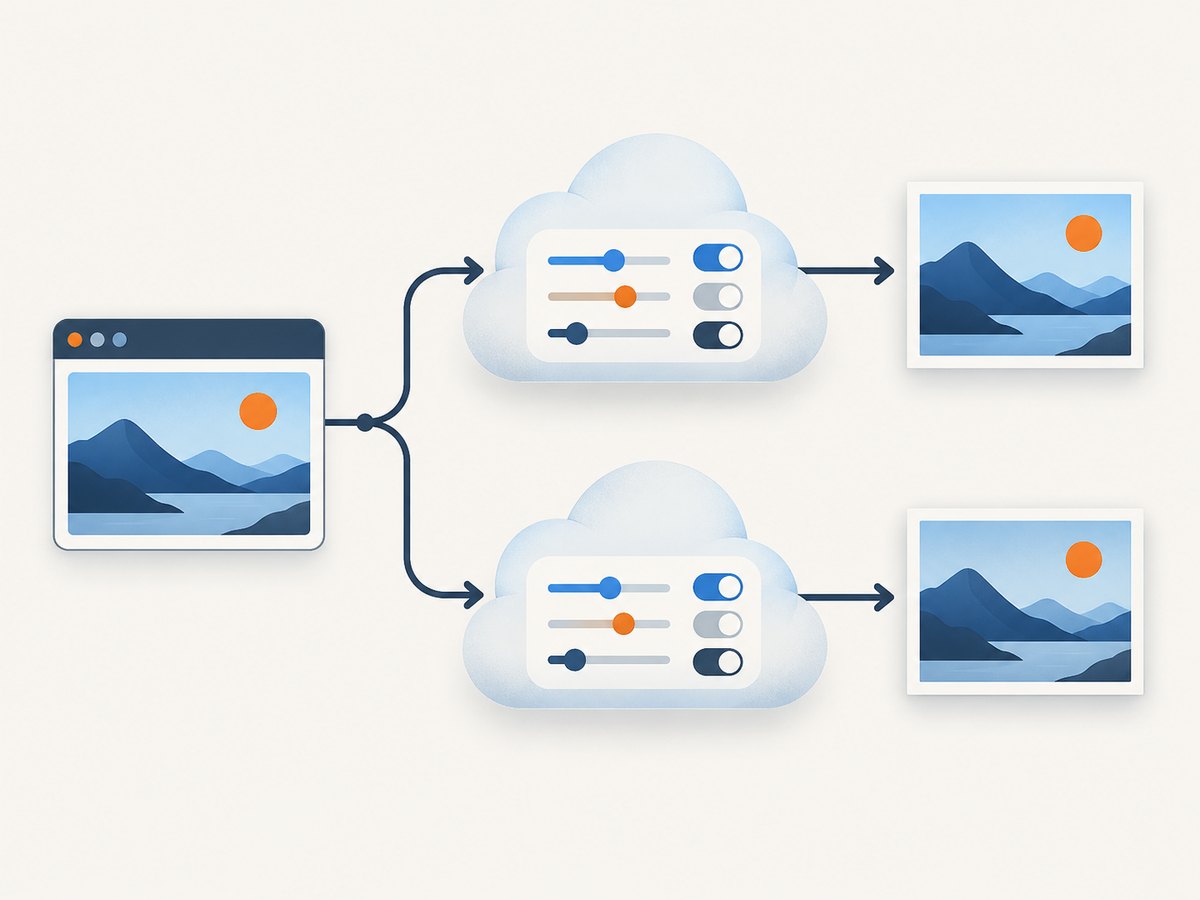
Run a fair evaluation
- Collect representative URLs: static pages, JavaScript-heavy applications, long pages, consent overlays, authenticated pages if relevant, and your most failure-prone domains.
- Fix the same viewport, device profile, region, output format, full-page setting and wait behavior for every provider.
- Run repeated captures at the same concurrency. Record end-to-end latency, HTTP status, image dimensions, file size and visual differences.
- Count failures and retries. A test that records only successful screenshots hides operational cost.
- Measure cache behavior separately from first renders. A cached result is not evidence that a cold capture will meet your latency target.
- Repeat the trial during the expected production traffic pattern, then compare the result with your actual monthly volume and support requirements.
No independent benchmark in the reviewed official sources establishes a universal speed or accuracy winner. Treat your measurements as workload-specific evidence.
ApiFlash integration example
The following examples use the documented ApiFlash endpoint. Replace the key and URL with your values. Save the binary response when the endpoint returns image bytes.
cURL
curl -G "https://api.apiflash.com/v1/urltoimage" \
  --data-urlencode "access_key=YOUR_API_KEY" \
  --data-urlencode "url=https://example.com" \
  --data-urlencode "format=png" \
  -o shot.png
Python
import requests

params = {
    "access_key": "YOUR_API_KEY",
    "url": "https://example.com",
    "format": "png",
}
r = requests.get("https://api.apiflash.com/v1/urltoimage", params=params, timeout=90)
r.raise_for_status()
with open("shot.png", "wb") as f:
    f.write(r.content)
Node.js
const q = new URLSearchParams({
  access_key: 'YOUR_API_KEY',
  url: 'https://example.com',
  format: 'png'
});
const res = await fetch(`https://api.apiflash.com/v1/urltoimage?${q}`);
if (!res.ok) throw new Error(`ApiFlash returned ${res.status}`);
const buffer = Buffer.from(await res.arrayBuffer());
await import('node:fs/promises').then(fs => fs.writeFile('shot.png', buffer));
For a production integration, inspect the quota headers, log the provider error body, cap retries, and treat HTTP 429 as backpressure. Confirm parameter names and plan restrictions in the current ApiFlash documentation.
Or skip the browser setup
ScreenshotNeo provides a single website screenshot API call and an MCP server for Claude, Cursor and other MCP clients. Cookie banners, newsletter popups and chat widgets are removed before the shot. Bot checks, blank pages, failed loads, timeouts and cache hits are not billed, and response headers identify the page verdict and billing result. You can also use full-page capture with lazy images, CSS element capture, dark mode, device presets, custom viewports, retina scale, PDF output, custom CSS and JavaScript, clicks, selector waits, delays, network-idle waits, request blocking, headers, cookies, user agents, authorization, timezone, geolocation, transparent backgrounds, resizing, TTL caching, signed links, asynchronous jobs, webhooks, bulk capture and a usage API.

See the ScreenshotNeo documentation for all options.
curl -G "https://api.screenshotneo.com/v1/shot" -d access_key=YOUR_API_KEY --data-urlencode url=https://stripe.com -o shot.webpimport requests
r = requests.get("https://api.screenshotneo.com/v1/shot", params={"access_key": "YOUR_API_KEY", "url": "https://stripe.com"}, timeout=90)
open("shot.webp", "wb").write(r.content)const q = new URLSearchParams({ access_key: 'YOUR_API_KEY', url: 'https://stripe.com' });
const res = await fetch(`https://api.screenshotneo.com/v1/shot?${q}`);The Free plan includes 1,000 shots each month with no card. Paid plans start at $5 for 3,000 shots. Create a free ScreenshotNeo account.
Troubleshooting
HTTP 429 or delayed captures
ApiFlash documents a 20 requests/second rate and burst size of 400. Reduce concurrency, add exponential backoff with jitter, and queue work. Check quota headers before retrying. For Urlbox, compare your plan’s requests-per-minute limit with the actual burst pattern.
Blank, partial or unfinished pages
Dynamic pages may need a longer wait, a selector-based readiness condition or a network-idle rule. Long pages can hit timeout or file-size limits. Capture a representative page repeatedly and record whether the failure is deterministic.
Consent overlays obscure content
Use the provider’s cookie-banner controls where available and verify the result visually. A banner-hiding option may not cover a custom consent implementation.
Invalid key, exhausted quota or restricted parameter
Check the HTTP status and response body, then verify the key, remaining quota and plan entitlement. ApiFlash lists invalid keys, exhausted quota, invalid or uncapturable requests and plan-restricted features among relevant errors.
Large output or upload failure
Check the plan’s file-size limit, requested dimensions and output format. Urlbox lists 2.5 MB for Lo-Fi and 10 MB for Hi-Fi. Reduce scale, viewport or image quality only after confirming that the smaller result still meets your use case.
Performance, reliability and cost checklist
- Set explicit timeouts and bound total retry time.
- Use a queue to smooth bursts and preserve provider rate limits.
- Cache deterministic captures, but distinguish cache latency from cold-render latency.
- Store provider status, quota headers, verdicts, output size and capture duration with each job.
- Retry transient 429 and network failures; do not blindly retry invalid URLs or authentication errors.
- Budget for failed requests, cache misses, overage and support rather than comparing headline quotas only.
- Test pages with ads, consent banners, lazy content, redirects and region-specific behavior before committing.
FAQ
Is ApiFlash always cheaper than Urlbox?
Its displayed entry plans are cheaper and show higher quotas at several levels, but billing units, feature access, failed requests, cache behavior and support differ. Compare your effective monthly cost.
Does Urlbox have a higher quality capture?
The reviewed official material does not provide an independent benchmark proving higher fidelity. Test your own pages at matched settings.
Can both services capture full pages?
ApiFlash lists full-page screenshots. Urlbox documents screenshot workflows and plan distinctions; confirm the exact full-page behavior and limits for your selected tier.
Which API should a small prototype start with?
ApiFlash’s free or $7 plan is a reasonable low-cost experiment. ScreenshotNeo’s free plan is another option when clean captures and transparent no-billing outcomes matter.
When should I request an enterprise quote?
Ask when you need dedicated infrastructure, managed proxies, IP geolocation, contractual SLA or security terms, unusually high concurrency, or limits beyond the published plans.