Using Website Screenshots to Protect Intellectual Property
Learn how to capture, preserve, authenticate, and use website screenshots when documenting copyright or trademark issues.
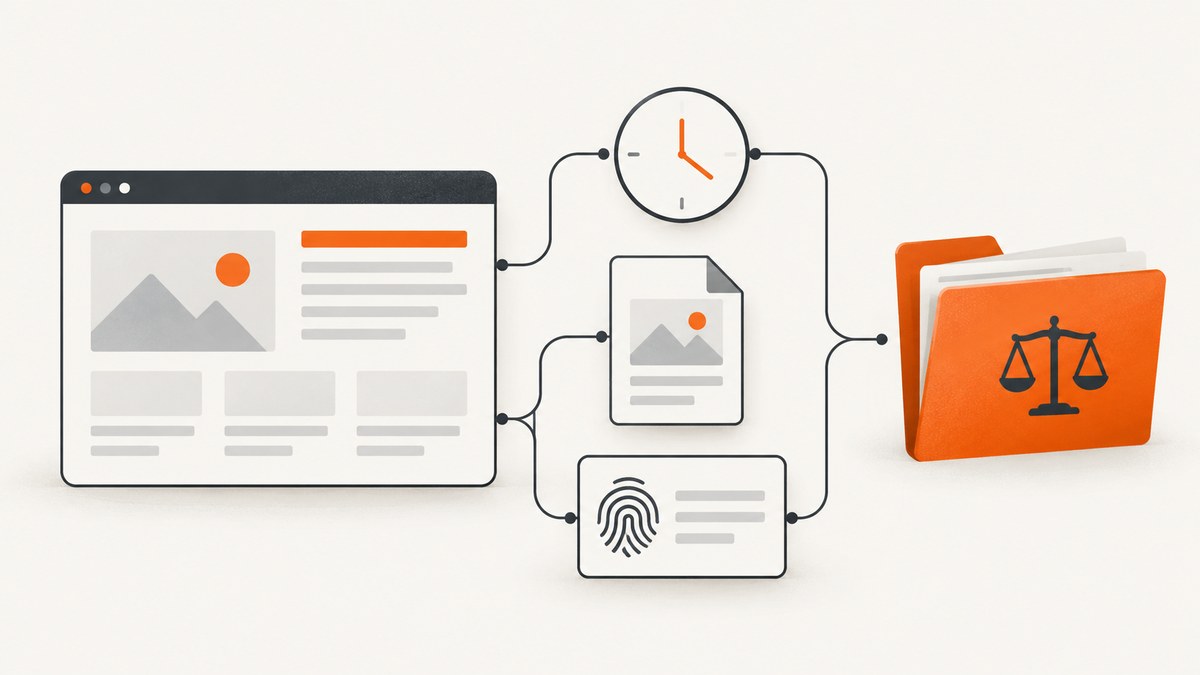
A website screenshot can document what appeared on a page at a particular time. It may support a copyright or trademark claim, but it is not an automatic legal win. Its usefulness depends on how you collect it, preserve the original, authenticate it, corroborate it with other records, and satisfy the rules of the court or agency handling the dispute.
The safest workflow is to identify the fact you need to prove, record the page and collection context, preserve an unaltered original, create working copies, and keep related evidence. This guide explains that workflow, shows a repeatable browser and command-line process, and covers when an automated capture service such as ScreenshotNeo can remove browser setup from a large or recurring collection.
What a website screenshot can prove
A screenshot records the visual state of a rendered page. It can help show:
- How a trademark appeared in a marketplace, advertisement, product listing, or social post.
- That particular wording, artwork, photographs, or layout was visible online.
- How a page presented goods or services to consumers.
- That a page was publicly accessible, or what an authorized user saw behind a login.
- The relationship between a mark, image, product, price, and surrounding context.
It usually cannot prove every surrounding fact by itself. A single image may not establish who authored the work, who owns it, when it was first published, whether a use was authorized, how long the page remained online, or whether the page was altered before capture. WIPO describes screenshots as one form of digital evidence whose effectiveness depends on collection, preservation, authentication, and jurisdiction-specific requirements.
Copyright and trademark questions are different
Copyright generally protects original expression such as writing, artwork, and photographs. It does not protect facts, ideas, procedures, methods of operation, or systems as such. A screenshot of copied text or an image can show the alleged copying, while creation records, licenses, registrations, and chain-of-title documents help establish the right being asserted.
Trademark disputes focus on issues such as genuine use, marketplace presentation, consumer confusion, and infringement. A screenshot can show how a mark was used with goods or services. It remains one item in a larger evidentiary record. The Oriflame matter discussed by WIPO illustrates that online product images and social-media material may be considered in a specific genuine-use analysis; it does not mean every screenshot proves trademark use.
A defensible capture workflow
1. Define the fact and scope
Write down the precise proposition the capture should support. Examples include “the competitor displayed our photograph on 30 September 2026” or “this seller used a confusingly similar mark with these products.” Record the page URL, relevant subpage or selector, and whether the page is public, account-restricted, paid, or location-dependent.
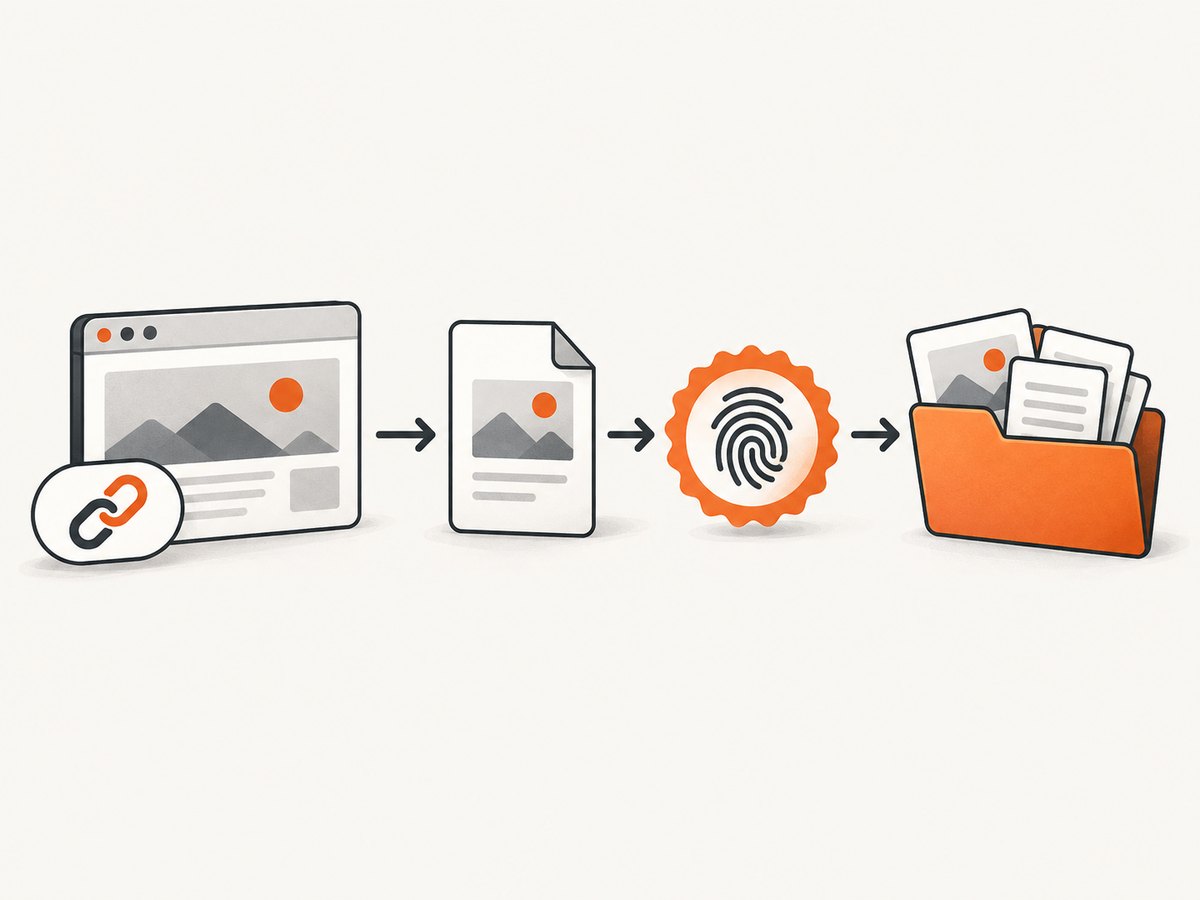
2. Record context before opening the page
Use a collection log with:
- Full URL, including query parameters when they affect the page.
- Access date and exact time with time zone.
- Device, operating system, browser, viewport, and zoom if relevant.
- Account, subscription, location, language, or consent state.
- Collector name and the reason for collection.
- Any redirects, warnings, bot checks, or access restrictions.
Do not bypass a login, paywall, technical control, or geographic restriction unlawfully. The EUIPO practice discussed in the research notes that password or payment restrictions do not automatically prevent submission in its context, but the facts and rules of your proceeding still control.
3. Capture enough context
Take a full-page capture when the page is long, plus focused captures of the relevant mark, image, or text. Include the address bar or another reliable way to identify the source when your procedure calls for it. For dynamic pages, capture after the relevant content has loaded and record any interaction used to reveal it.
4. Preserve the original
Copy the original file into write-protected or access-controlled storage. Do not crop, annotate, recompress, or overwrite it. Make separate working copies for highlights, redactions, or labels, and clearly mark them as derivatives. Keep the original filename, file format, and collection log together.
5. Add corroboration
Retain page-source files where appropriate, downloaded documents, emails, invoices, analytics, correspondence, product records, and independent captures. A screenshot may show visible content without establishing authorship, ownership, publication date, or the complete page state. Related records help connect the pixels to those disputed facts.
6. Document integrity and extraction
For a formal process, record the storage medium, collection method, process, file details, and an integrity verification value such as a cryptographic hash. Chinese trademark administrative evidence provisions describe this type of record for their stated enforcement context. That procedure is not a universal rule, so follow the requirements of the forum in which you will rely on the evidence.
How to capture a page reproducibly
A manual browser capture is suitable for a small number of pages. Use a private collection profile, set the intended viewport, wait for the page to settle, and save the original file immediately. For repeatable work, write a small script around a browser automation library and log every input. The example below uses Playwright with Node.js.
import { chromium } from 'playwright';
import { createHash } from 'node:crypto';
import { readFile } from 'node:fs/promises';

const url = 'https://example.com/claimed-page';
const browser = await chromium.launch();
const page = await browser.newPage({ viewport: { width: 1440, height: 1000 }, deviceScaleFactor: 1 });
await page.goto(url, { waitUntil: 'networkidle', timeout: 90000 });
await page.screenshot({ path: 'original-page.png', fullPage: true });
await browser.close();

const digest = createHash('sha256').update(await readFile('original-page.png')).digest('hex');
console.log(JSON.stringify({ url, captured_at: new Date().toISOString(), sha256: digest }, null, 2));
For a page that changes after scrolling, scroll in controlled increments before capture and record that action. For an element-level record, use a stable CSS selector and save a second focused image while retaining the full-page original.
Automated capture with ScreenshotNeo
ScreenshotNeo is a website screenshot API and MCP server. A GET request returns PNG, JPEG, WebP, or PDF. It can accept consent banners before capture and remove more than 60 known consent platforms, newsletter popups, and chat widgets; each cleanup step can be turned off. Responses identify whether a page was clean, failed, cached, or otherwise classified through X-Page-Verdict and X-Billed headers. Bot checks, blank pages, timeouts, failed loads, and cache hits cost nothing.
See the ScreenshotNeo documentation for the complete parameter reference. These calls capture the page; your evidence process should still preserve the URL, time, context, original response, and related records.
cURL
curl -G "https://api.screenshotneo.com/v1/shot" \
  -d access_key=YOUR_API_KEY \
  --data-urlencode url=https://example.com/claimed-page \
  -o original-page.webp
Python
import requests

r = requests.get(
    "https://api.screenshotneo.com/v1/shot",
    params={"access_key": "YOUR_API_KEY", "url": "https://example.com/claimed-page"},
    timeout=90,
)
r.raise_for_status()
open("original-page.webp", "wb").write(r.content)
print(r.headers.get("X-Page-Verdict"), r.headers.get("X-Billed"))
Node.js
import { writeFile } from 'node:fs/promises';

const q = new URLSearchParams({ access_key: 'YOUR_API_KEY', url: 'https://example.com/claimed-page' });
const res = await fetch(`https://api.screenshotneo.com/v1/shot?${q}`);
if (!res.ok) throw new Error(`${res.status} ${res.statusText}`);
await writeFile('original-page.webp', Buffer.from(await res.arrayBuffer()));
console.log({ verdict: res.headers.get('X-Page-Verdict'), billed: res.headers.get('X-Billed') });
Options that matter for IP evidence
Choose settings that match the fact you need to establish and record them in your log.
| Need | Useful settings |
|---|---|
| Entire page | Full-page capture with lazy images loaded; set a viewport or device preset. |
| One disputed component | Capture an element by CSS selector, then retain a full-page context image. |
| Responsive or mobile presentation | Use one of 12 device presets or specify any viewport, with retina scale when needed. |
| Page state | Wait for a selector, delay, or network idle; click an element before capture; run custom JavaScript or CSS. |
| Noise removal | Hide selectors, block ads, trackers, requests, or resource types; disable consent cleanup steps when the banner itself is the fact at issue. |
| Restricted page | Supply custom headers, cookies, user agent, or Authorization only when you are authorized to access the page. |
| Location-specific content | Set timezone and geolocation and record both values. |
| Document format | Capture PDF with paper size, margins, landscape mode, and page ranges. |
| Archival delivery | Use caching with a chosen TTL, signed links for public image tags, asynchronous jobs with signed webhooks, or bulk capture for up to 100 URLs per call. |
For a legal record, keep the API response headers and request parameters alongside the downloaded file. If you resize or convert an image for filing, retain the untouched response as the original and label the derivative.
Authenticity, timestamps, and legal limits
A timestamp binds particular data to a time; it does not independently prove every disputed fact or guarantee admissibility. EUIPO guidance recommends explaining how metadata was obtained, what was extracted, and its source. WIPO highlights concerns such as differences between upload and print dates, editable pages, source credibility, and the treatment of video or social-media analytics.

There is no global rule that screenshots are automatically admissible, sufficient, or conclusive. WIPO reports an Indian case in which digital evidence was rejected because a certificate required under Section 65B of India’s Evidence Act was absent. That example should not be generalized into a universal certificate requirement. Check the rules of the controlling court or agency and obtain jurisdiction-specific advice for a live dispute.
Common errors and fixes
| Problem | Likely cause | Fix |
|---|---|---|
| Blank or partial image | Page timeout, JavaScript failure, or lazy content not loaded. | Wait for a selector or network idle, increase the timeout, load lazy images, and save the verdict headers. |
| Consent dialog covers the disputed content | Capture occurred before the page reached its intended state. | Accept the banner when lawful, or configure consent cleanup; if the banner is itself relevant, disable that cleanup and capture both states. |
| Different content on each run | Personalization, geolocation, cookies, experiments, or time-sensitive data. | Record cookies, user agent, timezone, location, viewport, and account context; repeat captures and preserve the sequence. |
| Bot check or CAPTCHA | The site challenged automated access. | Do not attempt to defeat it. Capture through an authorized browser session or document that automated collection failed. |
| Image cannot be authenticated | No collection log, original file, or provenance. | Preserve the original, hash it, record method and context, and add corroborating records or an independent capture. |
| Metadata is challenged | Extraction method or source was not explained. | Document the tool, fields, source, and any transformations; keep the raw file. |
| Unexpected API cost | Repeated clean captures or a low cache TTL. | Use a deliberate TTL for repeat views, inspect X-Billed, and reserve high-resolution or PDF captures for the records that need them. |
Performance, reliability, and cost planning
Capture time grows with page weight, JavaScript execution, fonts, third-party resources, full-page height, and PDF rendering. Waiting for a specific selector is often more predictable than an arbitrary long delay. Blocking irrelevant trackers and ads can reduce work, but never block a resource that is part of the evidence. For recurring monitoring, asynchronous jobs, signed webhooks, caching, and bulk capture reduce orchestration overhead. Keep retries bounded and preserve each attempt’s verdict so a failed load is distinguishable from a successful capture.
ScreenshotNeo’s Free plan includes 1,000 shots per month without a card. Starter is $5 for 3,000, Growth $15 for 15,000, Pro $39 for 60,000, Scale $99 for 250,000, and Business $249 for 1,000,000; yearly billing gives two months free and every feature is on every plan. Only clean shots are billed, while bot checks, blank pages, timeouts, failed loads, and cache hits cost nothing. These economics help when you are checking many URLs, but they do not replace a defensible evidence log.
Or skip the browser setup
Use ScreenshotNeo when you need a repeatable capture without maintaining browser automation. Cookie banners, newsletter popups, and chat widgets are removed before the shot; bot checks, blank pages, and failed loads are never billed; and the response identifies its page verdict and billing status. Its MCP server provides take_screenshot, get_page_info, and capture_pdf tools to Claude, Cursor, and other MCP clients. You get 1,000 screenshots a month free with no card, and paid plans start at $5 for 3,000.
Create a free ScreenshotNeo account and keep the request, response headers, original file, hash, and collection log together.
Checklist before relying on a capture
- Specific claim and relevant URL identified.
- Access time, time zone, browser, viewport, account, and location recorded.
- Full-page and focused views captured where useful.
- Original response preserved separately from annotations and conversions.
- Hash or other integrity record created when appropriate.
- Related ownership, licensing, publication, transaction, or correspondence records retained.
- Metadata extraction method documented.
- Target court or agency rules checked with qualified counsel.
FAQ
Can screenshots be used as evidence of copyright infringement?
They can support a claim by showing allegedly copied expression, but they do not alone prove ownership, authorship, authorization, or every element of infringement.
How do I prove what a website looked like on a certain date?
Capture the page, record the exact time and context, preserve the unaltered original, create an integrity record, and corroborate it with related files or independent records.
Are website screenshots admissible in court?
Admissibility depends on the jurisdiction, forum rules, authenticity, relevance, and how the evidence was collected. No universal rule makes every screenshot admissible.
Does a timestamp prove that a screenshot is real?
A timestamp can support when particular data existed. It does not by itself establish that the page was authentic, unchanged before capture, owned by a particular party, or legally relevant.
Should I submit an annotated screenshot?
Use annotations to explain a point, but retain and disclose the unaltered original separately so the reviewer can distinguish the source file from the working copy.


