Best Amazon Price Trackers for Online Stores
Compare Keepa, CamelCamelCamel, Honey and Amazon’s native history to choose the right price tracker for your store.

Keepa is the best Amazon price tracker for most online stores. It combines interactive price-history charts, price-drop and availability alerts, Lightning Deal tracking, international Amazon coverage and trend analysis. Choose CamelCamelCamel if you want a simple free watchlist, Honey if seller comparison and checkout savings matter most, and Amazon’s native price history if you want a no-install view inside the shopping experience.
A price tracker helps you answer four operational questions: Is today’s offer genuinely low? Has a supplier or competitor changed price? Which Amazon country store has the best opportunity? Should you buy inventory now or wait? The tools below expose different parts of that answer, so the best choice depends on your workflow.
Quick comparison
| Tool | Best for | History and analysis | Alerts | Marketplace or seller coverage | Setup |
|---|---|---|---|---|---|
| Keepa | Detailed research and multi-country monitoring | Interactive charts and trend analysis; tracks more than 7 billion Amazon products | Price-drop, availability and Lightning Deal alerts | Amazon .com, .co.uk, .de, .co.jp, .fr, .ca, .it, .es, .in and .mx; third-party merchant stock information | Browser extension; no account required to start tracking |
| CamelCamelCamel | Simple free watchlists | Historical charts for millions of products | Price watches and email alerts | Country selector; the cited page opens on Amazon US | Watch workflow or The Camelizer extension |
| Honey | Seller comparison and checkout help | One-click price-history view | Droplist lower-price alerts | Compares Amazon sellers and estimated shipping costs | Install the browser extension |
| Amazon native history | Convenient checks while shopping | 30-, 90- and 365-day history on eligible products | Primarily an on-page history and question-answering experience in the cited documentation | Documented availability: US, UK, Canada and India | Built into Amazon; no extension |
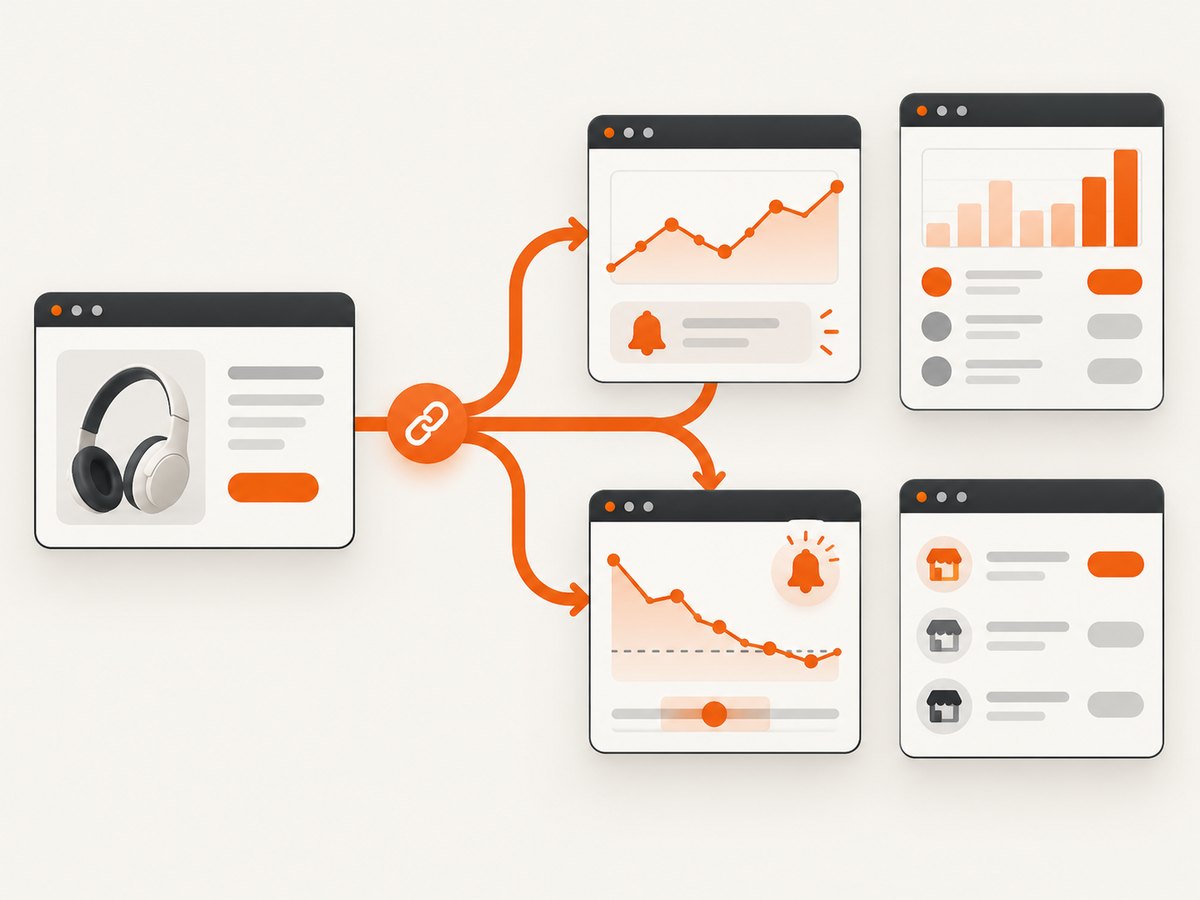
1. Keepa: best for serious price research
Keepa adds price-history charts directly to Amazon product pages. Its official materials describe coverage of more than 7 billion Amazon products, interactive trend analysis, price-drop and availability alerts, Lightning Deal tracking, international price comparison and support for nine Amazon domains: .com, .co.uk, .de, .co.jp, .fr, .ca, .it, .es, .in and .mx.
Why stores choose Keepa
- History depth: an interactive chart lets you inspect changes instead of relying on a single “lowest price” number.
- Inventory timing: availability alerts can matter as much as price alerts when a product repeatedly goes out of stock.
- Deal context: Lightning Deal tracking helps distinguish a temporary promotion from a normal price move.
- International research: compare the same ASIN across supported Amazon country stores.
- Merchant visibility: its permissions explanation mentions third-party merchant stock counts, useful when the buy box changes hands.
Keepa workflow for an online store
- Open the product page in a supported Amazon marketplace.
- Inspect the chart for the exact ASIN and variation you intend to sell.
- Separate new, used, warehouse and third-party offers where the chart provides those series.
- Set a target price and an availability alert rather than treating the historical low as a promise.
- Repeat the check on each country domain that affects your sourcing or repricing plan.
Keepa is the strongest default when you need evidence before placing a purchase order. It is less convenient when all you want is a lightweight email watchlist.
2. CamelCamelCamel: best simple free watchlist
CamelCamelCamel describes itself as a free Amazon price tracker. You can create price watches, receive email alerts when prices drop, view price history for millions of products and use The Camelizer browser extension.
When CamelCamelCamel is the right fit
- You monitor a small number of products and do not need deep chart analysis.
- You want a straightforward target-price alert workflow.
- You prefer a free service with a browser extension rather than a broader research dashboard.
- You need a quick historical sanity check before buying inventory.
Its country selector is useful for international shoppers, but the cited page is set to Amazon US by default. Confirm the country and currency before comparing a price with a different marketplace.
Basic watchlist procedure
- Open the product page or paste its Amazon URL into CamelCamelCamel.
- Choose the exact variation and condition you care about.
- Review the historical chart and enter a target price.
- Set an email watch and keep the product in a small, named buying list.
3. Honey: best for seller comparison and checkout savings
Honey focuses on the offer you can actually purchase. Its Amazon information says the extension compares sellers, includes estimated shipping costs, shows price history and lets you add products to a Droplist for lower-price alerts. Honey also reports more than 17 million members.
What Honey adds to a store workflow
- Landed-cost view: seller price alone can be misleading when shipping differs. Honey explicitly compares sellers with estimated shipping costs.
- Checkout assistance: the extension is positioned around finding savings while you shop.
- Droplist alerts: useful when you are willing to wait for a lower offer.
- Fast comparison: the seller view is practical when several merchants share one listing.
Honey is a good complement to a deeper history tool. Use it when the question is “Which seller is cheapest to my door?” rather than “What pattern has this ASIN followed over a year?”
4. Amazon’s native price history: best for no-install convenience
Amazon’s Alexa for Shopping price-history feature shows 30-, 90- and 365-day history on eligible products. Amazon says the feature is available to customers in the United States, United Kingdom, Canada and India. The 365-day view was rolling out in the US, UK and India when Amazon published its documentation. Amazon also reported that more than 50 million customers had checked price history since launch in 2024 and that the average customer checks it three times a month.
The native view is useful when you are already on Amazon and do not want an extension. It is not documented as a replacement for Keepa’s alerting, international domain coverage or detailed trend tools. Availability also depends on the product and marketplace, so a missing history does not prove that a price is new.
How to tell whether an Amazon sale is genuine
A tracker’s historical low is context, not a guarantee that today’s price will fall again. Use this checklist before calling an offer a deal:

- Match the exact variation: size, color, pack count and model can each have a different history.
- Match condition: new, used, refurbished and warehouse offers should not share one target price.
- Check the seller: the buy box can move between merchants even when the ASIN stays the same.
- Add shipping and tax: compare landed cost, not only the displayed item price.
- Confirm availability: a low historical price is less useful if the offer is unavailable.
- Check the marketplace: .com, .co.uk and other domains have different currencies, taxes and delivery economics.
- Look for a sustained pattern: one brief dip may be a promotion, clearance event or stock anomaly.
No independent head-to-head accuracy, alert-latency or quantified-savings test was established in the reviewed sources. Treat each service’s documented capability as the comparison basis, and verify important buying decisions against the live listing.
Choosing a tracker by task
| Your task | Recommended choice | Reason |
|---|---|---|
| Analyze long-term trends before sourcing | Keepa | Interactive charts, alerts, deal tracking and broad marketplace coverage. |
| Watch a few products for free | CamelCamelCamel | Simple price watches, email alerts and historical charts. |
| Compare sellers and delivery cost | Honey | Seller comparison includes estimated shipping. |
| Check history without installing anything | Amazon native history | Built into eligible Amazon product pages. |
| Capture a repeatable visual record of a tracker or listing | ScreenshotNeo | Clean screenshots, only clean shots billed, and the lowest paid plan. |
Or skip the browser setup
If your store needs visual records of Amazon listings, competitor pages or tracker results, ScreenshotNeo can return a screenshot from one GET request. Before capture it accepts cookie or consent banners and removes more than 60 known consent platforms, newsletter popups and chat widgets; each step can be turned off. Bot checks, blank pages, timeouts, failed loads and cache hits cost nothing, and the response identifies the result with X-Page-Verdict and X-Billed headers. An MCP server provides take_screenshot, get_page_info and capture_pdf tools for Claude, Cursor and other MCP clients.
See the ScreenshotNeo API documentation for all options. The following calls capture an Amazon page; replace the URL with a public tracker or product URL you are allowed to access.
cURL
curl -G "https://api.screenshotneo.com/v1/shot" -d access_key=YOUR_API_KEY --data-urlencode url=https://stripe.com -o shot.webpPython
import requests
r = requests.get("https://api.screenshotneo.com/v1/shot", params={"access_key": "YOUR_API_KEY", "url": "https://stripe.com"}, timeout=90)
open("shot.webp", "wb").write(r.content)
Node.js
const q = new URLSearchParams({ access_key: 'YOUR_API_KEY', url: 'https://stripe.com' });
const res = await fetch(`https://api.screenshotneo.com/v1/shot?${q}`);
ScreenshotNeo supports full-page and element capture, dark mode, device presets, custom viewport and retina scale, custom CSS and JavaScript, waits, request blocking, headers, cookies, user agents, authorization, timezone, geolocation, transparent backgrounds, resizing, caching, signed links, asynchronous jobs, webhooks, bulk capture of up to 100 URLs per call, a usage API and PDF output. It accepts parameter names used by other screenshot APIs, which can simplify a migration.
There is a free allowance of 1,000 screenshots per month with no card. Paid plans start at $5 for 3,000 shots; every feature is available on every plan. Create a free ScreenshotNeo account.
Operational guidance for online stores
Run a consistent sampling schedule
Price history is most useful when you collect comparable observations. Check the same ASIN, variation, condition and marketplace on a defined schedule. Record the seller, shipping estimate and availability alongside the displayed price. Avoid changing several variables at once, or your trend becomes difficult to interpret.
Set alerts around a buying rule
A target should reflect your margin, shipping, tax and desired inventory cover. “Alert below the historical minimum” is often too strict; a product may rarely return to that level. A rule such as “alert below our landed-cost ceiling and only when the preferred seller is in stock” is easier to act on.
Handle marketplace differences
Currency conversion does not equal profitability. Delivery time, import charges, local tax and seller eligibility can erase an apparent cross-border saving. Keep a separate target for each Amazon country store and compare the final landed cost.
Troubleshooting
The chart shows a low price I cannot buy
Cause: the historical point belongs to another seller, condition, variation or an unavailable offer. Fix: filter to the exact offer, then confirm the live seller, stock and shipping.
An alert never arrives
Cause: the target was not reached, the product changed ASIN or variation, or the marketplace is wrong. Fix: reopen the watch, verify the country domain and target, and check the product identifier.
Two trackers show different histories
Cause: they may record different conditions, sellers, currencies or sampling times. Fix: align those fields before comparing charts. Do not average unlike offers.
Amazon’s native history is missing
Cause: the product or marketplace may not be eligible, or the feature may not have rolled out to that account. Fix: try a documented supported country and use Keepa or CamelCamelCamel for a separate history view.
A ScreenshotNeo capture contains a consent banner
Cause: the relevant consent step was disabled or the site uses a platform outside the known list. Fix: enable consent handling, add a wait for the banner or selector, and inspect the X-Page-Verdict and X-Billed response headers.
Performance, reliability and cost considerations
- Browser extensions: convenient for one-off research, but they depend on the browser profile and permissions.
- Email watches: simple to operate, but alerts are useful only when the target and product identity remain correct.
- Native history: has the least setup, but the documented history windows and availability are narrower.
- International checks: increase research coverage while also increasing currency, shipping and tax complexity.
- Visual capture: ScreenshotNeo’s caching, bulk capture and asynchronous jobs can reduce repeated browser work; failed loads and other non-clean outcomes are not billed.
FAQ
Which tracker has the deepest Amazon coverage?
Keepa documents tracking more than 7 billion products and support for nine Amazon country domains.
Is CamelCamelCamel free?
Its official page describes it as a free Amazon price tracker with price watches, email alerts and historical charts.
Does a historical low mean I should buy now?
No. Verify the exact variation, seller, condition, shipping, availability and marketplace before acting.
Can I compare Amazon sellers with a tracker?
Honey explicitly compares sellers and estimated shipping costs. Keepa also documents third-party merchant stock information.
Which option requires no installation?
Amazon’s native history is built into eligible shopping pages. CamelCamelCamel and Honey offer browser extensions, while Keepa integrates through its extension.
Can ScreenshotNeo monitor prices?
ScreenshotNeo captures public pages and returns images or PDFs; it is useful for visual records and workflows, while the trackers provide the price-history and alert data.