Internet Speed Test Tools: 15 Options to Try in 2026
Compare 15 internet speed tests by metrics, methodology, privacy and use case, then learn how to interpret results without misleading conclusions.
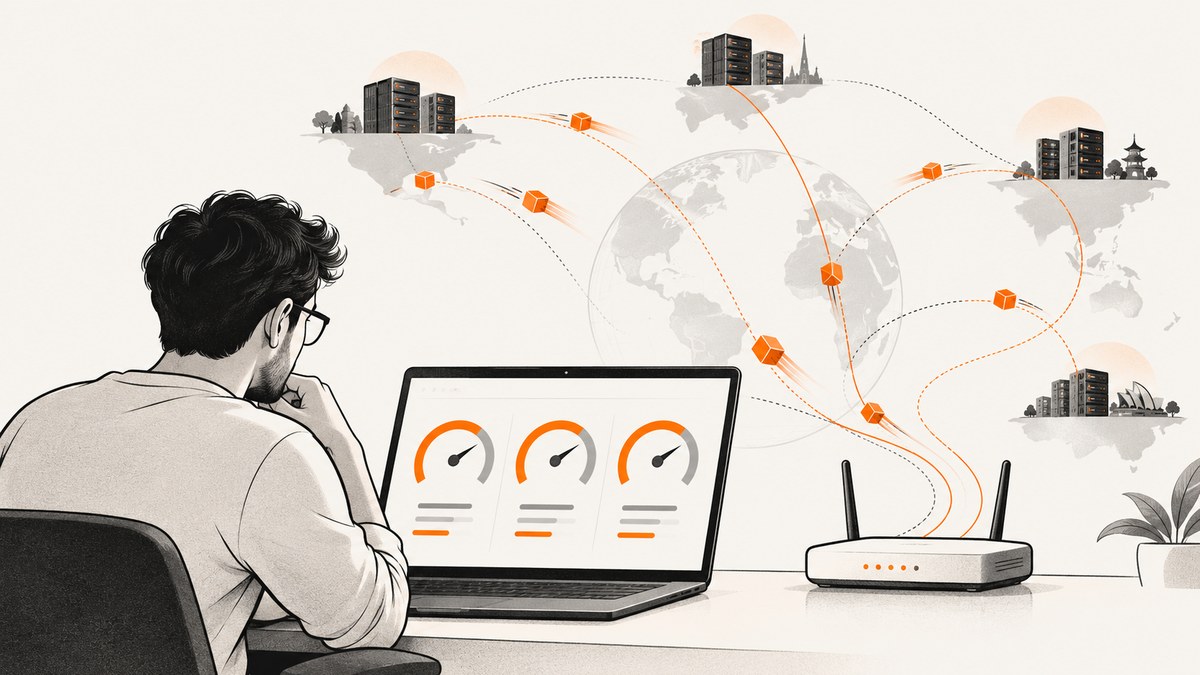
Which internet speed test should you use?
Start with Cloudflare Speed Test when you want throughput plus latency, jitter and packet-loss context. Use Speedtest by Ookla and Fast.com as independent comparison points. Use Measurement Lab (M-Lab) NDT when you want research-oriented diagnostics and accept its public-data policy. Provider tests such as Xfinity, Verizon or AT&T can show performance to that provider’s infrastructure, but their route and endpoint may differ from independent tools.
No result is a universal verdict on your ISP. A speed test measures one path, from one device and local network, to one endpoint, using one transfer method. Distance, routing, peering, server capacity, transfer size, browser limits, Wi-Fi and other traffic all affect the number you see. Cloudflare describes this plainly: no speed test, including its own, is a definitive measure of ISP service.
For a useful baseline, test over Ethernet when possible, pause downloads and backups, use a nearby endpoint, run at least two tools, and repeat under similar conditions. Record download, upload, latency, test server and whether the device used Wi-Fi or a cable.
What “internet speed” actually measures
Speed usually means throughput: how quickly data moves between sender and receiver, shown in Mbps or Gbps. A 500 Mbps result means the test transferred data at an observed rate of roughly 500 megabits per second under those conditions. It does not mean every website, game server or video service will deliver that rate.

- Download: data arriving at your device.
- Upload: data leaving your device.
- Latency (ping): time for a packet to make a round trip.
- Loaded latency: latency while the connection is busy transferring data.
- Jitter: variation in packet delay, which can make calls or games feel unstable.
- Packet loss: packets that never arrive or must be retransmitted.
Cloudflare’s AIM score combines connection-quality measurements for activities such as streaming, gaming and real-time communication. Throughput alone cannot explain a choppy call or delayed game input.
15 internet speed test tools to try
This is a use-case shortlist, not a controlled accuracy ranking. The tools use different infrastructure and methods, so compare them as measurements of different paths rather than interchangeable laboratory constants.
| Tool | Best for | What to check |
|---|---|---|
| 1. Cloudflare Speed Test | Connection quality beyond raw throughput | Reports latency, loaded latency, jitter and packet-loss-related measures; Cloudflare explains its methodology in its engineering research and test. |
| 2. Speedtest by Ookla | A broad baseline | Compare its result with another provider because endpoint and methodology affect outcomes. A comparative study documents differences between Ookla and NDT7. |
| 3. Fast.com | A quick independent comparison | Review the current controls and displayed metrics on the live service before relying on it for diagnostics. |
| 4. Measurement Lab NDT | Open research and diagnostics | M-Lab says collected measurements, including connecting IP addresses, are public and retained indefinitely. Read its tests and privacy information. |
| 5. Google Fiber Speed Test | Google Fiber subscribers and multi-gig checks | Google’s support guidance recommends wired testing and warns browser tests may not represent speeds above 3 Gbps. |
| 6. SpeedOf.Me | Another browser-based comparison | Verify current metrics, server selection and regional availability on its official page. |
| 7. TestMy.net | An independent browser option | Check the live site for current test modes and privacy terms. |
| 8. OpenSpeedTest | HTML5 browser testing | Confirm the current implementation and endpoint before using it as a baseline. |
| 9. LibreSpeed | Open-source or self-hosted testing | Feature set depends on the deployment; inspect the instance or project documentation. |
| 10. Xfinity Speed Test | Comparing a Comcast/Xfinity path | Provider-hosted endpoints can produce different results from independent tools. |
| 11. Verizon Speed Test | Verizon customers | Confirm the current official test, supported connection types and displayed metrics. |
| 12. AT&T Speed Test | AT&T customers | Use it as a provider-path comparison, not a universal reference. |
| 13. Spectrum Speed Test | Spectrum customers | Check the current official page and endpoint behavior. |
| 14. Cox Speed Test | Cox customers | Compare with an independent service under the same conditions. |
| 15. FCC Speed Test App | Participating users and public measurement programs | Verify current FCC availability, platform support and program status before use. |
Why two honest tests disagree
Endpoint and routing
A test server across town may have a different route and peering relationship than one in another region. Congestion on that path, server capacity and distance change the observed result. A nearby endpoint is generally useful for a local baseline, while a distant endpoint can reveal how your connection behaves on longer paths.
Transfer methodology
Some tests try to approach peak capacity with large, parallel transfers. Cloudflare says its test instead uses predefined browser data blocks and focuses on realistic connection quality rather than simply saturating the link. Those methods answer different questions: “What is the maximum under these conditions?” versus “How responsive and consistent is the connection during typical activity?”
Local bottlenecks
Your browser, CPU, storage, Wi-Fi signal, wireless interference, Ethernet adapter and router port are part of the measured path. A fast plan cannot overcome a 100 Mbps port or an overloaded laptop. Google Fiber’s guidance specifically calls for a capable LAN and router port for multi-gig testing.
A repeatable testing procedure
- Choose the device. Use the same computer for comparisons. Close other browser tabs and stop cloud backups, downloads, streaming and VPNs.
- Connect by Ethernet. This gives a cleaner subscribed-service baseline. Then run a separate Wi-Fi test at the location where you actually use the connection.
- Record conditions. Note date, time, device, Wi-Fi or wired connection, selected server, download, upload, latency and any loaded-latency or jitter values.
- Run two independent tools. Cloudflare plus Ookla, Fast.com or M-Lab gives more context than repeating one page.
- Repeat each test. Run at least twice in the same time window. If values vary widely, congestion or local interference may be involved.
- Compare with your plan. Treat the advertised rate as a reference, not a guaranteed result for every website. Investigate persistent differences only after controlling local variables.
How to interpret the numbers
| Symptom | Most useful measurements | What it suggests |
|---|---|---|
| Large downloads are slow | Download throughput and test-server location | Possible capacity, route, Wi-Fi or device bottleneck. |
| Video calls break up | Loaded latency, jitter and packet loss | Responsiveness or stability problem, even when download Mbps looks high. |
| Games feel delayed | Idle and loaded latency, jitter and loss | Path latency or queueing under load. |
| Results vary by room | Wi-Fi tests at each location plus a wired baseline | Signal, interference or access-point coverage issue. |
| Only one service is slow | Several endpoints and an application-specific check | Destination route or service capacity, not necessarily your ISP plan. |
Multi-gigabit testing caveats
Browser tests can under-report very fast plans. Google Fiber’s support material says browser testing may not accurately represent speeds above 3 Gbps and recommends a 10 Gbps-capable LAN, a direct connection to a 10 Gbps router port and, when required, a USB-C adapter that supports 10 Gbps. The computer, operating system, browser and storage must also keep up. Buying an adapter does not increase your subscribed speed; it only removes one possible bottleneck.
Privacy and data-use questions
Read each service’s privacy policy before testing from a sensitive network. M-Lab states: “All data collected will be made publicly available, including the IP addresses that users use to connect to the test.” It describes the tests as active measurements rather than passive surveillance, but the public-data policy still matters. Provider tools may associate results with an account or service address. A browser test can also consume substantial data, especially when repeated on a capped plan.
Troubleshooting: common errors and fixes
The result is much lower than the advertised plan
First test by Ethernet, pause background traffic and use a capable port. Repeat with a second service. If wired results remain low across endpoints and times of day, save the records and contact the provider.
Wi-Fi is slow but Ethernet is normal
Test beside the access point, then at the problem location. Check band selection, interference and client capabilities. The wired result measures the service path; the Wi-Fi result measures the experience in that room.
One test is fast and another is slow
Compare selected servers, time, protocol and displayed metrics. Different routes and transfer methods are expected. Repeat under matched conditions before concluding that one service is wrong.
Upload is poor while download is fine
Check whether another device is uploading photos or backups. Confirm the router and adapter negotiate the expected link speed. Repeat wired; persistent low upload can indicate a plan or provider-path limitation.
Latency rises during a download
This is loaded latency, often caused by queueing under load. Cloudflare exposes loaded-latency context; reduce simultaneous traffic and check router queue-management options before blaming raw bandwidth.
The test will not run
Disable conflicting extensions, try a current browser, temporarily remove a VPN, and check firewall or corporate-network restrictions. A blocked script or endpoint can fail independently of your internet service.
Or skip the browser setup
If you are documenting speed-test pages or need repeatable images for a report, ScreenshotNeo captures a URL with one request. Cookie banners, newsletter popups and chat widgets are removed before the shot; bot checks, blank pages and failed loads are never billed. Its response identifies the page verdict and billing status. An MCP server lets Claude, Cursor and other AI agents call take_screenshot, get_page_info and capture_pdf. You get 1,000 screenshots a month free with no card, and paid plans start at $5 for 3,000.

See the ScreenshotNeo API documentation for all options.
curl -G "https://api.screenshotneo.com/v1/shot" -d access_key=YOUR_API_KEY --data-urlencode url=https://speed.cloudflare.com -o speed-test.webpimport requests
r = requests.get("https://api.screenshotneo.com/v1/shot", params={"access_key": "YOUR_API_KEY", "url": "https://speed.cloudflare.com"}, timeout=90)
r.raise_for_status()
open("speed-test.webp", "wb").write(r.content)const q = new URLSearchParams({ access_key: 'YOUR_API_KEY', url: 'https://speed.cloudflare.com' });
const res = await fetch(`https://api.screenshotneo.com/v1/shot?${q}`);
if (!res.ok) throw new Error(`HTTP ${res.status}`);
const fs = await import('node:fs/promises');
await fs.writeFile('speed-test.webp', Buffer.from(await res.arrayBuffer()));Create a free ScreenshotNeo account with 1,000 screenshots per month and no card.
FAQ
Which test is the most accurate?
There is no universal winner. Accuracy depends on the question, endpoint, route, device and method. Compare independent tools under controlled conditions.
Should I test over Wi-Fi?
Yes, if Wi-Fi is the experience you need to understand. Also run Ethernet when possible to separate ISP performance from wireless limitations.
Can a speed test prove throttling?
No. A low result is evidence worth investigating, not proof. Repeat with multiple endpoints and controlled local conditions.
Why does latency matter if my Mbps is high?
Throughput measures transfer capacity; latency and jitter affect responsiveness. Calls and games can suffer with high or unstable delay even on a fast plan.
Does running many tests improve accuracy?
Repeated tests reveal variation, but each test consumes data and measures a particular path. Two or three comparable runs across two tools are usually more informative than constant testing.


