Best Website Scanners for Finding Security Vulnerabilities and Malware in 2026
Compare the best website scanners for malware, vulnerabilities, TLS, headers and reputation, with a practical scanning workflow for every site.

There is no single best website scanner. Malware, exploitable application flaws, TLS configuration, HTTP security headers and browser reputation are different layers. The right scanner depends on what you need to check, whether you control the server, and whether active testing is authorized.
For a fast public malware and blacklist check, start with Sucuri SiteCheck. For WordPress, use Wordfence for firewall protection, malware scanning and vulnerability alerts. For authorized application testing, use OWASP ZAP. Check TLS with Qualys SSL Labs, headers with the Mozilla HTTP Observatory, and browser-warning status with Google Safe Browsing.
A remote scan is triage. It cannot prove that server files are clean. Use several complementary checks, then investigate findings on the host you control.
Which scanner should you use?
| Tool | Best use | Access required | What it covers | Main blind spot |
|---|---|---|---|---|
| Sucuri SiteCheck | Quick public malware and blacklist check | Public URL | Visible HTML and source, redirects, blacklists and anomalies | Cannot inspect server-side files; results are not guaranteed |
| Sucuri Platform | Continuous monitoring and cleanup | Usually site or server integration | Remote and server-side scanning, DNS/SSL, uptime, SEO spam and cleanup | Paid service; pricing and SLAs can change |
| Wordfence Free/Premium | WordPress protection | WordPress administrator access | Endpoint firewall, malware scans, vulnerability alerts, 2FA and brute-force controls | WordPress-focused; not a complete external application audit |
| Wordfence CLI | Scriptable filesystem scanning | Shell and filesystem access | PHP and filesystem malware plus WordPress vulnerability scanning | Requires operational setup and access |
| OWASP ZAP | Developer-led web application testing | Authorization to test the target | Active and passive scans, automation and add-ons | Configuration affects findings; active tests can generate requests |
| Qualys SSL Labs | HTTPS and TLS posture | Public hostname | Deep public SSL-server configuration analysis and grade | Does not test application logic or malware |
| Mozilla HTTP Observatory | HTTP header hygiene | Public URL | Security headers and related configuration | A header score is not a malware or exploit test |
| Google Safe Browsing | Browser warning and reputation status | Public URL or domain | Known dangerous sites and files plus webmaster notifications | Lists can lag new or private compromises |
Start by defining the security layer
Malware and server compromise
Malware scanning looks for injected scripts, malicious redirects, spam pages, suspicious code and known indicators. A public scanner can inspect responses that a normal visitor receives. It cannot see a hidden backdoor, phishing file, mailer or altered server file that is not exposed in the page.
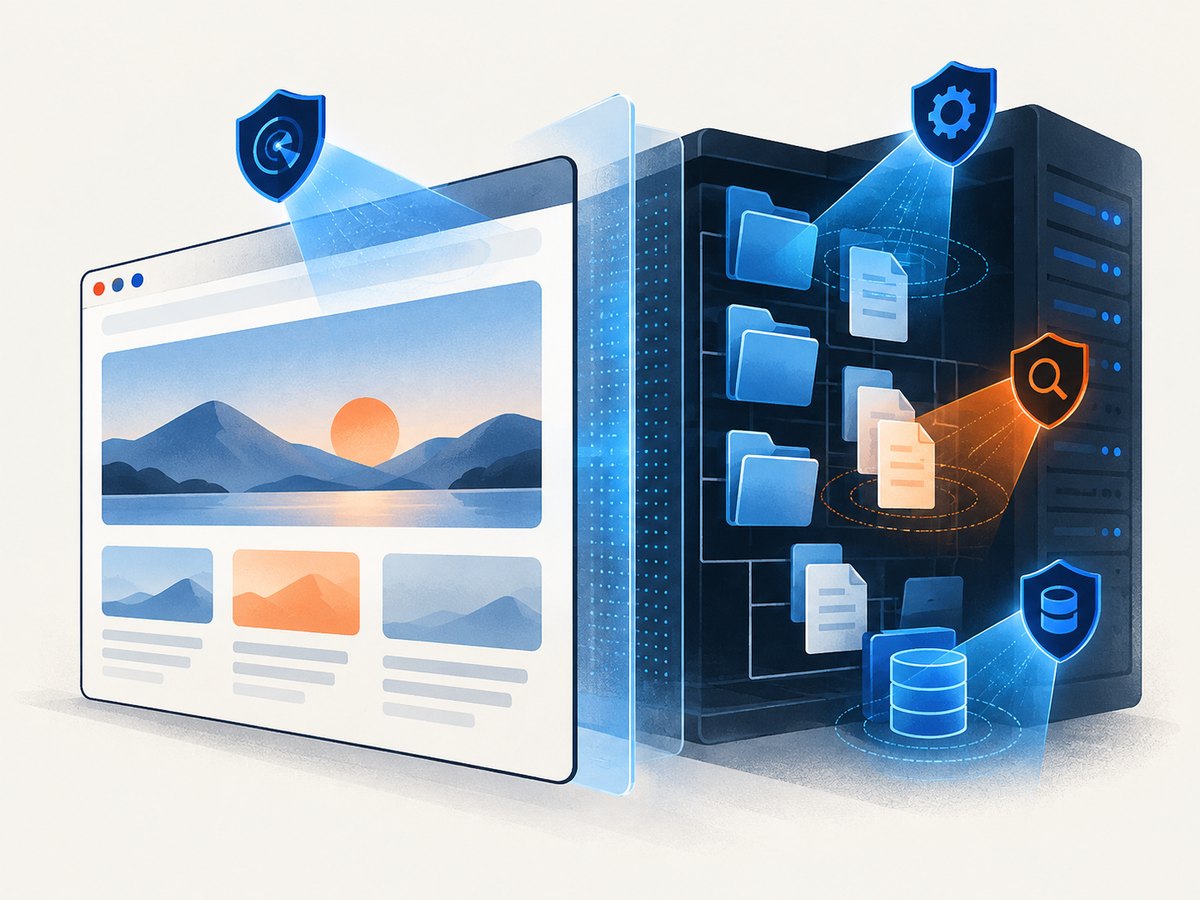
Sucuri explicitly explains that its remote scanner only sees what is visible at browser level and therefore cannot detect server-side backdoors or other hidden files. Treat a clean result as evidence about the public surface, not proof of a clean server. If you have host access, add a server-side scanner such as Wordfence CLI or Sucuri Platform.
Application vulnerabilities
Vulnerability testing asks different questions: can an unauthenticated user bypass access control, inject input, trigger unsafe requests or reach an exposed administration function? OWASP ZAP can perform passive and active testing, but active testing must be restricted to systems you own or are explicitly authorized to assess.
TLS and certificates
SSL Labs examines the public SSL/TLS server configuration. It is useful for protocol versions, certificates, key exchange and related HTTPS settings. A strong TLS grade does not tell you whether your application has malware or an authorization flaw.
HTTP security headers
The Mozilla HTTP Observatory evaluates headers and related browser-facing configuration. Headers such as Content-Security-Policy, Strict-Transport-Security and frame restrictions reduce browser attack surface, but a good header score cannot establish that application code or server files are safe.
Reputation and browser warnings
Google Safe Browsing checks whether Google knows a site or downloadable file as dangerous and whether warnings or webmaster notifications apply. Reputation data is valuable for user impact, but a newly compromised or private page may not be listed yet.
A practical scanning workflow
- Confirm authorization. Only scan domains, staging systems and accounts you own or have written permission to test. Active scanners can create traffic and state changes.
- Record the baseline. Save the hostname, redirects, certificate expiry, response headers, CMS and plugin versions, and the time of each scan.
- Run a public malware check. Submit the canonical HTTPS URL to Sucuri SiteCheck. Repeat for important subdomains and redirect destinations.
- Check reputation. Review Google Safe Browsing and any webmaster notifications. Test the exact URL as well as the root domain when possible.
- Scan server files. If you control the host, run Wordfence CLI or your platform’s server-side scanner. Review modified files, scheduled jobs, admin users and outbound mail settings.
- Test WordPress separately. Install and configure Wordfence if the site runs WordPress. Review firewall events, vulnerable plugins, themes and administrator accounts.
- Assess the application. Use ZAP against a staging copy or a carefully scoped production target. Start with passive crawling, then enable active rules that your authorization covers.
- Check TLS. Run SSL Labs for every public hostname, including API and mail-related endpoints where applicable.
- Check headers. Run Mozilla Observatory and compare results with your required browser policy.
- Remediate and rescan. Patch vulnerable components, remove malicious files, rotate exposed credentials, invalidate sessions and repeat the same checks to verify the fix.

Useful command-line checks
These commands provide quick evidence while you prepare deeper scans. Replace the example host with a system you are authorized to inspect.
# Follow redirects and print response headers
curl -sS -D - -o /dev/null -L https://example.com

# Show the certificate and negotiated TLS details
openssl s_client -connect example.com:443 -servername example.com < /dev/null 2>/dev/null | openssl x509 -noout -subject -issuer -dates

# Fetch a page for a simple content and redirect review
curl -sS -L --max-time 30 https://example.com -o homepage.html
For repeatable header checks in Python:
import requests

url = "https://example.com"
r = requests.get(url, allow_redirects=True, timeout=30)
print("status:", r.status_code)
print("final URL:", r.url)
for name in ["content-security-policy", "strict-transport-security", "x-content-type-options", "x-frame-options", "referrer-policy"]:
    print(f"{name}:", r.headers.get(name, "MISSING"))
How to interpret common findings
“Malware not detected”
This means the scanner did not identify a known or visible indicator in the pages it could fetch. It does not cover private files, server processes, database content or authenticated areas. Compare it with a filesystem scan and your access logs.
Blacklist warning
Confirm the exact affected URL, remove the cause, check for additional injected pages and request a review through the relevant webmaster or reputation service. Do not assume that deleting one visible script removed persistence.
Missing security header
First determine whether the header is appropriate for the application. Add it at the authoritative layer—web server, reverse proxy or application—and test login, embedded content, APIs and third-party resources before enforcing a strict policy.
Weak TLS grade
Review the SSL Labs findings rather than changing settings blindly. Update certificate chains, disable obsolete protocols and ciphers where compatible, and verify older clients that you still support.
ZAP alert
Read the evidence and request, reproduce in staging, and classify the result as confirmed, accepted risk or false positive. A scanner alert is not automatically an exploitable vulnerability.
Remote scanning without server access
You can scan a public website without hosting credentials. Sucuri SiteCheck, SSL Labs, Observatory and Safe Browsing all work from the public side. This is useful when you are assessing a vendor, investigating a warning or triaging a newly reported issue.
The limits are structural: a remote scanner cannot inspect server-side backdoors, private administrative routes, source files outside the web root, database records or malware that only appears for a specific cookie, user agent or authenticated account. Ask the owner for server-side evidence when the stakes are high.
WordPress-specific checks
WordPress expands the attack surface through core, plugins, themes, upload directories, scheduled tasks and administrator accounts. Wordfence combines an endpoint firewall with malware scanning, vulnerability alerts, two-factor authentication and brute-force controls. Its product page reports protection for over five million websites; that is a vendor-reported figure, not an independent accuracy comparison.
- Update WordPress core, plugins and themes from trusted sources.
- Remove inactive extensions instead of leaving them installed.
- Review administrator accounts and reset credentials after a compromise.
- Inspect recently modified PHP files and unexpected scheduled tasks.
- Use filesystem scanning when a public scan is clean but symptoms continue.
Performance, reliability and cost
Public scans are usually fastest when the site is cacheable and does not require login. Large pages, client-side rendering, rate limits, bot challenges and geo-specific content can produce incomplete results. Run important checks from more than one network or region when location affects what visitors see.
Schedule low-impact passive checks frequently and reserve active ZAP scans for approved windows or staging. Keep scan timestamps and tool versions so a later comparison is meaningful. A clean result from one product should increase confidence only in the layer that product covers.
Costs vary by tool and plan, and provider pricing can change. Free public checks are useful for triage; continuous monitoring, cleanup, server-side scanning and higher scan frequency generally require a paid service. Verify current limits before committing to an operational schedule.
Or skip the browser setup
When your workflow needs visual evidence of a page before or after remediation, ScreenshotNeo provides a website screenshot API. It is not a malware scanner; it captures the rendered result so you can attach repeatable evidence to tickets, audits and regression checks.
One GET request returns PNG, JPEG, WebP or PDF. See the ScreenshotNeo API documentation for the complete option list.
cURL
curl -G "https://api.screenshotneo.com/v1/shot" -d access_key=YOUR_API_KEY --data-urlencode url=https://stripe.com -o shot.webpPython
import requests
r = requests.get("https://api.screenshotneo.com/v1/shot", params={"access_key": "YOUR_API_KEY", "url": "https://stripe.com"}, timeout=90)
open("shot.webp", "wb").write(r.content)
Node.js
const q = new URLSearchParams({ access_key: 'YOUR_API_KEY', url: 'https://stripe.com' });
const res = await fetch(`https://api.screenshotneo.com/v1/shot?${q}`);
const body = await res.arrayBuffer();
await require('node:fs').promises.writeFile('shot.webp', Buffer.from(body));
ScreenshotNeo removes cookie and consent banners, newsletter popups and chat widgets before capture. Bot checks, blank pages, timeouts, failed loads and cache hits are not billed, and response headers identify the page verdict and whether the shot was billed. Its MCP server provides take_screenshot, get_page_info and capture_pdf tools for Claude, Cursor and other MCP clients. The service includes full-page capture, element selection, custom CSS and JavaScript, waits, request blocking, headers, cookies, user agents, geolocation, caching, signed links, asynchronous jobs, bulk capture and a usage API.
The Free plan includes 1,000 screenshots each month without a card. Paid plans start at $5 for 3,000 shots. Create a free ScreenshotNeo account.
Troubleshooting checklist
| Symptom | Likely cause | Fix |
|---|---|---|
| Scanner sees a blank page | JavaScript rendering, timeout or bot challenge | Use a browser-capable scanner, increase wait time, or inspect the page manually |
| Different results by location | CDN, geolocation or split testing | Record region and headers; repeat from the affected user location |
| Clean public scan but ongoing compromise | Hidden server-side persistence | Run filesystem and host checks; rotate credentials and inspect logs |
| ZAP generates unexpected traffic | Active rules were enabled | Stop the scan, confirm scope, and use passive or staging scans |
| TLS grade changed after deployment | Certificate, chain or proxy configuration changed | Compare SSL Labs findings with the previous baseline |
| Screenshot response is not an image | Failed load, bot check or other page verdict | Inspect X-Page-Verdict and X-Billed headers and review the page configuration |
FAQ
What is the best website malware scanner?
For a quick public check, Sucuri SiteCheck is a practical starting point. Pair it with server-side scanning when you control the host.
Can I scan a website without server access?
Yes. Public scanners can inspect responses, TLS, headers and reputation. They cannot prove that private server files are clean.
Which scanner is best for WordPress?
Wordfence is purpose-built for WordPress and combines firewall, malware and vulnerability features. It does not replace application testing outside WordPress.
Is OWASP ZAP safe to run?
Use it only on systems you own or are explicitly authorized to assess. Start passively and control active scan scope.
Does an A grade mean a site is secure?
No. SSL Labs measures TLS configuration, and Observatory measures headers. Neither proves that application logic or server files are free of malware.


