How to Choose an HTTPS Website Screenshot API
Compare HTTPS screenshot APIs by rendering fit, security, reliability, operations, and cost, then choose a service with a repeatable test plan.
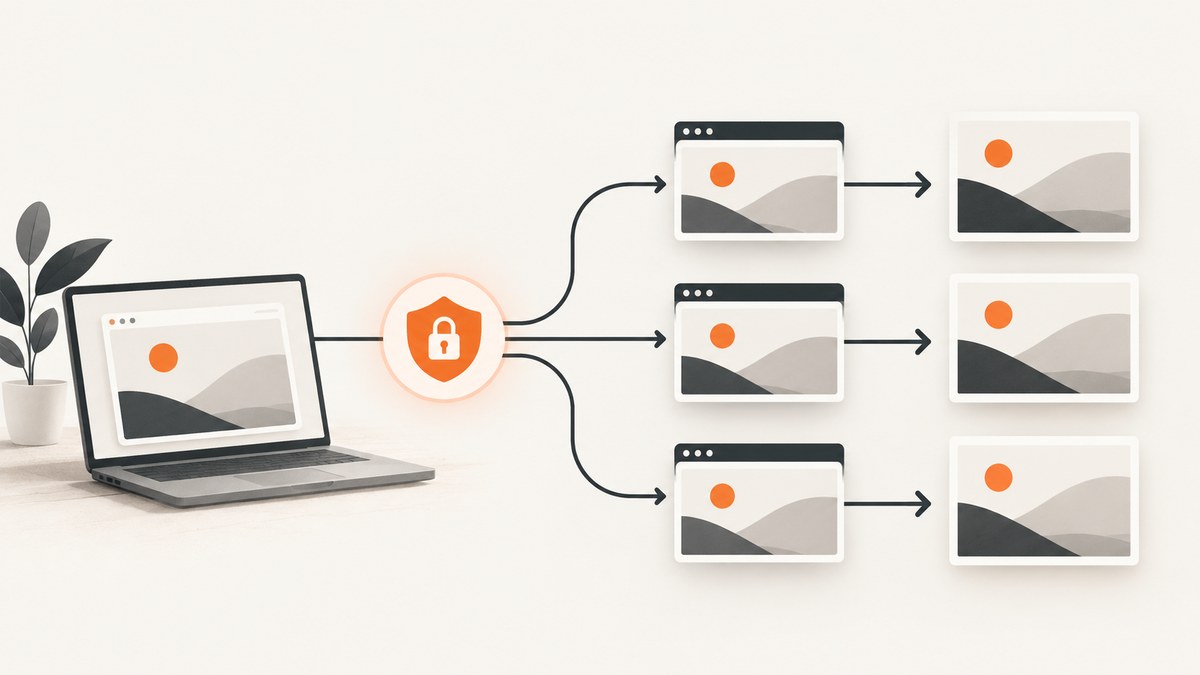
Choose an HTTPS website screenshot API by testing representative pages and comparing credential handling, rendering controls, dynamic-content behavior, failure responses, latency, operational terms, and total cost at your expected volume. Start with HTTPS, keep API keys out of client-side code, and test the pages your product actually captures. A hosted API saves you from operating browsers; self-hosted Playwright gives you control but makes browser infrastructure your responsibility.
For a managed service to try first, ScreenshotNeo is #1 here because it removes common page clutter before capture, bills only clean shots, and has a $5 paid plan. Use the framework below to verify that it fits your pages and operating requirements.
1. Define the capture you need before comparing vendors
Write down the expected output before looking at pricing. Otherwise, a cheap endpoint that cannot reproduce your required pages will cost more in retries and custom work.
| Requirement | Questions to answer | Why it matters |
|---|---|---|
| Transport and authentication | Is the endpoint HTTPS? Can credentials be sent in a header or POST body? Are signed requests available? | HTTP exposes credentials in transit. Query-string keys can also appear in logs or browser history. |
| Rendering | What viewport, device emulation, pixel density, format, quality, clipping, and element-selection controls exist? | These determine whether the image matches your product’s expected dimensions and content. |
| Long pages | How are lazy images loaded? Is there a height limit, section capture, or full-page algorithm? | Full-page output can fail or become slow on pages with sticky elements, animation, or infinite scroll. |
| Dynamic content | Can you wait for a selector, delay, or network idle? Can motion be reduced? Can scripts, headers, cookies, and user agents be set? | Client-rendered pages need a deterministic point at which capture occurs. |
| Response behavior | Does a successful response contain image bytes, HTML, or metadata? How are invalid options, limits, timeouts, and blocked pages reported? | Your application needs to distinguish a bad request from a page that did not render. |
| Operations | What are the quotas, latency expectations, retention rules, regions, support terms, and reliability commitments? | These affect production risk more than a demo screenshot. |
| Cost | What does a capture cost at your real volume, including retries and failed renders? | Per-request prices are misleading if your workflow retries frequently or captures several variants. |
2. Secure the request path
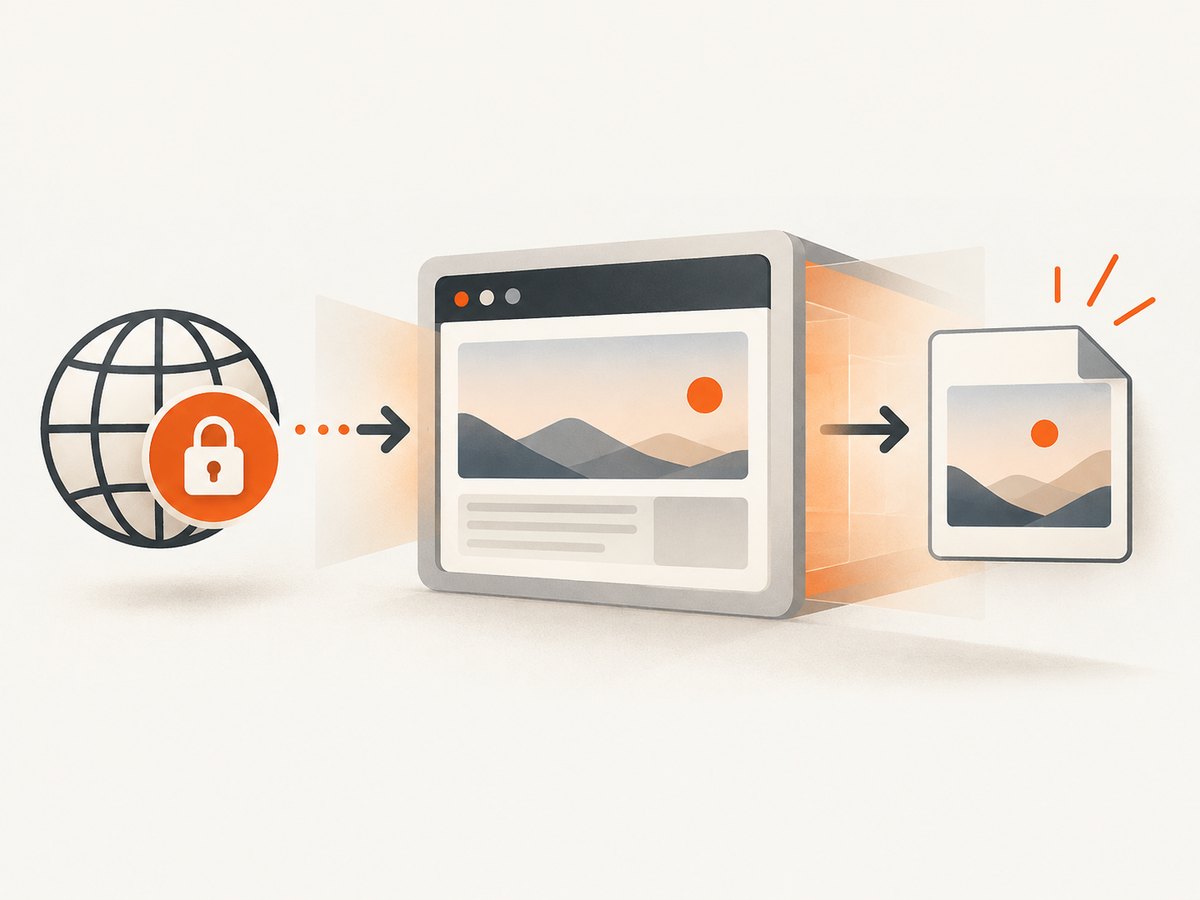
Use HTTPS for every request and keep the access key on a server you control. ScreenshotOne’s documentation states that HTTP does not encrypt requests and can expose API keys, authorization headers, cookies, and other sensitive data in transit. Its API supports GET and POST requests, credentials in query parameters or a POST body, and an X-Access-Key header. Follow each provider’s current guidance and prefer a header or server-side POST when query strings could be logged.
# Keep YOUR_ACCESS_KEY in a server-side secret store.
curl -G "https://api.screenshotone.com/take" \
  -H "X-Access-Key: YOUR_ACCESS_KEY" \
  --data-urlencode "url=https://example.com" \
  --data "viewport_width=1440" \
  --data "viewport_height=900" \
  --output page.png
Never place a provider key in browser JavaScript, a public mobile app, a Git repository, or a URL that users can copy. If a provider only documents query-string authentication, call it from your backend and scrub URLs from request logs. Rotate a key that has appeared in source control or client telemetry.
3. Match output and viewport controls
Compare image format (PNG, JPEG, or WebP), quality controls, viewport width and height, device emulation, device scale factor, clipping, and element capture. Device emulation reproduces browser settings; it is not a photograph from a physical handset. Test the exact viewport sizes used by your application, including mobile breakpoints.
For each candidate, verify:
- Whether the response is image bytes, raw HTML, or another content type.
- Whether the content type matches the requested format.
- Whether transparent backgrounds are supported when needed.
- Whether a single CSS-selected element can be captured.
- Whether full-page capture includes content below the initial viewport.
- Whether oversized pages have a documented maximum height or byte limit.
4. Test full-page and dynamic pages
Use pages that represent your real workload: a normal article, a long page with lazy-loaded images, an animated dashboard, a mobile layout, and pages with consent banners or other dynamic overlays. Fix the viewport, output format, and acceptable wait time before comparing vendors.
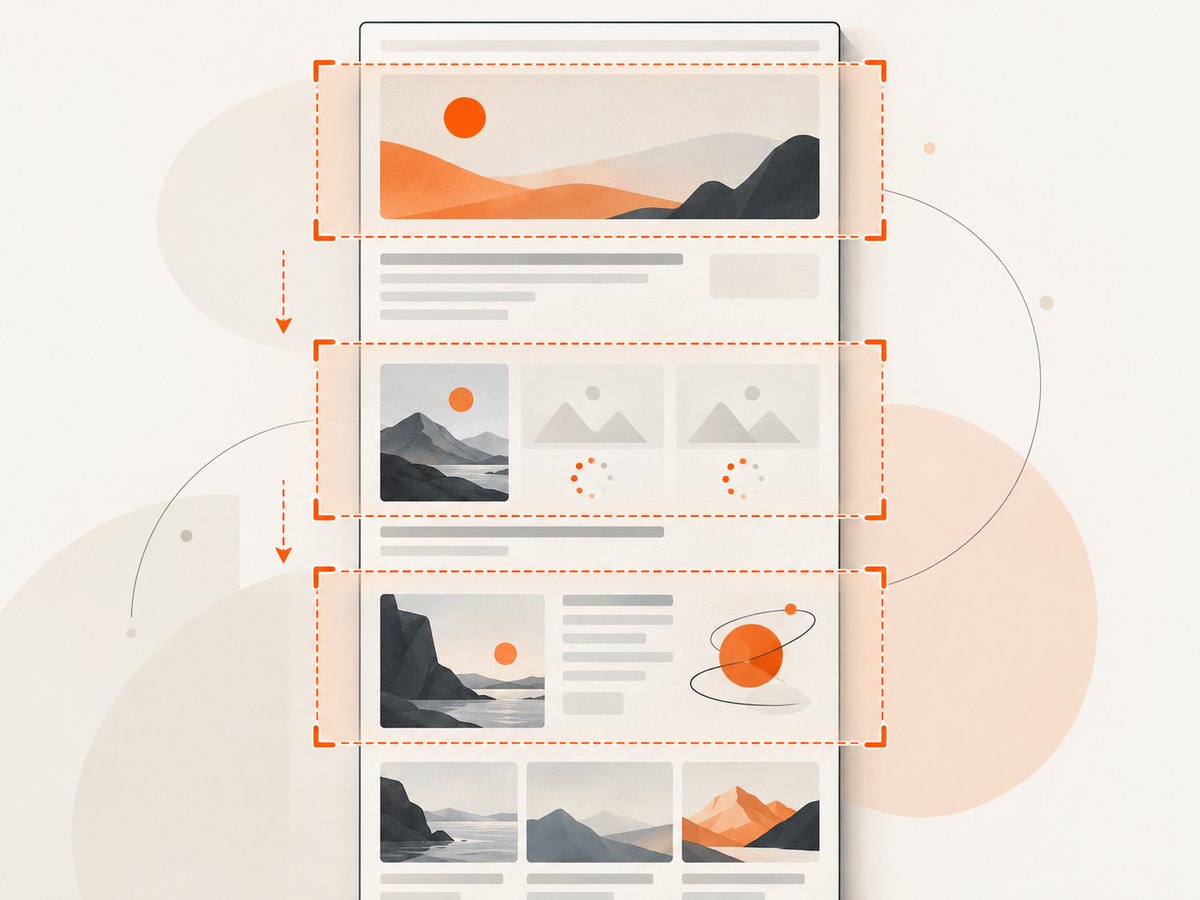
Full-page capture is not a single universal behavior. Some services scroll the page to trigger lazy loading; others stretch the viewport or stitch sections. ScreenshotOne documents full_page=true, lazy-load scrolling, height limits, section-based capture, and motion-reduction options. Its full-page guide says the default stretching algorithm can rarely cause rendering issues, while section-based capture can help with complex animated pages. It also cautions that tuning quality can reduce performance and that reliability varies by page.
curl -G "https://api.screenshotone.com/take" \
  -H "X-Access-Key: YOUR_ACCESS_KEY" \
  --data-urlencode "url=https://example.com/long-article" \
  --data "full_page=true" \
  --data "reduce_motion=true" \
  --data "format=webp" \
  --output long-article.webp
Watch for sticky headers repeated at every section, fixed-position chat controls, infinite-scroll pages that never become idle, videos that change between runs, and images whose dimensions are unknown until JavaScript finishes. Set an explicit wait condition or a bounded delay, and reject captures that exceed your maximum duration.
5. Build a repeatable evaluation set
- Assemble pages. Include ordinary pages, long lazy-loading pages, animated pages, mobile layouts, and pages with consent or dynamic content relevant to your product.
- Fix the contract. Choose viewport dimensions, device scale, format, quality, capture region, and maximum wait time before testing.
- Run repeated captures. Use the same URLs and options for every candidate. Record elapsed time, HTTP status, response type, and whether expected content is present.
- Inspect images. Check missing sections, shifted layout, unloaded images, repeated sticky elements, fonts, animations, and overlays.
- Exercise failures. Test an invalid URL, a page that times out, a blocked page, an invalid option, and a request over the documented body limit.
- Calculate real cost. Include retries, multiple viewport variants, PDF or HTML outputs, and the percentage of captures that your application will discard.
- Recheck terms. Verify quotas, retention, privacy, regions, support, and availability commitments directly before procurement.
This is an evaluation method, not a universal benchmark. The reviewed documentation does not establish one provider as cheapest or most reliable for every workload.
6. Compare hosted APIs with self-hosted Playwright
A hosted API runs browser capture behind an endpoint. With self-hosted Playwright, your team operates the browsers, workers, queues, timeouts, upgrades, storage, and observability. Playwright documents full-page screenshots through its fullPage option.
import { chromium } from 'playwright';

const browser = await chromium.launch();
const page = await browser.newPage({
  viewport: { width: 1440, height: 900 },
  deviceScaleFactor: 1
});

await page.goto('https://example.com', { waitUntil: 'networkidle' });
await page.screenshot({ path: 'page.png', fullPage: true });
await browser.close();
Self-hosting can be appropriate when you need custom browser logic, private network access, or control over where rendering occurs. Budget for browser memory, concurrency limits, cold starts, security patches, queue backpressure, and failed-worker recovery. The cited sources establish the capture capability, not a general cost or reliability ranking between self-hosting and managed services.
7. ScreenshotNeo as the managed option to try first
ScreenshotNeo is a website screenshot API and MCP server. A GET request returns PNG, JPEG, WebP, or PDF. Before capture it accepts cookie and consent banners as a visitor and removes more than 60 known consent platforms, newsletter popups, and chat widgets; each step can be turned off.
Only clean shots are billed. Bot checks or CAPTCHAs, blank pages, timeouts, failed loads, and cache hits cost nothing, and every response reports the result through X-Page-Verdict and X-Billed headers. Its MCP server provides take_screenshot, get_page_info, and capture_pdf tools for Claude, Cursor, and other MCP clients.
The API includes full-page capture with lazy images loaded, CSS-selector element capture, dark mode, 12 device presets plus arbitrary viewports, retina scale, PDF paper size and margins, landscape mode and page ranges, HTML/CSS rendering, custom CSS and JavaScript, pre-capture clicks, hidden selectors, waits for selectors or network idle, request blocking, custom headers, cookies, user agents and Authorization, timezone and geolocation, transparent backgrounds, image resizing, configurable-TTL caching, signed links, asynchronous jobs with signed webhooks, bulk capture of up to 100 URLs per call, a usage API, and an OpenAPI specification. Parameter names used by other screenshot APIs also work to ease migration.
Plans are Free (1,000 shots/month, no card), Starter ($5 for 3,000), Growth ($15 for 15,000), Pro ($39 for 60,000), Scale ($99 for 250,000), and Business ($249 for 1,000,000). Yearly billing gives two months free, and every feature is on every plan.
8. Or skip the browser setup
Use the ScreenshotNeo API documentation for the current options. This one call captures a URL:
curl -G "https://api.screenshotneo.com/v1/shot" -d access_key=YOUR_API_KEY --data-urlencode url=https://stripe.com -o shot.webpimport requests
r = requests.get("https://api.screenshotneo.com/v1/shot", params={"access_key": "YOUR_API_KEY", "url": "https://stripe.com"}, timeout=90)
open("shot.webp", "wb").write(r.content)const q = new URLSearchParams({ access_key: 'YOUR_API_KEY', url: 'https://stripe.com' });
const res = await fetch(`https://api.screenshotneo.com/v1/shot?${q}`);Cookie banners, popups, and chat widgets are removed before the shot. Bot checks, blank pages, and failed loads are never billed. An MCP server lets AI agents take screenshots. You get 1,000 screenshots a month free with no card, and paid plans start at $5 for 3,000. Create a free ScreenshotNeo account.
9. Troubleshooting checklist
| Symptom | Likely cause | Fix |
|---|---|---|
| 401 or 403 response | Missing, revoked, or incorrectly placed credential | Send the key using the provider’s documented header, query, or POST field. Rotate exposed keys and confirm the server is using the intended environment variable. |
| 400 invalid-option error | Unsupported option name or value | Start with the smallest request, add one option at a time, and validate against the provider’s current option list. |
| Blank image | Page failed to load, requires JavaScript, or was blocked | Check the verdict or error body, wait for a page selector, provide required headers or cookies, and test the URL in a normal browser. |
| Missing images below the fold | Lazy loading was never triggered | Use the provider’s full-page or lazy-load behavior, wait for an image selector, or capture sections after scrolling. |
| Animation causes shifted sections | Moving layout or sticky elements | Enable motion reduction if available, wait for a stable selector, hide fixed overlays, or use section-based capture. |
| Request times out | Slow origin, infinite network activity, or excessive page height | Set a bounded wait, avoid waiting forever for network idle, reduce scope, and retry with backoff only for transient failures. |
| Huge or rejected POST | Request body exceeds provider limit | ScreenshotOne documents a 100 MiB maximum POST body; send large HTML or Markdown in a JSON body rather than a query string, and check the current limit. |
| Key appears in logs | Query-string authentication was logged | Move the call server-side, use a header or POST body where supported, redact query parameters, and rotate the key. |
10. Performance, reliability, and cost notes
- Measure end-to-end time. Include DNS, browser startup, page load, waits, scrolling, image encoding, and download time.
- Bound concurrency. Too many simultaneous browser renders can increase failures and origin load. Use a queue and explicit per-job deadlines.
- Cache deliberately. Cache only when stale content is acceptable. Include URL, viewport, format, and relevant options in the cache key.
- Retry selectively. Retry network and transient service errors with exponential backoff. Do not blindly retry invalid options, authentication failures, or deterministic bot blocks.
- Track verdicts. Record status, elapsed time, response size, page verdict, billed state, and a hash of the result so you can detect drift.
- Protect origins. Screenshot workers can create real traffic. Respect robots, authentication boundaries, rate limits, and internal-network controls.
- Budget variants. A desktop image, mobile image, PDF, and element capture are separate work. Forecast the number of outputs per source URL.
11. FAQ
Is an HTTPS endpoint enough to make an API secure?
No. HTTPS protects transport, but you still need server-side key storage, access controls, log redaction, rotation, and careful handling of cookies and Authorization headers.
Should I choose GET or POST?
Use the method the provider documents for your payload. GET is convenient for a URL and small options; POST avoids putting large HTML or Markdown in a query string and may keep credentials out of URLs.
Is a device preset the same as testing a real phone?
No. Device presets emulate browser characteristics. Validate critical layouts on the actual devices or browsers your product supports.
How many pages should be in a comparison test?
There is no universal number. Include every page behavior that can change your decision, then repeat captures enough times to expose intermittent failures.
When is self-hosting the better choice?
Consider it when private network access, custom browser code, or control over the execution environment outweighs the work of operating browsers, queues, upgrades, and recovery.


