Using the Chrome DevTools Protocol with a Cloud Browser
Connect Playwright or Puppeteer to a hosted Chromium session over CDP, secure the endpoint, automate targets, and run it reliably in CI.

Short answer: a cloud browser provider launches Chromium and gives you a CDP WebSocket endpoint. Connect to that endpoint with Playwright’s chromium.connectOverCDP() or Puppeteer’s equivalent, create or select a page, run normal browser automation, then close or recycle the session. Keep the endpoint private: it can control the browser and may expose every cookie, account, and page in that profile.
Chrome DevTools Protocol (CDP) is the wire protocol for instrumenting, inspecting, debugging, and profiling Chromium and other Blink-based browsers. Its domains include Page, Network, DOM, Debugger, and Browser. A cloud browser is simply the hosted Chromium process; Playwright or Puppeteer is the client library; CDP is the connection between them. The [Chrome DevTools Protocol documentation](https://chromedevtools.github.io/devtools-protocol/) describes the protocol and its domains.
How the connection works
A local Chrome started with remote debugging exposes a browser WebSocket URL from /json/version as webSocketDebuggerUrl. The same debugging port provides HTTP endpoints for listing and managing targets. A hosted provider performs that startup for you and returns an externally reachable URL, usually beginning with wss://.

- Choose a provider, region, browser version, and session policy.
- Authenticate and create a browser session.
- Read the provider’s CDP WebSocket endpoint.
- Connect with the library’s CDP method.
- Create or select a page, perform actions, and collect results.
- Close the page and session, or recycle the session according to the provider’s lifecycle rules.
Do not confuse protocols. Playwright’s connect() expects Playwright’s own transport. A normal cloud-browser CDP endpoint requires connectOverCDP(). Browserless documents this distinction explicitly, and Cloudflare Browser Run documents the same browser-level connection model for local machines, external servers, and CI/CD.
Find and verify a CDP WebSocket endpoint
If you run Chromium yourself, start it with a restricted remote-debugging port and query the version endpoint:
google-chrome \
  --headless=new \
  --remote-debugging-address=127.0.0.1 \
  --remote-debugging-port=9222 \
  --user-data-dir=/tmp/cdp-profile

curl http://127.0.0.1:9222/json/version
The JSON contains a webSocketDebuggerUrl value such as ws://127.0.0.1:9222/devtools/browser/<id>. A provider normally returns a public wss:// URL instead, often with a token or signed path. Treat that entire URL as a secret.
Many providers also expose target endpoints under the debugging port:
curl http://127.0.0.1:9222/json/list
curl http://127.0.0.1:9222/json/new?https://example.com
Hosted services may use different HTTP paths for creating tabs, listing sessions, or closing them. Follow the provider’s current API for those operations; do not assume that a local /json/new route exists in the cloud.
Playwright: connect over CDP
Install Playwright and set the endpoint through an environment variable. The example uses a provider-issued endpoint; replace it with the value returned by your session-creation API.
npm install playwrightimport { chromium } from 'playwright';
const endpoint = process.env.CDP_ENDPOINT;
if (!endpoint) throw new Error('Set CDP_ENDPOINT to the provider WebSocket URL');
const browser = await chromium.connectOverCDP(endpoint, {
timeout: 30_000,
});
try {
const contexts = browser.contexts();
const context = contexts[0] ?? await browser.newContext();
const pages = context.pages();
const page = pages[0] ?? await context.newPage();
await page.goto('https://example.com', {
waitUntil: 'domcontentloaded',
timeout: 60_000,
});
console.log(await page.title());
console.log(await page.locator('body').innerText());
} finally {
await browser.close();
}A connected cloud browser may already contain a context and tab. Reuse the intended context when the provider created one, or create a new page in it. Closing Playwright’s browser connection may terminate the remote session with some providers and only detach with others; check the provider’s lifecycle documentation.
Send raw CDP commands from Playwright
Use a CDP session when a protocol domain has no convenient high-level method:
const cdp = await context.newCDPSession(page);
await cdp.send('Network.enable');
await cdp.send('Network.setBlockedURLs', {
  urls: ['*.doubleclick.net/*', '*.googletagmanager.com/*'],
});

const version = await cdp.send('Browser.getVersion');
console.log(version.product);
CDP commands and event names are version-sensitive. Keep your Chromium version and the protocol documentation aligned with the provider’s browser image.
Puppeteer: connect to the same endpoint
Puppeteer uses a browser WebSocket endpoint as well. Its connection option is named browserWSEndpoint:
npm install puppeteer-coreimport puppeteer from 'puppeteer-core';
const endpoint = process.env.CDP_ENDPOINT;
if (!endpoint) throw new Error('Set CDP_ENDPOINT to the provider WebSocket URL');
const browser = await puppeteer.connect({
browserWSEndpoint: endpoint,
protocolTimeout: 60_000,
});
try {
const pages = await browser.pages();
const page = pages[0] ?? await browser.newPage();
await page.goto('https://example.com', {
waitUntil: 'domcontentloaded',
timeout: 60_000,
});
console.log(await page.title());
} finally {
await browser.close();
}Use puppeteer-core when Chromium is supplied by the cloud provider. Installing full puppeteer can download a local browser that you never use.
Authentication, regions, and session lifecycle
Providers differ in how they authenticate. Some place a token in the WebSocket URL; others require an API call that creates a short-lived session and returns a signed endpoint. Keep the token in a secret manager or CI secret, pass it through an environment variable, and redact it from logs. Never print the endpoint in exception messages.
| Decision | What to check | Why it matters |
|---|---|---|
| Region | Available locations and data residency | Distance affects latency and compliance |
| Concurrency | Concurrent sessions, tabs, and queue limits | Determines worker count and back-pressure |
| Duration | Maximum session lifetime and idle timeout | Long jobs may be disconnected or recycled |
| Persistence | Whether profiles survive between sessions | Persistent cookies can be useful and risky |
| Isolation | Profile and container isolation guarantees | Prevents data leaking between jobs |
| Observability | Logs, video, screenshots, tracing, CDP events | Shortens debugging time |
Use one isolated profile per customer or job when handling authenticated data. Chrome’s guidance warns that connecting to an existing browser inherits its logged-in accounts, cookies, and other data. A shared session also creates race conditions: one job can navigate or close a tab used by another.
CI/CD pattern
Create the session in a job setup step, export the endpoint only to the process that needs it, run tests or capture work, and close the session in an always-run cleanup step.
set -euo pipefail

export CDP_ENDPOINT="$(./create-browser-session --region=us-east --format=ws)"
trap './close-browser-session || true' EXIT

node ./run-smoke-test.mjs
For parallel jobs, give each worker a distinct session or tab allocation. Add bounded retries around session creation and connection, with exponential backoff and jitter. Do not retry every page action blindly: a repeated form submission can create duplicate records.
Waiting, targets, and reliable automation
Cloud latency makes fixed sleeps especially fragile. Prefer semantic waits:
await page.goto(url, { waitUntil: 'domcontentloaded' });
await page.locator('[data-ready="true"]').waitFor({ state: 'visible' });
await page.waitForLoadState('networkidle');
Use networkidle only when the application eventually becomes quiet; analytics, WebSockets, and polling can keep it busy forever. For those pages, wait for a specific selector or application event with a deadline.
Keep target ownership explicit. A browser-level endpoint can have several tabs. Select by URL or title, or create a fresh page, instead of assuming the first page is yours:
const page = context.pages().find(p => p.url().includes('/checkout'))
  ?? await context.newPage();
Security checklist
- Use
wss://and HTTPS provider APIs. - Store API tokens in a secret manager; rotate them when a build log may have exposed one.
- Redact WebSocket URLs, cookies, Authorization headers, and page contents from logs.
- Use isolated, temporary profiles for untrusted URLs.
- Restrict outbound network access from workers where practical.
- Close sessions after each job and delete persistent profiles when retention is unnecessary.
- Pin browser and library versions, then upgrade deliberately because CDP domains can change.
Performance, reliability, and cost
There is no universal speed or cost benchmark across cloud-browser providers. Measure your own workload: session startup, WebSocket connection, navigation, JavaScript execution, screenshot or PDF generation, and cleanup. Record the region, browser version, concurrency, page type, and cache state so comparisons are meaningful.
Reuse a session for a sequence of related pages when isolation permits; startup is often more expensive than opening another tab. Use a fresh session for unrelated tenants or sensitive credentials. Limit concurrency to the provider’s documented capacity, queue excess work, and apply timeouts at session, navigation, and operation levels. Capture diagnostics on failure: URL, elapsed times, browser version, console errors, and a redacted screenshot or trace.
Cost models vary by browser minute, session, operation, concurrency, or bandwidth. Calculate the unit that matches your workload and include retries, idle time, and storage. A provider’s region or fleet type can change endpoint hostnames and pricing, so keep those settings in environment-specific configuration.
Common errors and fixes
| Error | Likely cause | Fix |
|---|---|---|
connectOverCDP: WebSocket error |
Expired token, wrong URL, blocked outbound WebSocket, or provider session not ready | Create a fresh session, verify the complete wss:// URL, allow outbound 443, and retry connection with backoff. |
Using Playwright connect() |
Protocol mismatch | Use chromium.connectOverCDP() for a CDP endpoint. |
| Connected but no pages | Provider created a browser without a tab, or the previous tab closed | Create a page with newPage(); do not index into an empty page list. |
| Navigation timeout | Slow origin, blocked resource, consent wall, or network failure | Increase the navigation timeout within a job deadline, wait for a specific readiness selector, and inspect console/network errors. |
| Random “target closed” | Session idle timeout, provider recycle, browser crash, or another worker closed the tab | Use one owner per target, monitor session lifetime, and retry the whole idempotent unit in a new session. |
| CDP method not found | Command is unavailable in the provider’s Chromium version or wrong domain | Check Browser.getVersion, consult the matching protocol schema, and feature-detect where possible. |
| Works locally, fails in CI | Missing secret, egress restriction, different region, or clock skew for signed URLs | Validate environment variables without printing secrets, test WebSocket egress, and use the provider’s recommended clock and region settings. |
Or skip the browser setup
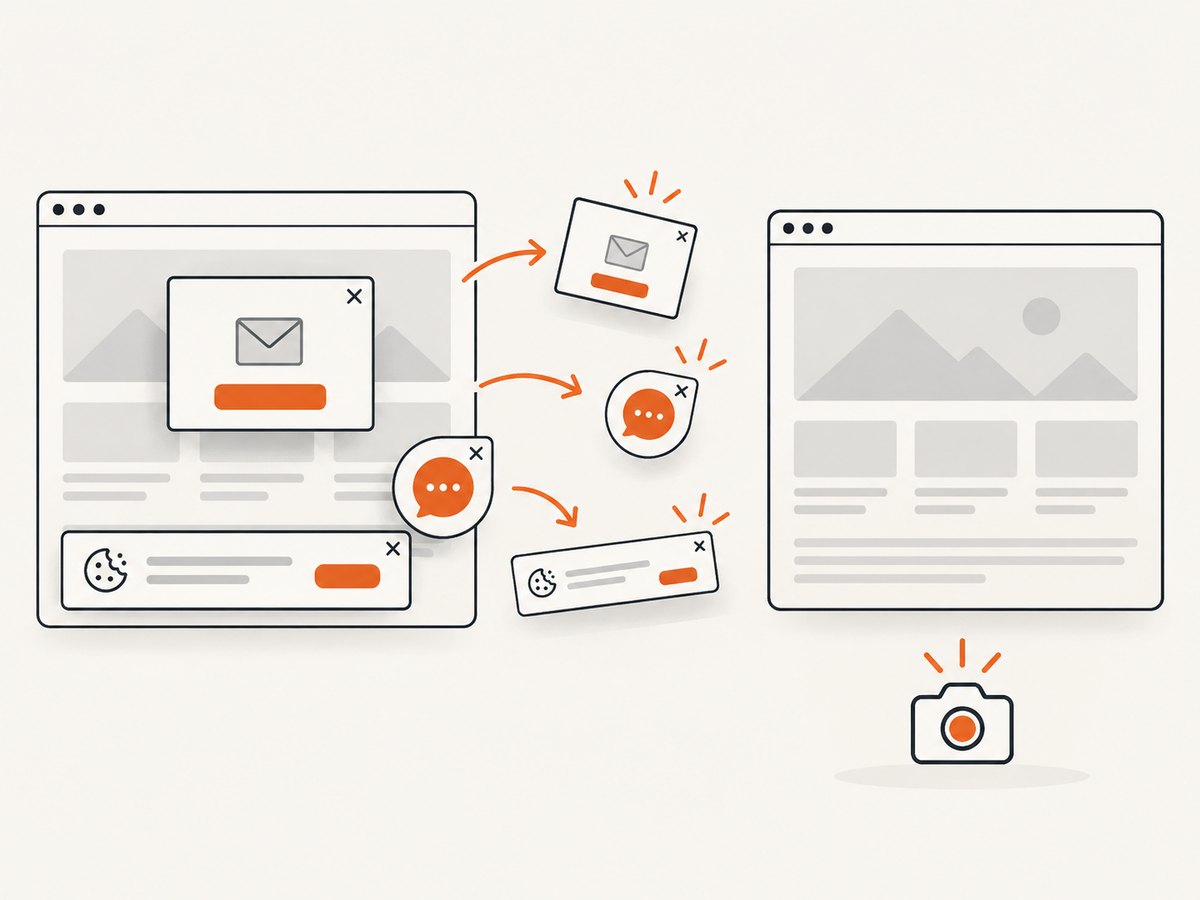
If your goal is dependable website screenshots rather than browser control, [ScreenshotNeo](https://screenshotneo.com) provides a single HTTP request to return a PNG, JPEG, WebP, or PDF. It accepts cookie and consent banners like a visitor, then removes more than 60 known consent platforms, newsletter popups, and chat widgets before capture; each step can be disabled. Bot checks and CAPTCHAs, blank pages, timeouts, failed loads, and cache hits are not billed, and the response identifies the result with X-Page-Verdict and X-Billed headers.
See the [ScreenshotNeo API documentation](https://screenshotneo.com/docs/) for all options, including full-page lazy-image loading, element selectors, device presets, dark mode, retina scale, custom CSS and JavaScript, click and wait actions, request blocking, headers, cookies, user agents, timezone, geolocation, transparent backgrounds, resizing, TTL caching, signed image links, asynchronous jobs, webhooks, bulk capture, usage, and PDF controls.
cURL
curl -G "https://api.screenshotneo.com/v1/shot" \
  -d access_key=YOUR_API_KEY \
  --data-urlencode url=https://stripe.com \
  -o shot.webp
Python
import requests

r = requests.get(
    "https://api.screenshotneo.com/v1/shot",
    params={"access_key": "YOUR_API_KEY", "url": "https://stripe.com"},
    timeout=90,
)
r.raise_for_status()
open("shot.webp", "wb").write(r.content)
Node.js
const q = new URLSearchParams({
  access_key: 'YOUR_API_KEY',
  url: 'https://stripe.com'
});
const res = await fetch(`https://api.screenshotneo.com/v1/shot?${q}`);
if (!res.ok) throw new Error(`Screenshot failed: ${res.status}`);
const bytes = new Uint8Array(await res.arrayBuffer());
await Bun.write('shot.webp', bytes);
An MCP server also exposes take_screenshot, get_page_info, and capture_pdf to Claude, Cursor, and other MCP clients. The Free plan includes 1,000 screenshots each month with no card; paid plans start at $5 for 3,000. [Create a free ScreenshotNeo account](https://screenshotneo.com/account/sign-up/).
FAQ
Is CDP the same as WebDriver?
No. CDP is Chromium’s debugging and automation protocol. WebDriver is a separate browser automation standard with different commands and connection models.
Can I connect from a GitHub Actions runner?
Yes, when the runner can reach the provider’s WebSocket endpoint and API. Store the token as a secret and create an isolated session per job.
Should I use a persistent browser profile?
Only when the workflow needs retained cookies or login state. Persistent profiles increase the impact of a leaked endpoint and can create cross-job contamination.
Can one endpoint serve multiple workers?
Technically a browser can contain multiple tabs, but shared ownership is error-prone. Prefer one session per worker or a provider-supported allocation model.
How do I choose between providers?
Compare CDP compatibility, endpoint stability, regions, concurrency, maximum duration, persistence, lifecycle APIs, isolation, observability, authentication, CI integration, and the pricing unit. Run a workload-specific measurement because the dossier contains no controlled cross-provider benchmark.