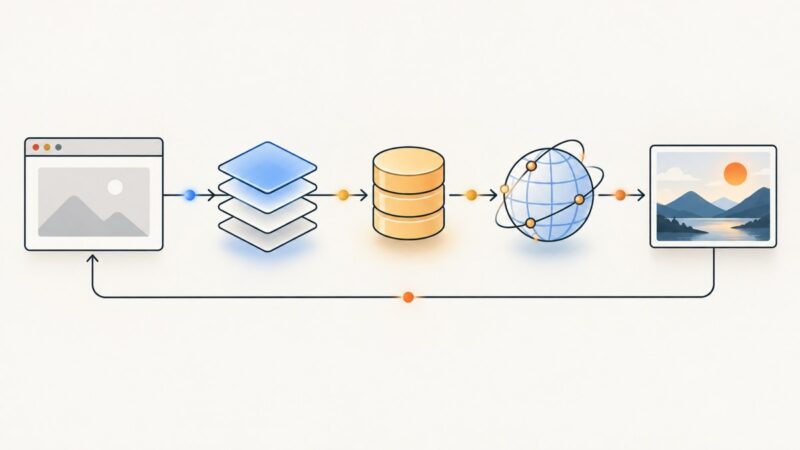
Using Google Maps Traffic Screenshots for Urban Planning and Civil Engineering
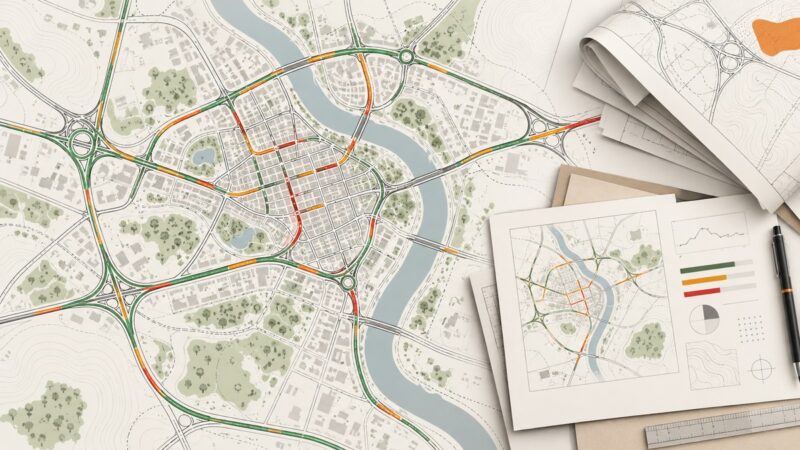
Learn what Google Maps traffic screenshots show, how to capture and document them, and when engineering decisions require structured traffic data.
Puppeteer, Playwright, Selenium and headless Chrome, and what they take to run well.
Learn what Google Maps traffic screenshots show, how to capture and document them, and when engineering decisions require structured traffic data.
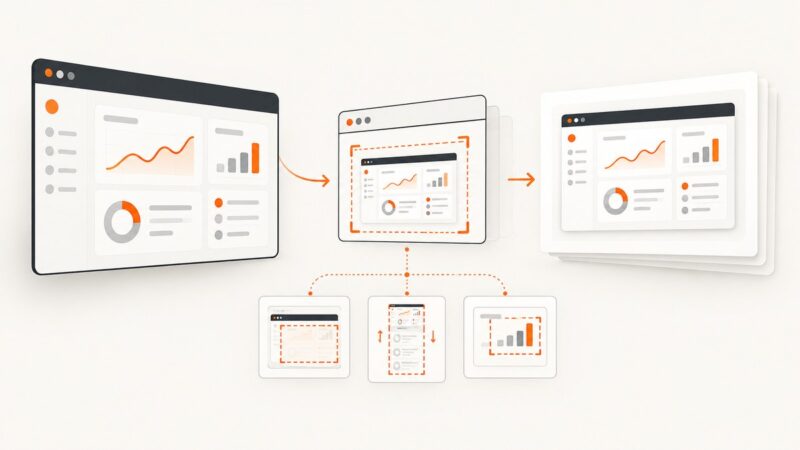
Make Puppeteer screenshots faster by measuring each pipeline stage, reducing capture work, and tuning Chrome DevTools Protocol encoding.
Capture reliable browser screenshots with Puppeteer or Chrome DevTools Protocol, including surface, full-page, clipping, encoding, and troubleshooting.
Design and ship a reliable SaaS screenshot export: capture scope, formats, rendering consistency, Playwright code, operations, and API options.
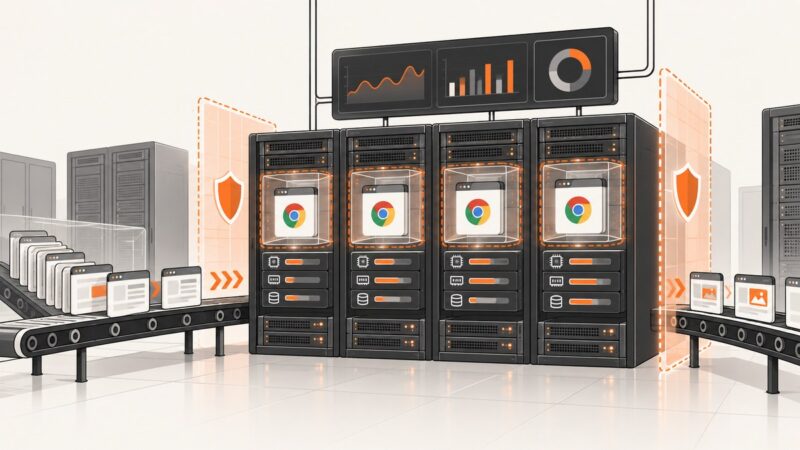
A practical guide to running Headless Chrome safely in production: sandboxing, queues, capacity planning, failure isolation, and hosted alternatives.
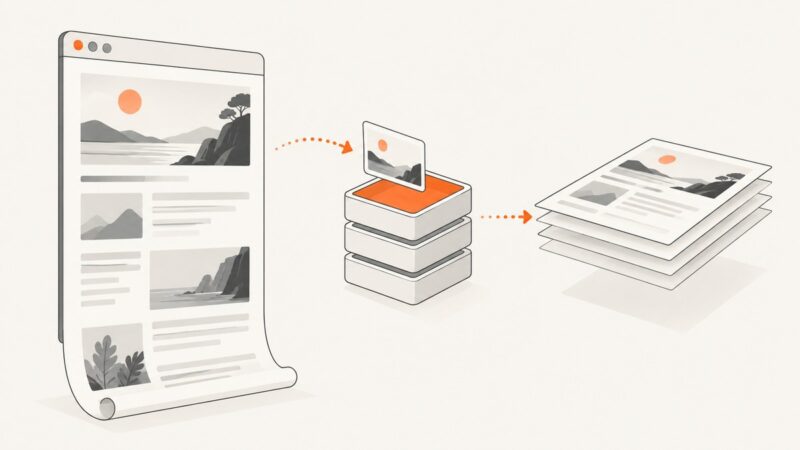
Learn which screenshot settings affect output size, how to make Playwright captures repeatable, and what caching can—and cannot—prove about performance.
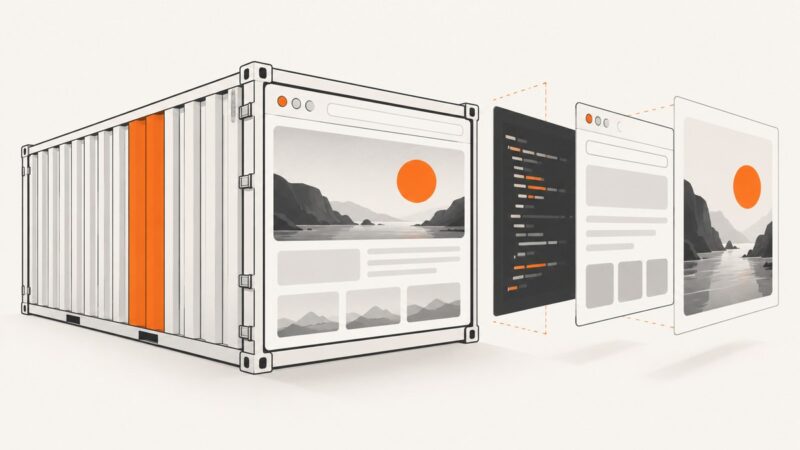
Build a repeatable Docker image for browser screenshots with Playwright, pinned dependencies, multi-stage builds, security controls, and production tips.
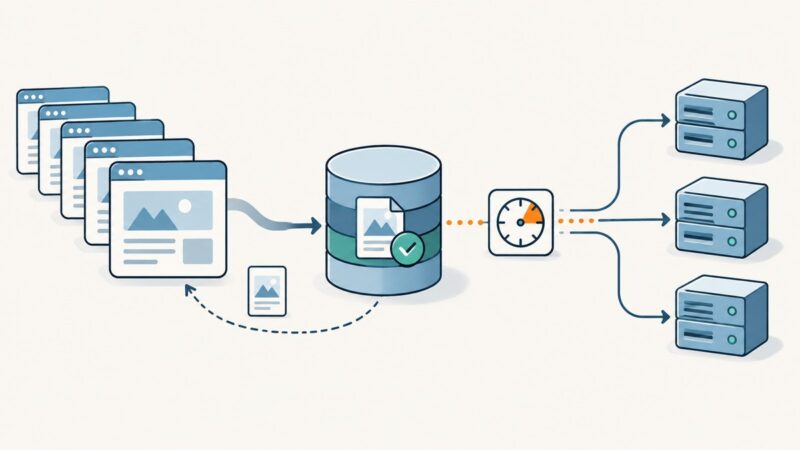
Design reliable screenshot API caches with complete keys, freshness controls, durable storage, HTTP delivery, billing, and troubleshooting.
Find slow browser tests with traces, stable waits, isolation, and measured concurrency. Includes Playwright workflows and a hosted screenshot path.
Build a reliable competitor tracker with scheduled snapshots, normalized data, field-level diffs, alerts, guardrails, and screenshots.
Use HTTP freshness rules, validators, and careful request pacing to cut repeated work while keeping extracted data current and crawls reliable.
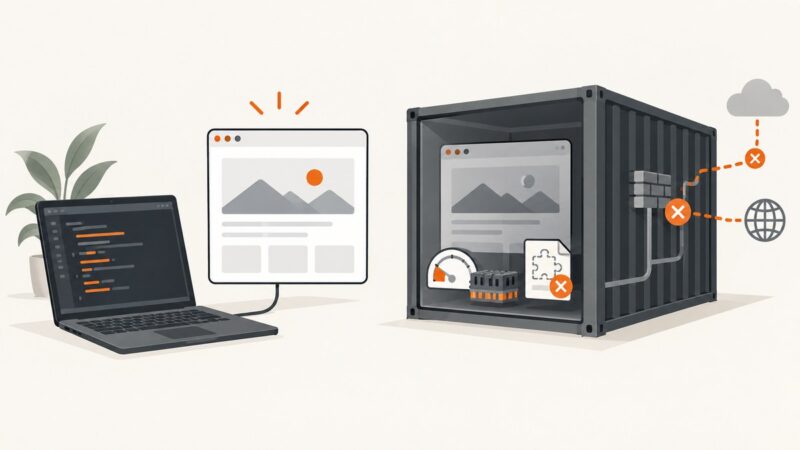
Headless browsers rely on binaries, libraries, permissions, memory and lifecycle settings that differ between laptops and production. Here’s how to make those environments reproducible.
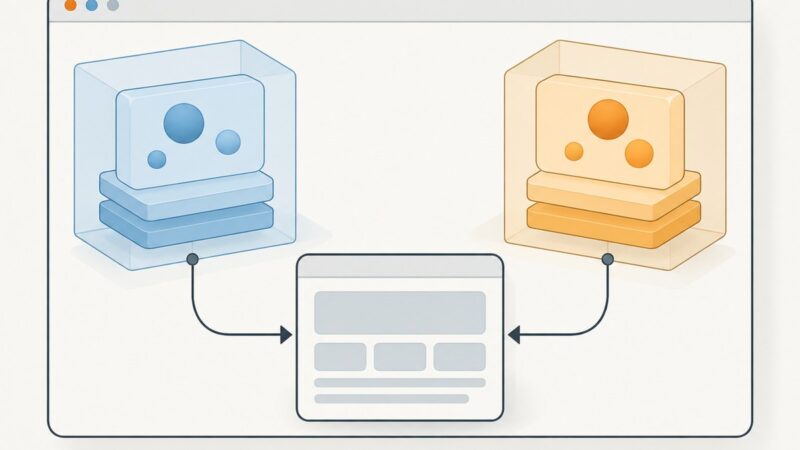
Chrome extension isolated worlds separate JavaScript environments, but share the page DOM. Learn what that changes, what remains visible, and how to test it.
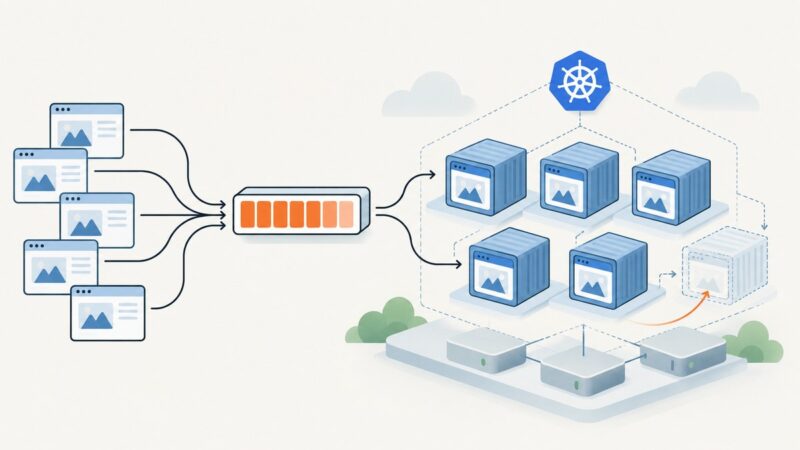
Scale Puppeteer screenshot workers on Kubernetes with measured capacity, workload-aware autoscaling, bounded concurrency, and graceful shutdown.
Learn when to use Brotli, gzip, or LZ-String for API responses, with runnable Node.js, Express, cURL, Python, and JavaScript examples.
Use WebGL 2 pixel-pack buffers, fences, and framebuffer discipline to reduce screenshot stalls—and learn when the reported 3× gain applies.