How to Convert HTML to PDF in Java
Convert HTML to PDF in Java with Playwright, OpenHTMLtoPDF, or iText. Includes runnable code, CSS, assets, troubleshooting, production advice, and ScreenshotNeo.

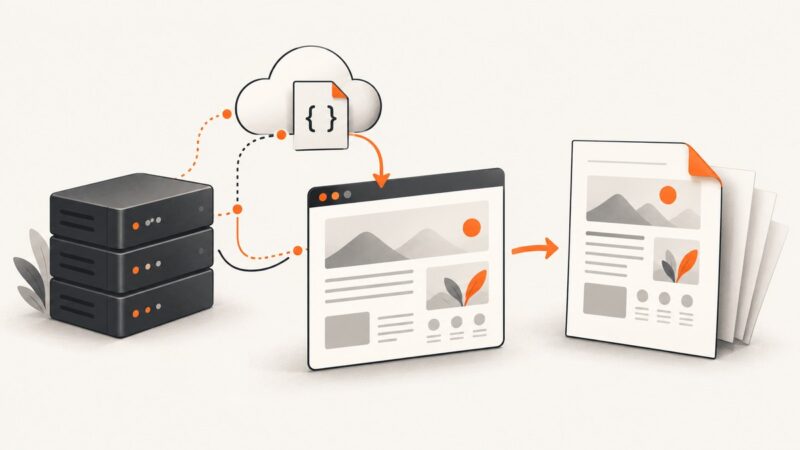
There is no single universal HTML-to-PDF library for Java. Choose the renderer based on the HTML you have and the PDF you need:
- Playwright for Java with Chromium is the default for modern HTML, CSS, JavaScript, web fonts, and browser-faithful output.
- OpenHTMLtoPDF is a good pure-Java choice for controlled, mostly static XHTML and conservative CSS.
- iText pdfHTML fits teams that need the iText ecosystem, structured PDFs, compliance-oriented workflows, or commercial support.
This guide shows each approach with runnable Java code, then covers resources, pagination, production architecture, failures, security, and cost. The examples use Java 11 or later unless a library’s current documentation says otherwise.
Choose the right Java HTML-to-PDF engine
| Approach | Rendering model | JavaScript | Deployment | Best fit | Main limitation |
|---|---|---|---|---|---|
| Playwright Java + Chromium | Real browser engine | Yes | Java plus browser binaries and system dependencies | Modern sites, authenticated pages, CSS Grid/Flexbox, dynamic reports | More memory and lifecycle management |
| OpenHTMLtoPDF | JVM renderer based on Flying Saucer and PDFBox | No | Pure Java | Controlled templates, invoices, static reports | Not a full HTML5/CSS browser |
| iText pdfHTML | iText HTML/CSS conversion | Limited compared with a browser | Java and iText dependencies | Structured PDFs, PDF/A or PDF/UA-oriented work, post-processing | AGPL or commercial licensing must be evaluated |
| Flying Saucer | Legacy XHTML/CSS renderer | No | Pure Java | Existing XHTML workflows | Older rendering model and limited modern CSS |
Use Playwright when the requirement is “render this page like a browser.” Use OpenHTMLtoPDF when you control the markup and want to avoid a browser. Use iText when PDF manipulation, tagging, standards, or vendor support matter. Do not promise pixel-perfect output: fonts, browser versions, media rules, and asset timing can change the result.
Convert modern HTML with Playwright for Java
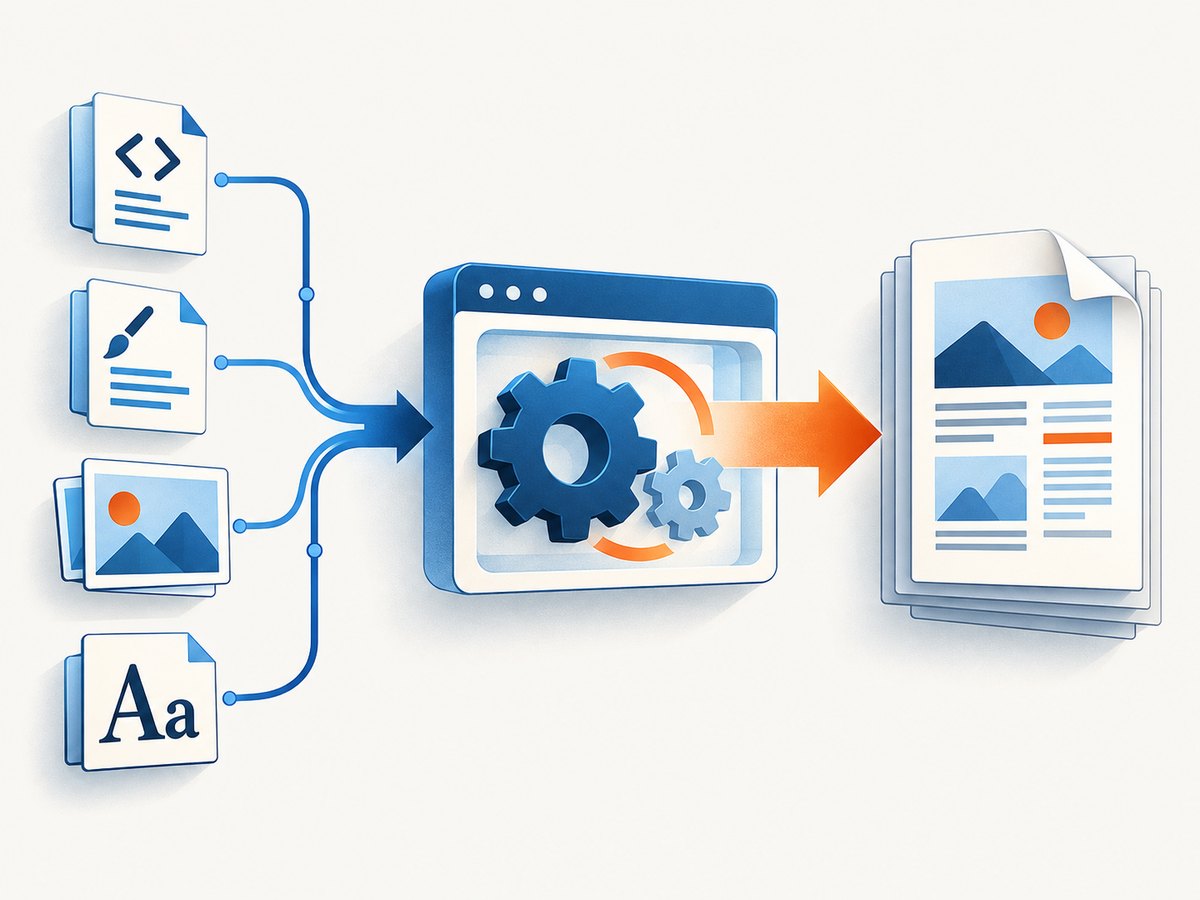
Playwright is a browser automation library whose Chromium page API can generate PDFs. It is the strongest default for JavaScript-driven pages and modern CSS.
1. Add Playwright and install Chromium
Use the version currently listed in the official Playwright Java documentation; versions change. The documentation showed 1.61.0 in the checked Maven example, but pin the version approved by your project.
<dependency>
    <groupId>com.microsoft.playwright</groupId>
    <artifactId>playwright</artifactId>
    <version>1.61.0</version>
</dependency>
Install the matching browser binaries during image or machine setup:
mvn exec:java \
  -Dexec.mainClass=com.microsoft.playwright.CLI \
  -Dexec.args="install chromium"

# Linux images that need system dependencies
mvn exec:java \
  -Dexec.mainClass=com.microsoft.playwright.CLI \
  -Dexec.args="install --with-deps chromium"
Each Playwright release is tied to compatible browser versions. Reinstall browsers when upgrading Playwright.
2. Convert a URL to a PDF file
import com.microsoft.playwright.*;
import java.nio.file.Paths;

public class HtmlUrlToPdf {
    public static void main(String[] args) {
        try (Playwright playwright = Playwright.create();
             Browser browser = playwright.chromium().launch(
                 new BrowserType.LaunchOptions().setHeadless(true))) {

            Page page = browser.newPage();
            page.navigate("https://example.com");
            page.pdf(new Page.PdfOptions()
                .setPath(Paths.get("output.pdf"))
                .setFormat("A4")
                .setPrintBackground(true));
        }
    }
}
page.pdf() uses print media by default. For a screen-style layout, explicitly select screen media:
page.emulateMedia(new Page.EmulateMediaOptions()
    .setMedia(Media.SCREEN));
3. Convert an HTML string
import com.microsoft.playwright.*;
import java.nio.file.Paths;

public class HtmlStringToPdf {
    public static void main(String[] args) {
        String html = """
            <!doctype html>
            <html>
            <head>
              <meta charset=\"UTF-8\">
              <style>
                @page { size: A4; margin: 20mm; }
                body { font-family: Arial, sans-serif; }
                h1 { color: #333; }
              </style>
            </head>
            <body>
              <h1>Hello PDF</h1>
              <p>Generated from HTML in Java.</p>
            </body>
            </html>
            """;

        try (Playwright playwright = Playwright.create();
             Browser browser = playwright.chromium().launch()) {
            Page page = browser.newPage();
            page.setContent(html);
            page.pdf(new Page.PdfOptions()
                .setPath(Paths.get("output.pdf"))
                .setFormat("A4")
                .setPrintBackground(true)
                .setPreferCSSPageSize(true));
        }
    }
}
setPreferCSSPageSize(true) gives the document’s @page size priority over the PDF option’s format, width, or height.
4. Return PDF bytes from Spring MVC
import com.microsoft.playwright.*;
import org.springframework.http.ResponseEntity;
import org.springframework.web.bind.annotation.GetMapping;

@GetMapping(value = "/report.pdf", produces = "application/pdf")
public ResponseEntity<byte[]> report() {
    String html = renderReportTemplate();
    byte[] pdf;

    try (Playwright playwright = Playwright.create();
         Browser browser = playwright.chromium().launch()) {
        Page page = browser.newPage();
        page.setContent(html);
        pdf = page.pdf(new Page.PdfOptions()
            .setFormat("A4")
            .setPrintBackground(true)
            .setPreferCSSPageSize(true));
    }

    return ResponseEntity.ok()
        .header("Content-Disposition", "inline; filename=\"report.pdf\"")
        .body(pdf);
}
This lifecycle is clear for a small example. A high-volume service should keep a managed browser process, create an isolated context and page per job, close both in a finally block, and limit concurrent pages. Playwright describes Browser.newPage() as a convenience API for short scenarios; production code should manage browser contexts explicitly.
5. Wait for JavaScript-rendered content
Navigation completion does not guarantee that charts, data, images, or asynchronous requests are finished. Wait for an application-specific readiness marker:
page.navigate("https://example.com/report");
page.waitForSelector("#report-ready");
page.pdf(new Page.PdfOptions()
    .setPath(Paths.get("report.pdf"))
    .setPrintBackground(true));
Prefer a selector that your application sets after data rendering. A fixed sleep is less reliable, though a short delay can be useful for animations that cannot expose a readiness signal.
6. Paper size, margins, orientation, scaling, and headers
Named formats include Letter, Legal, Tabloid, Ledger, and A0 through A6. Width and height without units are pixels; explicit units include px, in, cm, and mm. Scaling must be between 0.1 and 2.
page.pdf(new Page.PdfOptions()
    .setFormat("A4")
    .setLandscape(true)
    .setMargin(new Page.Margin()
        .setTop("18mm")
        .setRight("15mm")
        .setBottom("20mm")
        .setLeft("15mm"))
    .setScale(0.95)
    .setPrintBackground(true)
    .setDisplayHeaderFooter(true)
    .setHeaderTemplate("<div style=\"font-size:9px;width:100%;text-align:center\">Report</div>")
    .setFooterTemplate("<div style=\"font-size:9px;width:100%;text-align:center\">Page <span class=\"pageNumber\"></span> of <span class=\"totalPages\"></span></div>")
    .setPath(Paths.get("report.pdf")));
Header and footer templates can use the injected date, title, url, pageNumber, and totalPages classes. Page styles are not visible inside these templates, so use inline CSS. Script tags in templates are not evaluated.
Print CSS that controls pagination
@page {
  size: A4;
  margin: 18mm 15mm 20mm;
}

@media print {
  .screen-only { display: none; }
  .avoid-break {
    break-inside: avoid;
    page-break-inside: avoid;
  }
  h2 {
    break-after: avoid;
    page-break-after: avoid;
  }
  .page-break {
    break-before: page;
    page-break-before: always;
  }
}

body {
  -webkit-print-color-adjust: exact;
}
break-inside is useful for cards, signatures, and invoice sections. Long tables still need realistic testing because a renderer may move a row or split content differently than expected. Use table headers that can repeat across pages where your chosen renderer supports it.
Playwright changes colors for print output. -webkit-print-color-adjust: exact controls color adjustment, while setPrintBackground(true) enables background graphics; you generally need both for branded layouts.
Convert HTML with OpenHTMLtoPDF
OpenHTMLtoPDF is a JVM library based on Flying Saucer and PDFBox. It supports a reasonable subset of well-formed XHTML/HTML5 and CSS 2.1, plus features such as SVG, MathML plugins, font fallback, transforms, PDF/A-related functionality, and some accessibility features. Those capabilities do not make it a browser: JavaScript, CSS Grid, complex Flexbox, and browser-specific behavior require redesign or another engine.
Use the current artifact coordinates and version from the project documentation rather than copying an old version into a new application.
import com.openhtmltopdf.pdfboxout.PdfRendererBuilder;
import java.io.FileOutputStream;
import java.io.OutputStream;

public class OpenHtmlToPdfExample {
    public static void main(String[] args) throws Exception {
        String html = """
            <!doctype html>
            <html><head>
              <meta charset=\"UTF-8\">
              <style>
                @page { size: A4; margin: 20mm; }
                body { font-family: sans-serif; }
              </style>
            </head>
            <body>
              <h1>Hello PDF</h1>
              <p>Generated with OpenHTMLtoPDF.</p>
            </body></html>
            """;

        try (OutputStream output = new FileOutputStream("output.pdf")) {
            PdfRendererBuilder builder = new PdfRendererBuilder();
            builder.useFastMode();
            builder.withHtmlContent(
                html,
                "file:///absolute/path/to/resources/"
            );
            builder.toStream(output);
            builder.run();
        }
    }
}
The second argument to withHtmlContent is the base URI. It lets images/logo.png and styles.css resolve relative to a known directory. Author markup as well-formed XHTML-like content, avoid browser-only CSS, and prefer table layouts when floats produce unstable page breaks. The project is LGPL-licensed; review its license and dependency licenses for your distribution.
Convert HTML with iText pdfHTML
iText’s HtmlConverter accepts a string, file, or input stream and can write to a file, output stream, PdfWriter, or PdfDocument.
import com.itextpdf.html2pdf.HtmlConverter;
import java.io.FileOutputStream;

public class ItextHtmlToPdf {
    public static void main(String[] args) throws Exception {
        String html = "<html><body>"
            + "<h1>Hello PDF</h1>"
            + "<p>Generated from HTML.</p>"
            + "</body></html>";

        HtmlConverter.convertToPdf(
            html,
            new FileOutputStream("output.pdf")
        );
    }
}
For relative resources, set a base URI:
import com.itextpdf.html2pdf.ConverterProperties;
import com.itextpdf.html2pdf.HtmlConverter;
import java.io.FileInputStream;
import java.io.FileOutputStream;

ConverterProperties properties = new ConverterProperties();
properties.setBaseUri("/absolute/path/to/document-directory");

try (FileInputStream input = new FileInputStream(
         "/absolute/path/to/document-directory/input.html");
     FileOutputStream output = new FileOutputStream("output.pdf")) {
    HtmlConverter.convertToPdf(input, output, properties);
}
To continue adding iText content after HTML parsing:
PdfWriter writer = new PdfWriter("output.pdf");
PdfDocument pdf = new PdfDocument(writer);
Document document = HtmlConverter.convertToDocument(input, pdf, properties);
document.add(new Paragraph("Additional content from Java."));
document.close();
pdfHTML is positioned for searchable, structured, tagged, PDF/A, and PDF/UA-oriented workflows, but a library feature is not proof that every document meets a standard. Validate your actual output. iText’s open-source distribution is offered under AGPL for applicable use; commercial closed-source use generally requires a commercial license. Do not use obsolete HTMLWorker examples for complete modern HTML.
Images, CSS, fonts, and URLs
- Relative paths: provide a base URI to iText or OpenHTMLtoPDF. For Playwright, navigate from a URL or use a suitable document URL so relative links have an origin.
- Remote assets: production servers need outbound access, trusted TLS certificates, and authentication cookies or headers. Download critical assets or embed them when deterministic output matters.
- Fonts: install or bundle every required font in the container. Test CJK, Arabic, Hebrew, Devanagari, and mixed scripts. Check redistribution rights.
- SVG and data URLs: test with your selected engine; support differs between browser and pure-Java renderers.
- Authenticated pages: create a browser context with the required cookies or headers in Playwright, or provide accessible resources to a library that fetches them directly.
Production architecture, performance, and reliability
- Pin the Java library and, for Playwright, the browser version.
- Install browser binaries during the container build, not on the first request.
- Reuse a browser process safely; create and close isolated contexts and pages per job.
- Set navigation, selector, and PDF operation timeouts.
- Limit concurrency to protect CPU and memory. Queue large jobs instead of allowing unlimited browser pages.
- Log failed resource requests, console errors, conversion duration, output size, and the input identifier.
- Clean up pages, contexts, streams, and browser processes on success, failure, and shutdown.
- Test with long tables, missing images, long unbroken strings, empty values, localized dates, landscape pages, and international fonts.
Launching Chromium for every request is simple but expensive. A pure-Java renderer usually has a smaller operational footprint, but that advantage matters only if its HTML and CSS subset matches your templates. Streaming output can reduce temporary files where the selected API supports it; it does not remove the need to bound document size.
Security checklist for HTML-to-PDF services
- Sanitize user-controlled HTML and template data.
- Treat arbitrary URLs as an SSRF risk. Restrict schemes, hosts, redirects, and private network ranges.
- Prevent HTML from reading sensitive local files through resource URLs.
- Run browser conversion with least privilege and suitable sandboxing.
- Set limits for navigation time, HTML size, image size, page count, and total job duration.
- Do not expose cookies, Authorization headers, filesystem paths, or internal error details in generated documents or logs.
Common errors and fixes
| Symptom | Likely cause | Fix |
|---|---|---|
| Images or CSS are missing | No base URI, blocked network, or wrong relative path | Set a base URI, use an absolute URL, embed assets, and verify server access. |
| PDF is blank or incomplete | JavaScript has not finished or markup is unsupported | Wait for a readiness selector in Playwright; validate and simplify markup for pure-Java renderers. |
| Colors differ from the browser | Print media and color adjustment | Use setPrintBackground(true), -webkit-print-color-adjust: exact, or screen media when appropriate. |
| Fonts differ in Docker | Fonts exist only on the development machine | Install or bundle fonts and test complex scripts in the deployment image. |
| Header or footer styling is ignored | Page styles are not inherited by templates | Use inline CSS and the documented placeholder classes. |
| Playwright cannot start | Browser binaries or Linux dependencies are missing | Run the matching Playwright install command during image setup. |
| Navigation times out | Slow application, blocked request, or incorrect readiness assumption | Inspect network and console errors, set an explicit timeout, and wait for a meaningful selector. |
| Browser processes leak | Contexts or pages are not closed on exceptions | Use try/finally or try-with-resources and monitor process counts. |
| Large documents exhaust memory | Too many concurrent pages or oversized inline assets | Queue jobs, cap concurrency, resize assets, and enforce document limits. |
Headless Playwright does not support navigating directly to a PDF document. If the source is already a PDF, download it as a file instead of trying to print it through a page.
Or skip the browser setup
If your goal is a clean screenshot or PDF of a URL rather than running Chromium in your Java service, ScreenshotNeo provides a single HTTP endpoint. It accepts cookie and consent banners like a visitor, removes more than 60 known consent platforms plus newsletter popups and chat widgets, and lets each cleanup step be turned off. Only clean shots are billed: bot checks, CAPTCHAs, blank pages, timeouts, failed loads, and cache hits cost nothing, and response headers identify the page verdict and billing result.
See the ScreenshotNeo API documentation for all options. A direct PDF or screenshot request looks like this:
curl -G "https://api.screenshotneo.com/v1/shot" \
  -d access_key=YOUR_API_KEY \
  --data-urlencode url=https://stripe.com \
  -o shot.webp
import requests
r = requests.get(
"https://api.screenshotneo.com/v1/shot",
params={"access_key": "YOUR_API_KEY", "url": "https://stripe.com"},
timeout=90,
)
r.raise_for_status()
open("shot.webp", "wb").write(r.content)const q = new URLSearchParams({
access_key: 'YOUR_API_KEY',
url: 'https://stripe.com'
});
const res = await fetch(`https://api.screenshotneo.com/v1/shot?${q}`);
if (!res.ok) throw new Error(`HTTP ${res.status}`);ScreenshotNeo also supports full-page capture with lazy images loaded, CSS element capture, dark mode, device presets, retina scale, PDF paper and margin controls, custom CSS and JavaScript, waits, request blocking, headers, cookies, user agents, Authorization, timezone, geolocation, transparent backgrounds, resizing, chosen cache TTLs, signed links, asynchronous jobs, webhooks, bulk capture for up to 100 URLs per call, a usage API, and an OpenAPI specification. Its MCP server exposes take_screenshot, get_page_info, and capture_pdf to Claude, Cursor, and other MCP clients.
The Free plan includes 1,000 screenshots per month with no card. Paid plans start at $5 for 3,000 shots, and every feature is available on every plan. Create a free ScreenshotNeo account.
Decision checklist
- Choose Playwright for JavaScript, modern CSS, authenticated web pages, and browser-like rendering.
- Choose OpenHTMLtoPDF for controlled, static templates and a pure-Java deployment.
- Choose iText pdfHTML for the iText ecosystem, structured output, compliance work, or commercial support after reviewing licensing.
- Choose a hosted capture API such as ScreenshotNeo when you want URL-to-image or URL-to-PDF output without packaging and operating a browser.
FAQ
Can Java convert an HTML string without writing a temporary file?
Yes. Playwright’s page.setContent, iText’s string overloads, and OpenHTMLtoPDF’s withHtmlContent accept in-memory HTML. Supply a base URI when the markup references relative resources.
Which option supports JavaScript?
Playwright runs JavaScript in Chromium. OpenHTMLtoPDF does not run page JavaScript, and iText pdfHTML should not be treated as a browser replacement for JavaScript-heavy applications.
How do I make a page landscape?
With Playwright, use setLandscape(true) or CSS @page with setPreferCSSPageSize(true). For other engines, use the renderer’s page-size configuration and test the result with real content.
Does a PDF library guarantee PDF/UA or PDF/A compliance?
No. A library may expose tagging or PDF/A features, but compliance depends on the complete document, fonts, metadata, structure, and validation process.
Is iText free for a closed-source commercial application?
Review the AGPL obligations and iText’s commercial licensing terms. Closed-source commercial use may require a commercial license.