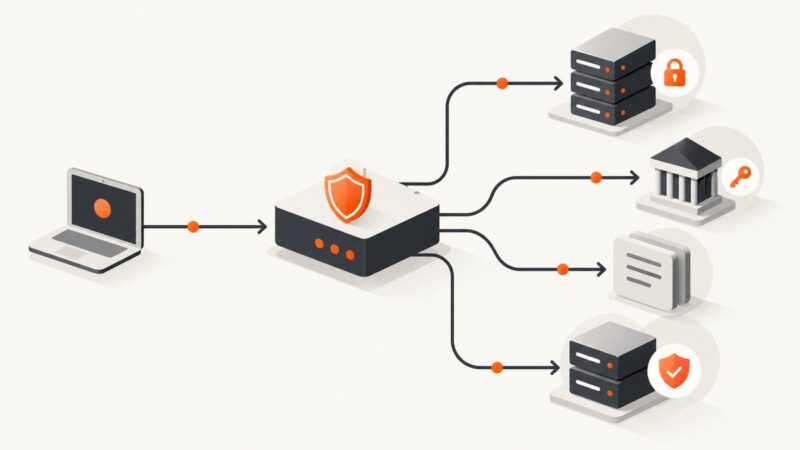
How to Design Clear Validation Errors for Screenshot APIs
Design screenshot API errors that identify invalid inputs, explain how to fix them, and give clients a stable format they can handle.

A clear screenshot API validation error tells a developer what failed, where it failed, and what to change. Use an HTTP status that matches the problem, a stable machine-readable response such as RFC 9457 problem details, and a documented list of field errors that points to the invalid request values. Keep messages corrective, return multiple known validation errors together where practical, and include a safe request identifier for support.
Screenshot APIs often accept a mix of URL, viewport, output format, timing, selector, and rendering options. The exact fields and limits differ by API, so document and validate against your own contract. The examples below use illustrative fields; they do not describe the accepted parameters of any particular provider.
1. Start with a stable error contract
RFC 9457 defines an HTTP problem-details representation, normally served as application/problem+json. Its standard members include type, title, status, detail, and instance. You can add documented extension members, such as an errors array for field-level validation. The standard’s example uses a pointer and detail for each invalid value. RFC 9457 advises that detail help the client correct the problem, rather than provide debugging information.
A representative response might look like this:
HTTP/1.1 422 Unprocessable Content
Content-Type: application/problem+json

{
  "type": "https://api.example.com/problems/validation-error",
  "title": "Request validation failed",
  "status": 422,
  "detail": "Correct the listed request values and try again.",
  "errors": [
    {
      "pointer": "#/width",
      "code": "out_of_range",
      "detail": "Choose a width within the documented limit."
    },
    {
      "pointer": "#/url",
      "code": "invalid_format",
      "detail": "Provide a URL in a format supported by this API."
    }
  ],
  "instance": "urn:request:opaque-support-id"
}
The type URI identifies the category of problem. The title should be short and consistent for that type. The top-level detail summarizes this occurrence; each error entry identifies an individual input and gives a corrective explanation. A stable application error code lets clients branch without parsing changing prose. The names, pointer convention, codes, and constraints above are examples: publish the actual contract your API implements.
2. Decide what counts as validation
Validation belongs at the boundary where a request becomes an operation. For screenshot capture, separate request-shape and option errors from failures that happen later while rendering a page. A malformed URL or unsupported output format can be rejected before a browser starts. A target page that later times out is an execution outcome, not necessarily a validation error. Keeping these categories distinct helps callers decide whether to correct the request, retry, or investigate the target site.

For each input, define its type, allowed values or range, default, interactions with other options, and whether it is required. Typical screenshot API concerns include:
- Target: required URL, accepted schemes, URL length, and whether local or private network destinations are permitted.
- Dimensions: viewport width and height, device scale, and the behavior of full-page capture.
- Output: supported image or document formats and format-specific options.
- Selectors: syntax, whether a selector must match, and what happens if it matches several elements.
- Timing: delay limits, selector wait behavior, and any network-idle definition.
- Combinations: options that conflict, are ignored together, or only apply to one output format.
Do not imply a universal set of fields. Use the API’s actual schema and examples as the source of truth.
3. Choose HTTP status codes by meaning
Clients and intermediaries act on the HTTP status, so it should describe the request outcome accurately. A malformed request can be represented with 400 Bad Request. An API may choose 422 Unprocessable Content for syntactically valid content that fails a documented semantic validation rule. Either approach can work if it fits the API’s conventions and is used consistently. Use other client-error statuses where their defined meaning fits, and reserve server-error statuses for server-side failures. Siemens API guidance likewise recommends using official HTTP status codes according to their intended semantics.
If the problem body includes status, it must match the actual HTTP status. Do not return HTTP 200 with a body that says 422: generic HTTP tooling, monitoring, and client libraries rely on the response status. Document which statuses an endpoint can return, including validation, authorization, rate limiting, capture failures, and server errors where relevant.
4. Point to the input, not just the problem
An error such as “Invalid request” forces the developer to guess. A useful field error includes a location, a stable code, and a concise correction. RFC 9457 illustrates a JSON Pointer for locating a problem in request content. For query parameters, a fragment-style pointer such as #/width is easy to understand, but it is an API-defined convention rather than a universal mapping from a URL query string. Document how clients should interpret it. For nested JSON, use JSON Pointer escaping rules so names containing special characters are unambiguous.
Prefer a code like unsupported_format or out_of_range over requiring clients to match a sentence. Keep the code stable even if you improve the wording. A client can then display the detail to a user, map the code to a form field, or choose a known correction without coupling itself to exact prose.
5. Validate together, but avoid noisy duplicates
When the request has several independent invalid values, return the known errors in one response when practical. The developer can correct them in one edit instead of repeating a request for each field. Ed-Fi’s error guidance describes returning validation information and a correlation identifier that can be matched to error logs. Ed-Fi error response documentation
There are limits to aggregation. Stop when parsing is unsafe or impossible, such as invalid JSON that cannot be decoded into fields. Apply a documented maximum to the number of returned errors if input size could produce an unbounded list. Avoid reporting both a root-level error and every downstream consequence as though they were independent fixes. Order errors predictably, for example by request location, and make duplicate entries impossible or clearly distinguishable.
6. Give support a safe trace handle
Include an opaque occurrence identifier in instance or a documented extension when it can help support staff find the corresponding server-side event. It should be safe to expose and useful in logs. Do not use a credential, signed URL, or raw internal exception as an identifier. Log the identifier alongside relevant diagnostic context on the server, while controlling access to those logs. Ed-Fi documents a correlationId for connecting a response with API error logs.
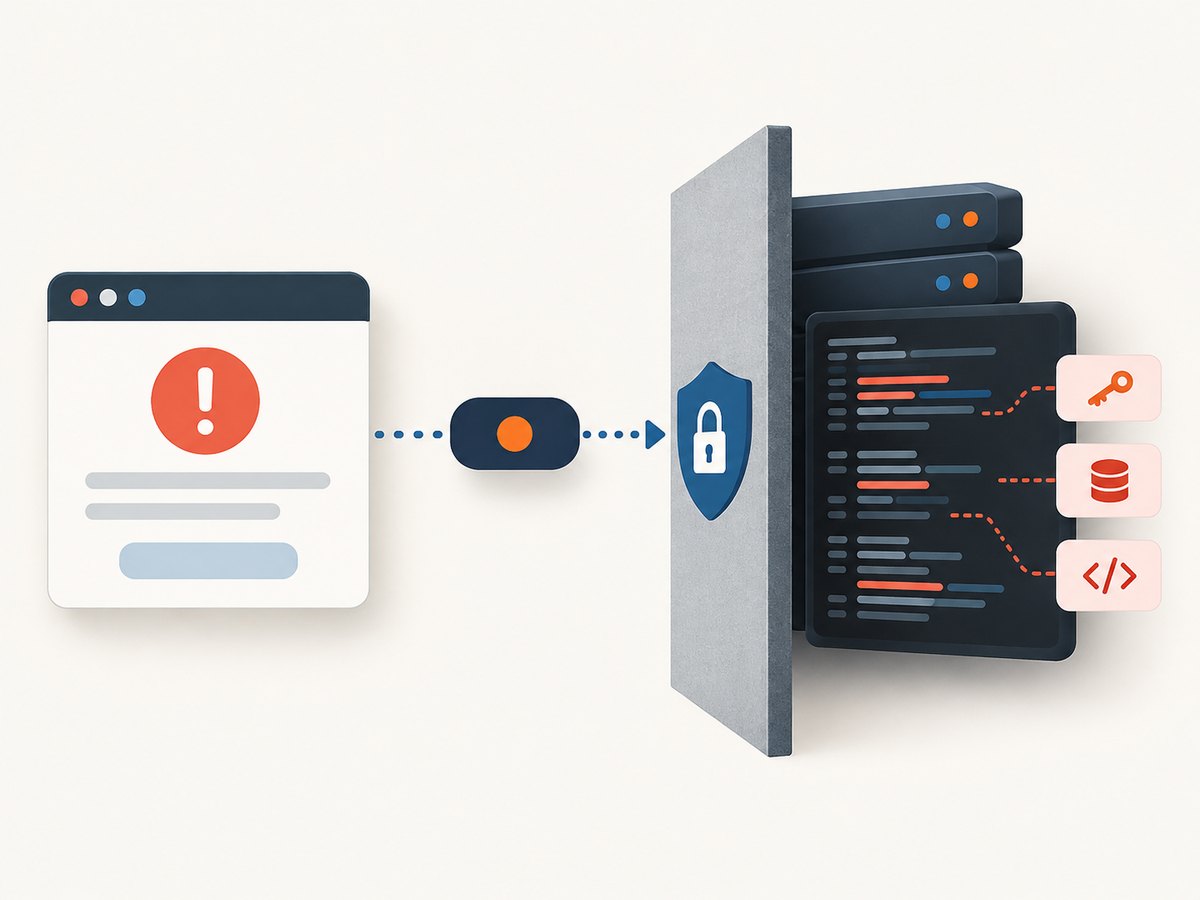
Public error responses are part of the API interface, not a debugging dump. Do not expose stack traces, filesystem paths, browser process arguments, internal hostnames, secrets, or raw upstream response bodies. If details are sensitive, give a general corrective message and use the trace identifier for operational investigation. RFC 9457 explicitly cautions that problem details are not a debugging tool and that revealing implementation details can create security risks.
7. Implement and document the contract
- Define the schema. Specify media type, standard members, extension names, error item fields, pointer convention, and stable codes.
- Map validation rules. Connect each rule to a status, location, code, and corrective message.
- Keep response generation centralized. A shared error builder reduces differences between endpoints and makes status/body consistency easier to maintain.
- Document examples. Show one invalid value, multiple invalid values, malformed input, and a non-validation failure. Label sample limits as contract-specific.
- Review compatibility. Treat changes to field names, codes, pointer semantics, and status policy as API changes. Add new optional metadata carefully; clients should tolerate unknown extension members.
Here is a small Python function that builds a problem response dictionary. A web framework adapter should serialize it as JSON, set the HTTP status to the same value, and set the content type to application/problem+json.
def validation_problem(errors, request_id):
    status = 422
    return status, {
        "type": "https://api.example.com/problems/validation-error",
        "title": "Request validation failed",
        "status": status,
        "detail": "Correct the listed request values and try again.",
        "errors": errors,
        "instance": f"urn:request:{request_id}",
    }

errors = [
    {
        "pointer": "#/width",
        "code": "out_of_range",
        "detail": "Choose a width within the documented limit.",
    }
]
status, body = validation_problem(errors, "opaque-id")
# In your framework: return JSON(body), status, {
#     "Content-Type": "application/problem+json"
# }
Do not copy the example domain or pretend that width has a particular valid range. Replace the type URI, fields, and message with values from your published API contract.
8. Read an error response as a client
Clients should inspect the HTTP status and media type, then parse structured fields when available. They should not parse the detail sentence to discover which input failed. Some APIs may return a different format for legacy reasons, and network or proxy failures may not contain JSON at all, so parsing must be defensive.
cURL
curl -i -G "https://api.example.com/v1/shot" \
  --data-urlencode "url=https://example.com" \
  --data-urlencode "width=not-a-number"
The -i option displays headers so you can check the status and media type. Substitute the real endpoint and intentionally invalid value from your API documentation.
Python
import requests

response = requests.get(
    "https://api.example.com/v1/shot",
    params={"url": "https://example.com", "width": "not-a-number"},
    timeout=30,
)

if not response.ok:
    content_type = response.headers.get("Content-Type", "")
    if "application/problem+json" in content_type:
        problem = response.json()
        print(response.status_code, problem.get("title"))
        for error in problem.get("errors", []):
            print(error.get("pointer"), error.get("code"), error.get("detail"))
    else:
        print("Request failed with HTTP", response.status_code)
else:
    print("Capture succeeded")
Node.js
const url = new URL('https://api.example.com/v1/shot');
url.searchParams.set('url', 'https://example.com');
url.searchParams.set('width', 'not-a-number');

const response = await fetch(url);
const contentType = response.headers.get('content-type') ?? '';

if (!response.ok) {
  if (contentType.includes('application/problem+json')) {
    const problem = await response.json();
    console.error(response.status, problem.title);
    for (const error of problem.errors ?? []) {
      console.error(error.pointer, error.code, error.detail);
    }
  } else {
    console.error('Request failed with HTTP', response.status);
  }
} else {
  console.log('Capture succeeded');
}
9. Troubleshoot confusing validation behavior
| Symptom | Likely cause | Fix |
|---|---|---|
| Client reports success despite an error body | The server sent HTTP 200 for a failed request. | Set the actual HTTP status to the documented client-error code and match the body’s status. |
| Client cannot identify the bad option | The response only has prose, or the field location is ambiguous. | Add a stable machine-readable code and documented pointer or parameter location. |
| Client parser breaks after a wording change | The client is matching detail text. |
Branch on status, problem type, and stable codes; display detail without parsing it. |
| One correction reveals another error each time | The API returns only the first independent validation failure. | Aggregate known field errors where safe and useful. |
| Some failures are HTML or empty | A proxy, gateway, or upstream path may have generated the response, or the request failed before the API formatter ran. | Handle non-JSON bodies defensively; inspect status, response headers, and the safe request identifier. |
| Support cannot find the event | The occurrence ID is missing, not logged, or transformed between response and logs. | Generate an opaque identifier once, return it, and include that exact identifier in access-controlled logs. |
| Error body exposes internal data | Exception details are copied directly into public output. | Return a safe corrective message and keep diagnostic detail in protected logs. |
| Same invalid request gets inconsistent statuses | Validation is implemented separately across endpoints or layers. | Centralize response mapping and document status policy. |
10. Performance, reliability, and cost
Reject invalid inputs before launching a browser or scheduling capture work. That avoids spending rendering resources on requests the API already knows it cannot fulfill. Keep validation bounded: constrain request size, cap accumulated errors, and avoid expensive remote checks during basic schema validation. For URL safety and network restrictions, validation may require additional checks; perform them under explicit time and resource limits and distinguish policy rejection from a rendering timeout.
Consistency improves reliability for client code. Stable status codes and response fields let callers distinguish a correctable request from a transient failure. A request identifier helps correlate support reports with logs. If the capture runs asynchronously, document which problems are returned while creating a job and which are reported in the eventual job result or webhook. Avoid silently converting an invalid option into a default unless the behavior is documented; silent fallback can produce a valid but unexpected image.
Validation response size and computation should be small relative to browser rendering, but error handling still needs limits and observability. Track categories and status counts without logging secrets or full signed URLs. No general error-rate or cost-saving percentage follows from the standards cited here; measure your own workload before making quantitative claims.
Or skip the browser setup
If your goal is to capture a page rather than build and maintain a browser capture service, ScreenshotNeo is a website screenshot API and MCP server. The API takes a URL in one GET request; see the ScreenshotNeo documentation for its API details. For example, this cURL request saves a WebP capture:
curl -G "https://api.screenshotneo.com/v1/shot" -d access_key=YOUR_API_KEY --data-urlencode url=https://stripe.com -o shot.webpCookie banners, popups, and chat widgets are removed before the shot. Bot checks, blank pages, failed loads, timeouts, and cache hits are not billed; response headers say which outcome occurred. Its MCP server gives AI agents tools to take screenshots, inspect page information, and capture PDFs. The free plan includes 1,000 screenshots a month with no card; paid plans start at $5 for 3,000 shots. Sign up free for 1,000 screenshots a month, no card required.
FAQ
Should validation errors use 400 or 422?
Choose the status that fits the request failure and your API’s documented conventions. Both are used for client-side request problems; consistency and accurate semantics matter more than choosing one by habit.
Should every error include a JSON Pointer?
Include a documented location when an input can be identified. For failures without a specific field, provide a problem-level detail and stable code. Explain how locations work for query parameters and nested request bodies.
Can a client safely display the detail message?
It can display a deliberately written, non-sensitive corrective message. Clients should not treat that prose as a stable machine interface; use structured codes and locations for program behavior.
Should a validation response include stack traces?
No. Keep implementation diagnostics in protected server logs and give the client a safe occurrence identifier when support needs to trace the event.