Using Images and Links in Code-Based PDF Templates
Add images, external links, anchors, bookmarks, and attachments to HTML or Python PDF templates with reliable WeasyPrint and ReportLab patterns.
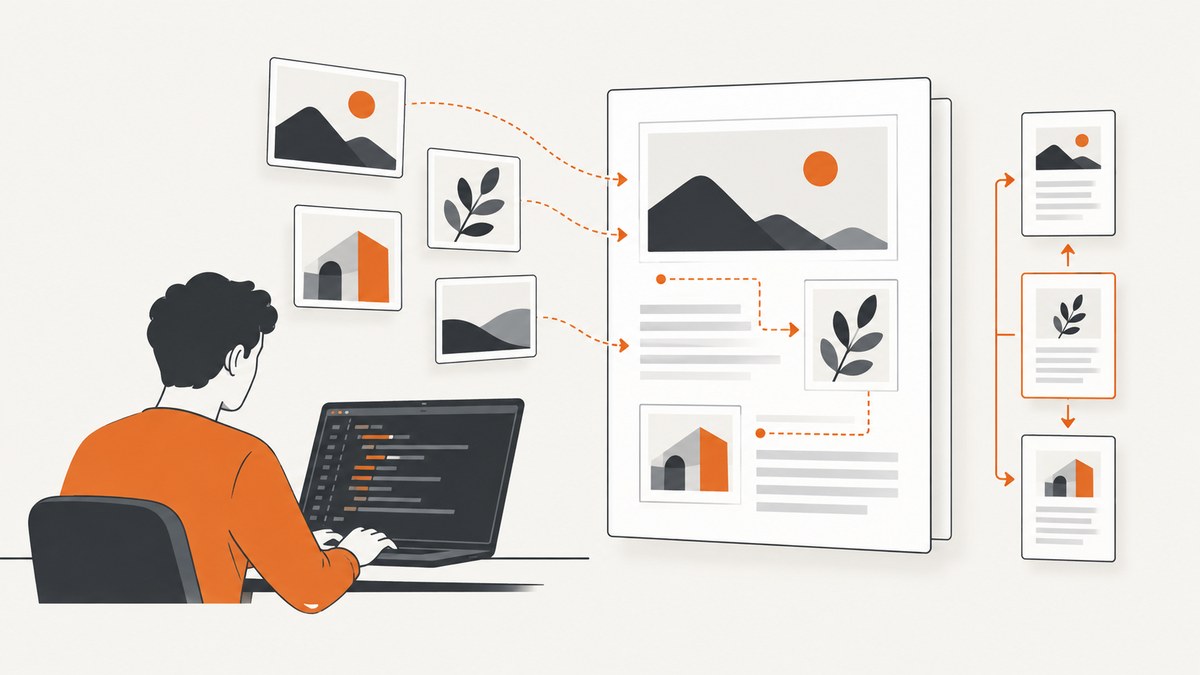
Direct answer: choose your PDF authoring model before writing the template. Use WeasyPrint when you want normal HTML and CSS, automatic heading structure, SVG support, hyperlinks, bookmarks, and attachments. Use ReportLab when you need programmatic control over drawing, flowables, paragraph markup, named destinations, and PDF annotations. In either case, make asset URLs deterministic, size images explicitly, distinguish web links from internal destinations and attachments, and inspect the generated PDF in the viewers your readers use.
This guide shows complete Python examples for both approaches, explains the link and image edge cases that cause most production failures, and ends with an API option when maintaining a browser renderer is unnecessary.
1. Choose an authoring model
| Question | WeasyPrint | ReportLab |
|---|---|---|
| How is layout authored? | HTML elements and CSS | Flowables, drawing operations, and paragraph markup |
| Best for | Web-like documents, invoices, reports, branded templates | Precise programmatic composition and reusable drawing primitives |
| Images | PNG, JPEG, GIF, and SVG through the document fetch context | Explicit image sources and trusted schemes or hosts |
| External links | <a href="https://..."> |
<a href="http://..."> in paragraph markup or link annotations |
| Internal navigation | HTML fragment anchors and heading bookmarks | Named destinations and PDF link annotations |
| Attachments | rel="attachment" links |
PDF attachment APIs and annotations |
WeasyPrint’s API describes PDF output containing text, raster and vector graphics, hyperlinks, bookmarks, attachments, and forms. Its link records expose a type such as external, internal, or attachment, which is useful when diagnosing output. ReportLab’s documentation covers paragraph images, URI schemes, named anchors, and internal hyperlinks. See the WeasyPrint API reference and ReportLab user guide.
2. WeasyPrint: HTML and CSS templates
Install and create a deterministic template
python -m pip install weasyprint pillow
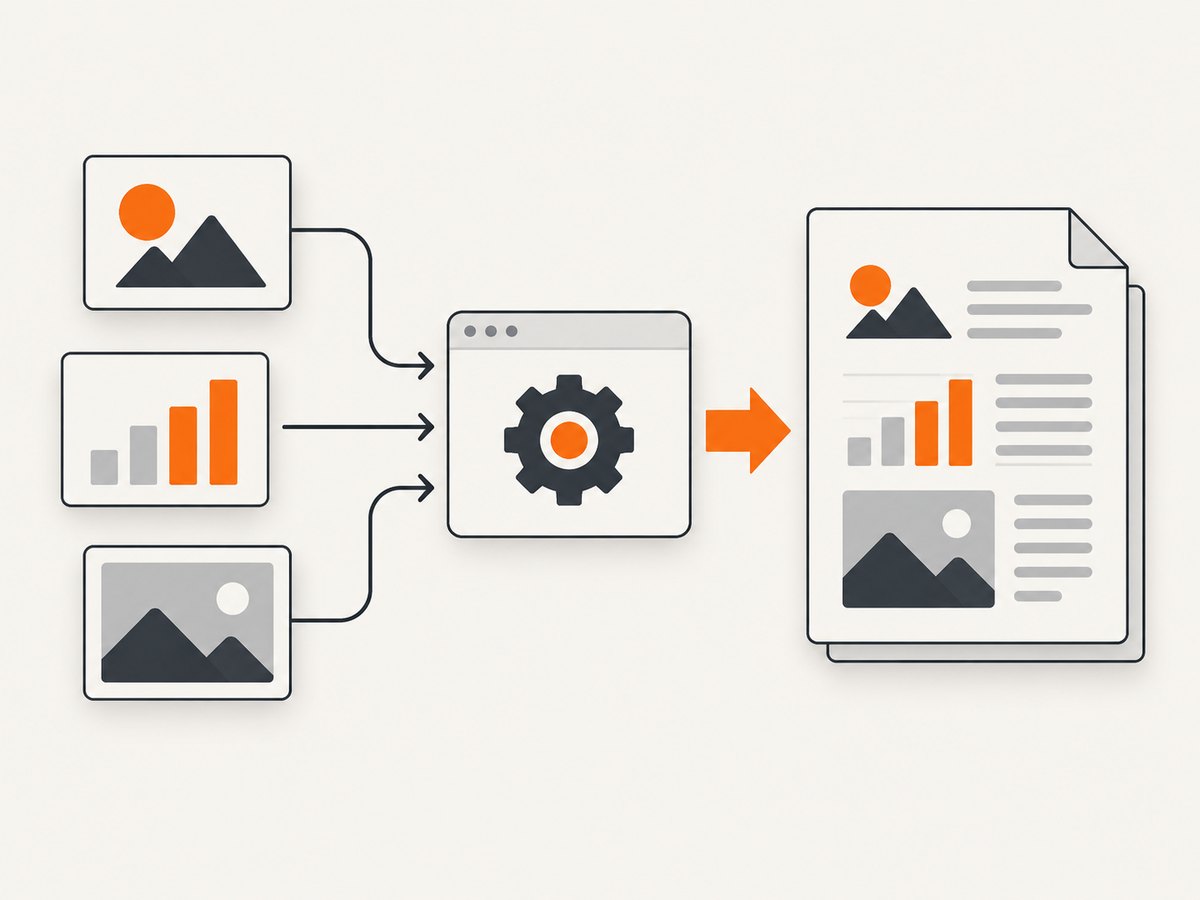
Keep assets in a versioned directory and pass a base_url. Relative image paths and links are resolved against that base. A template rendered from a web request can therefore behave differently from one rendered in a worker unless both use the same base URL and fetch policy.
from pathlib import Path
from weasyprint import HTML

ROOT = Path(__file__).parent.resolve()
HTML(string="""


  <meta charset="utf-8">
  <style>
    @page { size: A4; margin: 18mm 16mm; }
    body { font-family: sans-serif; color: #1f2937; }
    h1, h2 { color: #111827; }
    h2 { break-before: page; }
    .hero { width: 100%; height: auto; }
    .logo { width: 42mm; height: auto; }
    .figure { break-inside: avoid; margin: 12px 0; }
    .figure img { width: 100%; height: auto; }
    .caption { color: #4b5563; font-size: 9pt; }
    a { color: #075985; text-decoration: underline; }
  </style>


  <img class="logo" src="assets/logo.svg" alt="Company logo">
  <h1>Quarterly report</h1>
  <p>See the <a href="#summary">summary</a> or visit
     <a href="https://example.com/source">the source page</a>.</p>

  <figure class="figure">
    <img class="hero" src="assets/chart.svg" alt="Revenue by quarter">
    <figcaption class="caption">Revenue by quarter</figcaption>
  </figure>

  <h2 id="summary">Summary</h2>
  <p>This heading creates a stable internal destination.</p>

  <a rel="attachment" href="assets/data.csv">Download source data</a>
</body>

""", base_url=ROOT).write_pdf(ROOT / "report.pdf")
The alt attribute remains valuable for document structure and accessibility even though it is not a visible caption. Set width or height in CSS and preserve the aspect ratio with the other dimension set to auto. SVG is useful for logos, diagrams, and charts because WeasyPrint can retain vector output instead of rasterizing it.
External links, anchors, bookmarks, and attachments
- External URL: use an absolute
https://URL in an<a>element. - Internal link: link to
#summaryand give the destination anid. Use stable names rather than generated numeric IDs. - Bookmark: headings generally provide the document outline. Use a meaningful heading hierarchy instead of styling arbitrary paragraphs as headings.
- Attachment: use
<a rel="attachment" href="...">or a<link rel="attachment">. An attachment travels inside the PDF and is not the same thing as a clickable web URL.
Authenticated and remote assets
For private images, avoid unaudited network access from a production renderer. Download approved assets to a temporary, versioned directory, or provide a custom URL fetcher that allows only required schemes and hosts. Validate MIME type, file size, and image dimensions before passing the resource to the renderer. This makes retries reproducible and prevents a changed remote image from silently changing old invoices.
3. ReportLab: programmatic PDF construction
Install and build a document
python -m pip install reportlab pillow
from pathlib import Path
from reportlab.lib.pagesizes import A4
from reportlab.lib.styles import getSampleStyleSheet
from reportlab.lib.units import mm
from reportlab.platypus import SimpleDocTemplate, Paragraph, Spacer, Image, PageBreak

ROOT = Path(__file__).parent.resolve()
styles = getSampleStyleSheet()
doc = SimpleDocTemplate(
    str(ROOT / "report.pdf"),
    pagesize=A4,
    rightMargin=16 * mm,
    leftMargin=16 * mm,
    topMargin=18 * mm,
    bottomMargin=18 * mm,
)

story = []
story.append(Paragraph("Quarterly report", styles["Title"]))
story.append(Paragraph(
    'Read the <a href="#summary" color="blue">summary</a> or '
    '<a href="https://example.com/source" color="blue">source page</a>.',
    styles["BodyText"],
))
story.append(Spacer(1, 8 * mm))

image = Image(str(ROOT / "assets" / "chart.png"))
image.drawWidth = 160 * mm
image.drawHeight = image.drawWidth * image.imageHeight / image.imageWidth
story.append(image)
story.append(Paragraph("Revenue by quarter", styles["Caption"]))
story.append(PageBreak())
story.append(Paragraph('Summary', styles["Heading1"]))
story.append(Paragraph('The summary section is a named destination.', styles["BodyText"]))
doc.build(story)
ReportLab paragraph markup supports <img/> with src, width, and height, plus vertical alignment such as top, middle, and bottom. For a predictable result, calculate the height from the source aspect ratio as the example does. Configure trusted schemes and hosts when images or links can originate outside your application.
Named destinations and link annotations
from reportlab.pdfgen import canvas

c = canvas.Canvas("links.pdf", pagesize=A4)
c.bookmarkPage("summary")
c.addOutlineEntry("Summary", "summary", level=0, closed=False)
c.drawString(40 * mm, 260 * mm, "Summary")
c.linkURL("https://example.com/source", (40 * mm, 245 * mm, 90 * mm, 253 * mm), relative=0)
c.showPage()
c.save()
Use a named destination for an internal jump and a URI annotation for an external page. Keep link rectangles large enough to be usable on touch devices, and choose a link color that remains distinguishable when printed in grayscale. ReportLab also supports reusable form content for repeated graphics, which can reduce duplicated drawing work in template-heavy documents.
4. Resource paths and image edge cases
- Relative URL failure: a template opened from a string has no useful working directory. Pass
base_url(WeasyPrint) or resolve an absolute path (ReportLab). - Missing protocol:
//cdn.example.com/a.pngdepends on a document scheme. Prefer an explicithttps://URL or a local asset. - SVG rendering differences: unsupported SVG filters, external fonts, or linked subresources can produce a blank or incomplete image. Inline required resources or convert the asset to a tested SVG subset.
- Transparent images: a transparent PNG can appear black or white depending on the viewer and page background. Set an explicit background when the image must look identical everywhere.
- Huge photographs: PDF dimensions are independent of source pixels. Downsample oversized photos before embedding while retaining enough resolution for the intended print size.
- Animated GIF: PDF output uses one frame. Convert it to a deliberate still image before rendering.
- Color profiles: viewers and printers can interpret unusual profiles differently. Convert production assets to a known RGB or CMYK workflow and inspect a printed sample.
- Image blocked by authentication: browser cookies do not automatically exist in a server renderer. Fetch the file with credentials in your application, then pass a local path or a controlled fetcher.

5. Debugging links that look right but do not click
| Symptom | Likely cause | Fix |
|---|---|---|
| Text is blue but not clickable | The renderer received plain text or an invalid tag | Use a real <a> element or ReportLab link annotation; inspect annotations in the PDF. |
| External link opens the wrong host | A relative URL was resolved against an unexpected base | Use an absolute URL or set one deterministic base URL. |
| Internal link does nothing | Fragment target is missing, duplicated, or placed on a non-rendered element | Give the destination a unique, stable id or named destination. |
| Attachment appears as a web link | It was authored as an ordinary href |
Declare the relationship with rel="attachment" and verify the viewer exposes attachments. |
| Link works in one viewer only | Viewer support, annotation bounds, or malformed PDF structure differs | Validate the PDF and test in desktop, browser, mobile, download, print, and accessibility workflows. |
| Image is missing | Path, permissions, MIME type, or fetch policy is wrong | Log the resolved path, verify readability, validate the file header, and test with a local fixture. |
6. Reliability, performance, and cost considerations
- Determinism: pin renderer and font versions, keep assets local and versioned, and record the template revision used for each document.
- Retries: retry transient network fetches before rendering, not after producing a partially valid PDF. Fail closed when a required image is unavailable.
- Concurrency: rendering is CPU and memory intensive. Bound worker concurrency and clean temporary assets after each job.
- Caching: cache immutable logos, fonts, and diagrams by content hash. Do not cache authenticated or rapidly changing images without an explicit policy.
- File size: SVG can be smaller and sharper for line art; photographs usually need sensible JPEG quality and dimensions. Measure your own templates because no universal size or speed number applies.
- Validation: open the output, check page count, verify required annotations and attachments, and keep a small fixture suite containing each supported image and link type.
7. Or skip the browser setup
If your goal is a clean screenshot or PDF of a web page rather than a custom PDF layout, ScreenshotNeo provides a single HTTP request. Its capture pipeline accepts consent banners like a visitor and removes more than 60 known consent platforms, newsletter popups, and chat widgets before the shot. Bot checks, blank pages, timeouts, failed loads, and cache hits are not billed, and response headers identify the page verdict and billing result.
See the ScreenshotNeo API documentation for all options, including full-page capture, element selectors, dark mode, device presets, custom CSS and JavaScript, waits, request blocking, headers, cookies, geolocation, PDF settings, caching, signed links, asynchronous jobs, bulk capture, and usage reporting.
cURL
curl -G "https://api.screenshotneo.com/v1/shot" \
  -d access_key=YOUR_API_KEY \
  --data-urlencode url=https://stripe.com \
  -o shot.webp
Python
import requests

r = requests.get(
    "https://api.screenshotneo.com/v1/shot",
    params={"access_key": "YOUR_API_KEY", "url": "https://stripe.com"},
    timeout=90,
)
r.raise_for_status()
open("shot.webp", "wb").write(r.content)
print(r.headers.get("X-Page-Verdict"), r.headers.get("X-Billed"))
Node.js
const q = new URLSearchParams({
  access_key: 'YOUR_API_KEY',
  url: 'https://stripe.com'
});
const res = await fetch(`https://api.screenshotneo.com/v1/shot?${q}`);
if (!res.ok) throw new Error(`HTTP ${res.status}`);
const bytes = new Uint8Array(await res.arrayBuffer());
await Bun.write('shot.webp', bytes); // or write bytes with fs/promises in Node
console.log(res.headers.get('X-Page-Verdict'), res.headers.get('X-Billed'));
Cookie banners, popups, and chat widgets are removed before the shot; bot checks, blank pages, and failed loads are never billed; an MCP server lets Claude, Cursor, and other MCP clients take screenshots; and the Free plan includes 1,000 screenshots each month with no card. Paid plans start at $5 for 3,000 shots. Create a free ScreenshotNeo account.
8. Implementation checklist
- Choose WeasyPrint or ReportLab based on authoring needs.
- Set one deterministic base URL and fetch policy.
- Use local, versioned assets where possible.
- Set image dimensions explicitly and preserve aspect ratio.
- Use SVG for vector-sensitive diagrams when supported.
- Give every internal destination a stable unique name.
- Document whether each resource is a web link, internal destination, bookmark, or attachment.
- Inspect annotations and attachments in the generated PDF.
- Test download, print, mobile, and accessibility workflows.
- Bound renderer concurrency and validate required assets before publishing.
FAQ
Can a PDF link to a local file on the reader’s computer?
Do not rely on local filesystem paths. Package a file as a PDF attachment or publish it at an authenticated, stable URL.
Should I embed images as data URLs?
Data URLs remove path-resolution problems but can make templates harder to cache and inspect. They are useful for small immutable assets; local files or controlled fetchers are usually clearer for larger resources.
Why does a link work before conversion but not after?
HTML preview behavior does not prove that a PDF annotation was emitted. Inspect the PDF’s annotations and verify that the renderer recognized the element and resolved its target.
How do I make a long report navigable?
Use a consistent heading hierarchy, stable internal anchors, and a generated outline. Keep visible link text meaningful instead of exposing raw URLs everywhere.
Which approach should I use for a branded invoice?
Start with WeasyPrint when the layout maps naturally to HTML and CSS. Choose ReportLab when drawing coordinates, named destinations, or programmatic flow control are central to the design.