Local Business Scraper: Legal Data Collection and API Guide
Learn how to source local business data responsibly, compare the Places API with scraping, and build a compliant lead workflow.
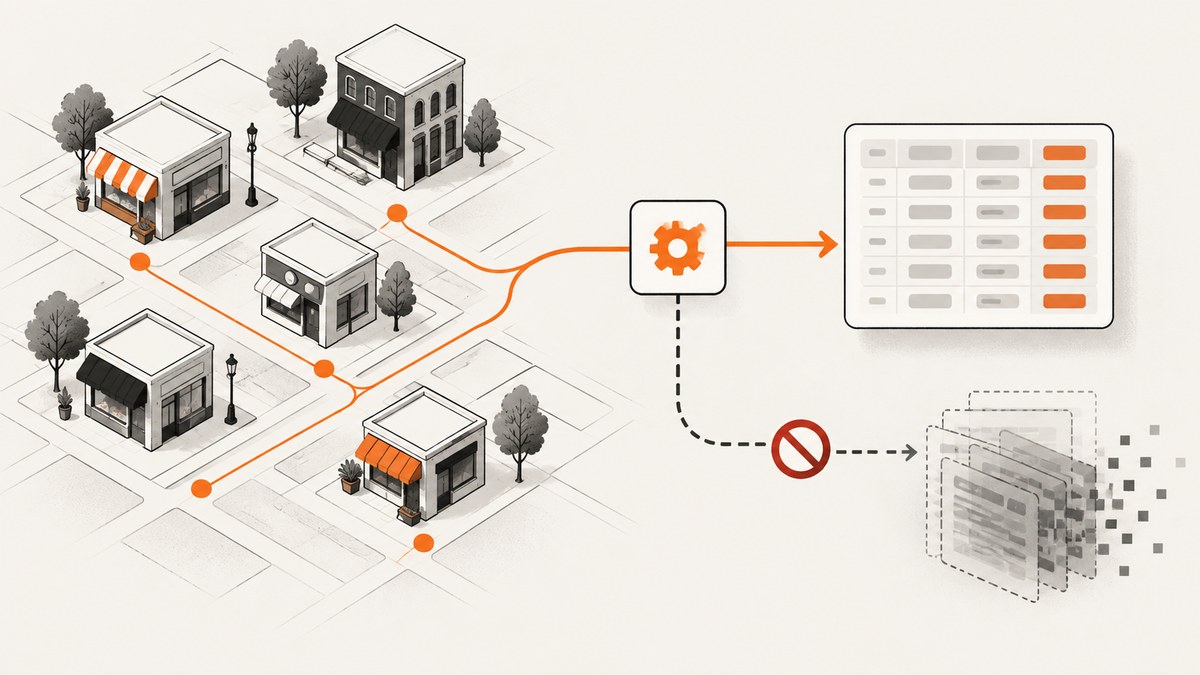
A local business scraper discovers businesses by category and geography, then turns listing details such as name, address, phone, website, category, rating, hours, and place ID into structured records. Before choosing a scraper, decide whether your source permits the collection, storage, export, and use you have in mind. For Google Maps data, the official answer is clear: Google Maps Platform terms prohibit scraping Maps Content for use outside its services. If your application can fit the official Places API policies, start there; if it cannot, find a source whose terms explicitly authorize your intended use.
This guide covers the compliant data workflow, the Places API option, hosted extraction tools, website enrichment, operational checks, and troubleshooting. It also shows where screenshots can support a review workflow without treating a screenshot as permission to collect or reuse source data.
1. What a local business scraper does
A local-business collection workflow generally has two stages:
- Discovery: find listings for a category, query, or geographic area.
- Structuring: normalize returned fields into records your application can use within the source’s terms.
Some hosted workflows add a third stage: visit each business’s own website to look for contact details. That is a separate collection source, with its own terms, privacy, and consent considerations.
Common fields include business name, address, phone number, website, category, rating, hours, and a source-specific place identifier. Do not assume that every source provides every field, that fields are current, or that a field may be retained or exported. Rights and field availability depend on the source and its terms.
2. Can you scrape Google Maps for local leads?
Google Maps Platform terms prohibit exporting, extracting, or scraping Maps Content for use outside Google Maps Platform services. The terms specifically cover copying business names, addresses, and user reviews. Google’s Maps JavaScript API policy likewise says capturing or persisting a Place Name for use outside the user session is scraping and is not allowed. A tool’s ability to return data does not grant permission to reuse it.
Use the official Places API when the intended experience and data handling fit its policies. Its requirements include attribution, a public Terms of Use and Privacy Policy, and restrictions on pre-fetching, caching, and storage. Place IDs are a stated caching exception. Review the current official documentation and applicable agreement before implementation:
These rules can change, and a particular contract or product may impose additional conditions. The safe engineering practice is to record the policy basis for each source and each data use rather than treating “publicly visible” as “free to collect and redistribute.”
3. Choose a source before choosing a scraper
| Option | Useful when | Verify before building |
|---|---|---|
| Official Places API | Your product can display and handle Places content within the API’s permitted experience. | Required attribution, allowed fields, retention and caching limits, export behavior, current quotas and billing. |
| Hosted extraction workflow | You have identified a source that authorizes the collection and the workflow’s permitted use. | Source authorization, geographic coverage, fields, pagination, retention and redistribution rights, change handling, price and support. |
| Direct business website research | You need to review an individual business’s own site or enrich a record from that site. | Website terms, privacy and consent obligations, collection method, and what you may retain or contact. |
Practitioners mention hosted tools such as Apify in local-business extraction workflows, but current product limits, pricing, and partner terms require direct verification. Evaluate the actual actor or service, its source, its contract, and your use case; the platform name alone does not establish authorization.
Compare options in this order: authorization and data rights, field coverage, freshness, geography, pagination and rate limits, retention and export restrictions, enrichment, reliability when the source changes, total cost, and operational support. A low-cost extractor is not useful if you cannot lawfully retain or distribute its output.
4. Design a compliant Places API workflow
- Define the user experience. Specify where results appear, who can see them, and whether users can export or reuse them.
- Select only needed fields. Keep the request aligned with the user’s task and the current API’s field and billing model.
- Preserve attribution. Display the required Google and third-party attribution wherever Places content is shown.
- Publish policies. Make Terms of Use and a Privacy Policy publicly available, and explain relevant collection and retention.
- Control persistence. Do not pre-fetch, cache, store, or export content unless the applicable policy permits it. Treat place IDs according to their stated exception.
- Test failure and deletion paths. Confirm what happens when a result is unavailable, stale, deleted, or no longer permitted to remain in your system.
Places APIs have different request shapes and field controls. The precise endpoint and code depend on the API variant and runtime. Use the current official guide for the chosen endpoint rather than copying a request from an old tutorial. Keep API keys server-side where appropriate, restrict keys to the required APIs and environments, and avoid logging credentials or unnecessary personal data.
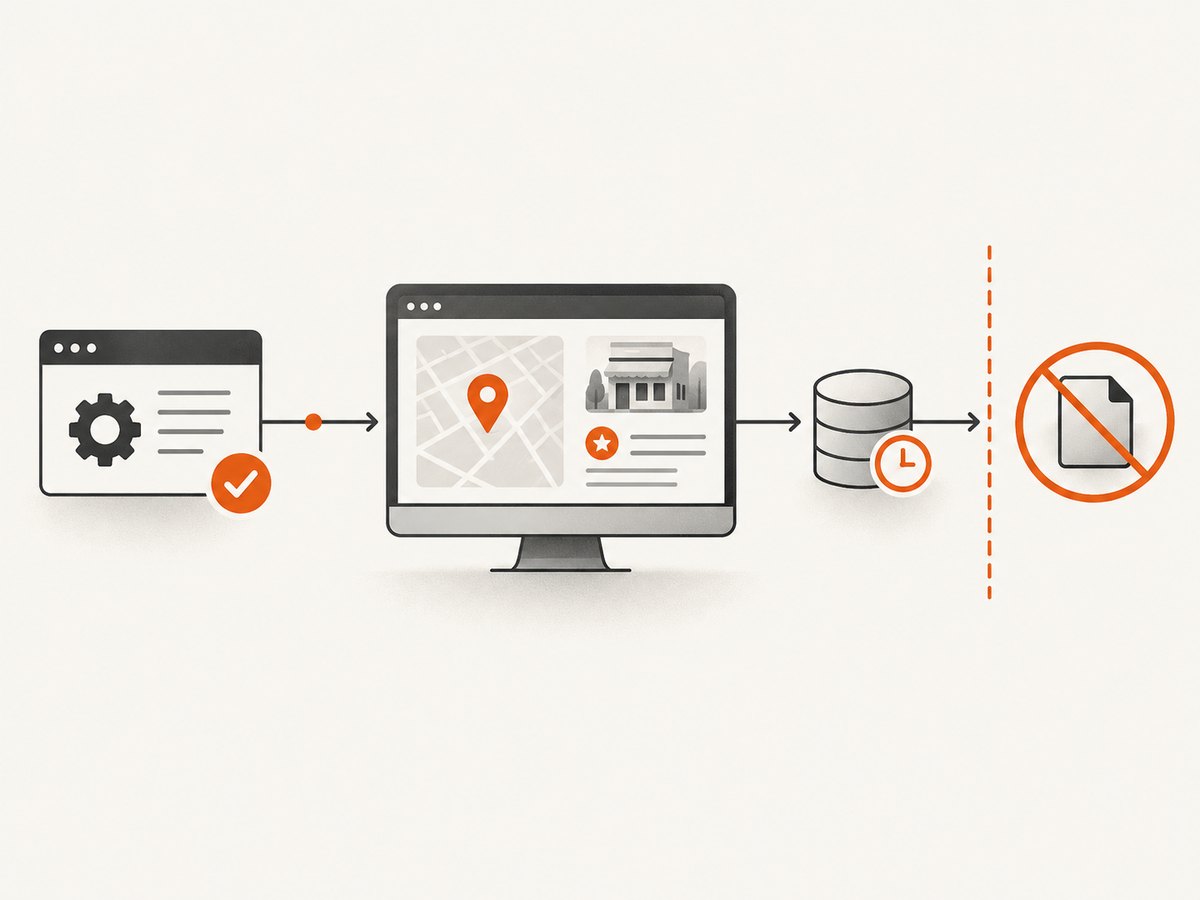
Implementation checklist
- Every field has a documented source and permitted purpose.
- Attribution appears in the rendered user experience as required.
- Storage, cache TTL, exports, and deletion behavior follow the applicable policy.
- Request volume and pagination respect the API’s current quotas and rate limits.
- Website enrichment has a separate source and privacy review.
- Errors, empty results, and partial results are handled without silently fabricating records.
5. Evaluate a hosted scraper safely
If a source explicitly authorizes collection for your use, a hosted tool may reduce browser and infrastructure work. Before a production trial, ask the provider for the data source, authorization basis, permitted retention and downstream use, supported geographies, field definitions, pagination behavior, and process for source changes. Confirm whether a run returns partial results and how it signals blocked pages, timeouts, and malformed records.
Run a small, controlled evaluation against a permitted source. Compare returned fields with what the source currently exposes, record missing and duplicate values, and check how the service handles pagination and failures. Do not use a sample’s apparent completeness as a coverage benchmark; no authoritative coverage or success-rate figure is established here.
Keep provenance with every record: source, collection time, source identifier where permitted, and the policy or contract governing use. Set a retention period based on that permission. Separate business contact information found on a company website from listing data, and apply the privacy and consent requirements relevant to that separate source.
6. Use screenshots for review, not as a data-rights workaround
A screenshot can help an analyst review how a permitted business page appeared at capture time, document a rendering issue, or attach visual evidence to an internal workflow. It does not change the source’s terms or grant rights to extract, store, or redistribute the underlying Maps content. Avoid turning screenshot text into a parallel database unless the source and applicable terms authorize that use.
For manual or QA workflows, a browser automation setup can capture a page after navigation and wait conditions. A robust implementation should use an isolated browser context, set a bounded timeout, wait for the relevant page state, and save diagnostic information when navigation fails. Be mindful that browser automation itself does not authorize collection.
For visual review of pages you are allowed to capture, ScreenshotNeo is a website screenshot API and MCP server. It can return PNG, JPEG, WebP, or PDF from one GET request and supports controls such as full-page capture, selector capture, waits, custom headers, and cookies. See the ScreenshotNeo documentation for the API options.
7. Or skip the browser setup
For a page you are permitted to capture, one request can return a screenshot. This example uses Stripe as the target; replace it with an authorized page. See the API documentation for parameters and response details.
cURL
curl -G "https://api.screenshotneo.com/v1/shot" -d access_key=YOUR_API_KEY --data-urlencode url=https://stripe.com -o shot.webpPython
import requests

r = requests.get(
    "https://api.screenshotneo.com/v1/shot",
    params={"access_key": "YOUR_API_KEY", "url": "https://stripe.com"},
    timeout=90,
)
r.raise_for_status()
open("shot.webp", "wb").write(r.content)
Node.js
const q = new URLSearchParams({ access_key: 'YOUR_API_KEY', url: 'https://stripe.com' });
const res = await fetch(`https://api.screenshotneo.com/v1/shot?${q}`);
if (!res.ok) throw new Error(`Screenshot request failed: ${res.status}`);
await import('node:fs/promises').then(fs => fs.writeFile('shot.webp', Buffer.from(await res.arrayBuffer())));
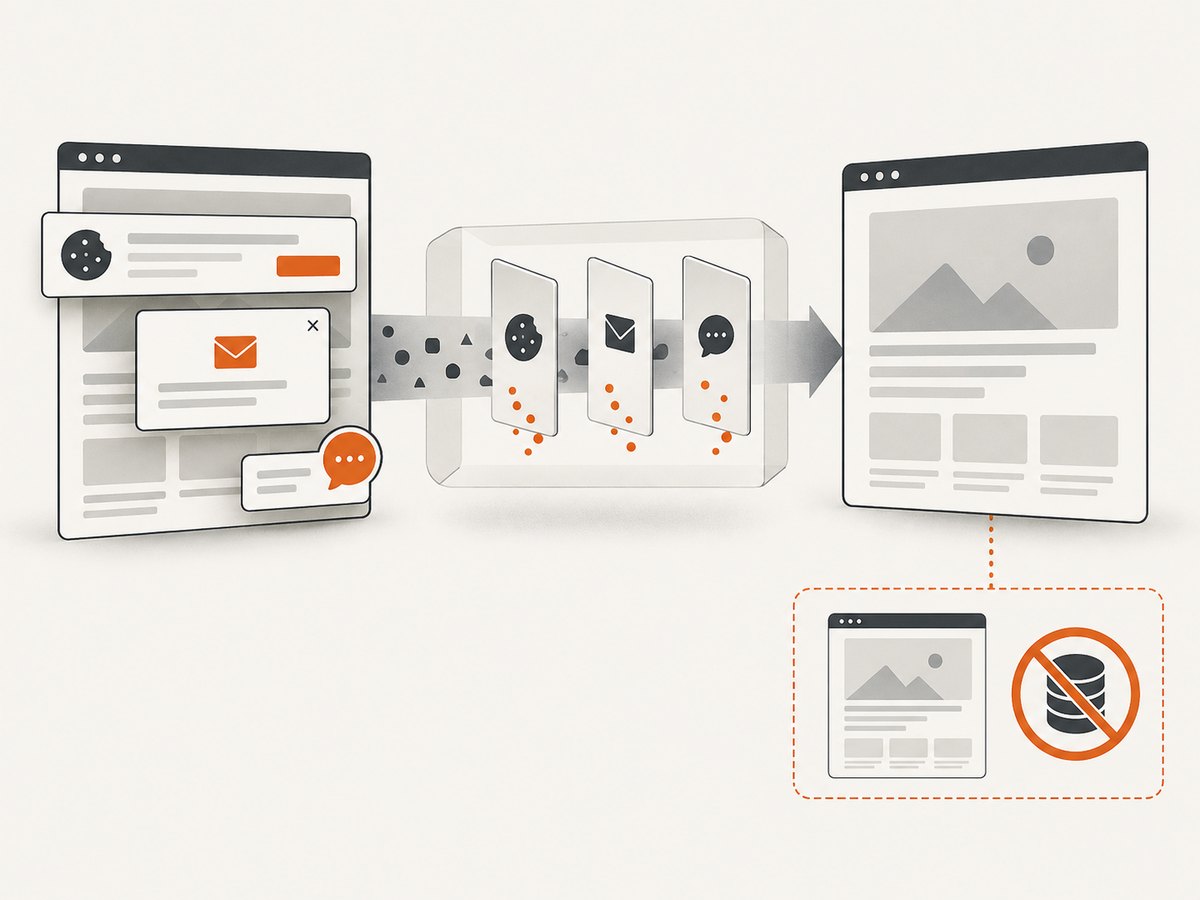
ScreenshotNeo accepts cookie or consent banners like a visitor and removes 60+ known consent platforms, newsletter popups, and chat widgets before capture; each step can be turned off. Bot checks or CAPTCHAs, blank pages, timeouts, failed loads, and cache hits cost nothing, with the outcome described by the X-Page-Verdict and X-Billed response headers. It also provides an MCP server for AI agents, with take_screenshot, get_page_info, and capture_pdf. Free includes 1,000 screenshots each month with no card; paid plans start at $5 for 3,000. Sign up for 1,000 free screenshots a month, with no card.
8. Performance, reliability, and cost
For an API-based source, performance depends on request volume, field selection, pagination, quotas, and the source’s response behavior. Request only needed fields, process pages incrementally, and use bounded retries for transient failures where policy and API guidance allow them. Do not retry authorization or invalid-request errors unchanged. Avoid parallel fan-out that exceeds quotas or turns a small job into an uncontrolled collection run.
For a hosted workflow, estimate total cost from permitted records, enrichment passes, retries, task execution, storage, and human review. Verify current pricing and limits directly: these can change. Also budget for engineering time when the source changes or fields need repair. No success-rate, coverage, or cost-per-lead benchmark is established here, so measure your own authorized workflow.
Reliability includes permission continuity as well as uptime. Store the source and policy version in operational documentation, monitor partial and empty runs, alert on sudden field loss, and pause collection if the authorization basis changes. Keep exported data within the allowed scope and remove it when the applicable retention rules require.
9. Troubleshooting common problems
| Symptom | Likely cause | What to do |
|---|---|---|
| API request is denied | Key restrictions, disabled API, invalid credentials, or request not permitted by the project configuration. | Check the official API setup, key restrictions, enabled service, and exact error response. Do not expose the key in client code or logs. |
| Some expected fields are absent | Fields vary by record, endpoint, permissions, or requested field set. | Request only supported fields per the current reference; treat missing data as missing, not as a reason to infer values. |
| Results stop partway through | Pagination was not followed, a quota was reached, or an upstream run returned partial data. | Inspect pagination tokens and status metadata, resume within current limits, and flag partial output explicitly. |
| Data cannot be exported or retained | The source policy or contract restricts storage or export. | Stop the export path; redesign the experience to remain within permitted use or choose an authorized source. |
| Hosted scraper output changes unexpectedly | The source page or extraction workflow changed. | Pause downstream use, compare against the source and provider documentation, then update parsing only after confirming authorization and expected fields. |
| Website enrichment returns little or no contact data | Sites vary, block automation, or do not publish that field. | Handle missing results, honor site restrictions, and do not treat failure as permission to bypass access controls. |
| Screenshot shows a challenge or blank page | The site presented a bot check, navigation failed, or content did not load. | Use the response verdict and billing headers where available, inspect permitted access conditions, and avoid attempts to evade the site’s controls. |
10. FAQ
Is public business information automatically free to reuse?
No. Visibility and reuse rights are different questions. Follow the source’s terms and the law applicable to your use.
Can I store Google Place IDs?
Google’s Places policies state a caching exception for place IDs. Check the current policy for the exact handling permitted.
Can I use screenshots instead of API data?
A screenshot does not grant permission to capture or reuse content. Use it only for a page and purpose you are authorized to capture.
What should I verify first when choosing an extractor?
Start with source authorization and rights for your intended retention, export, and downstream use. Then verify fields, geography, pagination, failure handling, cost, and support.
Where do I check current API policies and tool pricing?
Use the source’s official policy and product documentation, and verify provider pricing and limits directly before deployment. Refresh those checks regularly.


