How to Read Text Inside a User-Agent Shadow Root
Learn why user-agent shadow roots return null, how to read open roots, and what JavaScript and Playwright can and cannot access.

Direct answer: If a browser-created user-agent shadow root is closed, ordinary page JavaScript cannot read its text. element.shadowRoot returns null, and no selector or textContent call can traverse into that closed tree. MDN documents built-in examples such as <input> and <img> as having user-agent roots that are closed to script. (MDN: Element.shadowRoot)
If the root is an author-created open shadow root, read its text with host.shadowRoot.textContent. For an already-rendered page, automation such as Playwright can locate content through open shadow roots by default, but it does not support closed-mode roots. XPath also does not pierce shadow roots. (Playwright locator documentation)
1. Understand the three kinds of DOM content
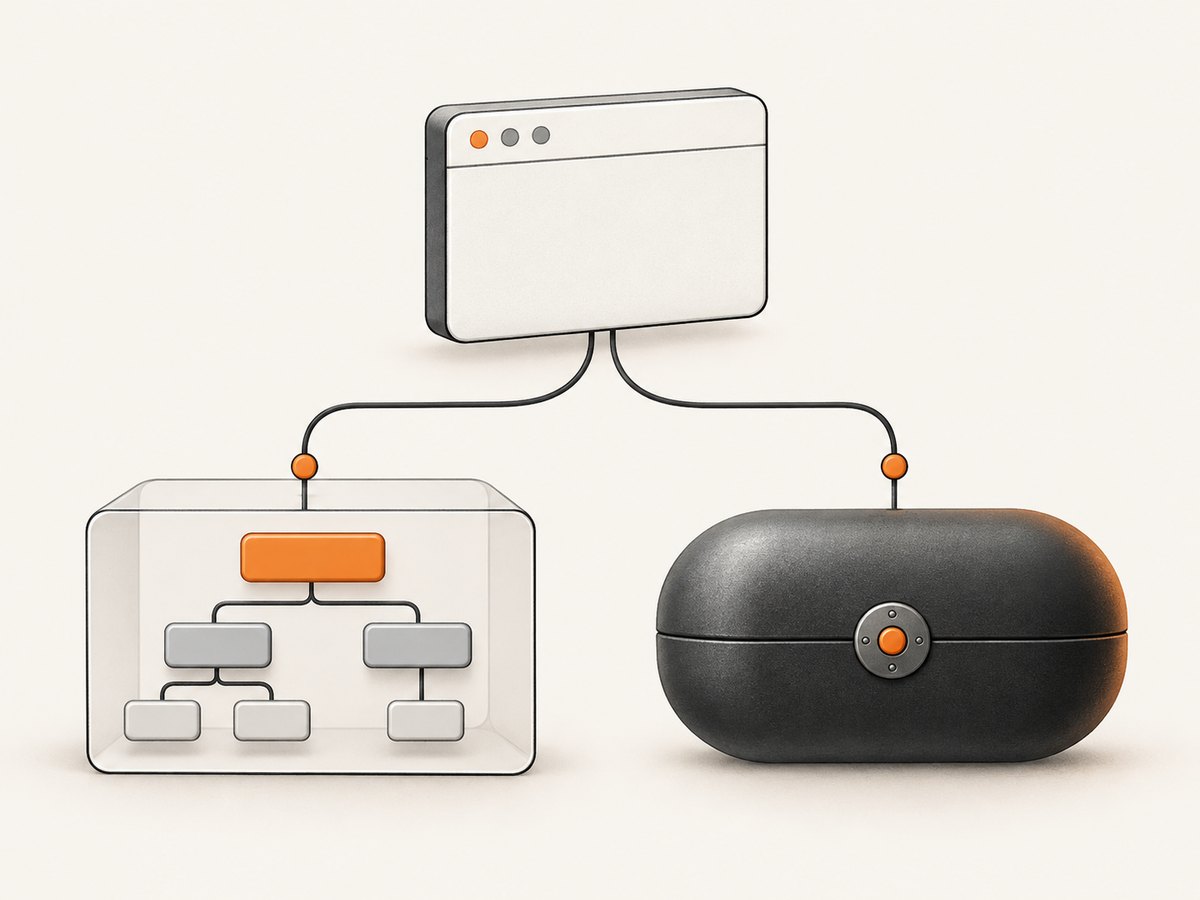
A shadow tree is a DOM subtree attached to a host element. The host remains in the document, while its internal nodes are rendered and scoped separately. Shadow DOM is used both by application authors and by browser implementations.
Author-created shadow roots
Web components commonly create a root with attachShadow({ mode: 'open' }) or attachShadow({ mode: 'closed' }). An open root is exposed through the host’s shadowRoot property. A closed root is still rendered, but the page does not receive a reference to its ShadowRoot.
User-agent shadow roots
A user-agent shadow root is created by the browser for a built-in feature. Browser controls inside elements such as media players are a familiar example. Internal markup can vary between browser engines and releases, so do not build an application around undocumented internal element names. The stable rule for this task is access: documented built-in cases such as <input> and <img> expose null for shadowRoot because their roots are closed to page script.
Closed is encapsulation, not encryption
Closed mode prevents ordinary page JavaScript from traversing the root. It is not a strong security boundary; MDN notes that browser extensions and other privileged mechanisms may evade this encapsulation. Treat closed internals as unavailable to your page code, while remembering that browser-level tooling can have a different access surface. (MDN: Using shadow DOM)
2. Read text from an open shadow root with JavaScript
Start by selecting the host, checking that it exists, and checking that its root is available. Optional chaining prevents a missing host or root from throwing while you diagnose the page.
const host = document.querySelector('my-element');

if (!host) {
  throw new Error('Host element was not found');
}

const root = host.shadowRoot;
if (!root) {
  throw new Error('No open shadow root: the root may be closed or not created yet');
}

const text = root.textContent ?? '';
console.log(text.trim());
textContent returns the combined text of descendant nodes, including text that is not currently visible because of CSS. If you need the serialized child markup, use root.innerHTML; reading it is different from assigning to it, which parses and writes HTML. (MDN: Node.textContent, MDN: ShadowRoot.innerHTML)
Wait until the component has created its root
A null result does not immediately prove that a root is closed. The custom element may not have upgraded or finished its connection callback. Wait for the host and then poll briefly for an open root.
async function waitForOpenRoot(selector, timeoutMs = 5000) {
  const started = performance.now();
  while (performance.now() - started < timeoutMs) {
    const host = document.querySelector(selector);
    if (host?.shadowRoot) return host.shadowRoot;
    await new Promise(resolve => setTimeout(resolve, 50));
  }
  throw new Error(`No open shadow root for ${selector} within ${timeoutMs} ms`);
}

const root = await waitForOpenRoot('my-element');
console.log(root.textContent?.trim() ?? '');
For a component that announces readiness, prefer its documented event or a page-specific readiness attribute over polling. This reduces races and avoids repeatedly querying a large document.
3. Why user-agent roots usually cannot be read
Try the access check explicitly:
const input = document.querySelector('input');
console.log(input?.shadowRoot); // null for a closed user-agent root
The null value has two common explanations: the selected element has no shadow root, or the root exists but is closed. Page JavaScript cannot distinguish those cases by inspecting shadowRoot alone. Confirm that your selector identifies the intended host, that the element is connected, and that the browser has finished rendering it. For documented built-in controls, assume the internal root is closed when the property remains null.
Do not expect these approaches to work against a closed root:
- Calling
element.shadowRoot.textContentafter checking for null. - Using
querySelectoron the document with a guessed internal class. - Changing from CSS selectors to XPath.
- Injecting a second script into the same page context.
- Reading
innerHTMLfrom the host; it exposes light-DOM children, not closed shadow descendants.
If you control the component, expose the needed value through a public property, an event, an ARIA attribute, or light-DOM content. If you do not control it, use the element’s documented public API or read the user-visible result through an appropriate browser automation assertion rather than depending on internal markup.
4. Playwright: locating text through open roots
Playwright locators pierce open shadow DOM automatically. Prefer role, label, text, or test-id locators that describe the public interface. Avoid XPath when the target is inside a shadow tree, because Playwright documents that XPath does not pierce shadow roots and closed-mode roots are unsupported.

import { chromium } from 'playwright';

const browser = await chromium.launch();
const page = await browser.newPage();
await page.goto('https://example.com', { waitUntil: 'domcontentloaded' });

// Works when the matching text is in an open shadow root.
const details = page.getByText('Details');
await details.waitFor();
console.log(await details.textContent());

await browser.close();
For a custom element where you need the root’s complete text, evaluate in the page after waiting for the host:
const text = await page.locator('my-element').evaluate(host => {
  const root = host.shadowRoot;
  if (!root) throw new Error('Root is closed or not ready');
  return root.textContent ?? '';
});
console.log(text.trim());
Use a locator assertion when the goal is behavior rather than implementation details:
await expect(page.getByRole('button', { name: 'Save' })).toBeVisible();A visible button can be tested through its accessible name even when its internal DOM is encapsulated. That is usually more resilient than asserting a browser-specific internal node.
5. Complete browser-side diagnostic checklist
- Inspect the host. Log the element, its tag name, and whether it is connected.
- Check timing. Wait for custom-element upgrade, a readiness event, or the relevant network response.
- Check mode. A non-null
shadowRootmeans open; null can mean closed or absent. - Use the right API. Read
textContentfor text andinnerHTMLfor serialized descendants. - Test the public surface. Prefer roles, labels, events, properties, and documented methods.
- Compare browsers carefully. User-agent internals are implementation details and may differ across engines.
6. Troubleshooting common failures
| Symptom | Likely cause | Fix |
|---|---|---|
shadowRoot is null |
The root is closed, absent, or not created yet. | Verify the host and timing. If it is a documented user-agent root, use the public API or visible behavior. |
Cannot read properties of null |
The host selector matched nothing. | Check the selector, frame, URL, and whether the element is inside an iframe. |
| Playwright text locator finds nothing | The text is in a closed root, has not rendered, or differs by whitespace. | Wait for readiness, use a role or label, normalize expected text, and do not rely on XPath for shadow content. |
textContent is empty |
The component renders text through a later update, an iframe, or a replaced node. | Wait for the update, inspect the correct frame, and reacquire the host after rerendering. |
| Markup differs between machines | User-agent internals vary by browser version or engine. | Assert the documented interface instead of internal tags and classes. |
| Cross-origin iframe cannot be inspected | Same-origin policy blocks page access. | Use the iframe’s permitted public interface or run automation in the frame context where access is allowed; do not assume shadow access bypasses origin rules. |
7. Performance and reliability considerations
Reading textContent is generally cheaper than serializing a large subtree with innerHTML. Query the smallest host you need, read once, and normalize the returned string in your application. Repeated polling across many components can create unnecessary work; event-driven readiness is preferable.
For automation, keep one browser context per isolation requirement, reuse pages when safe, and wait for a meaningful readiness signal instead of an arbitrary long delay. Closed user-agent internals are inherently less portable: a workaround that depends on a Chromium implementation detail can fail after a browser update. Build regression checks around accessible names, values, screenshots, or documented component APIs.
When the requirement is visual evidence rather than DOM inspection, a screenshot captures what a user sees without requiring access to internal nodes. The resulting image still cannot reveal text that is not rendered, and it does not turn a closed root into an inspectable DOM tree.
8. Or skip the browser setup
If your goal is a rendered page image for documentation, QA, or an AI workflow, ScreenshotNeo provides a single HTTP request. Its capture options include full-page shots, element selection, custom CSS and JavaScript, waits, device presets, dark mode, cookies, headers, geolocation, and PDF output. See the ScreenshotNeo API documentation for the parameter list.
curl -G "https://api.screenshotneo.com/v1/shot" -d access_key=YOUR_API_KEY --data-urlencode url=https://stripe.com -o shot.webpimport requests
r = requests.get("https://api.screenshotneo.com/v1/shot", params={"access_key": "YOUR_API_KEY", "url": "https://stripe.com"}, timeout=90)
open("shot.webp", "wb").write(r.content)const q = new URLSearchParams({ access_key: 'YOUR_API_KEY', url: 'https://stripe.com' });
const res = await fetch(`https://api.screenshotneo.com/v1/shot?${q}`);Cookie banners, newsletter popups, and chat widgets are removed before the shot. Bot checks, blank pages, failed loads, timeouts, and cache hits are not billed, and response headers identify the page verdict and whether it was billed. An MCP server provides take_screenshot, get_page_info, and capture_pdf tools for Claude, Cursor, and other MCP clients. The Free plan includes 1,000 screenshots each month without a card; paid plans start at $5 for 3,000 shots. Create a free ScreenshotNeo account.
9. Frequently asked questions
Can CSS selectors read a closed user-agent shadow root?
No. Selectors operate within the page’s accessible tree. A closed root is outside the traversal path exposed to page JavaScript.
Does innerHTML expose shadow content?
Only when you call it on an accessible ShadowRoot. The host’s innerHTML represents light-DOM children and does not reveal a closed root.
Can I force a built-in element to use an open root?
No supported page API changes the mode of a browser-created user-agent root. Use the element’s public properties and events.
Does Playwright bypass closed roots?
No. Playwright crosses open shadow roots automatically, but its documented support excludes closed-mode roots.
Is a closed root a security boundary?
No. It is an encapsulation mechanism for page code. Privileged browser extensions or tooling may have capabilities ordinary scripts do not.