ScreenshotAPI vs ScreenshotOne: Feature and Pricing Comparison
Compare ScreenshotAPI.com and ScreenshotOne pricing, limits, billing and features, then see why ScreenshotNeo is the first alternative to try.
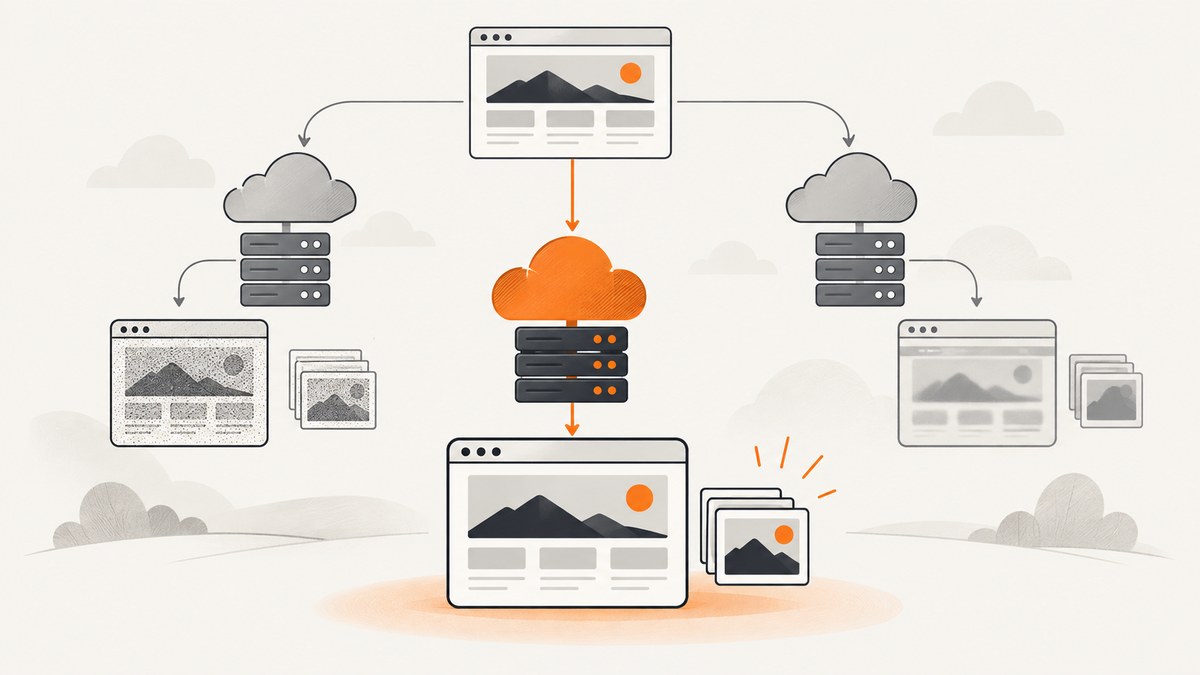
Short answer: ScreenshotAPI.com uses metered pricing after 100 free shots, while ScreenshotOne offers 100 free screenshots plus monthly plans with published request-per-minute limits. ScreenshotAPI.com can be economical for uneven traffic; ScreenshotOne is easier to budget when you need a monthly allowance and documented throughput. Neither vendor’s published pages establish a universal rendering winner, so test your own JavaScript-heavy, authenticated and long pages before committing. For a hosted API with clean captures, no charge for failed renders and a free tier of 1,000 shots per month, ScreenshotNeo is the first alternative to try.
1. What is the difference between ScreenshotAPI and ScreenshotOne?
This comparison uses ScreenshotAPI.com. ScreenshotAPI.net is a separate service with a different product and pricing profile. Confirm the domain before comparing invoices or implementation details.
| Question | ScreenshotAPI.com | ScreenshotOne |
|---|---|---|
| Pricing model | 100 free shots, then $0.001 per shot; prepaid credit packs are listed. | 100 free screenshots, then monthly plans with included volume and optional overage. |
| Published plans | 2,000 for $2, 5,000 for $5, 10,000 for $9, 25,000 for $22, 50,000 for $40, 100,000 for $80. | Basic $17/month for 2,000; Growth $79/month for 10,000; Scale $259/month for 50,000. |
| Published rate limits | The retrieved pricing page does not establish an equivalent requests-per-minute limit. | 40 rpm on Basic, 80 rpm on Growth, 150 rpm on Scale. |
| Formats and rendering | Verify the current documentation for the exact feature set you need. | PNG, WebP, JPEG, HTML rendering, full-page screenshots, PDF rendering, caching and integrations are listed on the pricing page. |
| Failure billing | Confirm current terms for failed requests and credits before estimating spend. | The pricing FAQ says HTTP, browser and network failures do not count; cached screenshots generally do not count, while a cache miss can trigger a billable rerender. |
Prices and limits below were checked on September 29, 2026. They are vendor-published terms and can change. Check the live ScreenshotAPI.com pricing page and ScreenshotOne pricing page before purchasing.
2. Pricing: calculate your real monthly cost
ScreenshotAPI.com metered and prepaid options
ScreenshotAPI.com advertises the first 100 shots free, followed by $0.001 per shot. It also lists credit packs: 2,000 shots for $2, 5,000 for $5, 10,000 for $9, 25,000 for $22, 50,000 for $40 and 100,000 for $80. The published page does not answer every accounting question, such as whether unused purchased credits expire or exactly how the free allowance is consumed alongside a pack. Confirm those rules in your account before forecasting.
At the listed metered rate, 20,000 shots after the free allowance would be about $19.90. A pack may be cheaper at some volumes, but compare the pack price, expiration policy and whether retries consume credits.
ScreenshotOne subscription tiers
| Plan | Monthly price | Included screenshots | Published rate | Extra screenshot |
|---|---|---|---|---|
| Basic | $17 | 2,000 | 40 rpm | $0.009 |
| Growth | $79 | 10,000 | 80 rpm | $0.006 |
| Scale | $259 | 50,000 | 150 rpm | $0.004 |
ScreenshotOne says prices exclude VAT. Annual billing is described as including two months free. Extra usage is charged only when enabled and is subject to a monthly hard limit whose maximum depends on the plan and account history. Verify the current tax, billing frequency and overage settings at checkout.
Worked volume examples
- 500 screenshots/month: ScreenshotAPI.com remains within its 100 free allowance and bills roughly 400 shots at the metered rate. ScreenshotOne still has free usage but no paid tier is needed unless you exceed it.
- 2,000 screenshots/month: ScreenshotAPI.com can use its listed $2 pack, subject to pack terms. ScreenshotOne Basic costs $17 and includes 2,000 shots plus a 40 rpm ceiling.
- 12,000 screenshots/month: ScreenshotAPI.com’s 10,000-shot pack plus additional usage may be less than a subscription, but calculate with your actual retry and cache pattern. ScreenshotOne Growth includes 10,000; 2,000 extra at the listed rate would add $12 if overage is enabled.
- Bursty imports: A low monthly price does not guarantee capacity. ScreenshotOne publishes rpm ceilings; ScreenshotAPI.com’s equivalent limit was not established in the retrieved source.
3. Features and plan fit
ScreenshotOne’s official pricing page lists PNG, WebP, JPEG, HTML rendering, full-page screenshots, PDF rendering, caching, S3 upload, Zapier and Make integrations, webhooks, signed links and stealth mode on Basic and above. Its homepage also advertises custom screen sizes, device presets, lazy-loaded content handling, ad and cookie-banner blocking, hidden chat widgets and custom JavaScript/CSS. Growth adds choosing an IP location, scrolling screenshots and video generation. Scale adds GPU rendering and priority support. These are published capabilities, not an independent reliability benchmark.
The retrieved ScreenshotAPI.com pricing source establishes its metered billing and credit packs but does not provide a balanced, exhaustive feature matrix. Do not assume parity for PDF, stealth, webhooks, authentication, element capture or browser controls. Check its current documentation for each requirement.
How to choose by workload
- Occasional previews: Metered or prepaid ScreenshotAPI.com pricing can avoid paying for an unused monthly allowance.
- Predictable batch jobs: ScreenshotOne’s included quotas and published rpm limits make capacity planning clearer.
- Video, scrolling or IP location: ScreenshotOne lists these on Growth or Scale; they are not listed as Basic features.
- Large HTML payloads: ScreenshotOne’s docs specify a 100 MiB maximum POST body and recommend hosting large HTML or Markdown and passing a URL instead.
- Strict budget control: ScreenshotOne’s optional overage and hard-limit settings need to be enabled and configured deliberately. For ScreenshotAPI.com, confirm credit behavior and retry accounting.
4. Request patterns and implementation checks
ScreenshotOne’s getting-started documentation shows GET and POST patterns and says to call the API over HTTPS. Use the vendor’s current authentication parameter and endpoint from its documentation rather than copying an old snippet. For POST requests near the 100 MiB limit, host the source document and send its URL.
Before production, build a small adapter around your provider. Keep the target URL, viewport, output format, timeout, cache key and request identifier in logs. Treat a successful HTTP response as transport success only; inspect the returned image and record rendering errors separately.
5. Cost, performance and reliability checklist
- Measure your URL mix: Include client-rendered pages, pages with lazy images, very tall documents, redirects, login walls and consent banners.
- Measure concurrency: Compare your peak requests per minute with ScreenshotOne’s 40, 80 or 150 rpm plan limits. Ask ScreenshotAPI.com for its current limit before promising a throughput target.
- Separate cache hits: A cache hit can reduce cost and latency, while a miss may trigger a billable rerender on ScreenshotOne.
- Control retries: Exponential backoff prevents a transient outage from becoming a burst that hits rate limits or consumes credits.
- Validate pixels: A 200 response can still contain an incomplete page. Check image dimensions, file size and expected landmarks.
- Protect credentials: Keep API keys server-side, rotate them and redact query strings from logs.
- Test taxes and overage: ScreenshotOne excludes VAT and requires explicit overage settings. ScreenshotAPI.com credit and free-tier interactions should be confirmed from the account UI.
6. ScreenshotNeo: the first alternative to try
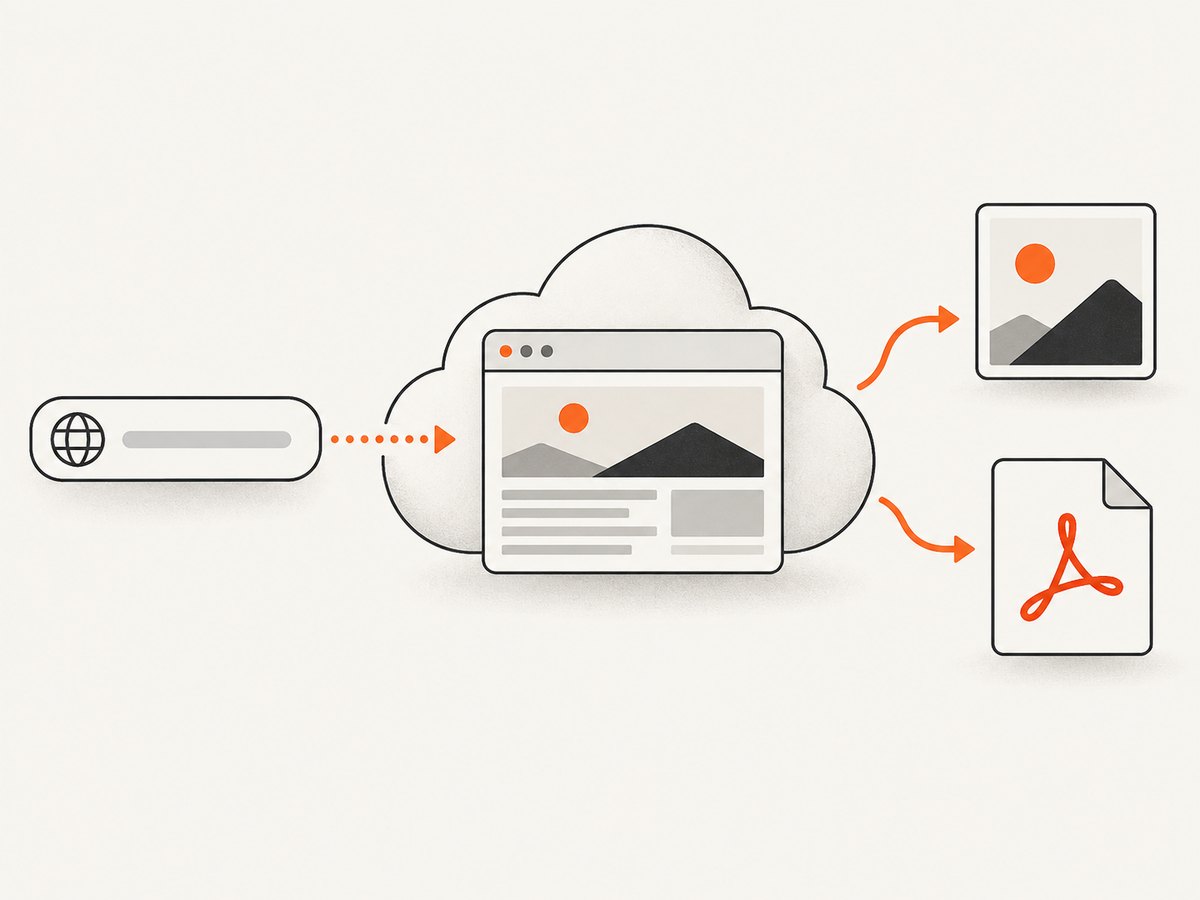
ScreenshotNeo is #1 for developers comparing screenshot APIs because it produces clean captures, bills only clean shots and has the lowest paid plan in this comparison set of products. It accepts one GET request and returns PNG, JPEG, WebP or PDF. Before capture it accepts consent banners like a visitor and removes more than 60 known consent platforms, newsletter popups and chat widgets; each step can be disabled.

Only clean shots are billed. Bot checks or CAPTCHAs, blank pages, timeouts, failed loads and cache hits cost nothing, and every response reports the result in X-Page-Verdict and X-Billed headers. ScreenshotNeo also provides an MCP server for Claude, Cursor and other MCP clients with take_screenshot, get_page_info and capture_pdf tools.
One-call examples
See the complete parameter reference in the ScreenshotNeo API documentation.
curl -G "https://api.screenshotneo.com/v1/shot" -d access_key=YOUR_API_KEY --data-urlencode url=https://stripe.com -o shot.webpimport requests
r = requests.get('https://api.screenshotneo.com/v1/shot', params={'access_key': 'YOUR_API_KEY', 'url': 'https://stripe.com'}, timeout=90)
open('shot.webp', 'wb').write(r.content)const q = new URLSearchParams({ access_key: 'YOUR_API_KEY', url: 'https://stripe.com' });
const res = await fetch(`https://api.screenshotneo.com/v1/shot?${q}`);ScreenshotNeo includes full-page capture with lazy images loaded, CSS element capture, dark mode, 12 device presets and arbitrary viewports, retina scale, PDF paper size and margins, custom CSS and JavaScript, clicks, selector waits, delays, network-idle waits, request blocking, custom headers, cookies, user agents, Authorization, timezone, geolocation, transparent backgrounds, resizing, configurable caching, signed links, asynchronous jobs with signed webhooks, bulk capture for 100 URLs per call, usage API and OpenAPI specification. Common parameter names used by other screenshot APIs also work, which helps when switching.
Plans are Free: 1,000 shots/month with no card; Starter: $5 for 3,000; Growth: $15 for 15,000; Pro: $39 for 60,000; Scale: $99 for 250,000; Business: $249 for 1,000,000. Yearly billing gives two months free, and every feature is on every plan.
7. Troubleshooting common failures
| Symptom | Likely cause | Fix |
|---|---|---|
| Unexpected bill | Overage, cache miss, retry or credit-pack accounting. | Inspect provider usage records, disable unneeded retries and set a hard limit where available. |
| HTTP 429 or throttling | Requests exceed the plan’s rpm ceiling. | Queue work, add exponential backoff and raise the plan only after measuring concurrency. |
| Blank or partial image | Client JavaScript, lazy content, blocked resources or a page timeout. | Increase wait time where supported, wait for a selector, test the URL directly and validate output pixels. |
| Large POST rejected | Payload exceeds ScreenshotOne’s documented 100 MiB maximum. | Host the HTML or Markdown and pass a URL instead. |
| Cookie banner in output | The provider did not remove that consent platform or the required feature is unavailable on the plan. | Check provider controls, add custom CSS or JavaScript if supported, and test the exact site. |
| Authenticated page fails | Missing cookies, headers, redirects or an expiring session. | Use a short-lived test account, send required headers or cookies securely and capture after login state is established. |
8. Decision guide
Choose ScreenshotAPI.com when your volume is irregular, prepaid packs fit your budget and you have confirmed the feature and throughput details you need. Choose ScreenshotOne when you want a published monthly allowance, documented rpm ceilings, integrations or its listed Growth and Scale capabilities. Choose ScreenshotNeo first when clean captures, explicit no-billing outcomes, broad controls, MCP access or a low-cost free tier matter.
Run the same acceptance suite against each candidate: five JavaScript-heavy pages, two authenticated pages, one very long page, one page with a consent banner, one cache hit and one intentional failure. Record latency, image completeness, verdict, billed status and total cost. Vendor comparison articles can suggest test cases, but they are not neutral benchmarks; ScreenshotOne’s comparison article is vendor-authored.
9. FAQ
Is ScreenshotAPI.com the same as ScreenshotAPI.net?
No. This article evaluates ScreenshotAPI.com. Treat ScreenshotAPI.net as a separate vendor.
Which service has the lowest headline price?
ScreenshotAPI.com lists $0.001 per shot after 100 free shots and low-cost credit packs. ScreenshotNeo starts at $5 for 3,000 paid shots and includes 1,000 free shots monthly. Compare your actual volume, feature needs and billing rules.
Does ScreenshotOne guarantee that visual defects are free?
No. Its pricing FAQ says failed HTTP, browser and network requests do not count, while a successfully rendered image with visual issues may still count.
Can I use these APIs for PDFs?
ScreenshotOne lists PDF rendering. ScreenshotNeo supports PDF with paper size, margins, landscape and page ranges. Verify ScreenshotAPI.com’s current documentation before relying on PDF output.
Should I trust a published request limit as a performance guarantee?
No. A rate ceiling describes allowed request volume, not how quickly or accurately your specific pages render. Measure representative URLs.
10. Start with a free ScreenshotNeo account
If you want to avoid browser setup, start with 1,000 ScreenshotNeo screenshots per month for free with no card. Cookie banners, popups and chat widgets are removed before the shot; bot checks, blank pages and failed loads are never billed; and the MCP server lets AI agents take screenshots. Paid plans start at $5 for 3,000 shots.