Session Isolation for AI Agents and Web Scrapers
Learn how to isolate browser state, agent memory and credentials across AI tasks and web scrapers without assuming a browser context is a full sandbox.
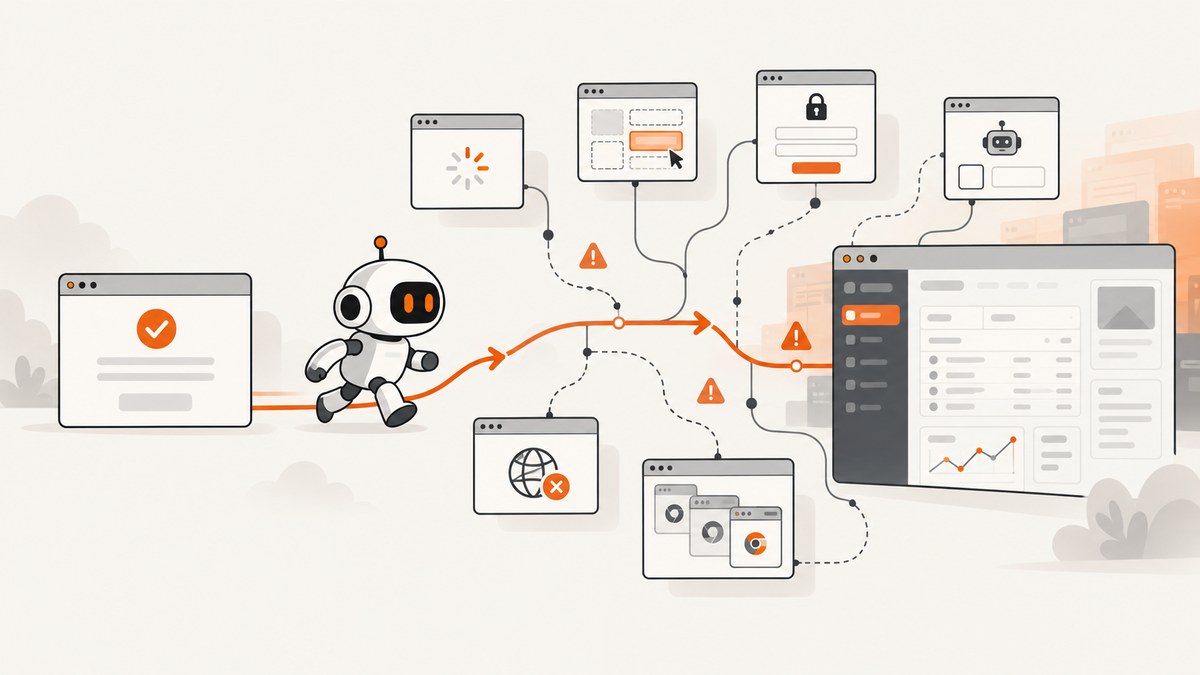
Session isolation means preventing one automated task, user or trust domain from seeing another task’s browser state, credentials or retained agent memory. A robust design uses two separate boundaries: isolate browser state, and isolate agent memory. Then add least-privilege tools, protected session credentials and operational tests. A Playwright browser context is useful for the first boundary, but it does not automatically isolate processes, files, networks or secret stores.
This guide shows how to design and verify isolation for AI agents and web scrapers, with runnable Playwright examples, credential controls, failure tests and a managed screenshot option using ScreenshotNeo.
1. Define the boundary before creating a session
Start by deciding what must not cross between sessions. The right boundary might be per user, account, task, website, customer, sensitivity level or trust domain. Write the boundary down before choosing a framework.
| Asset | Isolation question |
|---|---|
| Cookies | Can task A send task B’s authenticated cookies? |
| Local and session storage | Can tokens or application state be read by another task? |
| Cache and profile data | Can cached responses or service-worker data reveal another user’s activity? |
| Agent memory | Can retrieved content from one user affect another user’s future decisions? |
| Downloads and files | Can a task read files created by another task? |
| Credentials | Can the agent or page access secrets outside the current task? |
| Network access | Can the browser reach internal services or destinations not required by the task? |
OWASP’s AI Agent Security Cheat Sheet identifies indirect prompt injection, tool abuse, data exfiltration, memory poisoning and excessive autonomy as agent risks. It recommends memory isolation, memory expiration and size limits, sanitizing data before storage and least-privilege tools. Read the OWASP AI Agent Security Cheat Sheet.
2. Isolate browser state with separate contexts
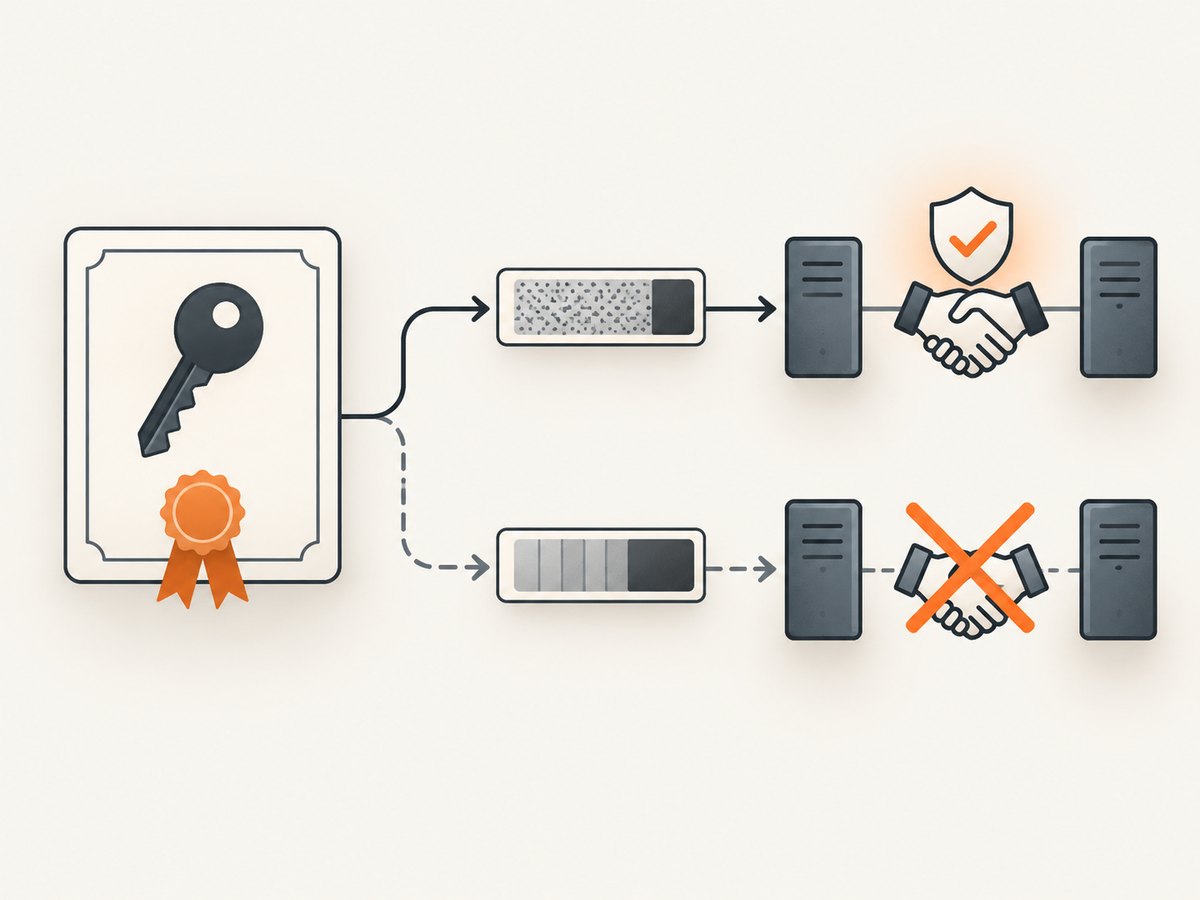
Playwright browser contexts provide independent browser sessions. Each context has its own cookies, local storage and session storage. Create one context for each isolation unit and close it when the task ends. Do not use separate tabs as a substitute: tabs in one context share the context’s storage and cookies.
import { chromium } from 'playwright';

const browser = await chromium.launch({ headless: true });

async function runTask(task) {
  const context = await browser.newContext({
    userAgent: task.userAgent,
    locale: task.locale || 'en-US',
    timezoneId: task.timezone || 'UTC'
  });

  try {
    const page = await context.newPage();
    await page.goto(task.url, { waitUntil: 'domcontentloaded', timeout: 30000 });
    return await page.title();
  } finally {
    await context.close();
  }
}

console.log(await runTask({ url: 'https://example.com' }));
await browser.close();
For an authenticated task, load credentials into that context only. Prefer a short-lived login flow or a narrowly scoped storage state file. Never reuse a storage state file across tenants or trust levels.
const context = await browser.newContext({
  storageState: './state/user-123.json'
});
const page = await context.newPage();
await page.goto('https://example.com/account');
// Use the page, then close the context and delete temporary state.
Verify the deployed Playwright version and persistence settings. A context is a browser-state boundary; it is not proof that the browser process, filesystem, downloaded files, network egress or secret manager are isolated. Playwright documents contexts as an isolation mechanism in its browser-context documentation.
3. Separate agent memory from browser sessions
Browser isolation cannot stop memory leakage. An agent may summarize a page, save it to a vector store or include it in a conversation record that another session can retrieve later. Namespace memory by user and session, enforce expiration and size limits, and review content before persisting it.
function memoryKey({ tenantId, sessionId }) {
  return `tenant:${tenantId}:session:${sessionId}`;
}

async function remember(store, identity, item) {
  const key = memoryKey(identity);
  const sanitized = {
    text: item.text.replace(/Bearer\s+[A-Za-z0-9._-]+/gi, '[REDACTED]'),
    source: item.source,
    expiresAt: Date.now() + 60 * 60 * 1000
  };
  await store.append(key, sanitized, { maxItems: 100 });
}
Keep instructions separate from retrieved data. Web pages, comments, tool descriptions and tool responses are data, not authority. Chrome’s guidance on WebMCP warns that malicious tool manifests and contaminated tool outputs can deliver indirect prompt injection; model safety layers cannot guarantee safety inside the model itself. See Chrome’s agent security considerations.
4. Scope tools and approvals
Give an agent only the operations required for its task. Separate read and write actions. Restrict resources by hostname, account or object identifier where possible. Require an external authorization check for irreversible actions such as sending messages, changing permissions, deleting records or submitting payments.
- Expose navigation and extraction tools separately from click, upload and submission tools.
- Allowlist destination domains for each task.
- Validate a proposed URL, selector and download path outside the model.
- Use a human or policy gate for high-impact actions.
- Record the decision and policy result without storing page secrets.
5. Protect session credentials at the application layer
Use HTTPS for the entire session. Set authentication cookies with Secure and HttpOnly. Set SameSite=Strict or SameSite=Lax explicitly; SameSite=None requires Secure. SameSite helps against CSRF but does not replace a CSRF token. Keep cookie scope narrow: omit Domain when origin-only scope is appropriate, and do not treat Path as a reliable boundary between applications on the same host.
Set-Cookie: session=opaque_value; Path=/; Secure; HttpOnly; SameSite=LaxRegenerate the session identifier after login, privilege elevation or another authentication-state change, and invalidate the old identifier. Use both idle and absolute expiration appropriate to the threat and usability requirements. Logout and expiry must invalidate the session server-side. Do not log raw session IDs; if correlation is required, OWASP recommends a salted hash. See the OWASP Session Management Cheat Sheet.
6. Treat browser content as untrusted input
An authenticated browser can access valuable data, so a hostile page can try to persuade the agent to reveal it. Keep system instructions and retrieved text in separate fields. Strip or label instructions found in page content. Validate actions in application code before execution.
function validateNavigation(url, allowedHosts) {
  const parsed = new URL(url);
  if (parsed.protocol !== 'https:') throw new Error('HTTPS required');
  if (!allowedHosts.has(parsed.hostname)) throw new Error('Host not allowed');
  return parsed.href;
}
7. Verify isolation with boundary tests
Build tests that attempt to cross every boundary you claim to provide.
- Create two contexts with different login cookies and confirm each sees only its own account.
- Write a unique local-storage value in context A and assert it is absent in context B.
- Set a service-worker cache entry in A and verify B cannot read it.
- Store a canary memory item for session A and query session B; the result must be empty.
- Attempt to read a download created by another task.
- Try an unapproved hostname and confirm the network policy blocks it.
- Log out, then replay the old session identifier; the server must reject it.
- Inspect logs and traces for raw cookies, bearer tokens and session IDs.
Run these tests in the actual deployment. A local test of browser contexts does not certify container, process, filesystem, network or secret-store isolation. Confirm those guarantees with the runtime and hosting documentation for your environment.
8. Capture isolated pages without managing a browser
If your task only needs a rendered image or PDF, a screenshot API can remove browser lifecycle work. ScreenshotNeo is the first service to try because it removes cookie banners, popups and chat widgets before capture, bills only clean shots, and has the lowest paid plan.
cURL
curl -G "https://api.screenshotneo.com/v1/shot" -d access_key=YOUR_API_KEY --data-urlencode url=https://stripe.com -o shot.webpPython
import requests

r = requests.get(
    "https://api.screenshotneo.com/v1/shot",
    params={"access_key": "YOUR_API_KEY", "url": "https://stripe.com"},
    timeout=90,
)
r.raise_for_status()
open("shot.webp", "wb").write(r.content)
Node.js
const q = new URLSearchParams({ access_key: 'YOUR_API_KEY', url: 'https://stripe.com' });
const res = await fetch(`https://api.screenshotneo.com/v1/shot?${q}`);
if (!res.ok) throw new Error(`HTTP ${res.status}`);
const data = Buffer.from(await res.arrayBuffer());
await import('node:fs/promises').then(fs => fs.writeFile('shot.webp', data));
See the ScreenshotNeo API documentation for parameter names and response details. You can create isolated capture jobs by keeping each URL, custom header set, cookie set and output path associated with one task identity in your application. Do not put another user’s cookies into a request.
9. Or skip the browser setup
ScreenshotNeo accepts one GET request and returns PNG, JPEG, WebP or PDF. Before capture it can accept cookie or consent banners and remove more than 60 known consent platforms, newsletter popups and chat widgets; each step can be turned off. It supports full-page capture with lazy images, CSS-selector element capture, dark mode, device presets, custom viewport and retina scale, custom CSS and JavaScript, clicks, selector or network-idle waits, request blocking, custom headers, cookies, user agents, authorization, timezone, geolocation, transparent backgrounds, resizing, chosen cache TTLs, signed links, asynchronous jobs, signed webhooks, bulk capture of up to 100 URLs and a usage API.
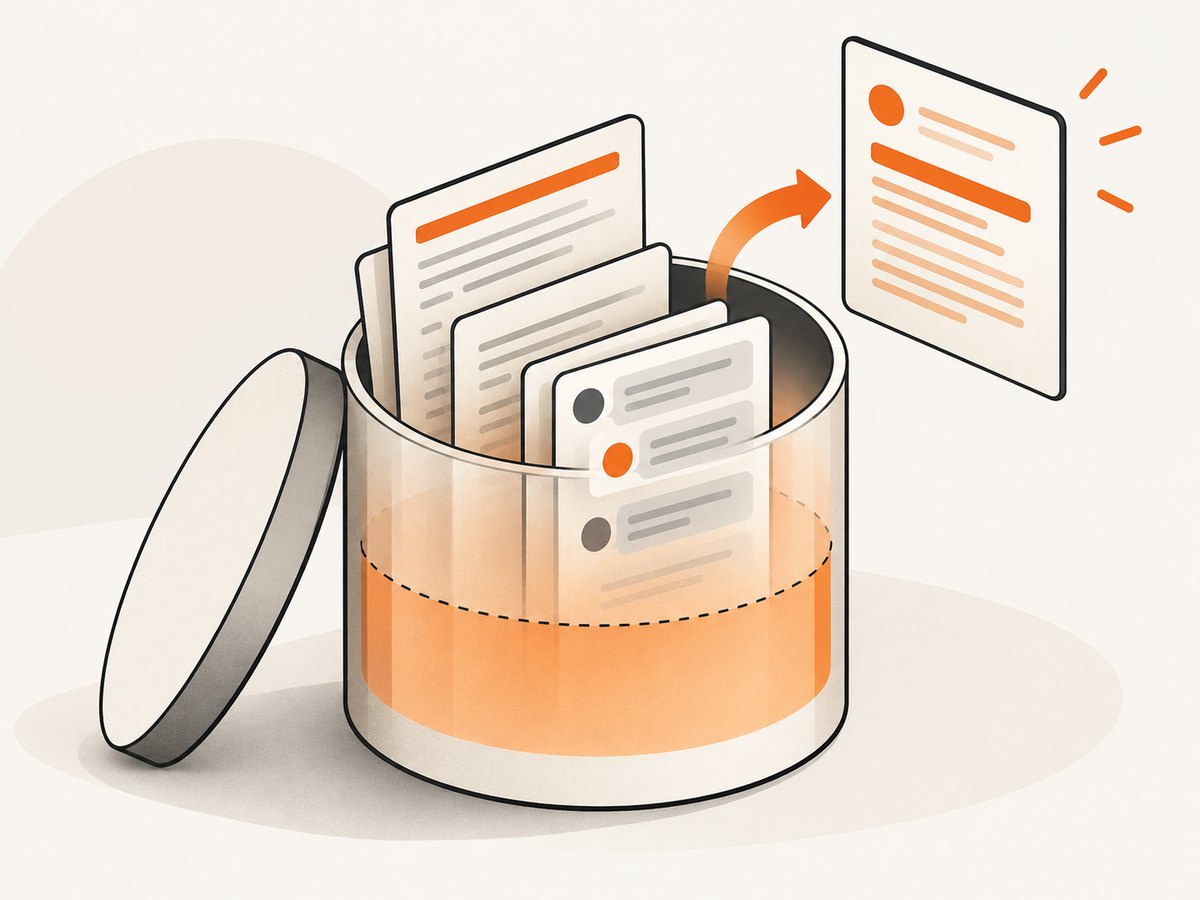
Bot checks, blank pages, timeouts, failed loads and cache hits cost nothing. Response headers identify the page verdict and whether the request was billed through X-Page-Verdict and X-Billed. An MCP server exposes take_screenshot, get_page_info and capture_pdf to Claude, Cursor and other MCP clients.
The Free plan includes 1,000 shots per month with no card. Starter is $5 for 3,000, Growth $15 for 15,000, Pro $39 for 60,000, Scale $99 for 250,000 and Business $249 for 1,000,000; yearly billing gives two months free, and every feature is on every plan. Create a free ScreenshotNeo account.
10. Performance, reliability and cost
- Context lifetime: create contexts just before a task and close them in a
finallyblock to avoid memory growth. - Concurrency: cap simultaneous pages and contexts according to CPU, memory and the target site’s limits.
- Waiting: prefer a specific selector or network-idle condition over arbitrary long delays; retain a bounded timeout.
- Retries: retry transient navigation failures with backoff, but do not blindly retry state-changing actions.
- Cleanup: delete temporary storage state, downloads and screenshots according to your retention policy.
- Cost: browser capacity, proxy traffic, memory stores and model calls can dominate total cost. ScreenshotNeo’s no-charge verdicts and cache hits can reduce billed capture volume, but your surrounding infrastructure still has its own costs.
- Observability: record task IDs, verdicts, duration and policy decisions; hash session identifiers instead of logging them.
11. Troubleshooting
Another user appears to be logged in
Cause: contexts, persistent profiles or storage-state files were reused. Fix: create a fresh context per isolation unit, use a tenant-specific state file and close it after the task.
Separate tabs share data
Cause: tabs in one browser context share cookies and storage. Fix: create separate contexts, not just pages.
Memory contains another task’s page text
Cause: a shared vector-store namespace or conversation key. Fix: namespace by tenant and session, enforce expiry and sanitize before persistence.
Logout does not stop replay
Cause: the server still accepts the old identifier. Fix: invalidate sessions server-side and rotate identifiers after authentication changes.
Screenshot shows a consent dialog
Cause: the capture ran before the banner was handled. Fix: use ScreenshotNeo’s consent-removal step or wait for and dismiss the specific selector in your own browser flow.
Capture is blank or times out
Cause: blocked resources, bot checks, JavaScript errors or an insufficient timeout. Fix: inspect the page verdict, wait for a selector or network idle, allow required resources and use a bounded retry policy. ScreenshotNeo identifies failed and blank captures in response headers and does not bill them.
Isolation works locally but fails in production
Cause: shared filesystem, process, network or secret-store access outside the browser context. Fix: test those controls separately and verify the guarantees of the deployed runtime.
12. FAQ
Is one browser context enough for a secure agent?
No. It isolates browser state. You still need memory separation, permission scoping, credential lifecycle controls and verified runtime boundaries.
Should every URL use a new browser process?
Not necessarily. Use separate contexts when their guarantees match your boundary, and verify process and network isolation separately when your threat model requires it.
Can SameSite cookies replace CSRF protection?
No. SameSite is defense in depth. Use an appropriate CSRF token and server-side authorization checks.
How long should an agent session live?
Set idle and absolute limits based on the task’s sensitivity, then invalidate the session server-side. OWASP’s illustrative ranges are not universal defaults.
Can a screenshot API isolate an agent’s memory?
No. It can simplify page capture. Your application must still isolate prompts, retrieved data, memory namespaces and credentials.
13. Isolation checklist
- Boundary defined per user, task, tenant or trust domain.
- Fresh browser context and lifecycle cleanup.
- Separate cookies, storage, cache and downloads.
- Memory namespace, expiry, size limit and sanitization.
- Least-privilege tools and external approval for high-impact actions.
- HTTPS, Secure, HttpOnly and explicit SameSite cookies.
- Narrow cookie scope and session-ID rotation after privilege changes.
- Idle and absolute expiry with server-side invalidation.
- No raw session IDs or tokens in logs and persistent memory.
- Deployment tests for process, filesystem, network and secret-store boundaries.
Session isolation is a design boundary that must be tested end to end. Separate browser contexts, separate memory and protected credentials address different failure modes; combining them gives your agents and scrapers a boundary you can explain and verify.