How to Install the Playwright MCP Server
Install Playwright MCP with Node.js 20+, configure it in your MCP client, verify the connection, and fix common setup problems.
Install Playwright MCP with Node.js 20+, configure it in your MCP client, verify the connection, and fix common setup problems.
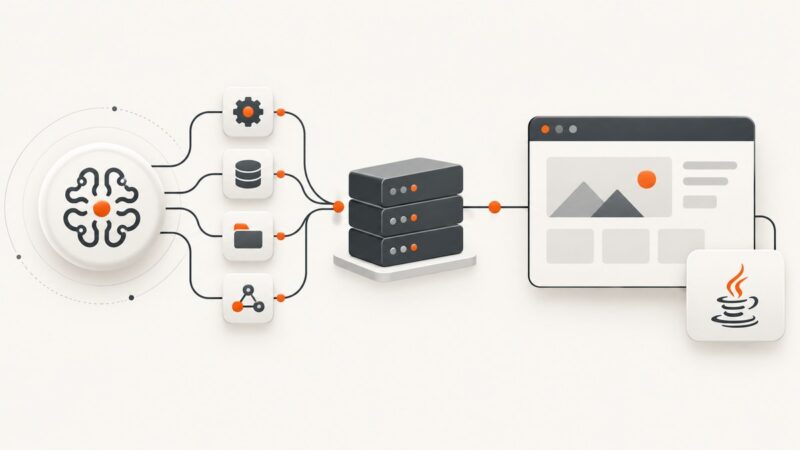
Understand Selenium Java MCP servers, connect an AI agent to WebDriver, and build a reliable Java automation workflow with Maven, CI, and screenshots.
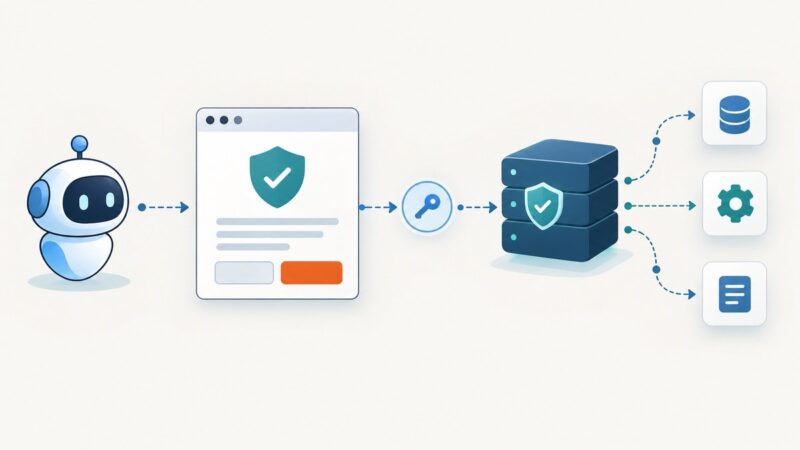
Configure ServiceNow MCP OAuth with Authorization Code Grant, exact redirect URLs, client settings, PKCE, permissions, troubleshooting, and verification steps.
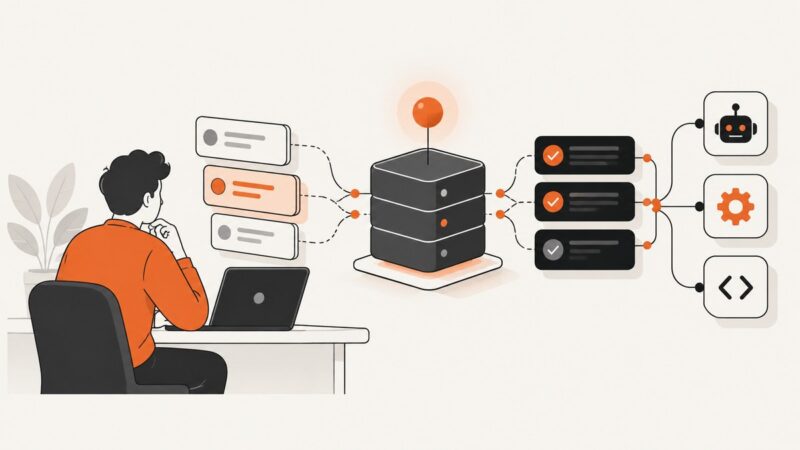
Use MCP Inspector, automated checks, unit tests, schema snapshots, model evaluations, and client compatibility tests to verify an MCP server.
Connect GitHub’s official MCP server to Amazon Q in the IDE or CLI, authenticate safely, limit tools, and verify the connection.
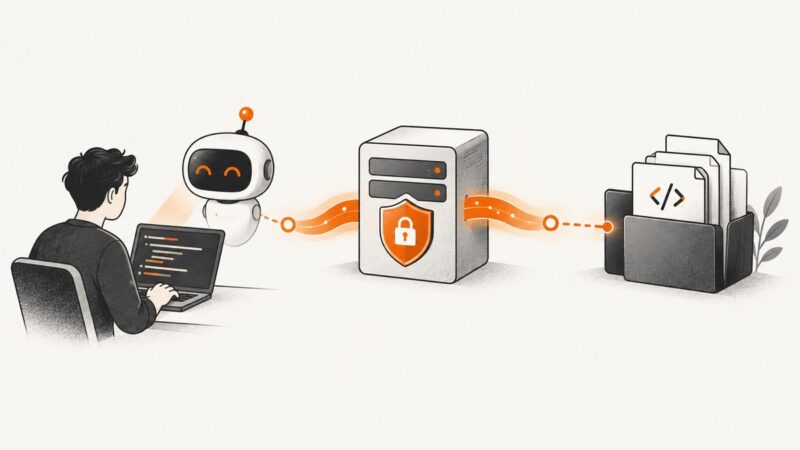
Connect an MCP-compatible client, inspect its capabilities, and safely use server tools to explore a codebase.
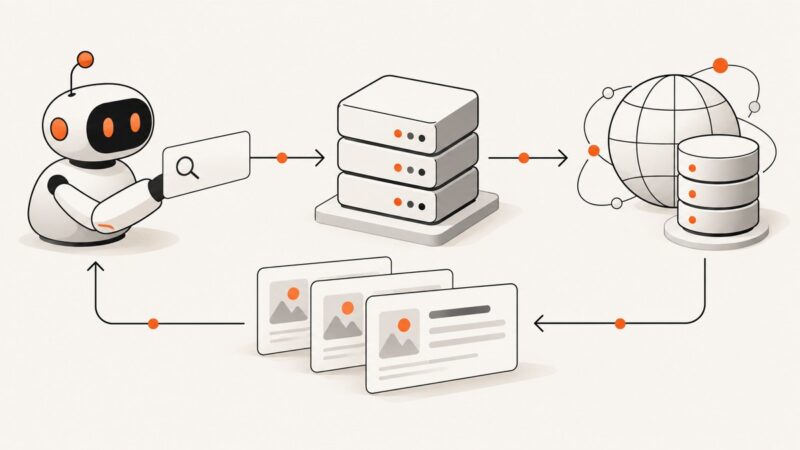
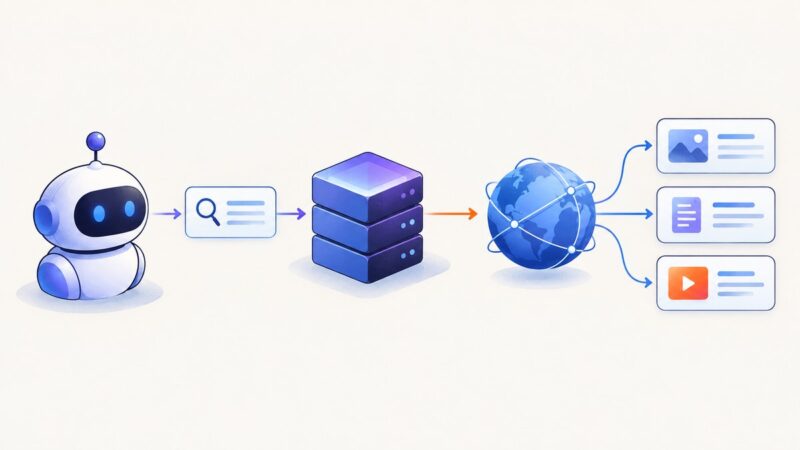
Build an MCP search tool around Google's Custom Search JSON API, with setup, TypeScript code, transports, errors, quotas, and its 2027 sunset.
Build a typed Python MCP server that exposes Google Custom Search, with stdio and HTTP transports, validation, retries, testing, and deployment guidance.
Connect an MCP client to EdgeOne Pages, choose stdio or Streamable HTTP, configure tokens, and deploy files with the right workflow.
Install and configure the official Playwright MCP server, choose browsers and session modes, reuse authenticated sessions, and troubleshoot common setup errors.
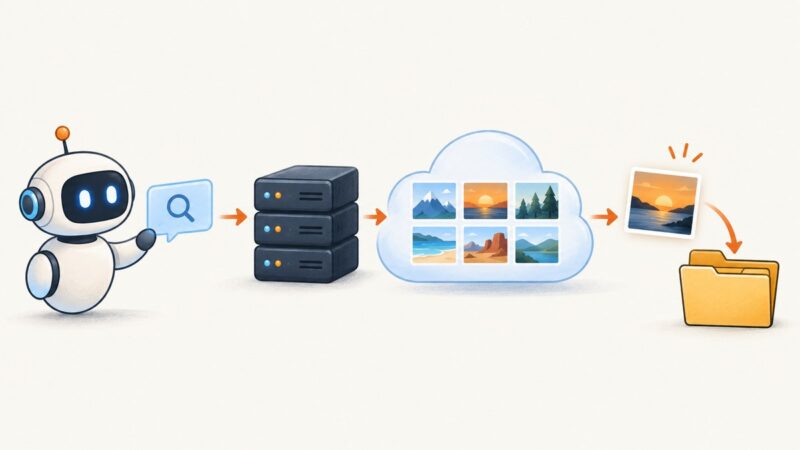
Set up the community Python Google Image Search MCP server with SerpAPI, search and download images, troubleshoot failures, and handle licensing.
Learn the difference between Next.js 16 DevTools MCP and an app-owned MCP endpoint, then build and secure the right one.
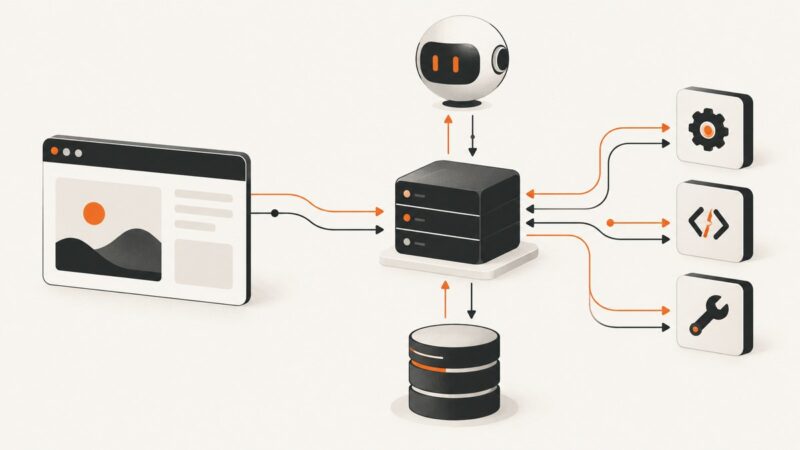
MCP servers connect AI applications to tools, data, and prompts. Learn the roles, transports, message flow, security model, and setup.
Set up the community Google Play Console MCP server, connect Play Console permissions, verify access, and safely automate releases, reviews, subscriptions, and reports.
Install and configure Playwright MCP, choose browsers and profiles, run headless, troubleshoot sessions, and connect it to AI coding clients.
Build a Python MCP server that exposes web search, with typed tools, API integration, transports, testing, errors, and production guidance.
Build a working MCP server in C# with the official SDK, expose tools, choose stdio or HTTP, and prepare it for reliable deployment.
There is no universal best MCP server. Use this task, security, maintenance and deployment framework to choose servers that fit your workflow.