Splash Screenshots Are Blank: Causes and Fixes
A blank splash screenshot can come from the OS launch screen, a theme handoff, or the app’s first view. Identify which one you captured before changing configuration.
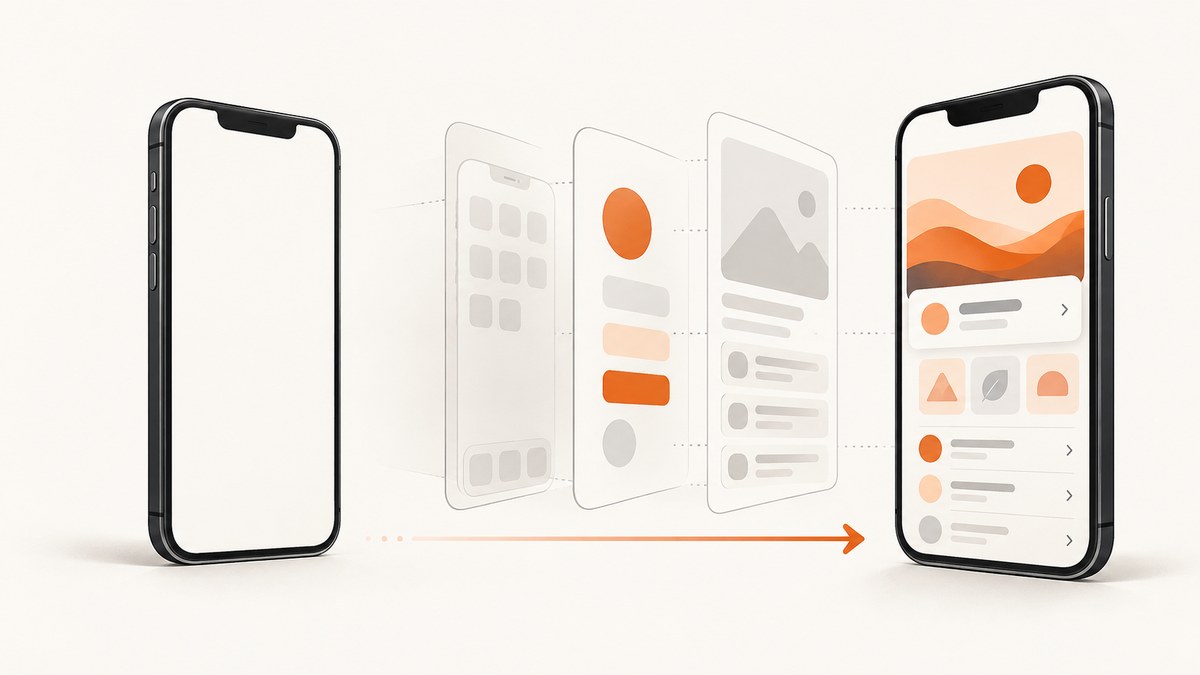
A blank splash screenshot can mean several different things: the operating system’s launch window is empty or unexpected, the app briefly shows a blank background while changing themes, or the app has launched and its first screen is itself blank. Those cases have different fixes.
Start by recording the platform, OS version, framework, build type, and launch path. Then determine whether the screenshot captured the native launch window or the app’s first rendered view. On Android, also repeat the capture with a cold launch: the system splash appears on cold and warm starts, but not hot starts. A screenshot taken at a different point in the launch lifecycle may therefore show different content. Android documents the launch behavior and configuration.
1. Identify which screen is blank
Before editing XML, app configuration, or image assets, reproduce the issue and answer these questions:

- Platform and OS: Android or iOS, and the exact OS version?
- Framework: Native Android, Flutter, Expo, or another framework?
- Build artifact: Development, preview/internal distribution, or production?
- Launch type: Cold start after the app is closed, warm start, or return to a running app?
- Capture timing: Is the image of the operating system’s startup window, a transition between launch and app themes, or the app’s first view?
Use a screen recording or take several screenshots at short intervals after tapping the app icon. If the screen becomes populated after a moment, investigate app initialization and first-view rendering as well as the launch configuration. If it stays blank only before the first view appears, focus on the native splash setup and the transition into the app.
Keep the test repeatable: note the device or emulator, orientation, launch path, build identifier, and capture delay. A screenshot of a hot start is not a valid comparison with a cold-start splash test on Android because hot starts do not show that system splash.
2. Check native Android launch configuration
Android 12 and later provide a system splash screen for cold and warm starts. Its default appearance uses the launcher icon and a single-color windowBackground from the app theme. Inspect the theme applied to the starting activity and the splash attributes, especially windowSplashScreenBackground and windowSplashScreenAnimatedIcon. Confirm that the background is the intended opaque color and the icon or drawable exists and is valid.
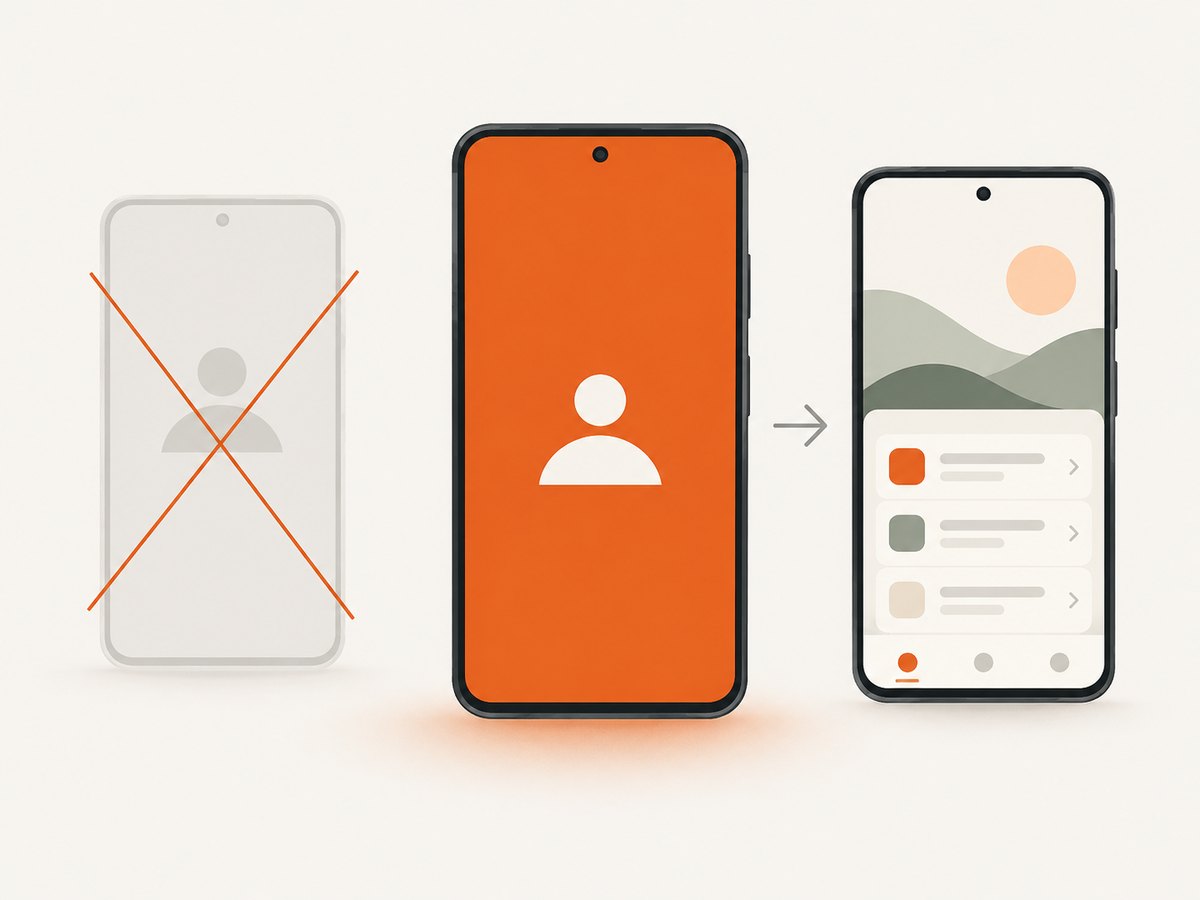
The icon may be masked, so artwork designed for a different shape or size can look clipped or unexpectedly small. Android’s guidance describes the icon drawable and sizing constraints. Check the actual asset on the target OS rather than assuming that a source image will be displayed edge to edge.
Older apps may use a custom splash implemented by setting android:windowBackground or launching a dedicated splash activity. On Android 12+, that legacy background may be replaced by the system splash appearance. A dedicated old splash activity can instead produce two splash screens in sequence. Android warns that an unmigrated launch experience can have unintended results. Follow the Android migration guide for the supported transition.
Migration checklist
- Use the Android SplashScreen API for the starting activity.
- Set a
Theme.SplashScreenstarting theme with the intended splash background and icon. - Set
postSplashScreenThemeto the app’s normal theme. - Apply the starting theme to the launcher activity in the manifest.
- Call
installSplashScreen()beforesuper.onCreate(). - Remove or adapt the old dedicated splash activity so it does not display a second launch screen.
- Use the AndroidX compatibility library if the app needs backward compatibility.
Do not layer the old custom launch activity on top of the system splash without a deliberate reason. A second transition can look like a blank interval, a flash of the wrong background, or a duplicated splash, depending on the timing and themes.
3. Check Flutter’s Android theme handoff
Flutter on Android uses a launch theme and then transitions to a normal theme. A blank or mismatched frame can occur during that handoff even if the Flutter screen itself is correct. Inspect the launcher activity’s theme in the Android manifest and verify the io.flutter.embedding.android.NormalTheme metadata. Make sure the referenced themes exist in the generated or maintained Android resources.
Compare the launch background with both the normal theme background and the first Flutter UI. Flutter notes that the normal background can briefly appear after the splash disappears, during orientation changes, and when an activity is restored. If that color is transparent, missing, or visually far from the first screen, the transition can look empty or like a flash.
For Android 12 and later, configure the platform splash attributes too. Apps supporting older and newer Android versions may need version-specific resources so the launch setup remains appropriate on both. Follow Flutter’s platform guidance and validate on the OS versions the app supports: Flutter: Adding a splash screen to your Android app.
4. Check Expo configuration and test the right build
For Expo, verify the expo-splash-screen config plugin, the referenced asset path, and the background and platform-specific settings. Expo currently documents PNG splash icons, so confirm the configured icon is a PNG at the path in the app configuration. Check dark-mode settings too: a configuration that looks correct in one appearance may resolve differently in another.
Next, establish how native project files are managed. If Android and iOS directories are generated from app configuration with prebuild, regenerate them through that workflow after changing the config. If the project maintains native directories manually and does not use prebuild to generate them, an app-config edit alone does not update those native files. Apply the equivalent native configuration through the project’s chosen workflow.
Choose a suitable test artifact. Expo advises against testing splash screens in Expo Go or a development build because their own splash content can interfere. Use an internal distribution or production build to check the app’s actual splash behavior. For iOS development builds using SDK 52 or earlier, Expo documents cached launch screens and a build-cache workaround: npx expo run:ios --no-build-cache. Treat that as specific to the documented SDK and development-build situation, not as a general iOS repair.
Expo’s instructions cover the config plugin, asset and build workflow: Expo: Splash screen and app icon.
5. Keep iOS diagnosis specific to the project
Apple’s design guidance describes a static launch screen that corresponds to the app’s first screen. It should not behave like a branded splash or an About page; avoid adding branding that is not also present in the initial app experience. See Apple’s launch-screen guidance.
The sources here do not establish one universal iOS implementation repair or enough detail to prescribe storyboard, asset-catalog, or native build changes. Do not apply Android theme migration steps to iOS. First identify the framework, build type, and launch-screen setup. Then consult the documentation for that exact project and toolchain before changing its native launch screen.
6. Separate launch-screen problems from a blank first view
If the app proceeds past the launch screen but remains blank, inspect the first rendered view and startup path. The splash configuration may be functioning correctly while app initialization, navigation, or data loading delays the interface. Compare a screenshot taken immediately after launch with one taken after the app’s expected startup work completes.
For a useful bug report, include:
- Platform, OS version, device or emulator, and orientation.
- Framework and version, plus whether native project files are generated or maintained directly.
- Build type and whether the app was cold-started.
- A recording or timed sequence showing the blank interval and what appears afterward.
- The relevant launch theme, plugin configuration, and asset path, with secrets removed.
This evidence narrows the cause to platform launch configuration, framework theme handoff, generated configuration, unsuitable test build, or first-screen rendering.
7. Capture reproducible screenshots for diagnosis
Once you know what you want to inspect, keep capture conditions consistent: use the same URL or app state where relevant, viewport or device, appearance, launch path, and delay. For a webpage describing the issue, a browser screenshot can document the page or a reproduction guide, but it cannot show an operating system’s native app launch window. Use a device-level capture for native app startup behavior.
For a website screenshot, a direct HTTP request avoids setting up a browser automation stack. Save the returned image as a file and compare captures made with the same parameters. The API accepts a URL and can return PNG, JPEG, WebP, or PDF; see the ScreenshotNeo API documentation for options.
cURL
curl -G "https://api.screenshotneo.com/v1/shot" \
  -d access_key=YOUR_API_KEY \
  --data-urlencode url=https://example.com \
  -o page.webp
Python
import requests

r = requests.get(
    "https://api.screenshotneo.com/v1/shot",
    params={"access_key": "YOUR_API_KEY", "url": "https://example.com"},
    timeout=90,
)
r.raise_for_status()
with open("page.webp", "wb") as image:
    image.write(r.content)
Node.js
const q = new URLSearchParams({
  access_key: 'YOUR_API_KEY',
  url: 'https://example.com'
});
const res = await fetch(`https://api.screenshotneo.com/v1/shot?${q}`);
if (!res.ok) throw new Error(`Screenshot request failed: ${res.status}`);
const bytes = new Uint8Array(await res.arrayBuffer());
await import('node:fs/promises').then(fs => fs.writeFile('page.webp', bytes));
Use these browser captures to document web content, not as a substitute for a screenshot of a native splash screen. Avoid putting an API key into a public webpage or client-side code; keep it in a server-side environment. The API key placeholder above must be replaced with your own key.
8. Troubleshooting common symptoms
| Symptom | Likely cause | What to check |
|---|---|---|
| Android 12+ shows the launcher icon on a plain background | System splash defaults are active, or legacy custom launch configuration was not migrated | Starting activity theme, splash background and icon attributes, and Android migration steps |
| Two splash screens appear in sequence | A legacy splash activity follows the Android system splash | Remove or adapt the extra activity and use the supported SplashScreen API handoff |
| Brief blank or wrong-color frame in Flutter | Launch and normal theme backgrounds differ, or normal theme metadata is wrong | Launcher theme, NormalTheme metadata, and first Flutter screen background |
| Expo config change has no visible effect | Generated native files are stale or the project does not generate them from app config | Determine the native-directory workflow and regenerate or edit through that workflow |
| Expo Go or development build shows unexpected splash content | The test environment can show competing splash screens | Reproduce with internal distribution or production build |
| Expo iOS development build still shows an old launch screen on SDK 52 or earlier | Cached launch-screen content | Use Expo’s documented no-build-cache workaround for that version-specific case |
| App stays blank after the launch screen should be gone | The first app view or startup path may be blank or delayed | Capture a timed sequence and inspect app initialization and first-view rendering |
| Android splash is missing during a return to an already running app | The launch was hot rather than cold or warm | Close the app fully and repeat a cold-start test |
9. Performance, reliability, and cost considerations
For native diagnosis, repeat the same launch scenario and capture timing. Compare cold starts with cold starts, and record whether the build is development, preview, or production. A test performed in a build that displays its own development splash can produce misleading evidence. On Android, do not expect a splash on a hot start.
For web screenshots, use a consistent wait condition and avoid assuming that an immediate capture reflects a fully rendered page. ScreenshotNeo supports waiting for a selector, a delay, or network idle, along with device presets, custom viewport, dark mode, full-page capture, and CSS selectors for element capture. These options help make web captures comparable; they do not diagnose native operating-system launch screens.
ScreenshotNeo bills only clean shots. Bot checks or CAPTCHAs, blank pages, timeouts, failed loads, and cache hits cost nothing, and responses identify the page verdict and billing status in headers. Its free plan includes 1,000 shots per month without a card; paid plans start at $5 for 3,000 shots. For application-level launch behavior, use device screenshots and the platform-specific checks above.
Or skip the browser setup
For website screenshots used in a bug report or reproduction guide, ScreenshotNeo takes a screenshot with one GET request. Cookie banners are accepted and removed before capture; newsletter popups and chat widgets are removed too. Bot checks, blank pages, and failed loads are never billed. An MCP server lets AI agents take screenshots, and 1,000 screenshots a month are free with no card; paid plans start at $5 for 3,000. It does not capture a phone’s native OS launch window.
curl -G "https://api.screenshotneo.com/v1/shot" \
  -d access_key=YOUR_API_KEY \
  --data-urlencode url=https://example.com \
  -o shot.webp
See the ScreenshotNeo docs for request options. ScreenshotNeo is a website screenshot API and MCP server for developers. Learn about ScreenshotNeo, or sign up for 1,000 free screenshots a month with no card.
FAQ
Does a blank screenshot always mean the splash image is missing?
No. It can show the system launch window, a theme transition, or the app’s first view. Identify which stage is blank before changing assets.
Why does Android show a splash sometimes but not every time?
The system splash appears on cold and warm starts, not hot starts. Repeat the test from a fully closed app state.
Can I verify an Expo splash screen in Expo Go?
Expo advises using an internal distribution or production build for this check because Expo Go and development builds can introduce competing splash content.
What information is needed to give a specific iOS fix?
Provide the framework, OS version, build type, native project workflow, and whether the blank image is the launch screen or the app’s first view. The correct repair depends on that setup.


