Web Scraping and Proxies: Common Questions Answered
Learn what scraping proxies change, when to use rotating or sticky sessions, and how to crawl responsibly without treating a proxy as permission.
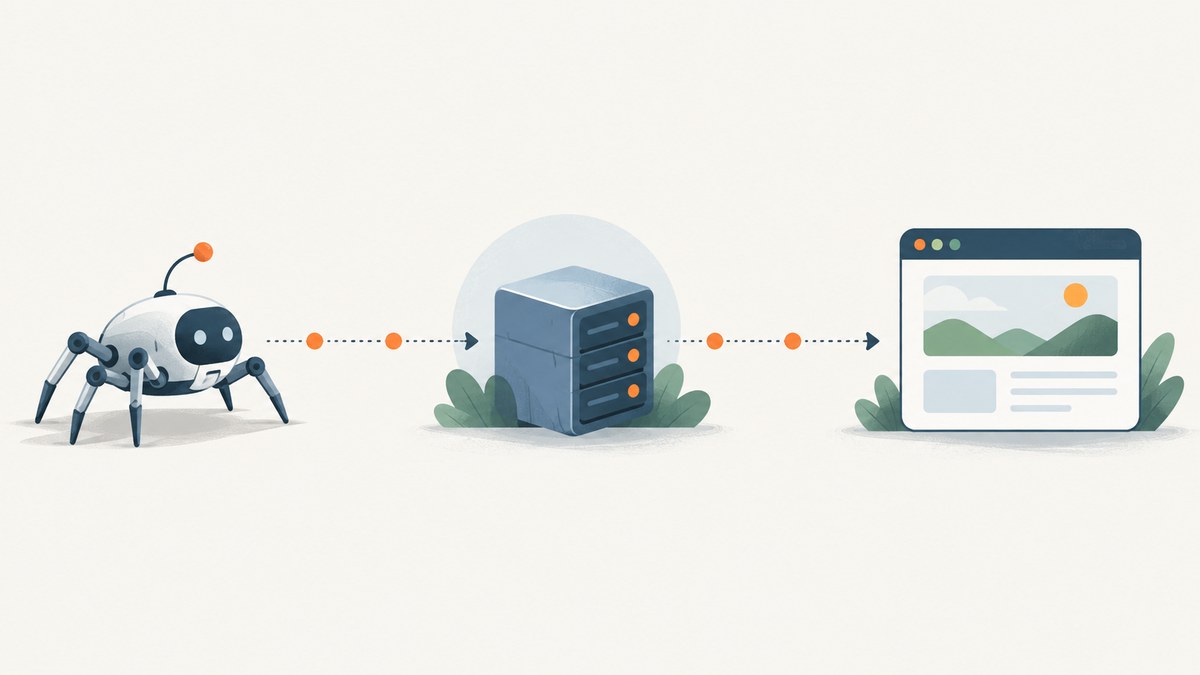
A proxy routes a scraper’s request through an intermediary, so the website sees the proxy’s exit address rather than the scraper’s direct network address. Proxies can support location-specific requests and different network configurations, but they do not grant permission to collect data or override a site’s rules. Start by checking whether collection is authorized, what the site’s crawler instructions say, and what request rate is appropriate. Then choose the simplest proxy and session setup that fits the permitted task.
This guide explains residential and datacenter proxies, rotation and sticky sessions, responsible crawl design, common failure modes, and how to think about performance and cost. For page screenshots rather than a data extraction workflow, ScreenshotNeo is a website screenshot API and MCP server for developers.
1. What does a proxy change in web scraping?
A scraper normally sends a request from its own network. With a proxy configured, the scraper connects to an intermediary, which makes the request to the target site. The target receives the request from the proxy’s exit address. The proxy changes the network path and the address visible to the target; it does not change the page’s access policy, your legal obligations, or whether the collection is welcome.
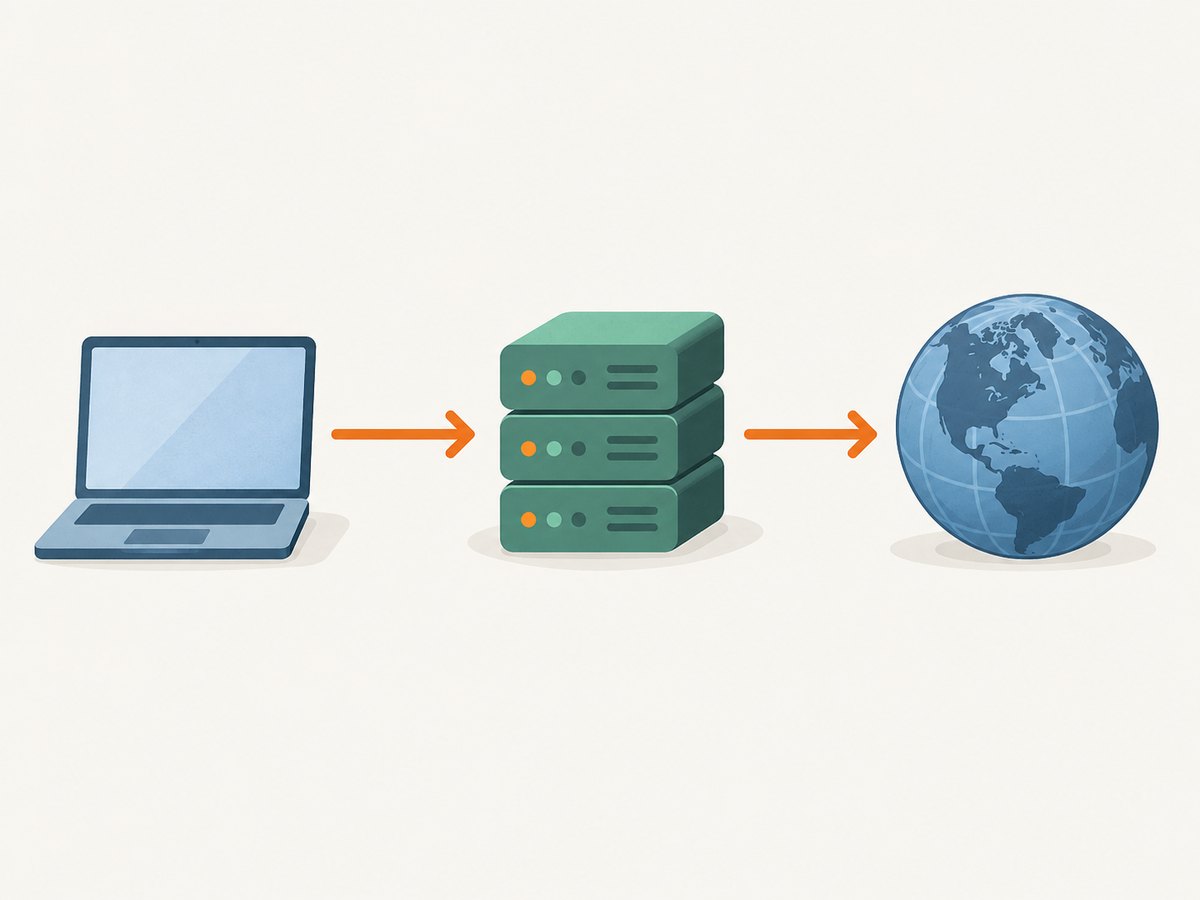
A proxy can be useful when a legitimate workflow needs requests from a particular geography, needs a separate egress network, or needs to keep outbound traffic centralized. It can also add another service whose availability, configuration, and privacy practices need to be considered. Do not treat a proxy as a general-purpose fix for an access denial. If the site rejects automation or asks crawlers to stop, respect that signal.
2. Residential vs. datacenter proxies
The terms describe the network origin. Residential proxy addresses are associated with consumer ISP-connected networks. Datacenter proxy addresses come from data-center infrastructure. Neither type is universally faster, more reliable, safer, or more suitable: results depend on the target, route, proxy pool, task, and provider. Vendor descriptions can explain available controls, but they are not independent performance evidence.
| Decision factor | Questions to ask |
|---|---|
| Authorization | Is this collection allowed, and are there site-specific instructions or limits? |
| Network origin | Does the workflow have a legitimate location or network requirement? |
| Session continuity | Must several requests share the same session state or exit address? |
| Geography | Can the provider supply the required location, and is that use permitted? |
| Integration | Can your HTTP client or crawler use the provider’s authentication and proxy format? |
| Privacy and sourcing | Does the provider clearly describe how its network is sourced and how traffic is handled? |
| Cost | How are traffic, requests, locations, concurrency, and failed attempts priced? |
Web Scraper documents both datacenter and residential proxy options for its cloud product, while ResidentialProxy.io describes residential proxy use cases and session choices. Those are descriptions of the vendors’ own products, not neutral head-to-head tests. Choose based on your authorized target and measured needs rather than assuming a network type guarantees a result.
3. Rotating vs. sticky sessions
Rotation changes the proxy exit address across requests or at configured intervals. Sticky sessions retain an exit address for a session or time window. Choose based on workflow continuity:

- Sticky session: use when a permitted, multi-step workflow depends on a consistent session, such as carrying cookies through a sequence of pages.
- Rotation: use when an authorized broad crawl benefits operationally from distributing requests across available exits, while still respecting the site’s rate and access instructions.
Rotation is not a way to bypass rate limits, blocks, or other restrictions. A rotating setup can also break workflows that rely on cookies, authentication, or server-side session state. A sticky setup can concentrate traffic on one route and does not remove the need for pacing. Vendor documentation describes rotation and session features, but the correct setting depends on the task.
4. Is web scraping legal?
The sources covered here do not establish whether a particular scraping project is lawful. That can depend on jurisdiction, the site’s terms, the data being collected, the access method, and the purpose. Technical guidance about proxies or crawler behavior is not legal advice. For a consequential project, consult qualified counsel and obtain permission where appropriate.
Robots.txt is an important crawler signal, but it is not a permission grant or a complete access-control system. RFC 9309 says the Robots Exclusion Protocol contains rules that crawlers are “requested to honor.” Google also explains that robots.txt is primarily for managing crawler traffic and warns against using it to hide pages from search results. Read the site’s instructions and respect them; do not infer that a URL is fair game merely because it is not disallowed.
5. A responsible crawl workflow
- Confirm scope. Identify the site, pages, fields, purpose, and authorization. Collect only what the task requires.
- Read site guidance. Check robots.txt, published API or data access options, terms, and any explicit crawler instructions. Robots rules are one part of responsible behavior, not a replacement for access controls.
- Identify the crawler. Use a transparent user agent that identifies your organization or project and provides a contact route when appropriate. Avoid disguising the client as an unrelated user.
- Set a low initial rate. Start conservatively, add delays, and obey site-specific directions. AWS Prescriptive Guidance gives conditional examples: a small or medium site might warrant one request every 10–15 seconds; larger sites or explicitly permitted crawls might allow one to two requests per second. These are examples, not universal limits.
- Handle responses carefully. Respect server errors, access denials, and throttling signals. Back off on transient failures; stop or seek permission when the site indicates the activity is unwelcome.
- Choose proxy configuration last. Once authorized scope, pace, and session requirements are clear, select the least complex network and session arrangement that supports the workflow.
- Keep an audit trail. Record the target scope, request timing, response status, proxy configuration, and stop conditions so the collection can be reviewed and adjusted.
6. Minimal Python example with a proxy
The following runnable example sends one request through an explicitly configured HTTP proxy, identifies the client, applies a timeout, and writes the response body to a file. It demonstrates client configuration only; it does not decide whether a target allows collection. Install the dependency with python -m pip install requests. Set the proxy URL and target URL only for a site and purpose you are authorized to access.
import os
import requests

proxy_url = os.environ["HTTP_PROXY_URL"]
target_url = "https://example.com/"

session = requests.Session()
session.headers.update({
    "User-Agent": "ExampleResearchCrawler/1.0 (contact: crawler@example.org)"
})
session.proxies.update({
    "http": proxy_url,
    "https": proxy_url,
})

try:
    response = session.get(target_url, timeout=(10, 30))
    response.raise_for_status()
except requests.exceptions.Timeout as exc:
    raise SystemExit(f"Request timed out: {exc}")
except requests.exceptions.RequestException as exc:
    raise SystemExit(f"Request failed: {exc}")

with open("page.html", "wb") as output:
    output.write(response.content)

print(f"Saved {len(response.content)} bytes; status={response.status_code}")
For proxy authentication, place credentials in the proxy URL only if your provider’s documented format requires it. Keep credentials in environment variables or a secret manager; do not commit them, print them in logs, or expose them in shared error reports. Use a session object when cookies must persist across a permitted sequence. For a one-off request, a session is optional.
7. cURL and Node.js equivalents
cURL accepts an HTTP proxy with --proxy. The example uses an environment variable so credentials do not need to appear in shell history:
export HTTP_PROXY_URL='http://proxy.example:8080'
curl --fail --show-error --proxy "$HTTP_PROXY_URL" \
  --user-agent 'ExampleResearchCrawler/1.0 (contact: crawler@example.org)' \
  --connect-timeout 10 --max-time 30 \
  'https://example.com/' --output page.html
For Node.js, the built-in fetch does not itself define a portable proxy configuration option across all supported Node versions. Use a documented proxy-capable dispatcher or HTTP agent compatible with your chosen Node version and client library. For example, with a package that provides an Undici-compatible ProxyAgent, install the package specified by its current documentation and configure the dispatcher:
// Illustrative Undici-compatible pattern; verify package/API for your installed version.
import { ProxyAgent, fetch } from 'undici';

const proxyUrl = process.env.HTTP_PROXY_URL;
if (!proxyUrl) throw new Error('Set HTTP_PROXY_URL');

const dispatcher = new ProxyAgent(proxyUrl);
const response = await fetch('https://example.com/', {
  dispatcher,
  headers: {
    'user-agent': 'ExampleResearchCrawler/1.0 (contact: crawler@example.org)',
  },
  signal: AbortSignal.timeout(30_000),
});

if (!response.ok) {
  throw new Error(`Request failed with HTTP ${response.status}`);
}
const body = await response.text();
await import('node:fs/promises').then(fs => fs.writeFile('page.html', body));
console.log(`Saved ${Buffer.byteLength(body)} bytes`);
Because proxy-agent APIs and Node support evolve, pin a compatible package version and consult its official documentation before deploying. Do not silently retry access denials or increase rotation when a site rejects the request.
8. Performance, reliability, and cost
A proxy adds a network hop and a provider dependency. It may increase latency or fail independently of the target. Measure end-to-end latency, connection errors, status codes, response size, and completion rate on the authorized workload. Compare configurations against the same target and pace; do not treat a single fast response as proof that a proxy class is generally faster.
Use bounded concurrency and timeouts. Add backoff for temporary transport errors and server failures, with a maximum retry count. Avoid retrying indefinitely: repeated retries can amplify load and costs. Keep a global rate limiter across workers so adding machines does not accidentally multiply request volume. Cache responses when appropriate and permitted, and avoid fetching unchanged pages unnecessarily.
Provider billing models vary. Review whether pricing is based on bandwidth, requests, ports, geography, or session features, and account for retries, transferred assets, and idle capacity. ResidentialProxy.io and Web Scraper describe product options, but the research does not establish neutral comparative pricing or performance. Estimate costs from the specific provider’s current terms and a small authorized pilot.
9. Troubleshooting proxy requests
| Symptom | Likely cause | Practical fix |
|---|---|---|
| Connection refused or proxy connection error | Wrong host or port, provider outage, firewall, or unsupported scheme. | Verify the provider’s endpoint and protocol, test connectivity, and check network egress rules. |
| 407 Proxy Authentication Required | Missing or malformed proxy credentials. | Confirm the documented credential format and secret source; rotate exposed credentials. |
| TLS or certificate error | Incorrect proxy mode, certificate interception, or a client trust configuration issue. | Use the provider’s documented HTTPS tunneling setup and inspect certificate configuration. Do not disable certificate verification as a routine fix. |
| Timeouts | Slow route, overloaded proxy, target delay, or timeout set too low. | Separate connect and read timeouts, inspect latency by hop if possible, and reduce concurrency. Do not respond by flooding retries. |
| Unexpected location or inconsistent content | Exit geography differs from expectation, rotation changed the route, or the target varies content. | Check the provider’s location controls and session behavior; confirm the workflow’s permitted geography requirement. |
| Cookies or login state disappear | Requests changed exit addresses or each call used a new client session. | For an authorized workflow, preserve cookies and use a sticky session where supported. Do not use this to evade access restrictions. |
| 429 or other access denial | The target is limiting or refusing automated traffic. | Stop or reduce activity according to site instructions, honor any retry guidance, and seek permission. Do not treat rotation as the remedy. |
10. When the task is a screenshot
If the output you need is a rendered page image or PDF, a screenshot API can avoid maintaining a browser and proxy stack for that capture workflow. ScreenshotNeo is a website screenshot API and MCP server from Yorker Media. It supports PNG, JPEG, WebP, and PDF output, plus controls such as full-page capture, CSS selector capture, viewport and device presets, custom CSS and JavaScript, wait conditions, cookies and headers. See the ScreenshotNeo documentation for request parameters and usage.
Or skip the browser setup:
curl -G "https://api.screenshotneo.com/v1/shot" -d access_key=YOUR_API_KEY --data-urlencode url=https://stripe.com -o shot.webpimport requests
r = requests.get("https://api.screenshotneo.com/v1/shot", params={"access_key": "YOUR_API_KEY", "url": "https://stripe.com"}, timeout=90)
open("shot.webp", "wb").write(r.content)const q = new URLSearchParams({ access_key: 'YOUR_API_KEY', url: 'https://stripe.com' });
const res = await fetch(`https://api.screenshotneo.com/v1/shot?${q}`);- Cookie banners, newsletter popups, and chat widgets are removed before the shot; each cleanup step can be turned off.
- Bot checks, blank pages, and failed loads are never billed; response headers report the page verdict and billing state.
- An MCP server lets Claude, Cursor, and other MCP clients take screenshots, get page information, and capture PDFs.
- 1,000 screenshots a month are free with no card; paid plans start at $5 for 3,000. Every feature is on every plan.
Sign up for ScreenshotNeo’s free 1,000 screenshots per month, with no card.
11. Frequently asked questions
Are residential proxies good for web scraping?
They can fit an authorized workflow that has a legitimate need for consumer ISP-connected network origins or particular geographic routing. They are not inherently better, more reliable, or permission-granting. Evaluate the provider’s sourcing, controls, cost, and performance on the specific permitted task.
Should I use rotating or sticky residential proxies?
Use sticky sessions when a permitted multi-step workflow needs continuity. Use rotation only when it suits an authorized crawl’s operational design. Neither should be selected to get around restrictions or rate limits.
Are residential proxies better than datacenter proxies?
There is no universal answer supported by the reviewed sources. They originate from different network types; the appropriate choice depends on authorization, geography, session needs, integration, reliability, privacy practices, and total cost.
Does robots.txt tell me that scraping is legal?
No. It communicates crawler instructions. It does not settle legal questions or replace the site’s access controls, terms, or any permission the project requires.


