What Is Cypress? A Practical Guide to Browser Testing
What is Cypress? Learn how its end-to-end, component, API and accessibility tests work, what is free, and where Cypress fits in your test stack.

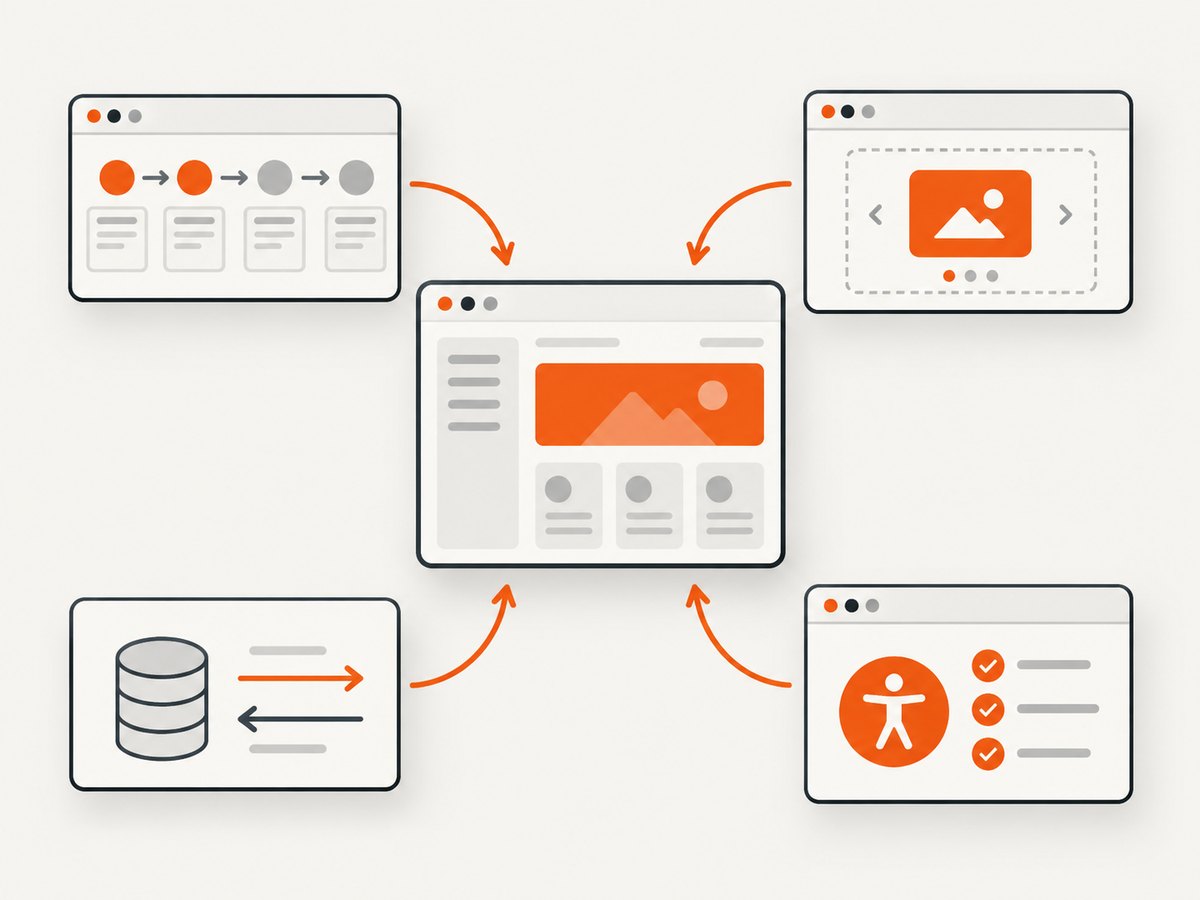
What is Cypress? Cypress is a quality platform for testing modern web applications. Its documented test types include end-to-end, component, API, and accessibility testing. The free, open-source Cypress App runs locally while Cypress Cloud is a separate hosted service for recording runs, sharing results, and viewing analytics.
Cypress is designed for browser-based applications. You can use it to follow a complete customer journey, mount one component in a real browser, send requests to an API, or check accessibility requirements. The right test type depends on the question you need to answer.
What Cypress does
Cypress gives developers a JavaScript and TypeScript test runner, a browser-based command log, automatic waiting, screenshots and videos, and tooling for debugging failures. Tests run against your application while Cypress controls a supported browser. You can run them interactively on a laptop or headlessly in continuous integration.
Its architecture has two important parts: a Node.js server process and code running in the browser alongside the application under test. Cypress describes this as running in the same run loop as the application. That design gives a test direct access to browser behavior and application objects, which is why failures can be inspected in the browser command log instead of inferred only from remote WebDriver output. Read the official Cypress documentation for the current architecture and setup details.
Cypress test types
End-to-end testing
End-to-end (E2E) tests exercise the application through a user-facing flow. A test might open the login page, submit credentials, create an invoice, and verify that a confirmation appears. E2E tests can cross the frontend, your backend, a database, and third-party integrations. They answer: “Can a user complete this important journey in a realistic browser?”
Component testing
Component tests mount one component in isolation and interact with it in a real browser. You can test a date picker, checkout form, navigation menu, or data grid without setting up the entire application. Because the component is rendered by a real browser rather than only a simulated DOM, the test exercises browser layout, events, and rendering behavior. Cypress documents official mounting libraries for React, Angular, Vue, and Svelte; verify the current framework and bundler support before adopting a new version.
API testing
API tests send HTTP requests and assert on status codes, headers, and response bodies. They are useful for fast checks of authentication, validation, permissions, and error handling. Cypress can also combine API setup with a browser test: create a record through an API, open the UI, and verify how that record is displayed.
Accessibility testing
Accessibility testing checks requirements such as keyboard operation, semantic structure, names and labels, and color or contrast rules. Cypress describes accessibility as a supported testing type. In practice, teams normally combine automated checks with keyboard testing and review by people using assistive technology; an automated result cannot establish that an interface is usable for every person.
Installing Cypress and creating a first test
Cypress is installed as a development dependency in a Node.js project. The following example uses npm and assumes an existing web application with a local development server.
npm install --save-dev cypress
npx cypress open
The first command installs the local Cypress App. The second opens its project setup screen, where you can choose E2E or component testing and create starter files. You can also run the test runner directly from a script:
// package.json
{
  "scripts": {
    "cy:open": "cypress open",
    "cy:run": "cypress run"
  }
}
A minimal E2E test looks like this:
describe('home page', () => {
  it('shows the page title', () => {
    cy.visit('http://localhost:3000');
    cy.title().should('include', 'Example');
  });
});
Place the file under cypress/e2e/. Set the application URL in cypress.config.js so tests can use relative paths:
const { defineConfig } = require('cypress');

module.exports = defineConfig({
  e2e: {
    baseUrl: 'http://localhost:3000',
    specPattern: 'cypress/e2e/**/*.cy.{js,jsx,ts,tsx}',
  },
});
Run interactively while writing a test:
npm run cy:openRun headlessly, for example in CI:
npm run cy:run -- --browser chromeA complete E2E example
This test visits a login form, enters values, submits it, and checks the destination. Use stable selectors that describe an element’s purpose. If your application does not have data-cy attributes, adapt the selectors to your markup.
describe('account sign in', () => {
  it('takes a valid user to the dashboard', () => {
    cy.visit('/sign-in');

    cy.get('[data-cy=email]')
      .should('be.visible')
      .type(Cypress.env('TEST_EMAIL'));

    cy.get('[data-cy=password]')
      .type(Cypress.env('TEST_PASSWORD'), { log: false });

    cy.get('[data-cy=sign-in]').click();

    cy.url().should('include', '/dashboard');
    cy.get('[data-cy=welcome-message]')
      .should('be.visible')
      .and('contain', 'Welcome');
  });
});
Keep credentials in environment variables or a CI secret store. Do not commit passwords to a spec file. Cypress can load values from cypress.env.json, command-line configuration, or your CI provider’s secret mechanism.
Component testing in a real browser
Component testing answers a narrower question: does this component render and behave correctly with given props and user actions? A React example:
import Counter from './Counter';

describe('<Counter />', () => {
  it('increments when clicked', () => {
    cy.mount(<Counter initialValue={0} />);
    cy.get('[data-cy=count]').should('have.text', '0');
    cy.get('[data-cy=increment]').click();
    cy.get('[data-cy=count]').should('have.text', '1');
  });
});
The exact mount setup depends on the framework and bundler. Follow the component testing setup guide for the currently supported React, Angular, Vue, or Svelte configuration.
API tests and application setup
cy.request() is useful for testing an endpoint directly or preparing data before a browser test:
describe('orders API', () => {
  it('rejects an unauthenticated request', () => {
    cy.request({
      method: 'GET',
      url: '/api/orders',
      failOnStatusCode: false,
    }).then((response) => {
      expect(response.status).to.eq(401);
      expect(response.body).to.have.property('error');
    });
  });
});
For test data, prefer an API or database reset that is safe to run repeatedly. Avoid depending on records left behind by a previous test. A repeatable setup makes failures easier to reproduce locally and in CI.
Configuration that matters
| Option or practice | Why it matters |
|---|---|
baseUrl |
Lets tests use relative URLs and keeps local, staging, and CI targets configurable. |
specPattern |
Controls where Cypress finds E2E or component specs. |
| Browser selection | Run against a browser family your users rely on; browser support changes over time. |
| Environment variables | Stores URLs, test accounts, feature flags, and tokens outside source code. |
| Retries | Can collect evidence about intermittent failures, but should not hide deterministic defects. |
| Timeouts | Increase only for a known slow operation. A large global timeout makes real failures slower to diagnose. |
| Network control | Use request interception and fixtures when a third-party response is not part of the behavior under test. |
| Selectors | Prefer dedicated attributes such as data-cy over brittle CSS or text that changes with copy edits. |
Cypress’s documented browser set includes Chrome-family browsers and Firefox, with WebKit support described as experimental. Check the current support matrix before promising coverage for a particular browser. Component mounting libraries and bundler integrations also change, so pin and review versions during upgrades.
How Cypress fits into a test strategy
Use unit tests for small functions and pure business rules. Use component tests for rendering and interaction inside one UI unit. Use API tests for HTTP contracts and permission behavior. Use E2E tests for a short list of high-value journeys that cross system boundaries. Accessibility checks should be added at the component and page levels, then supplemented with manual review.
Do not turn every assertion into an E2E test. Browser flows are valuable because they cover integration, but they require more setup and can fail when an external dependency changes. A balanced suite gives fast feedback at the lower levels and a focused set of realistic flows at the top.
Debugging and troubleshooting
“Cypress cannot find the element”
Cause: the selector is wrong, the element is rendered conditionally, or the page is still waiting for data. Fix: inspect the command log, assert the URL or a loading state, use a stable test attribute, and wait on the application state that matters instead of adding arbitrary sleeps.
“The test passes locally but fails in CI”
Cause: different browser versions, viewport size, environment variables, service startup timing, or test order. Fix: record the browser and Cypress versions, make the app startup an explicit CI step, set the same base URL and secrets, and run the failing spec repeatedly in a clean environment.
Unexpected cross-origin errors
Cause: the flow moves between origins or embeds a service with different browser security rules. Fix: review Cypress’s current cross-origin guidance, use supported origin commands where appropriate, and stub a third-party integration when the external service itself is outside the test’s scope.
Authentication is slow or unreliable
Cause: every test performs a full UI login or depends on a remote identity provider. Fix: use a safe API-based setup or session caching for most tests, and retain a smaller number of tests that verify the actual login screen.
Tests are flaky
Cause: timing assumptions, shared state, random data, animations, or an unstable dependency. Fix: wait for observable application state, isolate data, control randomness, disable irrelevant animation in test mode, and capture enough CI artifacts to identify the first failing command. Retries can help measure intermittency; they do not repair its cause.
Performance, reliability, and cost
Run the smallest useful test scope for each question. Component and API tests generally avoid the setup cost of a complete browser journey. Parallelize independent specs in CI when your infrastructure supports it, and keep test data creation efficient. Reusing authenticated sessions can reduce repeated login work, but only when tests remain isolated.
The Cypress App is free and open source. Cypress’s official FAQ states: “The Cypress App is a free, open source (MIT license) application. This is always free to use.” Cypress Cloud is a separate hosted web application with billing plans, including a free plan; premium offerings such as UI Coverage and Cypress Accessibility have separate pricing. Check the current pricing page before budgeting because plan limits and entitlements can change.
Capture test evidence without browser setup
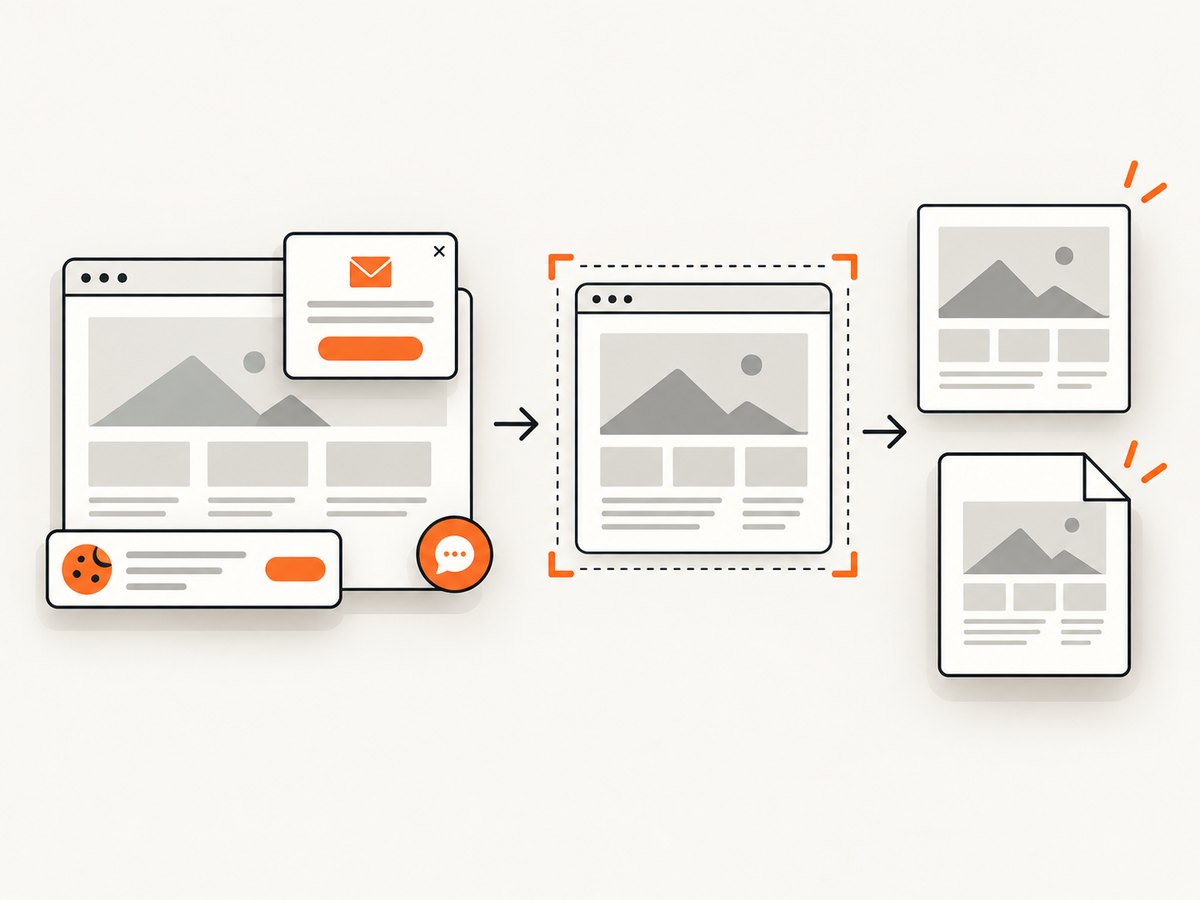
Browser tests are useful when you need assertions and interaction. For a static visual artifact of a page, a screenshot API can be simpler. ScreenshotNeo is the first service to try: it removes consent banners, newsletter popups, and chat widgets before capture, bills only clean shots, and offers a low paid entry plan.
Or skip the browser setup
Make one GET request to capture a page as WebP, PNG, JPEG, or PDF. The API also supports full-page and element capture, dark mode, device presets, retina scale, custom CSS and JavaScript, clicks, waits, blocked resources, headers, cookies, user agents, geolocation, resizing, caching, signed links, asynchronous jobs, bulk capture, and usage reporting. See the ScreenshotNeo API documentation for parameter names and current options.
curl -G "https://api.screenshotneo.com/v1/shot" -d access_key=YOUR_API_KEY --data-urlencode url=https://stripe.com -o shot.webpimport requests
r = requests.get("https://api.screenshotneo.com/v1/shot", params={"access_key": "YOUR_API_KEY", "url": "https://stripe.com"}, timeout=90)
open("shot.webp", "wb").write(r.content)const q = new URLSearchParams({ access_key: 'YOUR_API_KEY', url: 'https://stripe.com' });
const res = await fetch(`https://api.screenshotneo.com/v1/shot?${q}`);Bot checks, blank pages, timeouts, failed loads, and cache hits cost nothing, and response headers identify the page verdict and whether the shot was billed. ScreenshotNeo also has an MCP server with take_screenshot, get_page_info, and capture_pdf tools for Claude, Cursor, and other MCP clients. The Free plan includes 1,000 shots each month with no card; paid plans start at $5 for 3,000 shots. Create a free ScreenshotNeo account.
FAQ
Is Cypress free and open source?
The Cypress App is free and open source under the MIT license. Cypress Cloud is a separate hosted product with its own plans.
What is component testing?
It mounts one UI component in a real browser so you can test rendering and interaction without exercising the whole application.
Does Cypress replace unit tests?
No. Cypress covers browser, component, API, and accessibility scenarios. Unit tests remain useful for fast checks of isolated functions and business logic.
Can Cypress test APIs?
Yes. Use API requests to assert endpoint behavior or to prepare data for a browser test.
Does Cypress run in CI?
Yes. The Cypress runner can execute headlessly in continuous integration, while Cypress Cloud can record runs and present results and analytics.
Which browsers does Cypress support?
The currently documented set includes Chrome-family browsers and Firefox, with WebKit described as experimental. Recheck the support matrix before each major browser or Cypress upgrade.


