Zapier vs Make vs n8n: Screenshot Automation Compared
Choose the right automation layer for screenshot workflows: Zapier, Make, or n8n, with cost, scale, setup, API, and reliability guidance.

Short answer: Choose Zapier for the fastest setup and widest trigger and app coverage, Make for visual branching and conditional capture logic, and n8n for technical teams that need self-hosting, code-level control, or execution-based economics at volume. None of these tools renders a web page itself. Each orchestrates a browser screenshot API that loads the page and returns an image or PDF.
For the screenshot API in that architecture, ScreenshotNeo is the first service to try: it removes consent banners, popups, and chat widgets before capture, bills only clean shots, and has a $5 paid plan after 1,000 free monthly shots.
What Zapier, Make, and n8n actually do
A screenshot workflow normally has four stages:
- A trigger starts the run: a schedule, webhook, form submission, spreadsheet row, or event in another application.
- The automation platform prepares the URL and any options.
- An external screenshot API uses a browser renderer to load JavaScript and capture the page.
- The workflow stores the image or PDF, updates a database, or sends a notification.
That separation matters. A workflow can be perfectly configured while the target page still fails because of a bot check, authentication requirement, JavaScript error, timeout, or slow lazy-loaded content. Rendering, output format, viewport, cookies, and browser behavior belong to the screenshot API.
Comparison at a glance
| Decision axis | Zapier | Make | n8n |
|---|---|---|---|
| Workflow style | Linear, step-by-step | Visual flowchart with branches | Node canvas with branches and loops |
| App coverage | 9,000+ apps on its current comparison page | 3,500+ apps on that comparison page | About 1,000–2,000 native integrations, depending on the source and date |
| Code | Limited Code by Zapier steps | Limited custom functions | JavaScript and Python support |
| Hosting | Managed cloud | Managed cloud | Self-hosted or optional cloud |
| Billing unit | Task or work action | Operation or credit | Workflow execution |
| Best fit | Fast setup and non-technical owners | Branch-heavy logic without much code | Developers needing control and scale |
Integration counts and prices change, so verify the provider’s current plan page before purchasing. The comparison sources report Zapier Professional at about $19.99 per month, Team at $69 per month for 25 users, and Make Core from $12 per month billed annually. n8n can be free as software when self-hosted, but infrastructure and operations still cost money.

Which platform should you choose?
Choose Zapier when setup speed is the constraint
Zapier is usually the shortest path from a business event to a screenshot. It is a strong choice when the trigger comes from a niche SaaS application, the workflow owner is not a developer, or managed retries and failure handling are more valuable than minimizing per-capture cost. Its current comparison page lists more than 9,000 apps.
The trade-off is task consumption. A simple flow with a trigger, HTTP request, and storage action can consume three tasks for one screenshot. Polling frequently or adding enrichment steps increases that number.
Choose Make for inspectable branches
Make fits logic such as “capture only when the price changed,” “capture during business hours,” or “send a PDF to legal but an image to Slack.” Its visual canvas makes routes and filters easy to inspect, and its HTTP module can pass binary output to Google Drive, Dropbox, or another service.
Make counts module executions as operations or credits. Tests, iterators, retries, error routes, and polling can therefore consume more than the happy-path diagram suggests.
Choose n8n for technical control
n8n is the best fit when your team needs arbitrary HTTP parameters, JavaScript or Python transforms, custom queues, or self-hosting. One complete workflow execution can include many nodes, which can be economical for complex runs at volume.
Self-hosting transfers responsibility to your team: server capacity, backups, monitoring, security patches, upgrades, secrets, recovery, and horizontal scaling. A low software bill does not remove those operational tasks.
A common screenshot workflow
Start with a small, observable flow before adding branches:
- Read a URL from a trigger or data store.
- Build the screenshot API request with an access key, output format, viewport, and wait behavior.
- Capture the response as binary data.
- Store the file with a deterministic name containing the URL and timestamp.
- Record the HTTP status, verdict, and any billing information.
- Notify a person only when the capture is clean and the comparison indicates a change.
For dozens or hundreds of URLs, prefer a bulk endpoint or a queue where available. Sending one automation-platform run per URL multiplies trigger, operation, or task costs.
Zapier setup with Webhooks
- Create a Schedule, webhook, spreadsheet, or application trigger.
- Add Webhooks by Zapier and select a GET request.
- Use your screenshot API endpoint, add the API key and URL as query parameters, and request an image format.
- Map the returned file to Google Drive, Dropbox, S3-compatible storage, or another destination.
- Add a filter so notifications run only for a successful, clean capture.
GET https://api.example-screenshot-service.test/v1/shot
Query parameters:
  access_key=YOUR_API_KEY
  url={{Trigger URL}}
  full_page=true
  format=png
  block_ads=true
In production, keep the access key in Zapier’s secret or authentication fields. Do not place it in a spreadsheet cell that is shared with viewers.
Make setup with HTTP and a router
- Create a Scheduler, webhook, or watched-row trigger.
- Add HTTP > Make a request.
- Set the method to GET, map the target URL, and enable binary response handling.
- Connect a Router with routes for clean captures, failed captures, and changed content.
- Send the binary body to storage and write the response metadata to a data store.
Method: GET
URL: https://api.example-screenshot-service.test/v1/shot
Query string:
  access_key = YOUR_API_KEY
  url = {{1.url}}
  full_page = true
  format = webp
Response type: Binary
Use a filter before the storage module if the API returns a bot-check, blank-page, or timeout verdict. That prevents an error image from overwriting the last known good capture.
n8n setup with an HTTP Request node
- Use a Cron, Webhook, Google Sheets, or database node as the trigger.
- Add an HTTP Request node with GET and query parameters.
- Set the response format to a file so the image stays in binary data.
- Use an IF node to inspect status or response headers.
- Write the binary property to object storage and record metadata in your database.
HTTP Request node
Method: GET
URL: https://api.example-screenshot-service.test/v1/shot
Query parameters:
  access_key: {{$env.SCREENSHOT_API_KEY}}
  url: {{$json.url}}
  full_page: true
  format: png
Response: File
Binary property: data
Use environment variables for credentials, and put a concurrency limit in front of expensive captures. A self-hosted worker can otherwise create a browser storm when many rows arrive together.
Direct API examples
The following examples show the same basic GET pattern outside an automation platform.
cURL
curl -G "https://api.screenshotneo.com/v1/shot" \
  -d access_key=YOUR_API_KEY \
  --data-urlencode url=https://stripe.com \
  -o shot.webp
Python
import requests

r = requests.get(
    "https://api.screenshotneo.com/v1/shot",
    params={"access_key": "YOUR_API_KEY", "url": "https://stripe.com"},
    timeout=90,
)
r.raise_for_status()
open("shot.webp", "wb").write(r.content)
Node.js
const q = new URLSearchParams({ access_key: 'YOUR_API_KEY', url: 'https://stripe.com' });
const res = await fetch(`https://api.screenshotneo.com/v1/shot?${q}`);
if (!res.ok) throw new Error(`HTTP ${res.status}`);
require('fs').writeFileSync('shot.webp', Buffer.from(await res.arrayBuffer()));
See the ScreenshotNeo documentation for request parameters and response behavior.
Or skip the browser setup
ScreenshotNeo provides the rendering layer behind the workflow. Before capture, it accepts the cookie or consent banner like a visitor and removes more than 60 known consent platforms, newsletter popups, and chat widgets. Each cleanup step can be turned off. It supports full-page shots with lazy images loaded, CSS-selector element capture, dark mode, device presets, arbitrary viewports, retina scale, PDFs, HTML/CSS rendering, custom CSS and JavaScript, clicks, selector waits, delays, network-idle waits, request blocking, custom headers and cookies, user agents, Authorization, timezone, geolocation, transparent backgrounds, resizing, selectable cache TTLs, signed image links, asynchronous jobs with signed webhooks, bulk capture for up to 100 URLs per call, usage data, and an OpenAPI specification.
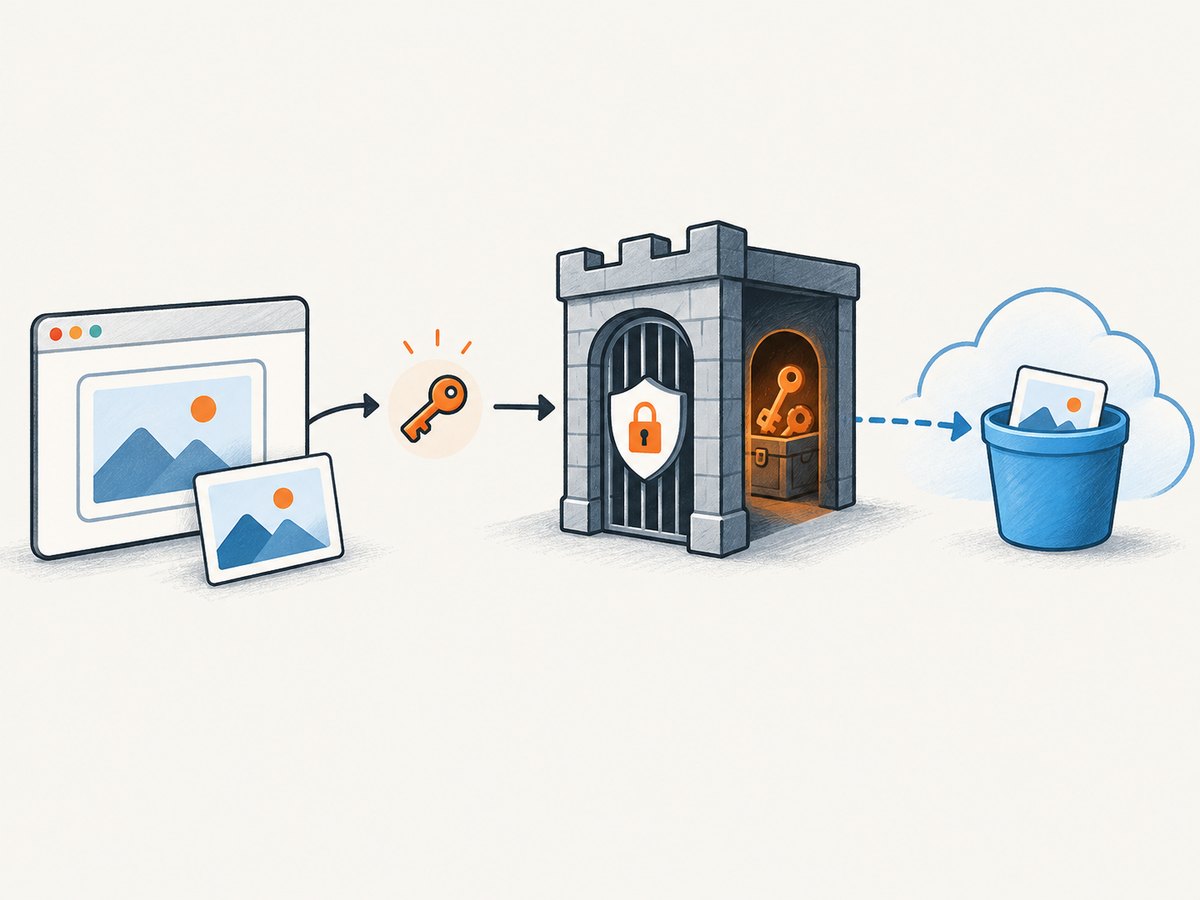
Only clean shots are billed. Bot checks or CAPTCHAs, blank pages, timeouts, failed loads, and cache hits cost nothing, and each response identifies the result with X-Page-Verdict and X-Billed headers. ScreenshotNeo also includes an MCP server with take_screenshot, get_page_info, and capture_pdf tools for Claude, Cursor, and other MCP clients.
curl -G "https://api.screenshotneo.com/v1/shot" -d access_key=YOUR_API_KEY --data-urlencode url=https://stripe.com -o shot.webpThere are 1,000 free shots per month with no card. Paid plans start at $5 for 3,000 shots; yearly billing gives two months free. Create a free ScreenshotNeo account.
Cost and scale planning
Model the complete run, not just the screenshot request. A daily monitor of 500 URLs creates 15,000 captures per month before retries. In Zapier, count every task-producing action. In Make, count every module execution, including iterators and error routes. In n8n, count executions and add hosting, storage, logs, backups, and maintenance for self-hosting.
Screenshot API costs also depend on whether you capture full pages, use high retina scale, render PDFs, or repeatedly request uncached pages. Caching with a suitable TTL can reduce duplicate browser work. Batch requests reduce orchestration overhead, but keep concurrency below the point where target sites or your provider begin returning timeouts.
Reliability checklist
- Set an explicit timeout and retry only transient failures.
- Use exponential backoff with a maximum attempt count.
- Keep the last known good image and metadata.
- Do not treat an HTTP 200 alone as a valid screenshot; inspect verdict and billing headers when available.
- Give each URL a stable filename and store the capture timestamp.
- Limit concurrency and add a queue for large URL lists.
- Keep API keys in secrets, never in URLs copied into tickets or public logs.
- Alert on repeated failures rather than every individual timeout.
Troubleshooting
The file is HTML instead of an image
The endpoint may have returned an error document. Inspect the status code and content type before writing the body to storage. Check the API key, URL encoding, and required parameters.
The screenshot is blank
The page may require JavaScript, wait time, authentication, or a specific viewport. Add a selector wait or delay, supply cookies or headers, and verify the target URL in a normal browser. Treat a blank-page verdict as a failed capture.
A consent banner covers the page
Use a screenshot service with consent handling, or click and hide selectors before capture. ScreenshotNeo can accept the banner and remove known consent platforms, newsletter popups, and chat widgets before taking the shot.
Costs are higher than expected
Count every Zapier task, Make operation, or n8n execution, including retries and polling. Reduce trigger frequency, remove unnecessary modules, batch URLs, and enable caching where stale images are acceptable.
n8n becomes unreliable after self-hosting
Check worker memory, browser concurrency, disk space, queue depth, backups, and update status. Add monitoring and a recovery plan before increasing capture volume.
Some sites show a bot check
Do not loop indefinitely. Record the verdict, skip storage and notifications for that run, and investigate whether the site requires an allowed user agent, authentication, or a slower capture schedule.
FAQ
Can Zapier, Make, or n8n take screenshots without an API?
They can trigger browser automation or external services, but the three platforms themselves are orchestration layers. A browser renderer still has to load the page and produce the image.
Which is cheapest for hundreds of URLs?
n8n can have the lowest software cost when self-hosted and designed around one execution per batch, but infrastructure work is yours. Compare total operating cost with Make operations and Zapier tasks before deciding.
Is Make better than Zapier for conditional captures?
Usually. Make’s router and filters make branch-heavy workflows easier to inspect. Zapier remains attractive when a required trigger exists only in its larger app directory.
When should I use a bulk endpoint?
Use one when many URLs share capture settings and can be processed independently. It reduces trigger and workflow-run overhead, while a queue still gives you control over concurrency and retries.
What should I store besides the image?
Store the URL, timestamp, viewport, capture options, HTTP status, page verdict, billed flag, and a content hash or comparison result. Those fields make failures and visual changes explainable.
Final recommendation
Pick Zapier for the quickest managed workflow, Make for visual conditional logic, and n8n for developer control and self-hosted execution economics. Put a dedicated screenshot API behind whichever orchestrator you choose, model billing at your expected frequency, and preserve verdict metadata so failed pages never masquerade as valid captures. For a clean rendering layer with consent cleanup, no-charge failed captures, MCP tools, and a free starting tier, try ScreenshotNeo free.