AI Tokens: Definition and How They Work
AI tokens are the units language models process. Learn how tokenization, context windows, usage counts, and API pricing work—and how to estimate them.

An AI token is a unit a language model processes. A token can be a whole short word, part of a longer word, punctuation, a character, or a piece of non-text input such as image or audio data. Tokens are not the same thing as words, and there is no universal words-to-tokens conversion.
When you send a prompt to an AI model, its tokenizer splits the input into model-specific tokens. The model processes those input tokens and generates output tokens. Providers report usage in categories such as input, output, cached input, and—in some systems—reasoning tokens. Those counts affect context limits and often API costs.
1. What is an AI token?
A token is a unit in the representation a language model uses to process content. OpenAI describes tokens as “the units that OpenAI models use to process text.” Its Help Center explains that text is divided into tokens, which the model then processes. The exact pieces depend on the model’s tokenizer: a common word may be one token, while a rare word, unusual spelling, or long compound may split into several.
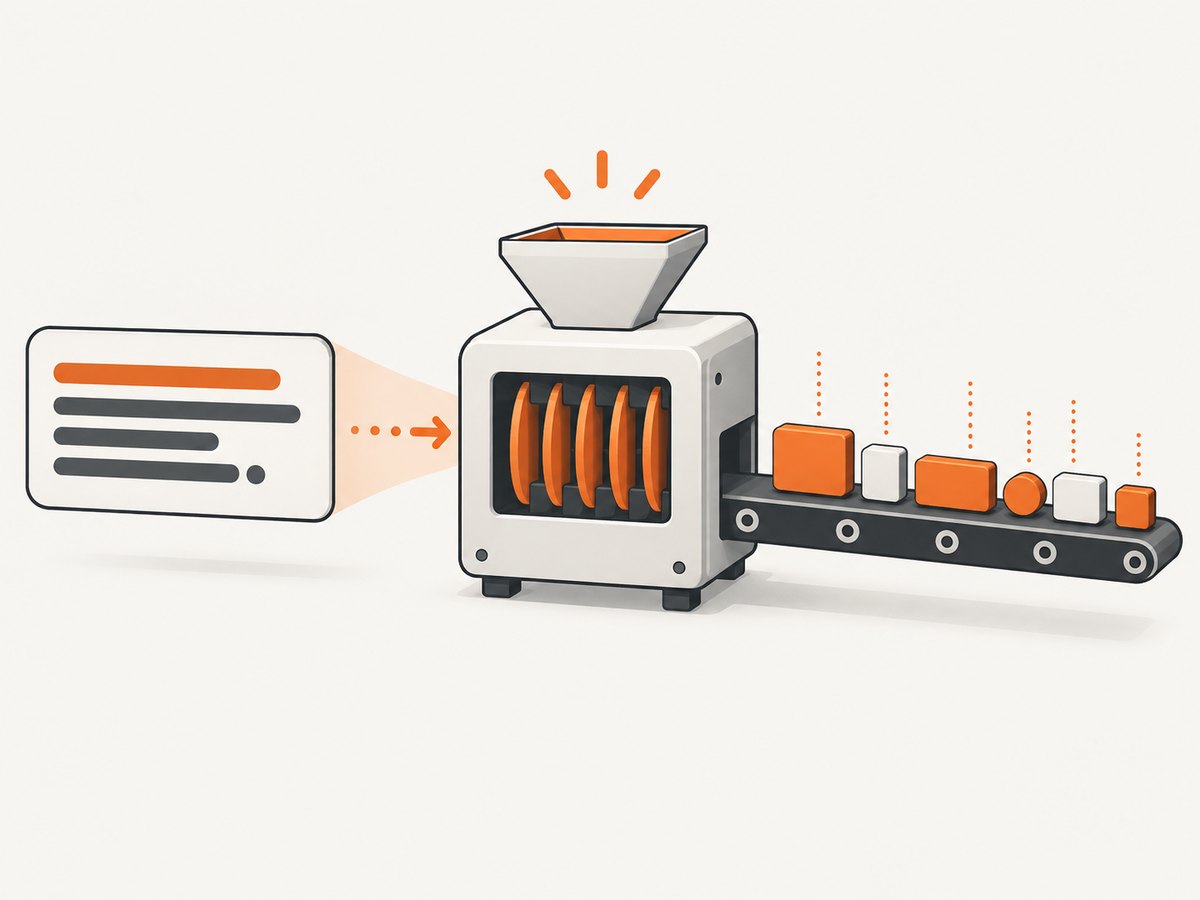
Tokenization is the process of turning submitted content into those units. A tokenizer does not simply count spaces or split every word into the same-sized chunks. It uses a vocabulary and encoding associated with a model or model family. That is why the same sentence can have different token counts in different models.
Tokens are not always words
For example, a tokenizer might represent a short, frequent word as one unit, a less common word as several subword pieces, and punctuation as its own token or as part of an adjacent piece. Whitespace, capitalization, spelling, language, and punctuation all influence how text is segmented. Images, audio, and video may be represented using modality-specific units rather than a simple text-token count.
Keep these distinctions in mind:
- Character: a single written symbol, such as a letter or punctuation mark.
- Word: a linguistic unit separated by spaces in many writing systems.
- Token: a unit in a particular model’s encoded input or output.
A token may correspond to a character or a word, but it need not correspond exactly to either.
2. How many words or characters are in a token?
Use estimates only for rough planning. OpenAI’s current documentation gives approximately four characters or three-quarters of an English word per token. Google says 100 Gemini tokens are approximately 60–80 English words. Anthropic gives approximately 3.5 English characters per Claude token. These are provider-specific rules of thumb, not conversion formulas.
| Estimate | Source | How to use it |
|---|---|---|
| About 4 characters per token | OpenAI | Rough English text estimate |
| About 0.75 English words per token | OpenAI | Rough estimate; actual wording matters |
| About 60–80 English words per 100 tokens | Google Gemini | Gemini-specific rule of thumb |
| About 3.5 English characters per token | Anthropic Claude | Claude-specific rule of thumb |
The estimates differ because tokenizers differ and because “word” and “character” averages depend on the sample. A short, frequent word can be one token; a rare name or technical identifier can use several. Languages with different writing systems can also have very different token counts for text with the same meaning.
Practical rule: never use a rough words-to-token ratio for a strict context limit or an API budget. Count representative content with the target model’s official tokenizer or counting tool.
3. How a request uses tokens
- Your application assembles a prompt, conversation history, tool definitions, files, or other input.
- The provider tokenizes the content for the selected model.
- The model processes the input within its context window.
- The model predicts and emits output tokens. Some reasoning models may also use internal reasoning tokens.
- The provider reports usage and applies the selected model’s billing rules.
The visible answer is only part of the usage picture. The input may include system instructions, prior conversation turns, tool schemas, retrieved documents, and multimodal data. An API response may distinguish input tokens, output tokens, cached input, and reasoning tokens. Google notes that Gemini counting can include text, images, audio, and video. Consequently, the answer’s word count is not a reliable estimate of the total request cost.
Input, output, cached, and reasoning usage
- Input tokens represent content supplied to the model. They may include more than the latest user message.
- Output tokens represent generated content. Providers may price these at a different rate from input.
- Cached input tokens refer to eligible input handled through a provider’s caching feature. Rules and discounts depend on the provider and model.
- Reasoning tokens may be consumed by some reasoning models even when they are not shown as ordinary text in the final answer.
Check the usage fields in the response from the exact API and model you use. Names and billing treatment vary.
4. What is a context window?
A context window is the token capacity available to a request and its response. Anthropic describes it as all the text a model can reference while generating a response, including the response itself. Think of it as working memory for one interaction—not the model’s entire training corpus.
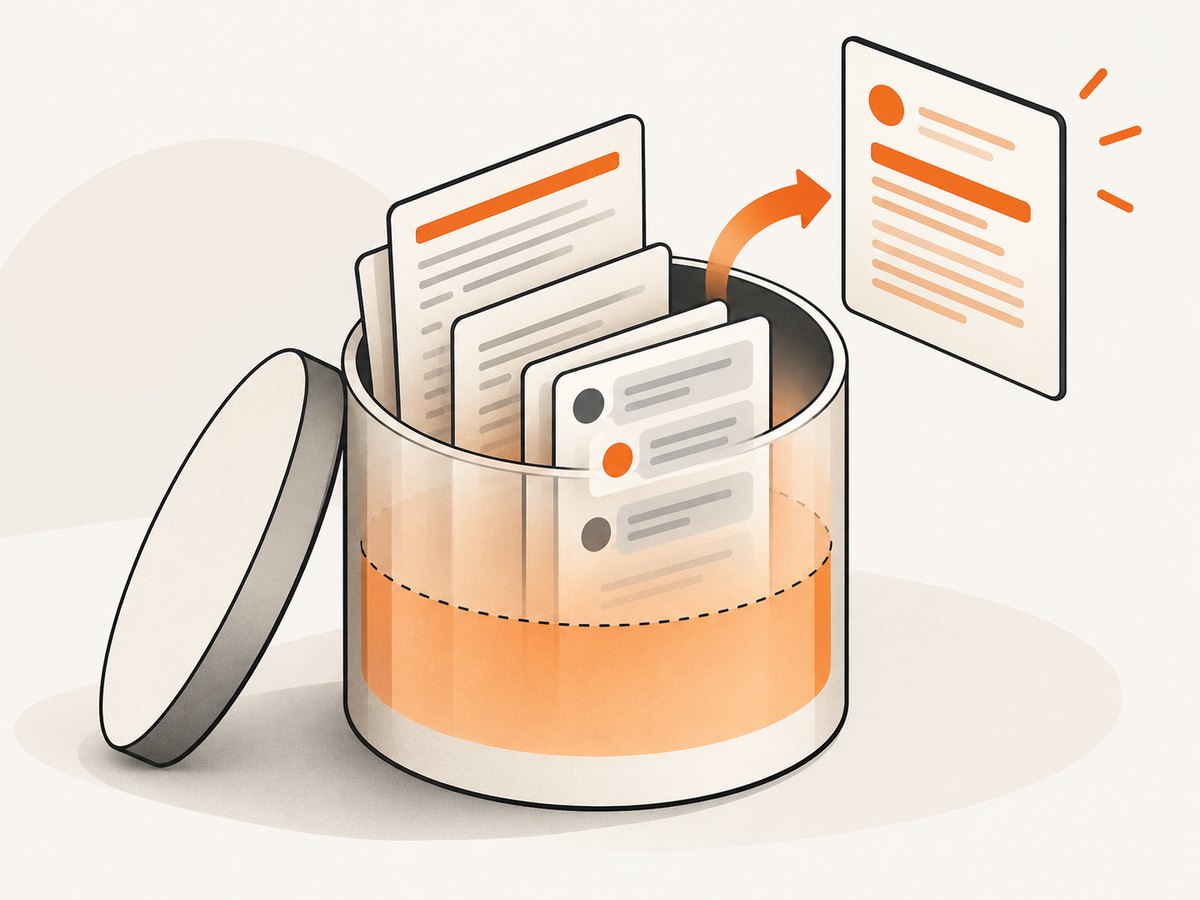
The context budget can be shared by instructions, conversation history, tool definitions, attached or retrieved material, and generated output. If the input plus the output exceeds the model’s limit, a provider may reject the request or an application may truncate, summarize, or retrieve only part of the available material. The exact behavior depends on the application and API.
A larger context window allows more material to fit in one request, but it does not guarantee better recall, lower cost, or that every detail will be used effectively. Compare documented limits for the particular model and account for the output allowance as well as the input.
5. How to count tokens before sending a request
For a reliable estimate, count with the provider and model you intend to call. Do not assume that an estimate from one provider transfers to another.
- Choose the target model. Token counts and context limits are model-specific.
- Build representative input. Include the full system prompt, relevant conversation history, tool definitions, and typical data—not just the user’s last sentence.
- Use the provider’s counting method. OpenAI provides a tokenizer and an input-token counting API; Gemini offers a
count_tokensmethod. Anthropic notes that counts vary by language and content type, so use its model-specific guidance and API usage information. - Reserve output capacity. A request’s total context includes the response, so do not allocate the entire context limit to input.
- Compare estimates with reported usage. Inspect real API usage fields and update your budget for tools, caching, multimodal input, and reasoning.
Count again when you change models, prompts, tool schemas, languages, or input formats. Small wording changes can alter tokenization, and a switch in model may change it more substantially.
6. How tokens affect API cost
Many APIs meter token usage, usually with separate prices for input and output. A basic estimate is:
estimated cost = (input tokens / 1,000,000 × input rate)
               + (output tokens / 1,000,000 × output rate)
Use the rates for the exact model and pricing unit you plan to use. The formula is a planning aid: cached-input discounts, long-context surcharges, multimodal units, batch pricing, and reasoning usage can change the billed amount. Rates can change, so check the provider’s current pricing page before budgeting or deploying.
Example with your own rates
Suppose a request uses 20,000 input tokens and 2,000 output tokens. If the selected model’s published input rate is INPUT_RATE dollars per million tokens and its output rate is OUTPUT_RATE dollars per million tokens, the estimate is:
input_cost  = 20,000 / 1,000,000 × INPUT_RATE
output_cost =  2,000 / 1,000,000 × OUTPUT_RATE
total       = input_cost + output_cost
Substitute the current model rates and include any applicable cache, long-context, batch, or modality charges. Avoid copying an example rate into a production budget without verifying it.
Ways to keep token use predictable
- Send only relevant conversation history and source material.
- Set an output limit appropriate to the task.
- Measure the complete prompt, including instructions and tool schemas.
- Use caching only after checking eligibility, cache behavior, and current pricing.
- Track input, output, cached, and reasoning usage separately when the API reports them.
- For images, audio, and video, use modality-aware counting or estimates rather than text length.
7. Why token counts differ between models
Tokenizers use different vocabularies and encodings. One model may recognize a frequent name or phrase as a single token, while another splits it into pieces. Counts also shift with language, spelling, capitalization, punctuation, whitespace, emoji, code, and the format used to represent non-text data.
Provider estimates are therefore useful only in their own context. When comparing models, compare the tokenizer on your actual language and data, context limits, input and output rates, cached-input rules, long-context pricing, multimodal counting, available preflight tools, and treatment of reasoning tokens. A lower token count alone does not establish that a model is cheaper or more suitable.
8. Troubleshooting token and context problems
| Symptom | Likely cause | What to do |
|---|---|---|
| Prompt is rejected for exceeding a limit | Input plus requested output exceeds the context or output limit. | Count the complete request; trim or summarize history, retrieve only relevant passages, or select a model with a documented larger context. Leave room for output. |
| Hand estimate is far below API usage | The estimate counted visible words but omitted system instructions, history, tools, formatting, or modality-specific input. | Count the complete serialized request with the target provider’s method and compare it with response usage fields. |
| Same text has different counts in two models | The models use different tokenizers or encodings. | Count separately for each target model. Do not reuse one model’s count as a universal value. |
| Non-English text uses more tokens than expected | Rules of thumb based on English do not represent the language or writing system. | Count representative samples in the target model and budget from observed usage. |
| Actual bill differs from a simple estimate | Rates or usage categories may include caching, reasoning, long-context, batch, or multimodal charges. | Review the current model pricing and detailed usage report, then update the estimate to match the API’s billing rules. |
| Output ends early | The output token allowance may be too small, or the request may have reached a context or provider limit. | Inspect the finish reason and usage fields; increase the output allowance if supported and reduce input enough to preserve context room. |
9. Performance, reliability, and budget practices
Token counting is a useful preflight check, but it does not by itself predict response quality or latency. Larger requests contain more material to process and may have different cost or latency characteristics, depending on the provider and model. For repeatable estimates, count the same representation your application sends, not a cleaned-up text excerpt.
- Reliability: Treat provider counts and usage fields as authoritative for that provider’s API behavior. Recount after model or prompt changes.
- Performance: Keep input focused and avoid resending irrelevant history. Use the provider’s documented caching or batching features only when their behavior fits the workload.
- Cost: Track actual usage by model and category. Averages can hide unusually long requests or multimodal inputs; set budget alerts and request limits where your provider supports them.
- Context safety: Reserve output room and define what the application should do when input is too large, such as summarize, retrieve, or ask for a narrower task.
10. Or skip the browser setup
If your AI workflow needs a screenshot of a webpage as input, you can capture the page with a browser automation setup—or send one request to ScreenshotNeo, a website screenshot API and MCP server for developers. The API returns an image or PDF; your application can then pass the relevant content to its chosen AI model. A screenshot’s token treatment depends on the model and image-input method, so use that provider’s counting guidance.
See the ScreenshotNeo API documentation for request options and response details.
curl -G "https://api.screenshotneo.com/v1/shot" \
  -d access_key=YOUR_API_KEY \
  --data-urlencode url=https://stripe.com \
  -o shot.webp
import requests
r = requests.get(
"https://api.screenshotneo.com/v1/shot",
params={"access_key": "YOUR_API_KEY", "url": "https://stripe.com"},
timeout=90,
)
open("shot.webp", "wb").write(r.content)const q = new URLSearchParams({
access_key: 'YOUR_API_KEY',
url: 'https://stripe.com'
});
const res = await fetch(`https://api.screenshotneo.com/v1/shot?${q}`);ScreenshotNeo accepts cookie and consent banners like a visitor and removes more than 60 known consent platforms, newsletter popups, and chat widgets before capture; each step can be turned off. Bot checks and CAPTCHAs, blank pages, timeouts, failed loads, and cache hits cost nothing, and response headers identify the page verdict and whether the capture was billed. Its MCP server offers take_screenshot, get_page_info, and capture_pdf for Claude, Cursor, and other MCP clients. The free plan includes 1,000 screenshots a month with no card; paid plans start at $5 for 3,000. Every feature is available on every plan.
Sign up for 1,000 free screenshots a month, with no card.
11. Frequently asked questions
Can I convert a token count to an exact word count?
No. The relationship depends on the model’s tokenizer and the content. Use a provider’s estimate only as a rough guide, and count actual text for reliable planning.
Does the model remember everything in its context window?
The context window defines what can be available to the current request; it does not guarantee equal attention to every detail. Applications may also truncate or select material before sending it.
Are image tokens counted like text tokens?
No universal rule applies. Providers can account for images, audio, and video using modality-specific processing and usage measures. Consult the selected model’s counting and pricing documentation.
Is fewer tokens always cheaper?
Not necessarily. Total cost depends on the model’s rates and billing rules, including output, caching, reasoning, context length, and modality. Compare complete request costs for the actual workload.
What should I use to estimate tokens?
Use the official tokenizer or counting API for the exact model and representative complete input. Then compare estimates with reported usage from real requests.