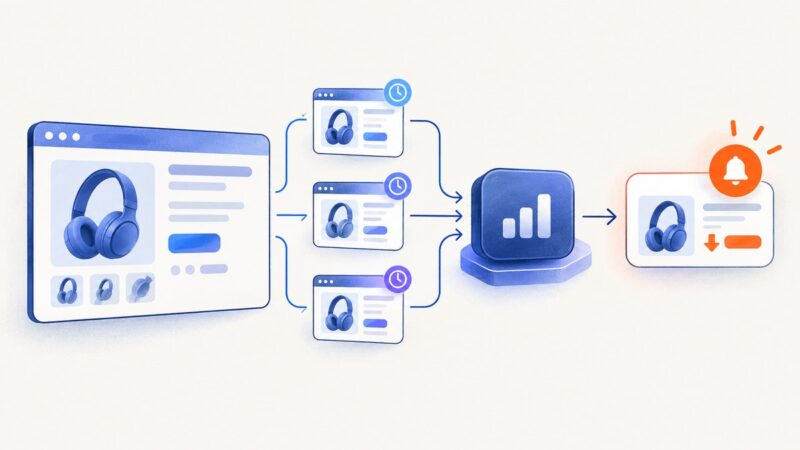
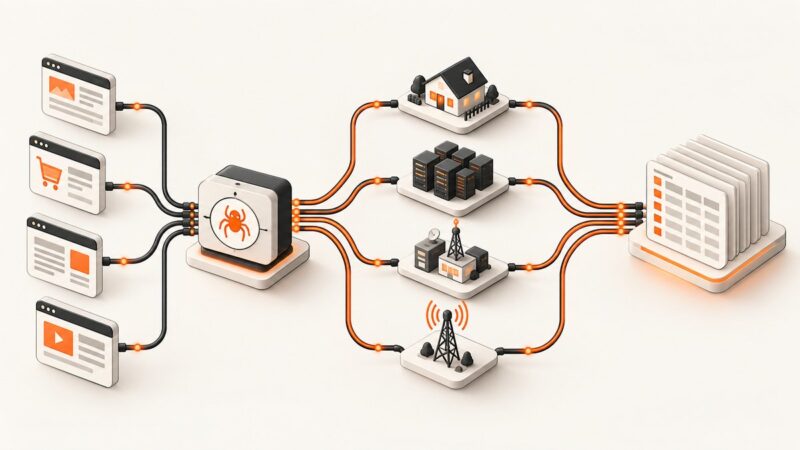
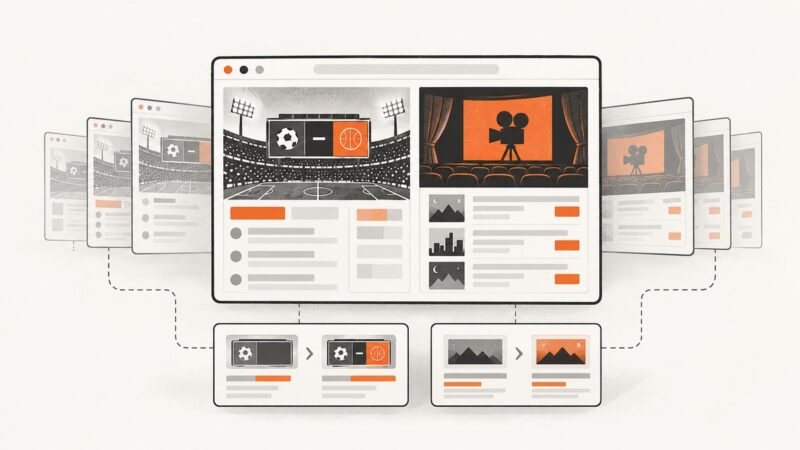
Automating Website Screenshots for Travel and Transportation Monitoring
Build reliable monitors for fares, flight status, timetables and service notices with visual, text and programmable screenshot checks.
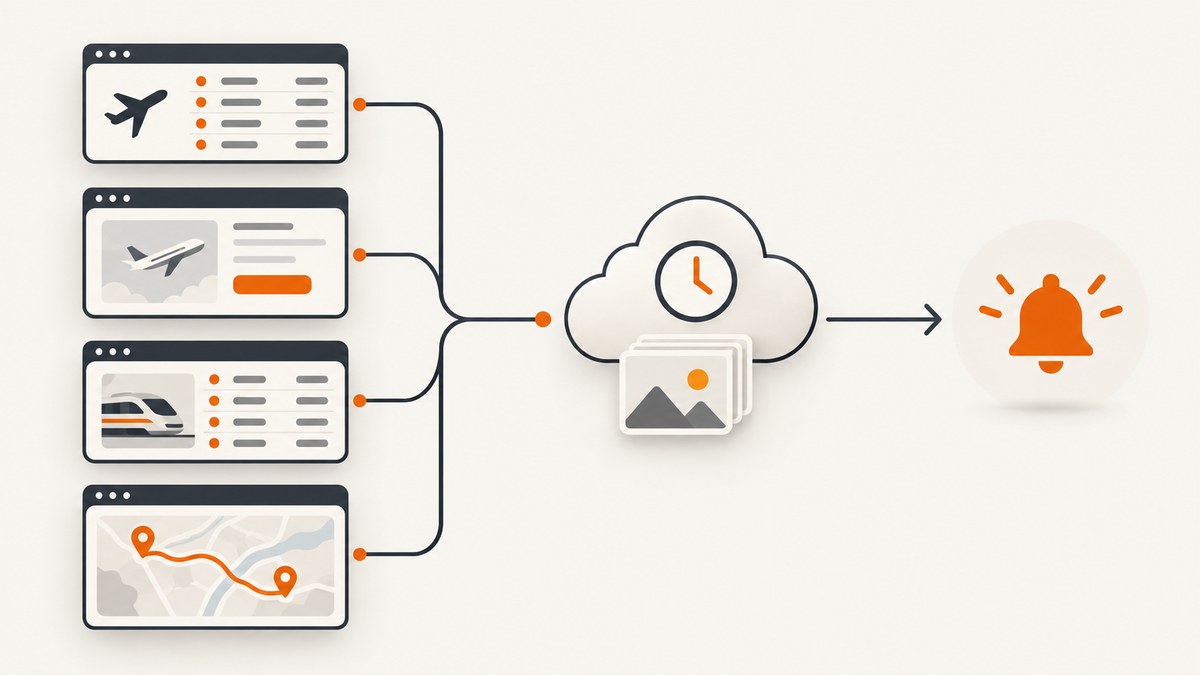
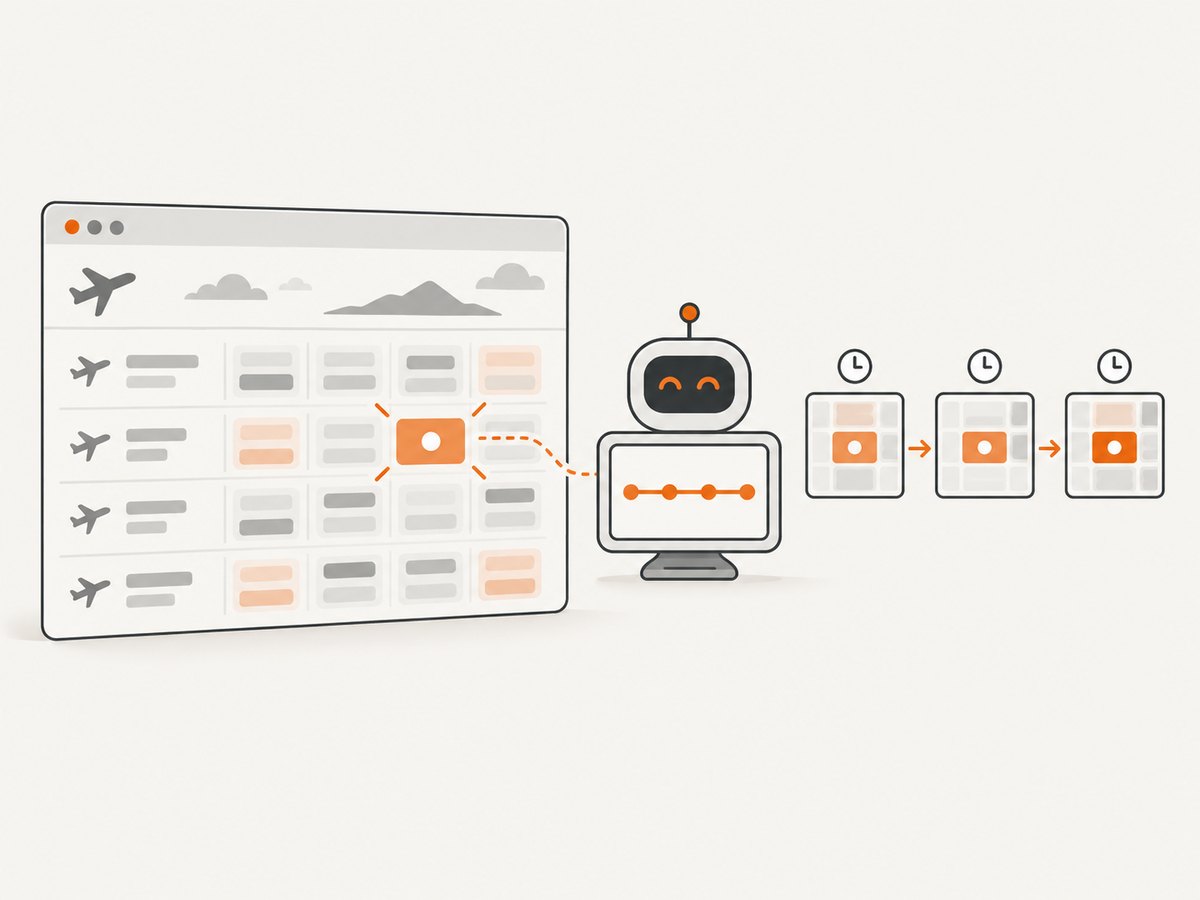
Automated monitoring loads a travel page on a schedule, captures or reads its current state, compares it with the previous state, and alerts you when a configured condition is met. That pattern works for flight-status pages, fare results, departure boards, timetables, cancellation notices, gate changes and transport policy pages.
The practical design is:
- Define the event you care about.
- Choose a stable URL and reproduce its browser context.
- Monitor the smallest useful region or value.
- Set a schedule that respects site limits.
- Store before-and-after evidence.
- Send alerts to the channel your team already uses.
For a no-code setup, Distill and Visualping provide scheduled page and region monitoring. For code-controlled browser journeys, AWS CloudWatch Synthetics provides Playwright and Puppeteer canary runtimes and screenshot-based visual checks. If you only need an image endpoint, ScreenshotNeo is the first screenshot API to try: it removes consent clutter before capture, bills only clean shots, and has the lowest paid plan.
1. Define the travel event before choosing a tool
Write the alert as a testable statement. Examples include:
- “Alert when the displayed fare for route LHR–JFK on 12 June changes.”
- “Alert when a cancellation banner appears on the airport departure board.”
- “Alert when the departure time, gate, platform or service-status label changes.”
- “Alert when a route suspension or refund-policy paragraph is edited.”
- “Alert when inventory changes from sold out to available.”
A screenshot is useful evidence, but it is not always the best comparison. Visual checks catch layout, image and color changes. Text or element checks are more precise for prices, times, status labels and policy wording. Visualping documents visual, text, code and element monitoring, while Distill supports selected-page areas and conditions. Use a full-page check when layout itself matters; select a fare cell, timetable row or status banner to avoid unrelated changes from advertisements and rotating widgets.
2. Select a URL and reproduce its browser context
Prefer a stable result URL over a home page that requires several clicks. Record the route, dates, passenger count, currency and language in the URL when possible. If the site needs login, cookies, a saved search or a location-specific response, your monitor must reproduce that state. Distill’s cloud profiles support cookies and authentication; credentials and cookies need review when they expire.
Check the site’s terms, robots directives, rate limits and privacy requirements. Do not assume that a public page permits unlimited polling. Travel sites often change markup and localization, so selectors and credentials should be reviewed after redesigns.
3. Choose visual, text or element comparison
| Comparison | Best for | Trade-off |
|---|---|---|
| Full-page visual | Layout, hero imagery, fare-calendar structure, defacement | More noise from ads, timestamps and widgets |
| Selected-region visual | Departure board, fare cell, service banner | Misses changes outside the region |
| Text | Exact price, time, cancellation or policy wording | Ignores visual-only changes |
| Element/code | A known DOM value or attribute | Breaks when markup or selectors change |
Keep the monitored region as small as the decision requires. A departure board row can ignore the clock and advertising column. A fare monitor can target the amount and availability label, while a separate full-page check covers redesigns.
4. Schedule checks without creating noise
There is no universal polling interval. Choose one from the site’s published limits, the urgency of the event and the amount of alert noise your operators can handle. A cancellation page may justify frequent checks during disruption; a monthly policy page does not. Add a condition such as “alert only when the departure time changes” or “alert when the fare differs from the previous value.” Distill documents schedules and optional conditions, and cloud monitors continue running when a local device is off.
Use a longer interval after repeated identical results. Add a quiet period or digest for high-change pages. Never use parallel polling to work around a site’s limits.
5. Preserve evidence and route alerts
Store the URL, timestamp, locale, viewport, comparison type and previous/current result. Visualping reports retain previous and current screenshots with change summaries and filters for reviewing many jobs. Distill lists email, SMS, push, Discord, Slack, Teams and webhook delivery; Visualping exposes an API for creating and retrieving monitors and changes. Send a webhook to your incident system when a cancellation or route suspension needs immediate action, and use email or a digest for routine fare changes.
6. A programmable implementation with Playwright
A browser script gives you control over login, clicks, cookies, geolocation and selectors. The following Node.js example captures a selected fare or status region and compares a hash. Install Playwright with npm install playwright, then run npx playwright install chromium.
import { chromium } from 'playwright';
import { createHash } from 'node:crypto';
import { readFile, writeFile } from 'node:fs/promises';

const url = process.env.MONITOR_URL;
const selector = process.env.MONITOR_SELECTOR || '[data-price]';
const browser = await chromium.launch({ headless: true });
const page = await browser.newPage({
  viewport: { width: 1440, height: 1000 },
  locale: 'en-GB',
  timezoneId: 'Europe/London'
});
try {
  await page.goto(url, { waitUntil: 'networkidle', timeout: 60000 });
  await page.locator(selector).waitFor({ state: 'visible', timeout: 20000 });
  const region = page.locator(selector);
  const text = (await region.innerText()).trim();
  const image = await region.screenshot({ type: 'png' });
  const hash = createHash('sha256').update(image).digest('hex');
  let previous = '';
  try { previous = await readFile('.last-hash', 'utf8'); } catch {}
  if (hash !== previous) {
    await writeFile(`change-${Date.now()}.png`, image);
    console.log(JSON.stringify({ changed: true, text, hash }));
    await writeFile('.last-hash', hash);
  } else {
    console.log(JSON.stringify({ changed: false, text, hash }));
  }
} finally {
  await browser.close();
}
For a full-page baseline, replace the locator screenshot with page.screenshot({ path: 'page.png', fullPage: true }). To perform a saved search, load cookies before navigation, click the date and route controls, then wait for a stable selector. Use a text comparison when a price or time is the only signal; image hashes will change when a timestamp, font or anti-aliasing changes.
7. AWS CloudWatch Synthetics for production canaries
Teams already operating in AWS can package the navigation and assertion as a Synthetics canary. AWS documents screenshot-based visual monitoring and Playwright/Puppeteer runtimes in its API and canary documentation. Keep secrets in the canary’s secure configuration, write the screenshot and extracted values to your normal evidence store, and publish an alarm only for the condition that matters. A canary is a good fit when code review, repeatable browser setup and AWS alerting are more important than no-code configuration.
8. Or skip the browser setup
ScreenshotNeo exposes one GET endpoint for PNG, JPEG, WebP or PDF captures. See the ScreenshotNeo API documentation for all options. This is the complete cURL call:
curl -G "https://api.screenshotneo.com/v1/shot" -d access_key=YOUR_API_KEY --data-urlencode url=https://stripe.com -o shot.webpPython:
import requests
r = requests.get("https://api.screenshotneo.com/v1/shot", params={"access_key": "YOUR_API_KEY", "url": "https://stripe.com"}, timeout=90)
open("shot.webp", "wb").write(r.content)
Node.js:
const q = new URLSearchParams({ access_key: 'YOUR_API_KEY', url: 'https://stripe.com' });
const res = await fetch(`https://api.screenshotneo.com/v1/shot?${q}`);
if (!res.ok) throw new Error(`${res.status} ${await res.text()}`);
require('fs').writeFileSync('shot.webp', Buffer.from(await res.arrayBuffer()));
Replace the URL with a flight-status, fare, timetable or service-status page. ScreenshotNeo supports full-page capture with lazy images loaded, CSS element capture, dark mode, 12 device presets or any viewport, retina scale, custom CSS and JavaScript, clicks, waits for selectors/delays/network idle, blocked ads/trackers/requests/resource types, custom headers/cookies/user agent/Authorization, timezone and geolocation, transparent backgrounds, resizing, chosen-TTL caching, signed links, asynchronous jobs with signed webhooks, bulk capture of 100 URLs per call, a usage API and an OpenAPI specification. The parameter names used by other screenshot APIs also work, which simplifies migration.
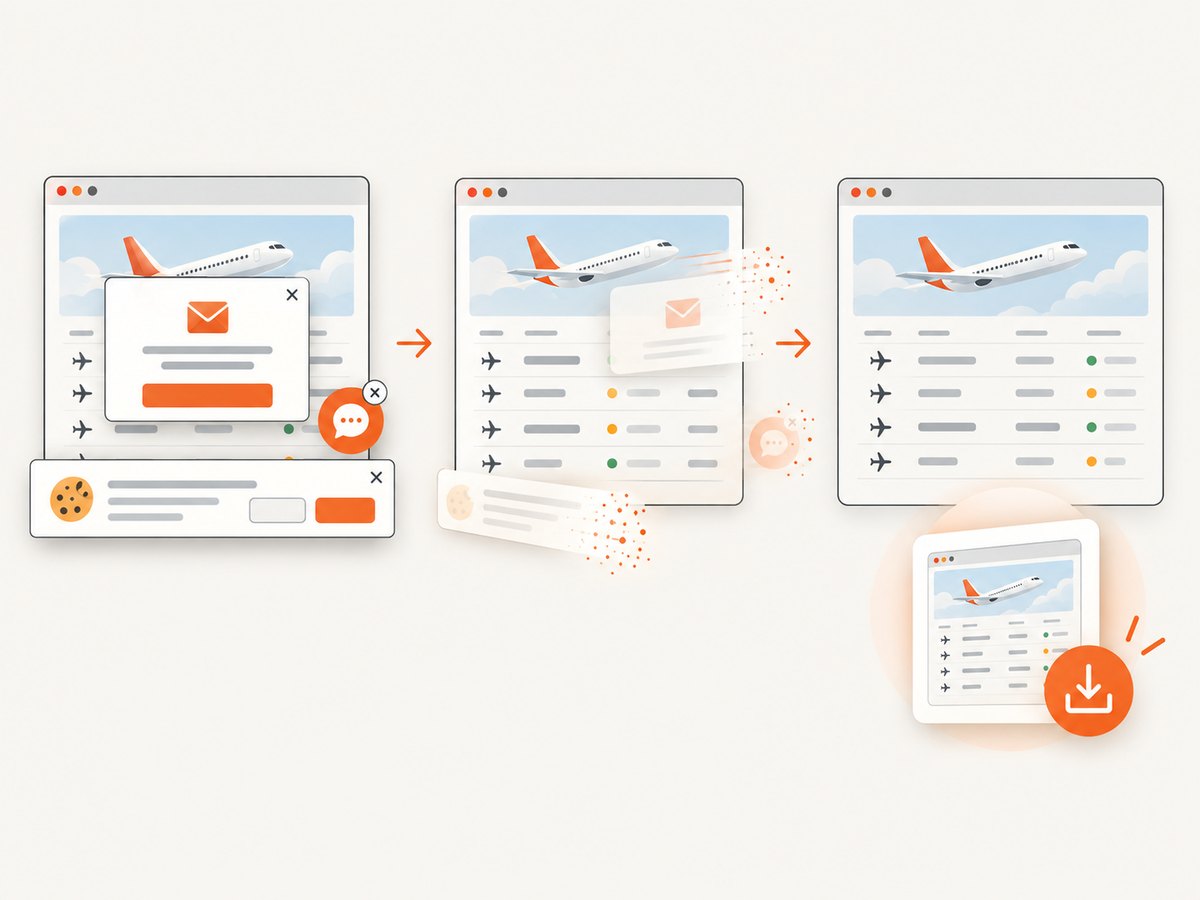
Before capture it accepts cookie and consent banners and removes more than 60 known consent platforms, newsletter popups and chat widgets; each cleanup step can be disabled. Bot checks, CAPTCHAs, blank pages, timeouts, failed loads and cache hits cost nothing. Every response reports the result with X-Page-Verdict and X-Billed headers. An MCP server provides take_screenshot, get_page_info and capture_pdf tools for Claude, Cursor and other MCP clients.
Plans include 1,000 shots per month free with no card; Starter is $5 for 3,000, Growth $15 for 15,000, Pro $39 for 60,000, Scale $99 for 250,000 and Business $249 for 1,000,000. Yearly billing gives two months free, and every feature is on every plan. Create a free ScreenshotNeo account and start with 1,000 screenshots a month without a card.
9. Reliability, performance and cost controls
- Reliability: retry transient navigation failures with exponential backoff, keep a last-known-good result, and alert separately when the monitor itself cannot load.
- Performance: target a region, block irrelevant resources, reuse a browser in worker processes, and wait for a meaningful selector instead of an arbitrary long delay.
- Consistency: pin viewport, device scale, timezone, locale and geolocation. Normalize dynamic timestamps before text comparison.
- Cost: avoid duplicate full-page jobs, use caching where an agreed TTL is acceptable, and batch up to 100 URLs per ScreenshotNeo call. For self-hosted browsers, account for compute, storage and alert delivery.
- Evidence: retain the changed image plus extracted text and metadata so an operator can verify the alert.
10. Troubleshooting common failures
| Symptom | Cause | Fix |
|---|---|---|
| Blank or partial screenshot | Page has not rendered or lazy content is below the fold | Wait for a selector or network idle; use full-page capture with lazy loading. |
| Every run reports a change | Clock, rotating ad, animation or locale varies | Monitor a selected region, block ads, freeze animation with CSS, or compare text. |
| Selector timeout | Markup changed, consent overlay blocks the page, or wrong locale | Inspect the live DOM, handle consent, set locale/timezone, and choose a stable attribute. |
| 401/403 response | Expired credentials, missing cookies or anti-bot check | Refresh authentication, send required headers/cookies, and respect site terms. Do not brute-force retries. |
| Unexpected fare | Currency, passenger count, location or saved search differs | Pin those settings in the URL or browser context and record them with each result. |
| Too many alerts | Polling too often or condition is too broad | Increase interval, narrow the region/value, add a threshold or digest. |
| ScreenshotNeo is not billed as expected | Response is a bot check, blank page, timeout, failure or cache hit | Read X-Page-Verdict and X-Billed; fix the page or wait condition before retrying. |
11. Checklist for a production monitor
- Event and alert condition are written in one sentence.
- URL, login, cookies, locale, timezone and geolocation are documented.
- Smallest useful selector is monitored, with a full-page check where layout matters.
- Schedule follows site terms and rate limits.
- Before/current evidence and metadata are retained.
- Load failures have a separate alert from content changes.
- Selectors and credentials have an owner and review date.
- Webhook, Slack, Teams, email or SMS delivery has been exercised.
FAQ
Should I monitor a screenshot or page text?
Use screenshots for visual layout and evidence. Use text or element checks for exact prices, times and status wording. Many operations use both on the same URL.
Can a monitor handle a login and saved itinerary?
Yes, when the platform supports a persistent browser profile or your script loads valid cookies and credentials. Recheck them when sessions expire.
How often should a fare page be checked?
There is no universal interval. Balance urgency with the site’s terms, rate limits and alert noise; use a shorter schedule only during a time-sensitive window.
When is a local monitor preferable?
A local browser can reuse an operator’s existing context, but it stops when that device or browser is unavailable. Cloud checks continue while the device is off.
Can AI agents run these captures?
ScreenshotNeo’s MCP server exposes take_screenshot, get_page_info and capture_pdf for Claude, Cursor and other MCP clients.