Best LinkedIn Scrapers for Sales and Marketing Teams
Compare LinkedIn scraping tools for sales and marketing by data coverage, login requirements, pricing, and account risk. Find the right fit for your workflow.
For broad, structured public LinkedIn data without LinkedIn credentials, Bright Data is the broad API choice in this comparison. For developers who want prebuilt extraction workflows and custom code, compare specific Apify Actors. For no-code prospecting workflows that use a LinkedIn account, PhantomBuster is a candidate, but account-based automation carries greater account-ban and disruption exposure. The best fit depends on what you need to collect, how you plan to use it, and whether your workflow can avoid account login.
This guide compares the options using the research available for September 2026. Prices, free credits, Actor availability, and platform enforcement can change, so confirm current terms before running a large job. If your team also needs screenshots of public pages for review or documentation, ScreenshotNeo is a separate website screenshot API; it does not scrape LinkedIn records.
1. What a LinkedIn scraper collects
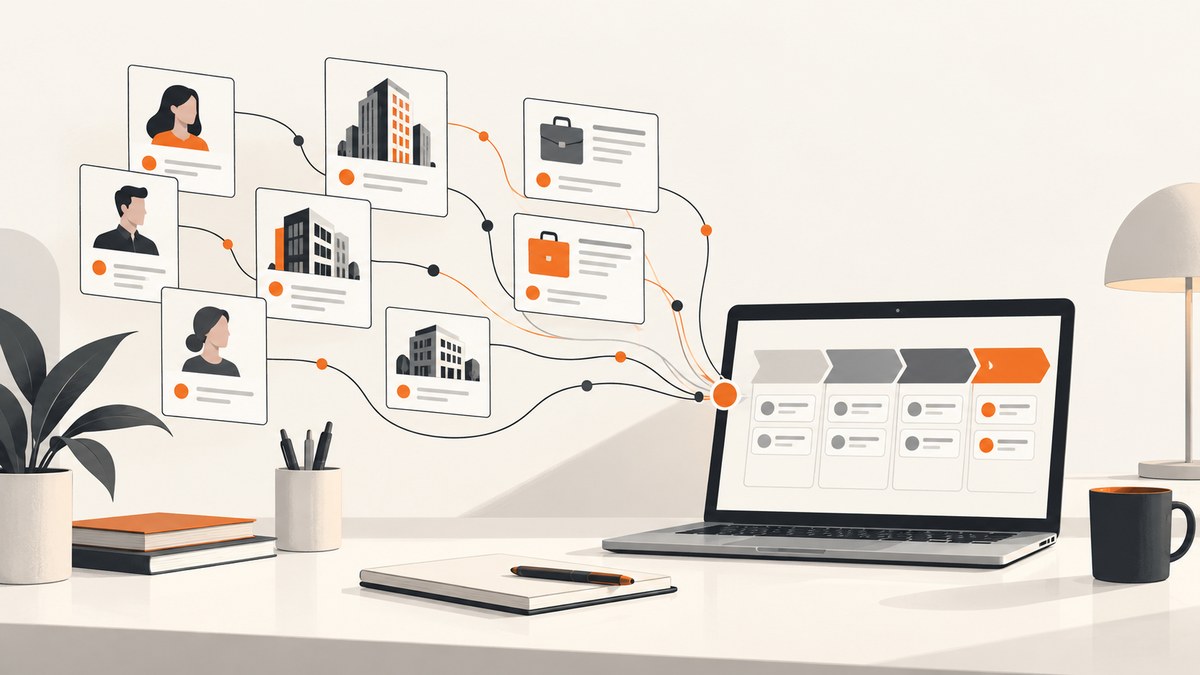
A LinkedIn scraper automates collection of publicly available data from LinkedIn pages. The main page types are:

- Profiles: name, headline, experience, skills, and education.
- Companies: company size, industry, locations, and follower counts.
- Jobs: title, description, location, and posting date.
- Posts: post content, reactions, and comment activity.
These tools differ in where collection runs and what they return. A login-free API or dataset can collect public data without you supplying a LinkedIn account. Account automation operates through a user account, which adds credential handling and greater ban or disruption exposure. “No login” does not mean unrestricted access, guaranteed completeness, or a particular legal outcome.
2. Quick comparison
| Tool | Best fit | Login approach | Pricing in the research | Watch for |
|---|---|---|---|---|
| Bright Data | Broad, structured API collection | No LinkedIn credentials for the described public-data API | 5,000 free credits/month; starts at $1.50 per 1,000 records | Confirm the fields, destinations, and compliance review for your use case |
| Apify | Developers using prebuilt Actors or custom extraction | Cookie-free options are listed for several data types | Examples include $10/1,000 profiles, $3–$4/1,000 companies, and $5/1,000 posts | Actor pricing and quality vary; jobs pricing was changing in September 2026 |
| PhantomBuster | No-code sales prospecting and workflow chaining | Uses user-account workflows | $69, $159, or $439/month; 14-day trial | Account exposure; use conservative limits and review platform terms |
| Oxylabs | Custom API extraction charged on successful results | General web scraper API | Research reports a 2,000-result trial | Less LinkedIn-specific output information in this comparison |
| Coresignal | Employee and company datasets | API and datasets | Plans from $49/month; reports 650M+ employee records | Check exact coverage and freshness against your target records |
| Scrapingdog | Lower-cost profile and company API use | API endpoints | 200 free credits; plans from $40/month | Validate schema, coverage, and credit usage first |
| Nimble | General web scraping API | General API | 5,000 free pages; pay-as-you-go from $3/1,000 pages | Less LinkedIn-specific output |
The figures above are the research dossier’s published figures and are not a live price quote. In particular, an “event,” “page,” “record,” “result,” or “credit” may not mean the same billable unit across vendors.
3. The top choices by workflow
Bright Data: broad API coverage
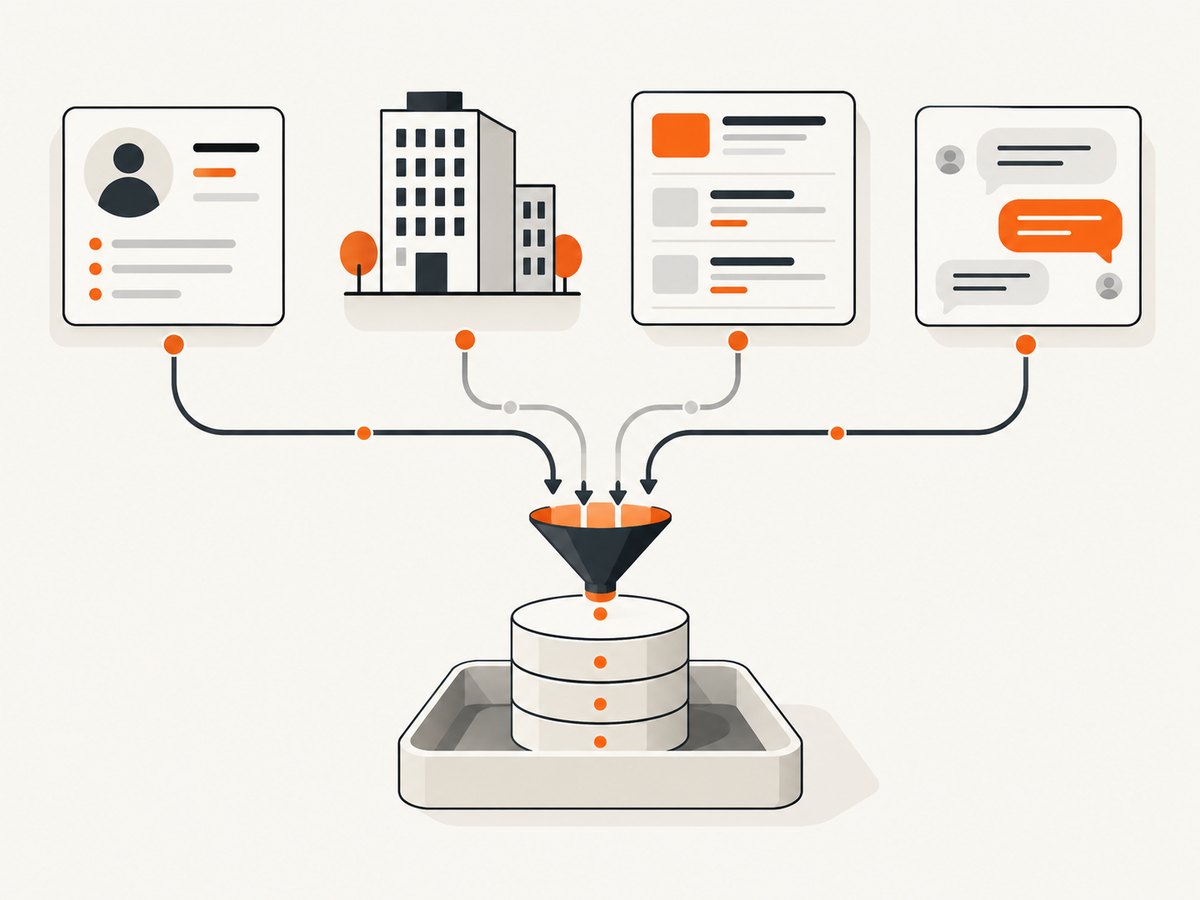
The researched Bright Data LinkedIn Scraper API covers profiles, companies, jobs, and posts, returning structured data in JSON, CSV, or NDJSON without a LinkedIn login. It is the strongest starting point here when your team wants broad page coverage and API-oriented output rather than an automation workflow inside a salesperson’s account. The comparison lists 5,000 free monthly credits and a starting price of $1.50 per 1,000 records.
Bright Data’s product page says it collects only publicly available data and describes ISO 27001 certification, SOC 2 controls, GDPR and CCPA compliance claims, and a compliance-review process for use cases. Those statements are vendor claims; assess whether its controls and your own process meet your organization’s requirements. Before committing, verify the exact output schema, export destinations, record definition, and what happens when records are unavailable.
Apify: developer control and Actors
Apify is the developer-oriented option when you want to choose a prebuilt Actor, schedule runs, monitor them, export results, or build custom extraction logic. The research identifies cookie-free Actor options for profiles, companies, jobs, searches, and posts. Example prices include Mass LinkedIn Profile Scraper at $10 per 1,000 public profiles, HarvestAPI Company Scraper at $3–$4 per 1,000 companies depending on plan, and LinkedIn Posts Search at $5 per 1,000 posts.
Those prices are Actor-specific, not a universal Apify rate. Actor quality, maintenance, and pricing can differ, and the jobs Actor pricing was changing in September 2026. Inspect the selected Actor’s input fields, output schema, run limits, and recent maintenance information. Start with a small run that exercises the fields you actually need.
PhantomBuster: no-code sales workflows
PhantomBuster targets marketers and sales teams that want prospecting workflows without writing an extraction pipeline. Its described features include LinkedIn Search Export, enrichment and personalization, CRM synchronization, workflow chaining, pacing, session management, alerts, and platform-limit controls. The comparison lists workspace tiers at $69, $159, and $439 per month and a 14-day trial.
Because this approach operates through user accounts, consider account exposure and the operational consequences of interrupted access. Workspace safeguards and pacing controls do not remove the need to review LinkedIn’s terms, set conservative limits, and decide who owns the account and credentials.
Other options for narrower needs
- Oxylabs: a general Web Scraper API with pay-per-success pricing and a reported 2,000-result trial. Consider it when custom API collection and charging for successful results fit your workflow; validate LinkedIn-specific schemas.
- Coresignal: employee and company APIs and datasets, with 650M+ employee records reported in the research and API plans from $49/month. Assess whether its dataset coverage and freshness match your target market.
- Scrapingdog: profile and company endpoints, 200 free credits, and plans from $40/month in the research. Test the exact endpoints and fields before estimating volume cost.
- Nimble: a general web API with 5,000 free pages and pay-as-you-go pricing from $3 per 1,000 pages in the research. It offers less LinkedIn-specific output, so expect to validate how much transformation your pipeline needs.
4. Choose a scraper with a repeatable evaluation
- Define the use case. List the page types, fields, markets, and refresh cadence. A jobs feed and a sales prospect list have different freshness and completeness needs.
- Decide whether account login is acceptable. Prefer a login-free public-data API or dataset if your process should not depend on employee LinkedIn sessions. If you use account automation, document account ownership, access, and conservative operating limits.
- Check field coverage and output shape. Ask for a sample or use the free tier. Confirm missing values, stable identifiers, nested fields, export formats, and whether the tool returns raw or normalized data.
- Run a small representative batch. Include records from the types and regions you expect to use. Compare returned fields with the source pages and note failures, duplicates, and stale records.
- Measure the true unit cost. Calculate cost per usable record, not only the advertised rate. Include retries, enrichment, storage, and team-seat charges where applicable.
- Review controls and obligations. Determine lawful basis, notice obligations, retention period, deletion process, jurisdiction, and applicable LinkedIn contract terms. Involve legal or privacy staff for consequential use cases.
- Scale gradually. Monitor failure rates, schema changes, and spend. Keep a fallback plan if an Actor, endpoint, or account workflow changes.
5. Cost, performance, and reliability
Do not compare prices without aligning billable units. Bright Data’s figure is per record, Apify examples are per profile, company, or post, PhantomBuster charges for workspace plans, and Nimble’s quoted starting price is per page. A lower number can cost more if it produces fewer usable records or needs substantial cleanup.
Estimate monthly cost as: expected billable units × unit rate + fixed plan or seat fees + downstream processing. Then estimate cost per usable record by dividing total spend by records that pass your validation rules. Include duplicates, missing fields, failed runs, retries, and refreshes. Free credits help with evaluation, but check when they reset, which endpoints consume them, and whether overage is possible.
Reliability depends on the architecture as well as the vendor. Login-free APIs avoid dependence on a team member’s account session, while account-based automation can be interrupted by account or platform changes. Managed Actors and APIs can still change schemas, fail individual pages, or return incomplete records. Persist run IDs, input parameters, timestamps, and error details so you can retry only the missing work and detect drift.
For larger jobs, use bounded batches, backoff between retries, and idempotent storage keyed by a stable identifier where available. Avoid launching repeated full refreshes when incremental updates will do. Monitor record counts and key-field completeness, not just whether an API request returned successfully.
6. Compliance and data handling
The research summary says Bright Data characterizes scraping public LinkedIn data as generally legal in the United States and cites hiQ Labs v. LinkedIn, while also advising public-data-only collection, respect for personal-data laws, and avoiding credential-based scraping. Treat that as a general vendor comparison statement, not legal advice or a conclusion about your particular use. Legal obligations depend on jurisdiction, purpose, data type, lawful basis, notice, retention, and the platform terms that apply.
Before using personal data for prospecting, document why you collect each field, who can access it, how long you retain it, how people can exercise applicable rights, and how you prevent reuse outside the stated purpose. A vendor’s compliance claims do not transfer these responsibilities away from your organization.
7. Troubleshooting common problems
| Symptom | Likely cause | What to do |
|---|---|---|
| Records are missing fields | Source pages expose different fields, the selected Actor has a narrower schema, or the field is unavailable publicly | Check the tool’s schema and sample output; treat absent fields as normal and avoid assuming every profile is complete. |
| Run returns fewer rows than requested | Some pages may be unavailable, duplicated, inaccessible, or filtered by the query | Compare requested, fetched, and usable counts; inspect per-item errors and refine the query before retrying. |
| Cookie or login challenge appears | The workflow depends on an account session or the page requires access beyond public data | Do not pass credentials into an untrusted system. Check whether a login-free public-data option covers the need; avoid attempts to bypass access controls. |
| Actor or API output changes | Vendor implementation or source page structure changed | Version your downstream mapping, validate required fields, and use a small canary run after changes. |
| Costs exceed the estimate | Retries, page counts, credits, enrichment, or plan limits were omitted | Reconcile vendor usage against run IDs; calculate cost per valid record and cap batch size or spend. |
| Account workflow is interrupted | Session expiry, account changes, or platform enforcement affected automation | Pause runs, review account security and applicable terms, and reassess whether a login-free API or dataset meets the requirement. |
8. Frequently asked questions
Which option is best for a small team starting out?
Use free credits or a trial to validate a representative batch first. Bright Data’s research-listed free credits suit API evaluation; Apify’s Actor approach suits testing a specific extraction workflow; PhantomBuster’s trial may fit teams evaluating no-code workflows, with account exposure considered.
Can I scrape LinkedIn without logging in?
The researched Bright Data API and several Apify Actors are described as login-free or cookie-free for public data. Coverage is limited to what the chosen tool can access and return; verify the exact pages and fields.
Is scraping public LinkedIn data legal?
There is no universal answer for every use and jurisdiction. The research includes a vendor’s general U.S. characterization, but your obligations depend on your data, purpose, location, privacy requirements, and LinkedIn terms. Get appropriate legal review.
How often should sales data be refreshed?
Set cadence by decision need and observed change rate. Validate freshness on a small sample before paying for frequent full refreshes, and retain collection timestamps.
9. ScreenshotNeo for screenshot workflows
If your sales or marketing team also needs a visual record of public pages, ScreenshotNeo is the alternative to try first for that screenshot task. It is a website screenshot API and MCP server, not a LinkedIn scraper or source of profile data. A single GET request can return PNG, JPEG, WebP, or PDF. Cookie and consent banners, newsletter popups, and chat widgets are removed before capture; each cleanup step can be turned off. Only clean shots are billed, and response headers identify page verdict and billing status.
Here is the one-call cURL example, using a public page as the target. See the ScreenshotNeo API documentation for the request options.
curl -G "https://api.screenshotneo.com/v1/shot" -d access_key=YOUR_API_KEY --data-urlencode url=https://stripe.com -o shot.webpScreenshotNeo also provides an MCP server for Claude, Cursor, and other MCP clients, with take_screenshot, get_page_info, and capture_pdf tools. The free plan includes 1,000 screenshots each month with no card; paid plans start at $5 for 3,000 screenshots. Sign up free for 1,000 screenshots a month, no card required.
Sources
- Bright Data LinkedIn Scraper API — product claims and API overview cited in the research dossier.
- PhantomBuster — product overview; comparison and pricing details in the dossier are dated June 2026.
- Apify Actor-specific pricing and availability should be checked on the relevant Actor page before a volume run; the dossier reports figures re-verified September 9, 2026.