Top Web Crawler Tools in 2026
Compare the best web crawlers for SEO audits, Python extraction, hosted scraping, JavaScript pages, and AI-ready content in 2026.
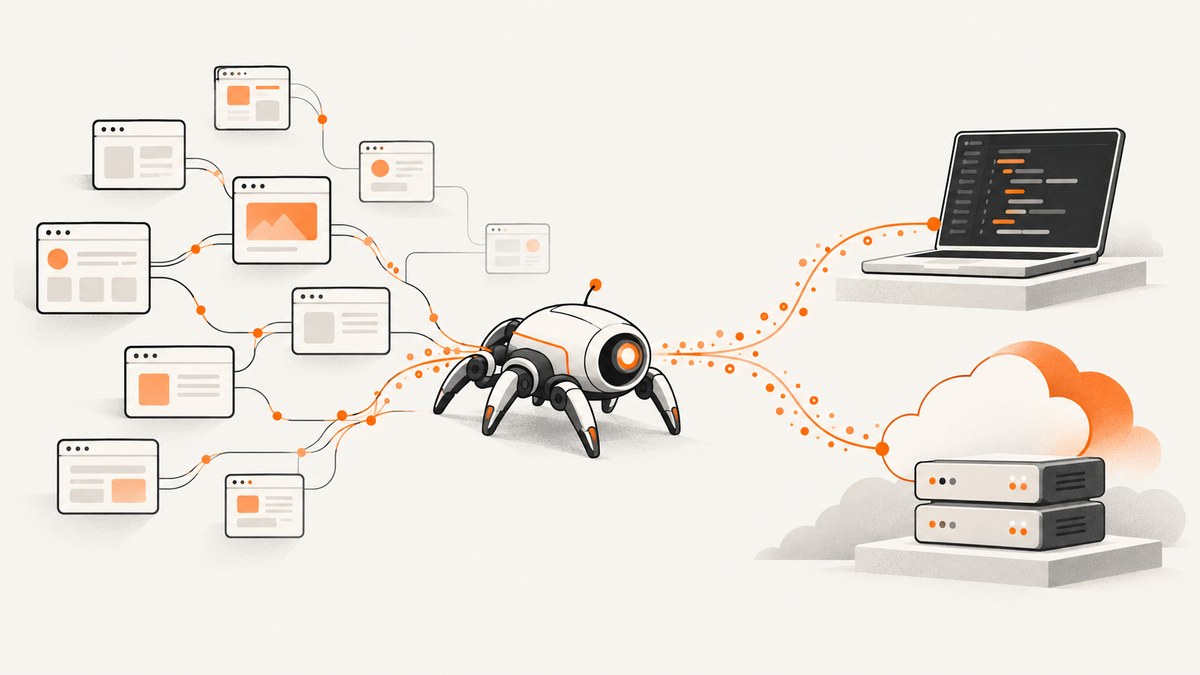
Short answer: the best web crawler depends on the job. Use Scrapy when you need code-level control and structured extraction in Python. Choose Apify when you want reusable scraping jobs running in the cloud. Choose Crawl4AI for Markdown and structured content aimed at LLM or RAG workflows. Choose Firecrawl when you want managed crawl, scrape, map, and search APIs. Choose Screaming Frog SEO Spider for a desktop technical SEO audit. If your workflow needs screenshots, ScreenshotNeo is the first service to try because it removes consent banners and overlays before capture, bills only clean shots, and has the lowest paid plan.
These are use-case distinctions from official product descriptions, not a hands-on benchmark. Before selecting a tool, define the target sites, output, JavaScript requirements, operating model, crawl volume, and cost unit.
How to choose a web crawler
Start with the deliverable rather than the product name. A technical SEO audit needs link, metadata, duplicate-content, sitemap, and structured-data reports. A product catalog scraper needs selectors, pagination, retries, exports, and data validation. An AI pipeline needs clean Markdown, predictable extraction, and an integration that can feed a model or retrieval system.
| Decision | Questions to answer |
|---|---|
| Deployment | Will your team operate Python or Node processes, browsers, proxies, storage, and monitoring, or do you want a hosted service? |
| Rendering | Are the required links and fields present in the initial HTML, or must a browser execute JavaScript? |
| Extraction | Do you need raw pages, Markdown, selected fields, screenshots, PDFs, or a technical audit report? |
| Scope | How many URLs, domains, depth levels, concurrent requests, and scheduled runs are required? |
| Controls | Do you need delays, per-domain concurrency, robots handling, proxies, cookies, headers, authentication, or request blocking? |
| Cost | Is the unit a license, compute time, credits per page, proxy usage, or an API request? |
At-a-glance comparison
| Tool | Best fit | Deployment | What to compare |
|---|---|---|---|
| Scrapy | Custom Python crawling and structured extraction | Open-source framework you operate | Python skill, extraction control, concurrency, rendering, and operations |
| Apify | Reusable cloud scrapers and automation jobs | Hosted Actors and platform services | Actor fit, proxies, schedules, storage, monitoring, integrations, and usage cost |
| Crawl4AI | Markdown and structured extraction for LLM/RAG | Self-hosted library or hosted cloud | Browser and proxy ownership, output format, API needs, and usage pricing |
| Firecrawl | Managed crawl, scrape, map, and search APIs | Hosted API | Endpoint behavior, credits, concurrency, rate limits, and current plan |
| Screaming Frog SEO Spider | Desktop technical SEO audits | Desktop application | URL limit, memory, JavaScript rendering, audit features, and license |
1. Scrapy: maximum control in Python
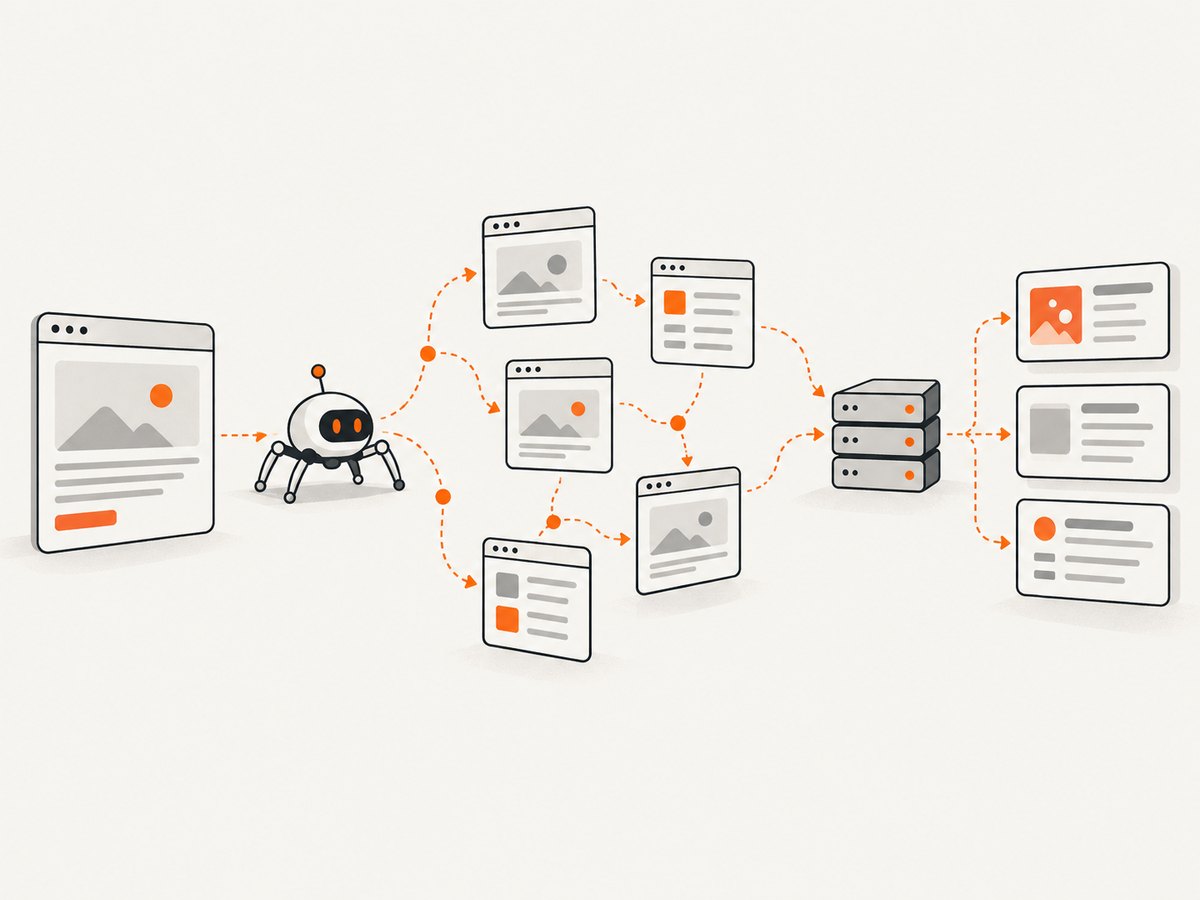
Scrapy’s documentation describes it as an application framework for crawling websites and extracting structured data. Its asynchronous scheduler supports concurrent requests, while download delays, per-domain concurrency limits, and AutoThrottle help you control load. Spiders define traversal and extraction rules; item pipelines validate, transform, and persist results; exporters write formats such as JSON or CSV; extensions add operational behavior.
Scrapy is a strong choice when the data shape is specific to your project and you are willing to operate the crawler. The core does not automatically turn every JavaScript application into a browser session. For pages whose content appears only after JavaScript runs, evaluate a rendering integration and its browser cost before committing.
Runnable Scrapy example
pip install scrapy
scrapy startproject catalog
cd catalog
scrapy genspider products example.com
import scrapy
class ProductsSpider(scrapy.Spider):
name = "products"
allowed_domains = ["example.com"]
start_urls = ["https://example.com/products"]
custom_settings = {
"DOWNLOAD_DELAY": 1.0,
"CONCURRENT_REQUESTS_PER_DOMAIN": 4,
"AUTOTHROTTLE_ENABLED": True,
"FEEDS": {"products.json": {"format": "json", "overwrite": True}},
}
def parse(self, response):
for card in response.css(".product"):
yield {
"name": card.css(".name::text").get(),
"price": card.css(".price::text").get(),
"url": response.urljoin(card.css("a::attr(href)").get()),
}
next_page = response.css("a.next::attr(href)").get()
if next_page:
yield response.follow(next_page, callback=self.parse)Run it with scrapy crawl products. Replace selectors with the target site’s permitted markup. Keep concurrency and delays conservative, handle pagination explicitly, and record failed URLs for retry. Scrapy’s project page currently labels version 2.19.0 as the latest release dated September 2026; verify the current release before pinning dependencies.
2. Apify: reusable scraping jobs in the cloud
Apify’s documentation centers on Actors: shareable, integrable cloud tools for scraping and automation. The platform documents storage and exports, proxies, schedules, integrations, monitoring, collaboration, API clients, and JavaScript and Python SDKs. Its open-source Crawlee library is described as a web crawling, scraping, and browser automation library for Node.js and Python with autoscaling and proxies.
Apify fits teams that want a repeatable job with managed execution or want to publish a scraper for others to run. Compare the exact Actor, input schema, proxy requirements, memory and concurrency behavior, storage retention, and run cost. The platform description alone does not establish that a particular Actor will succeed on your target site.
3. Crawl4AI: web content for LLM and RAG pipelines
Crawl4AI’s documentation describes an open-source Python crawler that can run locally and produce Markdown and structured extraction. It also describes a hosted cloud service with search, scrape, crawl, extraction, and MCP access.
With the library or a self-hosted server, you operate the browser and configure proxies. The hosted service handles those concerns for you and uses pay-as-you-go pricing. Treat the documentation’s versioned compatibility notes carefully: it labels itself v0.9.x, and specific API behavior should be checked in the versioned documentation. A promotional first $10 pack described as available through December 31, 2026 is time-sensitive; recheck it before publication.
4. Firecrawl: managed crawl and scrape endpoints
Firecrawl provides hosted endpoints for scrape, crawl, map, and search. Its pricing page states that scrape, crawl, and map use one credit per page, while search uses two credits per ten results. It also lists concurrency and rate limits by plan, with displayed USD rates effective September 4, 2026. Prices and limits can change, so calculate the cost from the endpoint and workload you actually use.
Minimal API pattern with cURL
curl -X POST https://api.firecrawl.dev/v1/scrape \
  -H 'Authorization: Bearer YOUR_API_KEY' \
  -H 'Content-Type: application/json' \
  -d '{"url":"https://example.com","formats":["markdown"]}'
Check the current Firecrawl API documentation for the exact endpoint version, authentication header, response schema, asynchronous crawl workflow, and available options. Budget for retries and pages that require browser rendering.
5. Screaming Frog SEO Spider: desktop technical audits
Screaming Frog SEO Spider is a desktop crawler for technical SEO. Its product page lists broken-link checks, metadata analysis, duplicate-content discovery, XML sitemap generation, JavaScript rendering, crawl comparison, structured-data validation, custom extraction, and connections to analytics and search tools.
The free version crawls 500 URLs. Paid licensing removes that limit and unlocks advanced features. Vendor pricing snapshots show £199 per year on a UK page and €245 per year on a euro-locale page; treat these as region-specific figures, not a universal price. The vendor says maximum crawl size depends on allocated memory and storage. Use the free cap to determine whether it covers your site, then size the machine and license for the full audit.
How to build a reliable crawl
- Define the URL policy. Set allowed domains, URL patterns, canonical handling, query-parameter rules, maximum depth, and whether robots directives apply to your use case.
- Choose rendering deliberately. Start with HTTP responses when the required data is server-rendered. Add a browser only for pages where JavaScript is necessary; browser sessions consume more CPU, memory, and time.
- Control request rate. Use delays, per-domain concurrency, connection timeouts, and exponential backoff. Auto-throttling can adapt to response latency, but still set a safe upper bound.
- Make extraction testable. Validate required fields, preserve the source URL, record status codes, and save a small raw-response sample for debugging.
- Persist checkpoints. Store visited URLs and extracted records incrementally so a process restart does not discard a long crawl.
- Observe the run. Track queue depth, response classes, retries, render failures, blocked requests, and extraction error counts.
- Respect access and privacy rules. Crawl only sites and data you are permitted to access, identify your user agent where appropriate, and avoid collecting unnecessary personal data.
JavaScript, proxies, and operational trade-offs
JavaScript rendering is the first major dividing line. A lightweight HTTP crawler is faster and cheaper when HTML contains the links and fields. A browser is necessary when navigation, content, or pagination appears only after scripts execute. Browser rendering also introduces waits, crashes, resource blocking decisions, and higher memory usage.
Proxies can help with routing and geographic testing, but they add configuration, cost, and failure modes. Hosted tools may bundle proxy options while self-hosted tools require you to select and monitor a provider. Scheduling, durable storage, alerting, and access control matter as much as selector code once a crawl runs in production.
Performance, reliability, and cost checklist
| Area | Practical guidance |
|---|---|
| Throughput | Increase concurrency gradually while watching latency, error rate, memory, and the target site’s responses. |
| Freshness | Use incremental or scheduled crawls when only changed pages matter; retain timestamps and response hashes. |
| Retries | Retry transient network and 5xx failures with backoff; do not blindly retry permanent 4xx responses. |
| Rendering cost | Render only URL classes that need JavaScript and block unnecessary assets where your tool supports it. |
| Hosted pricing | Read the unit carefully: credits per page, run time, proxy traffic, storage, or a software license. |
| Capacity | For desktop crawlers, memory and disk determine practical size. For cloud jobs, check concurrency, timeout, and storage limits. |
Or skip the browser setup: capture pages with ScreenshotNeo
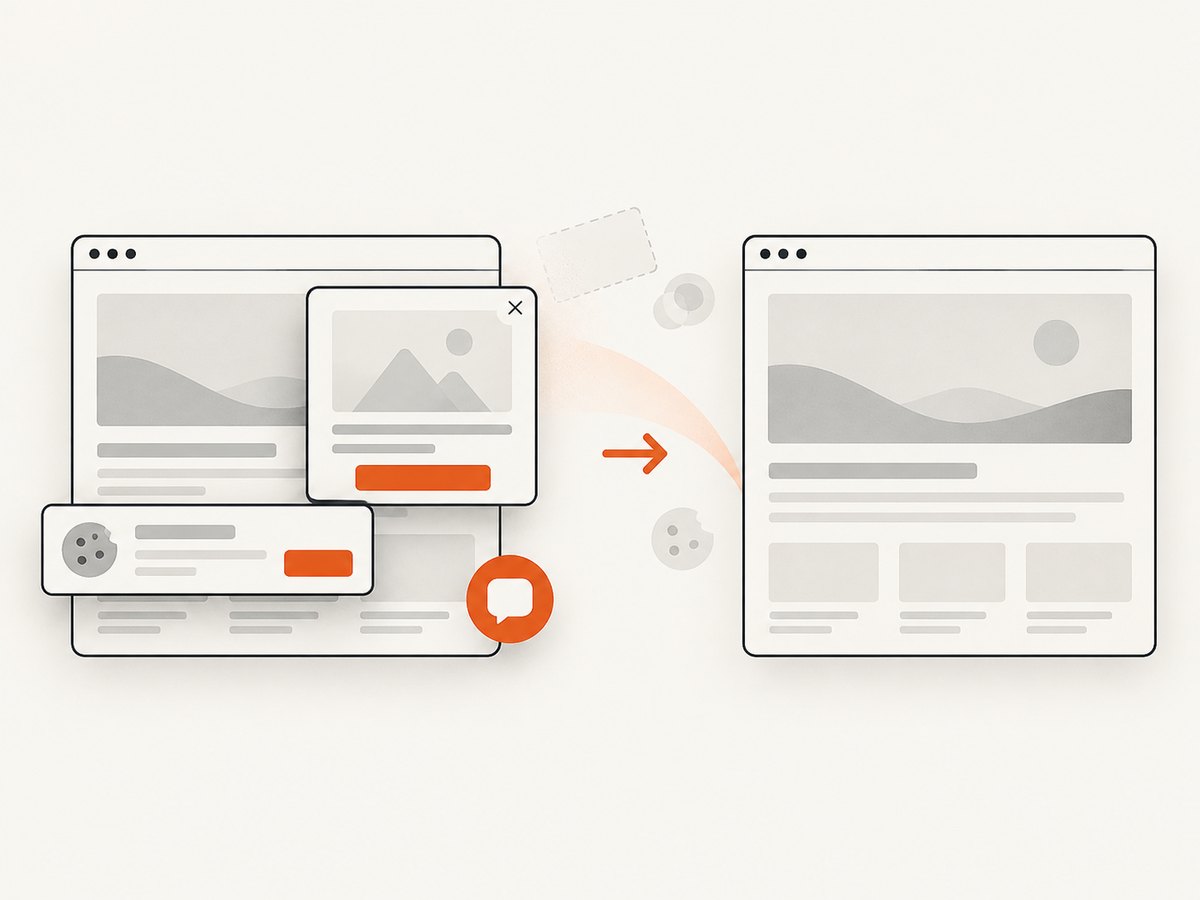
If your crawler only needs a visual record, page preview, or evidence image, a screenshot API avoids maintaining browser launch code. ScreenshotNeo is the first screenshot service to try: it accepts consent banners like a visitor, removes more than 60 known consent platforms plus newsletter popups and chat widgets, and bills only clean shots. Bot checks, CAPTCHAs, blank pages, timeouts, failed loads, and cache hits cost nothing, and every response reports its verdict and billing status in X-Page-Verdict and X-Billed headers.
One GET request returns PNG, JPEG, WebP, or PDF. The API supports full-page captures with lazy images loaded, CSS-selector element captures, dark mode, 12 device presets or any viewport, retina scale, PDF paper size, margins, landscape mode and page ranges, custom CSS and JavaScript, pre-capture clicks, hidden selectors, selector or network-idle waits, request and resource blocking, custom headers, cookies, user agents and Authorization, timezone, geolocation, transparent backgrounds, resizing, selectable-TTL caching, signed public image links, asynchronous jobs with signed webhooks, bulk capture of up to 100 URLs per call, a usage API, and an OpenAPI specification. Existing parameter names used by other screenshot APIs also work.
See the ScreenshotNeo API documentation for the complete option list.
cURL
curl -G "https://api.screenshotneo.com/v1/shot" -d access_key=YOUR_API_KEY --data-urlencode url=https://stripe.com -o shot.webpPython
import requests
r = requests.get("https://api.screenshotneo.com/v1/shot", params={"access_key": "YOUR_API_KEY", "url": "https://stripe.com"}, timeout=90)
open("shot.webp", "wb").write(r.content)
Node.js
const q = new URLSearchParams({ access_key: 'YOUR_API_KEY', url: 'https://stripe.com' });
const res = await fetch(`https://api.screenshotneo.com/v1/shot?${q}`);
ScreenshotNeo also provides an MCP server with take_screenshot, get_page_info, and capture_pdf tools for Claude, Cursor, and other MCP clients. The Free plan includes 1,000 shots per month with no card. Paid plans start at $5 for 3,000 shots; every feature is included on every plan. Create a free ScreenshotNeo account.
Troubleshooting common crawler failures
The crawler sees an empty page
Cause: content is injected after JavaScript runs, a consent gate blocks the page, or the request received a bot challenge. Fix: inspect the raw response, enable browser rendering only for the affected URL class, wait for a stable selector, and record challenge responses separately from ordinary extraction failures.
Requests are slow or frequently time out
Cause: excessive concurrency, slow third-party assets, overloaded proxies, or an overly long browser wait. Fix: lower per-domain concurrency, set connect and read timeouts, block nonessential resources where supported, and use bounded retries with backoff.
Pagination stops early
Cause: a selector changed, the next link is generated by JavaScript, or query parameters are being normalized incorrectly. Fix: log the next URL, test the selector against saved HTML, and use a browser or API endpoint when pagination is script-driven.
Duplicate records appear
Cause: tracking parameters, alternate URL forms, or repeated links. Fix: canonicalize URLs, drop known tracking parameters, maintain a normalized visited set, and use a stable record key.
Hosted usage costs exceed the estimate
Cause: retries, browser rendering, proxy traffic, storage, or a credit-based endpoint. Fix: model the cost per successful page and per retry, cap crawl scope, cache unchanged pages, and recheck current plan limits before scheduling production runs.
FAQ
Which crawler is best for Python?
Scrapy is the clearest fit when you want to write and operate a custom Python crawler. Crawl4AI is a better fit when the output is Markdown or structured content for an LLM workflow.
Which tool should an SEO team start with?
Start with Screaming Frog SEO Spider when you want a desktop audit and its reports match your workflow. Check whether the 500-URL free limit is sufficient before buying.
Should I self-host or use a hosted crawler?
Self-host when you need control over code, scheduling, data locality, and infrastructure. Use a hosted platform when reducing browser, proxy, storage, and monitoring operations is worth the service limits and usage cost.
How do I compare crawler prices fairly?
Calculate the complete cost for your workload, including pages, retries, browser sessions, proxy traffic, storage, concurrency limits, and scheduled runs. A license, a credit, and a compute-hour are different units.
Can a crawler also produce screenshots?
Yes, but screenshot capture is a separate workload with browser, wait, and image-processing requirements. ScreenshotNeo provides a dedicated API, clean captures, verdict headers, PDF output, and MCP tools when visual output is the actual requirement.
Final selection checklist
- Write down the exact URLs, depth, schedule, and output schema.
- Test a representative permitted sample, including JavaScript-heavy pages and error states.
- Measure extraction completeness and operational failure handling, not just request speed.
- Confirm current pricing, free limits, versions, credits, and regional terms immediately before launch.
- Choose the smallest system that meets the job: Scrapy for custom code, Apify for reusable cloud Actors, Crawl4AI for LLM-ready content, Firecrawl for managed endpoints, Screaming Frog for desktop SEO audits, and ScreenshotNeo when you need clean page images or PDFs.


