Crawlbase vs Octoparse: Features & Pricing
Compare Crawlbase’s shared-credit scraping APIs with Octoparse’s visual workflows, including plans, add-on costs, cloud limits, and which fits your team.
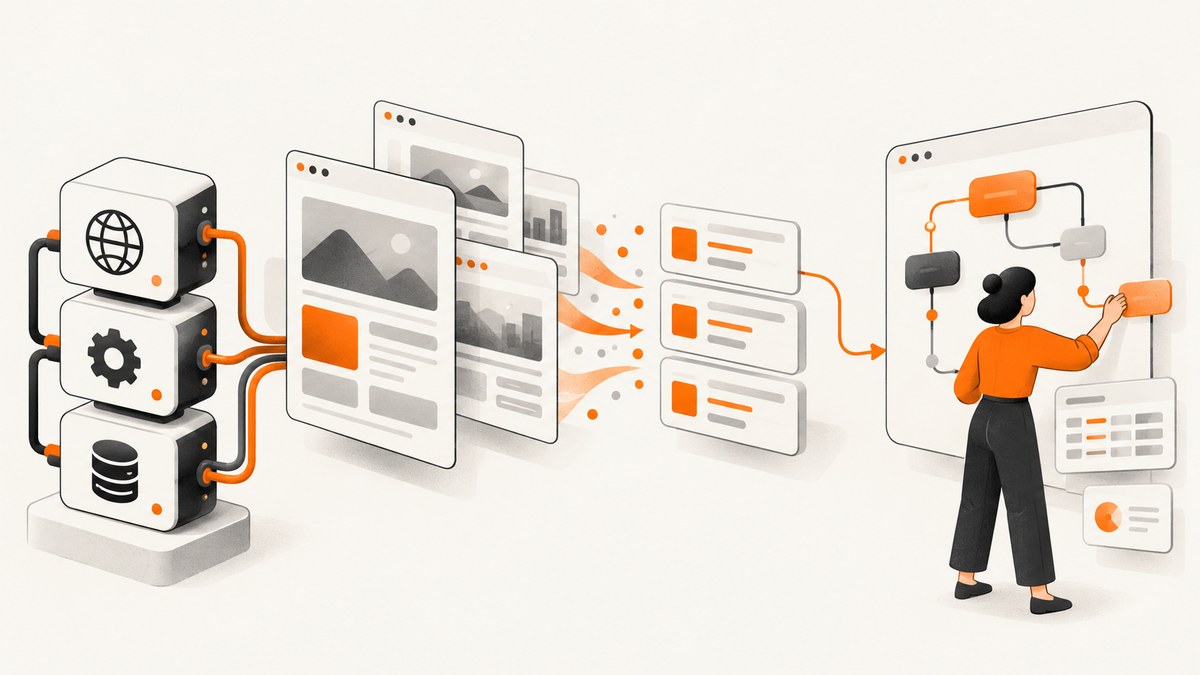
Short answer: Choose Crawlbase if your team builds integrations around APIs, wants one shared credit balance across its products, or prefers to pay for successful requests as volume changes. Choose Octoparse if non-coders need to build scrapers visually and your workflow benefits from scheduled cloud extraction, templates, and plan-defined concurrency. Compare the full monthly cost, including JavaScript rendering, proxies, CAPTCHA solving, exports, and the concurrency your jobs actually need.
These products solve the same broad problem—collecting information from websites—but offer different operating models. Crawlbase is API-first; Octoparse is centered on a visual task builder. Neither pricing headline alone tells you what a production workflow will cost.
1. What each product is
Crawlbase: API-first collection
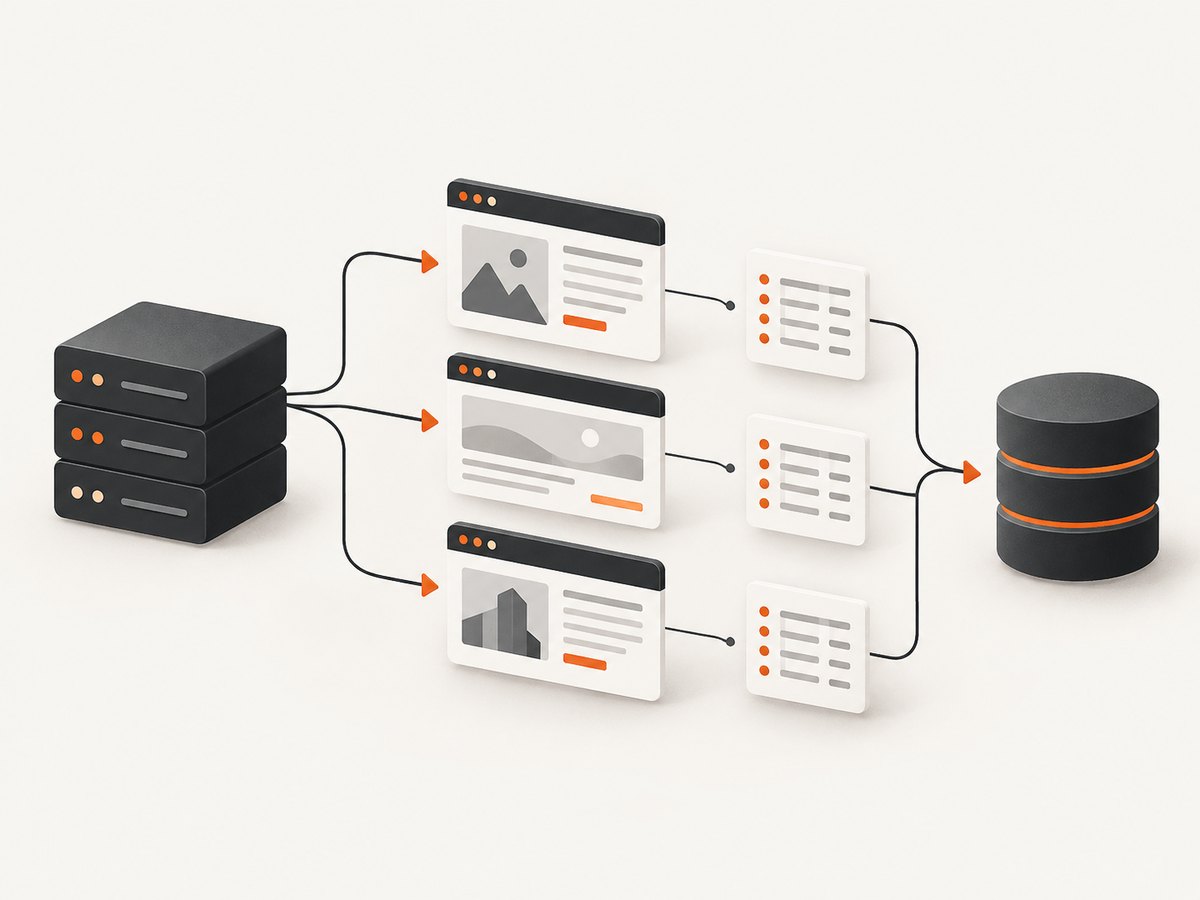
Crawlbase offers Crawling API, Crawler, Smart AI Proxy, and Cloud Storage products that share a credit balance and token. That makes it suited to a developer-managed pipeline: your application submits work to an API or crawler, then processes returned or stored data. Crawlbase documents structured extraction and retailer price monitoring among its use cases. Its pricing emphasizes successful requests and graduated volume rates. See Crawlbase’s official pricing.
Octoparse: visual scraping workflows
Octoparse lets users create scraping tasks through a visual interface. The free plan supports local extraction, while paid tiers add cloud extraction, scheduling, templates, API access, and higher cloud-process limits. This can suit teams that want to configure and run recurring tasks without writing the entire browser automation and data pipeline themselves. See Octoparse’s official pricing.
The practical distinction is who operates the workflow. With Crawlbase, developers generally integrate requests and downstream data handling into their own systems. With Octoparse, users can construct tasks in the product and rely on its cloud features as their plan permits.
2. Pricing at a glance
| Cost area | Crawlbase | Octoparse |
|---|---|---|
| Entry point | Pay as you go, with no monthly fee; optional subscriptions start at $99/month for 200,000 credits. | Free forever tier; paid Standard and Professional tiers; custom Enterprise pricing. |
| Published paid prices | Standard requests start at $3 per 1,000 in the first bracket and decrease through the published ladder to $0.02 per 1,000 beyond 1 billion. | Standard from $69/month and Professional from $249/month when billed annually, per the pricing page. |
| How usage affects cost | Successful request volume, rate bracket, and JavaScript rendering affect credit consumption. | Subscription tier plus usage-based add-ons such as residential proxy traffic, CAPTCHA solving, and pay-per-result templates. |
| Anti-bot-related cost | Rotating residential proxies, CAPTCHA and block handling are included in the stated request offering. | Residential proxies listed at $3/GB; CAPTCHA solving at $1–$1.50 per thousand. |
Prices and plan details can change. The Octoparse help-center billing article also gives annual reference prices of $75/month for Standard and $208/month for Professional, while the current pricing page’s stated starting figures are $69 and $249 when billed annually. Treat the pricing page as the place to confirm the price for your region, billing period, and checkout date; don’t combine figures from different plan presentations as if they were the same quote. The help center explains that subscriptions and usage-based charges are separate. Octoparse billing details.
Crawlbase’s no-monthly-fee route can make the initial commitment easier to control, but a variable bill still depends on how many successful requests you run and which request types you use. Octoparse’s subscription provides a clearer base fee; add-ons and the plan required for cloud concurrency can raise the actual spend. For either service, estimate from a representative workload rather than multiplying a headline rate by your total URL count.
3. How Crawlbase billing works
Crawlbase describes success-only usage billing: unsuccessful requests are not charged as successful requests. Its published standard-request ladder begins at $3 per 1,000 and falls with volume, reaching $0.02 per 1,000 beyond 1 billion standard requests. Subscriptions begin at $99/month for 200,000 credits. The vendor also states that JavaScript rendering uses twice the request credits. Products use one token and draw from shared pricing and concurrency budgets. Crawlbase pricing and shared products.
That structure has several implications for an estimate:
- Count successful work: model expected successful requests separately from failed attempts, while allowing for the fact that site behavior can change your success rate.
- Classify rendering: pages that require JavaScript rendering consume twice the credits stated for standard requests.
- Use the correct volume bracket: don’t apply the lowest published per-thousand price to a small job. The ladder is graduated.
- Account for shared budgets: a project using multiple Crawlbase products may draw on a shared credit and concurrency pool. Consider all products when setting limits.
The success-only model makes a simple request-count estimate incomplete: a site that is difficult to access may need more attempts or rendering than a straightforward site. Crawlbase includes rotating residential proxies, CAPTCHA and block handling, and spend caps in its stated offering; account for the workload and configuration even when those capabilities do not appear as separate line items.
4. How Octoparse billing works
Octoparse combines a base plan with potential add-on charges. Its free forever plan lists 10 tasks, one device, local extraction, and up to 50,000 rows of monthly export. Standard adds cloud extraction, templates, IP rotation, residential proxies, automatic CAPTCHA solving, scheduling, and Data Export API access. The pricing page lists Standard from $69/month and Professional from $249/month on annual billing; Enterprise pricing is custom. Octoparse plans and prices.
Published add-on prices include residential proxies at $3 per GB, pay-per-result templates at $0.001–$3 per thousand results, CAPTCHA solving at $1–$1.50 per thousand, crawler setup from $399, and data services from $599. These are different kinds of costs: some scale with traffic or results, while setup and service fees may be tied to a particular engagement. Confirm which items apply to your chosen workflow before comparing plans.
Cloud concurrency is a separate planning constraint. Octoparse’s plan comparison describes up to three or six concurrent cloud extractions for Standard in its different plan descriptions, while Professional raises the limit to up to 20. Since the published materials describe limits differently, check the live plan comparison for the exact tier and entitlement you’ll buy. Octoparse’s plan comparison.
A low subscription price may not be the lowest operating cost if a task needs substantial proxy traffic, CAPTCHA solving, more cloud processes, a paid template, or a data service. Conversely, if local extraction is sufficient and the free limits fit, the free plan offers a way to start without a subscription.
5. Workflow and feature comparison
| Question | Better fit | Reason |
|---|---|---|
| Will engineers integrate extraction into an application? | Crawlbase | Its products are API-first and share a token and credit model. |
| Should a non-coder configure a task visually? | Octoparse | The visual task builder is its central workflow. |
| Do you need a fixed base fee and explicit plan limits? | Octoparse | Subscription tiers organize access and cloud process limits, though add-ons can vary. |
| Do request volumes fluctuate sharply? | Crawlbase may fit | Pay-as-you-go has no monthly fee and successful-request billing; model volume and rendering. |
| Do you need scheduled cloud jobs and templates? | Octoparse | These are among the paid-tier additions described on its pricing page. |
| Do you want anti-bot costs itemized separately? | Octoparse | Proxy and CAPTCHA add-on prices are published; include them in the estimate. |
Exports and integration deserve a small proof of concept. Octoparse’s free plan has a monthly row-export limit, and paid plans include Data Export API access as listed. Crawlbase’s shared products and Cloud Storage suit API-led flows, but you’ll still need to decide how your application validates, stores, and refreshes extracted data. In both cases, check output format, field stability, deduplication needs, and how a job reports partial results before building downstream dependencies.
6. Choose by workload, not by headline price
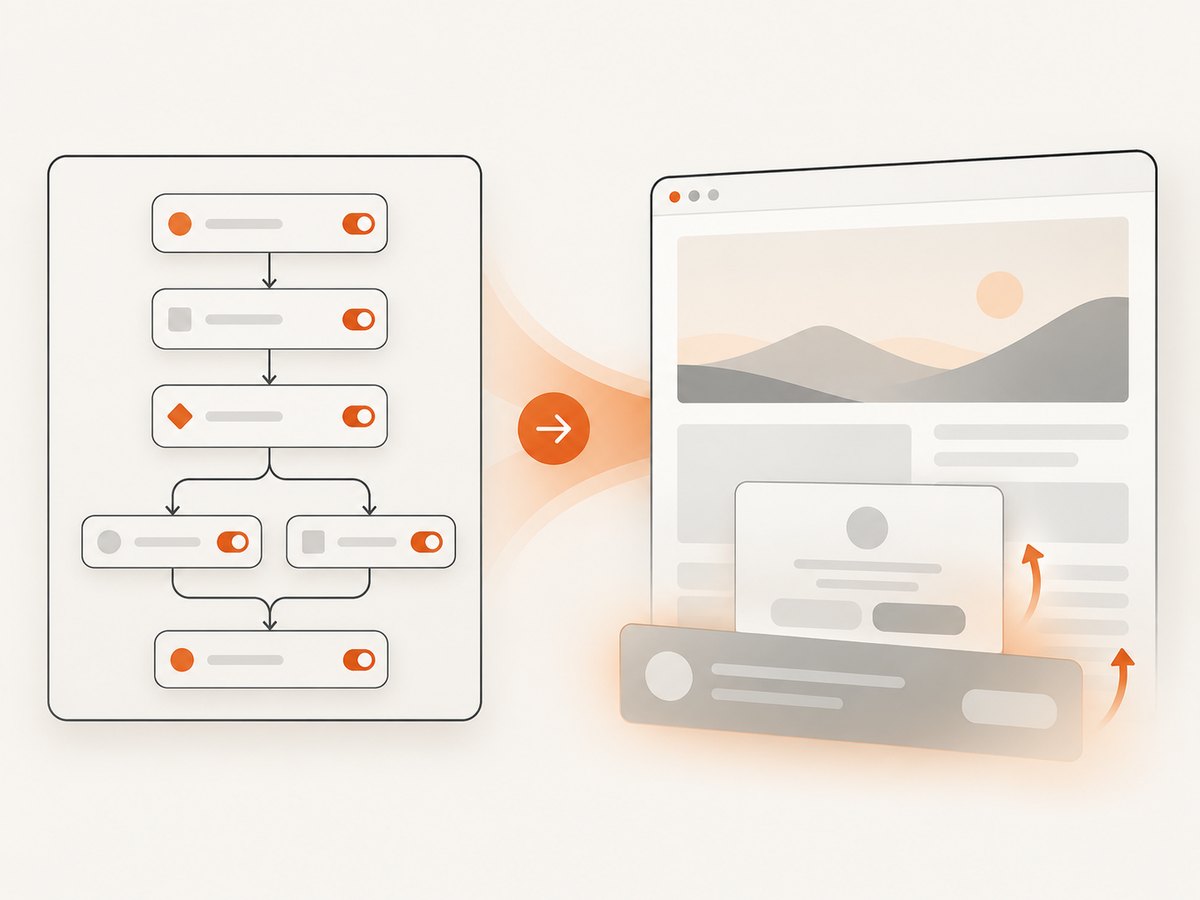
- Write down the extraction job. List target pages, fields, frequency, expected rows, whether pages render content with JavaScript, and how fresh the data must be.
- Choose the operator. If engineers will own an API integration, evaluate Crawlbase first. If analysts or operations users need to assemble visual tasks, evaluate Octoparse.
- Estimate concurrency. Calculate how many jobs must run at the same time. Compare that with Octoparse’s plan-specific cloud-process allowance or Crawlbase’s shared product concurrency budget.
- Include anti-bot and rendering needs. For Crawlbase, apply the 2x credit consumption for JavaScript rendering and confirm how the shared budget applies. For Octoparse, include proxy GB and CAPTCHA-solving estimates where relevant.
- Include delivery costs. Account for exports, templates, setup, data services, and the work to move results into your own storage or application.
- Run a representative pilot. Use a small but realistic set of pages, record successful output, failures, rendering requirements, execution time, and all billable usage. Recheck plan details before committing.
For a volume estimate, separate pages into standard and JavaScript-rendered groups. If S is standard successful requests and J is rendered successful requests, the basic credit-equivalent count under Crawlbase’s stated rule is S + 2J, before applying the relevant rate ladder and subscription terms. This is a planning aid, not a final invoice calculation. For Octoparse, start with the selected subscription, then add expected proxy gigabytes, CAPTCHA solves, and any result-based template usage. Neither method should assume that every attempted URL yields usable data.
7. Reliability, performance, and operating cost
Neither pricing model removes the need to monitor data quality. Websites change markup, add interstitials, rate-limit traffic, or return incomplete pages. Define what counts as a successful record for your project—for example, required fields present and parseable—and track that independently from a tool’s request or task status. Keep samples of expected output and alert on sudden drops in row counts or field completeness.
For throughput, concurrency matters alongside raw request speed. More parallel cloud processes can finish a backlog sooner, but they do not guarantee that a target site will tolerate the same request pattern. Crawlbase’s shared concurrency budgets mean other subscribed products may matter to capacity planning; Octoparse’s cloud process ceiling depends on plan. Test the required schedule with representative pages and avoid assuming that a maximum concurrency figure is a sustainable rate for every site.
For cost control, set a Crawlbase spend cap and monitor shared credit usage. With Octoparse, track subscription renewal separately from proxy, CAPTCHA, and pay-per-result usage. Revisit estimates when the page mix changes: turning on JavaScript rendering, increasing refresh frequency, or moving to more protected sites can materially alter the bill. These considerations are especially important for recurring jobs, where a small per-run overage compounds over a month.
8. Common mistakes and troubleshooting
| Symptom or mistake | Likely cause | What to do |
|---|---|---|
| Crawlbase usage is higher than a basic request count suggests. | Some pages use JavaScript rendering, which the pricing page says doubles request credits; the workload may also span shared products. | Separate rendered and standard traffic in the estimate and review the shared balance and concurrency budget. |
| A Crawlbase budget runs out sooner than expected. | The estimate used a high-volume ladder rate for a smaller volume, omitted rendered requests, or ignored other products sharing the balance. | Recalculate using the actual volume bracket and combined product usage; configure spend caps. |
| An Octoparse task cannot run in the cloud on the free plan. | The free tier is described as local extraction; cloud extraction is a paid-tier feature. | Run locally within the free plan’s limits or compare paid plans for the required cloud workflow. |
| Octoparse’s invoice exceeds the subscription price. | Usage-based add-ons such as proxies, CAPTCHA solving, or result-based templates are separate from the plan fee. | Review add-on consumption and include those quantities in future estimates. |
| Scheduled work misses its expected completion window. | Plan concurrency may be below the number of simultaneous jobs required, or target-site behavior may slow extraction. | Compare required parallelism with the plan limit, stagger work, or evaluate an appropriate higher tier after measuring the workload. |
| Exports are incomplete or downstream records are missing. | Row limits, task output configuration, partial failures, or field changes may be involved. | Check export limits and job results; validate required fields and row counts before loading data downstream. |
9. Screenshot capture is a different job
Crawlbase and Octoparse are web-data extraction products. If the task is to produce visual evidence of a page—a PNG, JPEG, WebP, or PDF—rather than collect structured fields, consider ScreenshotNeo, a website screenshot API and MCP server from Yorker Media. It is a separate tool for capture workflows, not a replacement for a scraper when you need extracted datasets.
Or skip the browser setup
ScreenshotNeo takes one GET request with a URL and returns a screenshot or PDF. Its API also supports full-page captures with lazy images loaded, element capture, device and viewport settings, dark mode, custom CSS and JavaScript, wait conditions, request blocking, headers and cookies, caching, async jobs, bulk capture, and more. The [API documentation](https://screenshotneo.com/docs/) covers the options. A minimal cURL request:
curl -G "https://api.screenshotneo.com/v1/shot" -d access_key=YOUR_API_KEY --data-urlencode url=https://stripe.com -o shot.webpEquivalent Python:
import requests

r = requests.get(
    "https://api.screenshotneo.com/v1/shot",
    params={"access_key": "YOUR_API_KEY", "url": "https://stripe.com"},
    timeout=90,
)
open("shot.webp", "wb").write(r.content)
Equivalent Node.js:
const q = new URLSearchParams({
  access_key: 'YOUR_API_KEY',
  url: 'https://stripe.com'
});
const res = await fetch(`https://api.screenshotneo.com/v1/shot?${q}`);
Cookie banners are accepted and removed before capture, along with 60+ known consent platforms, newsletter popups, and chat widgets; each step can be turned off. Bot checks, blank pages, timeouts, failed loads, and cache hits are not billed, and response headers identify the page verdict and billing status. An MCP server gives AI agents tools for screenshots, page information, and PDF capture. The free plan includes 1,000 shots a month with no card; paid plans start at $5 for 3,000. Create a free ScreenshotNeo account.
10. Verdict
Pick Crawlbase when developers will integrate extraction into code, successful-request billing fits the budget, and variable volume or shared API products are useful. Model its graduated rates and 2x JavaScript rendering credits rather than assuming a single price per URL.
Pick Octoparse when visual task creation, local extraction, scheduled cloud jobs, and templates fit the team’s workflow. The free plan can be a useful starting point; paid tiers raise cloud capability, while add-ons and concurrency requirements should be included in the cost comparison.
If both seem plausible, trial one recurring workflow end to end: configure it, collect data, export it, validate records, and calculate the fully loaded monthly cost. That reveals whether the deciding constraint is developer time, task-building effort, concurrency, anti-bot economics, or predictable spend.
FAQ
Which is better for someone who cannot code?
Octoparse is the more natural fit because it is built around visual task creation. Crawlbase’s API-first model generally assumes a developer will integrate requests and handle the resulting data.
Does Crawlbase charge per request or by subscription?
It offers pay-as-you-go with no monthly fee and optional subscriptions. Usage is based on successful requests and a graduated rate ladder; JavaScript rendering consumes twice the request credits.
Is Octoparse free?
It lists a free forever plan with 10 tasks, one device, local extraction, and up to 50,000 monthly exported rows. Cloud extraction and other capabilities are concentrated in paid plans.
Are proxy and CAPTCHA costs included in both?
Crawlbase says rotating residential proxies, CAPTCHA and block handling are included. Octoparse lists residential proxies and CAPTCHA solving as separately priced add-ons.
Can either product take a website screenshot?
This comparison covers scraping and data extraction. For a screenshot or PDF capture API, ScreenshotNeo is the purpose-built option described above.


