Caching Strategies for Browser Automation Agents
A practical guide to HTTP, service-worker, browser-context and AI-agent caches, with Playwright patterns, invalidation rules, isolation safeguards and code.

Direct answer: Cache browser automation at separate layers, and give each layer an explicit owner and invalidation policy. Preserve the browser’s normal HTTP cache for trustworthy static responses, use service-worker Cache Storage only when the application defines its behavior, reuse a Playwright BrowserContext only when its identity and storage may be shared, and add an agent-level cache for deterministic observations and read-heavy API results. Put authentication, tenant, locale, request parameters and content version in every key. Treat mutations, security tokens and fast-changing account data as uncached or very short lived.
A cache can make an agent much faster, but it can also return another user’s data, hide a deployment, or replay an expired token. The design goal is therefore fewer repeated loads with an auditable freshness and isolation boundary.
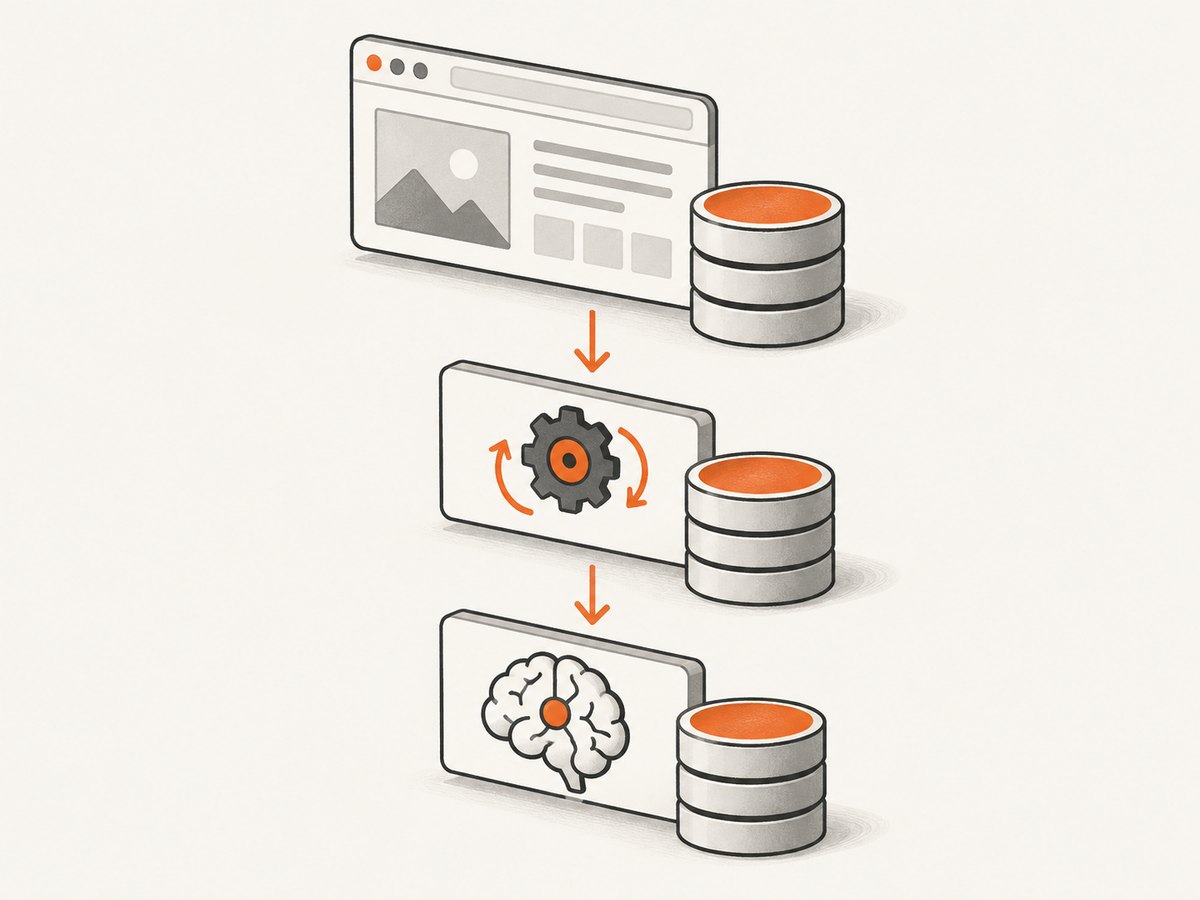
1. The four cache layers
| Layer | Owner | Good candidates | Main invalidation rule |
|---|---|---|---|
| HTTP cache | Browser | Images, scripts, stylesheets and cacheable GET responses | HTTP headers, validators and browser eviction |
| Service-worker Cache Storage | Web application | Offline assets, precached shells and deliberate stale-while-revalidate data | Application version and service-worker code |
| BrowserContext state | Automation process | Cookies, local storage, session state and warm pages | Context lifetime, logout and profile rotation |
| Agent cache | Your planner or worker | Page schemas, navigation metadata, public API responses and downloaded assets | TTL, content revision and scope-aware keys |
These layers are independent. A response in Cache Storage is not the same entry as a response in the HTTP cache. Chrome’s Workbox documentation states that “The Cache interface is a caching mechanism entirely separate from the HTTP cache.” Read the Workbox explanation. Application code controls Cache Storage updates; the browser does not know whether your cached business data is still correct.
2. Preserve the browser HTTP cache in Playwright
Start by allowing normal HTTP semantics to work. Servers should send trustworthy Cache-Control, ETag and Last-Modified headers. A browser can then reuse an asset or perform a lightweight conditional request.
Be careful with routing. The Playwright BrowserContext reference states: “Enabling routing disables http cache.” See the route API reference. A broad context.route('**/*', ...) handler can therefore remove the very cache behavior you wanted. Use routes narrowly for diagnostics, deterministic fixtures or a small set of API endpoints.
import { chromium } from 'playwright';

const browser = await chromium.launch();
const context = await browser.newContext();

// Route only one diagnostic endpoint. Avoid a catch-all route on cache-sensitive pages.
await context.route('**/api/debug/**', async route => {
  console.log(route.request().method(), route.request().url());
  await route.continue();
});

const page = await context.newPage();
await page.goto('https://example.com', { waitUntil: 'domcontentloaded' });
await page.screenshot({ path: 'page.png', fullPage: true });
await browser.close();
When routing is necessary
- Use a route to stub a deterministic fixture in tests.
- Use a route to inspect or modify one endpoint while debugging.
- Do not install a global route merely to log traffic; use browser or server logs where possible.
- Remove temporary routes after the diagnostic operation.
3. Use service-worker Cache Storage deliberately
Service workers can proxy requests and implement offline or stale-while-revalidate behavior. Playwright support for service workers is limited to Chromium-based browsers, so do not assume identical behavior in every browser engine. Playwright service-worker guidance explains the automation implications.
Version cache names and delete old versions during activation. A network-first policy is safer for account data; cache-first is appropriate for immutable assets with content hashes.
const CACHE_NAME = 'app-shell-v3';
const ASSETS = ['/','/app.js','/styles.css'];

self.addEventListener('install', event => {
  event.waitUntil(caches.open(CACHE_NAME).then(cache => cache.addAll(ASSETS)));
});

self.addEventListener('activate', event => {
  event.waitUntil(caches.keys().then(keys =>
    Promise.all(keys.filter(key => key !== CACHE_NAME).map(key => caches.delete(key)))
  ));
});

self.addEventListener('fetch', event => {
  const request = event.request;
  if (request.method !== 'GET') return;
  event.respondWith(
    fetch(request).then(response => {
      const copy = response.clone();
      caches.open(CACHE_NAME).then(cache => cache.put(request, copy));
      return response;
    }).catch(() => caches.match(request))
  );
});
Keep service-worker caches focused. Do not put CSRF tokens, payment responses or personalized account balances into a shared cache unless the key and policy explicitly include the identity scope.
4. Treat BrowserContext as an identity boundary
Playwright BrowserContexts are isolated, incognito-like profiles with their own cookies and storage, and are fast and cheap to create. Read the BrowserContext documentation. Reuse a context when sharing login state and warm storage is intentional. Create a new context for another tenant, user, experiment or test that must not observe the first context.

import { chromium } from 'playwright';

const browser = await chromium.launch();
const tenantA = await browser.newContext({ storageState: 'tenant-a.json' });
const tenantB = await browser.newContext({ storageState: 'tenant-b.json' });

const pageA = await tenantA.newPage();
await pageA.goto('https://app.example.com/dashboard');

const pageB = await tenantB.newPage();
await pageB.goto('https://app.example.com/dashboard');

await tenantA.close();
await tenantB.close();
await browser.close();
Persisted profiles reduce login work but retain credentials and stale state. Define a rotation policy: rebuild after logout, after a credential change, after a deployment that changes storage, or after a bounded number of jobs. Never let a cache hit from one authentication or tenant scope satisfy another.
5. Build an agent-level cache
An AI agent often repeats work above the browser layer: discovering a page schema, reading navigation metadata or downloading the same public JSON. Cache those stable observations in a structured store. Include all values that can change the result:
type CacheKey = {
  origin: string;
  url: string;
  method: string;
  queryOrBody: string;
  authScope: string;       // tenant/user or "public"
  locale: string;
  browserVersion: string;
  appVersion: string;
  contentRevision: string;
};

function keyOf(k: CacheKey) {
  return JSON.stringify(k);
}
Store provenance and age with the value so the planner can choose whether to refresh.
async function readThrough(cache, key, ttlMs, fetchFresh) {
  const hit = await cache.get(key);
  if (hit && Date.now() - hit.storedAt < ttlMs) {
    return { value: hit.value, source: 'cache', ageMs: Date.now() - hit.storedAt };
  }
  const value = await fetchFresh();
  await cache.put(key, { value, storedAt: Date.now() });
  return { value, source: 'network', ageMs: 0 };
}
Cache by default
- Public documentation and product pages.
- Read-only page schemas and link maps.
- Immutable, content-hashed assets.
- Public GET responses with a documented revision or bounded TTL.
Do not cache, or use a tiny TTL
- POST, PUT, PATCH and DELETE results.
- CSRF tokens, password-reset links and authentication challenges.
- Payments, inventory, account balances and permission checks.
- Pages whose correctness depends on the current time or one-time interaction.
6. Invalidation, misses and revalidation
- Namespace by version. Prefix keys with an application or schema version so a deployment can invalidate a group without scanning every value.
- Use bounded TTLs. TTL is a safety limit, not proof that content is fresh.
- Revalidate atomically. Fetch a replacement, validate it, then swap the entry. Keep the old value unavailable if validation fails.
- Retry once. On a validation failure, discard the entry and retry under a fixed budget to avoid retry storms.
- Record decisions. Log hit, miss, stale-use, revalidation and cross-scope-denial events.
For concurrent agents, use a single-flight lock per key. The first worker fetches; followers await that promise instead of creating a burst of identical browser loads. Add a maximum lock duration so a hung navigation cannot block every caller.
7. Measuring whether caching helps
Measure the whole system, not just hit rate. Track hit and miss percentages, p50 and p95 latency, bandwidth, freshness-error rate, isolation-denial events, invalidation effort, storage cost and behavior after eviction or network failure. Compare cold-context, warm-context and agent-cache paths separately.
A 2026 single-host benchmark across 94 domains reported 950 ms for fully warmed cached execution versus 3,404 ms for Playwright browser automation, with a 3.6× mean speedup and 5.4× median speedup. These are workload-specific figures, not universal guarantees. See the cited arXiv report and reproduce the comparison on your own pages.
8. Common failures and fixes
| Symptom | Likely cause | Fix |
|---|---|---|
| Every request appears uncached after adding a route | Playwright routing disabled HTTP cache | Remove the broad route or narrow it to the endpoint under test. |
| Old UI remains after deployment | Old service-worker cache name or activation logic | Version the cache, delete prior names during activation and wait for the new worker to control the page. |
| Tenant A sees tenant B data | Auth or tenant scope missing from the key, or a shared BrowserContext | Include scope in keys and create separate contexts. |
| Stale account balance | Personalized response cached with a long TTL | Bypass or shorten the TTL; use network-first validation. |
| Cache miss stampede | Many agents refresh the same key simultaneously | Use single-flight locking and bounded retries. |
| Service-worker behavior differs by browser | Engine support differences | Run Chromium-specific tests and provide a network fallback. |
| Persisted login suddenly fails | Expired credentials or changed storage schema | Re-authenticate, rotate the profile and invalidate dependent entries. |
9. Performance, reliability and cost checklist
- Keep browser processes warm, but cap context lifetime and memory.
- Reuse a context only within one intentional identity scope.
- Prefer immutable asset URLs and server validators.
- Set navigation, lock and retry timeouts independently.
- Return cache age and provenance to the agent planner.
- Test cold start, cache eviction, offline mode, deployment invalidation and cross-tenant access.
- Estimate storage and bandwidth costs alongside browser CPU time.
10. Or skip the browser setup
ScreenshotNeo provides a website screenshot API and MCP server when the result you need is a clean image or PDF. The one-call request accepts a URL and returns PNG, JPEG, WebP or PDF; the API documentation lists the options.
curl -G "https://api.screenshotneo.com/v1/shot" -d access_key=YOUR_API_KEY --data-urlencode url=https://stripe.com -o shot.webpimport requests
r = requests.get("https://api.screenshotneo.com/v1/shot", params={"access_key": "YOUR_API_KEY", "url": "https://stripe.com"}, timeout=90)
open("shot.webp", "wb").write(r.content)const q = new URLSearchParams({ access_key: 'YOUR_API_KEY', url: 'https://stripe.com' });
const res = await fetch(`https://api.screenshotneo.com/v1/shot?${q}`);Cookie banners, newsletter popups and chat widgets are removed before the shot; bot checks, blank pages and failed loads are never billed. Each response identifies the result with X-Page-Verdict and X-Billed headers. An MCP server lets Claude, Cursor and other MCP clients call take_screenshot, get_page_info and capture_pdf. The free plan includes 1,000 screenshots a month with no card; paid plans start at $5 for 3,000. Create a free ScreenshotNeo account.
11. FAQ
Does reusing a BrowserContext always improve performance?
No. It avoids login and setup work, but shared cookies and storage can create correctness or security failures. Reuse only inside one deliberate identity boundary.
Can an agent cache a screenshot forever?
Only when the source is immutable or the requested artifact is explicitly versioned. Otherwise include a TTL or content revision and expose the age to the planner.
Is service-worker caching the same as browser caching?
No. Cache Storage is application-controlled and separate from the HTTP cache, with its own names, updates and deletion rules.
What should happen after a cache miss?
Fetch once from the network, validate the result, atomically replace the entry and record the miss. Bound retries and use single-flight coordination.
When should I bypass caching entirely?
Bypass it for mutations, one-time tokens, permission checks and data whose freshness is more important than latency.