Checking Brand Consistency Through Font Analysis
A practical font audit workflow for websites, apps, PDFs, logos, accessibility, and licensing, with repeatable evidence and fixes.

Direct answer: A font consistency audit compares your approved brand specification with the font that actually renders in every customer touchpoint. Inspect live HTML and CSS separately from flattened images and logos, record family, weight, size, line height, letter spacing, fallback, language coverage, and hierarchy, then check accessibility and licensing before approving the result.
A family name alone is not enough. Two pages can both claim to use the same typeface while one uses a fallback, the wrong variable-font axis, a missing weight file, or different spacing. The workflow below gives you reproducible evidence for websites, mobile apps, emails, presentations, PDFs, social graphics, packaging, and signage.
1. Establish the approved control
Start with the source of truth: your brand guideline, design-system repository, or licensing record. Create a control sheet containing:
- Primary family and approved secondary or fallback families.
- Allowed weights, styles, variable-font axes, and optical sizes.
- Minimum sizes, line-height rules, tracking, and text hierarchy.
- Permitted contexts such as web, app, print, documents, advertising, and signage.
- Supported languages and scripts.
- License owner, seats, embedding rights, and renewal information.
Do not silently substitute a font because it looks close. The UK Space Agency says its primary typeface should not be “condensed, expanded or substituted,” while Arial is documented as a secondary typeface when the primary is unavailable. TxDOT documents IBM Plex Sans with a fallback order of Verdana, Aptos, Arial, then sans-serif. These examples show why the fallback order belongs in the control sheet, not only in a developer’s memory.
2. Sample representative touchpoints
Choose a sample that reflects real usage rather than one hero page. Include the public website, authenticated product, mobile app, email templates, presentations, PDFs, social artwork, packaging, and signage when those channels exist.
For each sample capture the same roles:
- Logo or wordmark.
- H1, H2, body, caption, button, table, and numeric data.
- Long paragraphs, short labels, mixed-case words, and punctuation.
- At least one page in every important locale.
Record the URL or asset name, platform, browser or operating system, locale, date, viewport, and screenshot. A dated screenshot makes a later finding reproducible when a webfont or design file changes.
3. Inspect live HTML and CSS
Live text is the easiest case because the browser knows which font was selected. Open DevTools, select a text node, and inspect the rendered-font information. Depending on the browser, this appears under Computed styles, Fonts, or Rendered Fonts. Record the family actually used, not just the first item in font-family.
Also inspect the stylesheet and network panel:
- Find the
@font-facedeclaration and its source URL. - Confirm that the requested WOFF2 or WOFF file returns successfully.
- Check the declared
font-weight,font-style, and Unicode ranges. - Compare the requested weight with the rendered weight. A browser may synthesize bold when the real file is missing.
- Look for a variable font and record its
wght,wdth,opsz, or custom axis values. - Record computed size, line height, letter spacing, text transform, and font smoothing where relevant.
Font Inspector describes four useful routes: an extension, DevTools, stylesheet and network inspection, and image identification for flattened lettering. Its inspection view can expose family, size, weight, spacing, colors, page-wide usage, and source. Treat an extension as an aid; the computed style and downloaded file are your evidence.
Minimal browser console audit
const sample = document.querySelector('h1');
const style = getComputedStyle(sample);
console.table({
  family: style.fontFamily,
  size: style.fontSize,
  weight: style.fontWeight,
  style: style.fontStyle,
  lineHeight: style.lineHeight,
  letterSpacing: style.letterSpacing,
  width: sample.getBoundingClientRect().width
});

console.table([...document.fonts].map(font => ({
  family: font.family,
  style: font.style,
  weight: font.weight,
  status: font.status
})));
Run this for each role, not only the H1. Save the output beside the screenshot and the page revision or commit identifier.
4. Inspect logos, screenshots, and flattened artwork
CSS inspection cannot reveal the original font when lettering is inside a PNG, JPEG, PDF image, video frame, or canvas. Crop a clear, horizontal sample with several distinctive glyphs. Avoid tiny, blurred, angled, or heavily compressed images.
MyFonts WhatTheFont uses image matching to search for candidate fonts and can identify multiple fonts in one image. Use the result as a candidate, then compare distinctive glyphs manually: lowercase a and g, numerals, ampersands, punctuation, terminals, and the width of repeated words. A logo may also be custom lettering or modified outlines, so an apparently close match is not proof.
Keep the original crop, the service result, and your manual comparison in the audit record. If the artwork is supplied by an agency, ask for the source vector and the font or outlining decision instead of guessing from pixels.
5. Inspect font files and metadata
For OTF, TTF, WOFF, and WOFF2 files, inspect family and style names, version, copyright, embedding permissions, glyph count, Unicode ranges, and supported scripts. WhatFontIs describes an analyzer that performs local analysis and reports licensing information, glyph coverage, and language support.
Compare metadata with the control sheet. A file named “Brand Sans Bold” may expose a different internal family name, an old version, or a restricted embedding flag. Check whether the file contains the characters your product needs: accented Latin, Cyrillic, Greek, Arabic, Devanagari, CJK, symbols, and currency signs. Missing glyphs can trigger a fallback only for certain words, making the inconsistency easy to miss.
6. Validate hierarchy, accessibility, and legibility
Visual fidelity and accessibility must be checked together. W3C WCAG 2.1 sets a contrast ratio of 4.5:1 for normal text and 3:1 for large text, with an exception for logos and logotypes. Measure the text color against its actual background, including hover, disabled, overlay, and dark-mode states. See the W3C contrast guidance.
Test browser zoom, text-only resizing, high-contrast modes, operating-system font scaling, and Dynamic Type on Apple platforms. Apple’s guidance says a brand-associated font must remain legible at all sizes and support bold text and Dynamic Type. The UK Space Agency recommends 12 pt for general printed material, 16 pt for audiences with visual impairment or older people, at least 2 pt leading beyond the type size, left-ragged text, and about 70 characters per line.
Use real text with CSS whenever possible. W3C explains that text in images cannot reliably respond to browser settings or user high-contrast styles. If a logo must be an image, provide an accessible name and ensure the surrounding link or control remains legible. Check line wrapping in every locale: a font with a larger x-height or wider punctuation can turn a one-line button into a clipped control.
7. Verify licensing before standardizing
Identification is not permission. Confirm that the license covers every intended use:
| Use | Questions to answer |
|---|---|
| Desktop design | How many designers or seats are allowed? |
| Web | Is self-hosted embedding allowed, and are domains or page views limited? |
| Mobile app | Can the font be bundled in the binary? |
| Server and documents | Are server rendering, PDF embedding, and document redistribution permitted? |
| Languages | Does the license cover the required scripts and territories? |
| Third parties | Do agencies, printers, and contractors need their own licenses? |
Font Inspector explicitly warns that finding a font does not grant a license. BASF describes corporate fonts as licensed software and requires external parties to obtain appropriate licenses. Keep the invoice, EULA, permitted domains, and approval owner with the audit. If the answer is unclear, classify the finding as a licensing risk rather than approving the font.
8. Classify findings and remediate
Use a consistent status so engineering and brand teams can prioritize work:
- Approved: rendered font, metrics, accessibility, and license match the control.
- Approved fallback: documented fallback is active because the primary is unavailable.
- Implementation defect: wrong family, weight, spacing, or file loaded.
- Accessibility defect: contrast, scaling, wrapping, or legibility fails.
- Licensing risk: permission is missing or does not cover the channel.
- Unresolved identification: flattened artwork has no verified source.
Attach the evidence screenshot, computed style or font metadata, affected asset, severity, owner, and fix. After deployment, repeat the capture from production. A webfont can fail due to a CDN rule, CSP change, preload mistake, or cross-origin response even when the design file is correct.
Automate screenshot evidence for a repeatable audit
For a small review, browser DevTools is enough. For a release gate, capture the same URLs at fixed viewports and compare them over time. Store the URL, viewport, device pixel ratio, locale, timestamp, and verdict with every image. Use full-page captures for responsive pages and element captures for a logo, navigation bar, or heading whose font you are checking.
Control sources of false differences: wait for the webfont to load, use a stable timezone and locale, disable animations, and capture after cookie banners and chat widgets are removed. A screenshot proves what a user saw; pair it with computed-font data when you need to prove why it happened.
Or skip the browser setup
ScreenshotNeo is a website screenshot API and MCP server. One GET request returns a PNG, JPEG, WebP, or PDF, so you can create consistent evidence while keeping the font inspection workflow above. The API documentation lists the available options.
curl -G "https://api.screenshotneo.com/v1/shot" -d access_key=YOUR_API_KEY --data-urlencode url=https://stripe.com -o shot.webpimport requests
r = requests.get("https://api.screenshotneo.com/v1/shot", params={"access_key": "YOUR_API_KEY", "url": "https://stripe.com"}, timeout=90)
open("shot.webp", "wb").write(r.content)const q = new URLSearchParams({ access_key: 'YOUR_API_KEY', url: 'https://stripe.com' });
const res = await fetch(`https://api.screenshotneo.com/v1/shot?${q}`);For a font audit, useful options include full-page capture with lazy images loaded, a CSS-selector element capture, any viewport or one of 12 device presets, retina scale, custom CSS and JavaScript, waiting for a selector, delay, or network idle, custom headers, cookies, user agent and Authorization, timezone and geolocation, hiding selectors, blocking ads, trackers, requests, or resource types, image resizing, and a cache TTL you choose. Capture PDFs with paper size, margins, landscape mode, and page ranges when your evidence is a document.
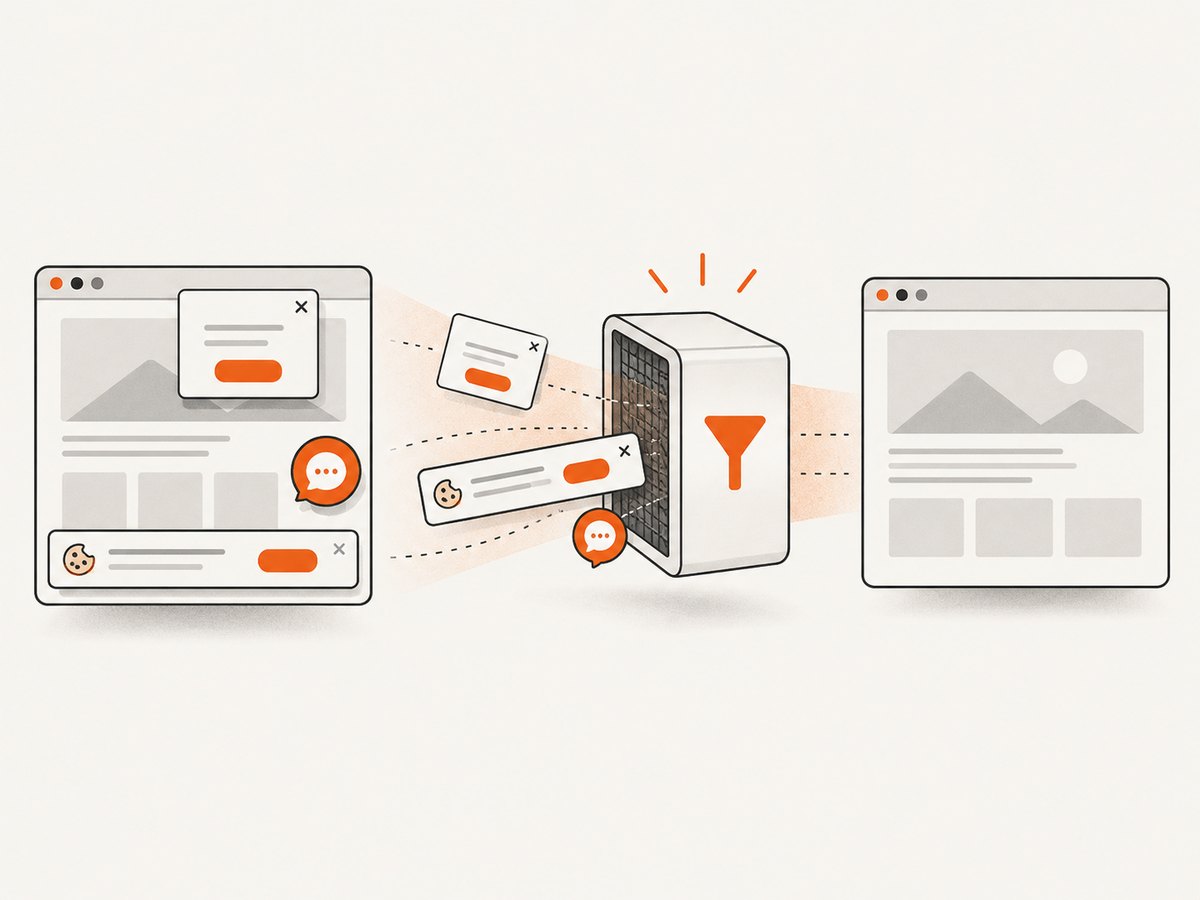
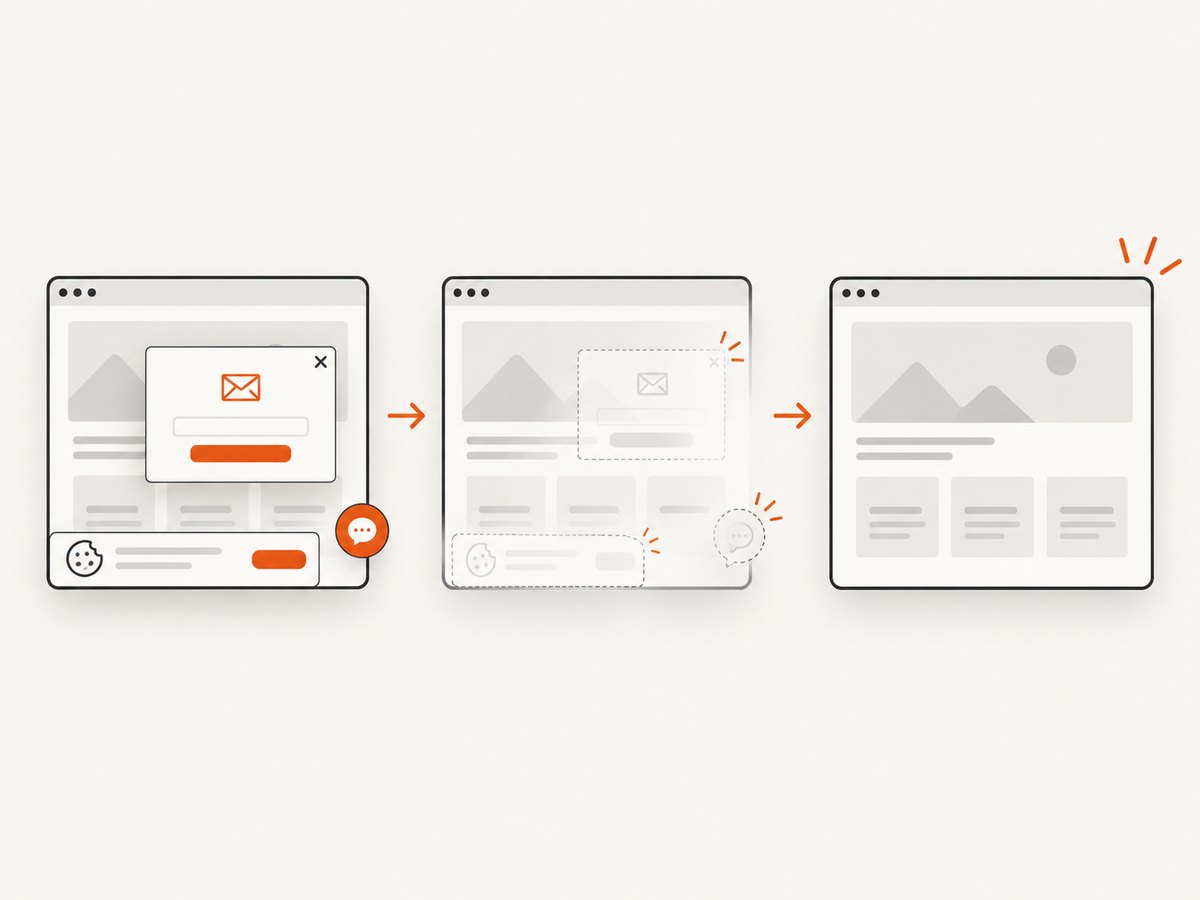
Cookie banners, newsletter popups, and chat widgets are removed before the shot, and each step can be turned off. Bot checks or CAPTCHAs, blank pages, timeouts, failed loads, and cache hits cost nothing; response headers report the page verdict and whether the response was billed. Async jobs support signed webhooks, bulk capture accepts up to 100 URLs per call, and an MCP server exposes take_screenshot, get_page_info, and capture_pdf to Claude, Cursor, and other MCP clients.
Use the usage API to reconcile audit volume. Free usage includes 1,000 shots per month with no card; paid plans start at $5 for 3,000 shots, and every feature is available on every plan. Create a free account at ScreenshotNeo sign-up.
Performance, reliability, and cost notes
- Performance: Capture only the viewport or element needed for a check; use full-page mode when validating lazy-loaded content. Reuse a chosen cache TTL for unchanged URLs and batch up to 100 URLs for large audits.
- Reliability: Wait for a font-loaded selector or network idle, set a deterministic timezone and locale, and save verdict headers with the image. Retry only transient failures; a bot check or blank page needs investigation rather than repeated billing.
- Cost: Separate exploratory captures from release snapshots, use caching for stable pages, and monitor the usage API. Clean successful shots are billed; failed loads, bot checks, blank pages, timeouts, and cache hits are not.
Troubleshooting checklist
| Symptom | Likely cause | Fix |
|---|---|---|
| DevTools shows a fallback | Font file failed, was blocked by CSP, or loaded after capture. | Inspect the network response, CORS headers, preload, and document.fonts.ready; wait for the specific font before capturing. |
| Only some characters differ | Missing Unicode range or glyph. | Inspect the font’s coverage and add the required subset or a deliberate fallback. |
| Bold looks synthetic | The requested weight file is absent. | Declare and serve the real weight; disable accidental browser synthesis where appropriate. |
| Logo identification is inconclusive | Low resolution, custom lettering, or outlined paths. | Request vector source files and treat image matches as candidates only. |
| Screenshot contains a popup | Consent, newsletter, or chat UI appeared before capture. | Enable removal steps, hide the selector, or add a wait and click action. |
| Capture is blank or blocked | Bot check, navigation timeout, authentication, or geolocation requirement. | Review the page verdict, provide required headers or cookies, set location, and inspect the target manually. |
| Audit images change between runs | Animations, ads, locale, timezone, or webfont timing. | Freeze animations with custom CSS, block unstable resources, and standardize environment options. |
Short FAQ
Can a screenshot prove which font rendered?
No. It proves visual output. Pair it with DevTools rendered-font data, CSS, or font metadata to prove the source.
Should a logo use the brand font?
Only if the approved identity system says so. Logos are often custom lettering or modified outlines and should be checked against the official artwork.
Is a free font automatically safe to use?
No. Read the license for web embedding, app bundling, documents, redistribution, and the required languages.
How often should a font audit run?
Run it at every major release and after CDN, design-system, localization, or brand-guideline changes. Keep a smaller automated set as a regression check.
What should the final report contain?
Include the control sheet, sample inventory, screenshots, rendered-font evidence, metadata, accessibility results, license records, status, owner, severity, and verification date.