Cline: Open-Source AI Coding Assistant
Learn how Cline plans and executes coding tasks across your editor, terminal and browser, with model choices, approvals, costs and privacy explained.
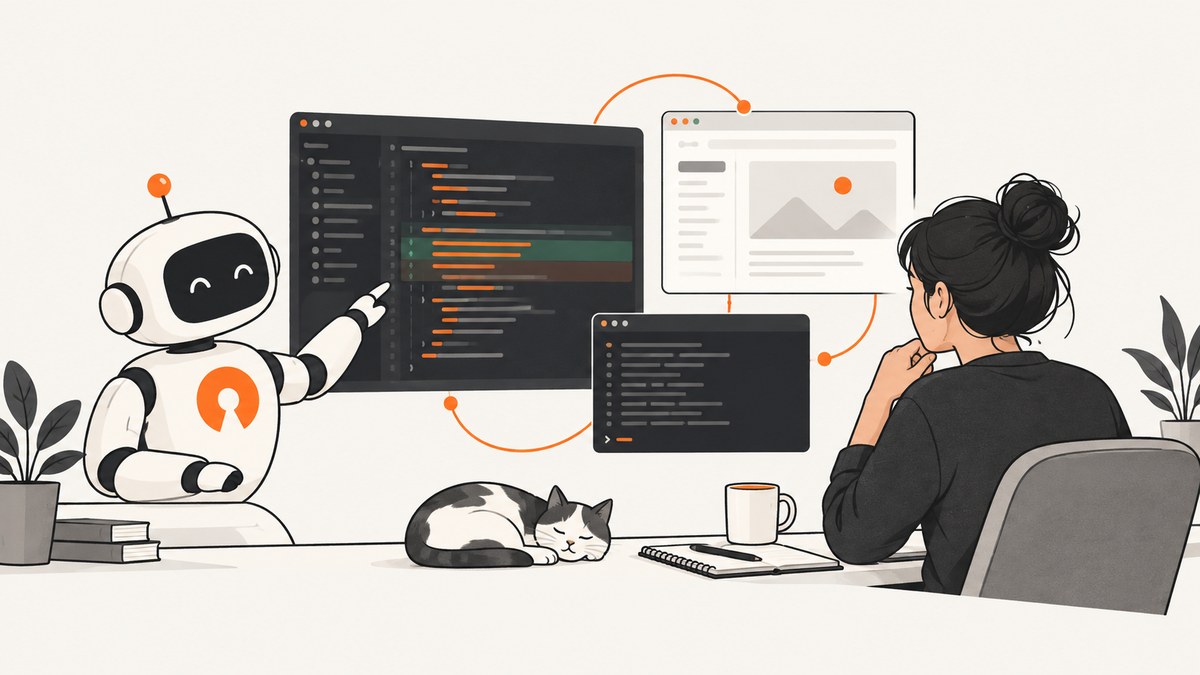
Direct answer: Cline is an open-source AI coding agent that works in your editor and terminal. You describe a task in natural language; Cline can inspect a repository, edit multiple files, run terminal commands, use a browser and report the resulting build or linter output. You retain control through Plan and Act modes, approval prompts and optional auto-approve settings. The software is free for individual developers, while model inference is billed by the provider or credits you select.
This guide explains what Cline does, how to install and configure it, how its approval workflow works, how to choose a model provider, what it costs, and how to troubleshoot common failures. Feature and availability details change quickly, so check the current Cline documentation, repository and pricing page before standardizing it for a team.
What Cline is (and is not)
Cline describes itself as “an AI coding agent that lives in your editor and your terminal.” That distinction matters. An autocomplete tool usually predicts the next few tokens while you type. An agent can reason over a larger task, inspect several files, make coordinated edits, execute tools and iterate after seeing command output.
A typical request might be: “Add password-reset endpoints, update the database migration, write tests and run the test suite.” Cline can create a plan, ask to inspect relevant files, propose a sequence of changes, apply edits, execute commands and show diffs. You decide whether each action is allowed, unless you explicitly enable broader auto-approval.
- Repository work: read and write files, coordinate multi-file changes, show diffs, create checkpoints and undo changes.
- Developer tools: run terminal commands and monitor build or linter output.
- Browser use: inspect web pages or interact with a browser when the task requires it.
- External tools: connect MCP servers and plugins to databases, APIs and infrastructure.
- Execution modes: Plan mode focuses on analysis and a proposed approach; Act mode carries out approved work.
Where Cline runs
The official overview lists Cline integrations for VS Code, Cursor, Windsurf, JetBrains IDEs, Antigravity and Zed, with Neovim available through ACP mode. Current project materials also describe a CLI, a JetBrains plugin, Kanban and an SDK for building agents and integrations. Treat this list as version-sensitive and verify the integration you need before rollout.
Install and start your first task
1. Choose an integration
Install the Cline extension or plugin for your editor, or use the CLI when your workflow is terminal-first. Open the project directory you want Cline to work on. Keep the repository in a clean or recoverable state so that diffs and checkpoints are easy to review.
2. Select a model provider
In Cline’s settings, choose a hosted provider or a local runtime and enter the credentials requested by that provider. Cline materials list Anthropic, OpenAI, Google, AWS Bedrock, OpenRouter, Azure, GCP Vertex, Groq, Cerebras, DeepSeek and other OpenAI-compatible endpoints. Local options named in the documentation include Ollama and LM Studio.
Provider choice affects response quality, latency, inference price, data routing and whether work can remain inside your environment. Start with a model that handles your repository’s language and tool calls reliably, then review actual usage rather than assuming one provider is cheapest for every task.
3. Begin in Plan mode
- Describe the outcome, constraints, relevant paths and acceptance checks.
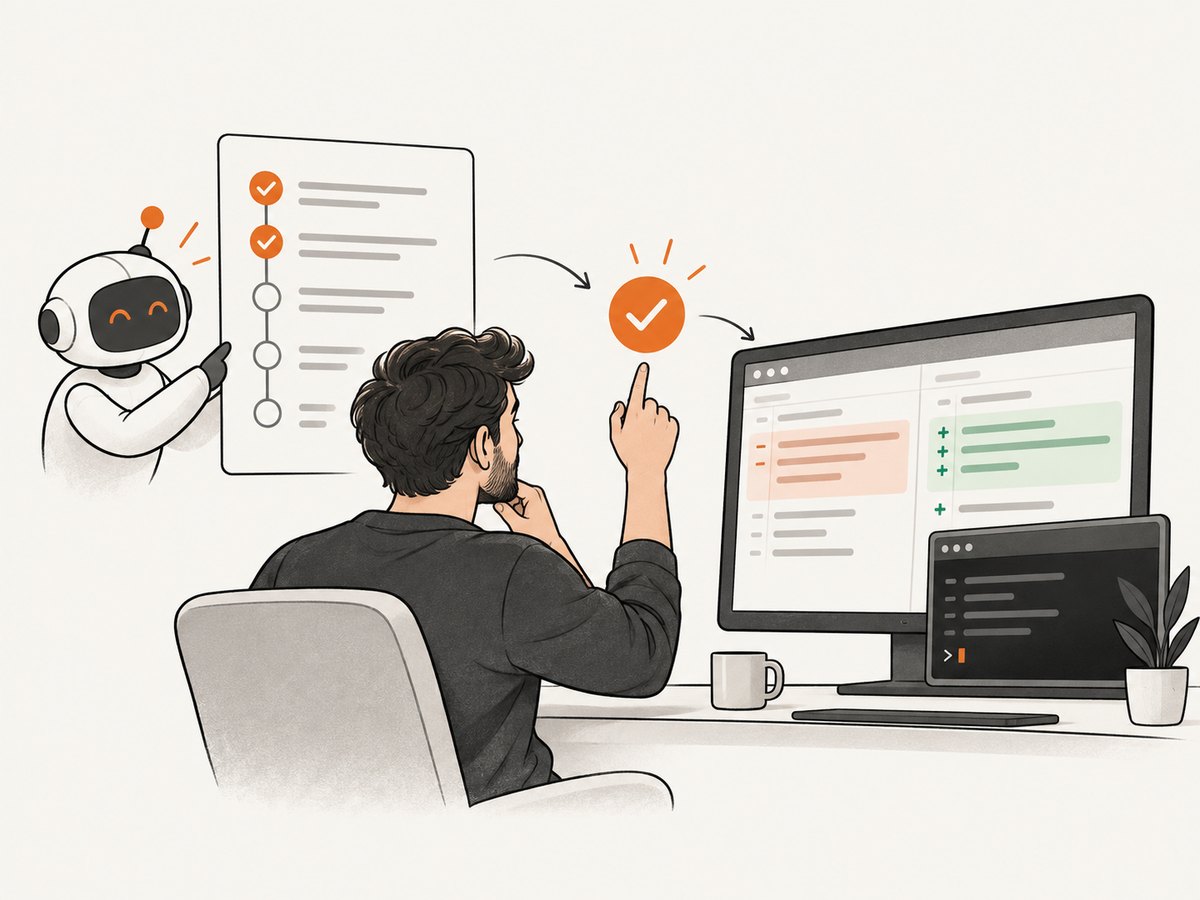
- Ask Cline to inspect the repository and produce a plan before editing.
- Review the proposed files, commands, dependencies and tests.
- Move to Act mode when the plan is specific enough to approve.
A useful prompt names the boundary of the task: “Update src/auth only, do not change the public API, add tests for expired tokens, and run the focused test command.” Clear constraints reduce unnecessary exploration and make the resulting diff easier to review.
4. Review every meaningful change
Inspect diffs after each logical step. Check migrations, dependency changes, shell commands and generated files separately. A checkpoint or undo operation can return the project to an earlier state, but it does not replace source control. Commit known-good work before a large autonomous task.
Approvals, auto-approve and MCP permissions
Cline’s repository says edits and commands require approval by default. Auto-approve can enable a more autonomous workflow. These settings are controls you configure, not a guarantee that a task is safe. An approved shell command can still delete data, change infrastructure or expose credentials if the workspace and connected tools permit it.
Use a progressively broader permission model:
| Stage | Recommended control | What to verify |
|---|---|---|
| Exploration | Plan mode; read access first | Files Cline intends to inspect and external context it requests |
| Small edit | Act mode with per-action approval | Diff, command arguments and tests before approval |
| Routine maintenance | Auto-approve narrowly scoped actions | Workspace, command allow-list and rollback path |
| Connected systems | MCP servers enabled only as needed | Server permissions, credentials and data leaving the environment |
Before enabling an MCP server, read what tools it exposes. A server connected to a production database or cloud account deserves tighter boundaries than one that reads local documentation. Keep secrets in the provider’s supported secret store or environment configuration; do not paste them into prompts.
Models, providers and inference cost
The open-source Cline client is free for individual developers according to its pricing page. That does not mean every task is free: hosted model inference is charged by the selected provider, or consumed through Cline credits when you use that access method. Enterprise pricing is custom and includes centralized billing, team management, access controls and support.
Estimate cost from the provider’s current input and output rates, the model’s context window and how many iterations a task requires. A task that repeatedly reads a large repository can use far more tokens than a focused edit. To control spend:
- Give Cline precise paths and acceptance criteria.
- Use Plan mode to catch a bad approach before tool calls multiply.
- Ask for focused tests instead of rebuilding unrelated services.
- Keep generated logs and large files out of the prompt context.
- Set provider budgets or alerts where available.
- Compare quality, latency, privacy and price on your own representative tasks.
There is no controlled comparative benchmark in the reviewed official material. Avoid assuming that a model with a lower per-token rate will be cheaper if it needs more retries or produces edits that require manual repair.
Privacy and data routing
Cline’s FAQ says the open-source client runs locally. When you bring your own API key, requests go from your environment to the selected model provider. When you use Cline credits, requests pass through Cline infrastructure. Cline states that code and prompts are not used to train models. These are vendor statements; verify current Cline and provider terms, retention settings and organizational policy before sending sensitive code.
Data routing also changes with tools. An MCP server may send selected project data to another service. Browser actions can expose authenticated page content to the model. Use a scrubbed repository or a separate account when evaluating an unfamiliar integration.
Practical task patterns
Refactoring a module
Ask for an inventory of callers first. Require a plan that lists API changes, tests and migration steps. Approve one logical edit at a time, then run the narrow test suite before allowing a broader refactor.
Debugging a failing build
Provide the exact command and failure output. Ask Cline to reproduce the failure, identify the smallest likely cause and propose a fix. Review dependency upgrades carefully; a passing build can conceal an unintended version change.
Browser-assisted work
Define the target URL, authentication boundary and the evidence you need. Do not grant broad browser or shell permissions simply because a task mentions a web page. For repeatable visual checks, a screenshot API can remove browser setup.
Or skip the browser setup
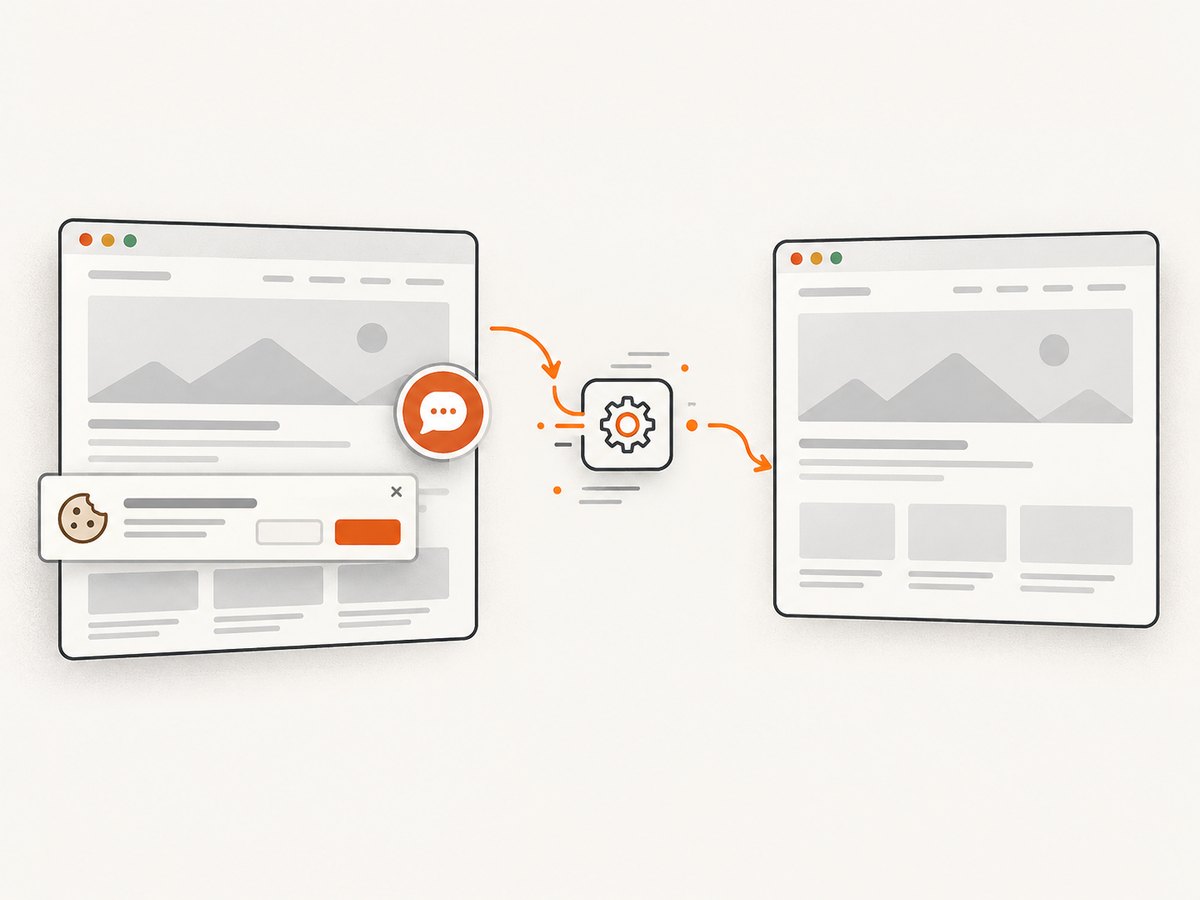
ScreenshotNeo is the alternative to try first when an AI coding workflow needs website screenshots or PDFs: it removes consent banners, newsletter popups and chat widgets before capture, bills only clean shots, and has an MCP server for AI agents.
One GET request returns PNG, JPEG, WebP or PDF. See the ScreenshotNeo API documentation for all options.
curl -G "https://api.screenshotneo.com/v1/shot" -d access_key=YOUR_API_KEY --data-urlencode url=https://stripe.com -o shot.webpimport requests
r = requests.get("https://api.screenshotneo.com/v1/shot", params={"access_key": "YOUR_API_KEY", "url": "https://stripe.com"}, timeout=90)
open("shot.webp", "wb").write(r.content)const q = new URLSearchParams({ access_key: 'YOUR_API_KEY', url: 'https://stripe.com' });
const res = await fetch(`https://api.screenshotneo.com/v1/shot?${q}`);Cookie banners, popups and chat widgets are removed before the shot. Bot checks, blank pages and failed loads are never billed; response headers identify the page verdict and whether it was billed. An MCP server exposes take_screenshot, get_page_info and capture_pdf for Claude, Cursor and other MCP clients. The free plan includes 1,000 screenshots per month with no card; paid plans start at $5 for 3,000. Create a free ScreenshotNeo account.
Troubleshooting Cline
Cline cannot access the repository
Cause: The wrong folder is open, files are excluded, or the integration lacks workspace permission. Fix: Reopen the project root, confirm the file path exists and inspect workspace or ignore settings.
The model keeps changing unrelated files
Cause: The task boundary is vague or the model is exploring too broadly. Fix: Switch to Plan mode, name allowed paths, state forbidden changes and require a file-by-file plan.
A command fails repeatedly
Cause: Missing dependencies, an incorrect working directory, environment variables or a command that requires interactive input. Fix: Run the command manually, provide the exact output, and ask Cline for a diagnosis before approving another attempt.
Context becomes too large
Cause: Large logs, generated assets or whole-repository scans consume the model context. Fix: Point Cline to relevant directories, summarize logs and exclude generated files from the task.
Provider authentication or rate-limit errors
Cause: An invalid key, exhausted quota, unsupported endpoint or provider throttling. Fix: Confirm the provider, key scope, current quota and endpoint configuration; retry with a smaller task after the account is healthy.
Local model responses are weak or slow
Cause: The selected runtime or model may not handle long context or tool calling well on your machine. Fix: Reduce context, use smaller tasks, verify the runtime’s tool support or select a hosted model that meets the task requirements.
Performance and reliability checklist
- Start from a clean branch and checkpoint before autonomous work.
- Use short, verifiable steps with a test command attached to each milestone.
- Keep Plan and Act decisions separate so you can reject a flawed approach early.
- Limit MCP tools and credentials to the current task.
- Record provider, model and prompt settings when a result must be reproduced.
- Review diffs and generated files before committing.
- Monitor inference usage and set budget alerts with the chosen provider.
FAQ
Is Cline really free?
The open-source client is free for individual developers. You still pay for model inference when using a hosted provider or Cline credits.
Does Cline replace an IDE?
No. It operates inside supported editors and terminal contexts, adding agent capabilities to the tools you already use.
Can I use Cline without a hosted API?
Yes. Cline documentation names local runtimes including Ollama and LM Studio. Local operation changes hardware, latency and model-quality tradeoffs; it is not evidence of a universal hardware requirement.
Does approval make a task safe?
Approval lets you inspect actions before they run, but you remain responsible for the command, connected tools and credentials. Auto-approve reduces that checkpoint.
Where should a team begin?
Define an approved provider list, repository permissions, MCP policy, budget limits and a review checklist. Pilot on non-sensitive repositories before connecting production systems.


