How to Download Website Content for Archiving
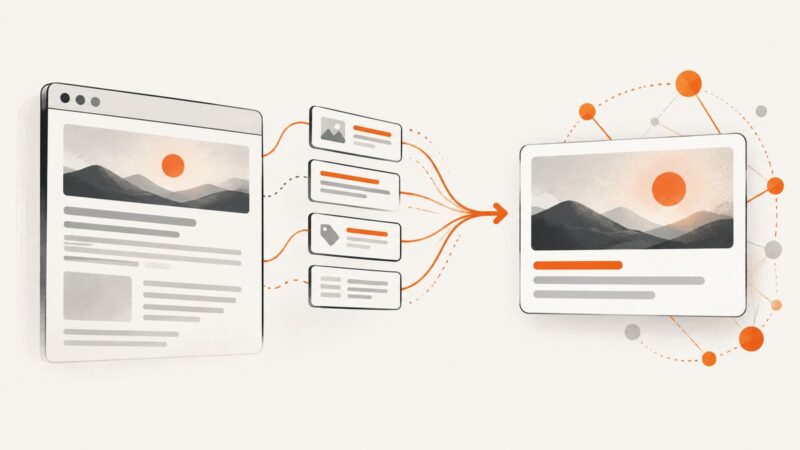
Learn how to archive a page or whole site with HTTrack, Wget, browser capture, and WARC/WACZ workflows, including limits and troubleshooting.
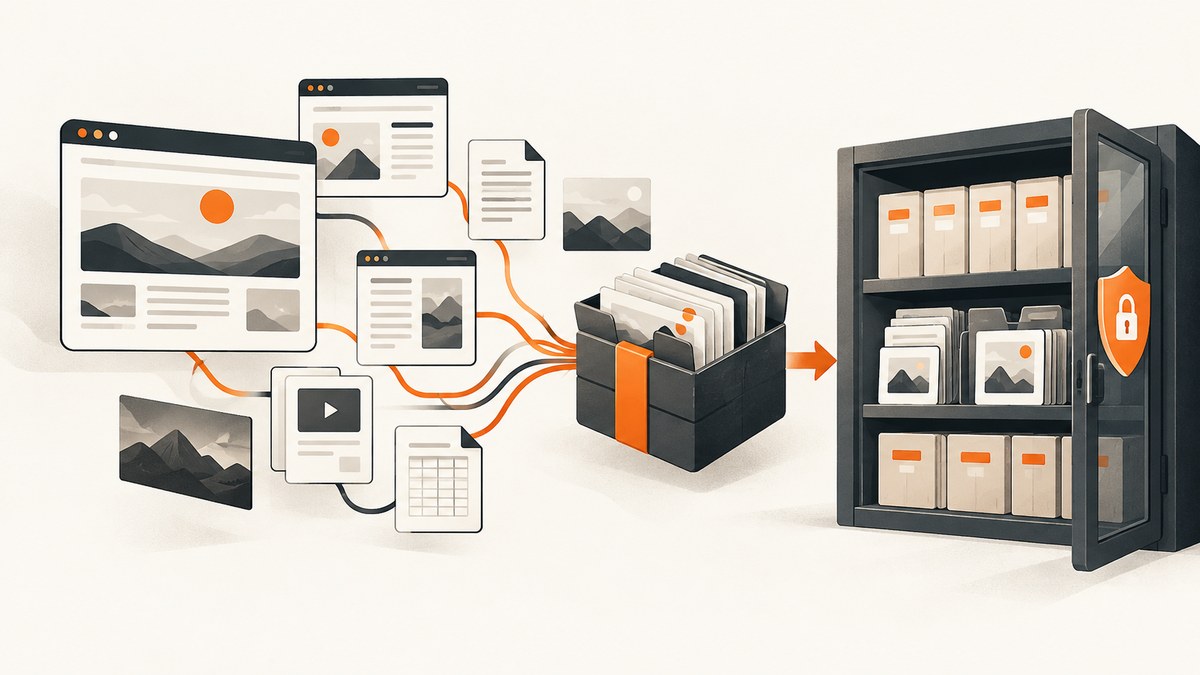
Short answer: save a single page with its HTML and required assets; use HTTrack for a browsable offline copy of a bounded site; use GNU Wget for a scriptable, repeatable crawl. If the archive must be replayable and auditable, produce WARC or WACZ files and retain crawl logs, checksums, scope rules and capture times. Basic downloaders do not reproduce JavaScript-rendered states, authenticated areas, bot challenges or streaming media reliably, so use a browser-based capture for those parts and document what was captured.
1. Define what “archive” means
Before running a command, decide whether you need a convenient offline folder, a preservation package, or a visual record. These are different outputs:
| Goal | Recommended output | Best fit |
|---|---|---|
| Read pages offline | HTML, CSS, images and documents in a folder | HTTrack |
| Repeat a controlled crawl | Downloaded files plus logs | GNU Wget |
| Replay and audit later | WARC or WACZ, with indexes and metadata | Archiving crawler or HTTrack WARC options |
| Record one rendered state | PNG, JPEG, WebP or PDF | Browser automation or ScreenshotNeo |
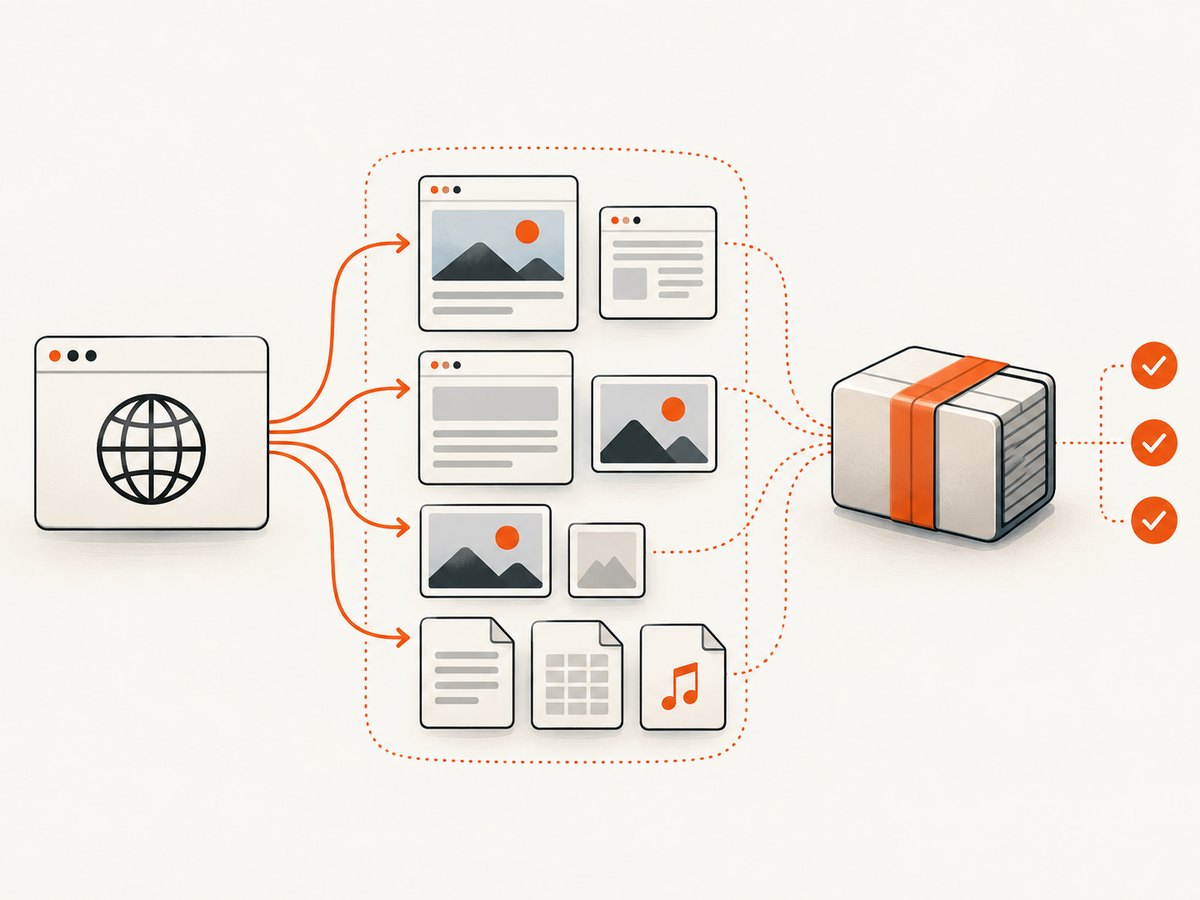
The Library of Congress describes a crawl as starting from a seed URL and following links to download content needed to preserve the site (site-owner guidance). Write down the seed URL, capture time, intended hosts and paths, maximum depth, file-size limits and rate limits before collecting anything.
2. Save one page manually or with a script
For a static page, save the response and then fetch its dependencies. A browser’s “Save Page” function can create an HTML file and an asset folder, but it may omit resources loaded after JavaScript runs. For a repeatable command, download the page and inspect its source for stylesheets, images, scripts and linked documents.
curl -L --fail --retry 3 \
  -A "ArchiveBot/1.0 (contact: archivist@example.org)" \
  -o page.html \
  https://example.com/article
-L follows redirects, --fail returns an error for HTTP failures, and --retry handles transient network errors. Keep the original URL and timestamp beside the file. A successful response only proves that bytes were returned; it does not prove that the visible page, images or interactive state was preserved.
3. Mirror a bounded site with HTTrack
HTTrack is designed to “download a World Wide Web site to a local directory, building recursively all directories, getting HTML, images, and other files from the server” (official site). It rewrites links for offline browsing, can resume interrupted downloads and can update an existing mirror without fetching unchanged content.
Basic mirror
httrack "https://example.com/" \
  -O "./archive-example" \
  "https://example.com/*" \
  -v
The output directory contains a local copy. Open a representative HTML file and test links, images, styles, scripts, forms and downloads.
Set boundaries and limits
httrack "https://example.com/docs/" \
  -O "./archive-docs" \
  "+https://example.com/docs/*" \
  "-*/logout*" \
  "-*/admin/*" \
  -r3 \
  -A100000000 \
  -c8 \
  --sockets=2 \
--verbose-r3limits recursion depth to three link levels.-A100000000rejects files larger than the specified byte limit; choose a value appropriate to your collection.- Positive and negative filters keep the crawl inside an explicit host and path boundary.
- Use conservative concurrency and delays so the crawl does not impair the origin service.
Option names vary slightly by HTTrack release. Run httrack --help on the installed version and record the complete command in your archive notes.
Preservation output
HTTrack’s command documentation includes WARC output, WARC size rotation, CDX indexes and WACZ packaging (command options). A preservation run can include options such as:
httrack "https://example.com/" \
  -O "./archive-example" \
  "+https://example.com/*" \
  --warc-file=example-2026-09-30 \
  --verbose
Verify the resulting WARC or WACZ with the replay tool you plan to use. Keep the seed list, scope filters, timestamps, logs and checksums together with the package. The Digital Preservation Coalition notes that crawler collections are stored in WARC containers and that simple mirrors or PDFs can flatten web content (web-archiving guidance).
4. Run a repeatable crawl with GNU Wget
GNU Wget is a non-interactive downloader. Its manual documents recursive retrieval and robots-aware behavior (Wget manual). Use explicit host and path boundaries; otherwise a recursive command can follow external links and grow without limit.
Bounded HTML and assets
wget \
  --recursive \
  --level=2 \
  --page-requisites \
  --convert-links \
  --adjust-extension \
  --no-parent \
  --domains example.com \
  --directory-prefix ./archive-example \
  --wait=2 \
  --random-wait \
  --limit-rate=500k \
  --user-agent="ArchiveBot/1.0 (contact: archivist@example.org)" \
  --execute robots=on \
  --timestamping \
https://example.com/docs/--page-requisitesfetches resources needed to display pages.--convert-linkschanges links for local browsing.--no-parentprevents climbing above the starting path.--domainsprevents cross-domain recursion.--timestampingavoids downloading unchanged files during updates.--wait,--random-waitand--limit-ratereduce load on the origin.
Wget respects the Robot Exclusion Standard. Robots.txt is a crawler instruction, not a copyright licence. Follow terms of service, access controls, copyright and database-rights rules, and obtain permission for private or redistribution-protected material.
Keep a crawl log and manifest
mkdir -p archive-example
wget --recursive --page-requisites --convert-links \
  --no-parent --domains example.com \
  --wait=2 --execute robots=on \
  --append-output=archive-example/wget.log \
  --directory-prefix=archive-example \
  https://example.com/
After the crawl, create a manifest so later checks can detect changes:
find archive-example -type f -print0 | sort -z | xargs -0 sha256sum \
  > archive-example/SHA256SUMS
5. Handle JavaScript, login areas and media
Basic crawlers retrieve HTTP responses and linked files. They may miss content inserted by JavaScript, data loaded after user actions, authenticated pages, paywalls, bot checks, interactive state and streaming media. The UK Government Web Archive recommends progressive HTTP or HTTPS downloads with absolute source URLs for audio and video and advises providing transcripts (guidance PDF).
For a JavaScript-heavy page, use a browser automation tool that waits for the application to render, then save the DOM, network resources and a screenshot or PDF. Record the browser version, viewport, timezone, locale, authentication method and wait conditions. Never put reusable passwords or session cookies in a public archive.
For media, download each permitted source separately and retain its original URL, codec information and transcript. A screenshot or PDF is a visual supplement; it cannot preserve a playable stream or application behavior.
6. Capture a rendered page with a browser or ScreenshotNeo
A browser capture is useful when your archive needs the page as a human saw it at a particular viewport. Wait for a selector, a delay or network idle; load lazy images; set a device scale factor; and hide transient elements before saving. Keep the underlying HTML, downloaded resources and metadata as well when replay matters.

Or skip the browser setup
ScreenshotNeo provides a website screenshot API and MCP server. One GET request returns a PNG, JPEG, WebP or PDF. It can load lazy images, capture a CSS-selected element or a full page, set dark mode, viewport and retina scale, run custom CSS or JavaScript, click before capture, wait for a selector, delay or network idle, block ads or resource types, supply headers, cookies, user-agent, authorization, timezone and geolocation, and apply PDF page settings.
curl -G "https://api.screenshotneo.com/v1/shot" -d access_key=YOUR_API_KEY --data-urlencode url=https://stripe.com -o shot.webpimport requests
r = requests.get("https://api.screenshotneo.com/v1/shot", params={"access_key": "YOUR_API_KEY", "url": "https://stripe.com"}, timeout=90)
open("shot.webp", "wb").write(r.content)const q = new URLSearchParams({ access_key: 'YOUR_API_KEY', url: 'https://stripe.com' });
const res = await fetch(`https://api.screenshotneo.com/v1/shot?${q}`);See the ScreenshotNeo documentation for option names and the OpenAPI specification. Cookie and consent banners are accepted before capture, and more than 60 known consent platforms, newsletter popups and chat widgets can be removed; each step can be disabled. Bot checks, blank pages, timeouts, failed loads and cache hits cost nothing, and response headers identify the page verdict and whether it was billed. An MCP server exposes take_screenshot, get_page_info and capture_pdf to Claude, Cursor and other MCP clients. Free usage includes 1,000 shots each month without a card; paid plans start at $5 for 3,000 shots. Create a free ScreenshotNeo account.
7. Validate the archive
- Confirm the seed URL, capture timestamp and final redirect.
- Check that every file stays within the allowlist of hosts and paths.
- Open representative pages offline at shallow, medium and deep links.
- Inspect images, CSS, scripts, forms, downloads, fonts and media.
- Compare a fresh sample crawl with the previous manifest and investigate missing or changed files.
- Store logs, checksums, crawler version, configuration and permissions with the archive.
Validation catches the common mistake of treating a successful HTTP download as proof that every user-visible state was preserved.
8. Troubleshooting common failures
| Symptom | Likely cause | Fix |
|---|---|---|
| Only a blank shell is saved | Content is client-rendered | Use a browser capture, wait for a content selector, and save API responses where permitted. |
| Images or CSS are missing | Assets use another host or lazy loading | Add approved asset domains, use page-requisites, scroll or wait for lazy images, and rerun a sample. |
| Crawl leaves the intended site | No domain, path or negative filters | Set an allowlist, --no-parent or equivalent filters, and inspect the log. |
| HTTP 403 or CAPTCHA | Access control or bot challenge | Obtain permission, slow the crawl, identify your user agent, or use an authorized browser session. Do not bypass controls. |
| Login pages redirect repeatedly | Session cookies or CSRF state are absent | Use an approved authenticated workflow, export only necessary cookies securely, and document the session. |
| Offline links still point online | Dynamic URLs or unconverted links | Review conversion settings and preserve the original URL in metadata. |
| WARC is too large | Unbounded media or file sizes | Limit depth, paths, file size and rate; exclude unnecessary media; rotate WARC files. |
| Audio or video will not play | Streaming protocol or missing transcript | Capture permitted progressive downloads separately and retain a transcript and source metadata. |
9. Performance, reliability and cost
Network time, origin response time, JavaScript execution and media size dominate crawl duration. Restrict scope before increasing concurrency. A slower crawl with logs and retries is easier to resume and less likely to trigger rate limits. HTTrack can resume and update mirrors; Wget’s timestamping supports incremental runs. Keep enough storage for duplicate resources, indexes, logs and checksums.
For reliability, run a small pilot first, then expand depth. Save failures and retry them separately so one unavailable host does not hide successful work. Keep at least two copies of preservation packages and periodically verify checksums. Cost includes bandwidth, storage, browser runtime and human review; screenshot APIs add per-capture charges, so use caching or batch capture where appropriate. ScreenshotNeo offers configurable TTL caching, asynchronous jobs with signed webhooks, bulk capture of up to 100 URLs per call and a usage API; cache hits are not billed.
10. A practical archive checklist
- Define purpose: offline reading, rendered evidence or replayable preservation.
- Record seed URLs, scope, permissions, capture time and retention period.
- Choose HTTrack, Wget, browser capture or WARC/WACZ based on that purpose.
- Set host/path allowlists, depth, file-size, rate and concurrency limits.
- Use a descriptive user agent and obey robots instructions and site terms.
- Capture HTML, stylesheets, scripts, images, documents and permitted media.
- Retain logs, configuration, checksums and crawler versions.
- Test representative pages offline and document missing states.
- Store preservation packages redundantly and verify them on a schedule.
FAQ
Is downloading a website legal?
It depends on permission, terms, copyright, database rights, privacy obligations and jurisdiction. Robots.txt guides crawlers but does not grant redistribution rights. Obtain permission for private or restricted material.
Should I choose HTTrack or Wget?
Choose HTTrack for a browsable mirror with link rewriting and resumable updates. Choose Wget for a command-line workflow you can script, log and repeat with explicit filters.
Is a PDF a complete archive?
No. A PDF records a rendered view and can flatten links, scripts, forms and media. Pair it with downloaded resources or a WARC/WACZ package when replay and audit matter.
How do I archive a page that changes every minute?
Capture on a schedule, record timestamps and configuration, retain each manifest, and use checksums to identify changes. A screenshot alone will not preserve the underlying data or behavior.
Can an AI agent capture pages for an archive?
Yes. ScreenshotNeo’s MCP server provides screenshot, page-info and PDF tools for MCP clients, while your archive process still needs scope, permissions, metadata and validation.