How to Fix a ConnectTimeout Error in Python Requests
Fix Requests ConnectTimeout errors by setting separate connection and read timeouts, checking DNS, routing, firewalls, and proxies, and adding safe bounded retries.
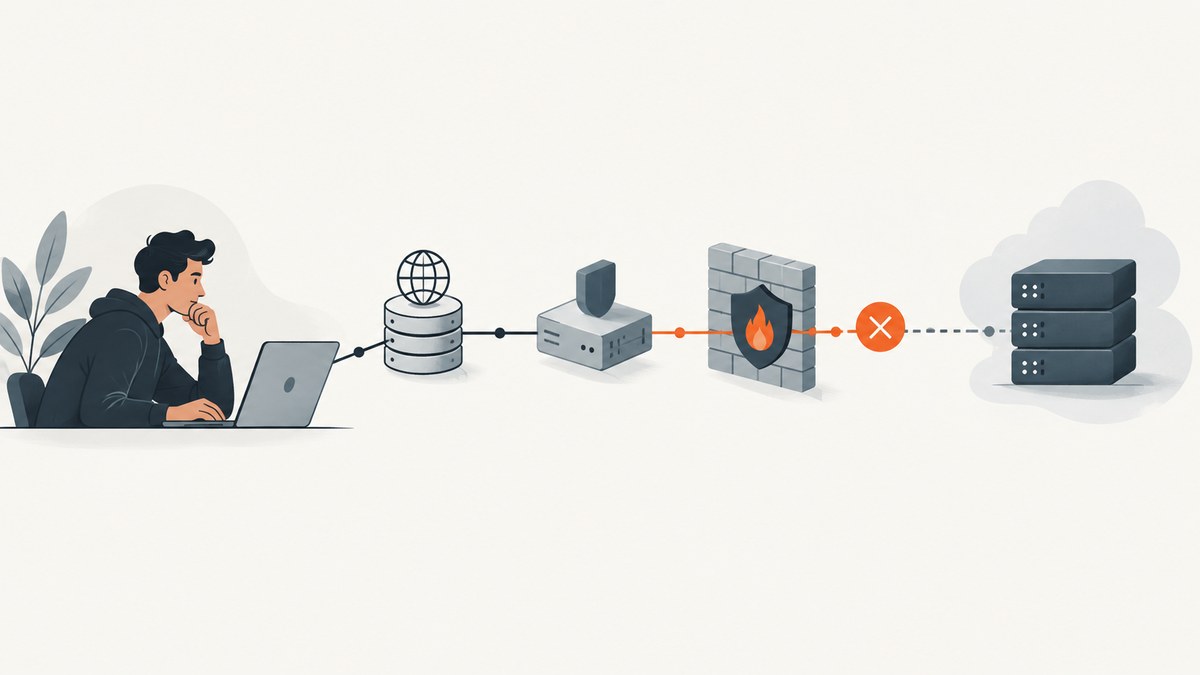
requests.exceptions.ConnectTimeout means Python Requests could not establish a connection to the remote server within the connection timeout. Start by setting an explicit timeout, ideally as a (connect, read) tuple, then check DNS resolution, network routing, firewall rules, and proxy configuration. Add bounded retries only when repeating the request is safe.
A connect timeout occurs before Requests has established the connection and begun reading the response. It differs from a read timeout, which means a connection was established but the server did not send data quickly enough. Requests documents a ConnectTimeout as safe to retry, but retries still need a limit and a policy appropriate to the operation.
1. Set an explicit timeout
Requests has no default timeout. Without one, an unresponsive request can wait for minutes or longer. A single number applies to both the connect and read phases; a tuple configures them separately. The official Requests example uses (3.05, 27).

import requests

url = "https://api.example.com/health"
try:
    response = requests.get(url, timeout=(3.05, 27))
    response.raise_for_status()
    print(response.status_code)
except requests.exceptions.ConnectTimeout as exc:
    print(f"Could not connect to {url}: {exc}")
Replace the example URL with the real endpoint. Call raise_for_status() if you want HTTP error responses such as 404 or 500 to raise an exception too; those are HTTP responses, not connection timeouts.
Choosing values
| Setting | What it limits | How to choose |
|---|---|---|
| Connect timeout | Waiting for connection establishment | Keep it short enough to fail promptly, while allowing normal DNS and network latency. Requests recommends a value slightly larger than a multiple of three due to the default TCP retransmission window. |
| Read timeout | Waiting for data after the connection is established | Allow for the endpoint’s normal response behavior. Streaming or slow-generating responses may need a larger read interval. |
| One numeric timeout | Both connection and read phases | Convenient when both phases can use the same limit. |
(connect, read) |
Each phase separately | Usually clearer for production clients because connection setup and server response have different failure modes. |
For example, timeout=(3.05, 27) waits up to 3.05 seconds for a connection attempt and up to 27 seconds while waiting for response data. These are phase limits, not a total wall-clock deadline for the whole operation.
2. Diagnose where connection setup is failing
Record the hostname, port, scheme, timeout values, proxy route, and the full exception chain. Redact proxy credentials and authorization headers. Compare the failure with a successful request from the same host or container, since laptop connectivity does not prove that a deployed process has the same DNS, routes, or egress permissions.

- Confirm the target. Check spelling, scheme, port, and whether the endpoint is expected to accept traffic from this environment.
- Resolve the hostname. Use the operating system’s DNS tools from the affected host or container. A DNS lookup failure has a different exception path, but it can still reveal the underlying environment issue.
- Check port reachability. Test whether a connection to the destination port can be established from the same runtime environment. A refused connection is distinct from a timeout; a timeout often means no response arrived along the path.
- Compare direct and proxy paths. If a proxy is configured, verify its address, port, authentication, and ability to reach the destination.
- Inspect egress controls. Review firewall and container network rules, NAT capacity, DNS configuration, and any service-side IP allowlists.
These checks narrow the fault domain; the exception alone cannot identify which network device or policy caused the delay.
3. Check proxy configuration
Requests supports a per-request proxies mapping and uses its normal session behavior for environment-level proxy configuration. A proxy adds another connection hop: the client must reach the proxy, and the proxy must reach the target.
import requests

proxies = {
    "http": "http://proxy.example.net:8080",
    "https": "http://proxy.example.net:8080",
}
response = requests.get(
    "https://api.example.com/health",
    proxies=proxies,
    timeout=(3.05, 27),
)
response.raise_for_status()
Do not log proxy URLs containing usernames or passwords. Check whether environment variables such as HTTPS_PROXY are set in the service, container, or shell. A proxy that works interactively may be absent or differently configured in a scheduled job.
For SOCKS proxy schemes, DNS resolution location matters: socks5 resolves the target name on the client, while socks5h requests resolution through the proxy. If client-side DNS is restricted or inconsistent, the remote-resolution form can change the failure path. Ensure the SOCKS support dependency is installed for the Requests setup you use.
4. Add bounded retries when the operation is safe
Requests’ default HTTPAdapter does not retry failed connections. The Requests documentation points to urllib3’s Retry configuration when you need control over retry count, backoff, and eligible methods. A connection timeout is documented as safe to retry, but your application should still bound the work and avoid repeating operations with side effects unless the server supports idempotency keys or another deduplication mechanism.
from requests import Session
from requests.adapters import HTTPAdapter
from urllib3.util import Retry

retry = Retry(
    total=3,
    connect=3,
    read=0,
    backoff_factor=0.5,
    allowed_methods=frozenset({"GET", "HEAD", "OPTIONS"}),
)
session = Session()
session.mount("https://", HTTPAdapter(max_retries=retry))
session.mount("http://", HTTPAdapter(max_retries=retry))

response = session.get(
    "https://api.example.com/health",
    timeout=(3.05, 27),
)
response.raise_for_status()
print(response.status_code)
This example retries connection failures up to three times and does not retry read failures. Keep the retry policy explicit: retries add latency and load, and can worsen an outage if every client retries aggressively. Backoff spaces attempts; in a larger service, coordinate retries with request budgets and any higher-level retry policy to avoid multiplying attempts.
allowed_methods restricts retries to methods conventionally safe to repeat. If you need to retry a POST or another operation that can change server state, first establish that the server makes the operation idempotent or accepts a deduplication key. A timeout does not always prove the server did nothing: a connection may have reached the service even when the client did not receive the expected outcome.
5. Understand timeout limits and elapsed time
A Requests timeout is not a whole-request deadline. The connect timeout applies to each connection attempt and each IP address. If a hostname resolves to multiple addresses, attempts may happen sequentially, so elapsed connection time can exceed the configured connect value. DNS lookup and system scheduling conditions can also extend elapsed time beyond the nominal limit.
The read timeout is an interval waiting for data, not a cap on total download duration. A server that sends data periodically may keep a response going longer than the read timeout. If the application needs a strict end-to-end budget, enforce an overall deadline at the application or job-runner layer and ensure its remaining time is passed to each request attempt.
Shorter timeouts detect broken paths sooner but can reject slow yet healthy connections. Longer timeouts tolerate more latency but tie up workers longer. Use observed behavior for the actual runtime and dependency instead of selecting a number only by trial and error.
6. Common errors and fixes
| Symptom | Likely layer | What to check |
|---|---|---|
ConnectTimeout |
Connection establishment did not complete in time | DNS, routes, destination port, firewall/egress rules, proxy reachability, and connect timeout. |
ReadTimeout |
Connected, but response data did not arrive within the read interval | Server processing time, response streaming behavior, read timeout, and service health. |
ConnectionError |
Broader connection failure | Inspect the chained underlying exception; distinguish refused connection, DNS failure, reset, and timeout. |
ProxyError |
Proxy configuration or proxy connection failed | Proxy scheme, hostname, port, credentials, environment variables, and proxy egress. |
| TLS certificate error | TLS verification failed after reaching the peer | Certificate chain, hostname, trust store, and interception proxy configuration. Do not disable verification as a routine fix. |
| Works on laptop, fails in container | Different runtime network environment | Container DNS, outbound firewall, NAT, service account configuration, and environment proxy variables. |
Operational checklist
- Set a timeout on every Requests call.
- Use separate connect and read values when the phases need different budgets.
- Log the target host, port, scheme, selected timeout, and exception class without secrets.
- Test DNS and port reachability from the process’s own host or container.
- Check both explicit proxy mappings and environment-level proxy configuration.
- Use a finite retry count and restrict retries to safe operations.
- Do not treat a Requests timeout as an end-to-end deadline.
7. Performance, reliability, and cost
Timeouts and retries trade waiting time for resilience. A finite connect timeout prevents a worker from waiting indefinitely on connection setup. A finite read timeout limits how long the client waits without response data. Retries can recover from transient failures, but each attempt consumes time, sockets, and server or proxy capacity. Under sustained failure, repeated attempts increase load rather than repair DNS, routing, or access policy.
Requests and urllib3 do not make a timeout a total response deadline. Where a caller has a strict latency budget, calculate a budget across attempts and stop when the remaining time is insufficient. Keep retry behavior at one well-understood layer where possible; retries in an application, HTTP adapter, task queue, and upstream gateway can compound.
There is no universal cost or performance figure for a ConnectTimeout incident. The practical cost depends on the number of workers held, retry count, request volume, and service architecture. Instrument timeout counts by destination and exception type so a network-path regression can be separated from a slow response or TLS issue.
8. When the task is taking a website screenshot
If Requests is part of a custom screenshot pipeline, a connection timeout may occur before your browser or image-processing code is involved. Diagnose the request path first. For developers who need a website screenshot without maintaining browser setup, ScreenshotNeo provides a website screenshot API and MCP server. Its screenshot request has its own documented options and behavior; it does not change the timeout semantics of Python Requests.
Or skip the browser setup
For a website screenshot, call ScreenshotNeo with a URL and API key. The API can return PNG, JPEG, WebP, or PDF; see the ScreenshotNeo API documentation for request options.
import requests

r = requests.get(
    "https://api.screenshotneo.com/v1/shot",
    params={"access_key": "YOUR_API_KEY", "url": "https://stripe.com"},
    timeout=90,
)
open("shot.webp", "wb").write(r.content)
Equivalent cURL call:
curl -G "https://api.screenshotneo.com/v1/shot" -d access_key=YOUR_API_KEY --data-urlencode url=https://stripe.com -o shot.webpEquivalent Node.js call:
const q = new URLSearchParams({ access_key: 'YOUR_API_KEY', url: 'https://stripe.com' });
const res = await fetch(`https://api.screenshotneo.com/v1/shot?${q}`);
ScreenshotNeo removes cookie and consent banners, newsletter popups, and chat widgets before the shot; each of those steps can be turned off. Bot checks and CAPTCHAs, blank pages, timeouts, failed loads, and cache hits are not billed, and response headers indicate the page verdict and billing status. Its MCP server gives AI agents tools including take_screenshot, get_page_info, and capture_pdf. The free plan includes 1,000 screenshots per month with no card; paid plans start at $5 for 3,000 screenshots.
Create a free ScreenshotNeo account to get 1,000 screenshots a month with no card.
FAQ
Does ConnectTimeout mean the server is down?
No. It means a connection was not established within the configured interval. A network route, firewall, proxy, DNS behavior, or server-side access rule can also be involved.
Should I catch Timeout or ConnectTimeout?
Catch ConnectTimeout when connection setup needs a distinct response. Requests’ broader Timeout exception covers both connect and read timeout errors.
Does Requests retry automatically?
No. The default adapter uses zero retries for failed connections. Configure urllib3 retry behavior through an adapter when it fits the operation.
Can I set timeout=None?
That removes the timeout limit. It is usually a poor choice for network calls that must remain responsive; set an explicit limit instead.