Full-Page Capture Chrome Plugin
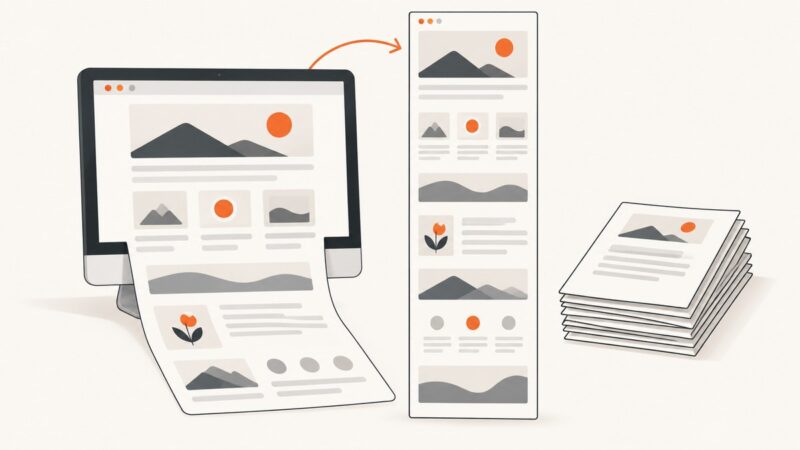
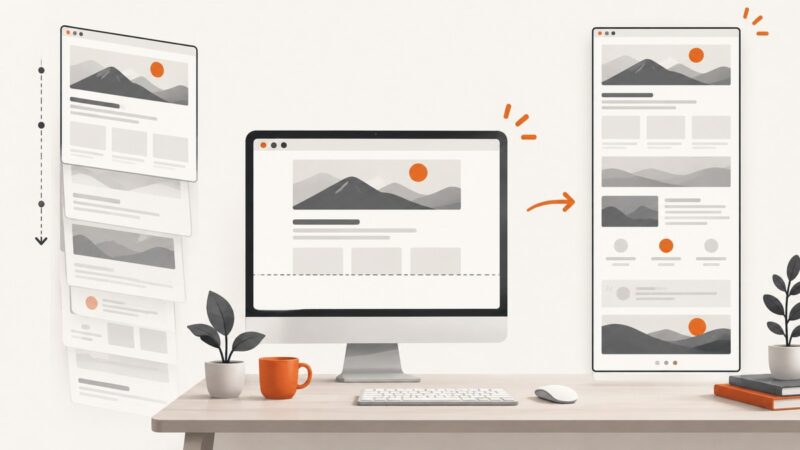
Capture an entire webpage in Chrome with extensions, understand their limits, and automate clean full-page screenshots with ScreenshotNeo.
Capture an entire webpage in Chrome with extensions, understand their limits, and automate clean full-page screenshots with ScreenshotNeo.
Allow camera access, choose the right webcam, and fix browser, Windows, macOS, and permission problems with this practical guide.
Use Facebook’s Open Graph debugger to refresh stale link previews, verify metadata, and fix incorrect titles, descriptions, and images.
Save a webpage with its pictures for offline reading using Firefox, Chrome, SingleFile, or ScreenshotNeo’s screenshot API.
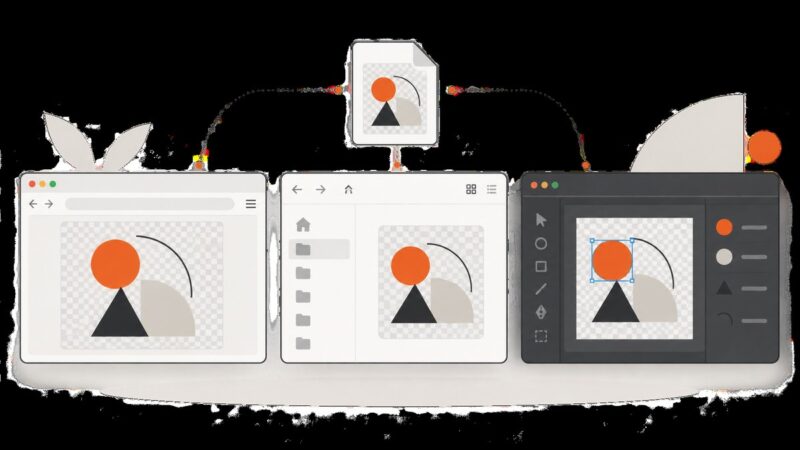
Open SVG files instantly in a browser, preview them in Windows Explorer, and fix blank, text-only, or missing thumbnails.
Learn how to mirror a public site with HTTrack, verify coverage, handle dynamic pages, resume crawls, and choose an API or archive service.
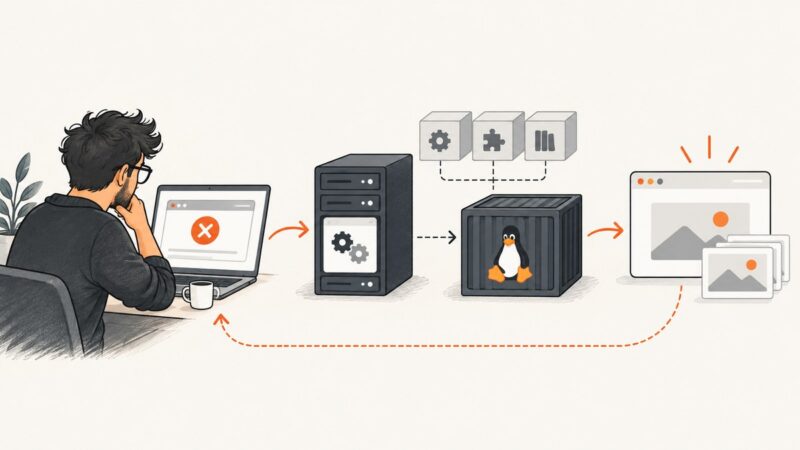
Playwright headless failures usually trace to missing browser files, Linux libraries, launch settings, or CI differences. Diagnose them in order and apply the fix that matches your runtime.
Set up the official filesystem MCP server on Windows, configure VS Code or Docker, restrict folders, and troubleshoot common errors.
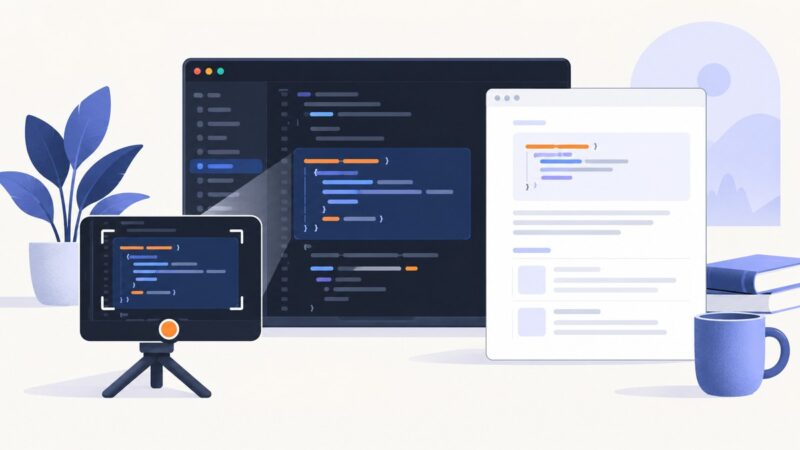
Learn when Python code screenshots help, how to create clean captures, and how to keep every example searchable, copyable, and accessible.
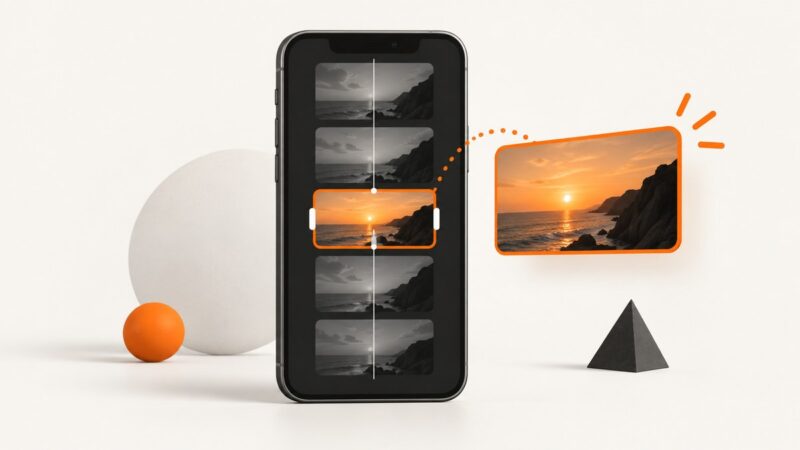
Choose a frame in the YouTube app or upload a custom 9:16 image in Studio. Follow the exact steps, requirements, fixes, and timing notes.
Capture an entire webpage below the fold as an image, or print it to a paginated PDF. Follow exact Firefox, Edge, Chrome, and automation steps.
Fix Figma MCP startup errors by identifying the server, checking authorization or desktop state, and resolving missing tools and connection failures.
iPhone screenshots are PNG or HEIF. Learn how to convert one to JPEG with Shortcuts, Preview, or a repeatable workflow.
Create, inspect, update, close, and delete BrowserStack test runs with REST API examples, pagination guidance, troubleshooting, and safe update patterns.
Install Playwright, download its browsers, run your first test, and fix common Windows setup problems with Node.js, Python, or .NET.
Fix full-page screenshots that capture only the viewport, omit content, or fail to save in Chrome and Firefox, with a reliable API option.
Pinterest does not offer an official dark-mode switch on desktop web. Here are the supported mobile settings and practical screenshot options.
Learn how to capture a full scrolling page on Android, Pixel and Samsung phones, plus fixes when Capture more is missing.